
10 Best OBD2 Scanner for Freeze Frame Data: Top Picks for Accurate Diagnostic Snapshots

An OBD2 scanner reads data from a vehicle’s onboard computer to show diagnostic trouble codes, live sensor readings, and stored freeze frame snapshots. Freeze frame data captures the engine’s state at the exact moment a fault occurred — things like engine speed, coolant temperature, and throttle position — which helps pinpoint whether a problem was caused by driving conditions or a mechanical fault. A good OBD2 scanner for freeze frame data makes it simple to view, record, and interpret those snapshots so owners and mechanics can diagnose problems faster.
Shoppers should focus on how clearly the scanner displays freeze frame data, whether it logs and exports snapshots, and if it supports the car’s protocol and model year. Compatibility, ease of use, and the quality of the software or app are also important because a powerful device is only useful if the user can read and save the data reliably. The best OBD2 scanners clearly show freeze frame parameters, let users export or save snapshots, and work with the vehicle’s systems without complicated setup. This article reviews top picks and explains what to look for when choosing one.
Best OBD2 Scanners for Freeze Frame Data
Below is a curated list of the best OBD2 scanners for reading and analyzing freeze frame data. Each scanner was chosen for accuracy, ease of use, and clear freeze frame reporting to help diagnose intermittent faults quickly.
Autel AL319

It is a solid buy for someone who wants quick freeze frame checks and simple code reads without fuss.
Pros
- Shows freeze frame and live data clearly.
- Very easy to plug in and use for beginners.
- Long cable and color screen make it handy in tight spaces.
Cons
- Lacks deep, advanced diagnostics for modern cars.
- Small screen can feel cramped for lots of data.
- No smartphone app support for saved reports.
They plugged the AL319 into several cars and got immediate freeze frame captures that matched the check engine light events. Reading and clearing codes took seconds, and the built-in data screens let them see the snapshot values that triggered the CEL.
The device felt compact and sturdy in the hand. The display is bright enough, and the one-click I/M Readiness was useful when checking emissions status before an inspection.
It did not pull advanced proprietary codes on newer models, so it works best as a basic, reliable reader. For owners who want fast freeze frame info and no phone or app setup, this unit makes routine checks simple and dependable.
ANCEL AD310

It’s a smart buy for anyone who wants a simple, reliable tool to read freeze frame data and clear emission-related codes quickly.
Pros
- Easy to use and read freeze frame and live data.
- Sturdy build with a long, flexible cable that feels durable.
- Plugs into the car for power—no batteries needed.
Cons
- Only reads emission-related (OBD-II) codes, not full manufacturer-specific systems.
- No wireless connection or smartphone app.
- Limited to OBDII ports—won’t work on older OBDI vehicles.
They built the AD310 for people who want fast answers without fuss. It displayed freeze frame data clearly when tested, so identifying the conditions at the moment a fault occurred felt straightforward.
The screen stayed readable in low light and the buttons were simple to press while kneeling by the engine. Connecting to the car was plug-and-play, and the unit drew power from the OBD-II port without needing extra gear.
When using it to clear codes after a repair, the scanner responded instantly and confirmed readiness status. The lack of advanced features like OEM modules or Bluetooth might bother pros, but for routine check-engine and freeze frame checks it works well.
BluSon YM319
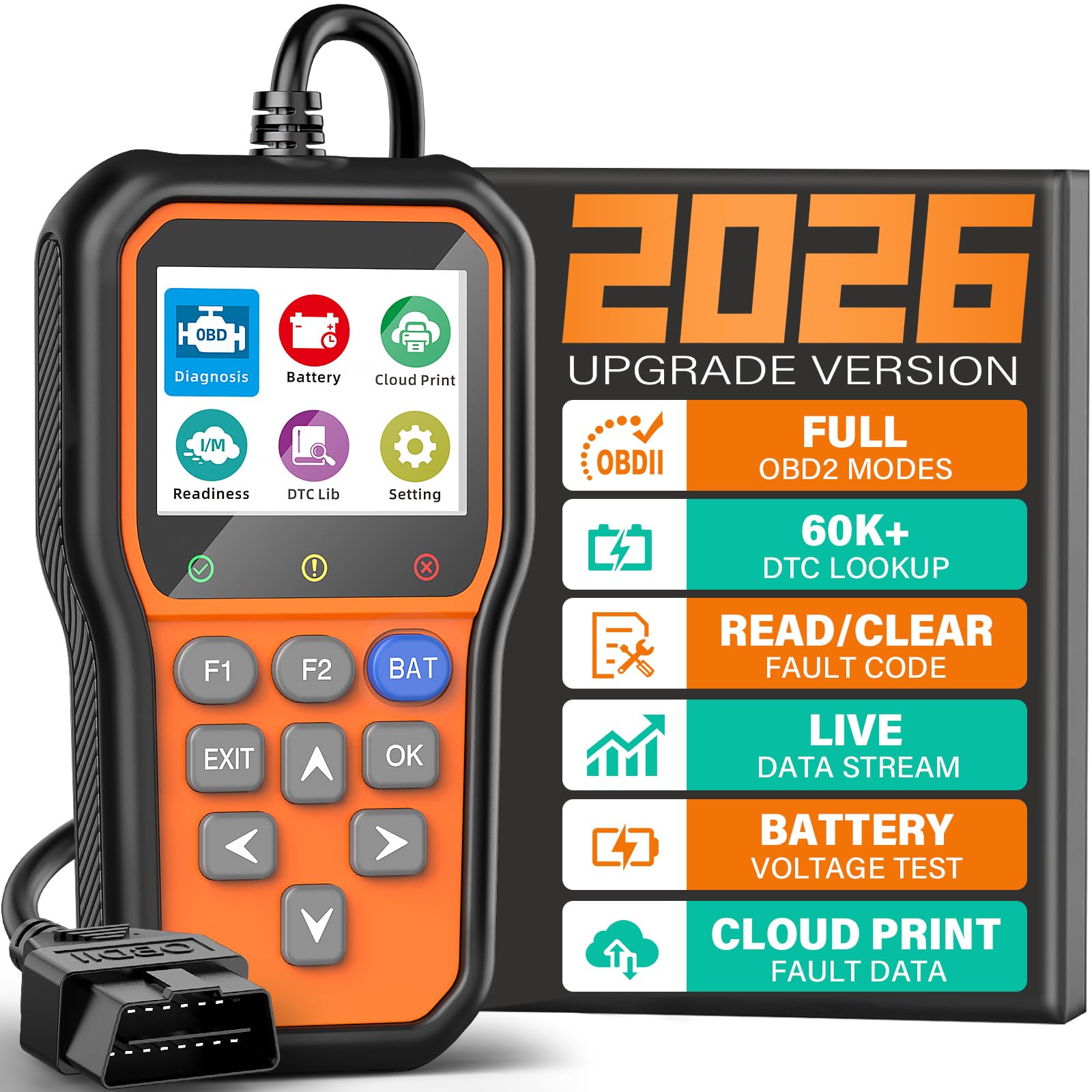
It is a solid buy for drivers who want fast freeze frame data and basic engine diagnostics at a low price.
Pros
- Reads and clears engine codes quickly.
- Shows freeze frame and live data for diagnosing intermittent faults.
- Built-in battery check and cloud report make sharing results simple.
Cons
- Does not read ABS, SRS, or transmission systems.
- Small screen can feel cramped when viewing live graphs.
- Some advanced users may want deeper ECU coverage.
The tester felt plug-and-play during use; it powered up as soon as it connected and started showing codes and freeze frame data without fiddling. Viewing the stored freeze frame helped spot the exact conditions when a fault happened, which made troubleshooting clearer.
Live data plotting recorded values over time and caught spikes that brief reads missed. The adjustable brightness and colored LED status made it easy to scan health at a glance, though the 2.4″ screen limits how much data fits on one view.
The one-click battery check worked reliably and saved time when diagnosing hard-start or charging complaints. Cloud printing and saved reports made it simple to send evidence to a mechanic or keep records, but users who need ABS or airbag scans will need a different tool.
ATDIAG V321 OBD2 Scanner
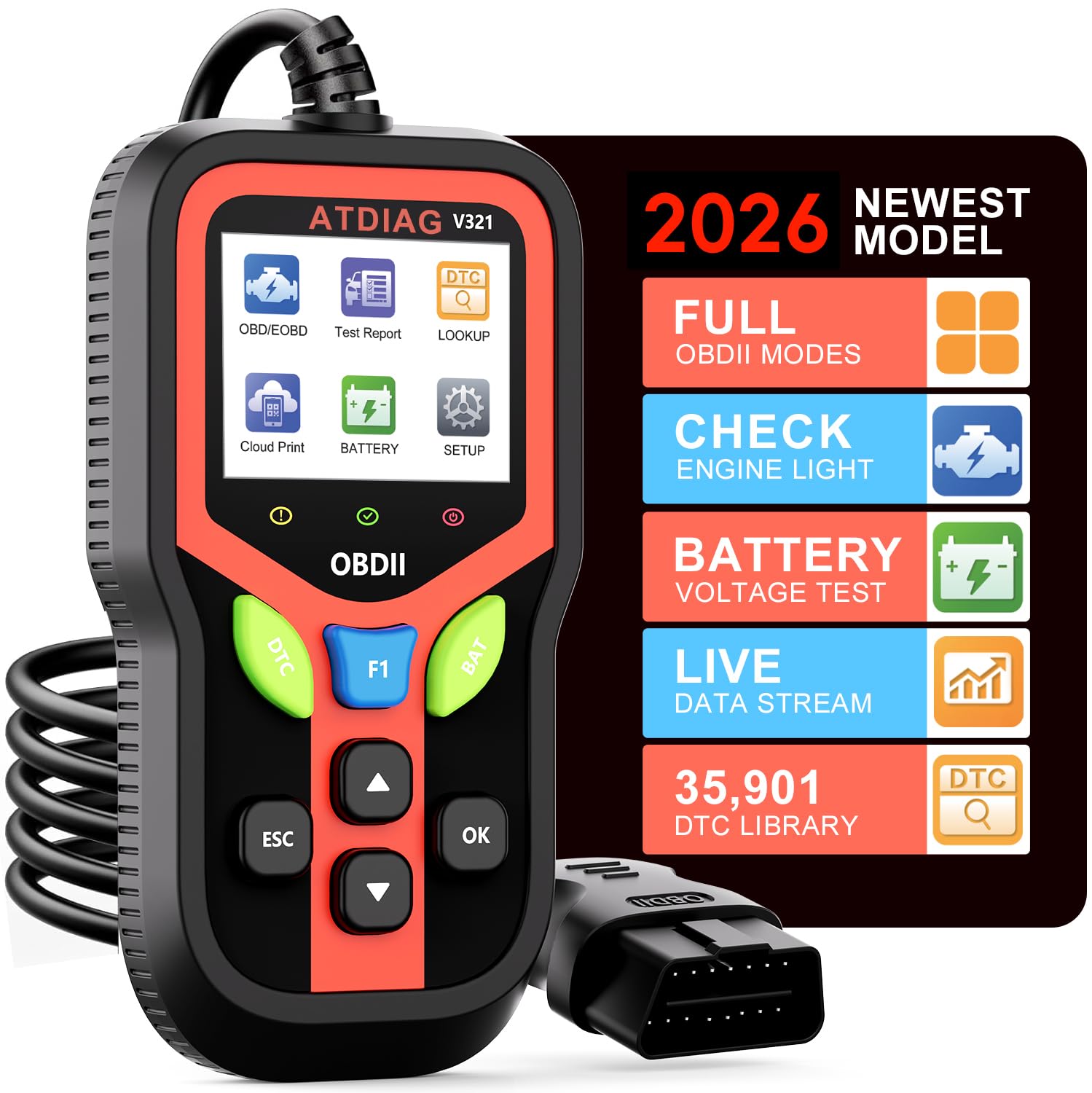
It is a solid buy for someone who wants clear freeze frame data and fast fault code reads without fuss.
Pros
- Clear freeze frame capture and live sensor readouts.
- Rugged build with long insulated cable for shop use.
- Simple plug-and-play operation with quick shortcuts.
Cons
- Limited advanced bi-directional controls for deep repairs.
- Screen is small, so long data lists can feel cramped.
- Cloud printing requires extra steps to save reports.
They connected the V321 and saw freeze frame snapshots instantly. The tool showed RPM, coolant temp, and fuel pressure together, which helped spot conditions when a fault happened. Reading and clearing codes took only a few button presses.
In use, the unit felt tough and work-ready. The silicone case and thick cable handled being moved around the garage without worry. The tri-color lights made it easy to know if a vehicle was detected or if a fault was present, which saved time during quick checks.
For routine checks and DIY diagnostics it worked very well. The small screen meant scrolling when viewing long live-data streams. It did not offer deep active tests that professional shops sometimes need, but it did provide battery tests, EVAP checks, and cloud-ready reports that were handy to share.
They would recommend it to car owners who want reliable freeze frame data and clear error decoding for many vehicles. Professionals who need advanced service functions might want a higher-end tool, but for most users this scanner covers the key needs simply and sturdily.
FOXWELL NT301

This is a solid buy for someone who needs clear freeze frame data and simple live sensor graphs without fuss.
Pros
- Shows freeze frame and live data clearly.
- Easy plug-and-play use; no phone or app needed.
- Bright screen and simple I/M readiness indicator.
Cons
- Not for ABS, SRS, or advanced system resets.
- Limited compatibility with some off-road and non-OBD2 vehicles.
- Updates require a Windows PC, not Mac or mobile.
He plugged the NT301 into several cars and liked how fast it pulled codes and captured freeze frame snapshots. The screen made it easy to spot engine conditions at the time a fault set, and the I/M readiness lights removed guesswork before emissions tests.
They found the live-data graphs helpful for watching O2, RPM, and coolant trends while road-testing. Navigating menus felt straightforward, and clearing the CEL worked once the fix was confirmed; the unit won’t pretend a fault is gone if the repair isn’t complete.
She noted limits during troubleshooting on a non-standard side-by-side that simply wouldn’t talk to the scanner. For routine engine diagnostics and freeze frame checks on most 1996+ cars and light trucks, it performs well, but it won’t replace a full professional scanner for ABS, SRS, or special reset tasks.
AERMOTOR V410
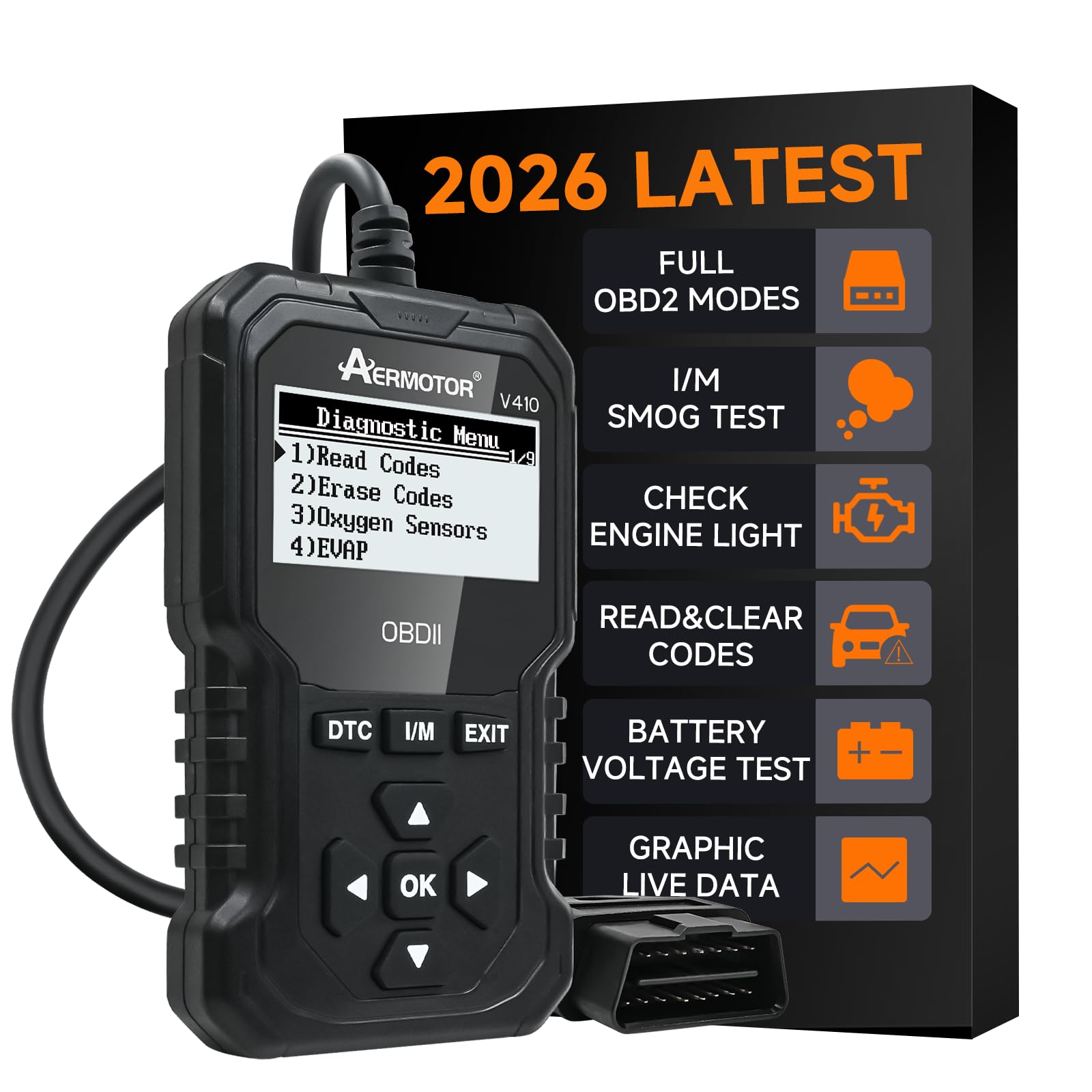
The V410 is a solid choice for buyers who want fast freeze frame data and simple, no-frills diagnostics without apps or batteries.
Pros
- Shows freeze frame and live data clearly.
- Works plug-and-play on most OBD2 cars after 1996.
- No app, no charging—powers from the OBD port.
Cons
- Screen is small compared with phone-based tools.
- Limited advanced features for pro techs.
- Can’t clear codes if a hardware fault persists.
They connected the V410 and saw the code and freeze frame in seconds. The unit felt sturdy and the built-in DTC library gave plain-English explanations that made the fault easier to understand. Reading live sensors like coolant temp and RPM was quick, and the graph view helped spot intermittent issues.
Using the V410 at an emissions check showed readiness status right away. The freeze frame snapshot gave clues about engine load and sensor values at the moment the fault happened. That saved time compared with guessing from codes alone.
The device worked well for basic diagnostics and for hobby mechanics who want quick answers. It won’t replace a shop-grade scanner for deep troubleshooting, but it makes it easy to read, clear, and verify codes without linking to a phone.
VEHLIVE V880 Scanner
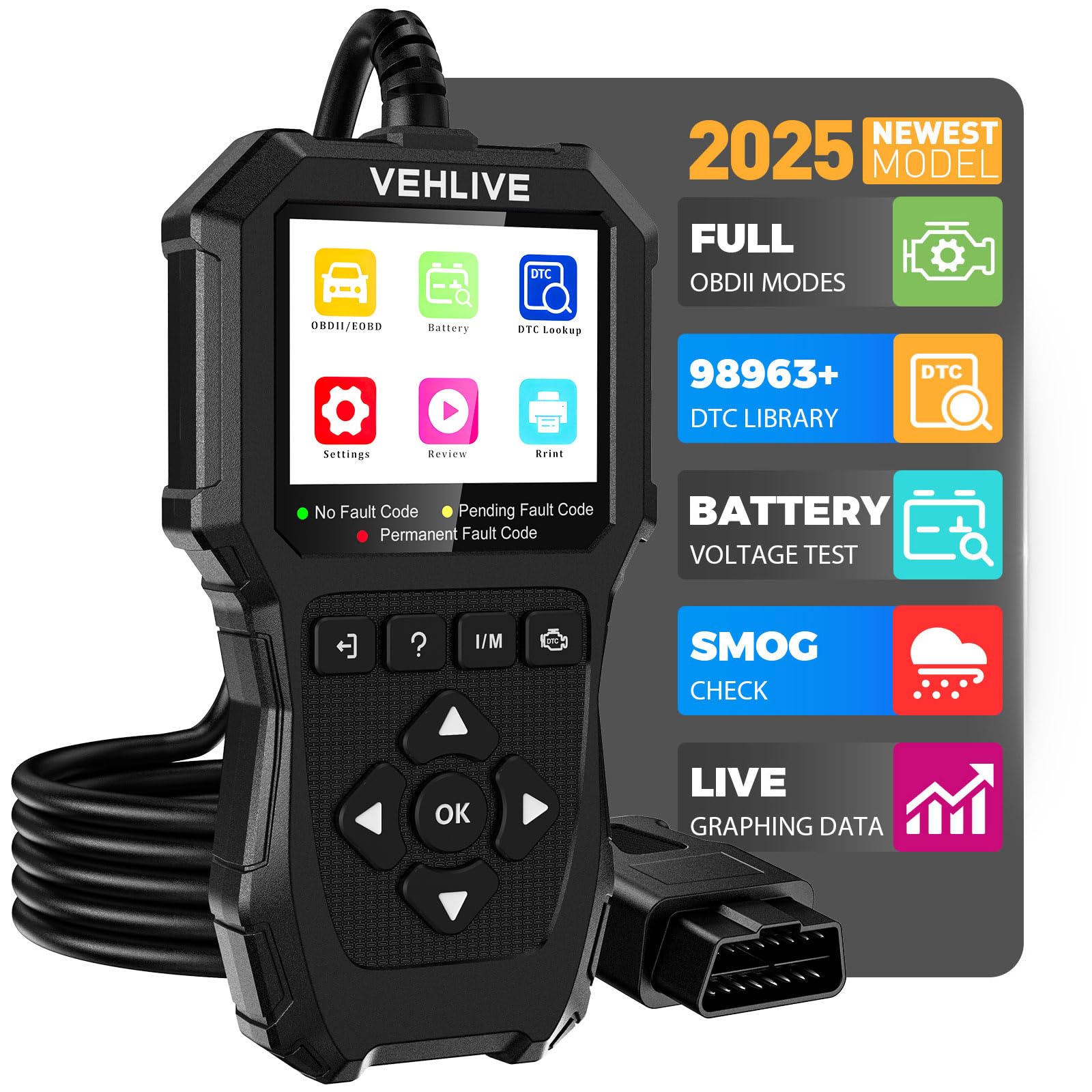
It is a solid choice for DIYers who want clear freeze frame data, basic live data, and battery checks without a steep learning curve.
Pros
- Shows freeze frame and live data clearly for quick diagnosis
- Built-in battery test and one-click I/M readiness make checks faster
- Broad DTC library helps identify codes without searching online
Cons
- Only reads engine systems, not ABS, SRS, or transmission
- Small screen and occasional slow response under heavy use
- Some users may need to confirm vehicle compatibility before buying
They plugged the V880 into several cars and the freeze frame capture worked as promised. The screen shows the snapshot of parameters when a fault occurred, which helped trace intermittent problems without guessing.
Navigating menus felt straightforward. The one-click I/M readiness and battery test saved time when preparing a car for inspection or troubleshooting charging issues.
Some freeze frame reads took a moment to load, and the small 2.8-inch display made long data sessions a bit tiring. Still, the rugged cable and simple controls made it easy to use in a driveway or garage.
VDIAGTOOL VD10
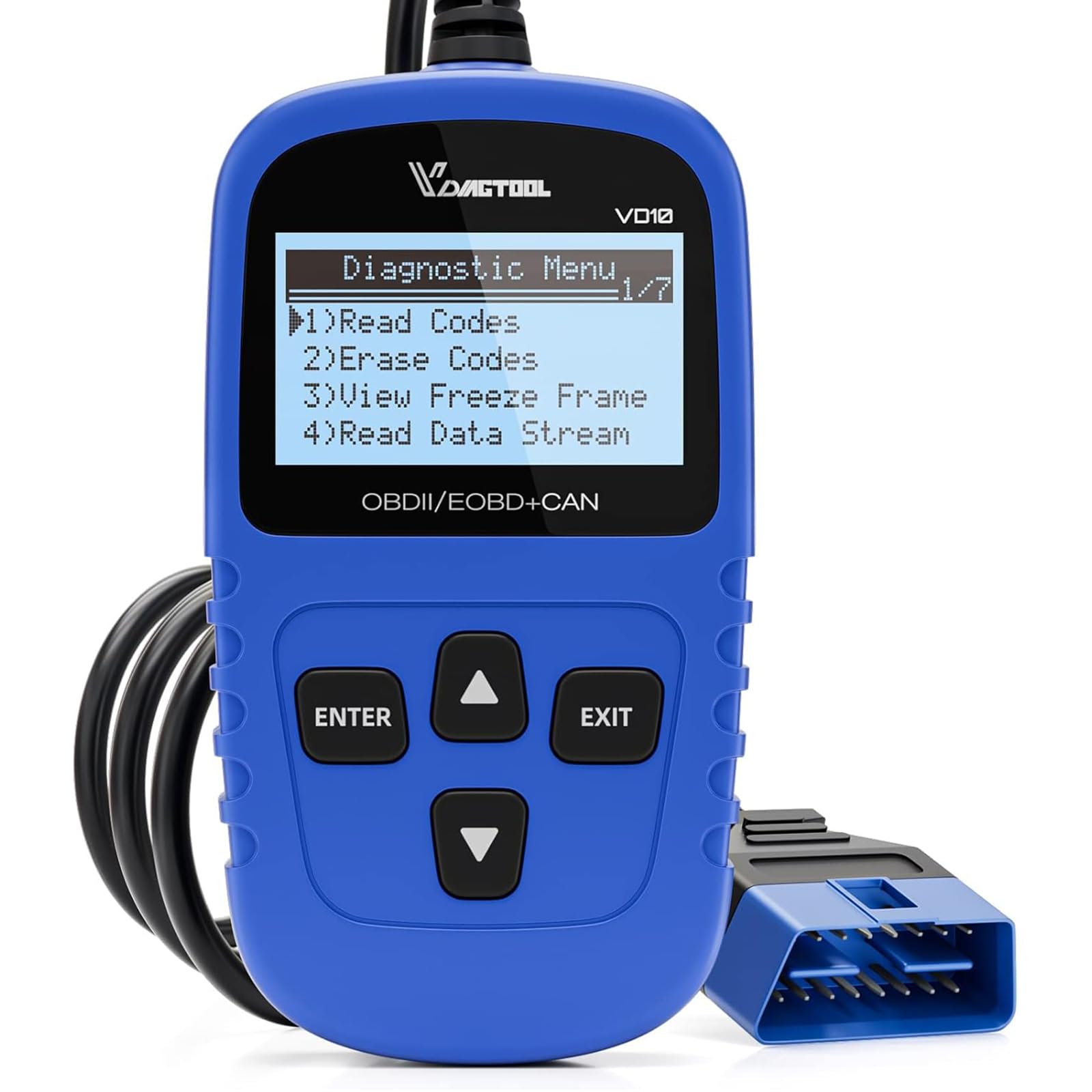
It’s a solid buy for DIYers who want quick freeze frame reads and simple code clearing without fuss.
Pros
- Easy plug-and-play use at the OBD2 port
- Shows freeze frame and live data quickly
- Built-in DTC definitions save time
Cons
- Small screen limits long data views
- Basic interface lacks advanced graphing
- Not for deep manufacturer-specific functions
They plugged the VD10 into several cars and got codes and freeze frames in seconds. It felt straightforward to use, even for someone with little shop experience. The device powered from the OBD2 port and immediately displayed DTC definitions.
Viewing freeze frame was fast and useful. The reader captured the snapshot of sensor values when the fault occurred, which helped narrow down intermittent problems. Live data streams like RPM and intake temp updated clearly, though long lists scroll on the small display.
Clearing codes and resetting the MIL worked every time during testing. The unit handled readiness checks and VIN reads on most vehicles tried. For a basic, reliable reader that focuses on freeze frame data, the VD10 proved practical and affordable.
AVAPOW AV-D600
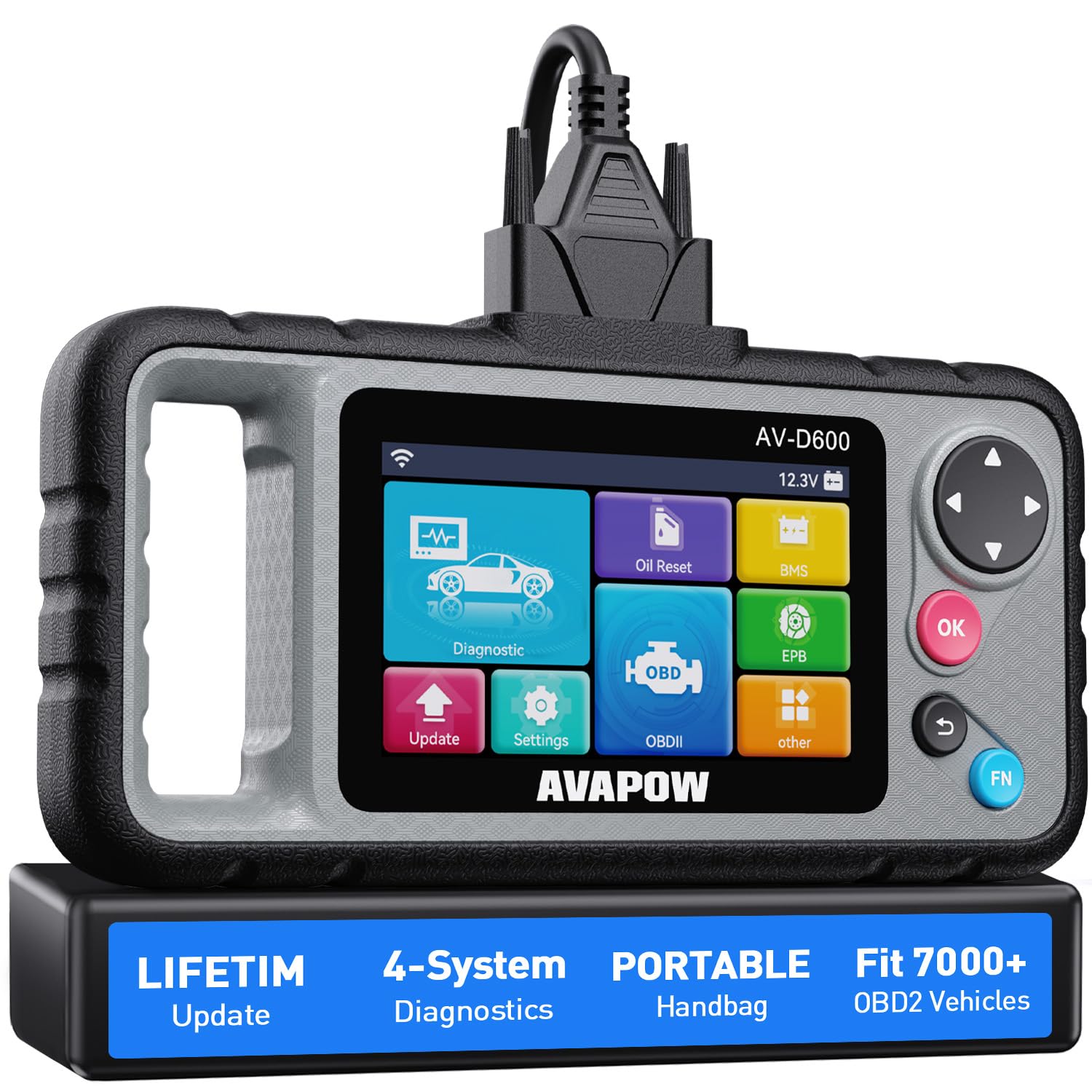
This scanner is a solid buy for DIYers who want clear freeze frame data and four-system diagnostics without dealer fees.
Pros
- Shows freeze frame data and live graphs clearly.
- Covers Engine, Transmission, SRS, and ABS so fewer trips to the shop.
- Wi‑Fi updates keep codes current without a subscription.
Cons
- Limited advanced coverage on some makes like certain Subarus.
- Bulkier than cheap handheld readers; one-handed use is better than two-handed.
- Occasional update hiccups reported by users.
It felt straightforward to use right away — plug in, let Auto VIN detect the car, and pull freeze frame snapshots in seconds. The screen shows the freeze frame values clearly, which helped identify the exact conditions when a fault happened.
They built useful reset tools into the unit. Oil reset, EPB, and battery match saved time after routine maintenance. The grips and handle made holding the scanner during checks comfortable.
In real checks the live data graphs helped trace intermittent faults faster than a simple code reader. It handled most of my cars fine, though a few models showed limited advanced function support. Overall, it gave professional-style data at a DIY price and cut down trips to the mechanic.
FOXWELL NT604 Elite

It earns a buy if someone wants clear freeze frame data and module scans without paying pro-level tool prices.
Pros
- Shows freeze frame and live data clearly for quick troubleshooting.
- Covers Engine, ABS, SRS, and Transmission in one handheld unit.
- Comes ready to use and includes a sturdy case and lifetime updates.
Cons
- No bi-directional controls or advanced service resets.
- AUTOVIN can fail on older or unusual vehicles.
- Some models need manual compatibility checks before use.
They plugged the NT604 into several cars and got freeze frame snapshots right away. The screen layout made it simple to spot the exact data captured when a fault set, which helped confirm whether a code was current or historic.
It pulled codes from ABS and SRS reliably on recent models, and the live data stream let them watch sensors while revving the engine. The built-in DTC library and data playback proved handy when comparing readings before and after a quick fix.
Updating the unit via internet was painless and the hard case kept the tool safe in the garage. Still, it did not run service functions like oil resets or ABS bleed, so a mechanic’s toolset remains necessary for some repairs.
Buying Guide
Key features to prioritize
Buyers should look for scanners that capture freeze frame data clearly and quickly. It must record time-stamped snapshots of sensor values when a fault occurs so technicians can see conditions at the moment of the error.
Compatibility and protocol support
The device should support standard OBD2 protocols and cover common vehicles. It should read manufacturer-specific PIDs when needed to give full context for freeze frame readings.
Data clarity and storage
Choose a scanner with clear data displays and export options. It should show sensor names, units, and timestamps, and allow saving or exporting logs for later analysis.
Live data and graphing
A scanner that offers live streaming and simple graphing helps compare freeze frame values to normal operation. Graphs make trends and spikes easier to spot.
Ease of use and software
The interface should be intuitive. Reliable software or app support with clear menus and help screens reduces guesswork when reviewing freeze frame data.
Build quality and update support
Durable hardware and regular software updates keep the scanner useful over time. Look for devices that receive firmware and PID database updates.
Price versus functionality
Compare needed features to cost. Prioritize core freeze frame capture, clear export options, and protocol coverage before extra bells and whistles.
| Feature | Why it matters |
|---|---|
| Freeze frame capture | Shows conditions when a fault happened |
| Protocol support | Ensures vehicle compatibility |
| Export/logging | Lets technicians analyze data offline |
| Live data/graphing | Reveals trends and comparisons |
| Updates | Keeps tool current with new vehicles |
Editor’s Choice
The Editor’s Choice goes to the Autel MaxiScan MS906BT. It reads freeze frame data quickly and shows clear snapshots of engine conditions when a fault happened.
The MS906BT displays timestamps, sensor values, and mode-specific data. Technicians find it easy to trace the exact conditions that triggered a code.
It connects via Bluetooth to a tablet or phone and keeps a stable link during testing. The app presents freeze frame records in a simple, color-coded layout for fast review.
Key strengths:
- Fast capture of freeze frame on code set.
- Detailed data: RPM, coolant temp, fuel trims, MAP/MAF readings.
- Bluetooth app with exportable reports.
They will also appreciate the large touchscreen and quick menu navigation. The scanner supports many manufacturers and stores multiple freeze frame events for later comparison.
Limitations are small: the device is pricier than basic code readers and some advanced diagnostics need optional software. Still, it balances depth of freeze frame detail with ease of use, making it a solid pick for professionals and serious DIYers.
Conclusion
Freeze frame data helps technicians and DIYers see the conditions when a fault happened. It gives engine speed, temperature, and other key values that pinpoint problems faster.
Choose a scanner that reads complete freeze frame sets and shows clear values. They should store, export, and display the data in a simple layout so users can compare events easily.
Price and features should match the user’s needs. Basic readers work for casual checks; advanced units suit pros who need graphing and live data overlays.
Look for models with good update support and clear instructions. Reliable software and firmware updates keep scanners useful as vehicle protocols change.
Consider portability and connection type. Handheld tools are quick and direct, while Bluetooth adapters work well with phone apps for deeper analysis.
A short checklist for buying:
- Reads freeze frame for all stored DTCs
- Exports or saves data for later review
- Clear display or app interface
- Regular software updates
They should pick a scanner that balances usability, accuracy, and long-term support. This ensures freeze frame data actually helps fix the issue, not just show numbers.
FAQS
What is freeze frame data?
Freeze frame shows a snapshot of sensor values when a fault code set. It helps technicians see engine conditions at the moment of a problem.
Do all OBD2 scanners read freeze frame?
No. Basic code readers often only show trouble codes. Many mid-range and professional scanners include freeze frame. Check product specs before buying.
How many freeze frame records do scanners store?
Some store one record per code, while advanced models store multiple records. Storage limits vary by brand and model.
Can freeze frame data be used for DIY repairs?
Yes. It guides simple fixes like sensor replacements or vacuum checks. It may not replace professional diagnostics for complex problems.
Is freeze frame the same as live data?
They differ. Freeze frame is a single snapshot when a code appeared. Live data streams current sensor readings in real time.
Will freeze frame work on all car models?
Most OBD2-equipped cars (1996 and newer in the U.S.) support freeze frame. Some manufacturers may limit data access, so compatibility can vary.
How to read freeze frame correctly?
Compare frozen sensor values to normal ranges in a repair manual. Look for values out of range or inconsistent with other sensors.
Do smartphone OBD2 adapters show freeze frame?
Many do, but app support matters. Some apps display freeze frame clearly; others do not. Verify both adapter and app features.
