How to Use the BlueDriver OBD2 Scanner
This post contains affiliate links. As an Amazon Associate, ReplaceKeyFob earns from qualifying purchases, at no extra cost to you.
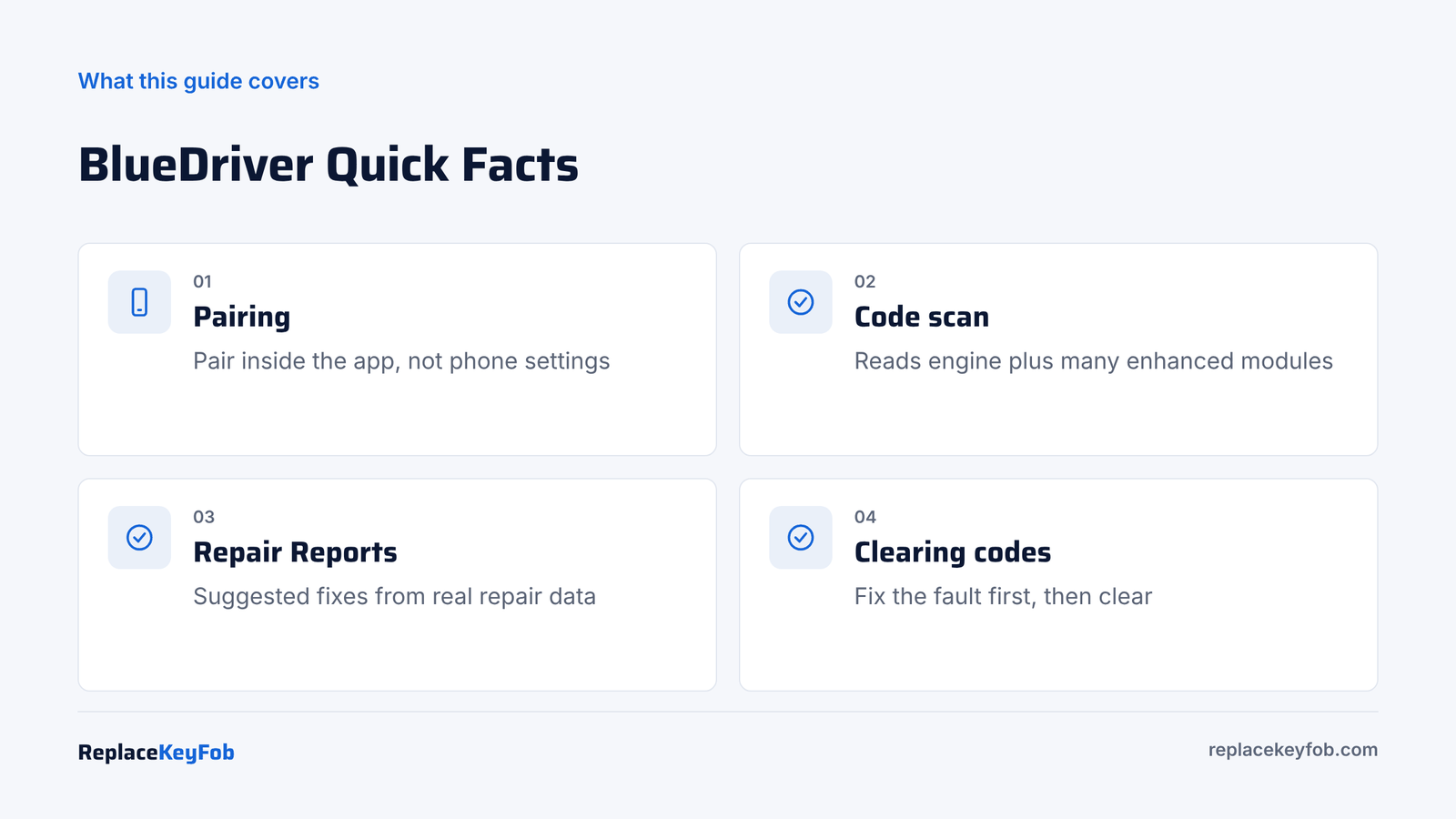
To use the BlueDriver OBD2 scanner, install the BlueDriver app, plug the sensor into the OBD2 port under the dash, turn the ignition on and connect to the sensor from inside the app (not through your phone’s Bluetooth menu on iPhone). Then choose Code Scan to read codes, open Repair Reports for likely fixes, and use Live Data to watch sensors in real time.
BlueDriver is a small Bluetooth sensor that does nothing on its own. All the work happens in the free BlueDriver app on an iPhone, iPad or Android phone. That design makes it easy to use, but it also means most “it won’t work” complaints come down to pairing, app permissions or the ignition position, not a faulty sensor.
This guide covers the first setup, every main feature in the order you will use it, and the fixes for the problems owners hit most often. If you are still deciding whether to buy one, read our full BlueDriver OBD2 scanner review first.
What You Need Before You Start
- The BlueDriver Bluetooth sensor (the standard version, often sold as BlueDriver Pro)
- A phone or tablet with Bluetooth turned on and the BlueDriver app installed from the App Store or Google Play
- A 1996 or newer gas car or light truck sold in the US (2008 or newer for many diesel and imported models in other markets)
- A charged car battery; weak voltage causes dropped connections and module timeouts
- About 10 minutes for the first setup
You do not need a subscription. The app and its updates have historically been included with the sensor, which is one reason many owners pick it over subscription-based tools. If you want to compare it with other apps, see apps like the BlueDriver app.
BlueDriver Bluetooth OBD2 sensor
Confirm the listing is the genuine BlueDriver sensor sold by an authorized seller, and check your vehicle in BlueDriver’s coverage tool for ABS, airbag and transmission support before buying.
As an Amazon Associate, ReplaceKeyFob earns from qualifying purchases.
How to Set Up BlueDriver for the First Time
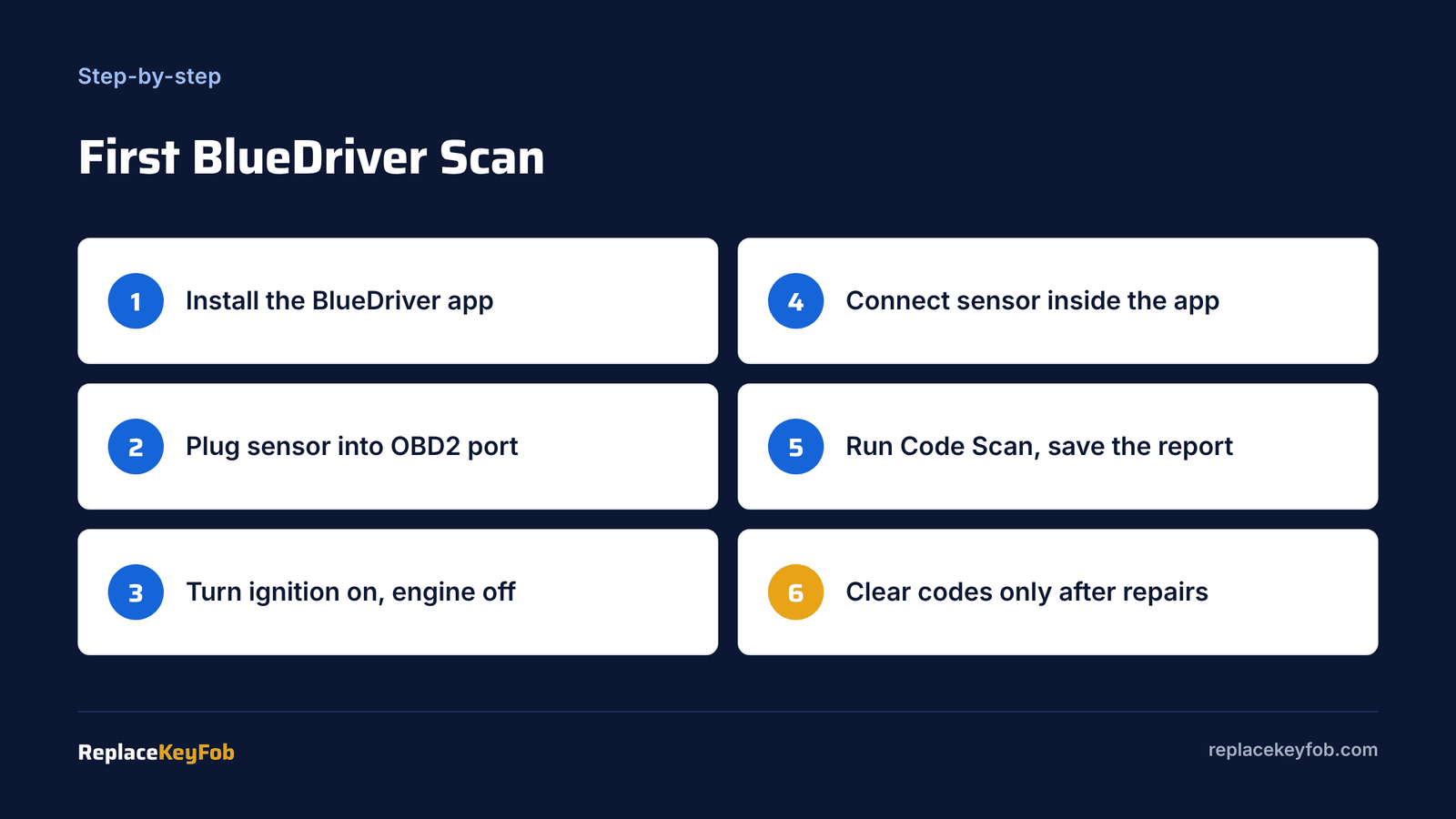
- Find the OBD2 port. It is usually under the dash on the driver side, near the steering column or above the pedals. Some cars hide it behind a small cover. Our guide on where the OBD2 port is located shows common spots by brand.
- Plug the sensor in firmly. The sensor’s LED should light up once it is seated. If it does not light, the port may have no power; check the cigarette lighter or accessory fuse, which often feeds the port.
- Turn the ignition to ON without starting the engine. On push-button cars, press the start button twice without your foot on the brake. Some features, including live data, also work with the engine running.
- Open the app and create or skip an account. An account lets you save reports and look them up later.
- Tap Connect inside the app. On iPhone, BlueDriver pairs through the app only. Do not pair it in your phone’s Bluetooth settings first. On Android, the app may ask for a pairing PIN; the default printed in the BlueDriver instructions is 1234.
- Let the app read the VIN. BlueDriver usually detects the vehicle automatically. If it cannot, type the VIN from the windshield corner or driver door jamb. Getting the VIN right matters, because enhanced codes and Repair Reports depend on the exact vehicle.
The reason iPhone pairing must happen in the app is that BlueDriver uses Bluetooth Low Energy on newer sensors. Pairing in the phone’s settings can lock the sensor to a connection the app cannot see.
Running Your First Code Scan
From the home screen, tap Code Scan. The app asks whether to scan the engine only or all available systems. Pick the wider scan when you are hunting a warning light other than the check engine light.
The results page splits codes into groups:
| Code type | What it means | What to do |
|---|---|---|
| Confirmed or stored | Fault happened enough times to set the light | Diagnose and repair |
| Pending | Fault seen once, not confirmed yet | Recheck after a few drives |
| Permanent | Stays until the system proves the fix | Drive normally until it clears itself |
| Enhanced (manufacturer) | Codes from ABS, airbag, transmission, body | Use Repair Report and service info |
Each code has a short description. Tap it to see a fuller explanation. If the difference between pending, stored and permanent codes is new to you, our guide to pending, stored and permanent OBD2 codes explains it.
Using Repair Reports
A Repair Report is BlueDriver’s biggest feature. After a scan, tap the report button for any code and the app shows:
- Code definition for your exact vehicle
- Reported fixes, ranked by how often they solved the code on the same vehicle
- Possible causes and related technical service bulletins where available
- Freeze frame data, the engine conditions recorded when the code set
Use the reported fixes as a starting list, not a final answer. A P0420 report might rank the catalytic converter first, but a cheap oxygen sensor or exhaust leak can cause the same code. Read the freeze frame data alongside it; our guide to freeze frame data shows what to look for.
Live Data, Graphs and Readiness
Tap Live Data to see sensor values in real time. You can pick specific parameters and show them as numbers or graphs. Choosing fewer parameters makes the screen update faster, which matters when you are watching a quick event like a misfire or an oxygen sensor switching.
Useful live data checks with BlueDriver:
- Coolant and intake air temperature on a cold engine should match each other
- Short and long term fuel trims show if the engine runs lean or rich
- Oxygen sensor voltage should switch quickly on an older narrow-band sensor
- Battery or control module voltage should read about 13.5 to 14.7 volts with the engine running
The Smog Check or readiness feature shows which emissions monitors are complete. Run it before an inspection so you do not show up with incomplete monitors after clearing codes. Our guide on checking emissions readiness with an OBD2 scanner explains each monitor.
Mode 6 shows the raw test results behind each monitor. It is useful for spotting a misfire or catalyst problem before it sets a code, but the numbers can be cryptic. BlueDriver translates many of them into plain language.
How to Clear Codes With BlueDriver
- Repair the problem first. Clearing a code does not fix anything.
- With the ignition on and engine off, go to the scan results screen.
- Tap Clear Codes and confirm.
- Turn the ignition off for about 10 seconds, then back on, and scan again to make sure the codes are gone.
Clearing codes also resets readiness monitors, so the car may not pass an emissions test until it completes a drive cycle. Some airbag and ABS codes will not clear until the fault is gone, and a few need a specific relearn that BlueDriver does not perform.
Variations by Vehicle and Phone
- Older cars (1996 to about 2005): generic engine codes and live data work well, but enhanced modules may be limited.
- GM, Ford, Toyota, Honda, Nissan and Chrysler: usually the widest enhanced coverage for ABS, airbag and transmission codes.
- European cars: coverage varies by model year. Check the coverage tool for your VIN before relying on it for airbag work.
- Android vs iPhone: features are the same, but Android sometimes needs location permission turned on for Bluetooth scanning to work.
Troubleshooting BlueDriver Problems
| Problem | Likely cause | Fix |
|---|---|---|
| App cannot find the sensor | Paired in iPhone settings, or Bluetooth off | Forget device in settings, connect from app |
| Sensor LED off | No power at OBD2 port | Check the port fuse, inspect pins |
| Connects, then drops | Weak car battery or phone sleep | Charge battery, keep the app open |
| Wrong vehicle shown | VIN not read correctly | Enter VIN manually |
| No ABS or airbag codes | Not supported on that model | Check coverage tool; use a full-system scanner |
| Android asks for PIN | Classic Bluetooth pairing | Enter 1234 |
For general connection problems that are not BlueDriver-specific, see why your OBD2 scanner won’t connect.
Mistakes to Avoid
- Leaving the sensor plugged in for days. It draws a small current. Unplug it when you are done unless you know your battery can handle it.
- Clearing codes right before an inspection. Monitors will show not ready.
- Treating Repair Reports as a parts list. Test the top suggested part before buying it.
- Scanning with the engine cranking. Voltage drops during cranking can interrupt the scan. Scan with the ignition on or the engine idling.
When to Use a Shop Instead
BlueDriver reads codes and shows data, but it is not a bidirectional tool. It cannot command an ABS pump for brake bleeding, run most relearns, or program keys. If the job needs those functions, a shop scan typically costs about $100 to $180 in 2026, or you can step up to a tool from our list of scanners with bidirectional control.
Frequently Asked Questions
No. The app is free to download and the core features, including Repair Reports and enhanced code reading, have been included with the sensor without a monthly fee.
The most common reason is pairing it in the iPhone Bluetooth menu. Forget the device there, close the app, turn the ignition on, and connect again from inside the BlueDriver app.
On many vehicles, yes. Enhanced coverage for ABS, airbag, transmission and body modules depends on the make, model and year, so check BlueDriver’s coverage tool with your VIN.
You can, but it draws a small amount of power. On a car that sits for a week or more, or one with an older battery, unplug it to avoid a slow drain.
Yes. Use Clear Codes after the repair. If the fault is still there, the light will come back, often within a drive or two.
It reads generic OBD2 data on most 1996 and newer diesel light trucks, but it does not run diesel service functions like a forced DPF regeneration.