
How to Clear (Erase) HomeLink Buttons

This post contains affiliate links. As an Amazon Associate, ReplaceKeyFob earns from qualifying purchases, at no extra cost to you.
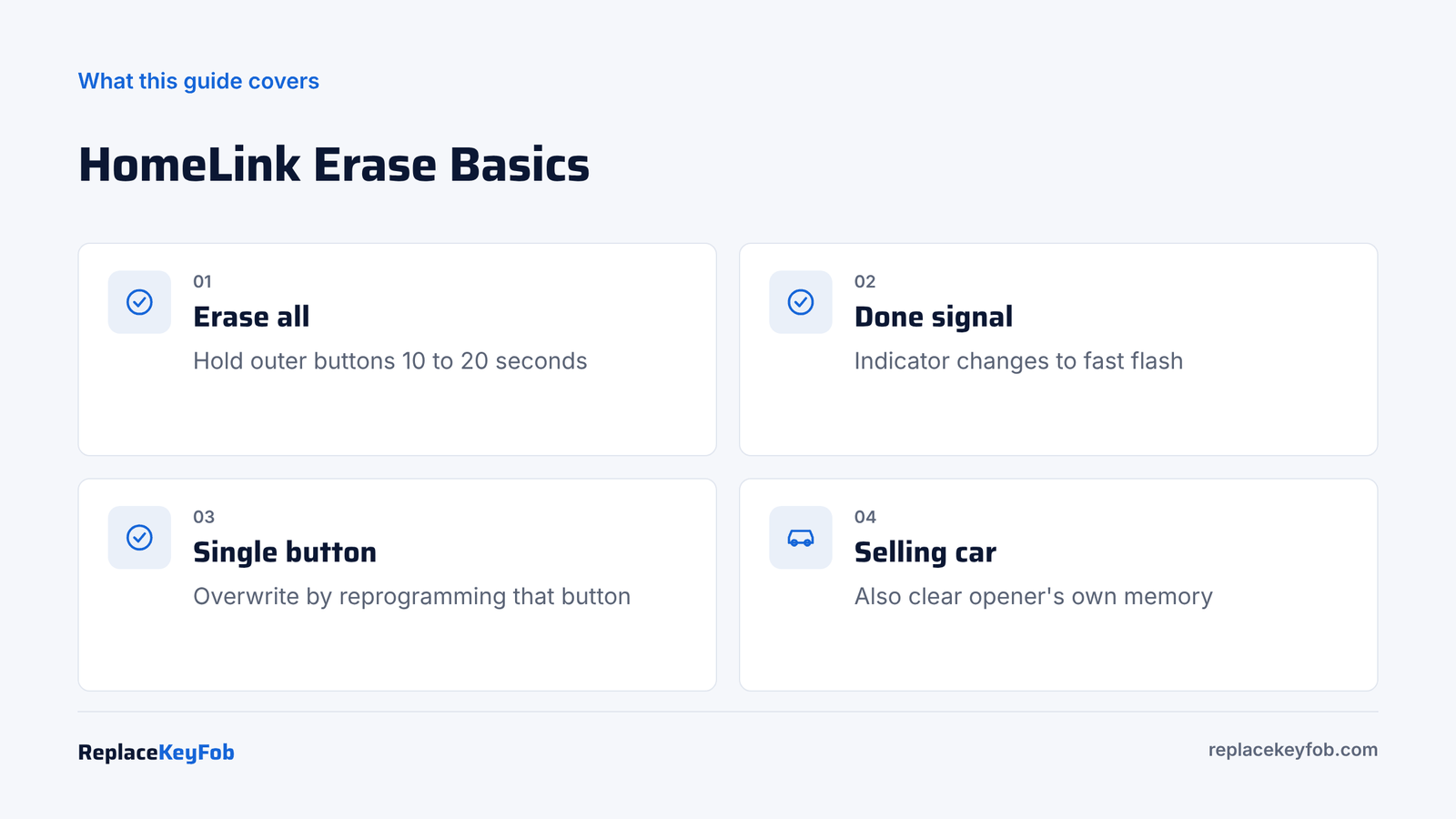
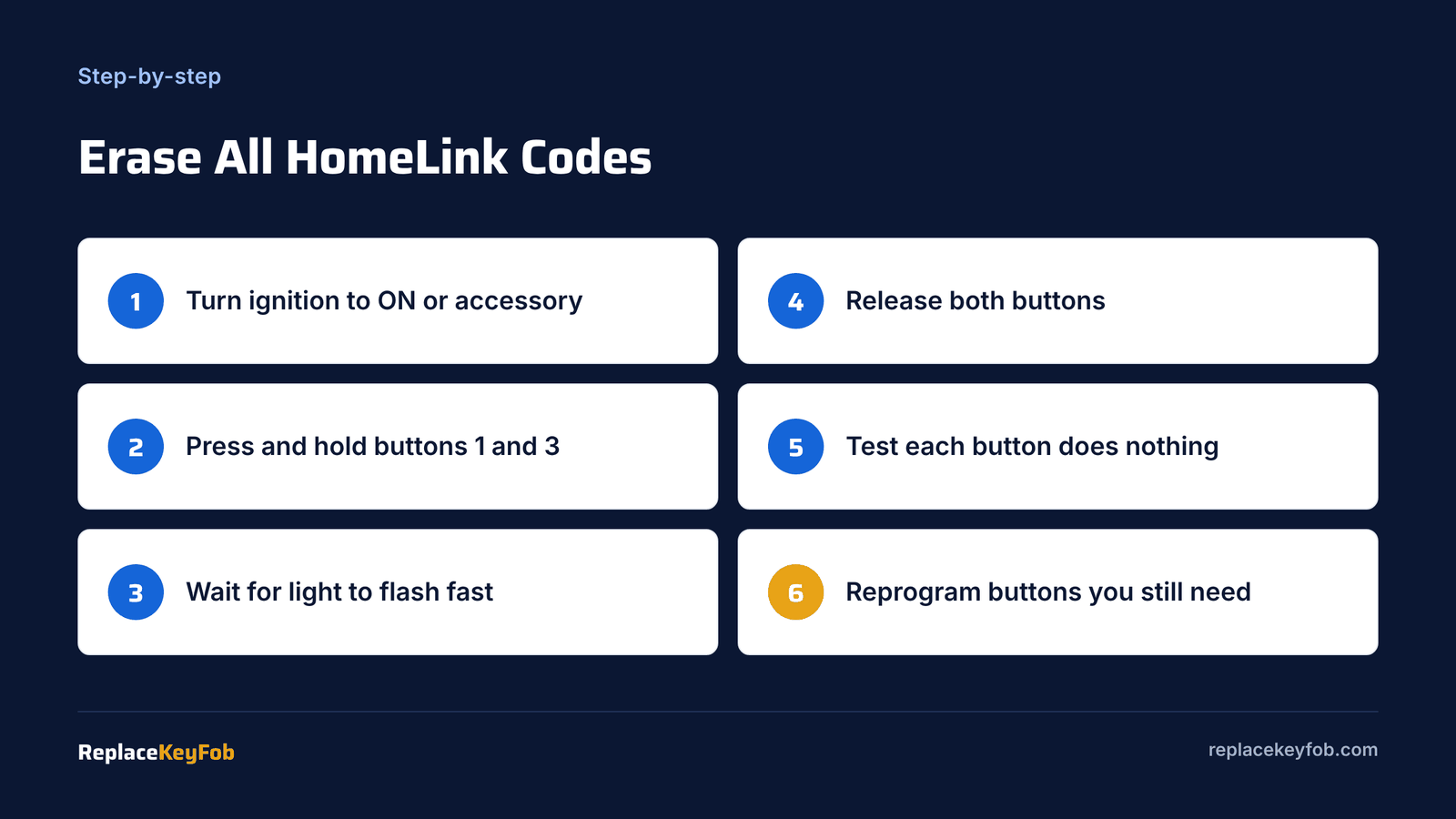
To clear HomeLink codes, turn the ignition to ON, then press and hold the two outer HomeLink buttons (1 and 3) together for about 10 to 20 seconds until the indicator light changes from steady or slow flashing to rapid flashing. Release them. All three buttons are now blank. HomeLink cannot erase just one button; you overwrite it by programming a new device to it.
HomeLink is the built-in garage door, gate and home lighting remote found in the mirror, overhead console or visor of many cars. It stores a copy of each remote you trained it to. Those codes stay in the car through battery changes and years of use, which is great until you sell the car, move house, or need to retrain a button that stopped working.
Clearing the codes is quick. The one thing people miss is that clearing the car is only half the job when you sell it. The garage door opener at your house also remembers the HomeLink, and anyone with the car can still open your door until you clear the opener side as well.
When You Should Clear HomeLink
- Selling or trading in the car. The new owner, a dealer lot worker or anyone on a test drive could open your garage.
- Ending a lease. Same reason. Leased cars are resold to the public.
- Moving house. Old codes are useless, and clearing first makes new programming cleaner.
- A button will not train. Some technicians recommend erasing before reprogramming, because a partly stored code can confuse the next attempt.
- Buying a used car. Clear it on day one. You do not know whose door the previous owner programmed.
How to Erase All HomeLink Buttons
These steps match the factory HomeLink procedure used in most brands, including Toyota, Lexus, Honda, Acura, Nissan, Subaru, Hyundai, Kia, GM, Jeep, Ram, Volvo and many others.
- Turn on the ignition. Use ON or Accessory. Some cars allow programming with the car off, but most need power. Do not leave the engine running in a closed garage.
- Press and hold buttons 1 and 3. These are the two outer buttons. Use your thumb and finger so both stay firmly pressed.
- Keep holding. Watch the small indicator light in the mirror, console or visor. On newer units, it usually takes about 10 seconds. Older units can take up to 20 seconds.
- Release when it flashes fast. The light changes from steady (or slow flashing) to rapid flashing. That is the signal that memory is erased.
- Test. Press each button. The indicator may light, but nothing at the house should respond.
Why the outer two buttons: pressing two buttons at once is a command a driver cannot trigger by accident on the road, so it is used as the wipe command across HomeLink generations.
Replacement garage remote battery
The handheld remote must be strong for HomeLink to copy its signal, so fit a fresh coin cell of the exact size printed on the old one before you retrain.
As an Amazon Associate, ReplaceKeyFob earns from qualifying purchases.
How to Clear Just One HomeLink Button
HomeLink does not have a single-button delete. Instead, you program the button again with the new remote and the old code is replaced.
- Ignition ON.
- Press and hold the one button you want to change. Keep holding it.
- After about 20 seconds, the indicator begins to flash slowly. On many units this is the “ready to learn” signal.
- Without releasing, bring the new handheld remote 1 to 3 inches from the HomeLink button and press and hold its button.
- When the HomeLink light flashes rapidly or turns solid, the new code is stored.
If you just want a button to do nothing, you cannot leave it blank by itself. The only way to blank one button is to erase all three and retrain the two you want to keep. Our main guide on HomeLink programming covers the full training steps, including rolling-code openers that need the learn button.
Brand Differences
| Brand or system | How to clear | Notes |
|---|---|---|
| Standard HomeLink (most brands) | Hold buttons 1 and 3 until fast flash | About 10 to 20 seconds |
| BMW Universal Garage Door Opener | Hold buttons 1 and 3 until fast flash | Buttons in mirror or headliner |
| Mercedes garage door opener | Hold buttons 1 and 3 about 20 seconds | Indicator flashes, often green when done |
| Ford with Car2U | Hold buttons 1 and 3 until light flashes | Car2U is a different system from HomeLink |
| Tesla | Touchscreen HomeLink menu, delete each device | Deleted one at a time on screen |
| Infotainment-based openers | Settings menu, garage or HomeLink item | Some newer models only |
Tesla
Tesla shows each trained HomeLink device on the touchscreen. Tap the HomeLink icon at the top of the screen (or open the Controls area where HomeLink appears on your software version), select the device, and choose Delete. You can delete one device without touching the others. Repeat for each.
Ford Car2U
Some Ford, Lincoln and Mercury models from roughly the mid-2000s to mid-2010s use the Car2U system instead of HomeLink. The buttons look alike, and the erase is similar: hold the two outer buttons until the indicator flashes. Check your owner’s manual under “Car2U” or “Universal Garage Door Opener” to be sure which system you have.
Clear the Garage Door Opener Side Too
Erasing the car does not remove the car from your garage opener. Rolling-code openers keep a list of every remote they learned, including HomeLink. To be safe when you sell a car:
- Find the learn or program button on the opener motor unit (usually under a light cover or near the antenna wire).
- On most Chamberlain, LiftMaster and Craftsman openers, press and hold the learn button for about 6 seconds until the learn light goes out. That erases every remote and keypad stored in the opener.
- Reprogram the handheld remotes and keypads you still use, and the HomeLink in any car you are keeping.
Genie and other brands have their own erase steps, usually holding the program or learn button longer than normal. Check the opener’s manual or label. On many newer Genie openers you hold the program button until the LEDs change, then keep holding until they go out; older Genie units with a red learn button follow a similar long-press erase.
What Clearing Does Not Do
Erasing HomeLink removes the stored radio codes, nothing more. It does not:
- Reset your key fobs or remove keys from the car. That needs a different procedure.
- Remove the car from a myQ, Tesla or other app-based garage account. Sign out of those apps and remove the vehicle in the account settings.
- Turn off a garage door that opens over Wi-Fi from the car’s infotainment system. Those links are tied to your online account, not the HomeLink buttons.
If you are selling, go through all three: HomeLink buttons, the opener’s own memory, and any connected app accounts.
Troubleshooting
| Problem | Likely cause | Fix |
|---|---|---|
| Light never flashes fast | Buttons released too early | Hold a full 20 seconds |
| Only some buttons cleared | Misread the indicator | Repeat the full erase |
| Door still opens from the car | Erase did not take, or wrong buttons held | Repeat with ignition ON, buttons 1 and 3 |
| No indicator light at all | No power to the unit | Ignition ON; check fuse or mirror wiring |
| Retraining fails after erase | Rolling code needs learn button | Use learn button step after training |
If HomeLink stopped working entirely rather than needing a reset, see our guide to car garage door opener (HomeLink) not working.
Safety and Privacy Tips
- Clear HomeLink before handing a car to a dealer, auction or private buyer. Trade-in staff do not always do it.
- Remember that HomeLink can also be trained to gates and home lighting. Clearing all buttons covers those too.
- Do not hold buttons while driving. Pull over or do it parked.
- Keep the engine off or the garage door open if you work in a garage. Exhaust fumes build up fast.
When to Get Help
Most people never need a professional for this. A dealer can help if the indicator does not light, the mirror is damaged, or the HomeLink module needs replacement after a crash or water leak. A dealer diagnosis for a non-working HomeLink typically costs about $100 to $180 in 2026, and a replacement auto-dimming mirror with HomeLink can run several hundred dollars before labor, depending on the car.
If you are clearing codes because you lost a key or remote at the same time, also read can you deactivate a lost car key.
Frequently Asked Questions
Hold buttons 1 and 3 together with the ignition ON for about 10 to 20 seconds until the indicator flashes rapidly. That wipes all stored codes and returns HomeLink to its blank factory state.
Not directly. You overwrite a single button by programming a new remote to it. To leave one button blank, erase all three and retrain the two you want.
No. HomeLink codes are stored in memory that survives battery disconnection, so you must use the erase procedure.
Yes. Also clear the garage door opener’s memory with its learn button, because the opener still recognizes the car until you do.
Usually about 10 seconds on newer units and up to 20 seconds on older ones. Release when the indicator changes to rapid flashing.