
10 Best OBD2 Scanner for BMW: Top Diagnostic Tools Compared

An OBD2 scanner helps us find the cause of a warning light, check engine data, and spot some faults before visiting a repair shop. BMWs use standard OBD2 functions, but many models also have brand-specific systems that require deeper access to read body, transmission, airbag, and other control modules.
The best OBD2 scanner for BMW should support BMW-specific diagnostics, offer clear fault-code explanations, and work with your car’s model year and systems. We should also consider live data, service resets, software updates, ease of use, and whether the scanner connects by cable or Bluetooth. We tested and compared the leading options to find the BMW scanners that provide useful information without adding unnecessary complexity.
Best OBD2 Scanners for BMW
We reviewed the top OBD2 scanners for BMW vehicles based on diagnostic features, compatibility, ease of use, and value. The list below highlights our best picks for checking fault codes, viewing live data, and completing common service tasks.
ANCEL BM500 BMW Scanner

We recommend the ANCEL BM500 for BMW and MINI owners who want broad system diagnostics and useful maintenance resets without paying for a professional scan tool.
Pros
- Covers many BMW and MINI systems, including ABS, airbags, transmission, and engine
- Supports battery registration, EPB, oil, throttle, and PCM resets
- Includes lifetime software updates
Cons
- Special functions vary by model and year
- Non-BMW vehicles receive basic engine diagnostics only
- Some codes may still require dealer equipment
We found the BM500 simple to connect and navigate through its 2.4-inch screen. It can read more than engine fault codes on supported BMW, MINI, and Rolls-Royce vehicles, which makes it more useful for home maintenance than a basic code reader.
Battery registration is a key feature. After installing a battery, we can follow the on-screen steps to register it with the vehicle. The tool also supports several common service tasks, such as electronic parking brake and oil resets, although coverage depends on the exact car.
The scanner works with most compatible models from 1996 onward, but buyers should confirm their vehicle before ordering. Updates require a Windows 7, 8, 10, or 11 computer, and the tool cannot guarantee every function on every BMW configuration.
For its price, the BM500 offers a practical balance of BMW-focused features and basic OBD2 support. We would choose it for routine diagnosis and maintenance, but not as a full replacement for dealer-level equipment.
FOXWELL NT510 Elite for BMW

We recommend the FOXWELL NT510 Elite for BMW owners who want deeper diagnostics and useful service resets without paying for a dealer visit every time.
Pros
- Covers many BMW control systems, including ABS, airbags, and transmission
- Registers replacement batteries and supports several service resets
- Includes bidirectional tests for checking selected vehicle parts
Cons
- Compatibility varies by BMW model and year
- The small screen feels basic during longer diagnostic sessions
- We need Wi-Fi to update the software after setup
During testing, the scanner gave us access to more than basic check-engine codes. We could scan several vehicle modules, view live sensor data, clear faults, and check emissions readiness. That broader coverage makes it more useful than a simple code reader for many BMW repairs.
The battery registration feature stands out for BMW owners. After installing a compatible battery, we could use the scanner to register it with the battery management system. It also includes functions for oil resets, brake service, steering angle calibration, and other common maintenance tasks.
We also found the active-test feature helpful for basic checks. It can command certain components, such as fans, fuel pumps, or windows, when the vehicle supports the function. However, the available tests depend on the model, year, and control module, so we would confirm compatibility before buying.
The wired design keeps setup simple, but the 2.8-inch screen and menu layout feel dated. We would update the software to version V4.26.002 before regular use, since the manufacturer says the update improves slow loading. Overall, this is a practical BMW-focused scanner for owners who want more control than a phone app provides.
OBDLink CX for BMW

We recommend the OBDLink CX for BMW owners who want reliable coding and diagnostics through BimmerCode or BimmerLink.
Pros
- Connects quickly with iPhone and Android devices
- Supports BMW and Mini coding through BimmerCode
- Stable connection with built-in protection features
Cons
- BimmerCode and BimmerLink require separate purchases
- Compatibility varies by vehicle and feature
- Offers fewer functions without a supported app
We paired the adapter with a BMW and found the connection quick and steady. It worked well with BimmerCode for changing supported settings, and the stable link helped reduce the connection problems common with cheaper Bluetooth adapters.
The included OBDLink app lets us view live data, run basic diagnostics, and clear check-engine codes. For deeper BMW functions, we needed BimmerCode or BimmerLink, so buyers should confirm app and vehicle compatibility before ordering.
Its compact design makes it practical to leave plugged in. Sleep mode and overvoltage protection add useful safeguards, while the three-year warranty provides extra support. We would choose it for BMW coding and app-based diagnostics, but buyers seeking a complete standalone scanner may prefer a larger professional tool.
XTOOL IP500 for BMW
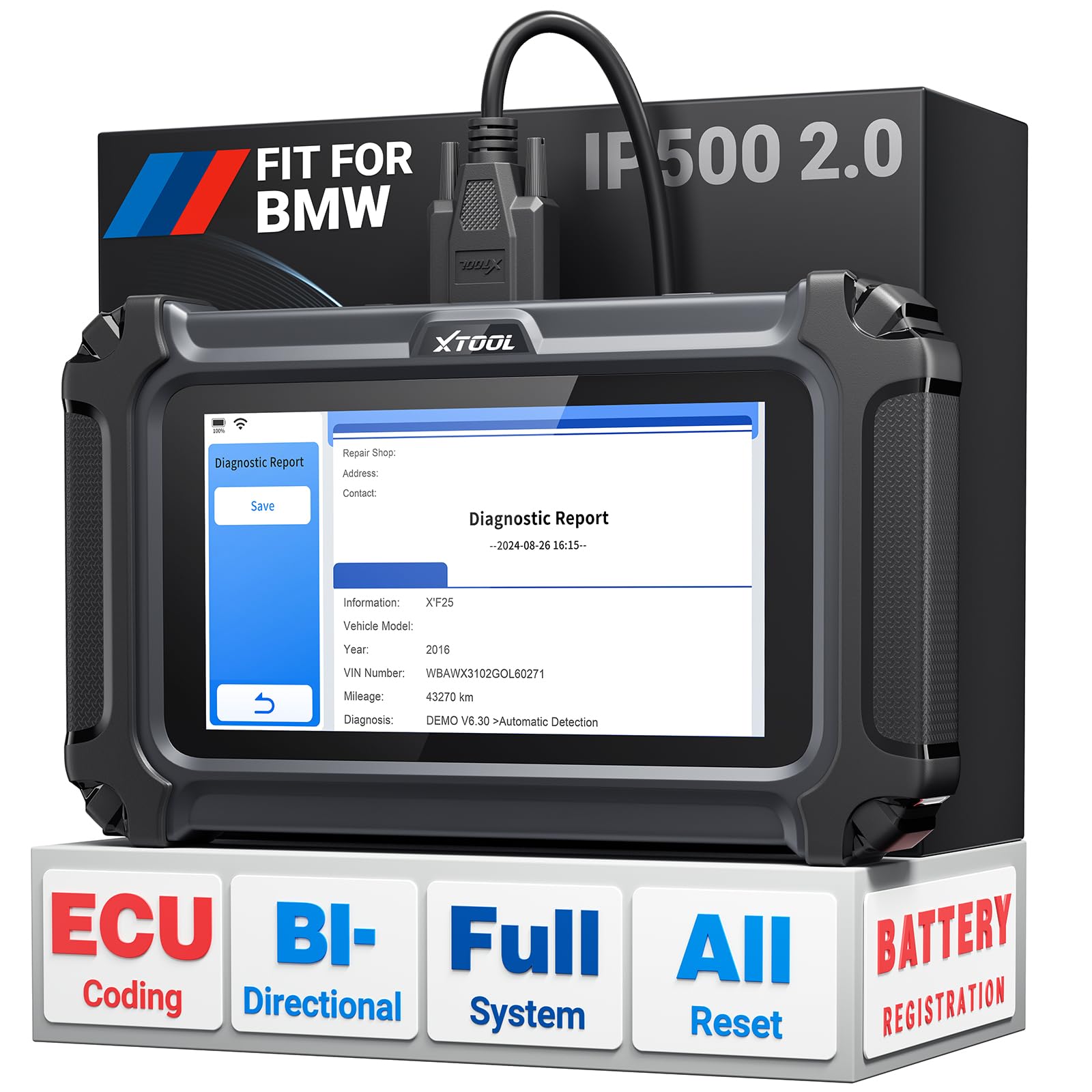
We recommend the XTOOL IP500 for BMW owners who want deeper diagnostics, active tests, and service resets without a yearly update fee.
Pros
- BMW-specific access to many control modules
- Supports bidirectional tests and battery registration
- Includes lifetime Wi-Fi updates
Cons
- Some functions depend on the vehicle’s VIN
- Setup and service menus may take time to learn
- It works best for BMW, MINI, and Rolls-Royce rather than general use
We used the IP500 to scan BMW systems beyond the engine computer. It can read modules such as ABS, airbag, body control, and transmission systems, which helps us track electrical faults that basic code readers often miss.
The bidirectional controls add practical value. We can activate components such as fuel pumps, cooling fans, window motors, and A/C systems to test them directly instead of replacing parts based only on a stored code.
Battery registration is another strong feature, especially for newer BMW models. The scanner also supports service tasks such as oil resets, electronic parking brake service, throttle relearns, injector coding, and steering-angle calibration. Coverage still varies by model and year, so we recommend checking compatibility before buying.
The interface feels compact and easy to store in a vehicle. We did find that some procedures require careful menu choices, and automatic VIN detection may not work every time. The scanner also focuses on BMW Group vehicles, so it is not the best choice if we need broad advanced coverage for several different brands.
BlueDriver Pro OBD2 Scanner

We recommend BlueDriver for BMW owners who want wireless access to several key systems without paying for a recurring subscription.
Pros
- Reads more than basic engine codes, including ABS, SRS, TPMS, and transmission faults
- Provides live data, freeze frames, readiness checks, and repair reports
- Works with iPhone and Android devices without subscription fees
Cons
- BMW coverage can vary by model and system
- Requires a phone or tablet to operate
- Bluetooth pairing may take extra effort for some users
We found the app easy to use once the scanner paired with our phone. After plugging the small adapter into the BMW’s OBD2 port, we could scan for faults, review code explanations, and clear eligible warnings from the app.
The extra system coverage makes BlueDriver more useful than a basic check-engine reader. We could look beyond engine codes and check areas such as ABS, airbags, tire pressure, and transmission systems when the BMW supported those functions.
Repair reports and live data helped us understand whether a fault needed immediate attention. The app also showed possible causes and verified fixes, which gave us a better starting point before replacing parts or visiting a shop.
BMW support is not the same as using a factory-level scan tool. Coverage depends on the vehicle’s year, model, and control module, so we would check BlueDriver’s compatibility information before buying. Pairing can also require patience, especially during the first setup.
For home diagnostics, used-car checks, and routine troubleshooting, BlueDriver offers a practical balance of features and price. Its 4.5-star rating from more than 62,000 customers also indicates strong overall user satisfaction.
Innova 5610 BMW Bidirectional Scan Tool

We recommend the Innova 5610 for BMW owners who want advanced testing, live data, and repair guidance without paying for a professional shop tool.
Pros
- Bidirectional tests can activate supported vehicle components
- Reads enhanced data from systems such as ABS, SRS, transmission, and engine
- Includes updates and access to RepairSolutions2 without a subscription
Cons
- BMW coverage and functions vary by model and year
- Some procedures may require extra research or setup
- The instructions could explain certain steps more clearly
When we used the 5610, its on-screen menus made basic code reading and live-data checks easy to follow. We could also review more than engine faults on supported vehicles, which makes it more useful for BMW maintenance than a simple check-engine reader.
The bidirectional controls add the most value. We could command selected components, such as the fuel pump or electronic parking brake, but the available tests depend on the specific BMW. We would check Innova’s coverage tool before buying, especially for ABS, airbag, battery, and reset functions.
RepairSolutions2 helped connect fault codes with possible fixes and repair information. That guidance can save time, although we still recommend confirming the diagnosis with service information before replacing parts.
The 5610 works with many OBD2 vehicles from 1996 through newer model years, but it is not a universal BMW solution. Its wired design also means we must stay near the vehicle, while the included case and cables make storage simple.
LAUNCH Creader Elite X500 for BMW
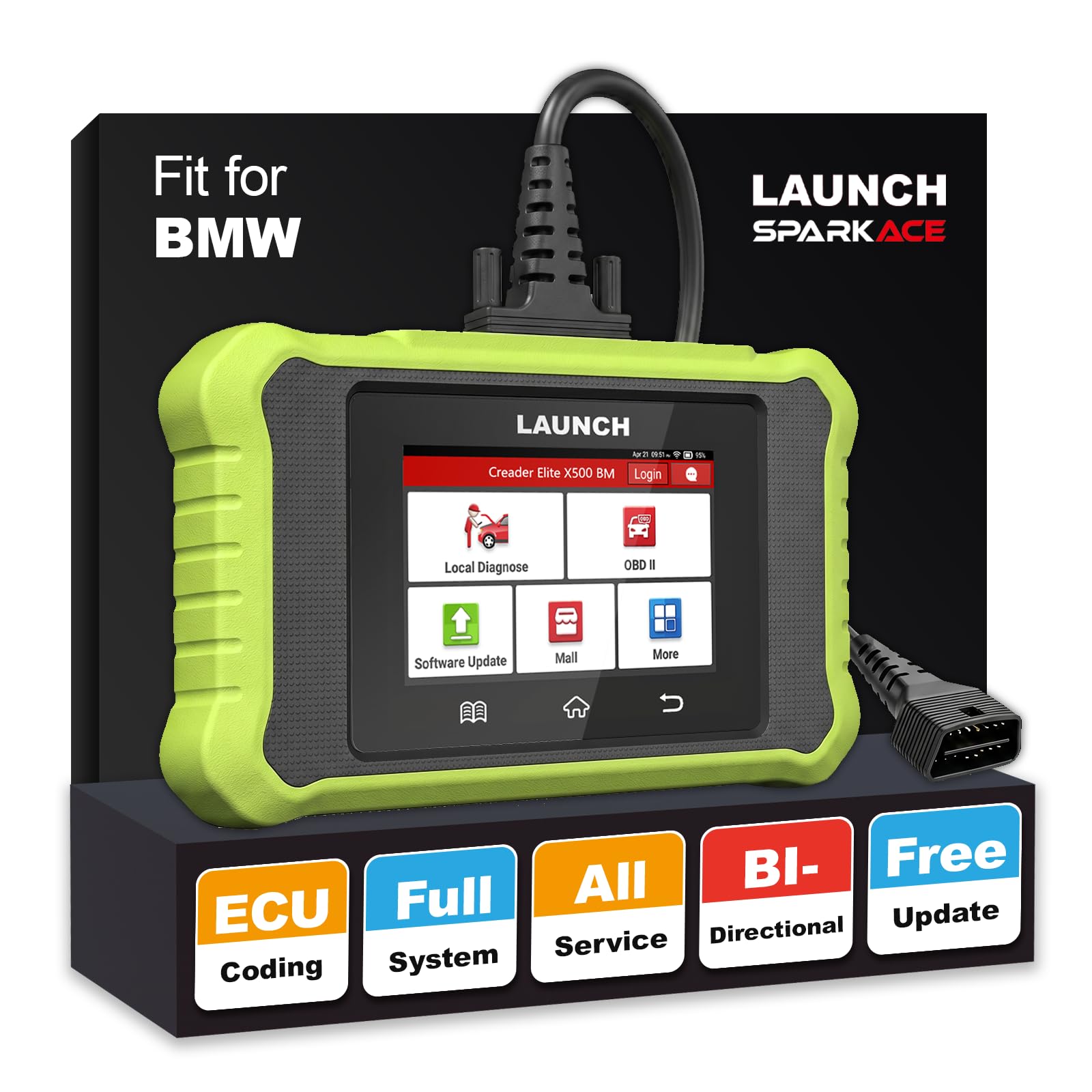
We recommend this scanner for BMW owners who want deeper diagnostics, coding, and maintenance resets without relying on a repair shop.
Pros
- Reads many BMW control modules, not just engine codes
- Supports bidirectional tests and battery registration
- Includes lifetime software updates
Cons
- Vehicle coverage can vary by model and year
- Advanced features may take time to learn
- The 4-inch screen feels small for live data
We found the X500 more capable than a basic code reader. It can scan systems such as the engine, transmission, ABS, airbag, and body modules. The automatic VIN feature also helped us identify the vehicle quickly.
Its strongest feature is the BMW-focused service coverage. We could use functions such as battery registration, oil resets, electronic parking brake service, steering calibration, and throttle relearn. These tools make it useful for regular maintenance and smaller repairs.
The bidirectional controls add another layer of testing. We could command selected components, such as cooling fans and fuel pumps, instead of relying only on stored fault codes. We would still confirm compatibility before buying, especially for newer BMW, Mini, and Rolls-Royce models.
The scanner uses a simple Android interface and includes Wi-Fi updates at no extra software cost. Its small size makes storage easy, though the display can feel cramped when viewing several live data values.
ANCEL BD330 BMW Scanner
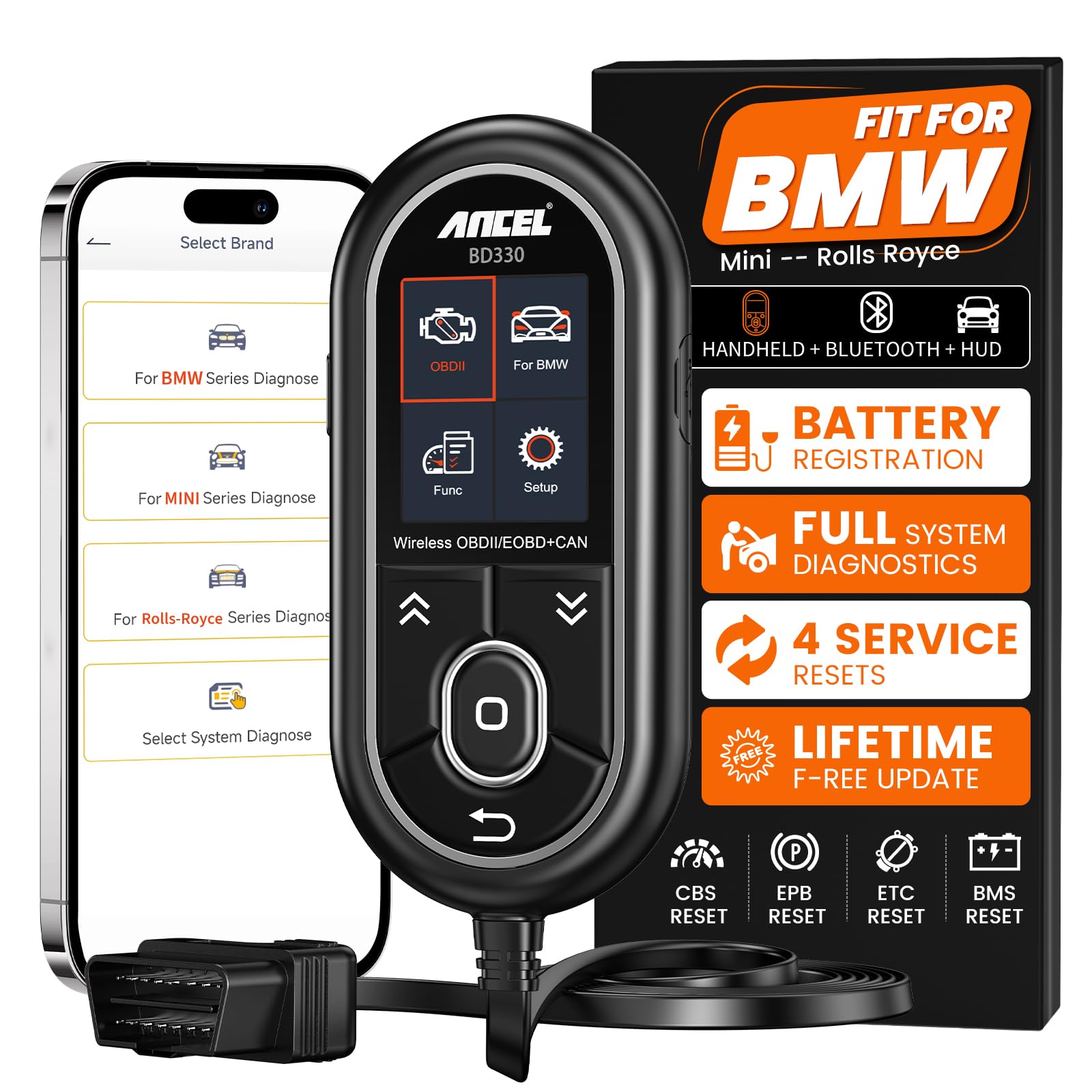
We recommend the ANCEL BD330 for BMW owners who want battery registration, full-system scans, and common service resets without subscription fees.
Pros
- Supports many BMW, MINI, and Rolls-Royce control modules
- Registers compatible replacement batteries
- Works as a handheld scanner or with the mobile app
Cons
- The small screen can be hard to read outdoors
- BMW service functions require the ANCEL app
- Coverage varies by model, year, and control unit
We found the BD330 useful for more than basic check-engine codes. It can scan systems such as the engine, transmission, ABS, airbag, steering, suspension, and climate controls. That wider access helps us investigate faults before replacing parts.
Battery registration stands out for home repairs. The guided process makes it easier to record a supported battery after installation, while live voltage data gives us a quick look at the vehicle’s electrical condition.
The scanner also handles several routine functions, including oil service, electronic parking brake, throttle, and battery resets on compatible vehicles. We could use the wired unit without a phone, then switch to Bluetooth for app-based diagnostics and driving data.
Its 2-inch display is practical inside the car, but we found it less comfortable to read in bright sunlight. The app adds more features and dashboard options, including speed, RPM, coolant temperature, voltage, and trip data.
Free lifetime updates and no subscription charges reduce long-term cost. We still recommend checking ANCEL’s coverage for the exact BMW model and year before buying, since available functions depend on the vehicle’s systems.
AUTOPHIX 7910 BMW Scanner

We recommend the AUTOPHIX 7910 for BMW owners who want full-system scans, battery registration, and common service resets in one handheld tool.
Pros
- Scans many BMW control modules
- Supports battery registration and service resets
- Includes lifetime software updates
Cons
- Advanced functions may vary by model
- Older BMWs need a separate 20-pin adapter
- The small screen can limit data viewing
We found the scanner easy to start using. It draws power through the OBD2 port, so there is no separate battery to charge. The menus are clear, and the 2.8-inch screen shows fault codes and live data without needing a phone or laptop.
Its strongest feature is BMW-focused coverage. We could scan systems such as the engine, ABS, transmission, airbag, air conditioning, and tire pressure monitoring. The tool also supports useful tasks such as oil, brake, EPB, CBS, DPF, and throttle resets.
Battery registration adds practical value after replacing a BMW battery. We could also use the scanner for standard OBD2 checks on compatible gas vehicles, including emissions readiness, EVAP data, and basic engine codes.
The 7910 is not a replacement for factory-level equipment, and available functions depend on the vehicle. Older BMW models require a 20-pin adapter, which we would need to purchase separately. Still, its broad BMW coverage and free updates make it a useful choice for home maintenance and basic fault finding.
Vgate vLinker BM+

We recommend the Vgate vLinker BM+ for BMW owners who want wireless coding and diagnostics through BimmerCode or BimmerLink.
Pros
- Works with many BMW, Mini, Toyota Supra, and standard OBD-II vehicles
- Supports BMW coding, battery registration, and fault-code checks
- Connects with iOS, Android, and Windows devices
Cons
- Requires a separate compatible app
- Some BMW functions remain unavailable on certain models
- Setup can confuse some users
We found the adapter easy to plug in and quick to connect with BimmerCode. It worked well for coding common settings, such as start-stop behavior, lighting options, and instrument features. BimmerLink also adds useful checks for battery registration and fault codes.
The wireless connection makes this adapter more convenient than a cable. Its sleep mode also allows us to leave it plugged in without placing a heavy load on the car battery.
Compatibility still needs attention. Some functions, including certain DSC controls on BMW F-series cars, may not work. We also recommend checking the BimmerCode compatibility list before buying, especially for older E- and R-series models using an iPhone. Android users should select “vLinker BM” rather than “vLinker BM+” in the Bluetooth menu.
Buying Guide
We should choose an OBD2 scanner based on our BMW’s model year, engine, and required diagnostic systems. A basic scanner may read standard engine faults, while advanced models can access systems such as the transmission, airbag, braking, and body control modules.
Key features to compare:
- BMW system coverage: Confirm that the scanner supports manufacturer-specific codes and modules for our vehicle.
- Live data: Look for real-time readings from sensors, fuel systems, and engine controls.
- Full-system diagnostics: Choose this feature if we need more than basic emissions checks.
- Service functions: Useful options may include oil reset, battery registration, steering-angle calibration, and electronic parking-brake service.
- Connection type: Wired scanners offer a direct connection, while Bluetooth or Wi-Fi models work with a phone or tablet.
- Software updates: Check whether updates are free, paid, or limited to a set period.
- Ease of use: A clear display, simple menus, and readable fault descriptions can reduce diagnostic errors.
- Data reports: Saving or sharing scan results helps us track recurring problems or provide information to a repair shop.
We should also check compatibility before buying, especially if we own an older BMW or a newer model with additional electronic systems. A scanner with strong coverage and regular updates may cost more, but it can provide more useful information for maintenance and troubleshooting.
Editor’s Choice
We choose the FOXWELL NT510 Elite as our editor’s pick for BMW owners. It supports BMW-specific systems, including the engine, transmission, ABS, and airbag modules, rather than limiting scans to basic engine codes.
The scanner can read and clear fault codes, display live data, and run selected service functions. These features help us investigate warning lights and handle common maintenance tasks without relying only on a standard OBD2 reader.
| Feature | FOXWELL NT510 Elite |
|---|---|
| BMW system coverage | Yes |
| Live data | Yes |
| Service functions | Model-dependent |
| Display | Built-in |
| Best for | BMW-focused diagnosis |
We recommend checking compatibility before buying. BMW features can vary by model, year, engine, and software version, and some advanced functions may require an added software package or update.
Its built-in screen makes it practical for roadside checks and garage work. We also value its BMW-focused design, which gives us more useful information than a basic scanner for many BMW models.
Conclusion
Choosing the best OBD2 scanner for BMW depends on how much control we need. A basic scanner can read common engine codes, while a BMW-focused tool can access systems such as the ABS, airbag, transmission, and body modules.
For regular maintenance, we should look for live data, code definitions, service resets, and support for the BMW models we own. Wireless scanners offer convenience, but wired models often provide a stable connection and simple setup.
Before buying, we should confirm compatibility with our BMW’s model year and required functions. We should also check whether advanced features require a subscription or extra software.
| Our need | Best scanner type |
|---|---|
| Basic warning-light checks | Standard OBD2 scanner |
| BMW system diagnostics | BMW-focused scanner |
| Home repairs and service resets | Advanced bidirectional scanner |
| Quick phone-based checks | Bluetooth or Wi-Fi scanner |
A suitable scanner helps us identify problems sooner and avoid unnecessary parts replacement. We should choose the model that matches our repair skills, budget, and vehicle systems.
FAQs
Do we need a BMW-specific OBD2 scanner?
We can use a standard OBD2 scanner for basic engine codes and emissions checks. A BMW-specific scanner can access additional systems, such as the transmission, airbag, ABS, and body control modules.
Will an OBD2 scanner work with every BMW?
Most BMWs sold in the United States from 1996 onward use an OBD2 port. Older models may need a special adapter or a scanner that supports BMW’s earlier diagnostic systems.
Can we clear a warning light with a scanner?
Yes, many scanners can clear stored fault codes after we repair the problem. Clearing a code does not fix the cause, and the warning light may return if the fault remains.
Do all scanners support battery registration?
No. We should confirm that the scanner supports BMW battery registration before buying it. Some models also let us code a new battery when its capacity or type differs from the old one.
Should we choose Bluetooth or a handheld scanner?
Bluetooth scanners work with a phone app and are often compact. Handheld scanners have built-in screens and may offer simpler operation without a separate app.
What features should we check?
- BMW module coverage
- Live data and fault-code details
- Battery registration support
- Service reset functions
- Software update options
- Compatibility with our BMW’s model year
