
What Is a Drive Cycle After Clearing Codes?

Quick Answer
A drive cycle after clearing codes is a combination of driving conditions that allows your vehicle’s onboard computer to rerun its diagnostic tests. Clearing trouble codes with an OBD2 scanner can reset emissions readiness monitors, so you may need several trips before they show Ready again. The correct procedure varies by vehicle, and an official vehicle drive-cycle guide or manufacturer instructions can help you determine what’s required.
What to Know After Clearing Codes
- Purpose: Give the engine computer enough operating conditions to check monitored emissions systems.
- Typical time: Some monitors complete within a trip, while others may need several trips or days of normal driving.
- Driving pattern: A mix of city traffic, steady-speed driving, and appropriate cold starts may be necessary.
- Scanner check: Use the I/M Readiness function to see which monitors show Ready, Not Ready, or Incomplete.
- Important warning: An extinguished check engine light does not prove that the underlying fault has been repaired.
What Should You Do Next?
- Check the stored codes and available freeze-frame information before clearing anything.
- Address the underlying fault, follow the manufacturer’s recommended drive cycle, and recheck readiness with your scanner.
Clearing a check engine code with an OBD2 scanner can feel like progress, especially when the warning light disappears. However, the vehicle still needs to run its onboard checks before you can know whether the problem has been resolved.
In this guide, I’ll explain what a drive cycle does, how to approach it safely, how long readiness monitors can take, and how to use a scanner to check your progress. I’ll also cover what to do if a monitor stays incomplete or a trouble code returns.
In This Guide
- What Is a Drive Cycle After Clearing Codes?
- Why Does Your Car Need a Drive Cycle After Clearing Codes?
- How Do You Complete a Drive Cycle After Clearing Codes?
- How Long Does a Drive Cycle Take?
- How Do You Check Drive Cycle Readiness With an OBD2 Scanner?
- What If Your Monitors Still Show Not Ready?
- Frequently Asked Questions
What Is a Drive Cycle After Clearing Codes?
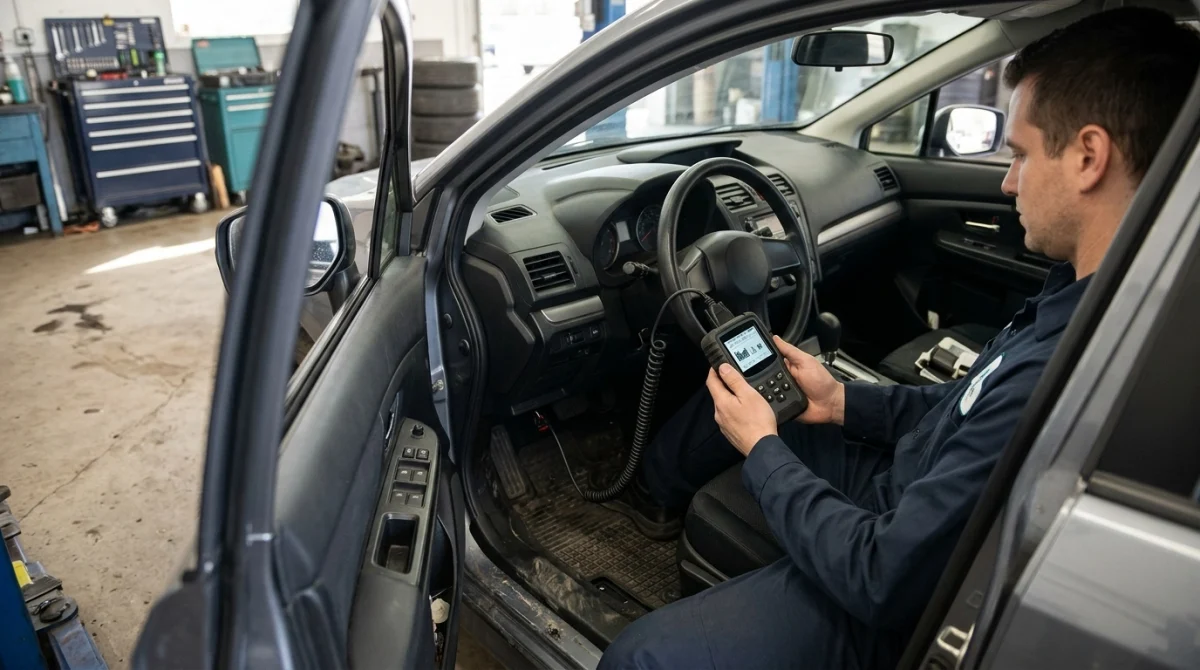
A drive cycle is a pattern of vehicle operation that allows the onboard diagnostics system to perform its self-tests. After you clear diagnostic trouble codes, your vehicle may need to repeat these tests before its emissions readiness monitors return to Ready.
How does a drive cycle work?
Your car’s engine control module monitors systems that affect engine operation and emissions. Depending on the vehicle, these checks may involve fuel delivery, oxygen sensors, catalytic converter performance, and the evaporative emissions system.
Each diagnostic check has conditions that must be met before it can run. For example, a monitor might require a particular engine temperature, fuel level, vehicle speed, or period of steady driving.
That is why simply driving around the block may not complete every test. The computer must encounter the right conditions.
What are readiness monitors?
Readiness monitors are status indicators that tell you whether the vehicle’s computer has completed its applicable emissions self-tests. An OBD2 scanner with an I/M Readiness function can usually display these statuses.
- Ready: The relevant monitor has completed its self-check.
- Not Ready or Incomplete: The monitor has not finished its required test.
- Not Supported: The monitor does not apply to that vehicle or configuration.
A Not Ready result does not automatically mean a component is defective. It can simply mean the vehicle has not yet met the conditions needed to run that test.
However, a completed monitor does not guarantee that every vehicle system is fault-free. Readiness is one part of the diagnostic picture.
Why Does Your Car Need a Drive Cycle After Clearing Codes?
Clearing diagnostic trouble codes can erase emissions readiness information stored by the vehicle’s computer. Disconnecting or replacing the battery can also reset readiness on many vehicles.
The computer then needs enough operating time to evaluate the monitored systems again. This process helps it determine whether an emissions-related fault is still present.
Does clearing a code fix the problem?
No. Clearing a code removes stored diagnostic information when the vehicle and scanner support that function, but it does not repair a damaged sensor, leaking hose, faulty valve, or other underlying problem.
For example, imagine your scanner reports a code associated with the evaporative emissions system. Clearing that code may turn off the check engine light temporarily, but a leak or faulty component can cause the fault to return when the computer tests the system again.
Use the code as a diagnostic clue, not as proof that a particular part has failed.
What happens if you skip the drive cycle?
If you clear codes and immediately take the vehicle for an emissions inspection, some monitors may still show Not Ready. Depending on local inspection rules and the vehicle’s status, the test facility may reject the vehicle or require you to return after the monitors complete.
Readiness requirements differ by jurisdiction and model year. Check your local inspection rules before assuming that a particular number of incomplete monitors will be accepted.
For background on emissions inspections and readiness, see AAA’s California Smog Check guidance.
Why should you save codes before clearing them?
Before using the clear function on your scanner, record the stored codes and any available freeze-frame data. Freeze-frame data is a snapshot of operating conditions recorded when a fault was detected, and it can help a technician diagnose the cause.
Clearing codes prematurely may remove useful diagnostic evidence and reset readiness monitors. If you have not identified the original problem, save the information before making changes.
Section takeaway: A drive cycle restores the opportunity for onboard self-tests; it does not replace diagnosis or repair.
How Do You Complete a Drive Cycle After Clearing Codes?
The safest approach is to follow the drive cycle specified by your vehicle manufacturer. There is no single sequence of speeds, idle times, and driving distances that works for every car.
1. Check the vehicle’s requirements first
Look in the owner’s manual or ask a qualified repair shop for the applicable procedure. Some manufacturers provide model-specific instructions, while certain drive-cycle details may be available only through service information.
Before driving, make sure the vehicle is safe to operate and that any known fault has been addressed. Do not attempt a special drive cycle if the car has serious drivability problems or an active warning that requires immediate attention.
2. Start with the conditions your vehicle requires
Some diagnostic tests require the engine to cool for several hours before starting. Others need a specific fuel level, outside temperature, or engine operating temperature.
Depending on the manufacturer’s instructions, you may need to consider these conditions:
- Cold soak: Allowing the vehicle to sit long enough for the engine to cool.
- Fuel level: Keeping the tank within the range required by the relevant monitor.
- Warm-up: Driving until the engine reaches its normal operating temperature.
- Steady-speed driving: Maintaining a safe, consistent speed when traffic and road conditions permit.
- Stop-and-go driving: Encountering ordinary urban traffic and idle periods.
These are common types of enabling conditions, not a universal checklist. Your vehicle may need only some of them, and the order matters for certain monitors.
3. Combine normal city and highway driving when appropriate
If the manufacturer’s instructions call for a combination of driving conditions, use a route that allows you to meet them legally and safely. Normal acceleration, steady cruising, deceleration, and stops may help the computer run different checks.
Don’t speed, brake abruptly, or drive aggressively to force a monitor to complete. Follow posted limits and avoid any maneuver that could put you or other road users at risk.
4. Let the vehicle complete its own checks
Some monitors run automatically while you drive. Others require a particular combination of engine temperature, speed, load, and elapsed time, so one trip may not be enough.
You do not normally need to clear the codes again after each trip. Instead, use your scanner to see whether the relevant monitors have changed status.
Expert note: A vehicle-specific drive cycle may include requirements that a generic internet procedure cannot account for. Ask a qualified technician if you cannot find reliable instructions for your make, model, engine, and year.
Section takeaway: Follow the manufacturer’s procedure and use safe, ordinary driving conditions rather than trying to force the monitors to run.
How Long Does a Drive Cycle Take?
A drive cycle can take one trip, several trips, or multiple days of driving. The time depends on the vehicle, the monitors that need to run, recent operating conditions, and whether any faults prevent a test from completing.
There is no universal mileage or time limit that guarantees every monitor will become Ready.
What affects the time required?
- Vehicle design: Different makes, models, engines, and model years use different monitor-enabling conditions.
- Driving habits: Short trips may not provide the conditions needed for some tests.
- Weather and temperature: Certain checks require particular temperature ranges.
- Fuel level: Some evaporative emissions tests require the tank to be within a specified range.
- Underlying faults: A defective component or unresolved problem can prevent a monitor from completing.
- Battery or computer resets: Recent power loss or code clearing may leave several monitors incomplete.
Can you complete a drive cycle in one day?
Possibly, but not always. Some vehicles complete several monitors during a suitable trip, while other monitors need a cold start or additional conditions that occur only after the vehicle sits for a while.
In some cases, a few days of normal mixed driving will be sufficient. Do not treat that as a guarantee, especially if a particular monitor remains incomplete.
Should you drive a certain number of miles?
Not as a universal rule. Recommendations such as driving a fixed distance may be useful general guidance in some situations, but the correct mileage depends on the vehicle and the monitors involved.
Check the readiness status rather than relying on the odometer alone. That gives you a more useful indication of whether the required self-tests have completed.
Section takeaway: Time and mileage are only rough guides; readiness-monitor status is the more meaningful way to track progress.
How Do You Check Drive Cycle Readiness With an OBD2 Scanner?
An OBD2 scanner with an I/M Readiness feature can show which supported emissions monitors are Ready, Not Ready, or Incomplete. Checking this status after normal driving helps you decide whether more driving or further diagnosis is needed.
Use the scanner to check monitor status
- Park the vehicle safely and follow the scanner manufacturer’s connection instructions.
- Turn the ignition on or start the engine as directed by the scanner and vehicle instructions.
- Open the OBD2 or emissions-diagnostics menu.
- Select I/M Readiness, readiness monitors, or the equivalent menu option.
- Review the status of each supported monitor and record any incomplete results.
- After the appropriate drive cycle, scan again to see whether the statuses have changed.
Menu names vary by scanner. Some basic code readers show readiness results without offering advanced tests or manufacturer-specific diagnostics.
Which scanner features are useful?
For this task, the most important feature is a clear readiness-monitor display. Live data and access to stored or pending trouble codes can also help when you need to investigate a returning fault.
A scanner that reads basic engine codes may not support ABS, airbag, body control, immobilizer, or key programming functions. Confirm the tool’s vehicle coverage and functions before relying on it for other systems.
For more context on choosing a scanner, see this guide to OBD2 scanners with live data for emissions testing.
What do the results tell you?
| Scanner result | What it means | What to do |
|---|---|---|
| Ready | The applicable monitor completed its self-test. | Check the remaining monitors and stored or pending codes. |
| Not Ready | The required test has not completed. | Follow the correct drive cycle and check again. |
| Not Supported | The monitor does not apply or is not supported for that vehicle. | Confirm the result using vehicle-specific information. |
| Fault code returns | The computer has detected the problem again or identified another fault. | Record the code and diagnose the cause instead of repeatedly clearing it. |
Remember that readiness and trouble codes answer different questions. A Ready monitor means the applicable test ran; it does not automatically mean the system passed every possible diagnostic check or that no fault exists.
Section takeaway: Use I/M Readiness to track monitor completion, then review fault codes separately to confirm whether a repair worked.
What If Your Monitors Still Show Not Ready?
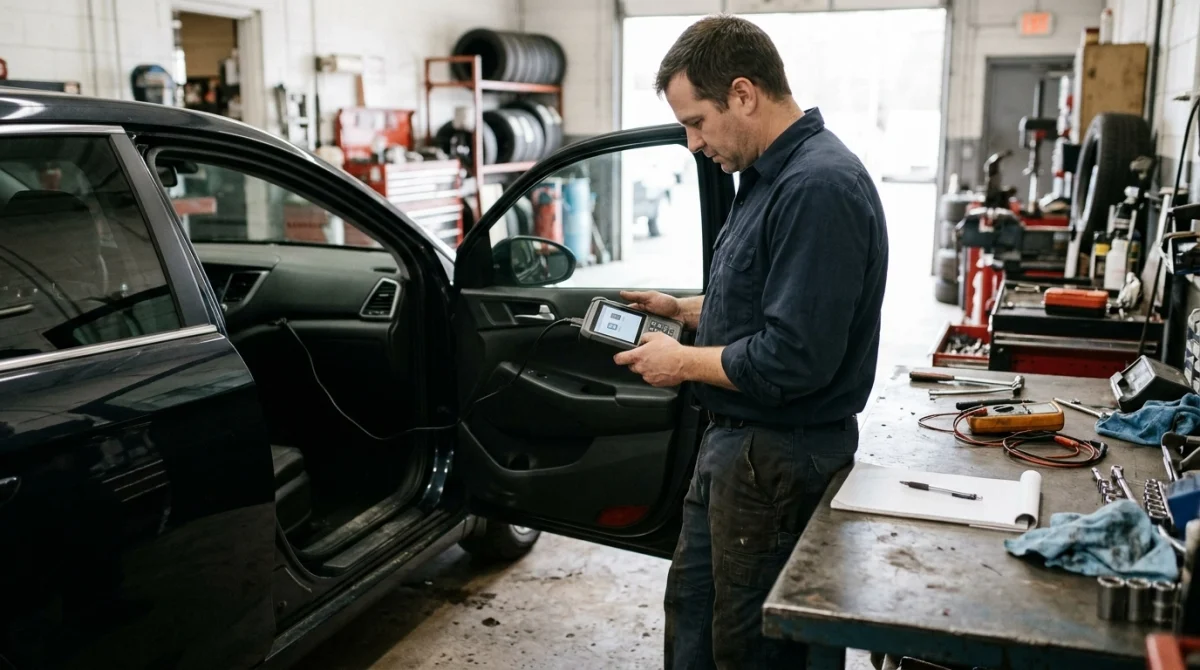
If a monitor remains incomplete after several suitable trips, don’t keep clearing codes or repeat random driving sequences. First, confirm that you are following the correct procedure and that no underlying problem is preventing the test.
Check these common causes
- Insufficient driving conditions: The vehicle may not have reached the temperature, speed, fuel level, or other conditions the monitor needs.
- Too many short trips: Repeatedly starting and stopping the engine may not satisfy some monitor requirements.
- Recent reset: Clearing codes or disconnecting the battery may have restarted the readiness process.
- Existing fault: A sensor, emissions component, wiring issue, or other problem may prevent the monitor from completing.
- Incorrect procedure: A generic drive cycle may not match the manufacturer’s requirements for your vehicle.
What if the check engine light comes back?
Scan the vehicle again and save the new code, along with any available freeze-frame information. Compare the results with the original code, but don’t assume that a code automatically identifies the failed part.
If the check engine light flashes while the engine is running, stop driving as soon as it is safe and arrange prompt professional assistance. A flashing light can indicate a serious misfire that may damage the catalytic converter.
If the light stays on steadily, consult the owner’s manual and arrange diagnosis based on the symptoms and code. Avoid repeated code clearing as a substitute for repair.
When should you ask a technician for help?
Get professional assistance if a monitor repeatedly fails to complete, the same trouble code returns, or the vehicle runs poorly. A technician can check manufacturer-specific service information and determine whether the problem requires further diagnosis.
The NHTSA vehicle safety and recall lookup can help you check for applicable safety recalls by vehicle identification number, although it does not replace emissions-system diagnosis.
Section takeaway: Persistent Not Ready results deserve investigation, especially when a fault code returns or the vehicle shows warning signs.
Frequently Asked Questions
Does a drive cycle clear codes automatically?
A drive cycle does not simply erase stored trouble codes. It allows the vehicle’s onboard computer to run diagnostic checks, and a fault may return if the underlying problem remains. Some codes clear under specific conditions, but behavior varies by vehicle and fault type.
Can I complete a drive cycle without an OBD2 scanner?
Yes, you can drive the vehicle according to its manufacturer’s procedure without owning a scanner. However, a compatible OBD2 scanner makes it easier to check readiness status and see whether the required monitors have completed.
Will the check engine light stay off after a drive cycle?
Not necessarily. If the original problem has been repaired, the light may remain off after the relevant tests run. If the fault persists or another problem is detected, the computer may turn the light back on and store a trouble code.
Can I pass an emissions test immediately after clearing codes?
Not reliably. Clearing codes may reset readiness monitors, and the vehicle may be rejected if too many required monitors remain incomplete under local rules. Check the applicable inspection requirements and verify readiness before visiting the test facility.
Do all OBD2 scanners show readiness monitors?
Many code readers support I/M Readiness, but you should verify the feature before purchasing a scanner. Advanced diagnostic functions and the information available can vary by tool, vehicle, model year, and control system.
Why is my car still Not Ready after 100 miles?
There is no universal mileage threshold that guarantees readiness. Your vehicle may need a specific cold start, fuel level, temperature range, or driving pattern, or an underlying fault may prevent a monitor from completing. Check the manufacturer’s procedure and scan for codes.
Should I disconnect the battery to reset the check engine light?
Generally, don’t disconnect the battery simply to turn off the check engine light. It may erase useful diagnostic information, reset readiness monitors, and create additional setup requirements on some vehicles. Diagnose and repair the cause first, then follow the proper verification procedure.
Final Takeaway: Verify Readiness Before You Assume the Job Is Done
A drive cycle after clearing codes gives your vehicle time and operating conditions to rerun its onboard diagnostic tests. The goal is to confirm that the applicable readiness monitors have completed, not merely to make the warning light disappear.
Save your original trouble codes, repair the underlying problem, follow the vehicle-specific drive cycle, and check readiness with an OBD2 scanner. If a monitor remains incomplete or a fault returns, use the results to guide further diagnosis rather than repeatedly clearing the codes.
As of 2026, the most dependable approach remains the same: use manufacturer-specific instructions, verify monitor status, and follow local emissions inspection requirements. A scanner helps you see what the computer reports, but proper diagnosis determines whether the vehicle is truly repaired.
