
AI OBD2 Scanner V800 Review: Worth Buying?

The AI OBD2 Scanner V800 from Tanglo is a Bluetooth adapter that reads codes through your phone. It covers four systems, including engine, transmission, ABS and airbag, shows live sensor data and gives AI-based explanations of faults. It is useful for DIY drivers, but treat the AI suggestions as a starting point and confirm the cause before buying parts.
The AI OBD2 Scanner V800 is a Bluetooth automotive diagnostic tool designed to interpret vehicle fault codes using a smartphone. Its primary purpose is helping drivers identify check engine light problems and understand possible repair decisions without relying entirely on a repair shop.
Manufactured by Tanglo and marketed as an AI-assisted car code reader, the V800 targets everyday drivers and DIY mechanics. Its advertised features include four-system diagnostics, live sensor readings, and plain-English fault explanations.
This AI OBD2 scanner review evaluates its published specifications, practical benefits, compatibility limitations, and potential drawbacks. The assessment is research-based rather than a claim of personal testing.
🏆 My Quick Verdict
💡 Best For: Smartphone users who want understandable fault-code explanations and convenient basic diagnostics.
⚡ Key Specs:
Bluetooth 5.1, iOS and Android compatibility, vehicle-powered adapter, advertised engine/transmission/ABS/SRS diagnostics.
✅ Bottom Line: The V800 presents an appealing combination of wireless diagnostics and AI-generated explanations. Its usefulness depends heavily on actual vehicle coverage, app reliability, and whether its advertised advanced functions work with your specific vehicle.

At a Glance
- Bluetooth 5.1 enables wireless communication with supported smartphones.
- Advertised AI explanations translate diagnostic codes into understandable language.
- The manufacturer claims engine, transmission, ABS, and airbag diagnostic capabilities.
- Live sensor graphs can help users examine vehicle operating conditions.
- The listing advertises PDF diagnostic reports and no recurring subscription.
- Advanced module access depends on vehicle-specific compatibility.
AI OBD2 Scanner V800 Specifications
| Specification | Published Detail |
|---|---|
| Manufacturer | Tanglo |
| Model | V800 |
| Connection | Bluetooth 5.1 |
| Mobile Platforms | iOS and Android |
| Power | Vehicle-powered |
| Listed Weight | 36 grams |
| Dimensions | 2.05 × 0.94 × 2.52 inches |
| Included Items | Scanner, app access, user manual |
| Advertised Diagnostics | Engine, transmission, ABS, SRS |
Design & Build Quality
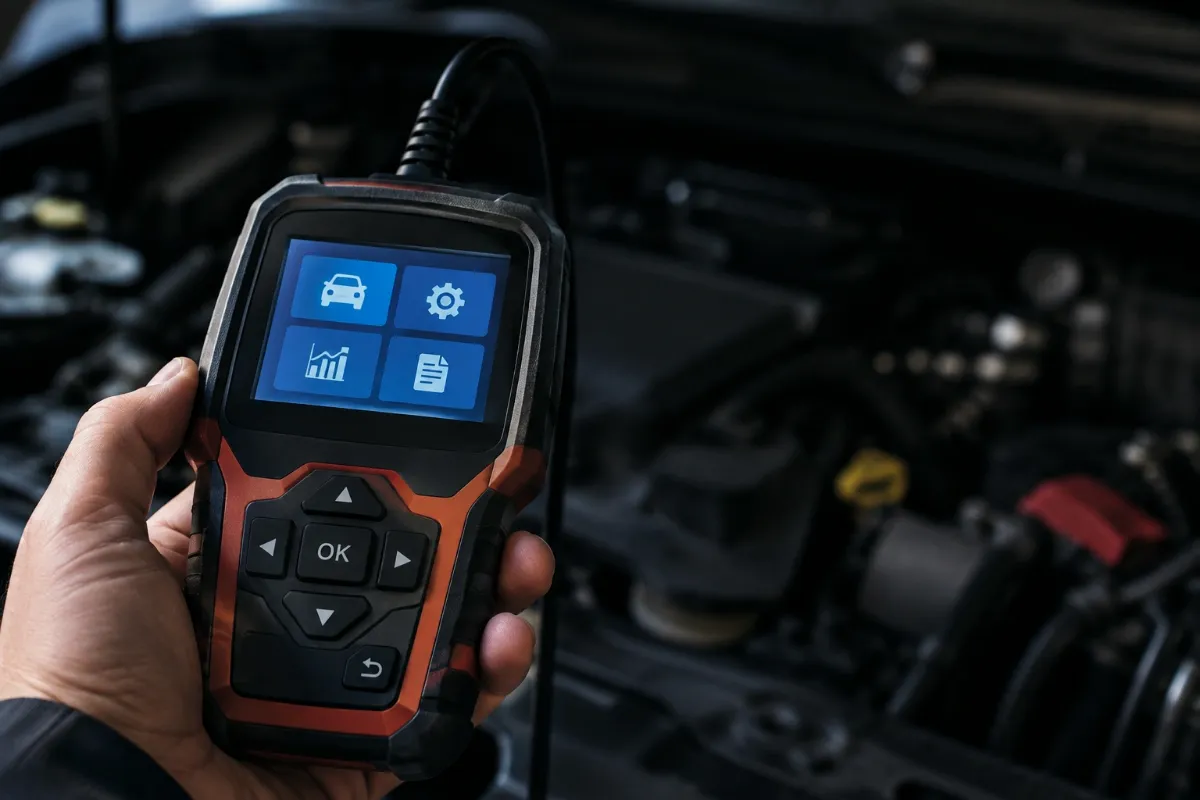
The V800 uses a compact plug-in adapter rather than a conventional handheld scanner with its own screen. Its published dimensions indicate a relatively small device that should be easy to store.
Its listed weight is approximately 36 grams. However, the available product information does not establish enclosure material quality, connector durability, or long-term resistance to repeated handling.
The smartphone acts as the diagnostic display, reducing the need for dedicated physical controls. This design favors portability but creates a dependency on compatible mobile software.
Setup, Installation & Ease of Use
- Inspect the scanner and included manual immediately after delivery.
- Locate your vehicle’s diagnostic connector, commonly beneath the dashboard.
- Confirm the ignition is off before connecting the adapter.
- Insert the scanner firmly without forcing the connector.
- Install the mobile application identified in the supplied documentation.
- Enable Bluetooth and follow the application’s connection instructions.
- Switch the ignition to the position requested by the application.
- Select your vehicle and available diagnostic functions.
- Save trouble codes and diagnostic reports before considering code clearing.
- Disconnect and store the adapter somewhere dry when diagnostics are complete.
Core Performance & Diagnostic Capabilities
The V800’s central attraction is its combination of traditional fault-code reading and software-generated diagnostic guidance. Its published feature list covers several functions usually associated with more comprehensive scanning tools.
Reading Vehicle Trouble Codes
Diagnostic trouble codes provide starting points for investigating vehicle problems. They identify monitored conditions, but they rarely prove which component needs replacement.
The V800 is advertised as supporting powertrain, chassis, body, and network code categories. The extent of access to manufacturer-specific modules has not been independently confirmed.
Transmission, ABS, and Airbag Diagnostics
The product listing claims coverage for engine, transmission, anti-lock braking, and supplemental restraint systems. These capabilities could be valuable because ordinary generic OBD2 readers frequently concentrate on emissions-related powertrain information.
However, enhanced diagnostic access requires the appropriate vehicle communication protocols and software support. Buyers should verify their exact make, model, and model year before expecting every advertised function.
Live Sensor Monitoring
The advertised application displays values such as engine RPM, coolant temperature, oxygen sensor information, and fuel trim. Graphical displays may make changing readings easier to interpret than static numbers.
Live data becomes particularly useful when investigating intermittent operating problems. Proper interpretation still requires an understanding of normal vehicle behavior and operating conditions.
Expert Insight
A fault code identifies a detected condition, not necessarily a failed part. Record freeze-frame information and investigate related symptoms before replacing components or erasing codes.
AI Diagnostic Explanations
The seller describes an AI system that translates codes into understandable explanations, likely causes, and possible repair expenses. This may help beginners understand technical terminology before discussing problems with a mechanic.
However, generated explanations should be treated as guidance rather than confirmed diagnoses. Incorrect assumptions about vehicle configuration or symptoms can produce misleading repair recommendations.
Key Features Explained
1. Bluetooth 5.1 Connectivity
Bluetooth 5.1 connects the vehicle adapter to compatible mobile devices. Wireless operation allows drivers to read diagnostic information without managing a cable between the diagnostic port and phone.
Actual connection reliability depends on software, device settings, and environmental interference.
2. AI-Assisted Troubleshooting
The advertised AI assistant converts technical diagnostic information into more accessible guidance. Its greatest potential benefit is helping inexperienced owners understand which questions to investigate next.
It cannot independently inspect physical components or establish mechanical causes with certainty.
3. PDF Diagnostic Reports
The listing advertises downloadable PDF reports that can be shared with a technician. A saved record may help preserve findings before the vehicle is repaired or fault codes are cleared.
Report completeness and formatting have not been independently verified.
4. Enhanced GM Communication
The seller claims a dedicated SWCAN chip for certain General Motors diagnostic applications. This could distinguish the V800 from basic adapters when supported GM modules require additional communication capabilities.
Specific module coverage must still be confirmed for individual vehicles.
Real-World Usability & Maintenance
A smartphone-based scanner makes occasional diagnostics convenient because most drivers already carry a compatible display. Keeping the mobile application updated is important for maintaining functionality.
Store the adapter away from moisture, excessive heat, and impact. Inspect the connector periodically, especially when the device is frequently transferred between vehicles.
Avoid leaving a malfunctioning adapter connected indefinitely. Although it receives vehicle power, its parked-vehicle power consumption has not been independently established.
Pros & Cons
Pros
- Wireless smartphone operation provides a compact diagnostic arrangement.
- AI explanations may make unfamiliar fault codes easier to understand.
- Advertised four-system access could expand troubleshooting options on supported vehicles.
- PDF reporting offers a practical way to share diagnostic findings.
Cons
- Advanced vehicle-specific compatibility has not been independently validated.
- Smartphone and application access are necessary for operation.
- The advertised hardware support period is relatively restrictive.
Common Issues & Fixes
Bluetooth Connection Fails
The adapter may not appear inside the mobile application. Check ignition status, required permissions, and the pairing procedure described in the manual.
Some Diagnostic Modules Are Unavailable
Specific vehicle systems may not appear in the diagnostic menu. Verify manufacturer coverage and confirm that the selected vehicle profile is correct.
Fault Codes Return After Clearing
A warning light may return when the underlying problem remains unresolved. Record the original information and diagnose the cause before attempting another reset.
What to Know Before You Buy
Vehicle compatibility deserves priority over an impressive feature list. Confirm that your particular vehicle supports the diagnostic systems you expect to examine.
The advertised 1996-and-newer coverage mainly concerns compatible North American gasoline-powered OBD2 vehicles. Older vehicles, unusual electronic architectures, and some imported models may need different equipment.
The manufacturer claims lifetime software updates without recurring subscription charges. Nevertheless, buyers should verify current app availability and future support conditions.
The published warranty language describes a 30-day receiving inspection support window and states that no extended hardware warranty is provided. This deserves consideration if long-term ownership support matters.
Who Should Buy It / Who Should Skip It
✅ Who Should Buy It
- DIY owners comfortable using smartphone diagnostic applications.
- Drivers seeking understandable check engine light explanations.
- Users interested in basic sensor monitoring and diagnostic reports.
- Owners who can confirm compatibility before purchasing.
✗ Who Should Skip It
- Mechanics requiring verified bidirectional controls and programming.
- Buyers who prefer a standalone scanner with a screen.
- Owners needing documented advanced coverage for uncommon vehicles.
- Users expecting AI explanations to replace professional diagnosis.
Alternatives to Consider
Other OBD2 tools may suit different priorities, particularly when proven app support or documented vehicle coverage matters more than AI-generated explanations.
OBDLink MX+
Best For: Drivers prioritizing established diagnostic software.
Main Advantage: Enhanced diagnostics for supported vehicle makes through the OBDLink app.
Trade-off: Advanced coverage varies by manufacturer and model.
Key Spec: Compatible with iOS and Android.
OBDLink LX
Best For: Android users seeking conventional wireless OBD2 diagnostics.
Main Advantage: Compatibility with OBDLink diagnostic software.
Trade-off: Manufacturer-specific enhanced features may require additional purchases.
Key Spec: Bluetooth vehicle diagnostic adapter for Android devices.
Is the AI OBD2 Scanner V800 Worth It?
The V800 may offer worthwhile convenience for buyers seeking understandable diagnostics from a compact smartphone accessory. The advertised software capabilities make it more interesting than a basic code reader on paper.
Its overall value depends on the reliability of the app and availability of supported diagnostic functions. A low purchase price would not compensate for missing features on your particular vehicle.
Consider it a potentially useful consumer diagnostic aid rather than a replacement for comprehensive workshop equipment. Verified compatibility should drive the final purchasing decision.
Final Verdict
The AI OBD2 Scanner V800 is worth considering for basic troubleshooting and smartphone-based diagnostic guidance, provided compatibility is confirmed. Buyers who require dependable manufacturer-specific functions should prioritize tools with clearly documented vehicle coverage.
Frequently Asked Questions
Does the AI OBD2 Scanner V800 work with every car?
No, universal compatibility is not guaranteed. Standard OBD2 support and enhanced module coverage vary by vehicle. Check your exact make, model, and year before purchase.
Does the V800 support both iPhone and Android?
Yes, the published specifications advertise support for both platforms. Check the companion application’s current operating-system requirements before ordering.
Can the scanner diagnose ABS and airbag problems?
The manufacturer advertises ABS and SRS diagnostic functions. Actual availability depends on the vehicle’s electronic systems and supported communication protocols.
Does the scanner require a paid subscription?
The seller advertises subscription-free application access. The listing also claims lifetime software updates, although continued service availability has not been independently established.
What warranty comes with the V800?
The published warranty description identifies a 30-day receiving inspection period. It explicitly excludes extended hardware warranty coverage after that period, subject to applicable consumer rights.
How should I maintain the Bluetooth OBD2 scanner?
Keep the adapter clean, dry, and protected from physical damage. Follow the manufacturer’s software instructions and avoid forcing the diagnostic connector.
Affiliate disclosure: ReplaceKeyFob earns a small commission when you purchase through links on this page — at no extra cost to you. Our editorial process is independent: affiliate relationships never influence which products we recommend or how we rank them.
