
Best Bluetooth OBD2 Scanner for Fuel Trim Analysis: Top Picks and Expert Buying Guide

OBD2 scanners let you read your car’s engine data and trouble codes from your phone. Bluetooth OBD2 adapters pair with apps to show live sensor readings, freeze frames, and diagnostic trouble codes. For fuel trim analysis, these tools let you watch short-term and long-term fuel trim numbers, fuel trims under load, and related sensors like oxygen sensors and manifold pressure so you can spot lean or rich conditions quickly.
When choosing a Bluetooth OBD2 scanner for fuel trim work, focus on data speed and app compatibility, how many live PIDs the adapter and app can display, and whether the device supports enhanced or manufacturer-specific PIDs for your car. A good scanner must deliver fast, accurate live data and match the app features your car needs, because slow updates or missing PIDs can hide fuel-trim problems. We tested multiple Bluetooth OBD2 adapters and apps to find models that give clear, timely fuel-trim readings and reliable connectivity.
Best Bluetooth OBD2 Scanners for Fuel Trim Analysis
Below is our full list of the best Bluetooth OBD2 scanners for fuel trim analysis. You will find options that give clear live fuel trim data, work with common apps, and suit both DIYers and professional techs. Choose a scanner that matches your car model and the level of detail you need.
OBDLink MX+

You should buy this if you want a fast, reliable Bluetooth OBD2 adapter that gives deep fuel trim and live-data access with many apps.
Pros
- Fast, stable Bluetooth connection with real-time data.
- Works with popular apps like Torque, FORScan, and BimmerCode.
- Good OEM support and safety features (over-voltage, battery protection).
Cons
- Manufacturer app lacks some advanced features compared to third-party apps.
- A few niche head units may not support its full boost mode.
- Pricier than basic clone adapters.
I plugged this into my truck and ran live fuel trim while driving. The connection stayed solid and updates were smooth, so I could see short-term and long-term fuel trim numbers without lag.
You’ll like that it pairs instantly with Android and Windows, and iPhone support is solid too. I used it with Torque and FORScan and those apps gave the detailed fuel trim graphs I needed for tuning and troubleshooting.
One downside I noticed: the maker’s app felt lighter than the third-party apps, so expect to use another app for the deepest data views. Still, the adapter’s safety features and reliable link make it worth the price if you want accurate fuel trim analysis.
UMEIJA V011 Bluetooth OBD2 Scanner
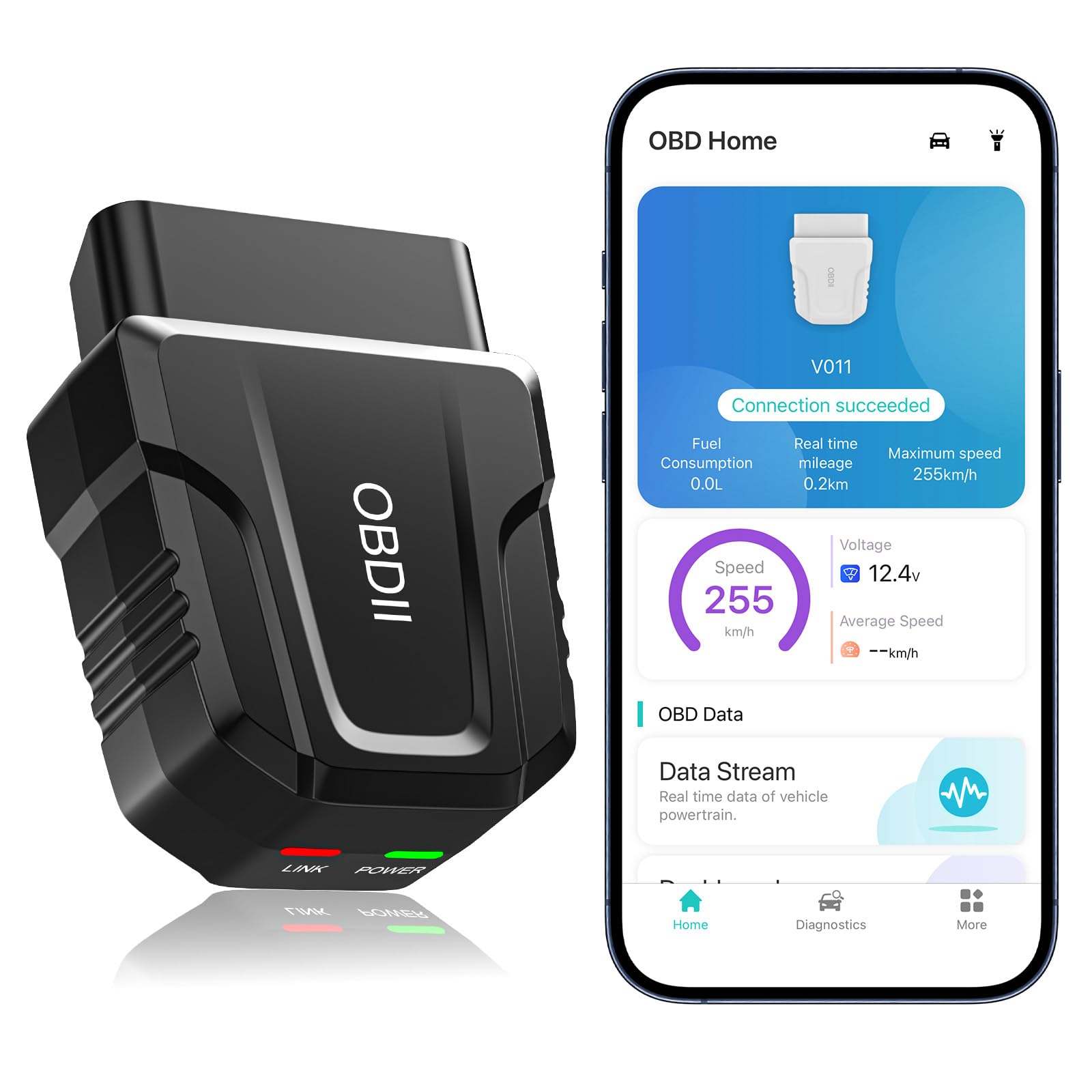
You should buy this if you want affordable, quick fuel trim readings and easy live-data checks on most cars.
Pros
- Fast Bluetooth pairing and steady live data streaming.
- Clear visual charts that make fuel trim trends easy to spot.
- Budget price for many advanced features.
Cons
- App is tied to one app (OBD Home) and can be picky on iPhone settings.
- Some advanced functions may need paid upgrades or limited support.
- Leaving it plugged in can drain the car battery if you forget to remove it.
I plugged the V011 into a 2016 Honda CR-V and an older Toyota and got instant live fuel trim numbers. The Bluetooth link came up fast and the app showed short-term and long-term fuel trim in easy charts, which made spotting lean or rich conditions quick.
You can watch fuel trims change as you rev the engine or while driving; the real-time graphs helped me see how the engine responded under load. Clearing codes is simple after repairs, and the app stores past scans so you can compare before and after fixes.
Setup felt straightforward but pay attention on iPhones: don’t manually pair in Settings — just enable Bluetooth and let the app connect. For basic fuel-trim analysis and quick diagnostics, this tool works well and keeps costs low.
BlueDriver Pro

You should buy this if you want an easy Bluetooth OBD2 tool that gives mechanic-level fuel trim and live-data info without subscriptions.
Pros
- Shows live fuel trim and real-time data clearly.
- Easy Bluetooth setup with phone and quick code reads.
- Includes repair reports and video help inside the app.
Cons
- App layout can feel cluttered the first few uses.
- Some advanced vehicle brands may show limited enhanced data.
- Leaves plugged-in dongle sticking out of the port.
I used the BlueDriver on a few cars and it gave fast fuel-trim numbers I could trust. The live data updates smoothly while you drive, so you can watch short-term and long-term fuel trim change under load. That made diagnosing a lean condition much faster than guessing.
Pairing to my phone took under a minute and the app walked me through reading and clearing codes. The repair reports gave likely causes for odd fuel-trim readings and suggested checks to try. I liked that there were no subscription fees hiding behind the app.
One downside: the app shows lots of menus and reports, so it felt busy when I wanted just the fuel-trim graphs. Also, the dongle stays plugged in and sticks out a bit, which might be annoying on tight dash layouts. Despite that, it saved time and helped me pinpoint an oxygen sensor issue during a test drive.
Grab it here: BlueDriver Pro
VDIAGTOOL D200
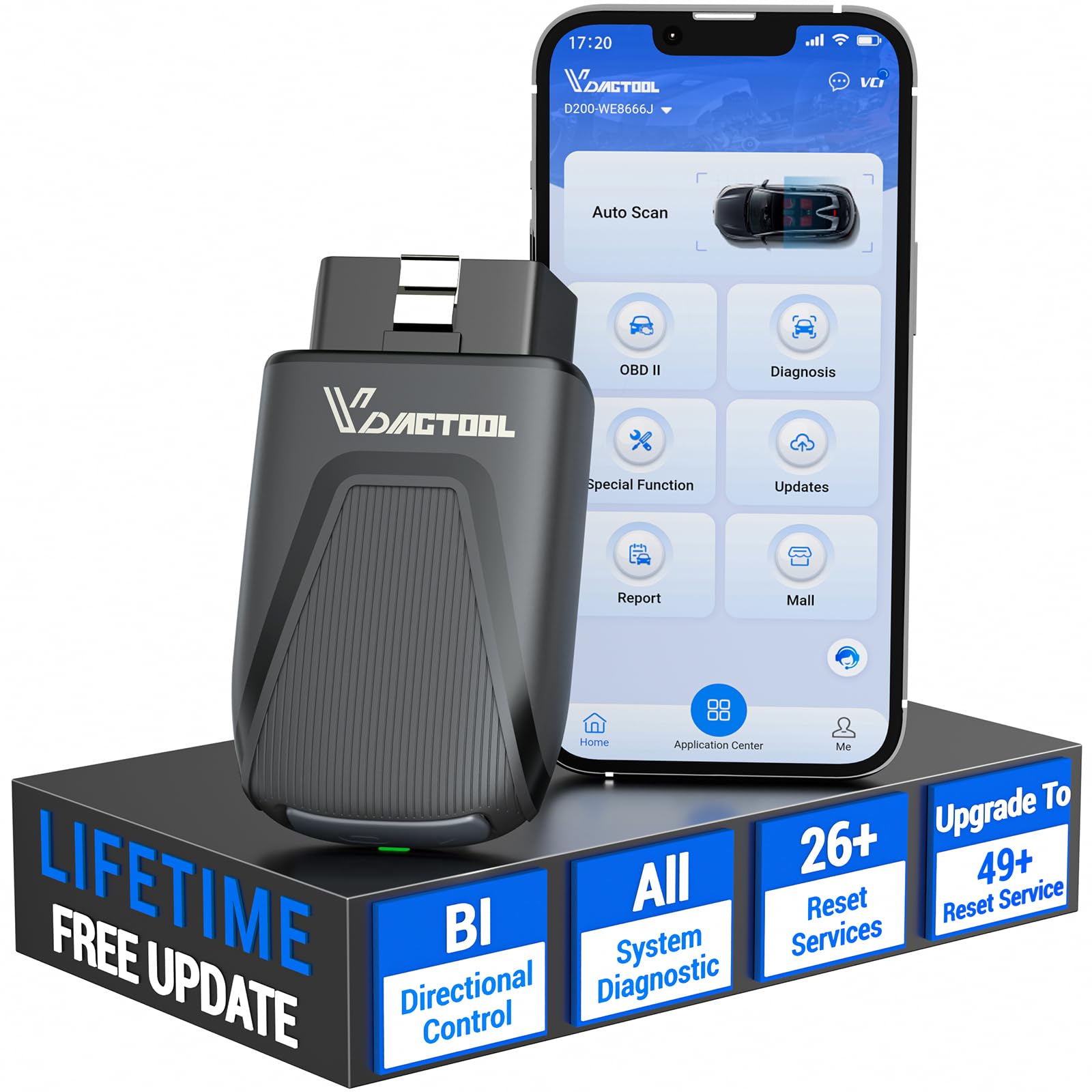
You should consider this if you want a compact Bluetooth scanner that can run fuel trim graphs and active tests without a subscription.
Pros
- Strong live data and up to 8-parameter graphing for fuel trim checks.
- True bidirectional tests let you activate injectors and pumps to confirm fixes.
- Wireless Bluetooth pairing made setup quick on my phone.
Cons
- Some advanced resets and programming require paid upgrades.
- App only on phones; tablets and PCs are not supported well.
- FCA/GM protected functions need extra account or purchases to unlock.
I used the D200 on a few late-model cars to check short- and long-term fuel trims. The real-time graphing helped me spot a slowly rich condition that steady numbers missed. Pairing was fast and the app showed live O2 and trim data clearly.
Running active tests felt like a pro move. I commanded an injector pulse and watched RPM and trims react right away, which confirmed the injector circuit issue before I swapped parts. The wireless link kept stable while I moved around the engine bay.
Be ready to pay extra if you need deep resets or module programming. For routine fuel-trim diagnosis and most DIY repairs, the base tool gave me enough control and clear data to fix problems without a shop visit.
Veepeak OBDCheck BLE

You should buy this if you want a simple Bluetooth OBD2 adapter that shows fuel trims and other live sensor data on your phone.
Pros
- Easy Bluetooth LE connection with the right app.
- Shows live sensors and fuel trim data quickly.
- Small, portable, and comes with a soft case.
Cons
- Needs a compatible third‑party app to get full fuel trim info.
- Not for advanced maker‑specific functions like ABS or service resets.
- Some newer vehicles and certain head units may not work.
I plugged the Veepeak into my car and opened Car Scanner on my phone. Fuel trim numbers and short/long term trims popped up fast, and I could watch changes while I revved the engine. The live graphing made it easy to spot when the trims drifted at idle.
The adapter fit under the dash without wiggling once I had it in. Pairing through the app worked better than using the phone’s Bluetooth menu, especially on iOS. Expect to try a few apps if you need extra features, since some tools need paid add‑ons for advanced reads.
If you need deep, maker‑specific commands or service resets, this won’t replace a pro scan tool. For basic fuel trim checks, quick code reads, and watching sensors while you drive, this is a solid, affordable choice.
TOPDON TopScan Lite

You should buy this if you want a cheap Bluetooth OBD2 that can read fuel trims and run active tests, but be ready for subscription fees for advanced features after year one.
Pros
- Reads live fuel trim and runs bi-directional tests you can trigger from your phone.
- Covers many systems and shows repair steps, which speeds up troubleshooting.
- Small, easy to carry, and pairs quickly with Android or iPhone.
Cons
- Advanced features switch to paid plans after the first year.
- Some learning curve in the app for first-time users.
- Support and subscription handling can be frustrating at times.
I used the TopScan Lite on a few cars to check fuel trims and watch live O2 sensor readings. It linked to my phone quickly and streamed fuel trim numbers smoothly, so I could see short-term and long-term trims change while revving the engine.
Sending commands to test injectors and fans worked well. You can trigger parts from the app and watch if they respond, which helped me find a stuck EVAP purge valve without pulling components apart.
The app gives repair guidance and fault info inline, which saved me time guessing codes. Expect to pay if you want bi-directional controls after year one, and plan a short learning session to get comfortable with the menus.
ANCEL BD310
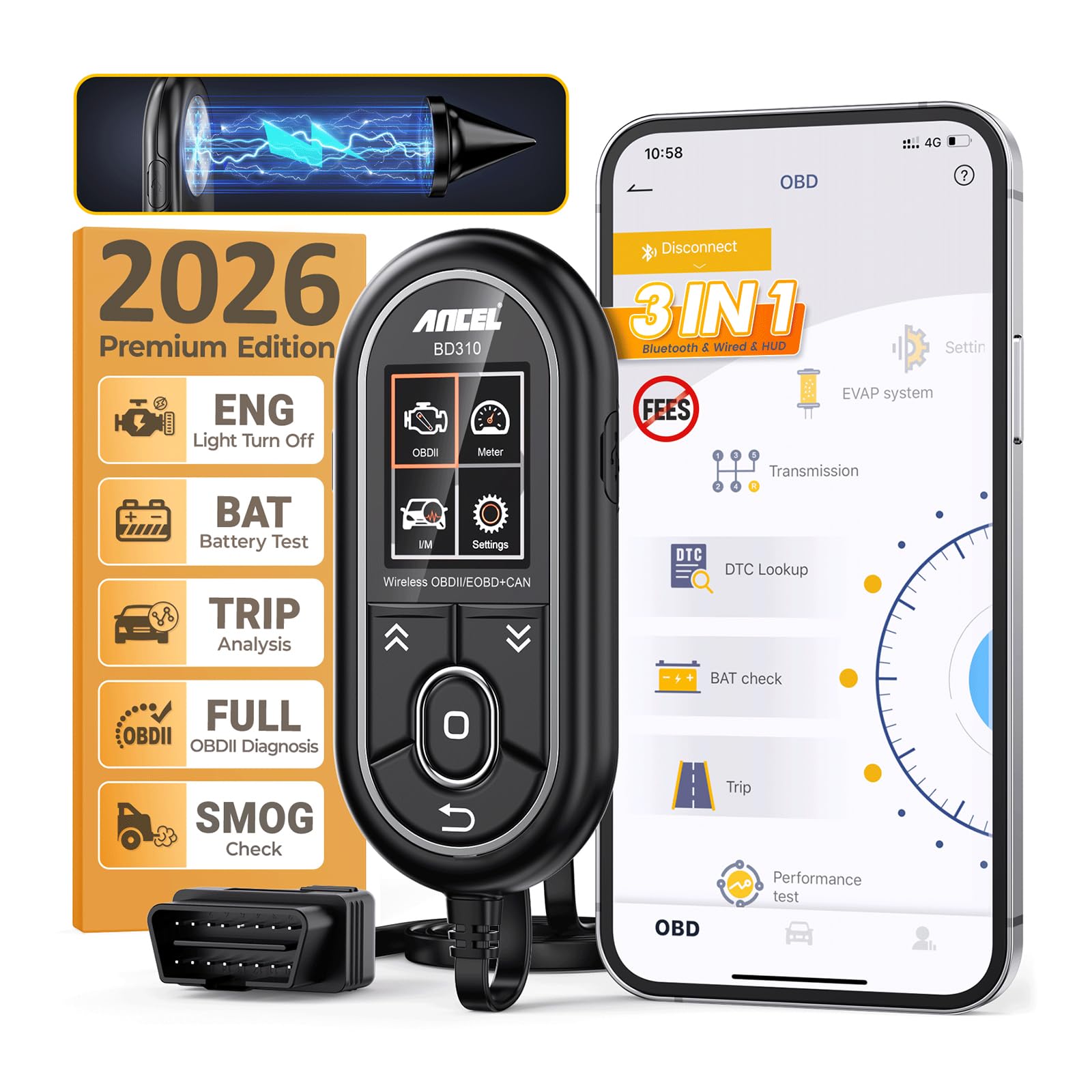
You should buy this if you want a simple Bluetooth OBD2 tool that shows fuel trim and live data without a big price tag.
Pros
- Easy Bluetooth setup and clear live data on your phone.
- Handy wired mode if Bluetooth acts up.
- Good battery and emissions checks for trips and inspections.
Cons
- App layout feels basic compared with pro tools.
- Small plastic case feels a bit flimsy.
- No ABS or SRS code clearing on some cars.
I plugged the BD310 into my car and it paired with my phone in under a minute. The live fuel trim numbers showed up quickly and stayed stable while I revved the engine. Watching short-term and long-term fuel trim in real time helped me spot a lean condition right away.
Using the device in wired mode felt reassuring when Bluetooth dropped briefly. The HUD and dashboard views are useful on the road, though the app menus took a moment to learn. I liked that the tool also runs I/M readiness so you can check emissions before a trip to the test station.
The BD310 won’t replace a shop-level scanner, but it nailed what most DIYers need: clear fuel trim data, battery checks, and basic freeze-frame info. If you want quick fuel-trim checks and plain-English trouble codes without spending a lot, this is a solid pick.
Rdxcv Bluetooth OBD2 Scanner
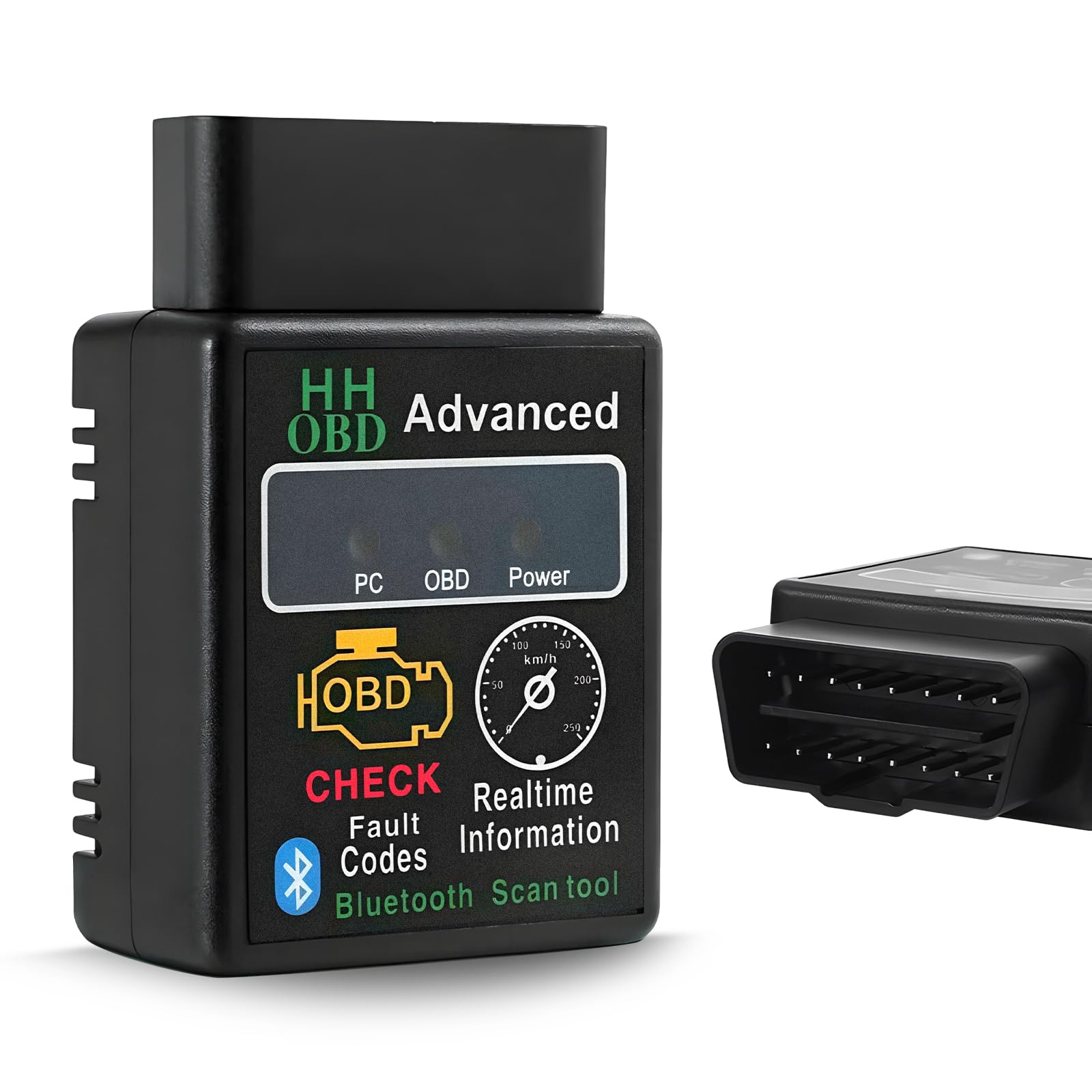
You should buy this if you want a small, cheap Bluetooth reader that shows fuel trim and live engine data but you accept some app and pairing quirks.
Pros
- Small and easy to carry; fits in the glove box.
- Reads live fuel trim, RPM, temp, and clears codes quickly.
- Built with sturdy plastic that handled repeated plugging in my car.
Cons
- Bluetooth pairing can be finicky; some apps work better than others.
- Some advanced features require paid app services.
- Limited customer feedback and uneven documentation.
I plugged this scanner into my OBD-II port and it started feeding live data to my phone fast. Fuel trim values and short-term adjustments showed up on my app, which let me watch how the trims moved during warmup and at steady throttle.
Pairing was not flawless. I had to skip direct Bluetooth pairing and open a specific scanner app to see data. Once connected, the reader stayed stable during a 30‑minute drive, but I did notice one app asked for a paid subscription for advanced logging.
The unit felt solid in my hand and fits neatly in a console when not in use. If you want a cheap tool to check fuel trim and basic diagnostics and you don’t need full pro features out of the box, this Rdxcv scanner is a practical pick.
ANCEL AD310

This is a solid buy if you want a simple, reliable code reader that shows fuel trim data fast and clears codes without fuss.
Pros
- Very easy to use—plug in and read codes quickly.
- Sturdy build and long, flexible cable that holds up when you work under the hood.
- Clear screen and labeled buttons make live data and fuel trims easy to follow.
Cons
- Only reads emission-related OBDII data, not all engine systems.
- No Bluetooth—this is a wired unit, so you need to be near the OBD port.
- Limited to OBDII-equipped cars; older OBDI cars won’t work.
I plugged the AD310 into my truck and saw fuel trim values right away. The screen showed short- and long-term fuel trims clearly, and I could watch them change as I revved the engine. It told me which codes were active and let me clear them after repairs.
The unit felt solid in my hand and the cable is thick and flexible, so it stayed put while I worked. Buttons responded well even with greasy fingers, and the menu moved smoothly without lag.
If you want Bluetooth logging to a phone or advanced system tests, this won’t meet that need. But for quick fuel trim checks, code reads, and clearing the CEL on most OBDII cars, it saved me a trip to the shop.
Innova 5210
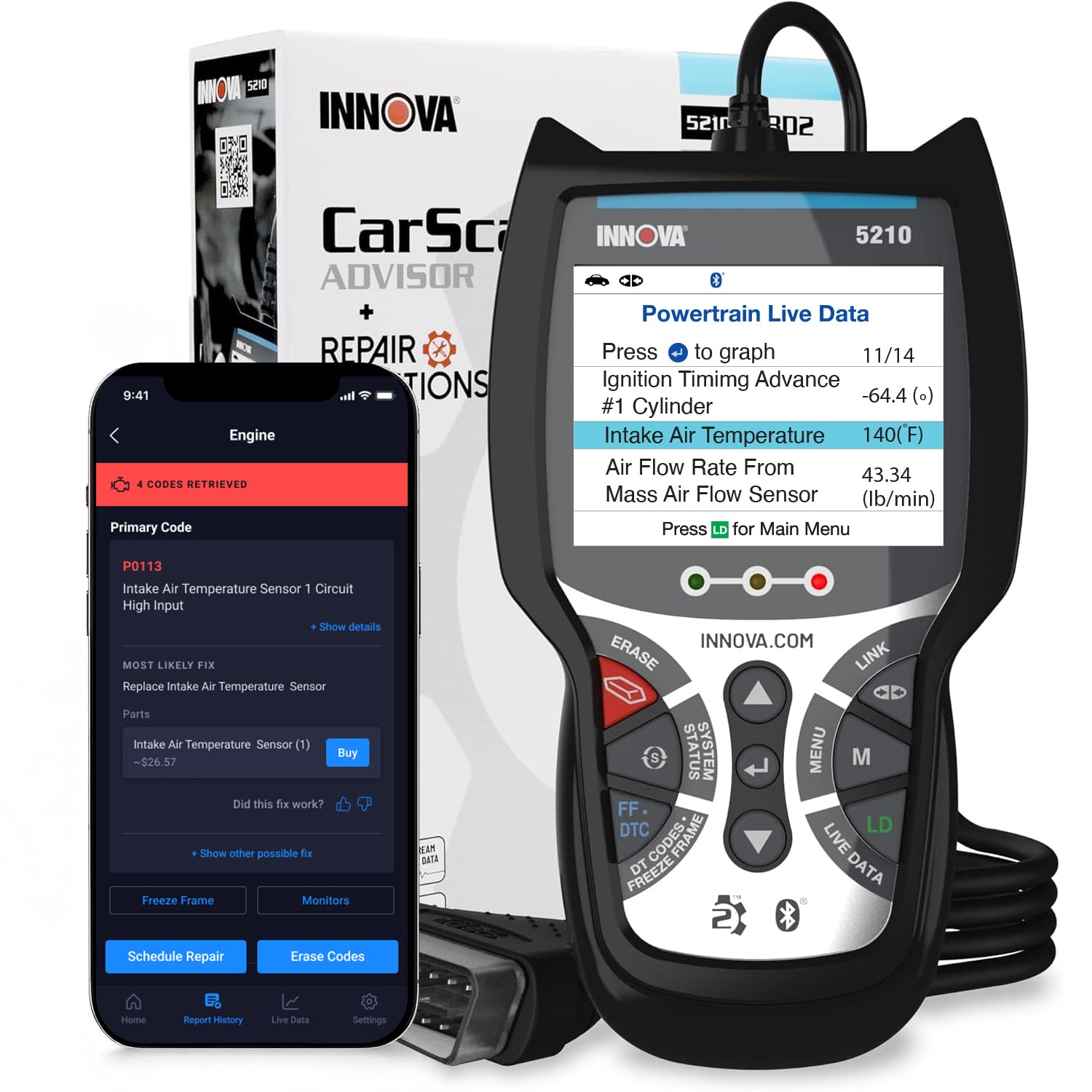
You should buy this if you want a reliable Bluetooth OBD2 tool that shows live fuel trims and helps you decide whether a part or tune is needed.
Pros
- Shows live fuel trims and real-time engine data clearly.
- Built-in battery tester adds useful diagnostics.
- Free RepairSolutions2 app gives repair guidance without subscriptions.
Cons
- App suggestions don’t always list the exact part fit for your vehicle.
- Bluetooth setup can be a little fiddly the first time.
- Lacks deep OEM-level features some pro tools have.
I used the Innova 5210 on a few cars to check fuel trims and oxygen sensor data. It delivered stable live readings and made it easy to watch short-term and long-term fuel trim while I revved the engine. The small screen on the unit helps when you just need a quick look without pulling out a laptop.
Pairing with my phone took a moment but the RepairSolutions2 app pulled up clear graphs and trouble code explanations. The fuel trim numbers updated smoothly, which helped me judge whether a lean or rich condition was transient or persistent. I also liked being able to test the battery and alternator during the same session.
When the scanner flagged a code, the app gave likely causes and estimated repair steps from mechanics. It didn’t always name the exact replacement part for my truck, so I still double-checked fitment before buying parts. Overall, this is a solid choice if you want practical fuel-trim insight without paying pro-tool prices.
Buying Guide
Choose a scanner that clearly shows live fuel trim data. Look for real-time PID support so you can see short-term and long-term fuel trim numbers as they change. This helps you spot issues while the engine runs.
Check app compatibility with your phone or tablet. Some scanners work only with certain apps or operating systems. Make sure the app displays fuel trim in easy-to-read graphs or tables.
Prioritize scan tools with stable Bluetooth connection and low latency. A steady link prevents dropped readings during testing. Also confirm the OBD2 protocol coverage matches your vehicle’s model and year.
Look for advanced features like freeze frame, live data logging, and the ability to record sessions. These let you compare before-and-after results and share data with a mechanic. Simple code reading and clearing are useful but not enough for fuel trim work.
Consider build quality and plug fit. A snug, durable connector reduces false disconnects. Battery drain and power draw matter; some adapters pull power only when the ignition is on.
Think about user interface and ease of use. You want clear menus and readable displays on the app. If you plan to do deeper diagnostics, pick a scanner that exports CSV or supports graphing.
Compare warranty and support options. Good documentation and responsive support save time when troubleshooting. Prioritize tools with regular app updates and active developer support.
Editor’s Choice
You want a scanner that reads fuel trims fast and clearly. The top pick gives accurate live data and stores logs for later review.
It connects via Bluetooth without fuss and works with popular apps on both Android and iOS. Setup is simple: plug it into your OBD2 port, pair, and open the app.
Key features:
- Precise fuel trim readings for short-term and long-term trims.
- Real-time graphing so you can watch changes while you drive.
- Data logging and export to CSV for deeper analysis.
You’ll appreciate the build quality. The unit stays cool and fits tight in crowded dashboards. Battery draw is low, so it won’t drain your car if left connected briefly.
Compatibility matters. This choice supports a wide range of vehicles and works with common diagnostic apps. You won’t need to buy extra adapters for most cars.
If you use the scanner for tuning or troubleshooting, the accurate PID stream and smooth Bluetooth link make diagnosis faster. The app’s interface keeps things clear, with labels you can understand even if you’re not a mechanic.
Conclusion
Choosing a Bluetooth OBD2 scanner for fuel trim work is about matching tools to your needs. Consider accuracy, live data speed, and app features. Pick a scanner that shows short-term and long-term fuel trim clearly.
If you do basic checks, a budget-friendly scanner with reliable live data and freeze-frame readouts will serve you. For deeper tuning or diagnostics, pick a model with advanced graphs, data logging, and wide app support.
Make sure the scanner pairs well with your phone or tablet and works with the apps you prefer. Battery life and a stable Bluetooth connection keep your sessions smooth. Look for regular app updates and good user support.
Use fuel trim data with other sensors like O2, MAF, and MAP to form a clear picture. One reading rarely tells the whole story. Combine readings, road testing, and simple fixes like cleaning the MAF or checking for vacuum leaks.
Quick checklist:
- Accurate live data and refresh rate
- Clear display of short-term and long-term fuel trim
- Compatible apps and device pairing
- Data logging and graphing features
- Good customer support and firmware updates
Choose a scanner that fits your skills and goals. That way, you get cleaner diagnostics and save time and money on repairs.
FAQS
What is fuel trim and why does it matter?
Fuel trim shows how your engine control unit adjusts fuel delivery. It helps you spot lean or rich conditions and fix issues early.
Will any Bluetooth OBD2 scanner read fuel trim?
No. Some cheap scanners show only trouble codes. You need a scanner and app that support live data and long-term/short-term fuel trim (LTFT/ STFT).
Which phone or app works best?
Most scanners work with Android and iOS, but app features vary. Check the app description for fuel trim graphs, data logging, and PID support before buying.
How accurate are readings?
Readings depend on the scanner, app, and vehicle sensors. Good scanners present stable, low-latency data. Use consistent testing conditions for reliable comparison.
Can you use fuel trim to diagnose problems alone?
Fuel trim gives clues but not a full diagnosis. Combine it with O2 sensor data, MAF readings, and smoke or fuel pressure checks to find the cause.
Do all cars support OBD2 fuel trim data?
Most cars made after 1996 support basic OBD2. Some older or non-U.S. models may lack full PID support. Verify compatibility for your make and year.
How do you interpret numbers?
Short-term fuel trim (STFT) changes quickly; long-term fuel trim (LTFT) changes slowly. Positive values mean the ECU adds fuel; negative values mean it trims fuel.
Is Bluetooth safe to use in the car?
Bluetooth itself is safe, but avoid interacting with apps while driving. Pair and set up the app before you start driving.
