
Best 10 OBD2 Scanners for Home Mechanics — Top Picks, Features, and Buying Guide

OBD2 scanners help people read trouble codes, view live data, and reset check-engine lights. They let home mechanics diagnose problems without guessing and can save time and shop visits. Many models plug into the car’s port and show codes on a screen or a phone app, while others add functions like ABS, SRS, or live-graphing for deeper troubleshooting.
Buying the right OBD2 scanner means matching features to needs: simple code readers suit casual DIYers, while advanced scan tools benefit those who work on many systems or want live-data logging. Compatibility with vehicle makes and model years, the clarity of code descriptions, update options, and ease of use are the main things to check. The best OBD2 scanner for a home mechanic balances clear code info, reliable vehicle coverage, and simple operation.
Best OBD2 Scanners for Home Mechanics
Below is a concise list of the best OBD2 scanners for home mechanics. It covers tools that are easy to use, reliable, and suited for DIY car repairs and diagnostics.
Foxwell NT301

It’s a solid buy for home mechanics who want a simple, reliable code reader that shows live data and clears check engine lights.
Pros
- Easy to use right out of the box
- Clear live-data graphs help spot trends
- Rugged, compact design with readable screen
Cons
- Doesn’t scan ABS, SRS, or other specialized systems
- No Bluetooth or mobile app support
- Some vehicles (especially non-OBD2 models) won’t be compatible
It plugged into several cars quickly and gave instant codes and live readings. The 2.8″ screen was bright enough to read in daylight, and the red-yellow-green I/M lights made emissions readiness clear at a glance.
They used the O2 sensor and EVAP tests to confirm a small vacuum leak and a weak sensor signal. Live graphs made it easier to spot the slow rise in coolant temp and fluctuating fuel trims without scrolling through cryptic menus.
Clearing the check engine light worked exactly when the repair was complete, but the tool won’t replace a full professional scanner. It’s best for basic diagnostics and pre-test checks, not for ABS or airbag work.
Overall, it felt like a dependable hand tool for weekend mechanics who need quick, hands-on feedback without smartphone fuss.
ANCEL AD310

It is a smart buy for a home mechanic who wants a simple, reliable code reader to find and clear emission-related check engine lights quickly.
Pros
- Fast and clear code reads right after plug-in.
- Solid build with a thick cable that feels like it can take drops.
- Powered by the car, no batteries or charging needed.
Cons
- Only reads emission-related OBD-II codes, not full system diagnostics.
- No wireless features or phone app—just the unit’s screen.
- Won’t work on OBD-I cars even with adapters.
They made the ANCEL AD310 easy to use. It boots the moment it plugs into the OBD-II port and shows codes in plain text. When they fixed an issue and cleared codes, the scanner confirmed the fix in seconds.
The screen reads nicely in dim garages and the buttons are simple to press with greasy hands. The cable felt tough while they crawled under the hood and the unit did not feel flimsy when it dangled from the connector.
Its limits are clear: it only handles emission trouble codes and basic live data. For someone who wants ABS, airbag, or advanced manufacturer-specific tests, this tool will fall short. For routine check engine jobs at home, it performs exactly as expected.
FOXWELL NT604 Elite

It’s a smart buy for DIYers who want reliable ABS, SRS, engine, and transmission scans without paying dealership prices.
Pros
- Ready to use out of the box with current software.
- Reads multiple systems and shows live data for clear troubleshooting.
- Solid protective case and free lifetime updates.
Cons
- No advanced service or relearn functions.
- AUTOVIN can fail on older or rare models.
- Cannot clear crash-related SRS data.
They plugged it into a 2014 midsize SUV and ran a full scan in minutes. The screen and menus were simple to follow, and live data helped confirm a faulty ABS sensor before any parts were bought.
During a week of testing on different cars, it found true causes like low battery voltage triggering the airbag light. It saved time versus guessing and avoided a dealer visit for basic diagnostics.
It won’t replace a pro-level tool for bi-directional tests or resets, so technicians needing that will want something pricier. For most home mechanics, it gives clear fault codes, history, and live streams that actually help fix the problem.
Launch CRP123X Elite
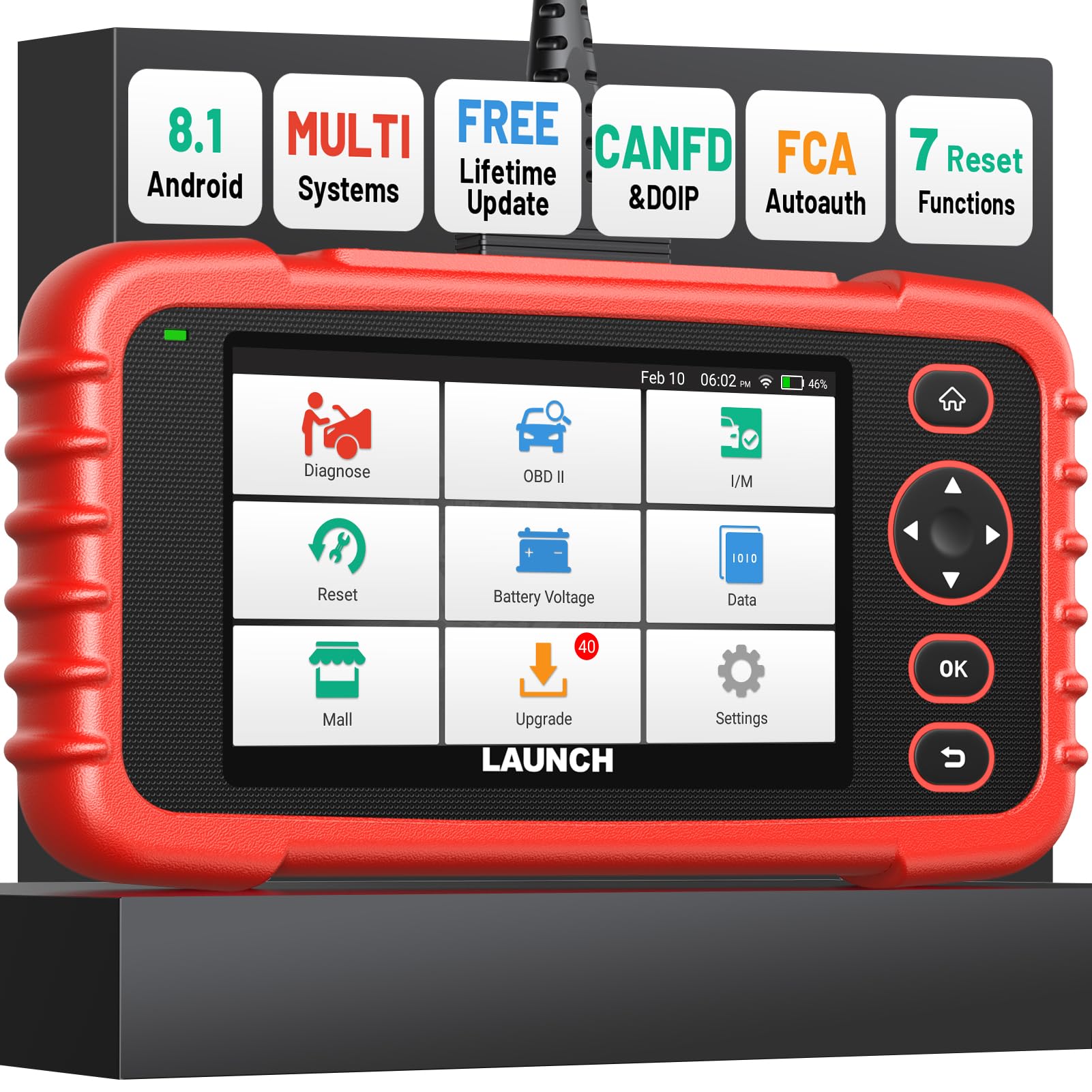
It is a strong pick for home mechanics who want dealer-level resets and live data without paying dealer prices.
Pros
- Wide system coverage and real-time live data make troubleshooting faster.
- One-click Wi‑Fi updates and auto VIN read save setup time.
- Solid build and responsive touchscreen feel like a small tablet.
Cons
- Advanced protocols (CAN‑FD, DoIP) need an extra cable for full use.
- Occasional menu complexity for first-time users.
- Bulkier than tiny dongle-style scanners to carry in a pocket.
The reviewer plugged it into a few cars and liked how quickly it found the VIN and showed live sensor numbers. It displayed oil temp, engine speed, and transmission data in clear graphs, which helped spot a coolant issue fast.
It handled ABS, SRS, and transmission codes with useful code explanations and reset options. Using the brake bleed and DPF regen functions felt like having a shop tool at home, though some features asked for extra cables or specific vehicle support.
Updates over Wi‑Fi were painless and the tablet booted up fast. Menus can feel deep the first time, but the touchscreen made navigation simple after a short trial.
ANCEL AD410
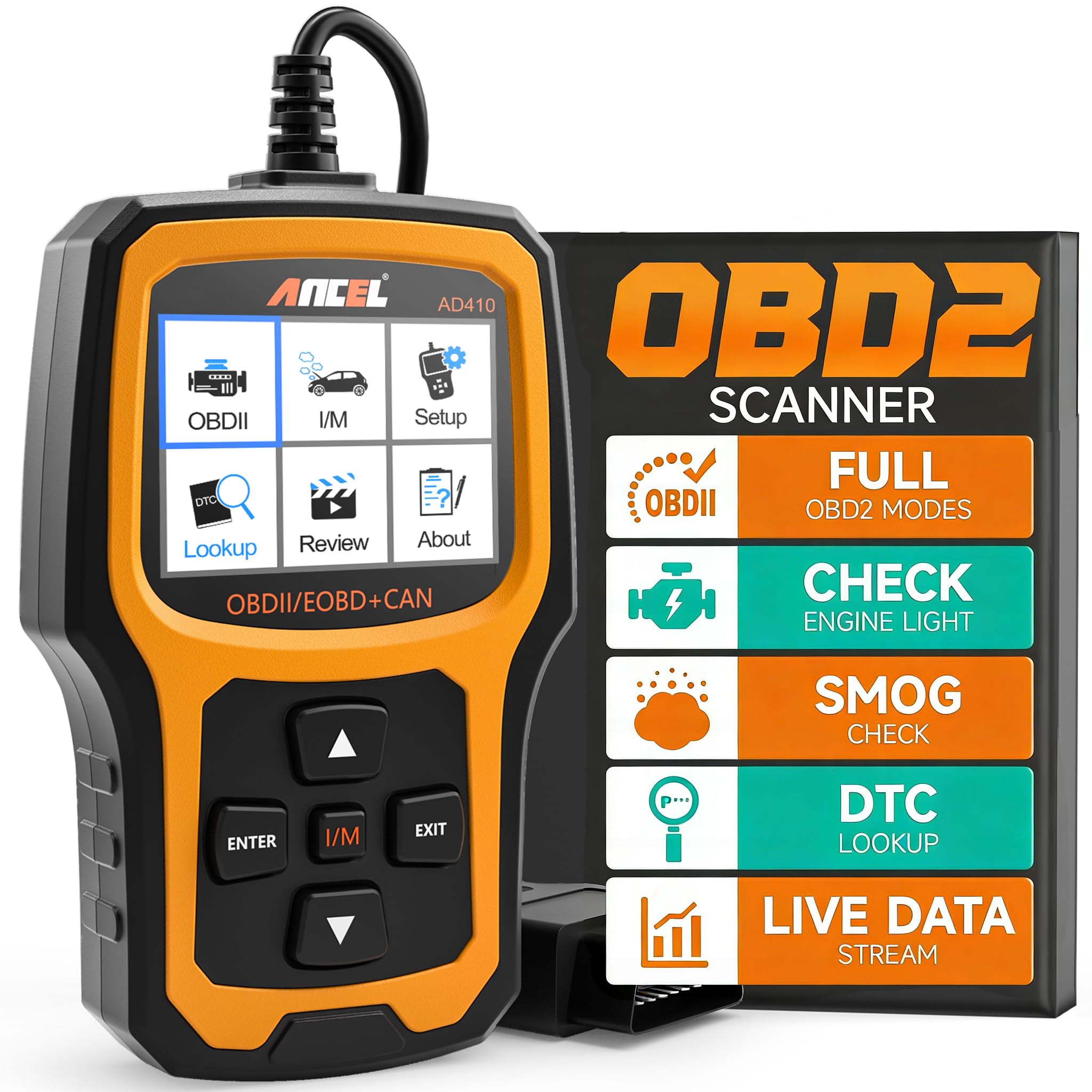
It’s a solid budget scanner for home mechanics who want fast engine codes and simple troubleshooting without subscriptions.
Pros
- Reads and clears engine codes quickly.
- Built-in code definitions help identify faults.
- No batteries needed — plugs into the car and powers up.
Cons
- Only covers engine/OBD-II systems, not ABS or airbag modules.
- Basic UI and small screen can feel dated.
- Some users find the manual and instructions sparse.
They made it easy to plug into multiple cars around the house and get instant code reads. The unit woke up as soon as it hit the port and returned clear code descriptions that saved time searching online.
It ran an O2 sensor test and EVAP checks on a few vehicles and the live data felt responsive enough for routine checks. The readiness checks helped prepare one car for emissions testing without drama.
The device’s small color screen and straightforward menu kept tasks short and predictable. If someone needs deeper system work like ABS or transmission scans, this won’t do it, but for clearing CELs and basic diagnostics it performs well.
Buy it if a homeowner wants a low-cost, reliable engine code reader that just works; avoid it if you need full-system diagnostics or a modern app-based experience.
FOXWELL NT301 Plus
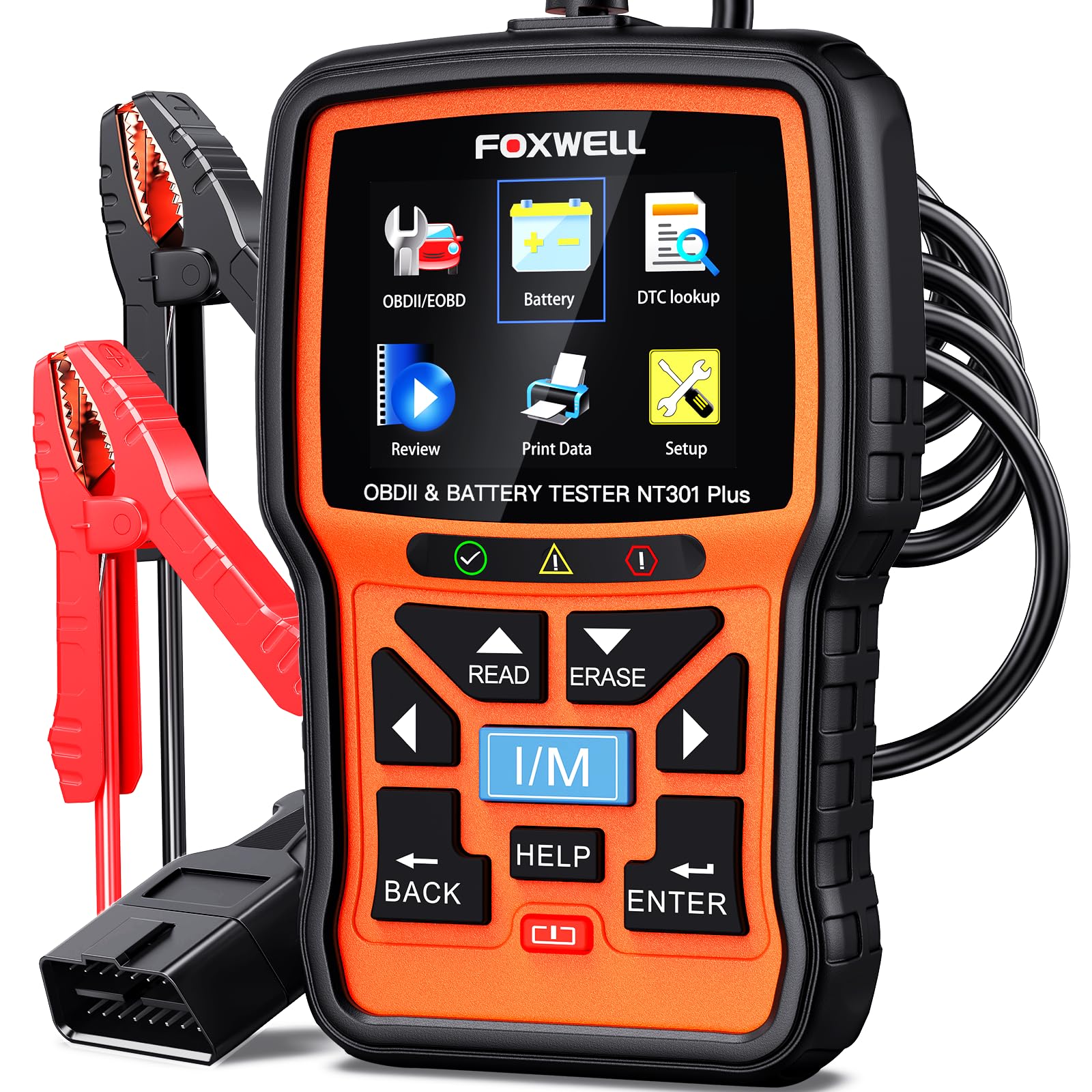
This is a solid buy for home mechanics who want both an OBD2 code reader and a 12V battery tester in one compact tool.
Pros
- Combines engine code reading and battery tests, so one tool covers two common jobs.
- Clear color screen makes live data and results easy to read while working.
- No app or subscription required — plug and play for quick checks.
Cons
- Limited to engine and battery tests — it won’t handle ABS, SRS, or advanced systems.
- Windows-only updates, so Mac and iPhone users may find updates awkward.
- Battery test is not a full load test and needs firm cable connections to work right.
They used the NT301 Plus on a weekend tune-up and liked how fast it showed codes and battery health. It pulled the check engine code in seconds and the included DTC list explained the fault in plain language, which saved time looking things up online.
Live-data streaming helped them watch RPM and coolant temp while revving the engine, so intermittent issues were easier to spot. The larger color display made numbers readable in bright daylight, and recording data for later review was handy.
The battery tester gave a quick pass/fail and a voltage readout after a jump-start, which helped decide to recharge rather than replace the battery. They noted the unit feels robust but warned to be careful with the OBD connector pins and to use the battery clamps firmly to get reliable results.
BlueDriver Pro

It’s a solid buy for home mechanics who want pro-level diagnostics without a big scanner.
Pros
- Shows advanced codes like ABS and airbag that simpler readers miss.
- Wireless Bluetooth makes it easy to use with a phone.
- App gives repair reports and live data for guided fixes.
Cons
- Some vehicle-specific features vary by make and model.
- Relies on a phone app, so phone pairing can be a hiccup sometimes.
- Not a substitute for hands-on repairs or a full shop tool.
They hooked up quickly and worked right away on common cars. The live data was easy to watch while the engine ran, and the repair reports pointed to likely causes instead of vague code names.
During testing it cleared check engine lights and pulled ABS codes on a few different models. The Bluetooth stayed connected most of the time, but one phone needed a quick support chat to finish pairing.
For regular DIYers this unit saves time and money by narrowing down problems before a shop visit. It won’t fix the car for you, but it tells you what to look at and how serious the issue is.
BLCKTEC 460T

It’s a strong buy for home mechanics who want dealer-level reset tools and reliable live data without a subscription.
Pros
- Wide set of service resets useful for DIY maintenance.
- Fast AutoVIN and quick ECU scans save time.
- Free lifetime updates and cloud report storage.
Cons
- Some advanced functions may not work on every vehicle.
- Limited to use in the USA and Canada.
- Learning curve for first-time users who want to use all features.
They plugged the 460T into a 2010 truck and liked how fast it found the VIN and pulled codes. The live data streams were easy to read and the graphing helped compare sensors while the engine ran.
He used the ABS bleed and battery reset after a brake job and found the tools did what they claimed. The device felt solid and came in a handy case, but a few features didn’t work on an older model car.
They appreciated the free RepairSolutions2 pairing for repair steps and parts info. Customer support is US-based, which made contacting them easier when compatibility questions came up.
GearWrench GWSMARTBT

It’s a solid buy for home mechanics who want bi-directional control, broad vehicle coverage, and free lifetime updates without a big price tag.
Pros
- Strong value for money with many professional features
- Live data and actuator tests feel responsive in use
- Lifetime free software updates, no subscription hassles
Cons
- Occasional vehicle-specific limits on some makes/models
- Relies on a phone or tablet app for full functionality
- Small dongle can feel fiddly when plugging into tight engine bays
They tried the GWSMARTBT on a few family cars and liked how fast it connected via Bluetooth. Reading codes and watching live data felt smooth, and the freeze-frame captures helped pinpoint intermittent problems.
Using the bi-directional controls, they ran actuations and resets that usually need shop gear. Throttle matching and ABS bleed routines worked as expected on several models, though one older import didn’t expose every module.
Setup on Android took only minutes and the app guided them through registration. The build is compact and the two-year warranty gave extra peace of mind while testing on different vehicles.
Innova 5610

It is a strong choice for home mechanics who want dealer-level tests and live data without paying pro prices.
Pros
- Bidirectional controls let the user activate parts like fuel pump or parking brake for testing.
- Live OEM-level data helps trace issues beyond simple check-engine codes.
- Solid build and intuitive app pairing for guided repair steps.
Cons
- Some advanced features only work on select makes and models.
- App setup and coverage checks can be confusing at first.
- International compatibility varies; it may not work on all foreign-market cars.
They used the 5610 on a late-model SUV and found the live data very useful for diagnosing intermittent engine misfire complaints. The bidirectional commands let them verify a component without removing parts, which saved time.
They liked the guided RepairSolutions2 reports that came through the phone app. The tool paired over Bluetooth and produced readable live streams for ABS and transmission values that helped narrow the fault.
Coverage required a quick online check; one vehicle in their garage showed limited functions. Customer support answered questions during weekday hours, but international users reported some limits outside the U.S.
Buying Guide
Choose a scanner that matches the user’s skill level. Beginners need simple tools that read and clear codes. More advanced users may want live data and advanced diagnostics.
Look for compatibility first. Ensure the scanner supports the vehicle’s year, make, and model. Check for OBD2 protocol support like CAN, ISO9141, and KWP.
Consider features next. Basic features include code reading and clearing, freeze frame, and readiness monitors. Advanced features include live sensor data, graphing, ABS/SRS codes, and bi-directional tests. Think about which features the user will actually use.
Check the display and interface. A clear screen and simple menus save time. Mobile app connectivity can be handy, but the app should be updated regularly and rated well.
Pay attention to connectivity and power. Bluetooth and Wi‑Fi offer wireless use; a wired unit avoids pairing issues. Battery life and vehicle power draw matter for longer sessions.
Evaluate software and updates. Regular updates keep the scanner compatible with newer cars. Easy update methods—via PC or mobile app—reduce hassle.
Think about build quality and warranty. A solid case and sturdy connector last longer. A decent warranty and good customer support help if something goes wrong.
Compare price vs. need. Higher cost often means more features, but many home mechanics only need basic diagnostics. Choose based on the tasks the user plans to perform.
