
How to Reset the Service or Maintenance Light (By Brand)

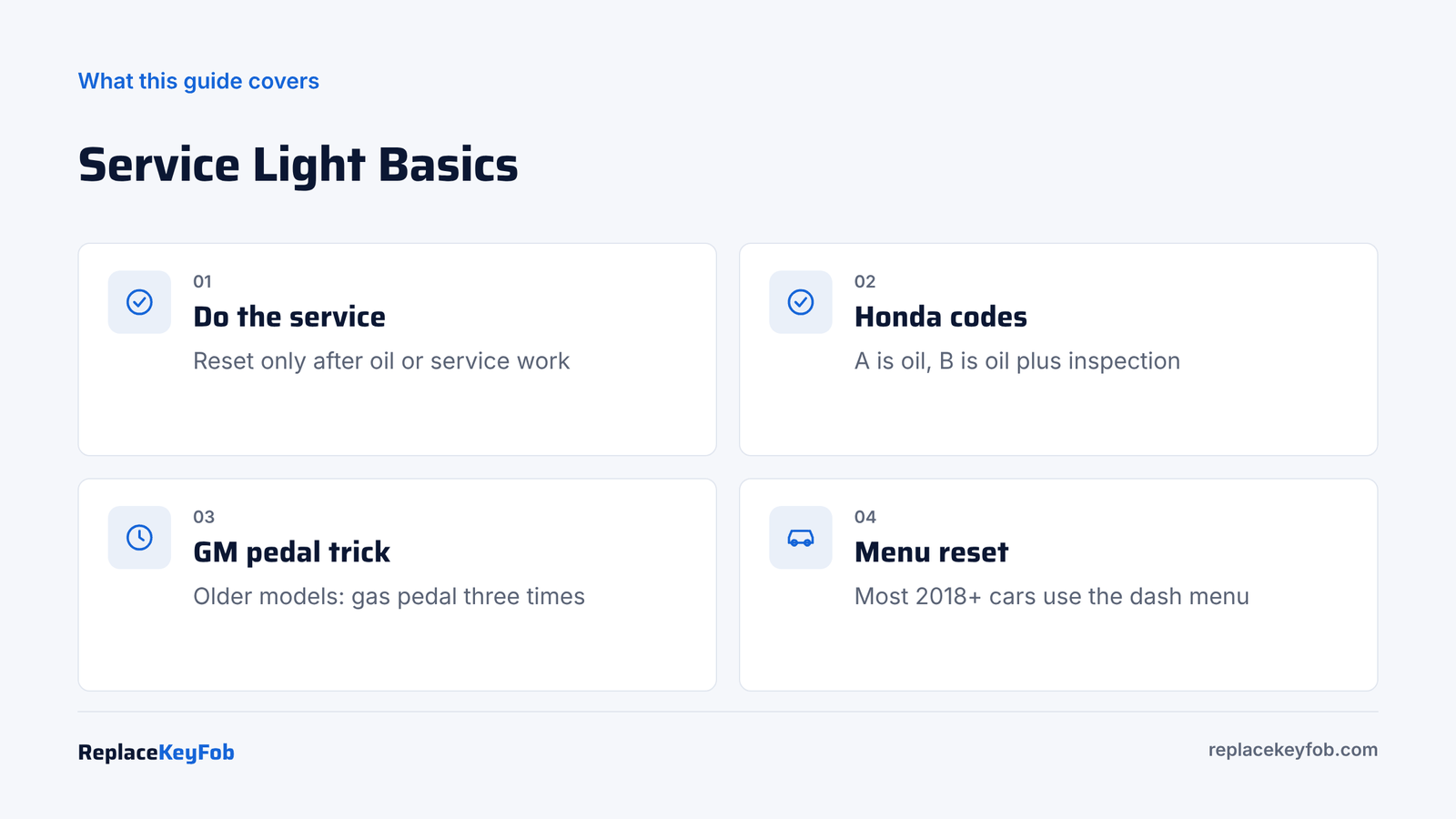
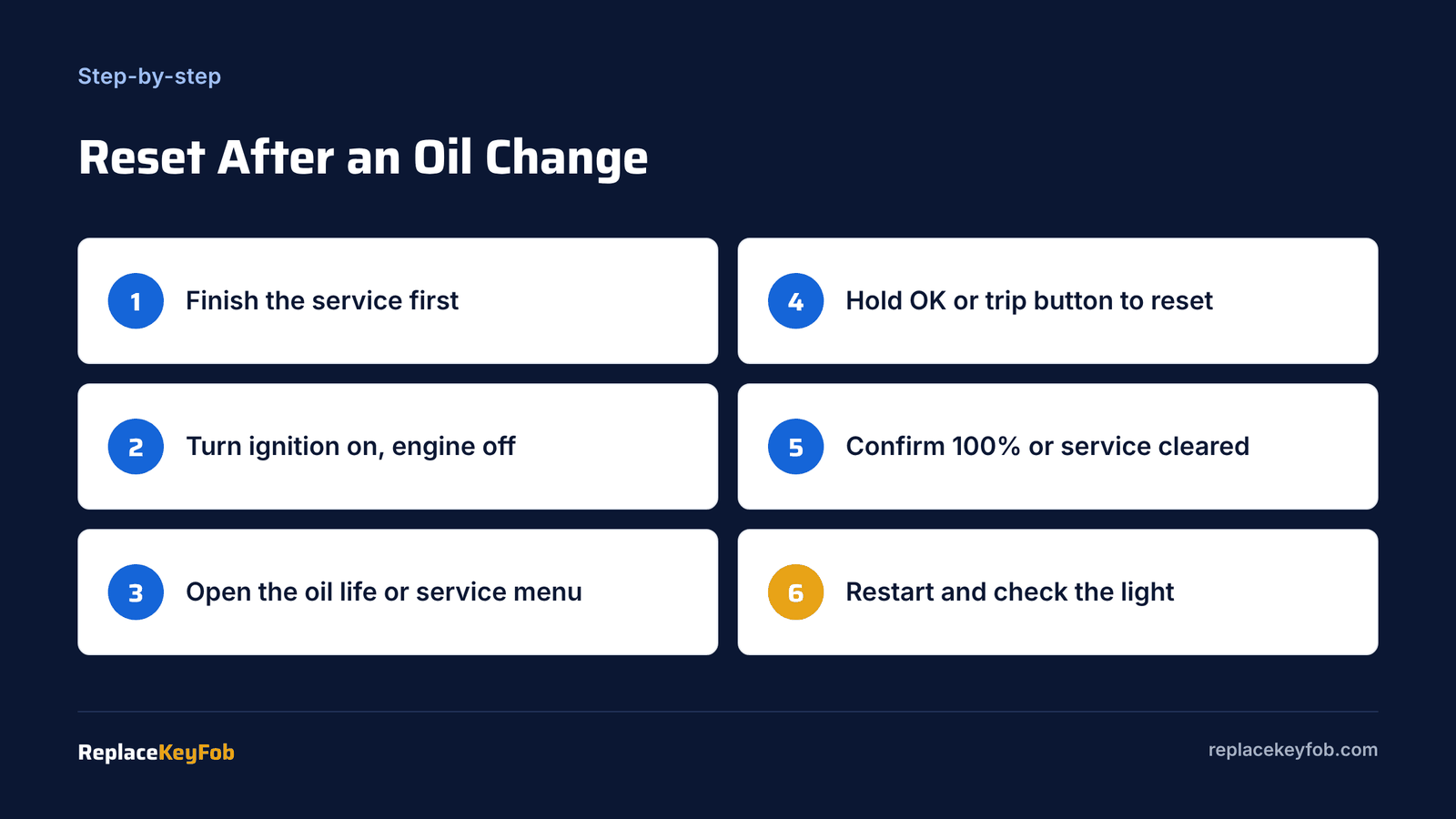
To reset the service light, finish the oil change or service first, then turn the ignition on with the engine off and use your car’s reset method: the oil life or maintenance item in the dash menu on most newer cars, the trip or reset button on older ones, or the gas pedal method on many older GM models. Hold until the display shows 100% or the message clears.
The wrench, “Service Due”, “Maintenance Required” or oil life warning is not a fault code. It is a reminder computed from mileage, time and, on many cars, how the engine has been driven. That means it does not turn off by itself after an oil change. Someone has to tell the car the work is done.
Shops usually do this for you. If you change the oil yourself, or the shop forgot, you can reset the service light in a minute or two. This guide covers the main methods by brand. For cars that only reset with a tool, see how to reset the oil light with a scan tool.
Know What the Light Is Asking For
Many systems show more than “oil change”. Read the message before resetting so you do not clear a reminder for work you have not done.
Honda Maintenance Minder codes
| Code | Meaning |
|---|---|
| A | Replace engine oil |
| B | Replace oil and filter, inspect brakes, suspension and other items |
| 1 | Rotate tires |
| 2 | Replace air cleaner and cabin filter, inspect drive belt |
| 3 | Replace transmission fluid (and transfer fluid where fitted) |
| 4 | Replace spark plugs, inspect valve clearance on some engines |
| 5 | Replace engine coolant |
| 6 | Replace rear differential fluid (AWD models) |
| 7 | Replace brake fluid |
A display such as “B12” means oil, filter, inspection, tire rotation and filters. Honda’s system lets you reset each item separately.
BMW, Mercedes and other European brands also track separate items, such as oil, brake fluid, inspection and front or rear brakes.
What You Need
- The owner’s manual (the reset steps are in the maintenance or instrument chapter)
- The key or fob, and the car parked with the engine off
- For some European cars: an OBD2 scanner with a service reset function
OBD2 scanner with oil and service reset
Useful for cars where the reset is hidden or tool-only. Check that the oil or service reset function lists your make and model year.
As an Amazon Associate, ReplaceKeyFob earns from qualifying purchases.
How to Reset the Service Light by Brand
Honda and Acura
Newer models with a menu display (many 2016 and newer):
- Turn the ignition on (engine off).
- Use the steering wheel buttons to open Settings > Vehicle > Maintenance Info, or select the wrench icon.
- Choose the item to reset, or “All Due Items”, then confirm “Reset”.
Older models with a select/reset knob:
- Turn the ignition on.
- Press the knob until the oil life percentage shows.
- Press and hold the knob for about 10 seconds until the display blinks.
- Release, then press and hold again for about 5 seconds until it reads 100%.
Chevrolet, GMC, Buick and Cadillac
Newer models: with the ignition on, scroll the driver information center to Remaining Oil Life, then press and hold the select or OK button (or choose “Reset”) until it shows 100%.
Many older GM models: turn the ignition on with the engine off, then fully press the accelerator pedal slowly three times within about five seconds. The oil life light should flash and go out. Turn the ignition off and restart to confirm.
Toyota and Lexus
Older display with trip button: turn the ignition off, set the odometer to Trip A, press and hold the trip button, then turn the ignition on while holding. Keep holding until the display shows zeros and the maintenance light goes out.
Newer multi-information display: with the ignition on, open the gear (settings) menu, go to Vehicle Settings > Scheduled Maintenance, and select Yes to reset.
Ford and Lincoln
On many models, turn the ignition on, then use the steering wheel arrows to go to Settings > Vehicle > Oil Life and press and hold OK until it resets to 100%.
On many 2011 and newer Ford models without that menu, you can also turn the ignition on (engine off), then press the brake and accelerator pedals fully at the same time and hold for about 20 seconds until the cluster shows “Service oil reset complete”. Check your manual first, because not every model supports this.
How to Reset Service Light on BMW
BMW uses Condition Based Service (CBS), which tracks oil, brake fluid, vehicle check, inspection and sometimes brake pads separately.
Many older models with a trip reset button (roughly 2004 to 2015):
- Turn the ignition off, then press and hold the trip reset button on the instrument cluster.
- While holding, press the start button once without your foot on the brake (or turn the key to position 1).
- Keep holding about 5 to 10 seconds until a service item appears.
- Release, then tap the button to scroll to the item you serviced.
- Hold the button until “Reset?” appears, release, then hold again to confirm.
Many newer models: the service items are shown through iDrive under vehicle status or service requirements. On some models, the reset is done through the cluster button sequence above; on others, a scan tool with BMW CBS reset is the easiest route. Brake fluid and inspection items can only be reset once their due date window is reached on some models.
How to Reset Service Light on Peugeot 208
On many first-generation Peugeot 208 models (about 2012 to 2019):
- Turn the ignition off.
- Press and hold the trip reset button on the instrument panel.
- Turn the ignition on while holding. The display counts down from about 10.
- Keep holding until the display shows =0 and the spanner symbol disappears.
- Release and turn the ignition off, then back on to confirm.
Newer 208 models (2019 onward) use the touchscreen or a scan tool; check the handbook.
How to Reset Service Light on Nissan Juke
On many Nissan Juke models, the maintenance reminder lives in the vehicle information display. With the ignition on, use the steering wheel or cluster buttons to go to Settings > Maintenance > Engine Oil, then select Reset. On early models with a simpler cluster, the reset uses the trip and display buttons; your handbook lists the exact sequence.
Hyundai, Kia, Subaru, Mazda and VW
Most current models use a menu: User Settings > Service Interval > Reset (Hyundai/Kia), Settings > Maintenance (Mazda, Subaru) or Settings > Service > Reset on many VW models. Older VW and Audi models often use a cluster button held while turning the ignition on.
If the Light Will Not Reset
| Problem | Fix |
|---|---|
| Light comes back next start | The reset did not finish; hold the button longer or redo the sequence |
| Only one item reset | Systems like Honda and BMW reset items separately; reset each one |
| Menu item grayed out | Some cars need the engine off and the car in Park |
| It is the check engine light, not service | Different system; see clearing the check engine light |
| European car with no button method | Use a scan tool with service reset |
Mistakes to Avoid
- Resetting without doing the service. You lose the reminder and the car’s calculation of oil life.
- Mixing up the oil and TPMS lights. The tire pressure warning resets in a different way; see how to reset the TPMS light.
- Ignoring other codes. A Honda “B” or a BMW “brake fluid” reminder is real work, not just oil.
Cost
Resetting the light is free if you do it yourself. A quick-lube shop includes it with an oil change, usually about $50 to $130 for synthetic oil in 2026. A dealer may charge about $30 to $80 to reset a light by itself if you did the service elsewhere. A scan tool with oil reset functions often pays for itself after a couple of uses. See our list of OBD2 scanners for oil reset.
Frequently Asked Questions
Turn the ignition on with the engine off, open the oil life or maintenance item in the dash menu, and hold the OK or reset button until it shows 100%. Older cars use a trip button or, on many GM models, three slow presses of the gas pedal.
On many older BMWs, hold the trip reset button, turn the ignition to position 1, keep holding until a service item appears, scroll to the item, then hold until “Reset?” shows and hold again. Newer models may need iDrive or a scan tool.
On many pre-2020 208 models, hold the trip reset button with the ignition off, turn the ignition on while holding, and keep holding until the countdown reaches =0 and the spanner disappears.
B means change the oil and filter and do an inspection. The 1 means rotate the tires, and 2 means replace the air and cabin filters and check the drive belt.
No. It is a reminder based on mileage, time and driving conditions. It stays on until someone resets it after the service is done.