
KINGBOLEN Soloscan for GM Review: Is It Worth It?
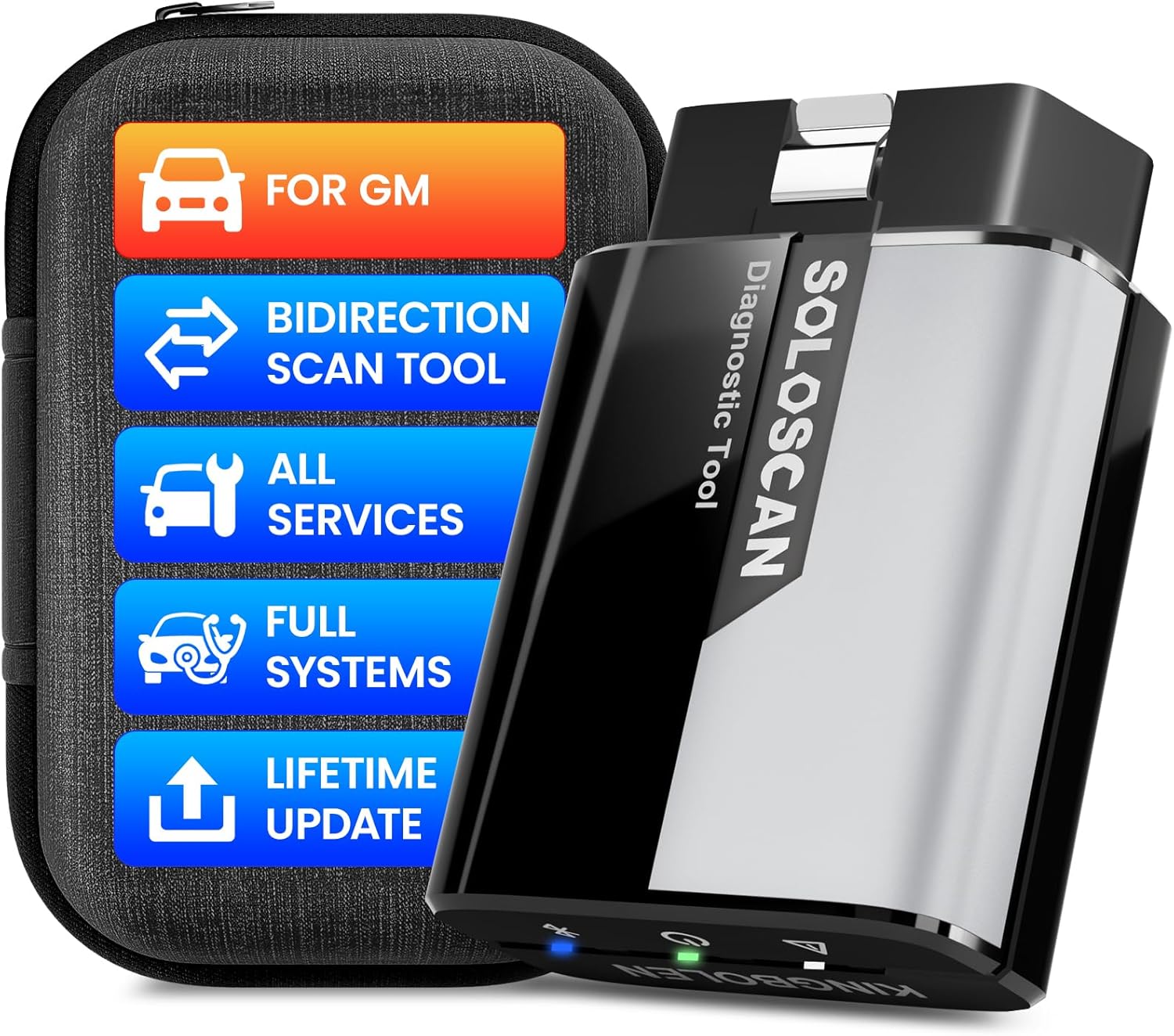
The KINGBOLEN Soloscan for GM is a Bluetooth scanner that runs on iOS or Android and is built for GM-family vehicles such as Chevrolet, GMC, Buick and Cadillac. It offers full-system diagnostics, live data, bidirectional active tests, maintenance functions and supported ECU coding. It is a good fit for GM owners who want deep features without a tablet.
The KINGBOLEN Soloscan for GM is a Bluetooth OBD2 scanner built for full-system diagnostics on supported GM-family vehicles through an iOS or Android device. Its primary use is giving DIY mechanics and technicians access to fault codes, live data, active tests, maintenance functions, and supported ECU coding without carrying a dedicated scan tablet.
This KINGBOLEN Soloscan for GM review focuses on the GM-oriented version covering supported GM, Chevrolet, Buick, Cadillac, Daewoo, Holden, Ravon, and related vehicles. It sits above basic Bluetooth code readers because it combines full-system scanning with bidirectional controls, CAN FD support, AutoVIN, and lifetime online updates.
🏆 My Quick Verdict
💡 Best For: GM-family owners and advanced DIY users wanting smartphone-based full-system diagnostics, active tests, and maintenance functions.
⚡ Key Specs:
Bluetooth 5.2, iOS 9.0+ and Android 5.0+, CAN FD, full-system diagnostics, bidirectional control, AutoVIN, 15 maintenance functions, 22 languages, lifetime online updates.
✅ Bottom Line: Soloscan offers unusually deep phone-based diagnostics for supported GM vehicles without annual update fees. Its biggest caution is that coding, active tests, resets, and module coverage vary by exact model, year, and installed system.
At a Glance
- GM-focused software supports diagnostics across compatible Chevrolet, Buick, Cadillac, and other GM-family vehicles.
- Full-system scanning can reach supported modules beyond standard engine-only OBD2 diagnostics.
- Bidirectional controls let users command compatible actuators during fault isolation.
- CAN FD expands communication capability for supported newer vehicle platforms.
- The EDIAG app works with compatible iOS and Android smartphones.
- Lifetime online updates avoid the recurring update charges common with some advanced scan tools.
Specifications
| Specification | Verified Detail |
|---|---|
| Product Type | Bluetooth OBD2 diagnostic scanner |
| Connection | Bluetooth 5.2 |
| Mobile Support | iOS 9.0+ and Android 5.0+ |
| Vehicle Focus | Supported GM-family vehicles |
| Diagnostics | Full-system diagnostics and full OBD2 functions |
| Advanced Functions | Bidirectional tests, AutoVIN, adaptation, matching, supported ECU coding |
| Maintenance | 15 listed maintenance functions |
| Protocol | CAN FD supported |
| Languages | 22 |
| Updates | Lifetime free online updates |
Design & Build Quality
Soloscan uses a compact dongle-style design rather than a separate diagnostic tablet. The scanner plugs into the vehicle diagnostic port while the phone handles menus, graphs, reports, and controls.
This arrangement reduces the hardware you need to carry and makes the tool practical for a glove box or mobile diagnostic kit. Two visually different Soloscan housings may exist, but documentation indicates they provide the same functions.
Setup, Installation & Ease of Use
- Inspect the scanner and supplied materials before connecting it to the vehicle.
- Download the EDIAG app on a compatible Android or iOS device.
- Create or sign into the required app account and activate the scanner.
- Insert the adapter firmly into the vehicle’s OBD2 diagnostic port.
- Establish the Bluetooth connection through the supported app workflow.
- Allow the appropriate diagnostic software package to download for the selected vehicle.
- Store the scanner in a dry protective location when it is not being used.
Core Performance & Feature Breakdown
Soloscan’s strongest capability is access to supported vehicle systems beyond generic emissions diagnostics. KINGBOLEN lists systems including engine, transmission, ABS, SRS, body control, battery management, TPMS, steering-angle, lighting, and other modules.
Bidirectional testing is the feature that most clearly separates it from inexpensive code readers. On supported vehicles, active tests can command components so a user can distinguish an electrical control problem from a component that simply is not responding.
Expert Insight
Treat advanced functions as vehicle-specific capabilities rather than universal promises. Confirm the exact year, model, engine, module, and desired procedure before buying a scanner for one particular coding or service job.
CAN FD support also matters for newer GM architectures because it gives the adapter hardware support for that higher-performance network. Live-data graphing, recording, and diagnostic reports can make intermittent problems easier to document than a static fault-code screen.
Key Features Explained
Full-System Diagnostics
Full-system access lets Soloscan interrogate compatible electronic modules instead of stopping at generic engine codes. That matters when a warning originates from ABS, airbags, body electronics, transmission controls, or another supported system.
Bidirectional Active Tests
Active tests send commands from the app to supported vehicle components and modules. This can shorten diagnostic work, although the available commands differ substantially between vehicles.
Maintenance Functions
KINGBOLEN lists functions including oil reset, steering-angle reset, brake functions, injector coding, TPMS reset, battery matching, ABS bleeding, DPF service, gearbox learning, and EGR adaptation. Not every listed procedure is available on every GM vehicle.
Lifetime Updates
Lifetime online updates are a major ownership advantage because the scanner does not depend on an annual update renewal for its advertised software support. Users should still keep both the EDIAG app and downloaded vehicle software current.
Real-World Usability & Maintenance
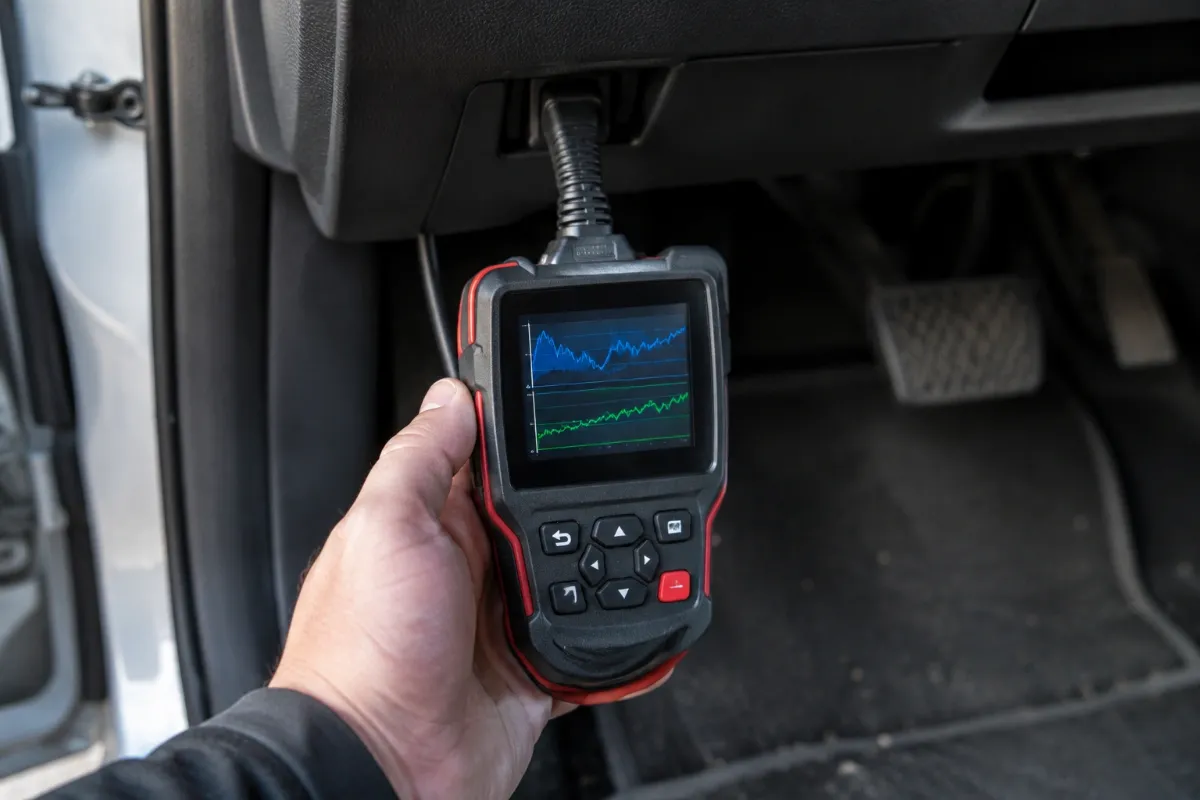
Phone-based operation makes Soloscan convenient for owners who already carry a capable smartphone. Reports and live-data graphs are easier to view on a modern phone than on many small budget scanner displays.
Keep the OBD connector clean and avoid forcing it into a misaligned diagnostic port. For software problems, update the app, verify the correct vehicle package, reconnect Bluetooth, and confirm that no conflicting wireless connection is interfering.
For more context on KINGBOLEN’s broader Bluetooth platform, see our KINGBOLEN Ediag Elite review.
Pros & Cons
Pros
- Full-system access provides much deeper diagnostic capability than basic engine-code readers.
- Bidirectional tests can help isolate faults on compatible GM systems.
- CAN FD support makes the hardware more relevant to newer vehicle networks.
- Lifetime online updates eliminate recurring software-update fees.
Cons
- Advanced functions vary by exact vehicle and cannot be assumed from the feature list alone.
- The scanner depends on a compatible phone and the EDIAG app rather than having its own display.
- Supported ECU coding is not equivalent to unrestricted programming of every GM module.
Common Issues & Fixes
The app does not recognize the scanner: Activation, app version, or Bluetooth setup may be incorrect. Confirm device activation, update EDIAG, and reconnect through the supported app process.
A listed function is unavailable: The specific vehicle or control module may not support that procedure. Verify function-level compatibility for the exact model and year.
Communication drops during diagnosis: Wireless interference or an unstable diagnostic-port connection may interrupt communication. Reseat the adapter and disconnect unnecessary nearby Bluetooth devices.
What to Know Before You Buy
The most important check is exact vehicle coverage, not merely the GM badge. Module availability, active tests, resets, adaptations, and coding can change between platforms, years, engines, and trim configurations.
Also understand the difference between ECU coding and full module programming. Soloscan can provide supported coding and adaptation functions, but buyers should not assume it replaces every dealer-level programming procedure.
Who Should Buy It / Who Should Skip It
✅ Who Should Buy It
- GM-family owners who need more than generic check-engine diagnostics.
- Advanced DIY mechanics who want active tests and service procedures from a phone.
- Small-shop users who value portable full-system diagnostics with lifetime updates.
✗ Who Should Skip It
- Drivers who only need occasional generic check-engine code reading.
- Users who prefer a self-contained scanner with its own screen.
- Technicians who require guaranteed dealer-level programming for every control module.
Alternatives to Consider
XTOOL A30M V2.0
Best For: Multi-brand users wanting full-system smartphone diagnostics.
Main Advantage: Supports CAN FD, FCA AutoAuth, live-data graphing, and lifetime updates.
Trade-off: It is less GM-specialized than the Soloscan GM package.
Key Spec: Up to eight live-data streams can be graphed simultaneously.
OBDLink MX+
Best For: GM owners prioritizing broad app compatibility and enhanced GM network access.
Main Advantage: Supports iOS, Android, Windows, GM SW-CAN, and numerous third-party diagnostic apps.
Trade-off: It is primarily a flexible diagnostic interface rather than a Soloscan-style bundled bidirectional platform.
Key Spec: Supports all legislated OBD-II protocols plus advanced GM and Ford networks.
You can compare these alternatives in our XTOOL A30M V2.0 review and OBDLink MX+ review.
Is It Worth It?
The KINGBOLEN Soloscan for GM is worth considering when you will actually use its full-system access, active tests, and maintenance capabilities. Those functions provide much more diagnostic value than a generic Bluetooth engine-code reader.
Its lifetime-update model strengthens the long-term value proposition. The deciding factor should still be confirmed support for the exact GM vehicle and procedure you need.
Final Verdict
The KINGBOLEN Soloscan for GM is a strong smartphone-based diagnostic option for serious GM owners who need deeper access than standard OBD2 readers provide. Choose it for supported full-system diagnostics, bidirectional testing, maintenance functions, CAN FD, and lifetime updates, but verify vehicle-specific advanced functions before purchase.
Frequently Asked Questions
Will the KINGBOLEN Soloscan work with every GM vehicle?
No, exact function coverage must be verified for the specific vehicle. The GM-oriented package covers supported GM-family vehicles, but module access and advanced functions can vary by model, year, engine, and configuration.
Does Soloscan work with iPhone and Android?
Yes, documented compatibility includes iOS 9.0 or later and Android 5.0 or later. The scanner communicates through Bluetooth and uses the EDIAG mobile app.
How large is the KINGBOLEN Soloscan?
It is a compact dongle-style scanner rather than a tablet diagnostic tool. Published listings differ in how physical measurements are reported, so buyers concerned about clearance around the diagnostic port should confirm the current seller dimensions before ordering.
Does it require paid software updates?
KINGBOLEN advertises lifetime free online updates for Soloscan. Keeping the mobile app and downloaded diagnostic packages current is still important for reliable operation.
What warranty does KINGBOLEN provide?
KINGBOLEN’s current store warranty states one year from receipt for covered quality-related problems. Warranty handling and return requirements should be checked against the seller used for the purchase.
How should I maintain the scanner?
Keep the connector clean, dry, and protected when the scanner is not in use. Avoid forcing the plug, keep the EDIAG software updated, and disconnect or store the adapter safely when long-term connection is unnecessary.
Affiliate disclosure: replacekeyfob.com earns a small commission when you purchase through links on this page — at no extra cost to you. Our editorial process is independent: affiliate relationships never influence which products we recommend or how we rank them.