
7 OBD Auto Doctor Compatible OBD2 Adapters: 2026 Picks

OBD Auto Doctor works with a specific family of adapters, but not every ELM327 dongle on Amazon plays nicely with it. Some connect instantly and stream live data without a hitch. Others stall at the pairing screen or drop the connection mid-scan, usually because the Bluetooth protocol, chipset, or CAN-bus handling doesn’t match what the software expects.
Picking the right OBD Auto Doctor compatible OBD2 adapter comes down to matching the connection type (Bluetooth Low Energy versus classic Bluetooth versus USB) to your device and diagnostic goals. Phone and tablet users generally want BLE. Windows users doing deep FORScan-style work often do better with a wired USB adapter that offers a stronger, more stable connection to the ECU. Ford, Lincoln, and Mazda owners chasing hidden module settings need something more specialized than a basic code reader.
The biggest mistake buyers make is assuming any OBD2 dongle works the same as any other; chipset quality, CAN-bus switching, and Bluetooth protocol all affect whether OBD Auto Doctor or FORScan will even connect. We’ve used most of the adapters below across gas, hybrid, and diesel vehicles, pairing them with OBD Auto Doctor, FORScan, and a few other diagnostic apps to see which ones hold a connection under real driving conditions.
Best for mobile scanning with OBD Auto Doctor: Veepeak OBDCheck BLE
Best for dedicated FORScan diagnostics on Windows: OBDLink EX FORScan OBD Adapter
Best for HS/MS-CAN switching on a budget: Vgate vLinker FS OBD2 USB Adapter
Best for a screen-based, app-free experience: FOXWELL NT301 OBD2 Scanner
Best for BMW and EV-specific data: Veepeak OBDCheck BLE+
Best for Nissan Leaf and EV owners: LELink Bluetooth Low Energy OBD-II Scanner
Best for unlocking hidden Ford and Mazda features: MOCATEC USB OBD Adapter for FORScan
Veepeak OBDCheck BLE Bluetooth OBD II Scanner

Buy this one if you want a no-fuss BLE adapter that pairs cleanly with OBD Auto Doctor on both iPhone and Android.
Pros
- True Bluetooth LE support works with iOS, which many older ELM327 clones cannot do
- Reads and clears codes, live data, and I/M readiness for smog checks
- Compact size tucks under the dash without blocking pedals
Cons
- No support for ABS, SRS, or manufacturer-specific resets
- Requires connecting through the app menu, not the phone’s Bluetooth settings
- EV and hybrid coverage depends entirely on the app used
This adapter has become something of a default recommendation for OBD Auto Doctor users because Veepeak’s BLE chipset is well documented and consistently supported. Setup takes a couple of minutes: install the app, select Bluetooth LE as the connection type, then choose the device from inside OBD Auto Doctor rather than the phone’s system settings. That last step trips up a lot of first-time buyers.
Once connected, it holds a stable link during highway driving and short trips alike, which matters when you’re logging live data over time. It won’t do advanced coding or module-level resets, but for check-engine-light diagnosis and everyday monitoring, it’s hard to beat at this price point.
OBDLink EX FORScan OBD Adapter

Buy this if you drive a Ford, Lincoln, or Mazda and want the closest thing to dealership-level diagnostics on a Windows laptop.
Pros
- Electronic CAN-bus switching accesses HS-CAN and MS-CAN simultaneously
- Built specifically for FORScan with faster throughput than toggle-switch adapters
- Wired USB connection avoids Bluetooth dropouts during long sessions
Cons
- Windows-only, so it won’t work with OBD Auto Doctor on iOS or Android
- Costs more than basic Bluetooth dongles
- Overkill for drivers who just want check-engine-light readings
This is a FORScan specialist, not a general OBD Auto Doctor adapter, and that distinction matters. The electronic switch is the real advantage here: cheaper adapters use a physical toggle to flip between CAN buses, which means missed data and manual guesswork. This one switches automatically and reads both buses without interruption.
Ford and Mazda owners using it for module-level access, transmission temperature readouts, or feature customization report rock-solid connections even during extended programming sessions. If your diagnostic work centers on FORScan rather than OBD Auto Doctor, this is the adapter to buy.
Vgate vLinker FS OBD2 USB Adapter
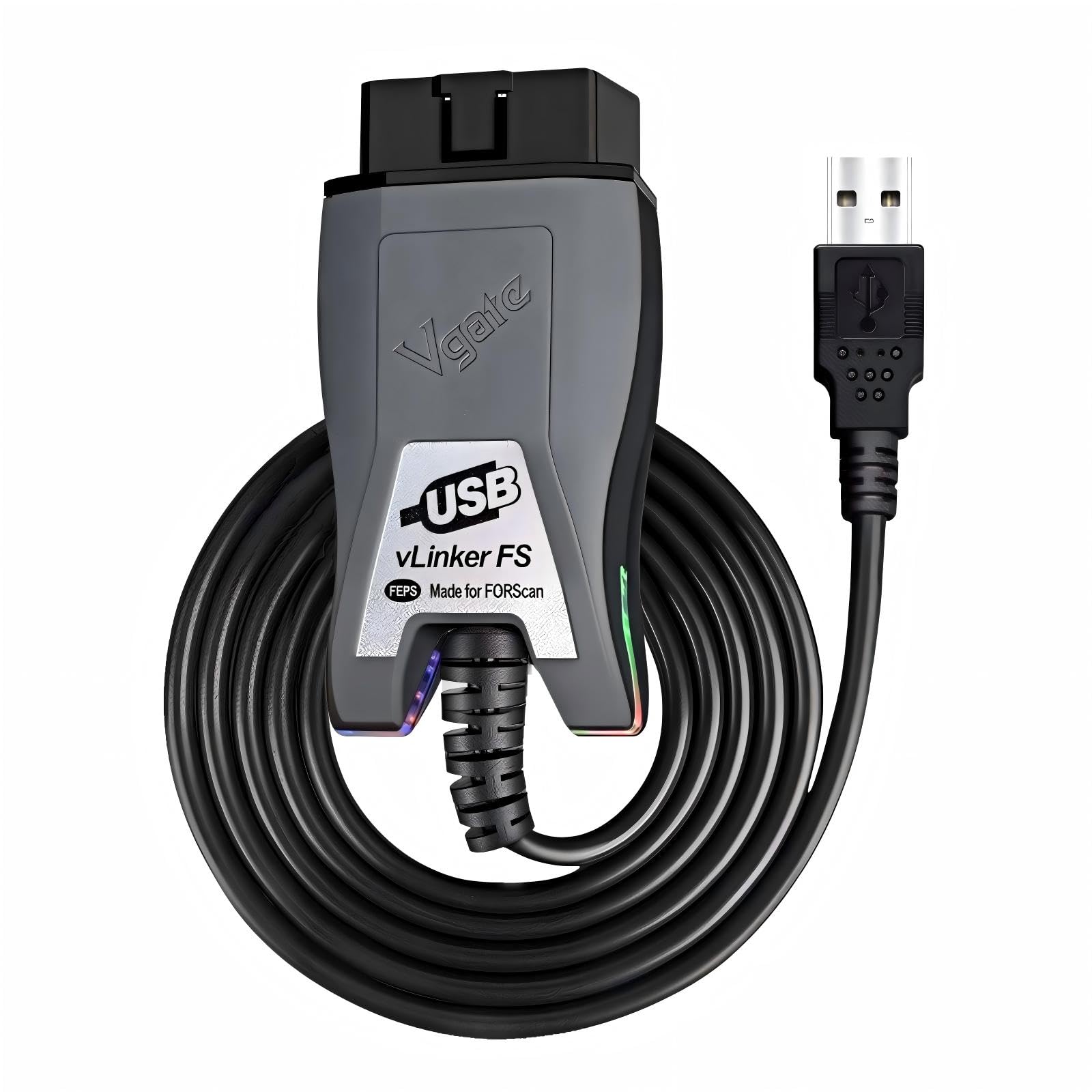
Buy this if you want FORScan-grade CAN-bus switching without paying OBDLink prices.
Pros
- Automatic HS/MS-CAN switching, no manual toggle required
- High-speed data transfer handles large DTC pulls without truncation
- Works with AlfaOBD and VCTool in addition to FORScan
Cons
- Windows-focused, limiting its use with mobile OBD Auto Doctor setups
- Driver and firmware installation can be fiddly on older PCs
- Not built for casual, app-based phone scanning
The vLinker FS earns its reputation among Ford tuners and DIYers doing ECU flashing, and the auto-switching CAN bus puts it in the same functional category as far pricier tools. Reviewers doing PCM tuning and module resets report flawless performance once drivers are installed correctly.
The catch is that first-time setup with Windows can require a firmware update before the adapter talks to your laptop properly. Budget twenty extra minutes the first time you plug it in. After that, it’s a dependable, fast connection for FORScan work at a noticeably lower cost than dedicated FORScan-branded hardware.
FOXWELL NT301 OBD2 Scanner

Buy this if you’d rather skip apps and phones entirely and read codes straight off a dedicated screen.
Pros
- Self-contained color display means no app pairing or software required
- Handles O2 sensor tests and EVAP leak checks beyond basic code reading
- One-click I/M readiness check simplifies smog test prep
Cons
- Not compatible with OBD Auto Doctor since it doesn’t pair with phones or PCs
- Firmware updates require a Windows computer, no Mac support
- Bulkier than a pocket-sized Bluetooth dongle
The NT301 sits outside the OBD Auto Doctor ecosystem by design. It’s a handheld unit with its own screen, so there’s no app to configure and no Bluetooth pairing to troubleshoot. For drivers who want a grab-and-go tool that works the same way every time, that simplicity has real appeal.
Live data graphing on the 2.8-inch screen is genuinely useful for spotting a lean fuel trim or erratic O2 sensor reading without hooking up a laptop. It won’t integrate with OBD Auto Doctor’s software ecosystem, but as a standalone diagnostic tool it covers the basics well and then some.
Veepeak OBDCheck BLE+

Buy this upgraded Veepeak model if you drive a BMW or EV and want deeper sensor access alongside standard OBD Auto Doctor functions.
Pros
- Supports classic Bluetooth in addition to BLE for wider app compatibility
- Works well with BimmerCode and BimmerLink for BMW-specific data
- EV battery state-of-health reporting available on supported models
Cons
- Advanced BMW and EV features often require paid third-party apps
- Pre-2008 BMWs aren’t supported by BimmerCode or BimmerLink
- Still no support for injector coding, EPB reset, or ABS bleeding
The BLE+ builds on the standard OBDCheck BLE with dual Bluetooth support, which opens the door to more Android apps that haven’t updated for BLE-only connections. That flexibility makes it a slightly safer bet if you’re not certain which app you’ll end up using long-term.
BMW owners get real value here through BimmerCode and BimmerLink integration, letting them view and adjust vehicle-specific parameters that generic OBD-II tools can’t touch. EV drivers checking battery health will want to confirm their specific model is supported in Car Scanner before buying, since coverage varies by manufacturer.
LELink Bluetooth Low Energy OBD-II Scanner
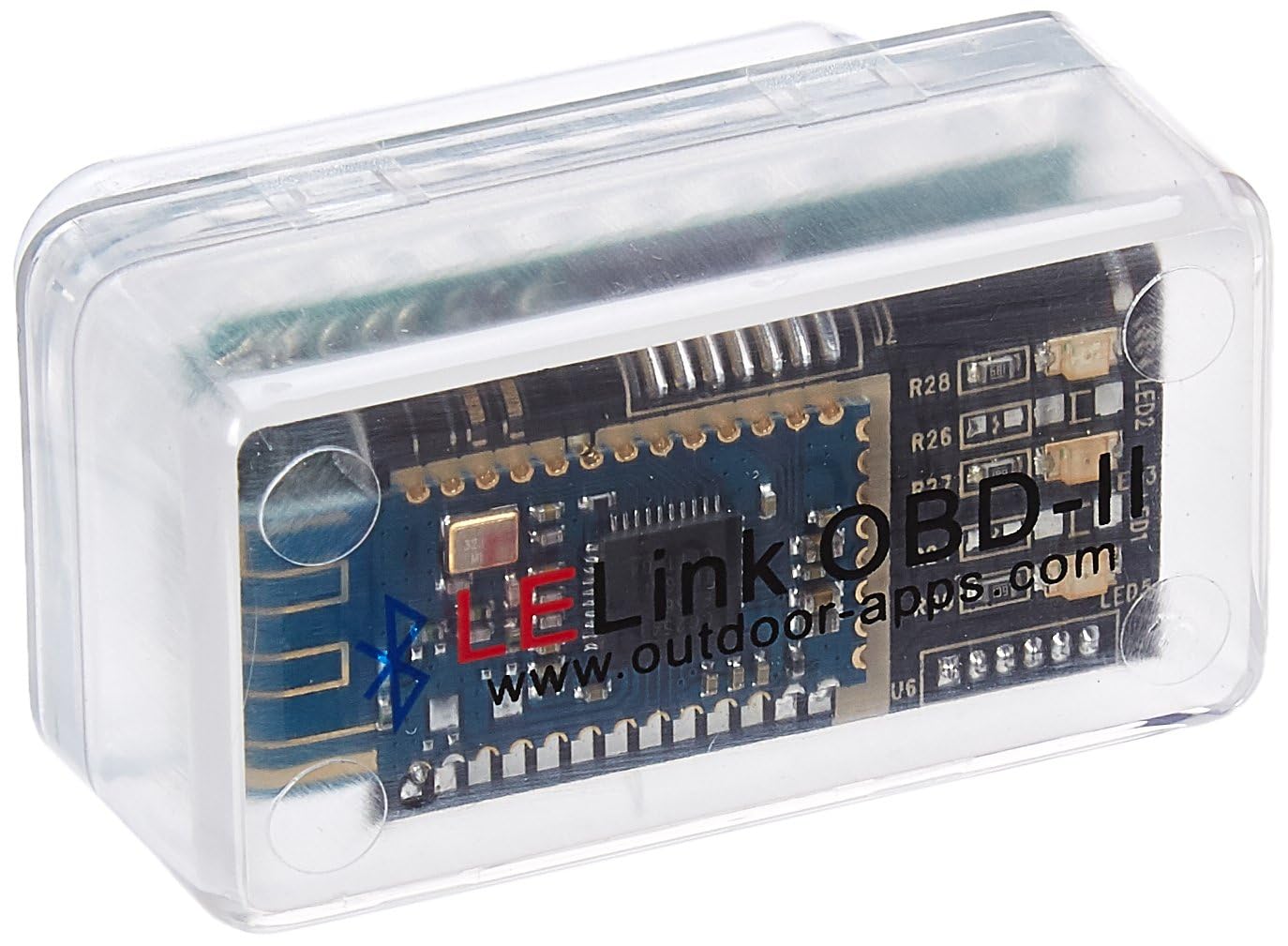
Buy this if you own a Nissan Leaf or another EV and need reliable, low-power Bluetooth data logging.
Pros
- Configurable auto on/off prevents battery drain from a parked car
- Strong reputation among Leaf Spy users for consistent EV data readouts
- Passcode protection adds a layer of security most competitors skip
Cons
- Interface feels dated compared to newer BLE adapters
- Some users report inconsistent results on older, non-CAN vehicles
- Companion apps like Leaf Spy Pro cost extra
The LELink has carved out a loyal following among Nissan Leaf owners specifically, and that specialization shows. Where other adapters struggle with EV-specific PID data, this one reads it cleanly and repeatedly, according to owners who’ve used it for over a year of regular Leaf Spy monitoring.
Zero standby power draw is a genuinely useful feature for anyone who leaves the adapter plugged in permanently. It won’t feel as polished as newer BLE dongles when paired with OBD Auto Doctor on a gas vehicle, but for EV-focused diagnostics it remains a dependable, low-cost option.
MOCATEC USB OBD Adapter for FORScan
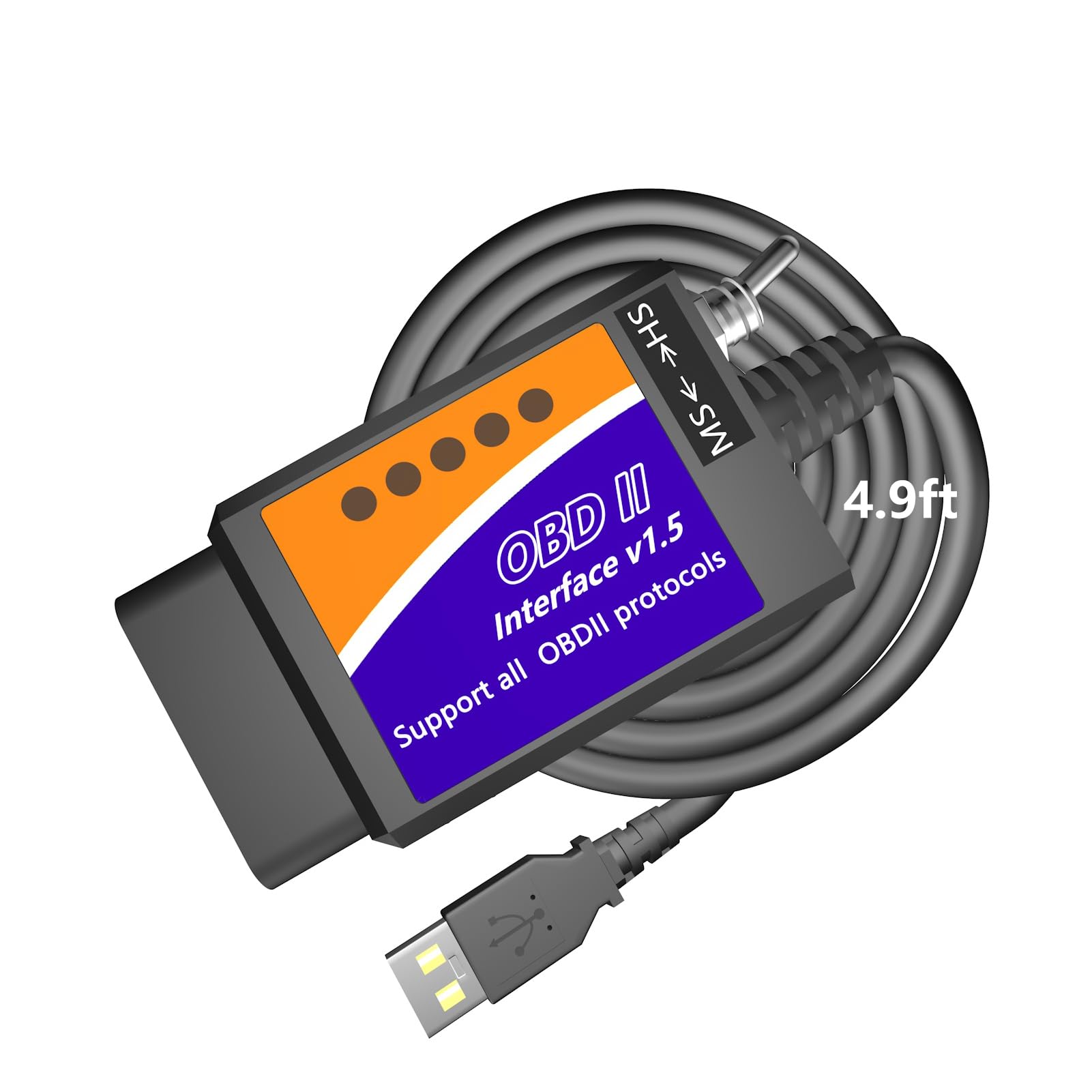
Buy this if you want to unlock hidden Ford, Lincoln, Mercury, or Mazda features rather than run everyday OBD Auto Doctor scans.
Pros
- Long 4.9-foot cable reaches the passenger seat comfortably
- Built-in HS-CAN/MS-CAN toggle switch works with FORScan module access
- Unlocks manufacturer hidden features like auto-folding mirrors and remote start
Cons
- Windows-only, incompatible with macOS, iOS, and Android entirely
- Not built for OBD Auto Doctor or general cross-brand diagnostics
- Feature success depends heavily on whether your specific vehicle has the module installed
This adapter exists for a narrow but popular use case: customizing Ford, Lincoln, Mercury, and Mazda vehicles through FORScan rather than running standard OBD Auto Doctor diagnostics. The extra-long cable is a small but appreciated touch, since 3-foot cables from competitors often can’t comfortably reach a laptop resting on the passenger seat.
Results vary by vehicle. Owners with the right factory modules report genuinely fun customization wins, like digital speedometers or adjusted daytime running lights. Others find their trim level simply lacks the hardware needed, which is a limitation of the vehicle, not the cable.
Buying Guide
Choosing the right adapter starts with knowing which platform you’ll run OBD Auto Doctor on, since that single decision eliminates most incompatible options immediately.
Connection Type: Bluetooth vs. USB
Bluetooth Low Energy (BLE) adapters pair with phones and tablets and work well for iOS, which doesn’t support classic Bluetooth serial connections. USB adapters connect directly to a Windows laptop and tend to offer a more stable link for extended diagnostic sessions or ECU programming, where a dropped Bluetooth connection could interrupt a write operation.
| Connection Type | Best For | Watch Out For |
|---|---|---|
| Bluetooth LE | iPhone, Android phones, quick scans | App must support BLE specifically, not just “Bluetooth” |
| Classic Bluetooth | Older Android apps, Torque | Not supported on iOS at all |
| USB (wired) | Windows PCs, FORScan, ECU flashing | No use on phones or Macs without emulation |
Chipset Quality and Protocol Support
Genuine ELM327 chipsets and well-supported clones handle all five OBD-II protocols reliably: CAN, KWP2000, ISO9141, J1850 PWM, and J1850 VPW. Cheap unbranded adapters often cut corners here, causing incomplete data or failed connections on certain vehicle years.
HS-CAN and MS-CAN Switching
Ford, Lincoln, Mazda, and Mercury owners doing FORScan work need an adapter that can access both High-Speed CAN and Medium-Speed CAN buses. Basic OBD-II adapters only read HS-CAN, missing body control and comfort modules entirely. Look for “auto switch” or “electronic switch” language, which indicates the adapter toggles buses without manual intervention.
App and Software Compatibility
Confirm the adapter’s advertised app list actually includes your diagnostic software. Some adapters marketed generically as “OBD2 scanners” explicitly exclude certain apps due to licensing or protocol conflicts. Cross-reference before buying rather than assuming universal compatibility.
Vehicle Coverage
Most adapters cover 1996-and-newer gasoline vehicles sold in the US. Diesel, hybrid, and EV support varies significantly and often depends more on the app’s vehicle profile than the adapter’s hardware.
Editor’s Choice
The Veepeak OBDCheck BLE stands out as the strongest all-around match for OBD Auto Doctor on phones and tablets. Its BLE chipset connects reliably on iOS, a platform where many competing adapters simply fail to pair, and it handles the core functions most drivers actually need: reading and clearing codes, checking I/M readiness, and streaming live sensor data.
For FORScan-specific work on Ford, Lincoln, or Mazda vehicles, the OBDLink EX earns the nod. Its electronic CAN-bus switching and wired stability outperform toggle-switch adapters, making it worth the higher cost for anyone doing serious module-level diagnostics rather than casual code reading.
Conclusion
Matching the adapter to the platform avoids the most common frustration with OBD-II tools: buying a device that simply won’t connect. Phone and tablet users running OBD Auto Doctor should prioritize BLE-specific adapters like the Veepeak models, while Windows users doing FORScan work need a USB adapter with proper HS/MS-CAN switching.
Ford, Lincoln, and Mazda owners chasing hidden features sit in their own category entirely, since general OBD-II adapters won’t unlock manufacturer-specific modules the way a FORScan-optimized cable will. Check your vehicle’s module list and your operating system before choosing, and the rest of the decision narrows quickly.
FAQS
Does OBD Auto Doctor work with any Bluetooth OBD2 adapter?
No. It requires an adapter using a supported ELM327-based chipset with proper BLE or classic Bluetooth implementation. Unbranded or poorly made clones frequently fail to pair or drop data mid-scan.
Can I use the same adapter for OBD Auto Doctor and FORScan?
Some can, but the two tools have different priorities. OBD Auto Doctor works well with BLE dongles built for mobile use, while FORScan performs best with wired USB adapters that support HS/MS-CAN switching. A handful of adapters, like the Vgate vLinker FS, work with both types of software.
Why won’t my adapter pair with my iPhone?
iOS doesn’t support classic Bluetooth serial profiles for OBD2 adapters. The adapter needs true Bluetooth Low Energy support, and pairing must happen from within the diagnostic app rather than the iPhone’s Bluetooth settings menu.
Do I need a paid app to use these adapters?
The adapter itself is a one-time purchase, but some diagnostic apps charge separately for premium features like manufacturer-specific modules or advanced live data graphs. Check the app’s pricing structure before assuming full functionality is included.
What’s the difference between HS-CAN and MS-CAN?
High-Speed CAN handles engine, transmission, and safety-critical modules. Medium-Speed CAN typically carries body control and comfort features like power windows or mirrors. FORScan-focused adapters need to access both buses to unlock full vehicle customization options.
