How to Program a Key Fob With an OBD2 Scanner

You can program a key fob through the OBD2 port only with a scanner that has immobilizer (IMMO) or key programming functions for your exact vehicle. Plug it in, turn the ignition on, open the IMMO menu, choose “Add key,” follow the prompts, then test the remote and the engine start. A basic code reader cannot program keys.
The OBD2 port under your dashboard is the same connection a locksmith uses to add keys to most modern cars. With the right tool, an owner can do the job at home in 10 to 30 minutes. The catch is that “OBD2 scanner” covers everything from a $20 code reader to a professional key programmer, and only some of them can talk to the immobilizer. This guide explains how to tell the difference and how the process works.
New to key programming? Start with our main guide on how to program a key fob, which covers the free onboard methods some cars still support.
Can an OBD2 scanner program a key fob?
Only some can. Programming a key means the tool has to unlock the car’s immobilizer or body control module, write the new key’s ID and, on many cars, pull a security PIN. That requires software written for each brand. Generic OBD2 functions, such as reading engine codes and live data, are standardized; key programming is not.
| Tool type | Can it program keys? | Typical use |
|---|---|---|
| Basic code reader | No | Read and clear engine codes |
| Bluetooth OBD2 adapter + generic app | No (with a few brand-specific exceptions, such as FORScan on some Fords) | Codes, live data |
| Bidirectional scan tool with “IMMO” or “key programming” listed | Yes, on listed vehicles | Advanced DIY, small shops |
| Dedicated key programmer (Autel IM series, Xtool, OBDStar and similar) | Yes, wide coverage, includes all-keys-lost on many cars | Locksmiths, serious DIY |
Always look up your exact make, model and year in the tool’s coverage list. The same tool may support “add key” on one model and nothing on the next. Our roundup of OBD2 scanners with key programming compares the main options.
What you need before you start
- A compatible key or fob. The FCC ID, frequency and transponder type must match your car. A used fob may need to be “unlocked” or renewed by the tool first.
- The key cut to your locks (if it has a blade), so it can turn the ignition on turn-key cars.
- At least one working key for the simple “add key” route. Without one, you need the all-keys-lost function, which not every tool or car supports.
- A healthy car battery. A voltage drop during programming can fail the session or, in rare cases, corrupt a module. Use a battery maintainer if the job takes a while.
- Updated tool software and any required subscription or tokens.
How to program a key fob with an OBD2 scanner: step by step
Menus differ between tools, but the process follows the same pattern:
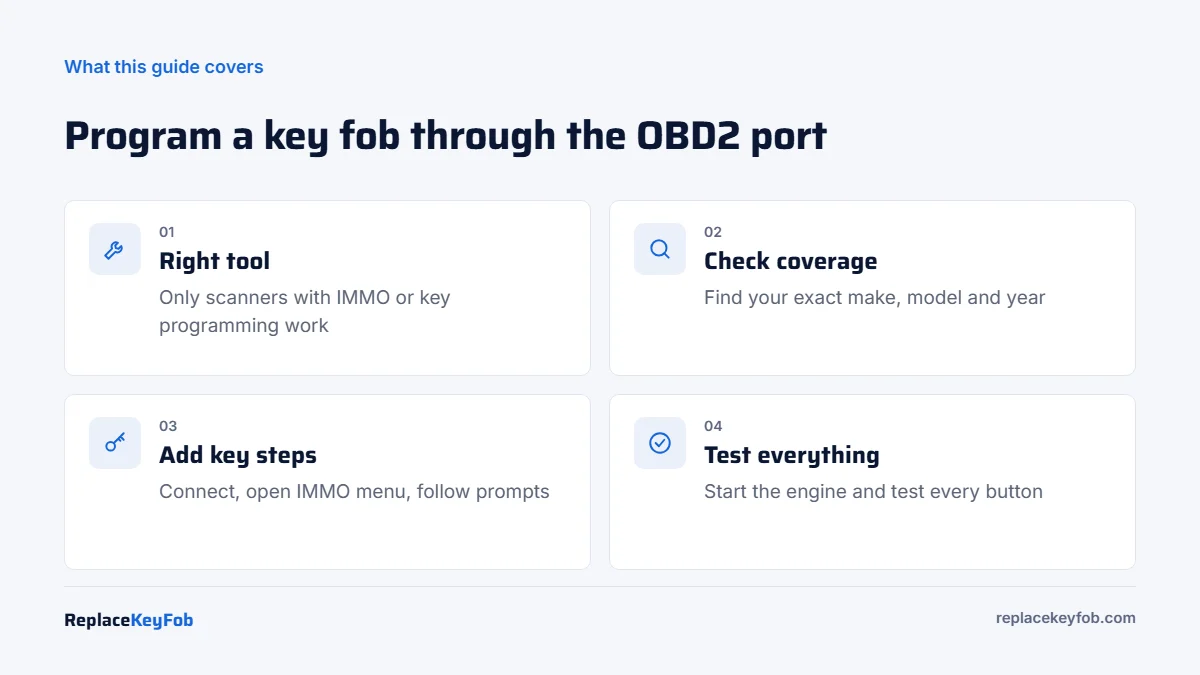
- Connect the tool. Plug it into the OBD2 port (usually under the dash on the driver side). Turn the ignition on, or press the start button twice without the brake on a push-button car.
- Identify the vehicle. Use automatic VIN detection or select make, model and year manually.
- Open the immobilizer menu. Look for “IMMO,” “Key learning,” “Key programming” or “Anti-theft.”
- Choose the job. “Add key” if you have a working key, “All keys lost” if not. Some tools also offer “Read PIN” or “Read key info.”
- Pass security access. The tool may read the PIN code automatically, ask for it, or run a timed security wait (10 to 30 minutes is common on some Chrysler, Dodge, Jeep and GM vehicles). Do not interrupt it.
- Present the keys. Insert the new key into the ignition, or hold a smart key against the start button or in the backup slot, when the tool asks. Many cars require you to re-present existing keys too.
- Program the remote if needed. On some cars, transponder and remote programming are separate steps in the same menu.
- Test everything. Start the engine with each key, and test lock, unlock, trunk and panic on each fob.
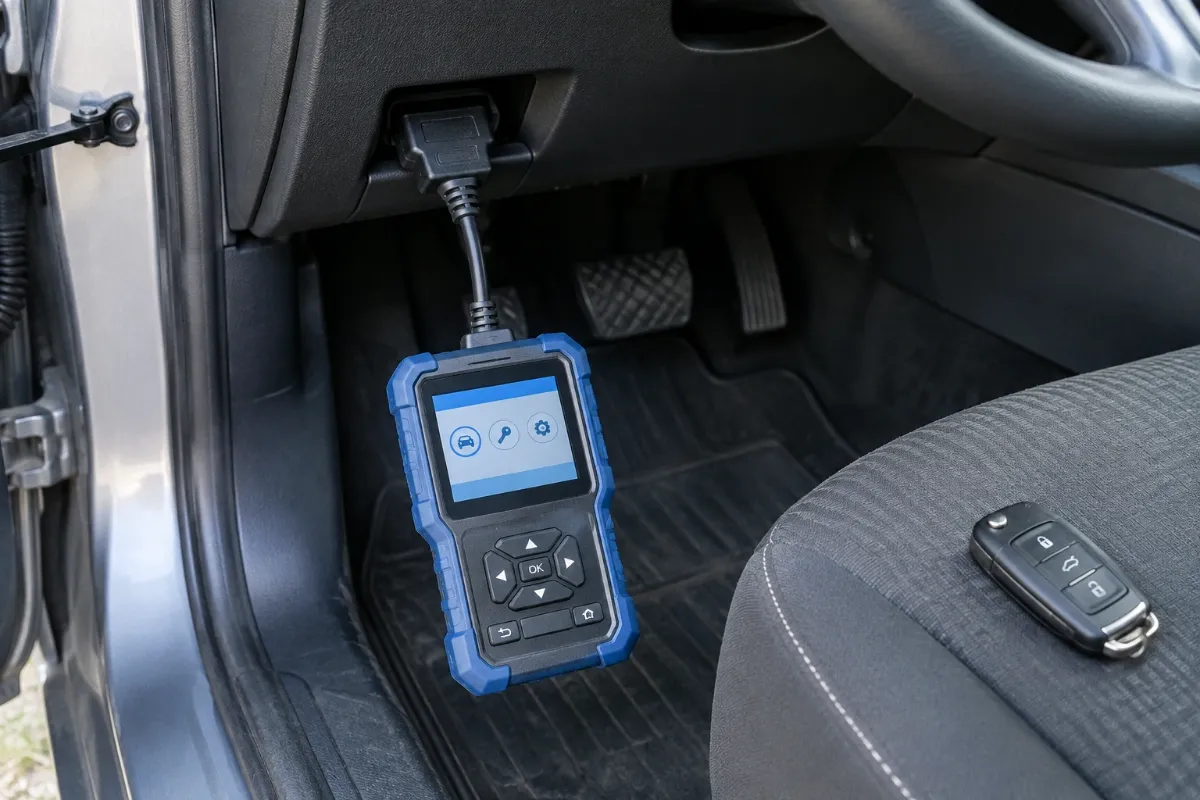
OBD2 Scanner With Key Programming (IMMO)
Pick a tool whose coverage list names your vehicle for “add key.” Check whether all-keys-lost is supported and whether updates need a paid subscription.
As an Amazon Associate, ReplaceKeyFob earns from qualifying purchases.
Cars where OBD2 key programming is hard or not possible
- Many newer European models (BMW, Mercedes-Benz, VW Group, Volvo, Jaguar Land Rover). Some need module removal and bench work, or dealer-only online access.
- Newer vehicles with gateway modules. Some 2018+ Chrysler, Dodge, Jeep and Ram vehicles have a security gateway that blocks third-party tools unless the tool supports a bypass or authorized online access.
- Very recent model years that the tool’s software does not cover yet.
- Tesla and other phone-key systems, where keys are added through the car’s screen or app instead of the OBD2 port.
What about FORScan on Ford vehicles?
FORScan with a compatible OBD2 adapter can program keys on many Ford, Lincoln and Mercury vehicles, usually with the extended license (free trial available). It is one of the few low-cost options that works well, but coverage varies by model, and the PATS security wait still applies. Our FORScan adapter guide lists adapters that work reliably.
If programming fails
- “Key not recognized”: the transponder type or frequency is wrong, or the key is locked to another car.
- Security access denied: wrong PIN, outdated software, or a gateway module blocking access.
- Remote works but car will not start: the immobilizer step did not complete. See immobilizer light flashing.
- Car will not start after programming: some cars need a full ignition cycle or a few minutes before accepting the new key. Retry, then check the tool log.
If two attempts fail, stop and call a locksmith. Repeated failed sessions can lock out the immobilizer for a period on some vehicles.
Frequently Asked Questions
No. Only tools with immobilizer or key programming software for your vehicle can. Basic code readers and most generic Bluetooth apps cannot.
For the simple “add key” function, usually yes. Without a working key you need an all-keys-lost function, which fewer tools and cars support.
Usually 10 to 30 minutes, including any security wait. All-keys-lost jobs can take longer.
Usually not. A locksmith is cheaper for a single key. A tool pays off if you have several vehicles or program keys regularly.
It is rare, but a voltage drop or an interrupted session can cause module problems. Use a charged battery or maintainer and never unplug the tool mid-process.