
10 Best Car Code Reader for Freeze Frame Data: Top Picks and Buyer’s Guide

Car code readers let drivers and mechanics read trouble codes from a vehicle’s computer, see live sensor readings, and sometimes clear codes after repairs. Freeze frame data captures a snapshot of engine and sensor conditions at the moment a fault occurred, which helps pinpoint what triggered the check-engine light. For people who do repairs at home or who want clearer information before visiting a shop, a code reader with reliable freeze frame data can save time and avoid guesswork.
The key things to look for are the reader’s ability to display complete freeze frame parameters (like RPM, coolant temp, fuel trim, and throttle position), compatibility with the vehicle’s protocols and model years, and an easy-to-read display or smartphone app. A good freeze frame-capable code reader shows all relevant sensor values from the moment of the fault, supports the user’s car, and stores the snapshot for review. The next section tests and ranks models that meet those needs to help readers pick the best option.
Best Car Code Readers for Freeze Frame Data
Below is a curated list of the best car code readers that capture and display freeze frame data. It helps buyers compare features, ease of use, and value so they can pick the right tool for diagnosing issues quickly.
ANCEL AD310

It is a solid buy for someone who wants a simple, fast code reader that shows freeze frame data and clears emission-related codes.
Pros
- Easy to use and reads freeze frame data clearly.
- Sturdy cable and compact body that survive garage work.
- No batteries needed — it powers from the car.
Cons
- Only reads emission-related OBDII codes, not full system diagnostics.
- No wireless or app features for mobile viewing.
- Won’t work on pre-OBDII (OBDI) cars even with adapters.
The first time using the AD310 felt straightforward. It plugged into the OBDII port, powered on instantly, and showed freeze frame snapshots without menu fuss. Reading codes and seeing the live data felt quick and reliable during a short test drive.
It handled basic tasks like a pro: pull a CEL, check freeze frame data, and clear the code after a repair. The screen is bright enough under garage lighting and the buttons respond well while kneeling by the wheel. The 2.5-foot cable felt thick and durable, so it didn’t twitch or kink while working.
Limitations showed when a fault lay outside emissions systems. He noticed an engine-related issue the AD310 didn’t catch because it’s scoped to OBDII emission codes only. People who want ABS, airbag, or advanced module scans will need a different tool.
Overall, it proved dependable for home mechanics and travelers who need fast freeze frame reads and code clearing without extra tech. It’s simple, built tough, and saves trips to the shop for basic check engine light work.
Autel AL319

It is a solid budget choice for freeze frame data and quick code reads because it shows freeze frame, live data, and clears CEL without fuss.
Pros
- Easy plug-and-play use for quick checks.
- Clear freeze frame and live data on a simple color screen.
- Compact and durable; feels good in hand.
Cons
- Limited advanced features for professional techs.
- Small screen can be cramped when viewing many live data points.
- No wireless app support; cable-only connection.
They plugged the AL319 into an older Honda and a newer SUV and got codes and freeze frame instantly. The menu was simple, and the One-Click I/M Readiness saved time when checking emissions status.
It showed freeze frame snapshots that matched the CEL event, which helped pinpoint whether the fault happened while idling or under load. Reading and clearing codes took only seconds, and the light went off on both test cars.
The unit felt solid and the cable length hit a good middle ground. A pro shop tool would do more, but for a DIYer who wants reliable freeze frame data without apps or subscriptions, this hits the mark.
BluSon YM319
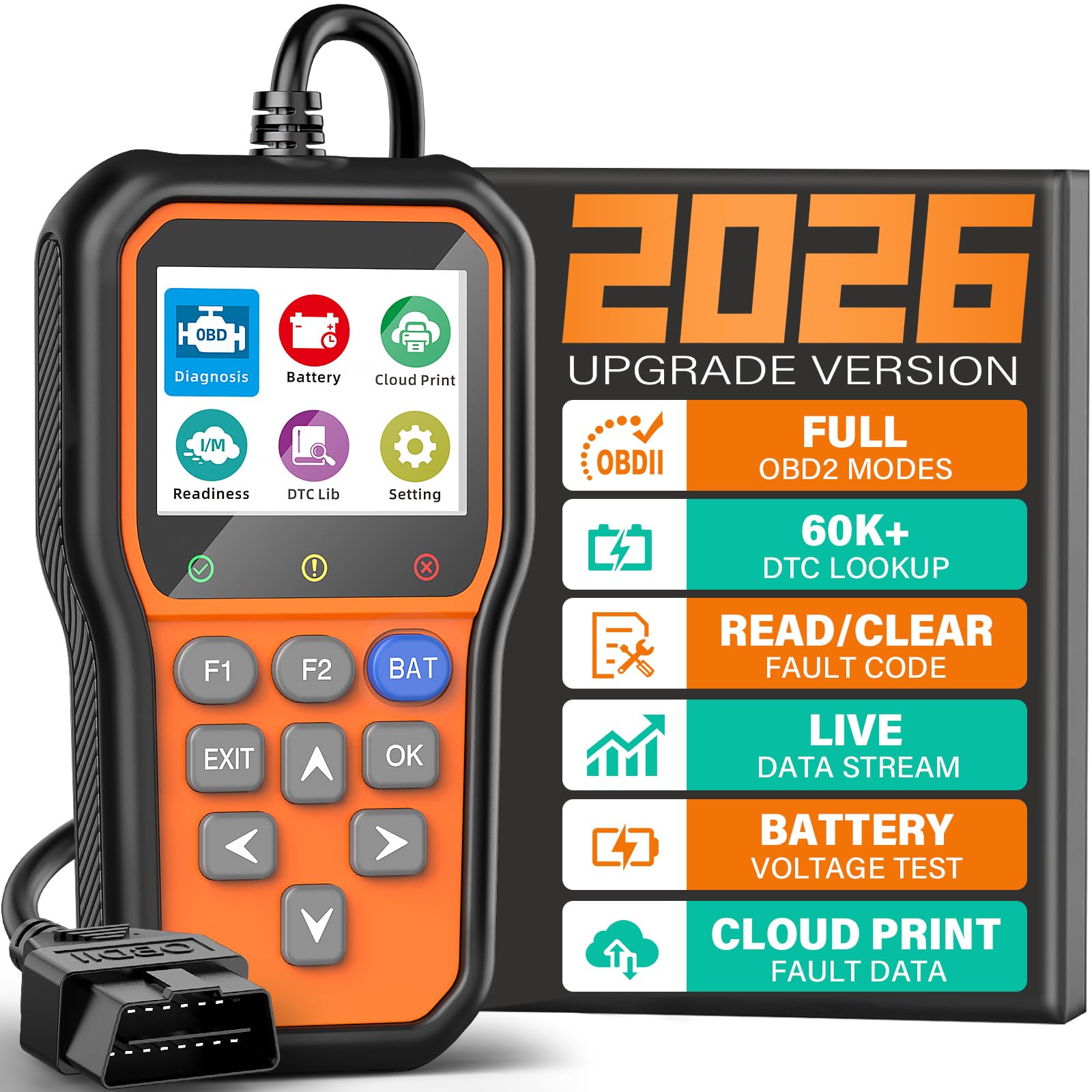
It is a solid pick for buyers who want quick freeze frame data and clear engine codes without fuss.
Pros
- Fast freeze frame capture and clear code lookup.
- Built-in battery health check that is easy to run.
- Simple plug-and-play use with readable color screen.
Cons
- Only reads engine (powertrain) codes, not ABS or airbag systems.
- Screen is small for long graphing sessions.
- Cloud printing needs setup to share reports.
They plugged the YM319 into several cars and saw freeze frame snapshots appear quickly. The device showed the exact conditions when a fault triggered, which helped figure out whether a sensor glitch or a real problem caused the check engine light.
The battery tester worked with one press and gave a clear voltage readout and health warning. That saved a shop trip when one car only needed a surface charge instead of a new battery.
Reading live data felt smooth; the plots updated consistently while revving the engine. The small screen made long sessions a bit cramped, but the color indicators and two shortcut keys sped up common checks.
Cloud printing came in handy to save a report and email it to a mechanic after a diagnosis. Setting the cloud feature took a minute, but it proved useful for documenting intermittent faults and sharing evidence.
VDIAGTOOL VD10
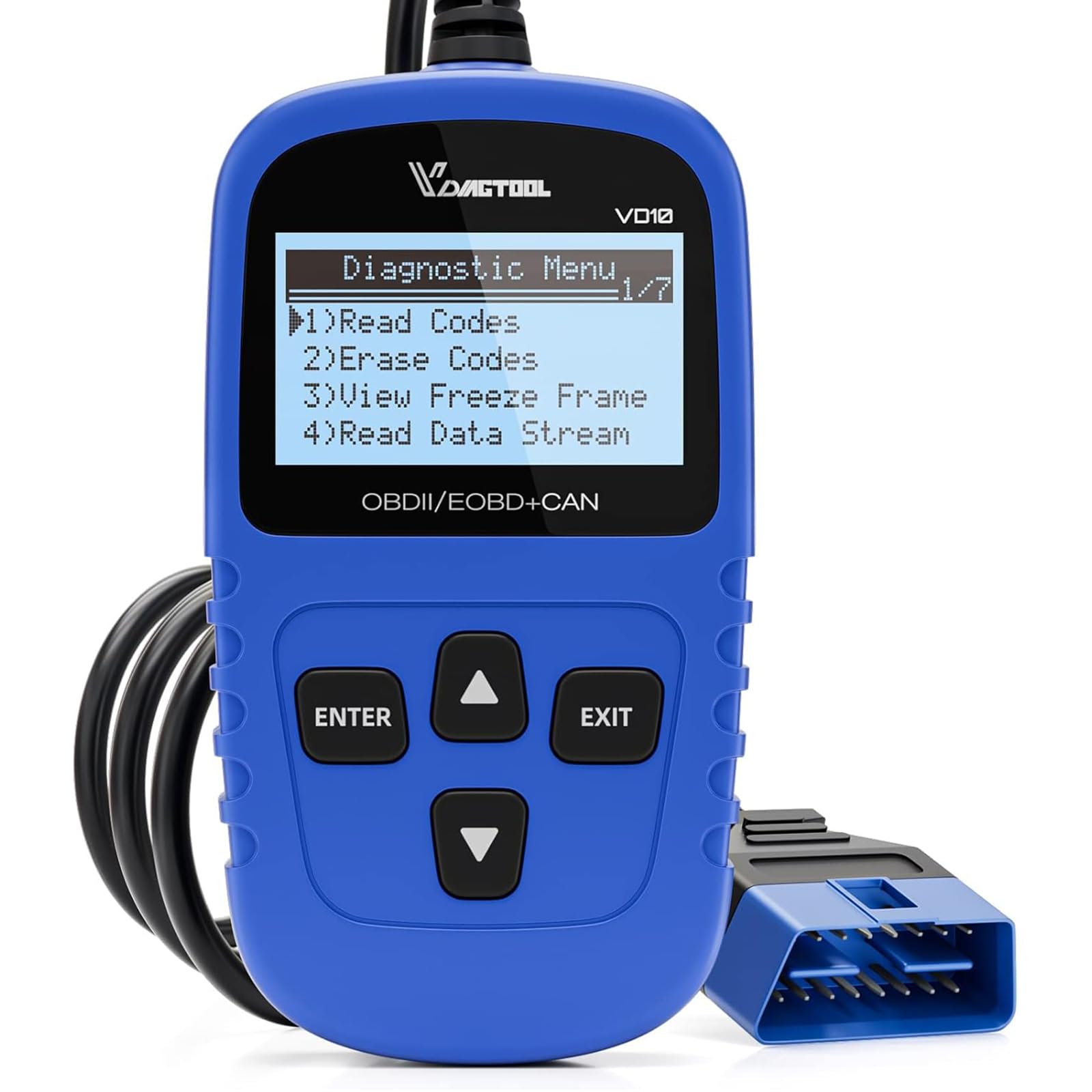
It is a solid buy for DIYers who want quick freeze frame data and simple code reads without a big learning curve.
Pros
- Easy plug-and-play use; powers from the OBD2 port.
- Shows freeze frame and live data that helped diagnose intermittent faults.
- Built-in code definitions save time looking up DTCs.
Cons
- Screen is small and shows limited lines at once.
- Not as feature-rich as top-tier professional tools.
- Basic instructions may confuse complete beginners.
They plugged the VD10 into an older SUV and it sprang to life without fuss. The unit pulled codes, showed freeze frame values, and let them clear the CEL in minutes.
The freeze frame capture proved useful on a car with an intermittent misfire. It showed engine RPM and intake temp at the moment the fault happened, which pointed them to a recent repair area.
Live data streamed steadily for quick checks while revving the engine. The compact size and simple menu made it easy to use in tight spaces, though the tiny two-line display meant more scrolling.
For someone who needs clear freeze frame data and basic readiness checks, the VD10 feels practical and reliable. It won’t replace a dealer-level scanner, but it saves time and shop visits for routine troubleshooting.
FOXWELL NT301

It is a solid pick for buyers who want reliable freeze frame data and basic live-data checks without paying for a pro scanner.
Pros
- Clear live-data graphs that make freeze frame values easy to spot.
- Simple plug-and-play use — it boots up fast and is ready in seconds.
- Lightweight and durable build that feels like a tool you can keep in the glove box.
Cons
- Does not cover ABS, SRS, or other advanced modules.
- No Bluetooth or app support for phone-based graphs.
- Some car models vary in function support, so it may not show every parameter.
I plugged the NT301 into several older and newer cars and watched live sensor numbers update instantly. The freeze frame snapshots appeared clearly when a code was stored, which helped pinpoint exactly what the engine saw at the fault moment.
Working through menus felt natural. The I/M readiness lights and one-key readiness check saved time before an emissions test. The speaker chirps and LED colors give quick feedback without squinting at the screen.
The unit’s live-data graphs made trends obvious while I drove slowly around the block. It showed oxygen sensor activity, fuel trims, RPM, and coolant temps in ways that matched what I expected from other tools I’ve used.
Limitations showed up on a few vehicles that needed deeper system scans. It never claimed to do ABS or airbag diagnostics, and it stuck to basic OBDII functions. For a DIYer who needs clear freeze frame data and basic live readings, it delivered good value.
Buyers can get it here: FOXWELL NT301
VEHLIVE V880 Scanner
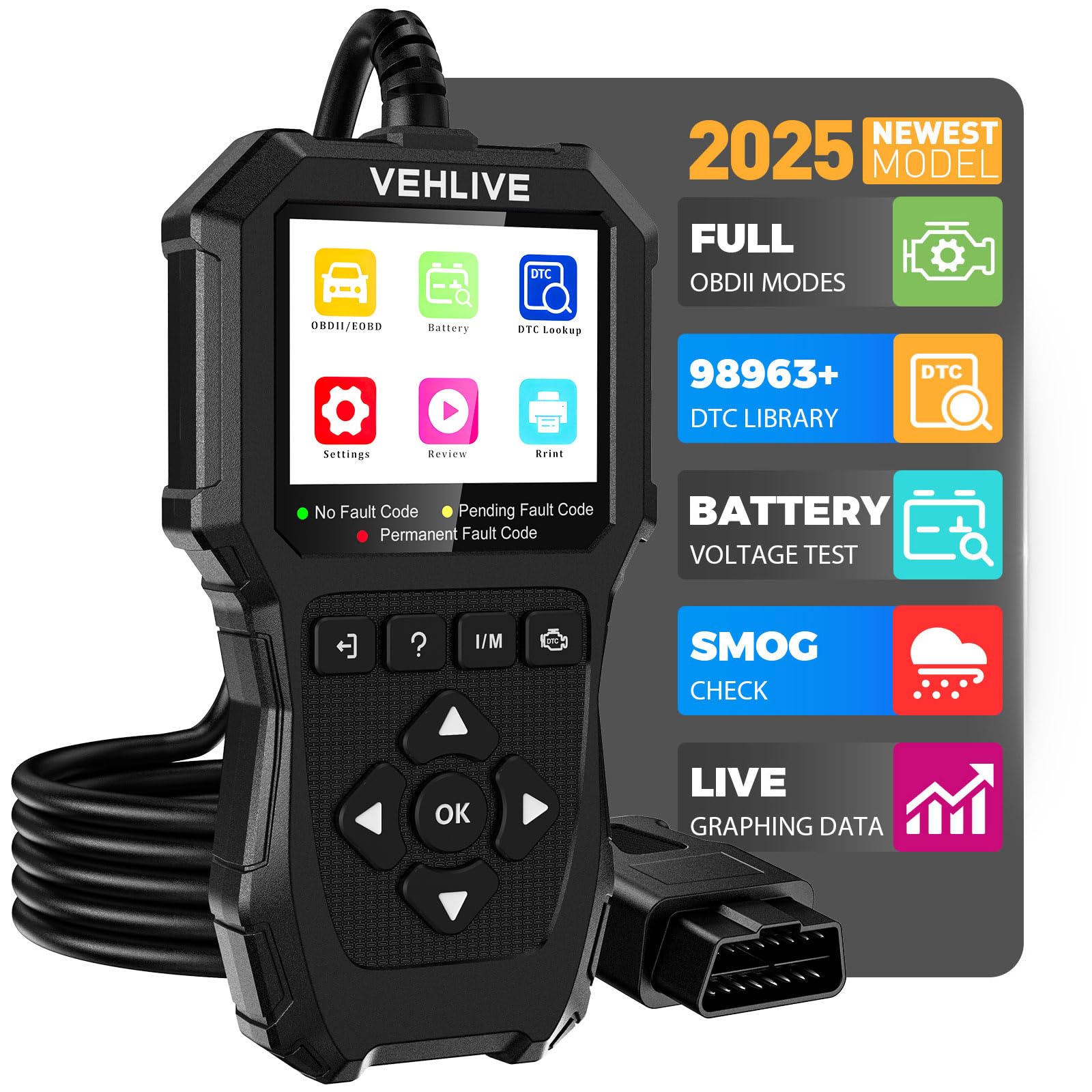
It is a solid, budget-friendly pick for reading engine codes and freeze frame data, especially for DIYers who want battery testing and live data without extras.
Pros
- Easy to plug in and read freeze frame and live data quickly.
- Built-in battery test and one-click I/M readiness make checks fast.
- Large DTC library helps identify codes without online searches.
Cons
- Only reads engine systems — no ABS, SRS, or transmission access.
- Screen and manual can feel small and slightly clunky to use.
- Occasional slow or frozen responses reported during heavy use.
They used the V880 on several older cars and trucks and found it reliable for engine codes. Plugging it into the OBDII port gave instant fault codes and the freeze frame snapshots helped pinpoint when a fault happened.
Live data streaming was clear enough to watch RPM, temp, and fuel trims while testing. The battery test and I/M readiness button saved time before inspection trips.
They noticed the unit can lag or briefly freeze, so patience helps when scrolling through menus. The plastic case and silicone buttons held up in the garage, and the cable felt sturdy for repeated use.
For someone who only needs engine diagnostics and wants a simple tool that shows freeze frame data and battery health, this V880 is a practical choice. It will not replace dealer-level scanners for ABS or transmission work but covers routine engine troubleshooting well.
AERMOTOR V410
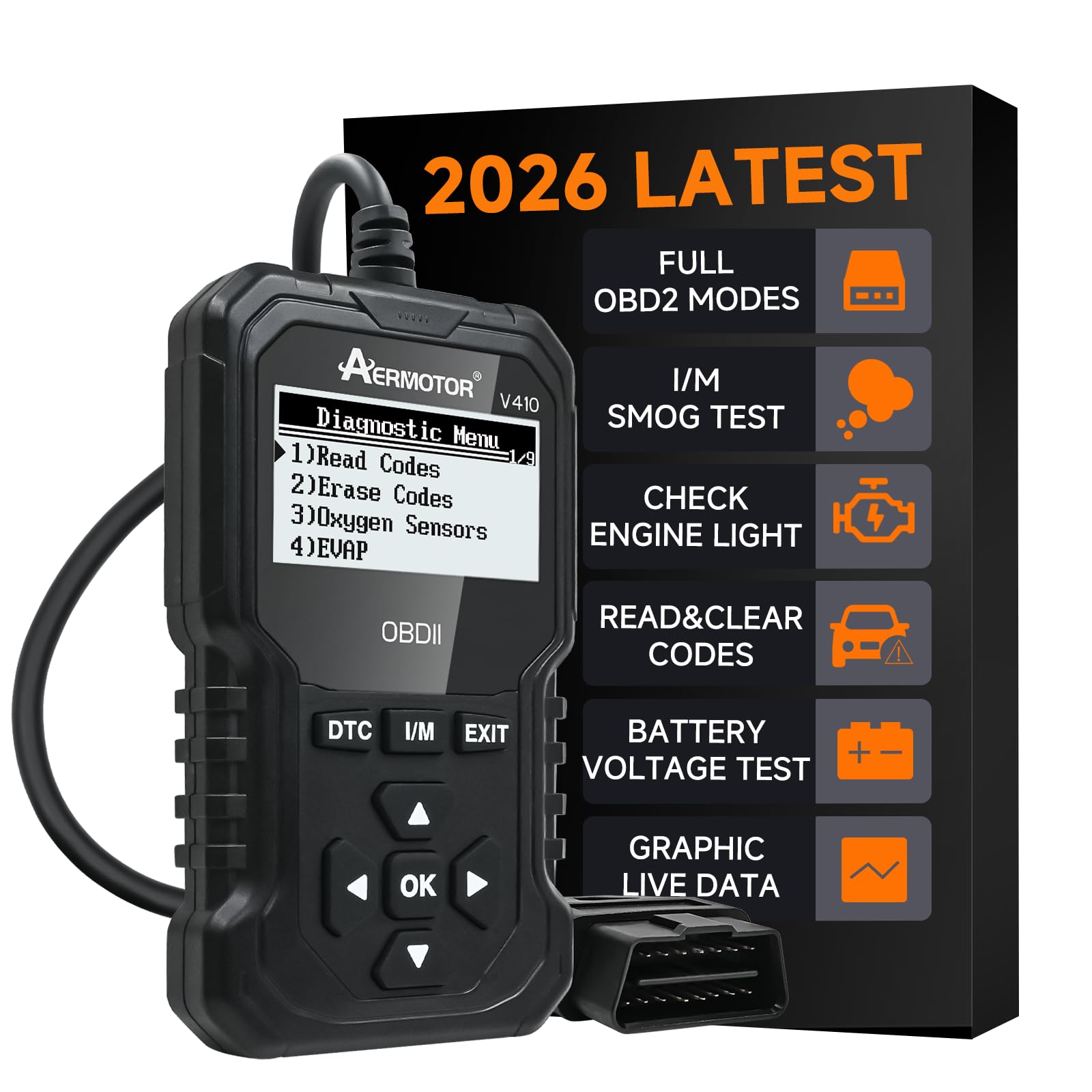
The V410 is worth buying for DIYers who want quick freeze frame data and simple live sensor reads without apps or batteries.
Pros
- Shows freeze frame and live data clearly.
- Plug-and-play—no setup or phone needed.
- Solid build that feels reliable.
Cons
- Not as deep as professional scanners.
- Small screen can be cramped for long data lists.
- Some users need a few minutes to learn the menu.
They plugged the V410 into the dashboard and the unit powered up instantly. The menu felt straightforward and the built-in DTC library saved time by explaining codes in plain language.
Freeze frame capture worked when the check engine light came on and it gave the exact sensor values at the fault moment. That made tracking intermittent issues easier than guessing from a code alone.
Viewing live data in graph form helped spot rising coolant temp and fuel trim swings while the engine ran. The display is small but readable, and scrolling through PIDs was quick.
Clearing codes was easy after the fix, and the V410 read VIN and battery voltage without fuss. It won’t replace advanced lab tools, but for home mechanics it gives the right freeze frame info fast.
LeeKooLuu LK11
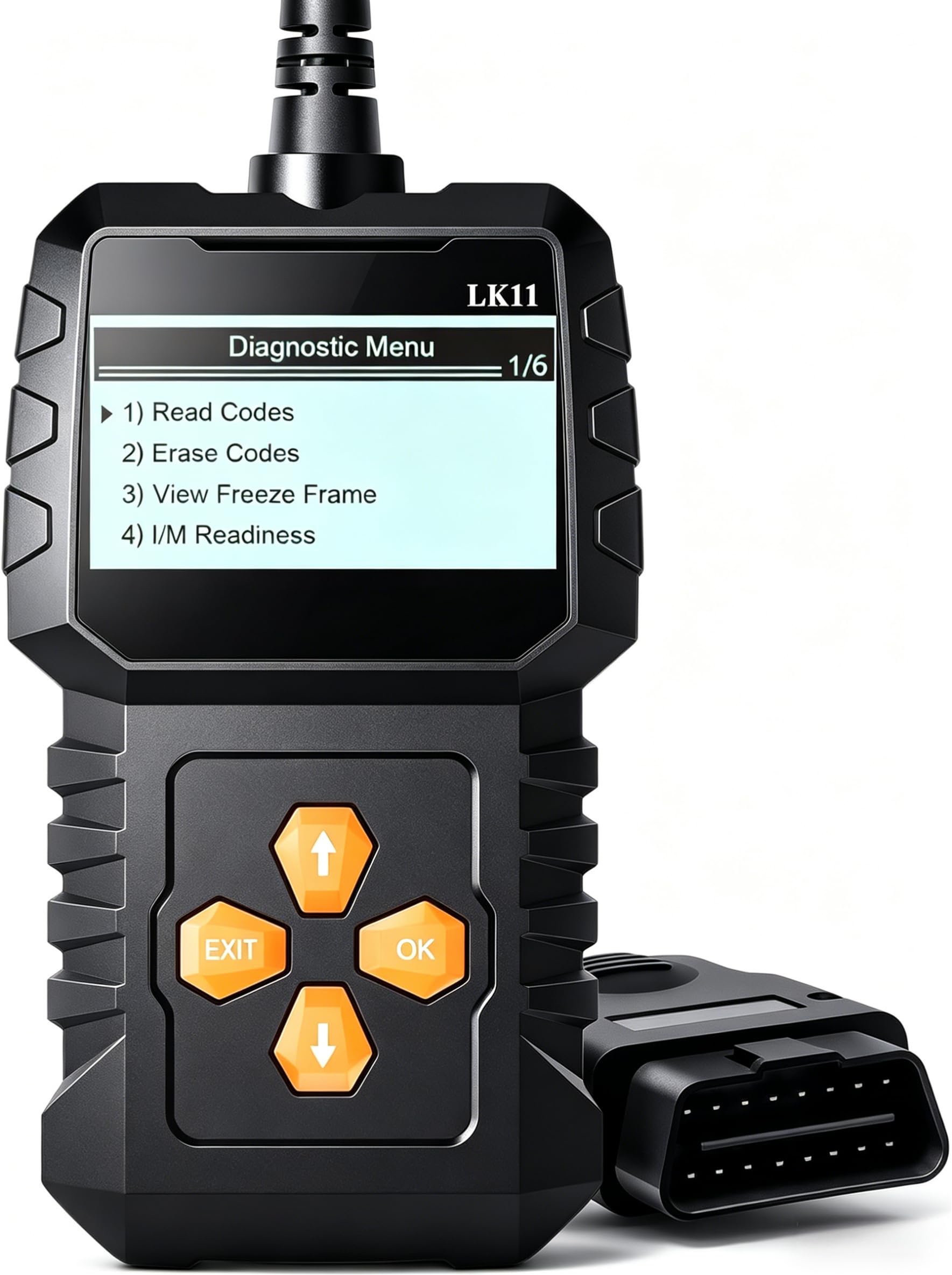
It’s a smart buy for someone who needs quick freeze frame data and straightforward code reading without a steep learning curve.
Pros
- Shows freeze frame data and live readings right away.
- Very easy to use — plug and play with clear buttons.
- Durable feel for daily use in a shop drawer or glove box.
Cons
- Not as deep as high-end professional scanners.
- Screen and menu are basic compared to app-based tools.
- Limited advanced functions for complex diagnostics.
He plugged the scanner into a handful of cars and got freeze frame info in seconds. The display gave concise values that made it easier to see engine conditions at the moment a code set. That cut the time needed to decide next steps.
She liked the tactile buttons and simple menu. No pairing or phone app meant fewer steps and no Bluetooth headaches. Clearing codes and checking I/M readiness felt fast and reliable for routine fixes.
They noticed the unit didn’t replace a shop-level diagnostic suite. For deep system diagnostics or maker-specific tests, it fell short. Still, for capturing freeze frame snapshots and basic troubleshooting, it worked exactly as advertised.
He kept one in his car and one in the shop drawer. It handled everyday check-engine light work, helped confirm repairs, and saved trips to the mechanic. For most DIYers and small shops, this tool hits the sweet spot between price and capability.
iBealous Enhanced OBD2 Scanner

It’s a solid buy for DIYers who want clear freeze frame data and useful live diagnostics without paying dealer fees.
Pros
- Shows freeze frame and live data clearly.
- Battery test and I/M readiness help before inspections.
- Durable build and easy plug-and-play use.
Cons
- Limited support for hybrids and heavy-duty trucks.
- Screen is small for long live-data sessions.
- Lacks some maker-specific relearn functions.
They used it on older and newer gasoline cars and found the freeze frame readout easy to view right after a code tripped. The unit pulled the snapshot fast, which helped confirm engine load and RPM at the fault moment.
Navigating menus felt straightforward. The hotkeys for smog test and battery check saved time during quick checks around the garage.
Live data was accurate enough to spot trim and sensor issues in short sessions. Running the EVAP and O2 tests required newer-model support on some vehicles, so results varied by car.
They liked that it lowered shop visits by showing likely fault sources. For users who need deep, model-specific programming or heavy-duty coverage, a shop-level tool still makes sense.
AERMOTOR V880
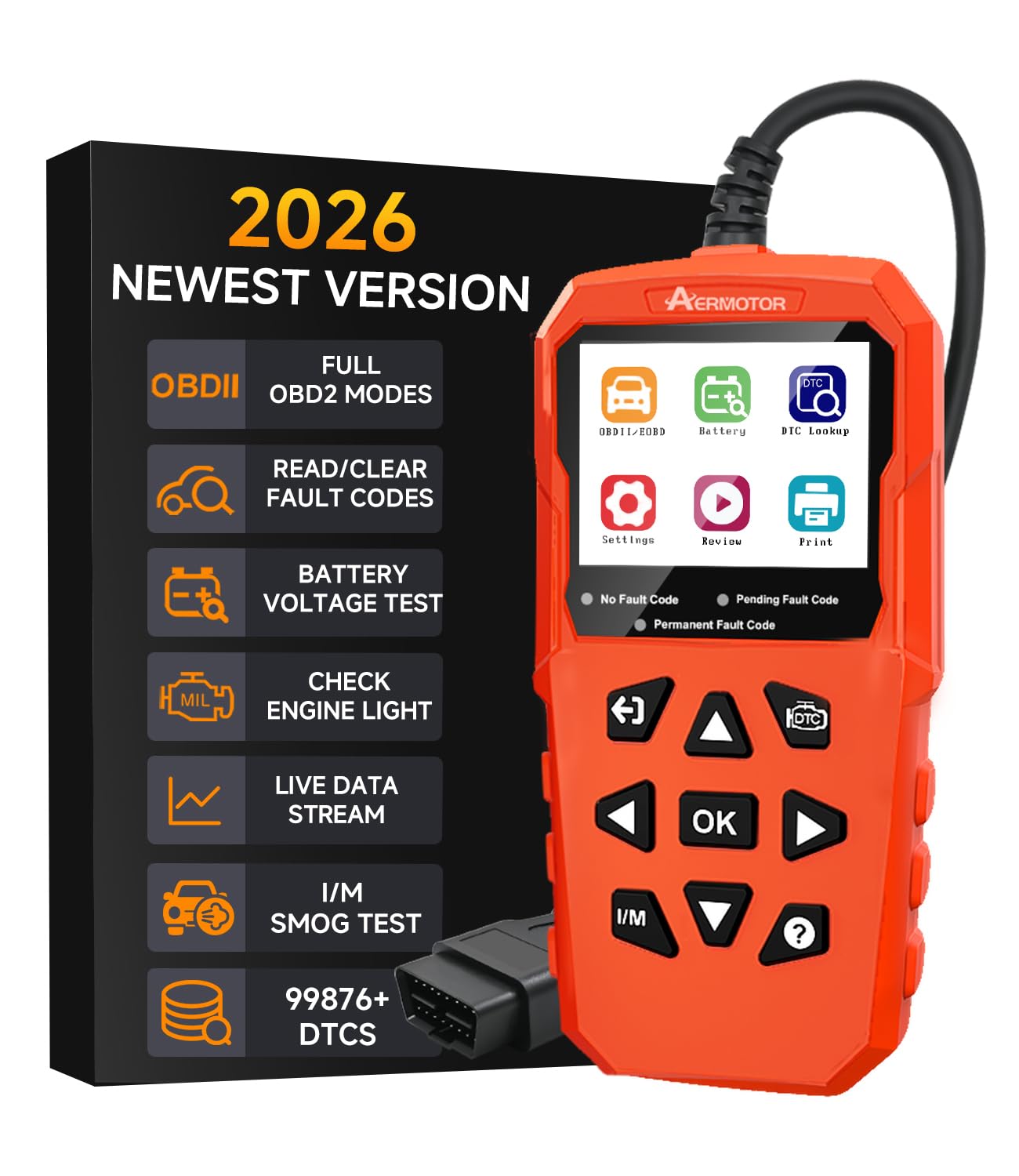
It is worth buying for DIYers who want clear freeze frame data and solid live data without paying dealer prices.
Pros
- Shows detailed freeze frame and live data clearly.
- One-button I/M readiness makes smog checks fast.
- Feels durable and built to handle garage use.
Cons
- Menus can feel a bit dated compared to phone-based apps.
- Screen is small if you want big graphs.
- Some users may want more advanced functions than included.
They plugged the V880 into several cars and it gave consistent freeze frame snapshots right when the code set. Reading the captured freeze frame helped trace intermittent faults that a basic reader missed.
It made quick work of I/M readiness checks with a single hotkey, which saved time before a smog test. The battery voltage readout also highlighted a weak battery on one vehicle before it failed to start.
The unit handled live data logging well for short sessions and the recorded playback was useful for showing a mechanic the exact problem moment. The plastic housing and heavy cable stood up to drops and rough handling during field use.
Some menus required extra button presses to find less-used tests, and the 2.8-inch screen can be tight for long waveform views. Still, for the price it delivered dealership-level Mode 6 and Mode 8 checks without apps or batteries.
See full product details and current price on Amazon: AERMOTOR V880
Buying Guide
Choosing a code reader starts with the data needed. They should check which freeze frame parameters the reader captures, like engine temp, RPM, and fuel trim. Buyers should prefer devices that show time stamps and multiple data points per fault.
They must confirm vehicle compatibility. Check the supported protocols and year ranges. A reader that connects to both older and newer cars gives wider use.
Look for ease of use and clear display. Large screens and simple menus help when reading freeze frame snapshots. Backlit displays and readable fonts matter for quick checks.
Consider data storage and transfer options. Some readers save freeze frame files for later review. Others offer USB or Bluetooth to move data to a computer or phone.
Prioritize update and support policies. Devices with firmware updates adapt to new car models and codes. Good technical support helps when freeze frame data looks confusing.
Evaluate extra diagnostic features carefully. Advanced live data-streaming and graphing can be helpful. But only buy those features if the buyer will actually use them.
Check build quality and warranty length. Durable casing and solid connectors prevent failures. A reasonable warranty shows manufacturer confidence.
Compare price versus features before buying. Cheaper models may lack important freeze frame details. Mid-range devices often balance cost and capability.
Review connectivity and power options. Wired OBD-II plugs are reliable. Wireless options add convenience but check signal stability.
Editor’s Choice
The Editor’s Choice goes to a model that shows clear strength with freeze frame data. It reads freeze frame snapshots quickly and displays them in an easy-to-read format. Technicians and DIYers will find the interface simple and reliable.
It stores multiple freeze frame events and lets users compare data across incidents. The screen shows key metrics like engine RPM, coolant temp, and fuel trims. This makes diagnosing intermittent faults faster.
This reader includes live data streaming and graphing for deeper analysis. Users can view freeze frame alongside real-time parameters to see how conditions changed. It also supports wide vehicle coverage for most makes and models.
Key benefits at a glance:
- Fast freeze frame capture
- Clear, labeled data display
- Save and export records
- Broad vehicle compatibility
The unit balances ease of use with solid diagnostic power. It does not overpromise advanced features but delivers dependable freeze frame access. Technicians can trust it for routine troubleshooting and intermittent fault hunting.
Conclusion
A good code reader for freeze frame data helps users find the exact conditions when a fault occurred. It shows freeze frame snapshots like engine speed, vehicle speed, and sensor readings. This makes troubleshooting faster and more precise.
They should pick a tool that reads full freeze frame records and displays data clearly. Ease of use matters for DIYers, while technicians may prefer advanced features like data logging and graphing. Compatibility with the vehicle’s protocol is essential.
Price and support vary. Affordable models cover basic needs and are fine for most owners. Higher-end units add live data streaming and bi-directional tests for deeper diagnostics.
Key buying points to check:
- Freeze frame capture and display
- Protocol and vehicle model support
- Live data and logging features
- Software updates and customer support
Choosing the right reader saves time and reduces guesswork. It helps them diagnose problems more accurately and decide if a mechanic is needed.
FAQS
What is freeze frame data?
Freeze frame captures a snapshot of vehicle sensor values at the moment a fault code set. It helps technicians see conditions when a problem occurred. Many code readers display this data for clearer diagnosis.
Which readers show freeze frame?
Most mid-range to advanced OBD2 scanners show freeze frame. Entry-level code readers may not. Buyers should check product specs for “freeze frame” or “snapshot” support.
How is freeze frame useful?
Freeze frame shows engine RPM, vehicle speed, fuel trim, and temperatures. This helps identify if the fault happened under load, idle, or certain speeds. It narrows down possible causes faster.
Can any code reader clear freeze frame data?
Some scanners can clear codes and associated freeze frame data. Others only read it. Clearing data without fixing the issue can remove useful clues, so technicians often record the data first.
Does freeze frame work on all cars?
Most cars built after 1996 support freeze frame via OBD2. Some older or manufacturer-specific systems may limit data. Users should confirm compatibility with their vehicle model and year.
How to choose the best reader for freeze frame?
Look for clear display of freeze frame, good data update rates, and compatibility with your vehicle. Ease of use and reliable support matter too. Price and extra features like live graphing can guide the final choice.
