
10 Best OBD2 Scanner for Home Mechanics: Top Picks, Features, and Buying Guide

OBD2 scanners let you read trouble codes, monitor live engine data, and clear lights without a trip to the shop. For home mechanics, they turn confusing dashboard warnings into clear next steps, from simple code lookups to deeper diagnostics on sensors, fuel systems, and emissions. Many models link to your phone, display live graphs, and store freeze-frame data so you can track problems over time.
You should focus on compatibility, features, and ease of use when choosing a scanner. Check that the scanner works with your car’s make, supports the codes and live data you need, and has a user interface or app you can actually read and navigate. A reliable OBD2 scanner for home use balances wide vehicle support, clear live-data display, and simple code explanations so you can diagnose and fix issues without guessing. We tested and compared popular models to find the ones that give the most useful information for DIY repairs.
Best OBD2 Scanners for Home Mechanics
Below is our full list of the best OBD2 scanners to help you diagnose and fix problems at home. Choose a scanner that fits your experience level, budget, and the features you need.
Best For Quick Picks
- Best Overall — Autel MaxiCOM MK808: Gives professional-level features and fast, reliable diagnostics for most home mechanics.
- Best Budget Pick — ANCEL AD310: Simple code reading and live data at a low price, great if you only need basic functions.
- Best for Beginners — BlueDriver Bluetooth Pro OBDII: Easy app interface and clear repair reports make it ideal for first-time users.
- Best Bluetooth Scanner — FIXD OBD2 Sensor: Wireless connection to your phone and user-friendly alerts for quick checks.
- Best Value for Money — AUTOPHIX 3210 Elite: Balances advanced features and affordability, including live data and freeze frame.
- Best Professional-Level Scanner — Launch X431 V+: Offers deep system coverage and bi-directional tests for advanced diagnostics.
Foxwell NT301

You should buy this if you want a simple, reliable OBD2 reader that reads and clears check-engine codes and shows live data without apps or subscriptions.
Pros
- Fast code reads and clear functions.
- Clear live-data graphs help spot trends.
- Sturdy, plug-and-play build that boots right up.
Cons
- Doesn’t scan ABS, SRS, TPMS, or other special systems.
- Only works with vehicles that support OBDII protocols.
- Updates need a Windows PC; no Mac or mobile app support.
I plugged the NT301 into a 2010 sedan and a 2016 SUV and it started right away. Reading codes and watching live RPM and coolant temps felt instant. The screen is bright and easy to read while kneeling by the engine bay.
Clearing the check-engine light worked every time after repairs, and the I/M readiness LEDs make emissions checks less stressful. The O2 sensor tests and EVAP leak check are helpful for tracking fuel and emissions issues without guessing.
Menu navigation is simple, but it won’t replace a full professional scanner. I missed coverage for ABS and airbag systems when troubleshooting brakes and sensors. Expect this as a strong basic tool for home use, not a shop-level diagnostic suite.
ANCEL AD310

This is worth buying if you want a simple, reliable code reader to find and clear check-engine lights without paying a shop.
Pros
- Quick to read and clear emission-related codes.
- Sturdy, compact unit with a long, flexible cable.
- Plugs into OBD2 port—no batteries or charging needed.
Cons
- Only reads emission-related (OBD2) codes, not advanced systems.
- No wireless app or Bluetooth features.
- Won’t work on pre-OBD2 (OBD-I) cars even with adapters.
I plugged the AD310 into my car and it gave a clear code in seconds. The screen is big enough to read while you kneel by the dash, and the labeled buttons made navigation fast. It felt solid in my hand and the thick cable didn’t feel flimsy when I moved around the engine bay.
You can use it right away—just plug it into the OBD2 port and power comes from the car. I liked that it didn’t need a phone, app, or charge. For basic check-engine troubles this tool saved me a trip to the shop and let me confirm a repair immediately after I fixed the issue.
If you need deep diagnostics for ABS, airbags, or transmission, this isn’t the tool for that. It strictly focuses on emission codes and readiness monitors. Still, for most DIYers who want a straightforward way to diagnose and clear engine lights, this is an easy, low-cost choice.
BlueDriver Pro Next-Gen

This is worth buying if you want a simple Bluetooth scanner that gives pro-level fixes and works with most gas vehicles from 1996 onward.
Pros
- Very detailed, technician-verified repair reports tied to your VIN.
- Wireless setup — plugs in and pairs with your phone quickly.
- Covers ABS, SRS, transmission, TPMS, and more beyond basic codes.
Cons
- App interface can be confusing the first time you use it.
- Some advanced functions depend on vehicle make and year.
- Not a substitute for a mechanic when parts or repairs are needed.
I plugged this into my truck and it paired fast with my phone. The app showed live data and a clear report that matched what a shop told me later.
When a check engine light popped on, BlueDriver found codes cheaper readers missed and suggested verified fixes. That saved time and kept me from paying for guessing.
You can leave it plugged in and use it like a small telematics tool. Battery draw is minimal and the app logs freeze frames and readiness reports while you drive.
If you work on different brands, it handled my GM and Toyota models well and even communicated with newer vehicles I tried. Expect the deepest features on common makes; some niche cars may show limited data.
Overall, this felt like using a compact pro scanner without the cost of a handheld tool or a subscription. If you want clear diagnostics at home, this model is a practical choice.
ANCEL AD410
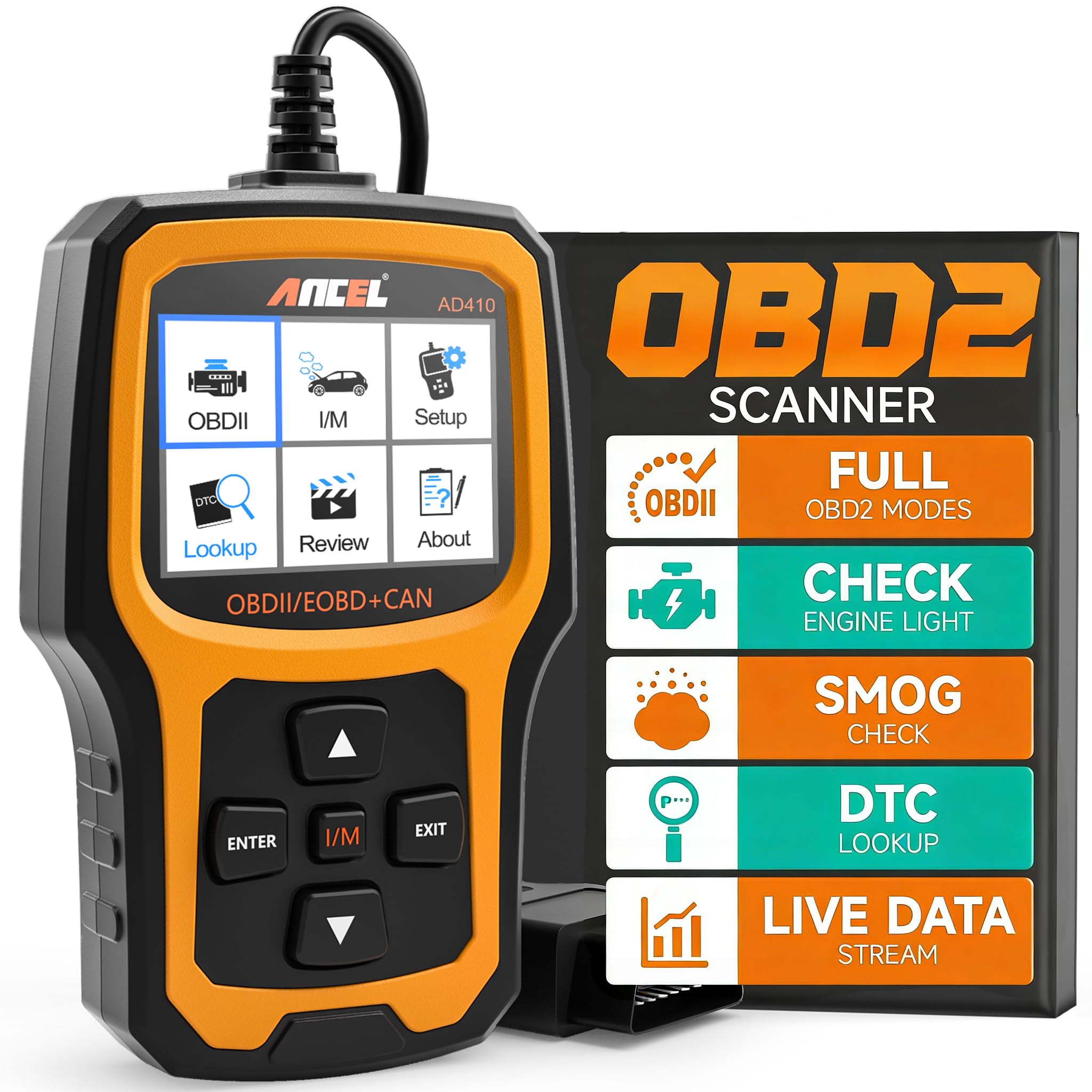
You should buy this if you want a simple, reliable OBD2 reader that finds and clears engine codes without extra apps or subscriptions.
Pros
- Easy to use right out of the box
- Built‑in code definitions save time
- No battery — plugs into the car and powers up
Cons
- Only reads engine codes, not ABS or airbag systems
- Small screen can feel cramped for long reads
- Windows-only updates if you want the latest firmware
I plugged the ANCEL AD410 into a few cars and was able to pull codes and descriptions quickly. The interface is straightforward, so you won’t waste time hunting menus. Clearing codes worked the same way every time after I fixed the issues.
The built-in DTC lookup is useful when you don’t want to pull your phone or Google a code. I liked the EVAP and O2 sensor tests for chasing tough check engine lights. On older SUVs and trucks it found the same faults I expected, which gave me confidence in its results.
Using it felt like a basic shop tool—no frills, just practical diagnostics. It won’t replace a mid‑level scan tool that reads ABS, SRS, or transmission data. Still, for home mechanics who mainly deal with check engine lights, it gives good value and keeps you from guessing.
Launch CRP123X V3.0 Elite
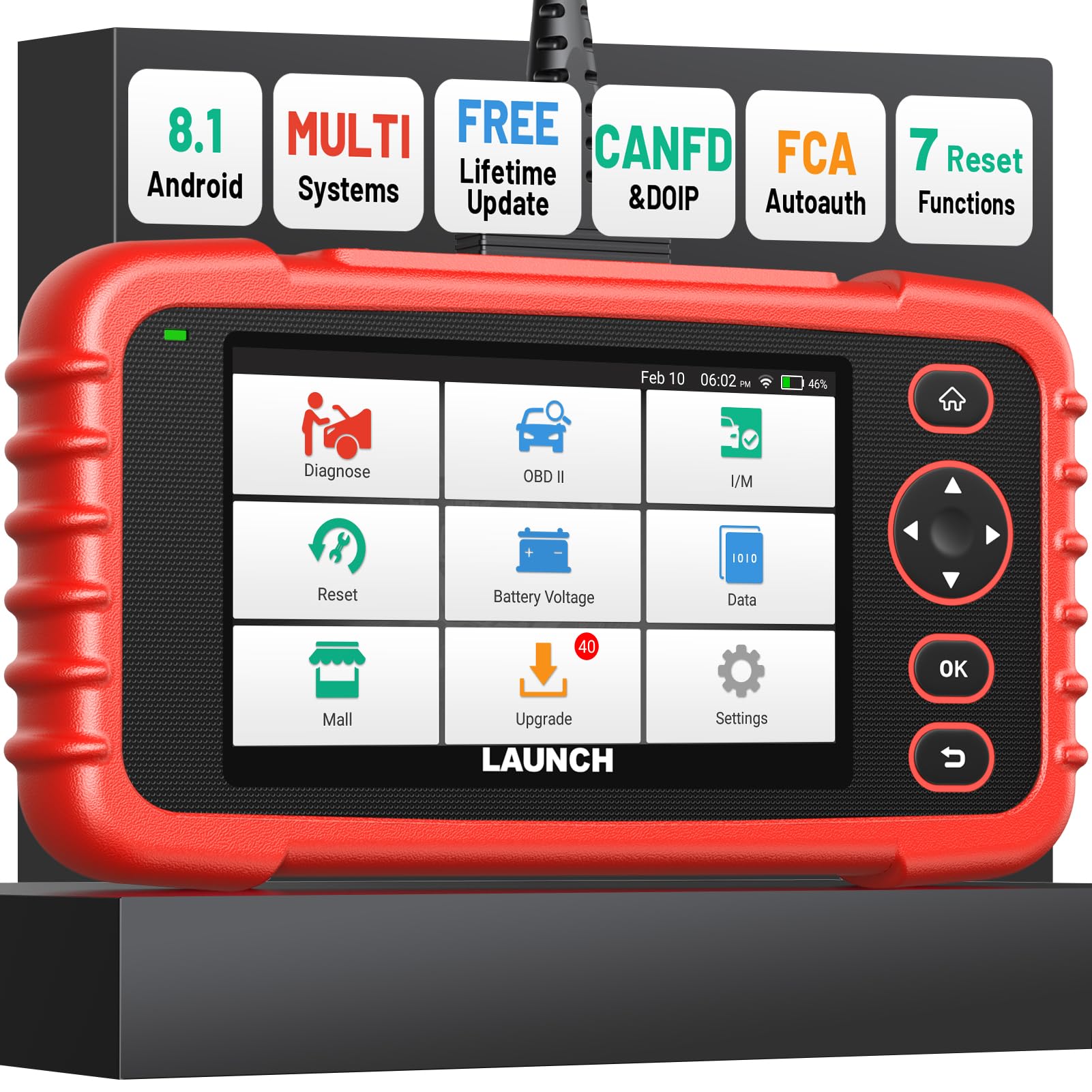
You should buy this if you want a powerful, tablet-style OBD2 scanner that handles deep system resets and newer protocols without a dealer visit.
Pros
- Wide vehicle coverage and frequent free Wi‑Fi updates.
- Clear live data views and one‑tap VIN recognition.
- Strong multi‑system reset functions for home repairs.
Cons
- Some advanced protocols need an extra cable.
- Tablet feels a bit bulky for quick grab-and-go jobs.
- Menus can be cluttered until you learn the layout.
I plugged this into my truck and the unit booted fast. The Android interface felt familiar and the VIN auto-detect saved time. I liked how the live graphs let me compare coolant and engine RPM in real time.
Running ABS and transmission checks was straightforward. The reset functions actually cleared lights after I followed the steps. Battery life held up through a full session without dipping.
I tried a newer-model car that needed CAN‑FD support and noticed the note about an extra cable — something to plan for. Updates downloaded smoothly over Wi‑Fi and new vehicle coverage showed up within days. Overall, it handled both simple code reads and deeper service jobs well for a home mechanic.
FOXWELL NT604 Elite

You should buy this if you want a plug-and-play scanner that finds ABS, SRS, engine, and transmission faults without paying dealer prices.
Pros
- Works straight out of the box with current software.
- Reads ABS, SRS, transmission, and engine systems in one tool.
- Sturdy case and lifetime updates included.
Cons
- No advanced service functions like resets or relearns.
- AUTOVIN can fail on older or uncommon models.
- Can clear only non-crash SRS faults; not a repair tool.
I plugged the NT604 Elite into a 2012 sedan and got a clear readout fast. The device found a misfire code and showed live data so I could watch RPM and fuel trim while revving the engine. The screen is bright enough and menus stayed responsive during testing.
You can skip software downloads because the unit arrived updated and ready. I liked the AUTOVIN for newer cars — it pulled VIN and model info quickly — but it missed one older truck, so I entered the VIN manually. The included hard case kept the unit and cables tidy in my garage.
When you need to confirm ABS or airbag faults before parts ordering, this tool helps you avoid unnecessary trips to the shop. Expect solid diagnostics for common systems, but plan to handle repairs separately since it won’t perform resets like oil or battery registration.
FOXWELL NT301 Plus
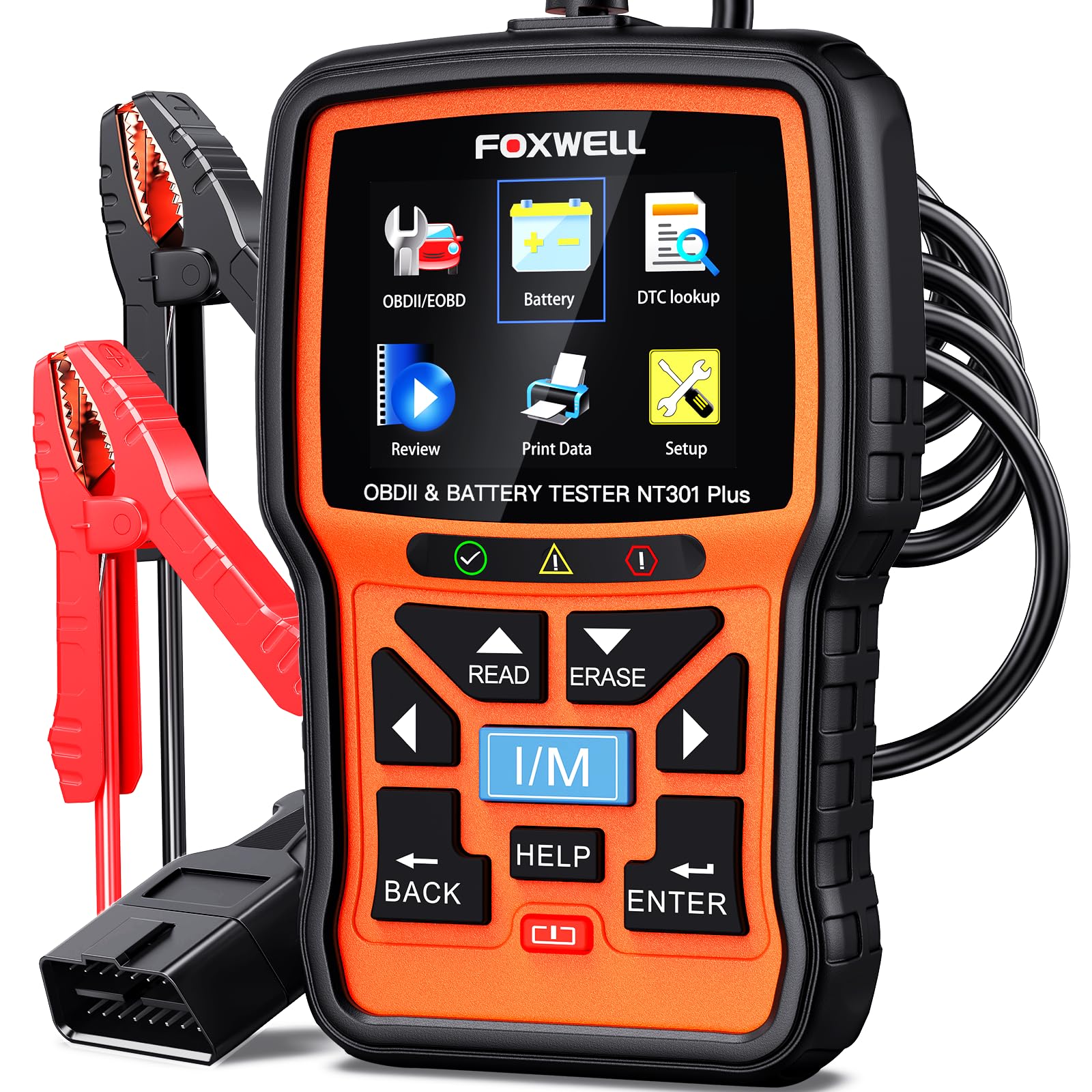
You should buy this if you want a simple, reliable OBD2 reader that also checks 12V battery health before a shop visit.
Pros
- Combines engine code reader and battery tester in one handy tool.
- Big, clear color screen makes results easy to read fast.
- Live data and record/playback help track intermittent problems.
Cons
- Only does engine and battery checks — no ABS, SRS, or advanced systems.
- Windows-only updates, so you can’t update from a phone or Mac.
- No load battery test and needs firm cable connection for battery checks.
I plugged the NT301 Plus into my truck and it showed codes and battery status within seconds. The display was brighter than older pocket readers I’ve used, so the menus and live data were easy to follow in daylight.
I tested the battery after a short trip and the tool gave a clear pass/fail and suggested whether to charge or replace. Recording live data helped me catch a small RPM dip that happened only once while idling.
The DTC lookup built into the unit saved time — it told me what a code meant without pulling up my phone. If you need deep system coverage or Mac/phone updates, this won’t replace a pro-grade scanner, but for home mechanics it cuts shop trips and answers most basic questions quickly.
GearWrench SmartBT Scanner

This is a strong buy if you want a capable, budget-friendly bi-directional OBD2 tool with free lifetime updates.
Pros
- Broad function set for the price
- Fast live data and responsive controls
- No subscriptions for software updates
Cons
- Android-first app; iPhone support varies
- Some rare cars show incomplete module support
- Requires a phone or tablet to use
I plugged the little Bluetooth dongle into my truck and the setup took minutes. The app walked me through registration and the unit popped into life quickly. Live data felt snappy and the freeze-frame capture helped me track a recurring fault.
I ran bi-directional tests and an ABS bleed routine on a customer car. The actuations responded cleanly and the guided service functions saved time. It handled throttle matching and TPMS relearns without awkward menus or hidden fees.
On an older import I hit a limit where a few modules wouldn’t expose full data. That was frustrating, but GearWrench’s support gave clear steps that fixed one tricky relearn. Overall, this is a practical tool you can rely on in a home garage without paying pro-level prices.
Autel MK900BT
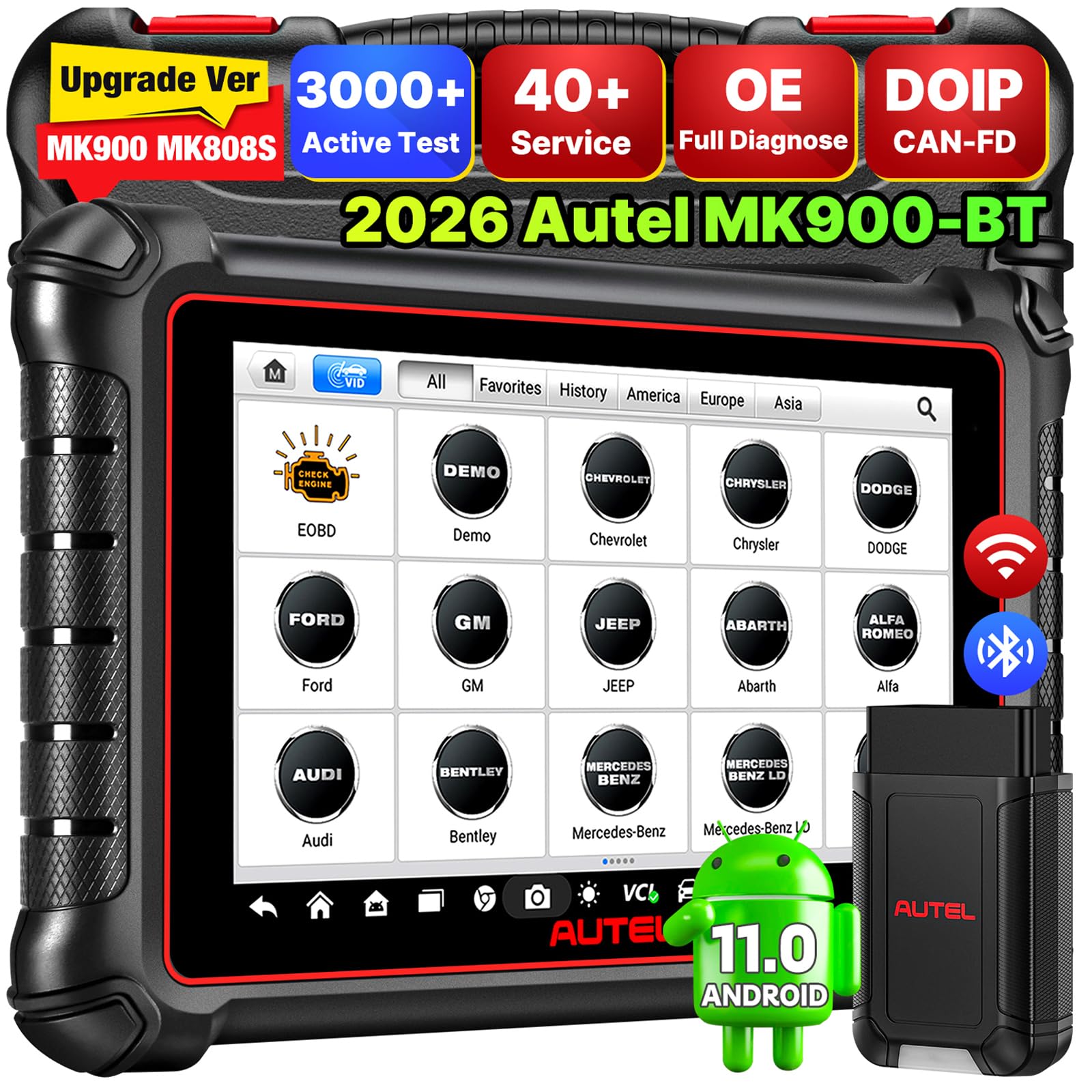
You should buy this if you want a pro-level, fast OBD2 tool that lets you run deep tests and active actuations at home.
Pros
- Very fast and feels solid in hand.
- Tons of active tests and service functions for complex troubleshooting.
- Wireless range and large screen make in-car work easier.
Cons
- Advanced features can be confusing at first.
- Some functions need extra hardware or subscriptions.
- Not every car supports the newest protocols.
I plugged the MK900BT into a 2018 SUV and felt the speed right away. The interface loaded scans fast and Auto VIN found the vehicle without typing. That saved time when you just want to start diagnosing.
You can run bidirectional tests and watch actuators respond. I used it to run a cooling fan and an injector test; the results matched what I saw under the hood. When a function needed a paid add-on or extra wire, the tool still told me clearly what was missing.
Battery life lasted through a full evening of troubleshooting and the 8-inch screen made live data easy to read. Expect a learning curve if you want every advanced service, but for home mechanics who want pro features, this tool delivers.
BLCKTEC 460T

You should buy this if you want a fast, all-in-one scanner that handles deep diagnostics and common service resets for home repairs.
Pros
- Fast AutoVIN and quick ECU scans save time.
- Dealer-level reset functions for DIY service jobs.
- Clear live data with graphing and recording.
Cons
- Some advanced functions may not work on every vehicle.
- App and features only supported in the USA and Canada.
- Learning curve for first-time users who want full OEM data.
I plugged the 460T into my truck and it pulled the VIN and codes almost instantly. The screen is big enough to see four live data streams at once, and the graphing helped me spot a misfire pattern right away.
You can run ABS bleeding, battery registration, and oil reset without going to a shop. I used the ABS bleed and TPMS relearn during brake work and it handled both tasks smoothly, though a few models needed the compatibility check first.
Updates felt simple and I liked that BLCKTEC promises free lifetime updates. Customer support being US-based gave me confidence when I had a question about a reset function for an older SUV.
Buying Guide
What to look for
Start with compatibility. Make sure the scanner supports your car’s make, model year, and OBD2 protocols so it will read your vehicle’s data reliably.
Check functions next. Look for code reading/clearing, live data, freeze-frame, and readiness monitors. Advanced options like ABS, SRS, and transmission coverage can help but are not always needed.
Ease of use
Choose a scanner with a clear display and simple menus. Touchscreens can be convenient, but physical buttons work well in dirty garages.
Consider software and updates. Scanners that receive regular firmware updates will keep up with new vehicle models and improve features.
Connectivity and power
Decide between wired or Bluetooth/Wi‑Fi models. Wireless units offer freedom of movement; wired units can be more stable. Confirm power method—battery, vehicle-powered, or USB—so it fits how you work.
Data and reporting
Look for the ability to log and export data. CSV or PDF export makes sharing reports with a shop or saving repair history easier.
Durability and support
Pick a scanner built for a workshop environment. Rugged casing and a good warranty matter. Also check for helpful documentation and customer support access.
Price vs. needs
Balance cost with must-have features. Pay more for wide vehicle coverage and advanced diagnostics. If you only need basic checks, a simpler model will do.
Common Mistakes to Avoid
You might skip reading the manual. That makes setup harder and can lead to wrong tests. Read the quick start and basic functions before you plug the scanner in.
Don’t assume a cheap reader does everything. Basic code readers show trouble codes but may not clear them or run live data. Check features like live data, freeze frame, and ABS/SRS support before you buy.
Avoid using the scanner on a dead battery. Low voltage gives false readings or connection drops. Keep the vehicle battery charged or use a jump pack when needed.
Don’t ignore software updates. Scanners and apps get fixes and new vehicle coverage over time. Update the firmware and app regularly to avoid compatibility issues.
Don’t erase codes without understanding them. Clearing codes removes stored data that helps diagnose intermittent problems. Record codes and take notes or photos before you clear anything.
Common user errors at the OBD-II port:
- Forcing the connector into the port.
- Using a damaged cable or adapter.
- Plugging the scanner in while the ignition is off.
Quick checklist
| Item | Why it matters |
|---|---|
| Read manual | Correct setup and features |
| Check battery | Stable power for accurate results |
| Update software | Better coverage and bug fixes |
| Record codes | Keeps diagnostic info for later |
If you follow these tips, you’ll get more reliable readings and faster fixes.
FAQS
What does an OBD2 scanner do?
An OBD2 scanner reads trouble codes from your car’s computer. It helps you find why the check engine light is on and shows live sensor data.
Do all cars support OBD2?
Most cars made in the U.S. from 1996 onward and many international models after 2001 support OBD2. Check your owner’s manual or the under-dash port to be sure.
Wired or wireless — which is better?
Wired scanners are simple and often more reliable. Wireless (Bluetooth/Wi‑Fi) models give you freedom to use a phone or tablet. Choose based on convenience and how much data you need.
Can you clear codes yourself?
Yes, you can clear most codes with a scanner. Clearing codes may turn off the check engine light temporarily, but if the issue remains, the light can return.
What extra features matter?
Look for:
- Live data and graphing
- Freeze-frame capture
- ABS and airbag coverage (if you need them)
- Software updates and phone app support
How much should you spend?
Basic scanners cost under $50. Mid-range tools with live data and updates run $100–$300. Professional-grade units cost more and include advanced diagnostics.
Will a scanner fix the problem?
No. A scanner tells you the code and data. You still need to diagnose and repair the cause or consult a mechanic.
Conclusion
Choosing the right OBD2 scanner helps you diagnose problems faster and save money on repairs. Match the scanner to your needs: basic code reading, live data, or advanced bi-directional tests.
If you want ease and speed, pick a plug-and-play handheld scanner. If you prefer more features and app support, choose a Bluetooth/Wi‑Fi adapter and a phone app. For frequent DIY work, consider an advanced unit with live data and service resets.
Key points to check before buying:
- Compatibility: Works with your car’s make and year.
- Features: Codes, live data, resets, and bi-directional tests if needed.
- Ease of use: Clear display or intuitive app.
- Price vs. value: Don’t pay for features you won’t use.
You can keep costs low by starting with a basic model and upgrading later if you need more functions. Many affordable scanners cover common faults and give you clear trouble codes.
Make sure to read user reviews and verify warranty support. This helps you avoid units with poor software updates or weak customer service.
Trust your judgment and choose the scanner that fits your skill level and how often you’ll use it. The right tool makes home repairs simpler and gives you more control over maintenance.
