How to Program an Aftermarket Key Fob (Step by Step)

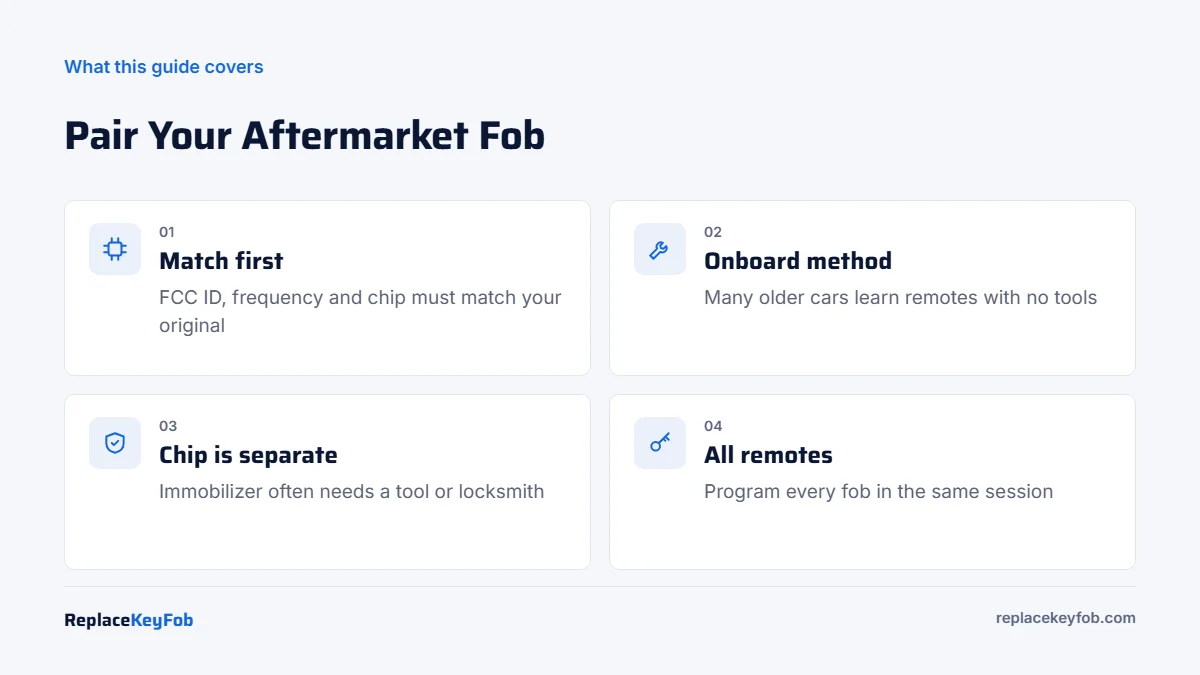
You can program an aftermarket key fob the same way as an OEM fob: with your car’s onboard procedure (no tools, 10 to 20 minutes) on many older vehicles, with an OBD2 key programmer, or through a locksmith. It only works if the fob’s FCC ID, frequency and chip match your car’s original key.
Aftermarket fobs are cheap, but they arrive blank. The car has no idea the fob exists until it is paired with the keyless entry module and, if it has a chip, with the immobilizer.
This guide shows how to program an aftermarket key fob step by step, which method fits your vehicle, and what to do when the car refuses to accept it.
Aftermarket Fob Programming at a Glance
| Method | Time | Tools | DIY? | Typical vehicles |
|---|---|---|---|---|
| Onboard (ignition and buttons) | 10 to 20 min | None | Yes | Many older domestic and Asian models with separate remotes or remote head keys |
| Onboard with two working keys | 10 min | Two programmed keys | Yes | Some Ford, Lincoln, Mazda and Chrysler turn-key models |
| OBD2 key programmer | 20 to 60 min | Programmer, sometimes a PIN | Yes, advanced | Most transponder and many smart key systems |
| Locksmith | 30 to 60 min | Pro equipment | No | Most mainstream vehicles |
| Dealer | 1 to 2 hours | Factory software | No | All, though some refuse non-OEM fobs |
What You Need
- The aftermarket fob, with an FCC ID and part number that match your original. See how to find the FCC ID on a key fob.
- A fresh battery in the new fob (many ship with a weak or no battery).
- Your working key or keys.
- All other remotes you want to keep, since many procedures erase remotes not programmed in the same session.
- The owner’s manual, or a reliable procedure for your exact year and model.
- For transponder or smart keys: an OBD2 key programmer that supports your vehicle, or a locksmith.
Aftermarket Replacement Key Fob
Pick a fob listed for your exact year, model and button layout with the same FCC ID as your original. Sellers that show the circuit board in photos tend to be more transparent.
As an Amazon Associate, ReplaceKeyFob earns from qualifying purchases.
How to Program an Aftermarket Key Fob: Step by Step
The general onboard pattern below covers how many older systems enter “remote learn” mode. Exact counts and timing differ by brand, model and year, so treat this as a framework and follow your manual’s version.
- Prepare. Put a new battery in the aftermarket fob. Gather every remote you want to keep. Close all doors, and sit in the driver’s seat.
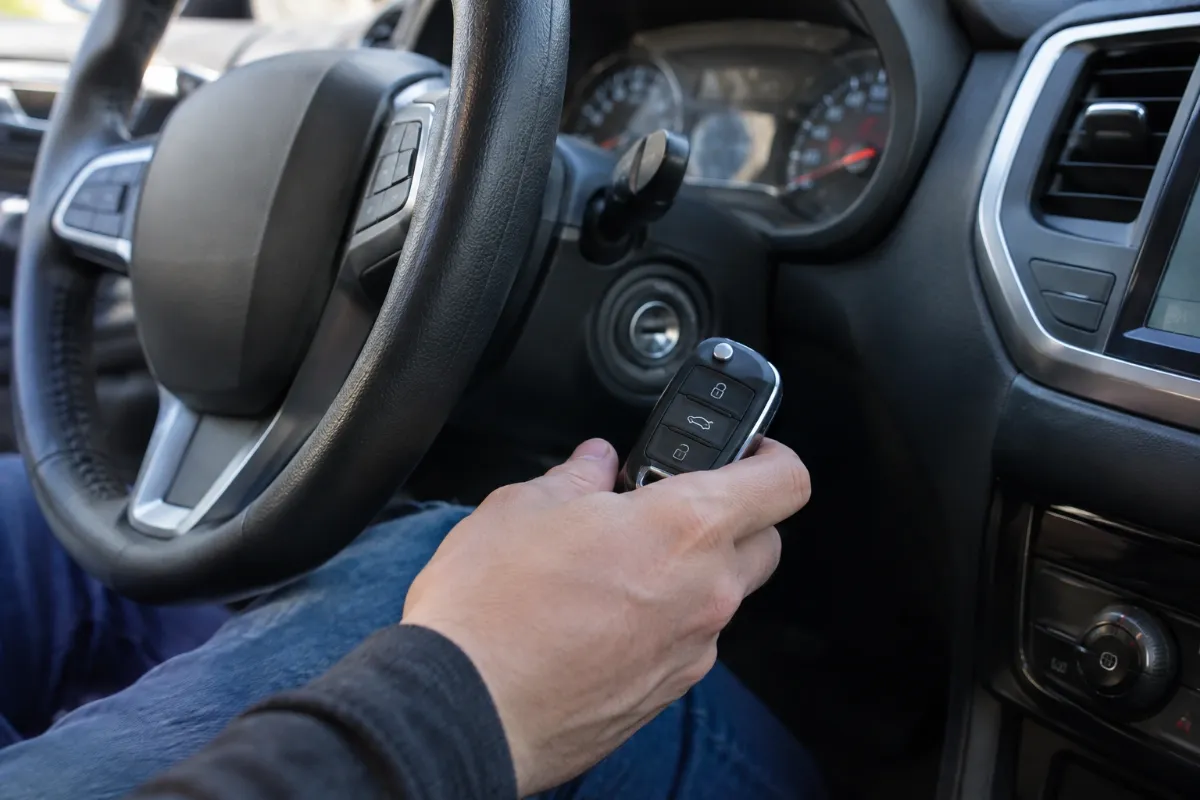
- Enter programming mode. Most onboard methods use a sequence such as cycling the ignition between OFF and ON a set number of times within a time limit, sometimes combined with pressing the door lock switch or opening and closing the driver’s door. For example, many older Ford models with separate keyless entry use eight quick ignition cycles within about ten seconds.
- Watch for confirmation. The car usually cycles the door locks, chimes, or shows a message to confirm it is in learn mode.
- Program each remote. Press a button (often LOCK or UNLOCK) on the new fob. The locks cycle again to confirm. Repeat right away for each additional remote, including your old ones.
- Exit programming mode. Turn the ignition off or wait for the timeout, as your procedure specifies.
- Program the transponder if needed. If the fob is a remote head key, flip key or smart key, the immobilizer also needs to learn its chip. Some brands allow this with two existing keys. Others need an OBD2 programmer or locksmith.
- Test. Check every button and start the engine with the new key several times.
Programming With an OBD2 Key Programmer
When your car has no onboard procedure, a key programmer that plugs into the OBD2 port can add keys. You choose the vehicle, select “add key,” and follow the on-screen prompts. Some systems require a security PIN, which the tool may read automatically or which you must obtain separately. Check that the tool lists your exact model before buying. Our guides to programming a key fob with OBD2 and choosing a universal key programmer explain what to look for.
Remote Programming vs Transponder Programming
Most confusion about aftermarket fobs comes from treating the fob as one device. It is usually two.
- The remote transmitter sends lock, unlock, trunk and panic commands by radio. It pairs with the keyless entry or body control module. This is the part many older cars let you program onboard.
- The transponder chip talks to the immobilizer when the key is in the ignition or, on smart keys, inside the car. Without it, the engine cranks briefly or not at all. Many systems, such as Ford PATS, GM transponder systems, and Chrysler SKIM/SKREEM, need a two-key procedure, a tool, or a pro for this step.
On smart keys, both functions live on one board and are typically programmed in one session with a tool. On remote head keys, they share a case but are still learned separately. Plan for both before you buy.
Tips for a Smooth First Try
- Read the whole procedure before starting. Most learn modes time out after 10 to 30 seconds.
- Keep the new fob close to the ignition or start button during programming.
- Program in a quiet spot, away from other running cars and strong radio sources.
- If a step fails, turn the ignition off, wait a minute, and start from the beginning.
If It Doesn’t Work
| Symptom | Likely cause | Fix |
|---|---|---|
| Car never enters programming mode | Timing too slow or wrong sequence for your year | Retry faster; confirm the procedure for your exact model |
| Car enters mode but ignores the new fob | Wrong frequency or FCC ID | Compare the fob with your original; return if mismatched |
| Buttons work, engine won’t start | Transponder not programmed or wrong chip | Program the immobilizer with a tool or locksmith |
| Old remote stopped working | Not reprogrammed in the same session | Repeat and program all remotes together |
| Works only up close | Weak battery or poor-quality transmitter | Fresh battery; consider a better fob |
More causes are covered in why won’t my key fob program. If the battery is the suspect, the key fob battery size chart shows which coin cell you need.
When to Call a Dealer or Locksmith
Call a locksmith if your car has push-button start, if your manual has no onboard procedure, or if you only have one key and the procedure needs two. Locksmiths typically charge about $60 to $150 to program a customer-supplied fob in 2026, plus about $10 to $50 to cut a blade. Some dealers refuse to program aftermarket fobs, or will try and not refund the fee if it fails. Ask first.
For the full price picture, including when a new OEM fob is worth it, see our hub on how much a new key fob costs. For brand-by-brand methods, start with the key fob programming guide.
Frequently Asked Questions
Often, yes, if your car has an onboard programming procedure or you own a compatible OBD2 key programmer. Many push-button smart key systems still need a locksmith.
Some will and some won’t. Dealers that agree usually charge the programming fee even if the fob fails, so call ahead and ask about their policy.
The remote buttons and the immobilizer chip are programmed separately. The chip still needs to be added to the immobilizer with a tool, locksmith, or a two-key onboard procedure.
Onboard remote programming usually takes 10 to 20 minutes. Tool or locksmith programming including the transponder typically takes 20 to 60 minutes.
On many vehicles, yes. Entering programming mode can erase remotes that are not programmed during the same session, so have all of them ready.