
How to Program a Tesla Key Fob (DIY, Dealer, or Locksmith)

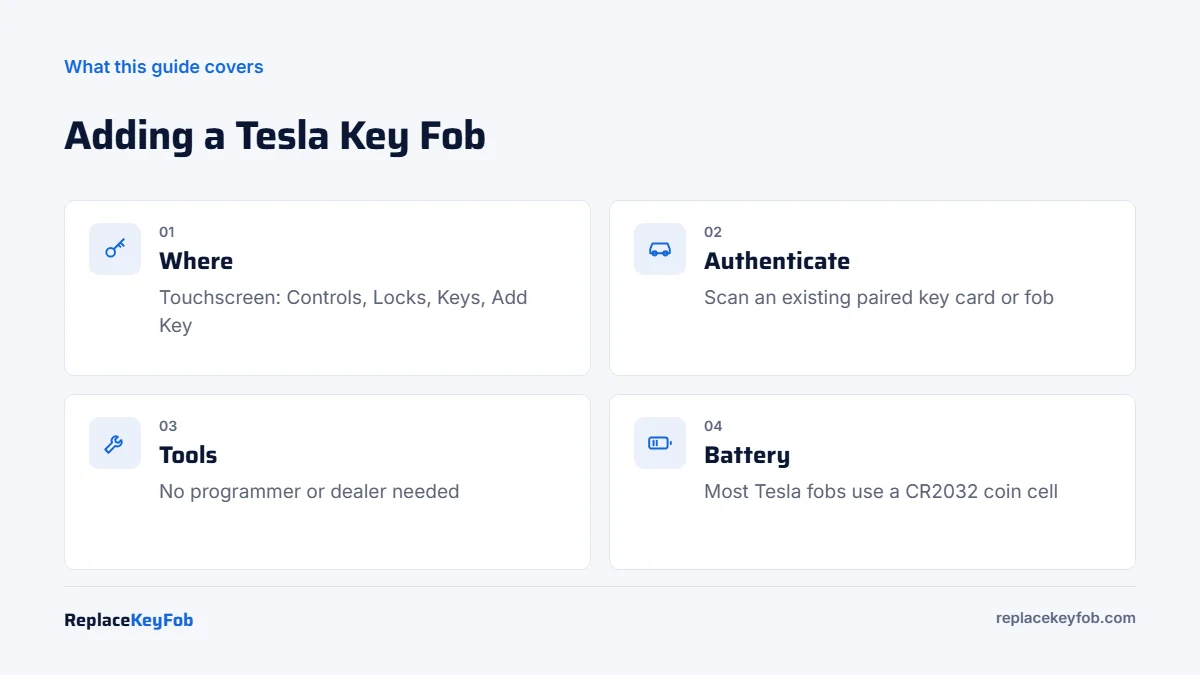
To program a Tesla key fob, open Controls → Locks → Keys → Add Key on the touchscreen, scan the new fob or key card on the card reader, then scan a key card or fob that is already paired to authorize it. It takes about two minutes, needs no tools, and works the same way for key cards.
Tesla handles keys differently from every other brand on this site. There is no OBD2 programming, no dealer PIN and no locksmith visit for an ordinary spare. The car’s own software pairs new keys, as long as you can prove you already have an authorized key. This guide covers the touchscreen procedure, the differences between Model 3, Model Y, Model S and Model X, and what to do if you have no working key.
Tesla Key Types
| Key type | Models | How it works | How it is added |
|---|---|---|---|
| Phone key | All current models | Bluetooth via the Tesla app; unlocks as you approach | Tesla app, then authenticate in the car with a key card |
| Key card | Model 3, Model Y, Cybertruck; refreshed Model S and Model X | NFC card tapped on the B-pillar reader or card reader | Touchscreen: Locks → Keys → Add Key |
| Key fob (accessory) | Model 3 and Model Y (optional), Model S and Model X | Buttons plus passive entry on supported models | Touchscreen: Locks → Keys → Add Key |
Tesla vehicles store a list of authorized keys in the car. You can see every paired phone, card and fob on the Keys screen and delete any you no longer have.
How to Program a Tesla Key Fob or Key Card
You need the new fob or card and one key card or fob that is already paired. A phone key alone is not enough to authorize a new physical key at the card reader.
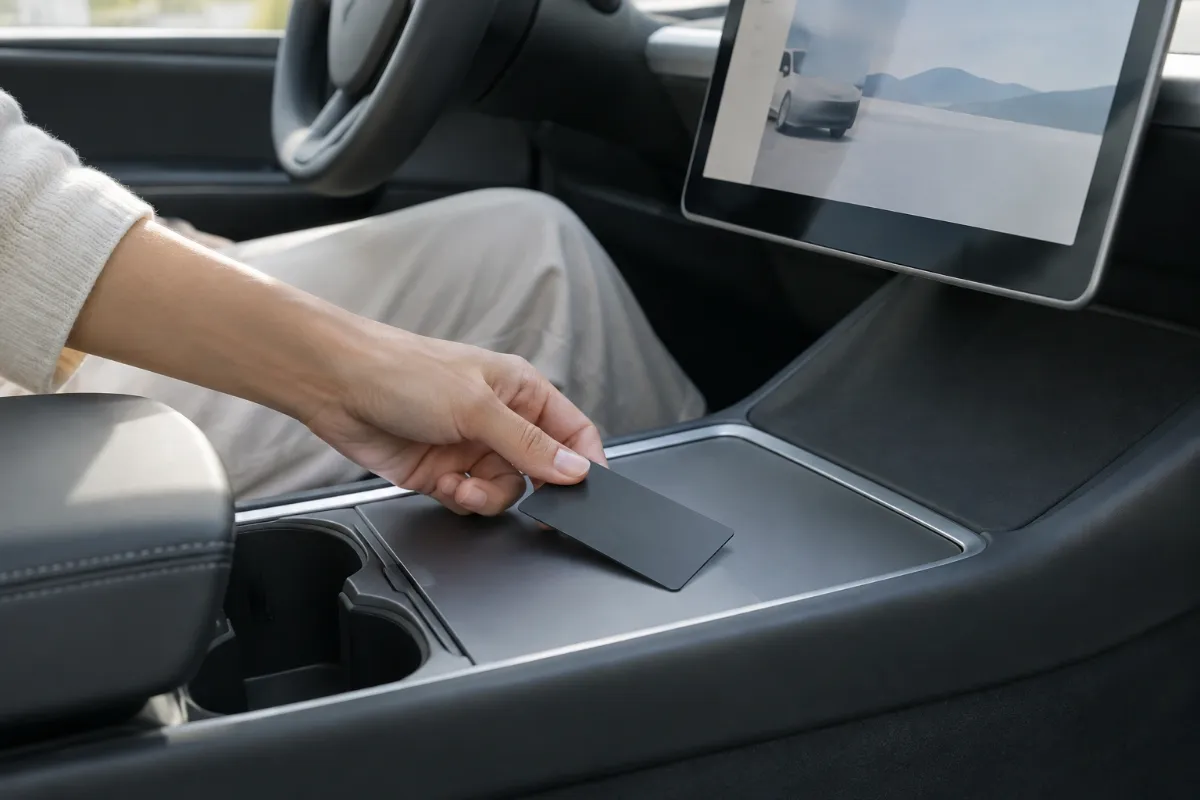
- Sit in the car with the new key and an existing paired key card or fob.
- On the touchscreen, tap Controls → Locks → Keys and choose Add Key.
- Scan the new key on the card reader. On Model 3 and Model Y the reader is on the center console behind the cupholders. On refreshed Model S and Model X, it is on the wireless phone charger area. On older Model S and Model X, follow the location shown on the screen.
- When the car chimes and recognizes the new key, remove it from the reader.
- Scan an already-paired key card or fob to confirm the pairing.
- The new key appears in the Keys list. Rename it if you like, then test locking, unlocking and driving.
Tesla’s manual notes that a cold fob may not pair, so let it warm to room temperature first. If your screen menus look different, your software version may have moved the option; check the owner’s manual on the touchscreen.
Removing a Lost Tesla Key
On the same Keys screen, tap the trash icon next to the key you want to remove and confirm by scanning an authorized key. Do this right away if a fob or card is lost or stolen. Your Tesla app account owner can also review paired keys.
What You Need
- A genuine Tesla key fob or key card for your model. Model 3/Y fobs and Model S/X fobs are different.
- An already-paired key card or fob to authorize the new key.
- Your car in Park with the touchscreen awake.
Tesla Key Fob or Key Card
Make sure the fob or card is listed for your exact model and is new; a fob paired to another Tesla may not pair to yours. Tesla also sells keys directly through its shop.
As an Amazon Associate, ReplaceKeyFob earns from qualifying purchases.
Tesla Model S Key Fob Programming
The Model S has had several fob designs since 2012, all shaped like a small car. The pairing method is the same Add Key procedure on the touchscreen. On the refreshed Model S (2021 on), the card reader sits by the phone charger. On earlier cars, the screen guides you to the correct spot. If an older fob will not pair, confirm it is a Model S part and that the fob battery is fresh.
Tesla Model X Key Fob Programming
The Model X fob also resembles the car and includes buttons for the falcon wing doors. Pairing uses Controls → Locks → Keys → Add Key, scanning the new fob and then an existing key. As with the Model S, the refreshed Model X uses the reader near the phone charger.
Phone Key Setup
Most owners use their phone as the main key. Sign in to the Tesla app, enable Bluetooth, and follow the prompts to set up the phone key, which asks you to tap an existing key card on the reader to authenticate. Additional drivers can be added through the app by the account owner.
What If You Have No Working Key?
If every card and fob is lost but you can still sign in to the Tesla app, the vehicle owner may be able to unlock and drive using the app while waiting for new keys, depending on settings and software. To pair a new physical key without an existing one, schedule service through the Tesla app; Tesla Service or Mobile Service can authorize new keys. Our Tesla lost car key guide walks through the options.
Tesla Key Costs
| Item | Typical 2026 US price (Tesla) |
|---|---|
| Key card | Roughly $25 to $40 |
| Model 3 / Model Y key fob | Roughly $150 to $200 |
| Model S / Model X key fob | Roughly $175 to $250 |
| Programming | Free (owner pairs on the touchscreen) |
Prices change; check the Tesla shop or app for current pricing. Compare with other brands in our key fob programming cost guide.
If It Doesn’t Work
- Fob not recognized: warm it to room temperature, check the battery, and place it squarely on the reader. Tesla fobs commonly use a CR2032; see our CR2032 battery guide.
- Authorization fails: the second key you scan must already be paired to the car.
- Wrong model fob: Model S/X and Model 3/Y fobs are not interchangeable.
For how other brands handle key programming, see our key fob programming hub and the key fob programming app guide.
Tips for Managing Tesla Keys
- Keep a key card in your wallet. If your phone battery dies, the card still opens and drives the car.
- Name your keys. Renaming each key in the list makes it easy to remove the right one later.
- Review the key list after buying a used Tesla. Remove any keys you do not have, and make sure the vehicle is transferred to your Tesla account.
- Consider PIN to Drive. This security setting requires a PIN before driving, which adds protection if a key card is lost.
Frequently Asked Questions
On the touchscreen, go to Controls → Locks → Keys → Add Key, scan the new fob on the card reader, then scan an already-paired key card or fob to authorize it.
On Model 3 and Model Y it is on the center console behind the cupholders. On refreshed Model S and Model X it is at the wireless phone charger. Older Model S and X show the location on screen.
Pairing at the reader requires an already-paired key card or fob. If you have none, schedule Tesla Service through the app.
No. Owners pair fobs and key cards themselves on the touchscreen at no charge.
Tesla fobs commonly use a CR2032 coin cell. Check your owner’s manual for the replacement steps for your model.