
Jaguar Key Fob Battery Replacement: CR2032 for XE, XF, XJ, F-Pace, E-Pace, F-Type and I-Pace

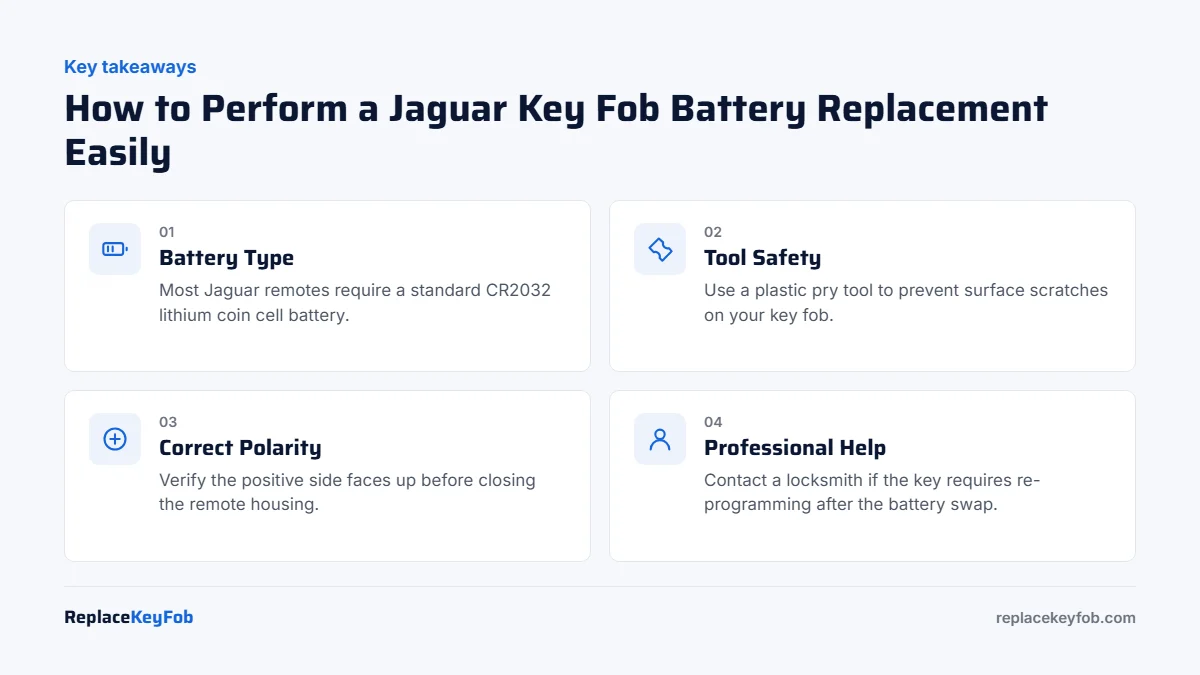
Every Jaguar smart key takes one CR2032 battery: the 2007 to 2015 key on the XK, XF and XJ, the 2016 to 2020 key on the XE, XF, F-Pace, E-Pace, F-Type and I-Pace, and the current slimmer key. The older X-Type and S-Type remote head keys take a CR2032 as well. To open a smart key, slide the release and pull out the emergency blade, then slide or lever the back cover off from the end the blade came from. Fit the new cell the same way round as the old one. No reprogramming is needed, and the Smart key battery low message clears on its own.
Jaguar has changed the shape of its key three times since 2007, but the battery has stayed the same the whole way through, and so has the basic method: the emergency blade comes out first and the cover opens from that end. What does change between generations is where you hold a dead key to start the car, and that is the part most owners cannot find in a hurry. This guide covers the battery, the opening, the backup start position for each generation, and what to check if the car still does not see the key afterwards.
Which battery your Jaguar key fob takes
Find your key in the table. The FCC ID printed on the back of the fob tells you which family it belongs to, but for Jaguar the answer in the last column is the same every time.
| Key style | Typical FCC ID | Common on | Battery |
|---|---|---|---|
| Remote head key (buttons on the key head, turn-key ignition) | CWTWB1U322, NHVWB1U241, KOBUTA3T | S-Type 2000 to 2008, X-Type 2002 to 2008, XJ 2004 to 2009, XK 1997 to 2006 | CR2032 |
| Smart key, 2007 to 2015 style (rounded, chrome band) | KR55WK49244, KR55WK49266 | XK 2007 to 2014, XF 2009 to 2015, XJ 2010 to 2019, F-Type 2014 to 2016 | CR2032 |
| Smart key, 2016 to 2020 style (squared, leaping cat on the back) | KOBJTF10A, KOBJXF18A | XE 2016 to 2020, XF 2016 to 2020, F-Pace 2017 to 2020, E-Pace 2018 to 2020, F-Type 2017 to 2020, I-Pace 2019 to 2020 | CR2032 |
| Current slim smart key | KOBJXF18A, KR5ANLR2 | XE 2020 on, XF 2021 on, F-Pace 2021 on, E-Pace 2021 on, I-Pace 2021 on, F-Type 2021 on | CR2032 |
If you open the key and find a CR2025 in it, someone fitted the wrong cell last time. The holder is designed for the 3.2 mm thick CR2032 and a thinner cell sits loose and makes poor contact. If the code on the old cell is unreadable, the owner’s manual lists the type in the section on the smart key, and the Jaguar InControl app or the instrument panel will tell you when the key battery is low.
The code tells you the size: the first two digits are the diameter in millimetres and the last two are the thickness in tenths of a millimetre, so a CR2032 is 20 mm wide and 3.2 mm thick while a CR2025 is the same width but thinner. A thinner cell in the same holder makes poor contact and causes the random dropouts people blame on the car. Our key fob battery size chart lists every size by brand.
What you need
- One new CR2032 from a name brand (Panasonic, Energizer, Duracell, Murata, Varta or Jaguar branded all work)
- A plastic pry tool or a small flat-blade screwdriver with the tip wrapped in tape
- A clean table and good light, so a dropped battery does not vanish and the chrome or painted back of the key does not get scratched
Avoid rechargeable cells such as LIR2032. They have the right shape but a higher voltage, and they are not what the key is designed for. A branded 3 V lithium cell with a date well into the future is all you need.
Changing the battery in a Jaguar smart key
This covers every push-button Jaguar from 2007 onwards. The three generations differ in how the cover comes off, which is covered in step 2.
Slide the small catch on the side or back of the key and pull the metal key blade straight out. You will use its tip in the next step.
On the 2016 and newer keys, slide the back cover towards the blade end; it unclips and lifts off. If it is stiff, put the tip of the blade into the slot the blade came from and lever gently. On the 2007 to 2015 rounded key, the blade slot has a small notch between the halves: push the tip of the blade or a taped screwdriver in and twist, and the back cover pops off. Do not pry around the outside seam or under the chrome band.
Before you touch the battery, look at which side shows. On Jaguar keys the + side with the code printed on it normally faces up, towards the back cover, but take a photo so there is no guessing later.
Use a plastic tool or the tip of the blade at the small cut-out beside the battery to lever it up, and lift it out by the edge. Do not slide a metal tool across the circuit board.
Hold the new cell by its edges and press it into the holder the same way round as the old one. It should sit flat and click under the retaining tab. A battery that rocks or stands proud is the wrong size.
Line the cover up and press or slide it on until it clicks all round, slide the emergency blade home until it clicks, and press lock and unlock. The indicators should flash and the small LED on the key should blink with each press.
If the rubber button pad lifted with the cover, lay it back in the body first, buttons facing out, and check it is sitting in its groove before you close the case. A pinched pad is why buttons feel mushy after a battery change.
Changing the battery in an older Jaguar remote head key
This is the key with buttons on the plastic head of a fixed metal blade, used on the S-Type, X-Type, the 2004 to 2009 XJ and the pre-2007 XK. It takes a CR2032.
- Find the notch on the seam of the key head, usually on the edge opposite the blade. Put a coin or a taped flat screwdriver in it and twist. Work the two halves apart slowly; the plastic on these keys is twenty years old and brittle.
- Note which way the battery faces, then lever it out from the cut-out at its edge.
- Press in the new CR2032 the same way round and check the rubber button pad is seated.
- Snap the halves together until the seam is flush all the way round and test the buttons. If the remote has lost its pairing after weeks without power, turn the key in the ignition to position II and press a button; the car re-synchronises it.
The transponder chip that lets the car start is sealed in the key head and does not use the battery. So even with a completely dead remote the key still turns the ignition and starts the engine; you just have to unlock the door with the blade.
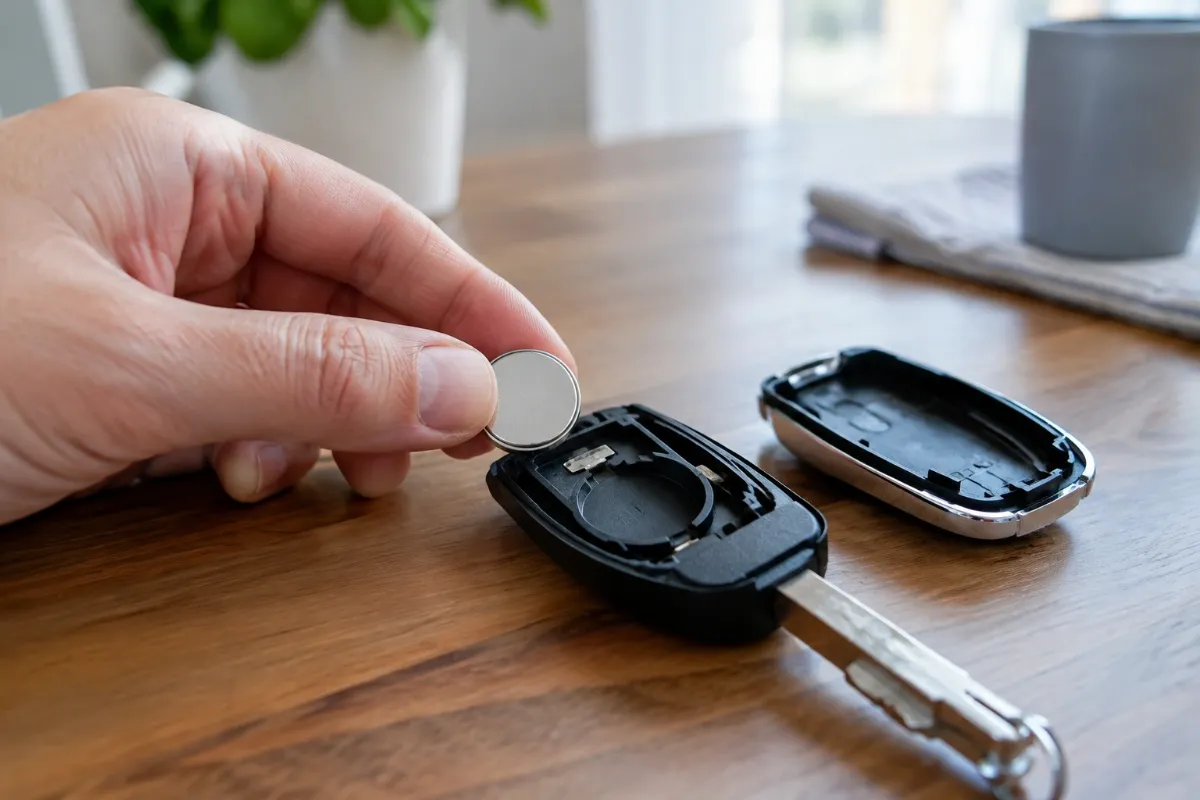
3V lithium CR2032 coin cell
Every Jaguar key takes a CR2032. Buy a name brand in a small multi-pack and keep the spares in the glove box, not loose in the key.
As an Amazon Associate, ReplaceKeyFob earns from qualifying purchases.
Do you need to reprogram a Jaguar key after a battery change?
No. The pairing between the key and the car is stored in memory that does not depend on the battery, so a Jaguar key keeps working as soon as a fresh cell goes in. If the instrument panel showed Smart key battery low, it clears after the next start or two. Jaguar does suggest pressing any button on the key once after a battery change so the key and car re-synchronise before you walk up to the door, and that is all it needs.
If the car still does not see the key
First, get moving. If the panel says Smart key not found, there is a backup reading position, and it moved between generations. On the 2009 to 2015 XF and XJ and the 2007 to 2014 XK, hold the key flat against the lower dashboard directly below the auxiliary switch pack, to the left of the steering column. On the 2016 to 2020 XE, XF, F-Pace, E-Pace and F-Type, hold the key against the underside of the steering column, buttons facing down. On the current cars (2020 XE and 2021 XF and F-Pace onwards), hold it flat against the underside of the dashboard below the light switches. In every case, keep the key there, press the brake and press Start. The emergency blade opens the driver’s door; on the newer cars the lock cylinder is under a cover on the handle that pops off with the blade tip.
Then work through the usual causes, in order of how often they turn out to be the problem:
- Wrong size. A CR2025 or CR2016 in a CR2032 holder makes patchy contact and the key works one day and not the next. Compare the code on the new cell with the old one.
- Upside down. If the key does nothing at all and the LED does not flash, open it and turn the battery over.
- Bent or dirty contact. The spring contact can be flattened by prying. Lift it gently with a plastic tool and clean it with a dry cotton bud. See how to clean key fob battery contacts.
- Tired new battery. Cells that sat in a drawer or came from an unbranded multi-pack can be flat out of the packet. Try a second one from a fresh pack.
- The car’s 12 V battery. Jaguars are hard on their batteries when they sit, and a weak battery is a far more common cause of a no-start than the key. See can a bad car battery cause key fob problems.
- Damage inside the key. A key that has been dropped hard, through a wash, or left on a hot dashboard can have a cracked solder joint or corroded board. A locksmith can test whether it still transmits.
If the buttons work but the car does not respond, the full checklist is in key fob not working after a battery replacement.
What it costs
A Jaguar dealer will fit a battery while you wait, and many do it free for a car they service. The larger figures only apply if the key itself has to be replaced. Jaguar smart keys are ordered against the VIN and programmed with dealer tools, which is why they cost what they do; a five-minute battery change is the cheap way to keep that from ever being necessary.
How long the new battery will last
A remote head key only transmits when you press a button, so a CR2032 in one typically lasts three years or more. A smart key listens for the car and answers whenever you touch a door handle, so expect one to two years, and less on a car with keyless entry that is parked within a few metres of where the key lives. Cold weather and carrying the key loose with things that press the buttons both shorten that. More detail is in how long key fob batteries last.
Safety: keep coin batteries away from children and pets
A swallowed coin cell can cause serious internal burns within hours. Keep spares and the old cell out of reach, and dispose of old batteries at a drop-off point rather than in household waste. If you think a child has swallowed a battery, go to the emergency room straight away and call the National Battery Ingestion Hotline at 1-800-498-8666, or Poison Help at 1-800-222-1222.
Frequently Asked Questions
Every Jaguar key takes a single CR2032 3 V lithium coin cell, from the old S-Type and X-Type remote head keys to the current XE, XF, F-Pace, E-Pace, F-Type and I-Pace smart keys. Confirm with the code on the old battery.
Slide the catch and pull out the emergency blade. On 2016 and newer keys, slide the back cover towards the blade end and lift it off. On the 2007 to 2015 rounded key, push the tip of the blade into the notch inside the blade slot and twist. Do not pry at the outside seam.
No. Jaguar keys keep their pairing without battery power. Press any button once after the change and the key works as normal; the Smart key battery low message clears after the next start or two.
2009 to 2015 XF, XJ and XK: against the lower dashboard below the switch pack left of the steering column. 2016 to 2020 XE, XF, F-Pace, E-Pace and F-Type: against the underside of the steering column. Current cars: flat against the underside of the dashboard below the light switches. Hold it there, press the brake and press Start.
It will fit the holder and may work for a while, but it is thinner than the CR2032 the holder is designed for, so the contact is poor and the key becomes unreliable. Use a CR2032.
The car usually needs a start cycle or a short drive to update. If it stays on, check that the new cell is a CR2032 from a fresh pack, the right way up, and that the spring contact in the key is not flattened.