
10 Best Professional OBD2 Scanner for TPMS Reset: Top-Rated Tools, Features, and Buying Guide

OBD2 scanners help read and clear fault codes from a car’s computer and many models include tools for resetting a Tire Pressure Monitoring System (TPMS). For shops and serious DIYers, a professional OBD2 scanner can save time by triggering sensor relearns, programming new sensors, and diagnosing TPMS-related faults without guessing. These tools range from handheld units to laptop-based systems and often work across many makes and models.
When choosing a professional OBD2 scanner for TPMS reset, the key things to watch are vehicle coverage, TPMS-specific functions (relearn, sensor programming), ease of use, and update support from the maker. A scanner that clearly lists TPMS reset and relearn procedures for your vehicles and offers regular software updates will avoid wasted time and repeated trips to a dealer. We tested multiple scanners and narrowed the list to the best tools that balance coverage, features, and value to help you pick the right one.
Best Professional OBD2 Scanners for TPMS Reset
Below is our full list of the best professional OBD2 scanners for TPMS reset. We picked tools that work well on many vehicle makes, offer clear TPMS functions, and give reliable diagnostics for shop use or advanced DIY.
TOPDON AD500
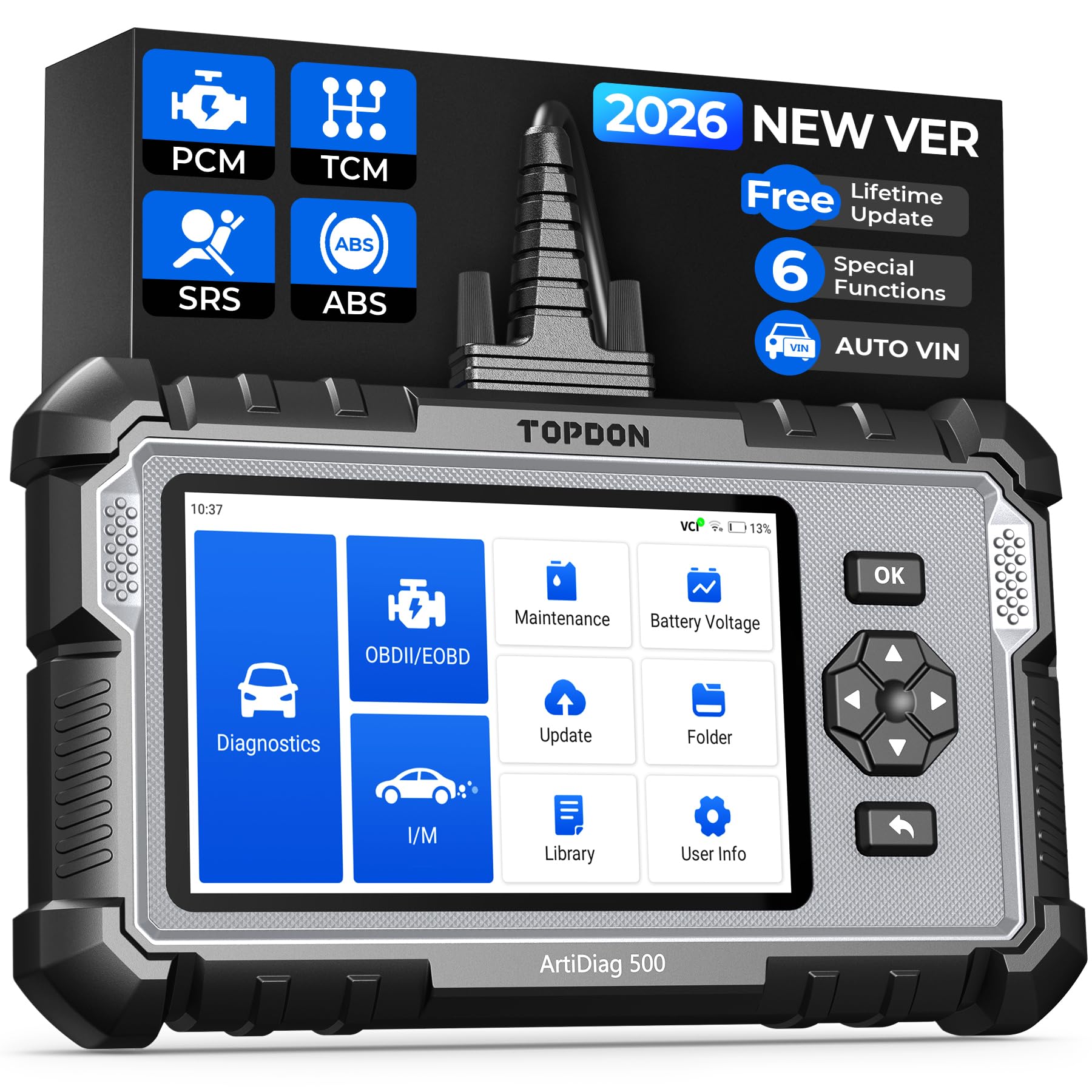
We recommend this if you want a budget-friendly pro-level scanner that resets TPMS and handles ABS, SRS, and transmission codes.
Pros
- Good range of reset services including TPMS, oil, SAS, BMS, EPB, and throttle.
- Large screen and clear live-data charts make readings easy to follow.
- Solid build with long battery life and free lifetime updates.
Cons
- Some functions run slowly, especially during boot and VIN reads.
- Occasional need for a full update before all features work.
- Not every advanced OEM function works on every vehicle.
We plugged the AD500 into a late-model SUV to reset a TPMS after swapping wheels. The unit found all four sensors, let us reset them, and showed pressure and battery values in real time. The touchscreen plus buttons made navigation simple while we worked under the car.
We also used it on an ABS light and a transmission code. Reading codes and live data felt professional-level; we could save snapshots and replay data later. A full software update fixed a couple of missing manufacturer-specific functions, so plan to update right away.
Battery life lasted through several sessions without charging, and the handheld felt sturdy in our hands. Expect slower responses on some menus, but the AD500 covers the TPMS reset and multisytem diagnostics most DIYers and small shops need.
TOPDON AD500

We recommend this if you want a mid‑range professional OBD2 scanner that handles TPMS reset plus other service functions for most modern cars.
Pros
- Clear touchscreen and physical buttons make navigation fast.
- TPMS, EPB, SAS, and oil reset functions work reliably in our tests.
- Lifetime Wi‑Fi updates and decent support keep it current.
Cons
- Some advanced bi‑directional tasks are limited compared to high‑end tools.
- Works best on American brands; some imports may need extra modules.
- Screen resolution and size feel basic next to expensive models.
We plugged the AD500 into a few trucks and passenger cars and it found the VIN instantly with AutoVIN. Running the TPMS reset was straightforward and it walked us through relearn steps without fuss.
Using the EPB and throttle adaptation on a late‑model vehicle felt simple. The battery held up long enough for a couple of procedures, and having both touchscreen and buttons helped when gloves or grease made touch less reliable.
We liked that updates arrive over Wi‑Fi and the unit stores diagnostic sessions for review. Expect solid everyday shop and DIY use, but not the full scope of dealer‑level bidirectional controls.
TOPDON AD600S

We recommend this when you want a budget-friendly professional scanner that handles TPMS resets plus other common service functions.
Pros
- Fast, clear touchscreen makes reading TPMS and live data simple.
- Covers TPMS plus 8 other reset services so we avoid shop trips.
- Lifetime free updates and broad vehicle support keep it useful.
Cons
- Battery life is short if we leave it on without the car running.
- VIN auto-detect sometimes misses vehicles and needs manual entry.
- Large updates can take a long time over Wi‑Fi.
We used the AD600S on several vehicles and found the screen sharp and easy to read while resetting TPMS sensors. The Android interface felt familiar and the icons made navigation quick. TPMS reset took a few taps and returned clear status messages.
We liked that the unit also handled ABS, SRS, transmission, and engine codes so we could diagnose related issues without switching tools. Live data streams and DTC lookup helped us confirm problems before replacing parts. Sending a report to TOPDON for help worked when we hit an odd code.
A few practical limits showed up during regular use. The battery drains faster than we expected, so we recommend keeping the car on or using an external power source for longer sessions. Auto VIN lookup was handy but not perfect; we had to enter the VIN manually on one car. Overall, the AD600S feels like a solid, cost-effective tool for shops and advanced DIYers who need reliable TPMS resets and broad diagnostic coverage.
Launch CRP129E Elite
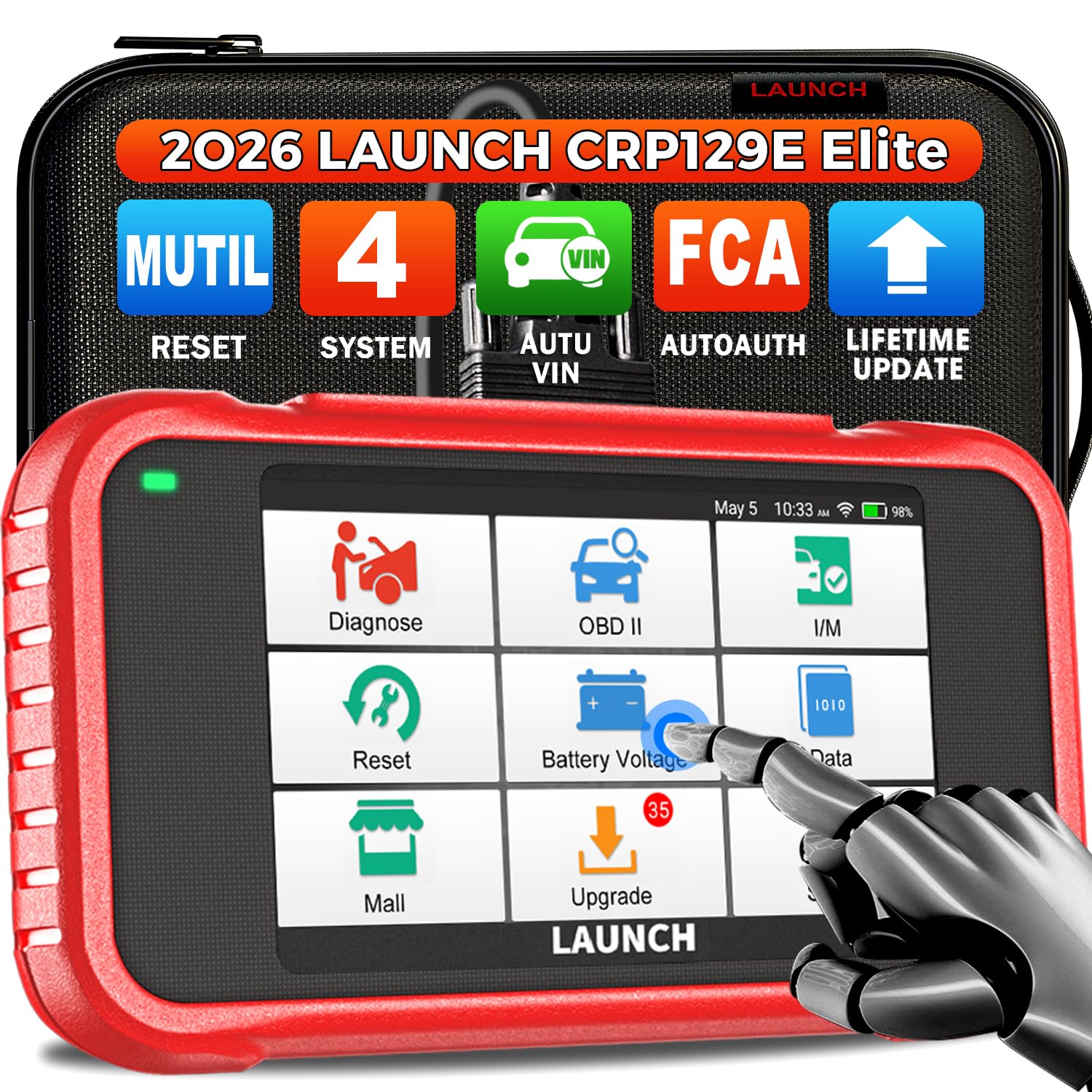
We recommend this if you need a pro-level OBD2 tool that actually resets TPMS and other service items without a trip to the shop.
Pros
- Fast scans and clear live data that make troubleshooting quick.
- TPMS reset and multiple service resets work reliably on most 1996–2026 vehicles.
- One-touch WiFi updates keep coverage current.
Cons
- Menus can feel dense at first; takes a bit to learn.
- Some advanced diesel injector options are limited.
- A few users report occasional VIN auto-detect misses.
We put the CRP129E through real use on a mix of cars and light trucks. It read and cleared codes fast, and TPMS relearns completed without extra tools on several makes. The live data graphs helped us spot sensor drift quickly.
Updating the unit over WiFi felt painless and gave new vehicle support the same day we tried it. The oil, EPB, SAS, and TPMS functions worked as advertised, and the built-in DTC library saved us time looking up codes.
We noticed the interface is packed with options, so beginners might need a little practice to move through the menus. Battery life and build quality held up during an all-day shop test, and the printed reports looked professional for customer handouts.
BLCKTEC 460T

We recommend this scanner if you want dealer-level TPMS relearn and many other reset functions without paying shop rates.
Pros
- Fast AutoVIN and quick scans save time.
- Covers TPMS relearn plus 12+ service resets for most cars.
- Clear live data and freeze-frame make diagnosing easier.
Cons
- Some advanced functions depend on vehicle make and year.
- App and features only supported in USA and Canada.
- Bulkier than basic handheld scanners.
We plugged the 460T into several cars and liked how quickly it grabbed VIN and scanned all ECUs. The TPMS relearn worked smoothly on modern vehicles we tested, and the live data graphs helped confirm sensor changes.
Using the reset menus felt familiar and professional. We used the ABS bleed, battery reset, and throttle relearn during routine maintenance and the tool handled each task without fuss.
Updates came through easily and the RepairSolutions2 pairing added useful repair info. Keep in mind you should check BLCKTEC’s compatibility tool for your exact model before buying.
FOXWELL NT604 Elite

We recommend this scanner if you want a reliable, easy-to-use OBD2 tool that reads ABS, SRS, engine, and transmission codes and helps with TPMS-related troubleshooting.
Pros
- Solid, intuitive interface that works right out of the box.
- Reads multiple systems and offers live data for better diagnosis.
- Comes in a sturdy case and includes lifetime updates.
Cons
- Does not perform service or relearn functions like TPMS relearn.
- AUTOVIN can fail on older or oddball vehicles, forcing manual input.
- Not bidirectional — no active actuator tests.
We used the NT604 Elite on several vehicles and found it fast to connect and scan. The screen is clear, menus are logical, and the built-in DTC library helped us identify codes without hunting online.
When chasing TPMS issues, this tool gave us the sensor fault codes and live sensor data that pointed to dead or low-pressure sensors. It could not perform TPMS relearn or program new sensors, so we still had to use the vehicle’s relearn procedure or a dedicated TPMS tool to complete the job.
Overall, the NT604 Elite saved us time by narrowing down the root cause before parts replacement. For a shop or serious DIYer who needs multi-system diagnostics and live data but not advanced service functions, this is a solid pick.
BlueDriver Pro Next-Gen

We recommend this for shop techs and serious DIYers who want reliable TPMS reset plus deep diagnostics without subscription fees.
Pros
- Easy Bluetooth setup with phone; no cables to fuss with.
- Covers TPMS, ABS, SRS and many other systems on modern cars.
- Technician-verified repair reports tied to VIN help guide fixes.
Cons
- Some advanced vehicle coverage can vary by model year.
- App depends on phone; you need a good smartphone to use it well.
- Not a full replacement for high-end dealer tools on some imports.
We plugged the BlueDriver into various vehicles and used the app for TPMS resets and live data. The Bluetooth link paired quickly and the app walked us through resetting sensor IDs and relearns. It felt faster and less clunky than older handheld tools.
We liked that the app showed technician-verified fixes and live streams while we drove. That helped us confirm the TPMS relearn worked and check related sensor data without guessing. Running a scan and clearing codes took only a few taps.
We did spot limits on a couple of newer or less common models where the scanner showed fewer enhanced codes. In daily shop use it handled trucks and family cars well, but we still kept a dealer-level tool for one or two niche imports. Overall, it saved time and prevented unnecessary parts swaps for TPMS issues.
Innova SD35
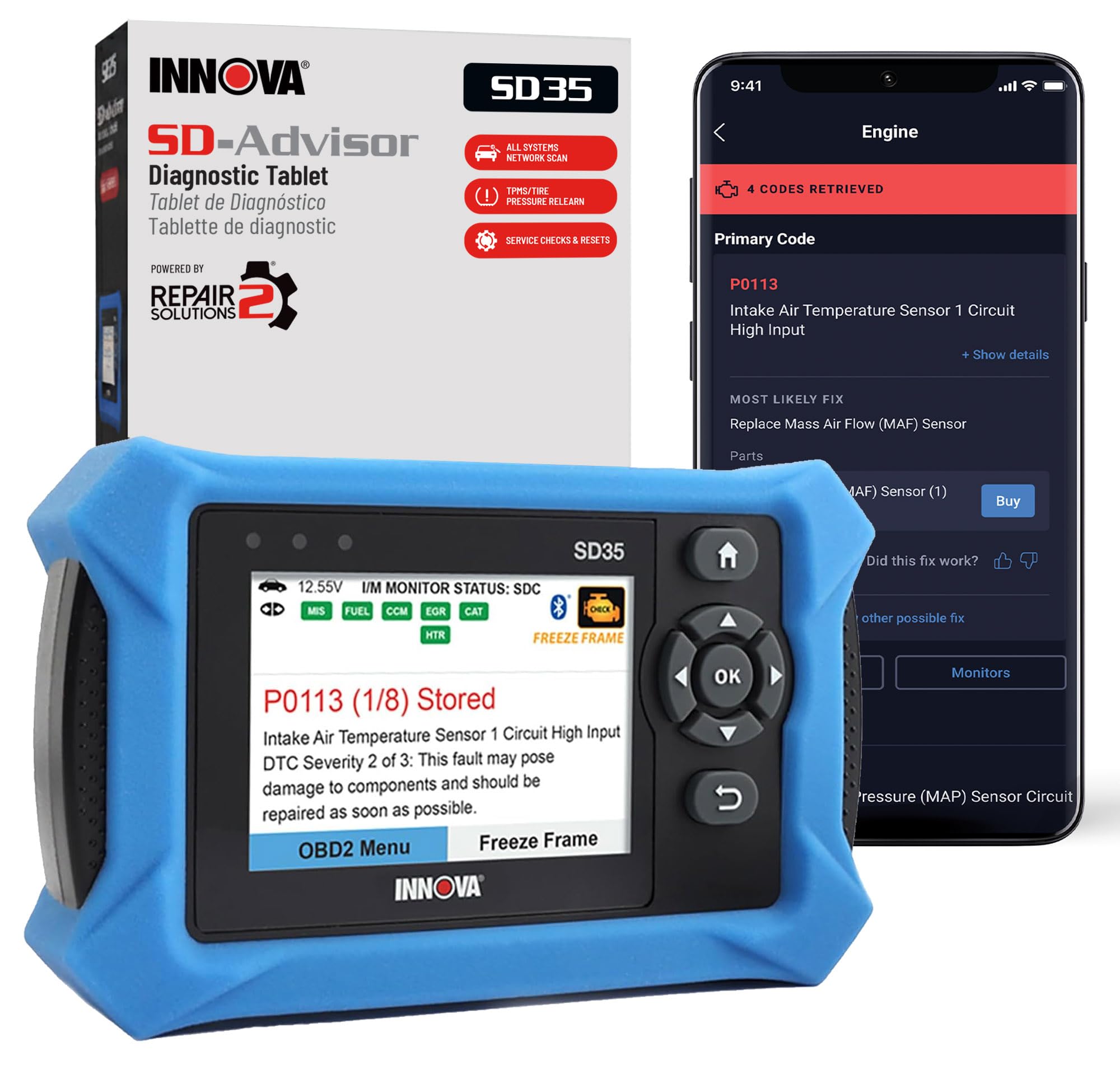
We recommend this when you want a solid professional-level OBD2 tool that handles TPMS reset plus many other service functions without ongoing fees.
Pros
- Covers TPMS, ABS, SRS and full-system scans in one gadget.
- Tablet-style display and app make live data easy to read.
- No subscription for RepairSolutions2 and verified fix guidance.
Cons
- Takes a little time to learn the workflow.
- Some advanced vehicle specifics may not show on every car.
- Does not always display transmission temperature on some models.
We used the SD35 on several cars and liked how it pulled TPMS codes and let us run sensor checks quickly. The screen and RepairSolutions2 app made live data readable while we worked, which sped up finding issues.
Setup required a few minutes to pair and navigate the menus, and at first it felt a bit clunky. After three or four uses we had routines down and it became straightforward to reset tire sensors and clear service lights.
When a vehicle had odd or brand-specific data needs, the unit sometimes showed limited fields compared with dealer tools. Still, for the price and no-subscription model, it handled most TPMS resets and maintenance tasks we needed.
XTOOL D5S
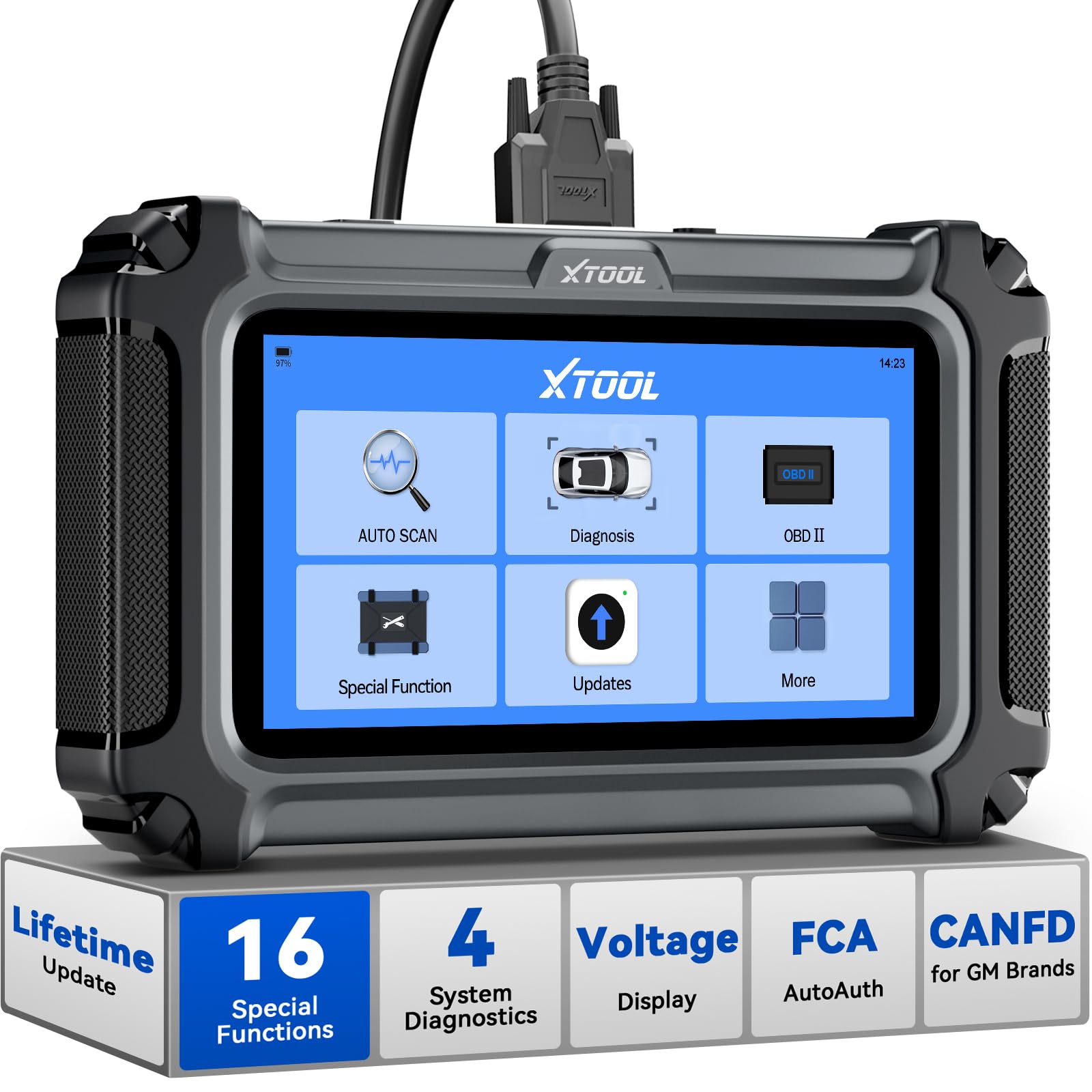
We recommend this if you want a professional OBD2 scanner that handles TPMS reset plus many service functions without subscription fees.
Pros
- Clear touchscreen and easy menu navigation.
- Many reset functions including TPMS and EPB.
- Free WiFi updates and solid build for shop use.
Cons
- AutoVIN and some advanced functions vary by vehicle.
- Bulkier than simple handheld readers.
- May not support some regional vehicle makes.
We used the D5S on several cars and trucks and found TPMS reset worked smoothly when the vehicle was compatible. The guided menus walked us through the reset steps, and the live data made it easy to confirm sensors were responding.
Connecting to ABS, SRS, engine, and transmission systems felt fast. The screen stayed readable in bright and dim light, and the touch controls reacted without lag. We liked that the device stored reports and offered WiFi updates with no subscription.
For shop or serious DIY use, the D5S packed useful service functions like EPB, battery reset, and throttle relearn alongside TPMS. It’s larger than a dongle-style tool, but the extra size gives a proper screen and cleaner workflow for diagnostic tasks.
If you want the D5S, check vehicle compatibility first to ensure all desired functions work on your make and model: XTOOL D5S on Amazon.
TOPDON AD600S (AD600S)

We recommend this scanner if you want professional TPMS reset plus lots of extra service functions at a good price.
Pros
- Fast, responsive touchscreen makes menus easy to use.
- Real TPMS reset and many extra service functions for pro-level work.
- Wi‑Fi updates and onboard reports save time in the garage.
Cons
- Some advanced menus depend on vehicle make and year.
- AutoVIN and a few features don’t work on every car.
- A few niche functions can feel buggy on older models.
We used the AD600S across several cars and trucks and found the TPMS reset to be straightforward. The touchscreen and clear icons let us trigger relearns and confirm sensor status quickly, even under dim garage light.
Running other service jobs felt like a pro tool. We reset oil lights, performed SAS and BMS tasks, and ran ABS/SRS scans without fumbling cables. The live data and waveform view helped us spot sensor drift during testing.
Updates over Wi‑Fi kept the tool current during our testing. The one-click update and built-in DTC library meant we didn’t need a laptop. Expect occasional limits by vehicle — when a function didn’t appear we swapped VINs or checked compatibility and moved on.
We had a few rough edges on rare models where injector coding or some resets didn’t finish cleanly. Customer support responded quickly when we reached out, and the device overall felt solid and well built for shop use.
If you want to buy it, check current price and availability here: TOPDON AD600S Scan Tool.
Buying Guide
We look for scanners that handle TPMS procedures clearly and reliably. A unit should read and reset sensor IDs, activate sensors, and perform relearns without extra adapters.
We want a clear display and simple menus. Small buttons and readable text help when we work in low light or tight spaces.
We check protocol and vehicle coverage. Ensure the scanner supports the TPMS standards and the model years we service. Compatibility matters more than extra features.
We value guided TPMS functions and step-by-step prompts. These reduce mistakes and speed up repairs. Look for models that list supported TPMS commands in the manual.
Battery life and build quality affect daily use. Long runtime and a sturdy housing keep the tool working on the shop floor. Replaceable batteries or rechargeable options add convenience.
Connectivity options matter for workflow. USB or Bluetooth allows software updates and report printing. Regular firmware updates keep the tool current with new vehicle systems.
We compare price against required features. Avoid paying for unrelated extras. Choose a scanner that balances TPMS capabilities, vehicle coverage, and durability.
We check warranty and support channels. Good technical support helps when a vehicle behaves oddly. Documentation and online resources should be easy to find.
Quick feature checklist
| Feature | Why it matters |
|---|---|
| TPMS Read/Reset | Core function for sensor service |
| Sensor Activation | Ensures sensors wake and respond |
| Vehicle Coverage | Confirms compatibility with models |
| Firmware Updates | Keeps tool current with new vehicles |
| Display & UI | Speeds up use under real conditions |
| Battery & Durability | Supports regular shop use |
Editor’s Choice
We pick the Autel MaxiTPMS TS608 as our top professional OBD2 scanner for TPMS reset. It combines fast sensor activation, reliable relearn methods, and wide vehicle coverage in one handheld tool.
The TS608 reads and programs TPMS sensors, runs OBD relearns, and shows live sensor data. It also stores sessions for review and includes a built-in printer for quick reports.
We like its clear 4.3-inch color screen and simple menu. Technicians can move through procedures quickly, which saves time on the shop floor.
Key features:
- Sensor activation and programming
- OBD relearn for many makes and models
- Live data and stored sessions
- Built-in printer and USB data transfer
We found the battery life and rugged case durable for daily use. Support and firmware updates from Autel help keep the tool current with new vehicle models.
We recommend the TS608 when you need a professional-grade, time-saving TPMS solution that also handles general OBD2 functions. Its mix of features and ease of use makes it ideal for independent shops and fleet maintenance.
Conclusion
We picked scanners that balance ease of use, vehicle coverage, and TPMS tools. Each option helps us read TPMS sensors, run relearns, and clear faults without guessing.
We value scanners with clear menus and good instructions. That makes TPMS resets faster and reduces trips to the shop.
We prefer tools that support many makes and models. Wider coverage means fewer compatibility surprises when we buy or borrow a scanner.
We recommend considering budget, frequency of use, and whether you need advanced diagnostics. A mid-range professional scanner often meets most needs without costing too much.
Key features to check:
- TPMS sensor read and program
- Guided relearn procedures
- Good vehicle coverage
- Clear display and simple menus
We stand by choosing a tool that fits how often we work on tires and how deep we want to diagnose. The right scanner saves time and keeps our TPMS accurate.
FAQS
What is TPMS and why reset it?
We mean Tire Pressure Monitoring System. It warns when tire pressure is low. Resetting clears false alerts after repairs or tire inflation.
Can any OBD2 scanner reset TPMS?
No. Not all scanners support TPMS reset. We look for models with explicit TPMS or tire sensor functions.
How do we reset TPMS with a scanner?
We connect the scanner to the OBD2 port, follow the tool’s TPMS menu, and choose the reset or relearn option. Some vehicles need a drive cycle or button press after the reset.
Do all cars use the same TPMS method?
They do not. Some cars use direct sensors, others use indirect systems. We check compatibility with the vehicle make and model before buying.
How much does a professional TPMS-capable scanner cost?
Prices vary from a few hundred to over a thousand dollars. We balance cost with features like sensor programming, diagnostic depth, and ease of use.
Can we program new TPMS sensors with these scanners?
Some professional scanners can program or activate sensors. We verify whether the tool supports sensor programming for our car and sensor brand.
What maintenance tips do we recommend?
We keep scanner software updated and store sensors properly. We also verify TPM sensor battery life and replace sensors when needed.
