
10 Best OBD Auto Doctor Alternatives in 2026

OBD Auto Doctor gets the job done for basic code reading on a Mac or Windows laptop, but plenty of drivers outgrow it fast. Maybe you need Android support, deeper manufacturer data for your Ford or BMW, or a handheld tool that doesn’t rely on a phone at all. The OBD2 market has options for every one of those situations, and picking the wrong one usually means buying twice.
The right setup depends on what you’re actually trying to do with it. A Bluetooth adapter paired with a solid app can pull live data and manufacturer-specific codes that a $20 code reader never will, but it’s only as good as the app and phone behind it. A handheld scanner skips the phone entirely and works the moment you plug it in, which matters if you want something reliable at the auto parts store parking lot. The best choice matches your vehicle, your patience for app setup, and whether you need one-time code reading or ongoing monitoring.
Below, we break down ten diagnostic tools worth considering, from all-purpose Bluetooth adapters to brand-specific coding tools, so you can match the right one to your car and your skill level.
Best overall for enhanced diagnostics: OBDLink MX+
Best budget Bluetooth adapter: Veepeak OBDCheck BLE
Best for plain-English repair guidance: FIXD Bluetooth OBD2 Scanner
Best for Ford, Lincoln, and Mazda owners: OBDLink EX FORScan Adapter
Best standalone handheld for live data: FOXWELL NT301
Best no-frills code reader: ANCEL AD310
Best subscription-free app-based scanner: AUTOPHIX 3210
Best professional-grade handheld: Autel AL319
Best for all-system scanning and resets: TOPDON CarPal
Best for BMW and Mini coding: OBDLink CX
OBDLink MX+ OBD2 Bluetooth Scanner

Buy this if you want one adapter that works across the widest range of third-party apps and manufacturer-specific data.
Pros
- Works with FORScan, BimmerCode, Carista, AlfaOBD, and more
- Enhanced OEM support for Ford, GM, Toyota, Honda, and other major brands
- Reads ABS, SRS, and TPMS data beyond generic codes
Cons
- Requires a compatible app to unlock full functionality
- Costs more than basic Bluetooth adapters
This adapter earns its reputation by staying compatible with nearly every serious OBD2 app on the market, from Torque to Dashcommand. It connects over Bluetooth to iPhone, Android, or Windows, and the enhanced OEM support pulls live parameters that generic scanners miss entirely.
Owners running heavy-duty tow setups have used it to track transmission temperature in real time, which is the kind of manufacturer-specific data that separates this from a $20 reader. Built-in over-voltage protection also means it can stay plugged in without draining the battery.
Veepeak OBDCheck BLE Bluetooth Scanner

Buy this if you want a low-cost Bluetooth adapter for standard check-engine diagnostics without paying for advanced features you won’t use.
Pros
- Competitively priced compared to premium adapters
- Works with Car Scanner ELM OBD2, Torque, and OBD Fusion
- Reliable Bluetooth LE connection on iOS and Android
Cons
- No ABS, SRS, or oil reset support
- Doesn’t work with Carly, MHD, or bootmod3
This adapter sticks to generic OBD-II functions: reading and clearing check-engine codes, live sensor data, and I/M readiness checks. It pairs quickly over Bluetooth LE and stays connected reliably once set up correctly inside the app rather than through the phone’s Bluetooth menu.
It’s a solid pick for a Toyota Corolla or Kia Soul owner who just wants to know why the check-engine light came on. Just don’t expect body-control or transmission-specific data, since that’s outside its scope.
FIXD Bluetooth OBD2 Scanner
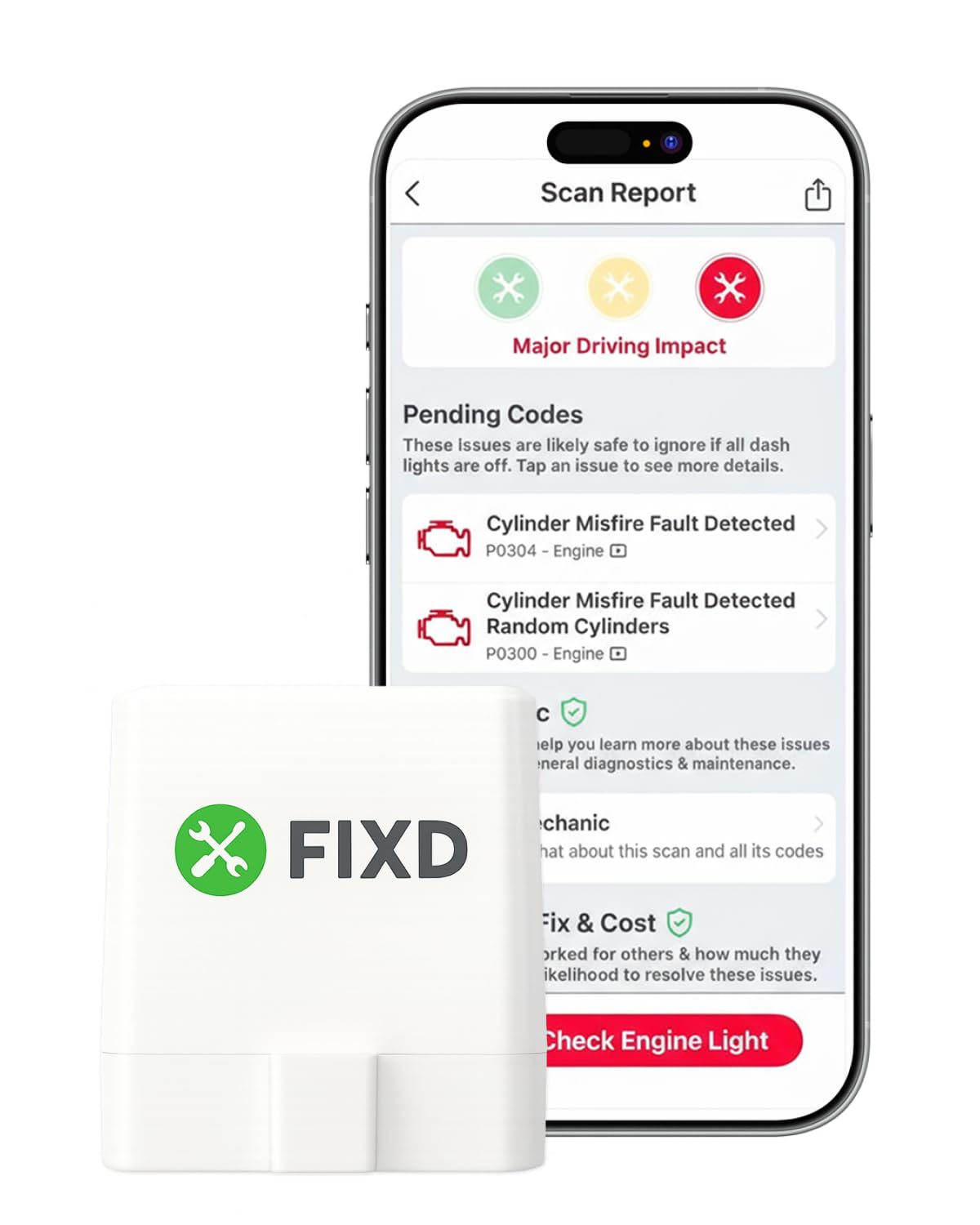
Buy this if plain-English explanations matter more to you than raw technical detail.
Pros
- Translates fault codes into simple explanations
- Tracks maintenance reminders across multiple vehicles
- Small sensor stays hidden under the dash permanently
Cons
- Premium features require a subscription after the trial
- Some owners report outdated code databases on older vehicles
FIXD targets drivers who don’t want to decode a P0420 themselves. The app explains what a code means in ordinary language and flags severe issues that need immediate attention, which is useful for someone without a diagnostic background.
The free tier covers unlimited basic scans, but repair cost estimates and live mechanic support sit behind a subscription. Compatibility issues on older or less common vehicles show up in reviews, so it’s worth checking your specific make before relying on it.
OBDLink EX FORScan Adapter

Buy this if you own a Ford, Lincoln, or Mazda and want dealership-level access through FORScan.
Pros
- Recommended directly by the FORScan development team
- Electronic switch accesses all CAN buses simultaneously
- Up to 20 times faster than toggle-switch adapters
Cons
- Wired USB connection only, no Bluetooth
- Limited value outside Ford-compatible vehicles
This is a wired, Windows-only tool built for one purpose: getting the most out of FORScan on Ford-platform vehicles. The electronic CAN bus switching enables advanced functions that cheaper toggle-switch adapters can’t perform, and the wired connection avoids the dropped-packet issues that plague Bluetooth alternatives during coding sessions.
Professional technicians and serious DIYers rely on it for module programming and hidden feature activation on Ford, Lincoln, and Mazda vehicles. If FORScan isn’t part of your plan, this isn’t the adapter to buy.
FOXWELL NT301 OBD2 Scanner

Buy this if you want a standalone handheld that reads live data without pairing to any phone or app.
Pros
- 2.8-inch color screen works independently of any smartphone
- Live data graphing for O2 sensors, fuel trims, and RPM
- One-click I/M readiness check before smog testing
Cons
- No Bluetooth; firmware updates require a Windows PC
- Not compatible with Mac or iOS for updates
The NT301 skips the phone entirely, which appeals to drivers who don’t want to troubleshoot Bluetooth pairing every time they check a code. Plug it into the DLC port and the 2.8-inch screen shows live data graphs right on the unit.
The EVAP leak test and O2 sensor test add genuine diagnostic value beyond a basic code pull, useful before an emissions inspection. Firmware updates only run through Windows, so Mac-only households will need another computer for that step.
ANCEL AD310 Classic Scanner

Buy this if you want the simplest possible tool for reading and clearing a check-engine code.
Pros
- No app, subscription, or Bluetooth pairing required
- Supports all major OBDII protocols across 1996+ vehicles
- Compact and durable with a clear, easy-to-read display
Cons
- Limited to emission-related codes only
- No ABS, SRS, or advanced manufacturer data
The AD310 does one thing and does it without complication: plug it in, read the code, clear it once the repair is done. There’s no app to configure and no account to create, which makes it a dependable glovebox tool for anyone who just wants to know why the check-engine light is on.
It won’t touch airbag or ABS codes, and it can’t diagnose anything beyond what the code itself indicates. For straightforward emissions troubleshooting on an older daily driver, it’s hard to beat for the price.
AUTOPHIX 3210 OBD2 Scanner
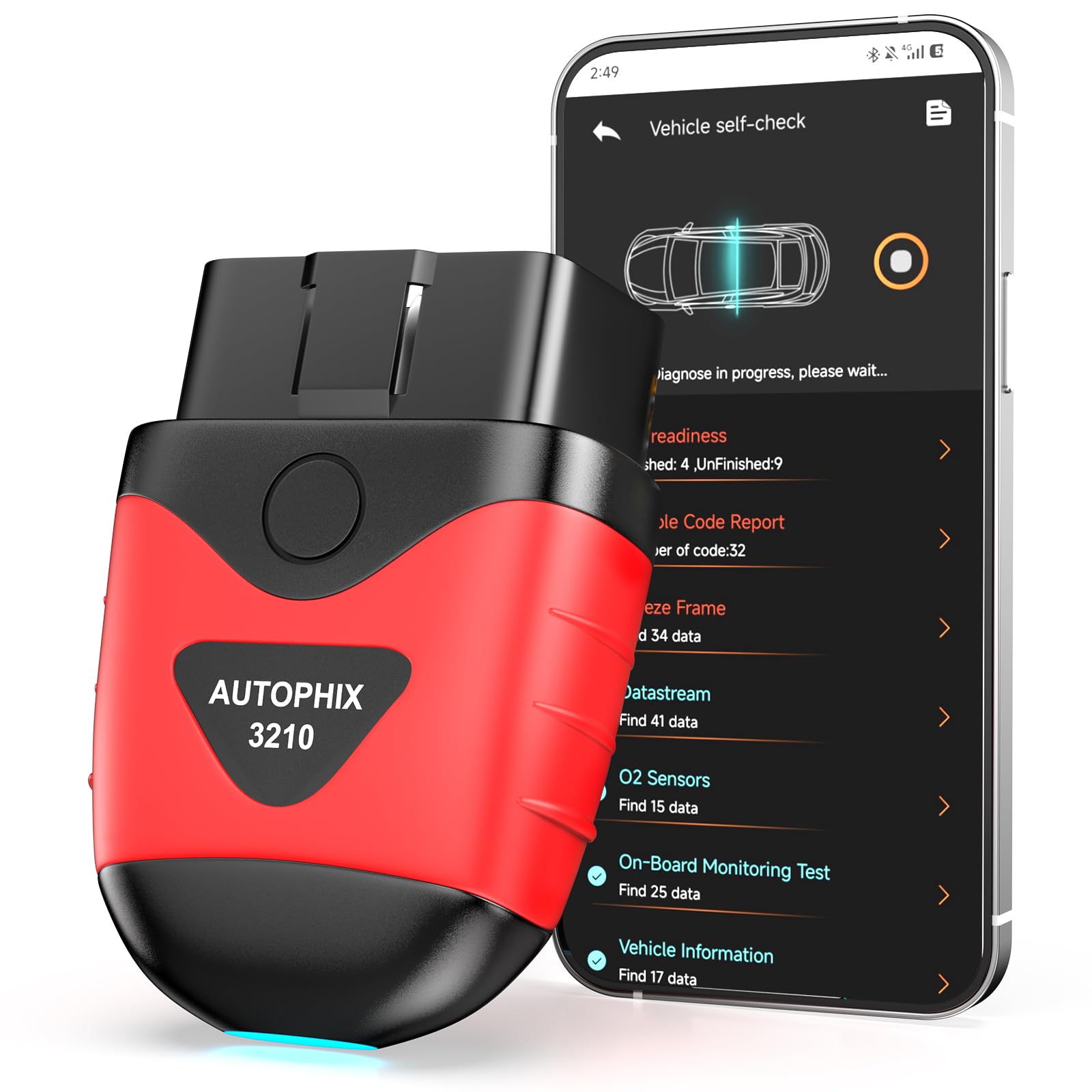
Buy this if you want app-based live data and smog prep without ever hitting a paywall.
Pros
- Free app forever, no subscriptions or hidden fees
- Includes a 0-60 test to verify performance after a repair
- I/M Readiness check prepares you for smog inspection
Cons
- Doesn’t clear ABS, SRS, or transmission codes
- App interface feels dated compared to newer competitors
AUTOPHIX built its pitch around avoiding the subscription traps common in this category. The app stays free permanently, and it still delivers live dashboard data like MAF readings, throttle position, and spark advance that most budget scanners skip.
The 0-60 test is a clever touch for verifying whether a repair actually improved performance. It sticks strictly to OBD2 engine diagnostics, so ABS and SRS systems are out of reach here.
Autel AL319 Professional Scanner

Buy this if you want a trusted professional-grade handheld without paying for a shop-level tool.
Pros
- Backed by a well-known name in professional diagnostics
- One-click I/M Readiness and built-in DTC lookup
- Works across seven languages for multilingual households
Cons
- Small screen limits live data readability
- Some users report the model nearing end-of-life for updates
Autel has a long track record in professional-grade diagnostic equipment, and the AL319 brings that reputation to a compact handheld. It reads and clears codes, checks freeze frame data, and looks up DTC definitions right on the unit.
Owners have used it successfully across a wide range of vehicles, from a Suburban to a Kia Soul. The screen is smaller than newer competitors, and Autel’s own site has flagged the model’s software support as approaching its end, so confirm update availability before buying if long-term firmware support matters to you.
TOPDON CarPal Bluetooth Scanner
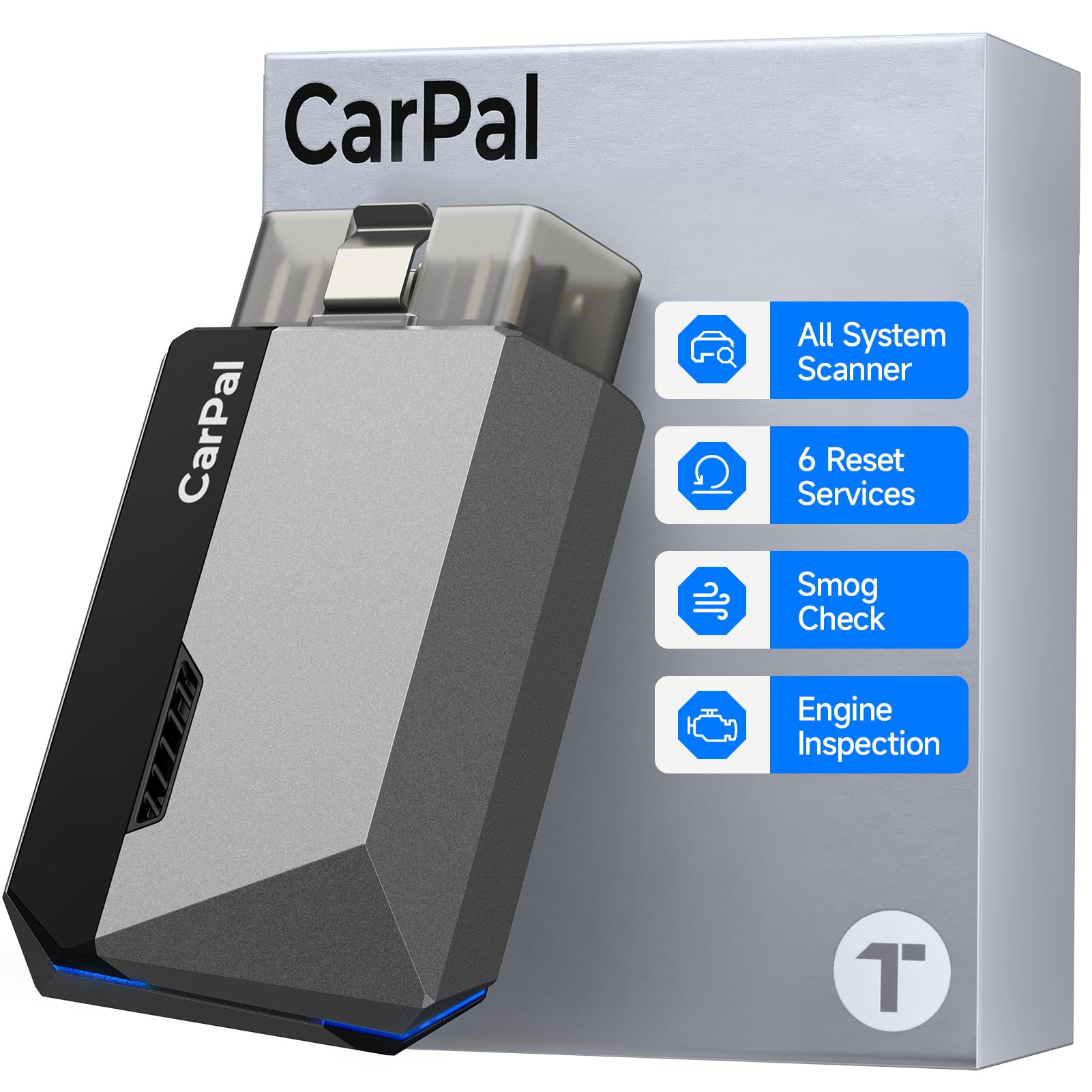
Buy this if you want one tool that covers the engine, ABS, airbags, and routine maintenance resets.
Pros
- Diagnoses engine, transmission, ABS, and airbag systems
- Six built-in resets including oil, TPMS, and EPB
- AI-assisted repair guide explains codes in plain language
Cons
- Some reset features require Wi-Fi rather than Bluetooth only
- Multi-vehicle support limited to a set number of vehicles per year
CarPal goes beyond generic code reading by covering the systems that basic scanners ignore. Oil resets and TPMS resets handle routine maintenance, while EPB and BMS resets tackle jobs that would otherwise send you to a shop.
The smog check and 0-60 performance test round out the feature set for households with multiple vehicles. A handful of reset functions need a Wi-Fi connection rather than pure Bluetooth, which some users find unnecessary for a diagnostic tool.
OBDLink CX Bimmercode Adapter

Buy this if you drive a BMW or Mini and want to unlock hidden features through BimmerCode.
Pros
- Built specifically for BimmerCode with full feature coverage
- Bluetooth 5.1 connection with overvoltage and sleep-mode protection
- Includes the standalone OBDLink app for live monitoring
Cons
- BimmerCode app sold separately at additional cost
- Limited coding support on some older E46-generation models
This adapter exists for one job: coding BMW and Mini vehicles through BimmerCode. Owners have used it to activate comfort driving modes, register new batteries, and adjust settings that aren’t accessible through the factory infotainment system.
The Bluetooth 5.1 connection stays stable during coding sessions, which matters since a dropped connection mid-code can cause problems. Older E46-chassis cars have more limited support, so check BimmerCode’s compatibility list before buying if you’re driving an early-2000s model.
Buying Guide
Adapter vs. Handheld Scanner
Bluetooth adapters plug into the OBD-II port and rely on a paired app running on a phone or laptop. They’re smaller, often cheaper, and gain new features through app updates, but they depend on a stable Bluetooth connection and a compatible operating system.
Handheld scanners work independently with a built-in screen. They cost more upfront in some cases but don’t need a phone, an app, or a Bluetooth pairing step to function.
Generic Codes vs. Enhanced Manufacturer Data
Every OBD2 tool reads generic powertrain codes covering the engine and emissions system. Enhanced manufacturer data goes further, pulling ABS, SRS, TPMS, and transmission information specific to your vehicle’s brand.
| Feature | Generic OBD-II | Enhanced Manufacturer Access |
|---|---|---|
| Check-engine codes | Yes | Yes |
| Live sensor data | Basic | Extended (temps, pressures, more) |
| ABS/SRS/TPMS codes | No | Often, brand-dependent |
| Coding and resets | No | Sometimes, app-dependent |
Subscription Requirements
Some apps offer free code reading but charge for repair explanations, live mechanic support, or advanced resets. Others stay free permanently. Check whether the core function you need, like clearing a code or resetting an oil light, sits behind a paywall before buying.
Platform Compatibility
Confirm the tool works with your phone’s operating system before purchasing. Some Bluetooth adapters support iOS and Android but not Windows, while certain coding tools are Windows-only. Update policies vary too. Some brands offer free lifetime firmware updates, while others eventually phase out support for older models.
Vehicle-Specific Tools
Coding and advanced module access typically require an adapter built for a specific brand’s software, such as FORScan for Ford or BimmerCode for BMW. These tools deliver deeper access than generic scanners but only on the vehicles they’re designed for.
Editor’s Choice
The OBDLink MX+ stands out as the strongest all-around pick for drivers who want more than OBD Auto Doctor offers. It works across iPhone, Android, and Windows, connects with the widest range of third-party apps, and pulls enhanced data on ABS, SRS, and TPMS systems that generic adapters can’t touch.
For a Ford, Lincoln, or Mazda owner focused specifically on FORScan, the OBDLink EX is the more targeted choice, since its wired connection and electronic CAN bus switching outperform any Bluetooth adapter for that specific job. BMW and Mini owners chasing coding access should look at the OBDLink CX instead.
Drivers who want a simple, dependable handheld with no app or subscription involved will get the most consistent experience from the ANCEL AD310.
Conclusion
OBD Auto Doctor works fine for basic Windows or Mac diagnostics, but the right upgrade depends on what your vehicle and your habits demand. A wireless adapter like the OBDLink MX+ delivers broader app support and deeper manufacturer access for daily troubleshooting. Brand-specific tools like the OBDLink EX and OBDLink CX unlock coding and module access that generic scanners can’t reach.
Handheld scanners remain the more dependable choice when you want a tool that works the moment you plug it in, without worrying about Bluetooth pairing or app compatibility. Whichever direction fits your car, remember that clearing a code isn’t the same as finishing the repair. Confirm the underlying issue is actually fixed before trusting a clean scan.
FAQS
Is a Bluetooth OBD2 adapter better than a handheld scanner? Neither is universally better. Bluetooth adapters offer more app-based features and manufacturer-specific data at a lower price, but they depend on your phone’s Bluetooth stability and the app’s update schedule. Handheld scanners work independently and don’t require pairing, which makes them more consistent for quick roadside checks.
Can these tools diagnose exactly what’s wrong with my car? They read and clear diagnostic trouble codes and, in some cases, show live sensor data. A code points to a system or component that’s misbehaving, but confirming the actual cause still requires inspection, testing, or a qualified technician’s judgment.
Do I need a subscription to use any of these? Most core code-reading functions are free across every product in this roundup. Some apps, like FIXD, charge for premium features such as repair cost estimates or live mechanic support after an initial trial period.
Will clearing a code make the check-engine light stay off? Only if the underlying problem is actually fixed. Clearing a code without repairing the issue usually brings the light back within a short drive cycle, since the vehicle’s computer will detect the same fault again.
Do these scanners work on electric or hybrid vehicles? Support varies by app and vehicle. Some adapters and apps handle hybrid-specific data like battery health, while others are limited to standard OBD-II functions. Check the specific app’s compatibility list for your hybrid or EV model before buying.
