
10 Best ELM327 Adapters in 2026: 10 Tested Picks

An ELM327 adapter is the cheapest way to talk to your car’s computer. Plug one into the OBD-II port under your dashboard, pair it with an app or laptop, and you can read trouble codes, watch live sensor data, or unlock manufacturer-specific settings that used to require a dealership visit. The catch is that “ELM327 compatible” covers a huge range of hardware quality, from adapters that barely handle a check-engine light to ones that can reflash a Ford ECU.
Not every adapter works with every phone, vehicle, or app. Some are Android-only and will never pair with an iPhone. Others need a wired USB connection because Bluetooth can’t move data fast enough for FORScan’s module programming. Ford, Mazda, and Lincoln owners also need to check for MS-CAN and HS-CAN support specifically, since a generic scanner that only reads engine codes won’t touch the body control module or programming functions those platforms need.
The right adapter depends on your vehicle’s network architecture and your device’s operating system more than any general “best OBD2 scanner” ranking. We tested and researched ten popular ELM327-based adapters, from FORScan-optimized dealer-grade tools to five-dollar Bluetooth code readers, to help match the right one to your car and your phone.
Best for Ford dealer-level diagnostics: OBDLink EX FORScan OBD Adapter
Best for multi-brand Bluetooth diagnostics: OBDLink MX+ OBD2 Bluetooth Scanner
Best for iPhone and Android code reading on a budget: Veepeak OBDCheck BLE Bluetooth OBD II Scanner
Best for FORScan ECU programming: Vgate vLinker FS OBD2 USB Adapter
Best for GM and Ford coding apps: Vgate vLinker MC+ Bluetooth OBD2 Scan Tool
Best for Android-only budget diagnostics: Veepeak Mini Bluetooth OBD2 Scanner
Best for wired FORScan reliability on older Fords: OHP FORScan ELM327 OBD2 to USB Tool
Best for Ford hidden feature unlocking: ELM327 USB Adapter for ELMconfig FoCCCus
Best for wireless FORScan Lite on Ford and Ram: Vgate vLinker FD+ OBD2 Bluetooth Adapter
Best for casual check-engine-light scans: MOCATEC Bluetooth OBD2 Scanner
OBDLink EX FORScan OBD Adapter

Buy this if you own a Ford, Lincoln, or Mazda and want the fastest, most stable wired connection FORScan can use.
Pros
- Electronic switch accesses all CAN buses simultaneously, unlike toggle-switch adapters
- Up to 20 times faster throughput than budget FORScan cables
- Recommended directly by the FORScan development team
Cons
- Windows-only, no phone app support
- Costs more than basic USB FORScan cables
- Overkill for drivers who only need generic code reading
This is a wired, Windows-only adapter built specifically around FORScan’s needs, not a general Bluetooth scanner. The electronic CAN-bus switching sets it apart from cheap adapters that require manually flipping a physical toggle between HS-CAN and MS-CAN.
That automatic switching is what unlocks dealership-level functions like module programming and configuration resets on Ford platforms. Reviewers who work as professional technicians and serious FORScan users consistently note flawless driver installation and rock-solid connections during long diagnostic sessions. For casual check-engine-light reading, it’s more capability than most owners need.
OBDLink MX+ OBD2 Bluetooth Scanner for iPhone, Android, and Windows

Buy this if you want one Bluetooth adapter that works reliably across iPhone, Android, and Windows for multiple vehicle brands.
Pros
- Enhanced OEM support for Ford, GM, Mazda, Toyota, Honda, Hyundai, Kia, and Nissan
- Works with FORScan, Torque, BimmerCode, Carista, and AlfaOBD
- Over-voltage and battery-drain protection built in
Cons
- Premium pricing compared to generic ELM327 clones
- Not a USB connection, so throughput trails wired FORScan-specific adapters
- Enhanced features vary by vehicle brand
The MX+ handles cross-platform use better than almost anything in this category. It pairs over Bluetooth with iOS, Android, and Windows devices without the driver headaches wired adapters sometimes bring.
Reviewers towing heavy loads use it to monitor transmission temperature in real time, while BMW motorcycle owners run it with MotoScan for service resets. Its enhanced OEM support means more live parameters (ABS, SRS, TPMS) than typical clones offer, though the depth of that support depends on your specific make and model.
Veepeak OBDCheck BLE Bluetooth OBD II Scanner

Buy this if you need a straightforward, affordable code reader that works on both iPhone and Android.
Pros
- Bluetooth LE support makes it one of the few budget adapters that pairs with iOS
- Compatible with Car Scanner, Torque, BimmerCode, and Dr. Prius
- Compact size with included carrying case
Cons
- No ABS, SRS, or advanced module diagnostics
- MS-CAN not supported for FORScan use
- Requires connecting inside the app, not the phone’s Bluetooth settings
This one fills the gap that trips up a lot of iPhone owners: most cheap Bluetooth OBD2 adapters use Classic Bluetooth, which iOS won’t recognize. The OBDCheck BLE uses Bluetooth Low Energy instead, so it actually pairs with an iPhone.
It sticks to generic OBD-II functions: reading and clearing check-engine codes, live sensor data, and freeze frame data. Reviewers report stable connections on Mini Coopers and BMWs through app-specific software, but this isn’t the adapter for Ford module programming or transmission-specific diagnostics.
Vgate vLinker FS OBD2 USB Adapter
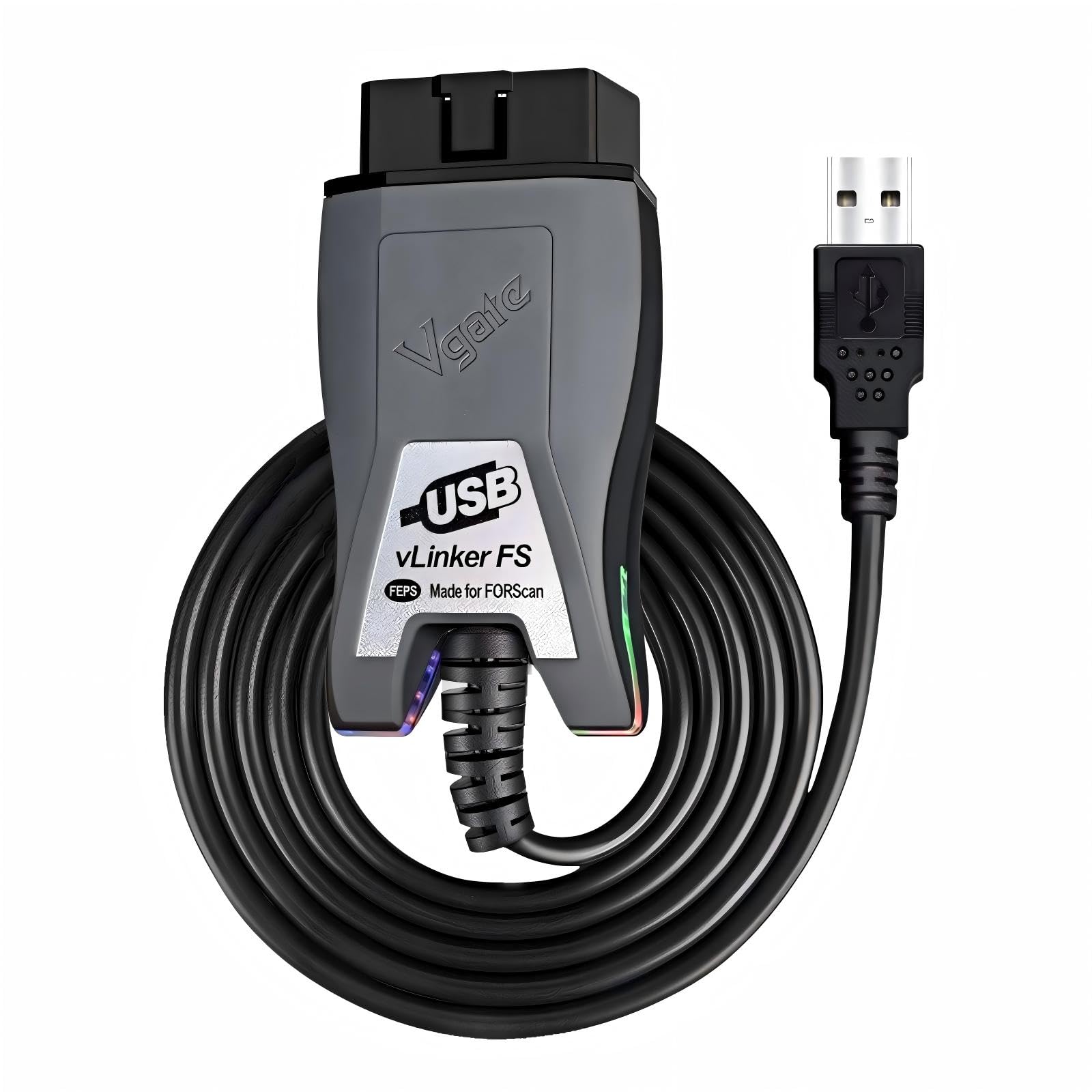
Buy this if you’re programming ECUs, flashing tunes, or running long FORScan sessions that need maximum data throughput.
Pros
- Automatic HS-CAN and MS-CAN switching, no manual toggle
- Up to 3 Mbps data transfer with full 4095-byte packets
- Up to 18V output for ECU programming on select older vehicles
Cons
- USB-only, so it ties you to a laptop
- Windows-focused software ecosystem
- Overkill if you only need to clear a check-engine light
Tuners and serious DIYers gravitate toward this adapter because the wired USB connection eliminates the lag and dropped packets that plague Bluetooth during ECU flashing. One reviewer used it to program a P59 ECU and run PCM Hammer sessions repeatedly without issue.
It also works well beyond Ford vehicles, with reviewers confirming smooth performance on Mazdaspeed3 tuning through VersaTuner. The intelligent auto CAN-bus detection removes a common failure point: forgetting to flip a physical switch before diagnosing a module on the wrong bus.
Vgate vLinker MC+ Bluetooth OBD2 Car Scan Tool

Buy this if you need SW-CAN or MS-CAN access for GM or Ford coding apps and want iOS support that the standard vLinker MC lacks.
Pros
- Supports SW-CAN and MS-CAN for proprietary GM and Ford networks
- Works across iOS, Android, and Windows
- Low idle current (3 mA) prevents battery drain when left plugged in
Cons
- Some buyers report inconsistent Bluetooth pairing
- Coding apps often require separate paid licenses
- Setup steps differ by app, adding a learning curve
This adapter targets a specific niche: coding features on GM and Jeep/Chrysler vehicles through apps like JScan, plus FORScan Lite on Ford and Mazda. One Wrangler owner used it with JScan to fix an auto-headlight glitch that a dealership scanner couldn’t touch.
A Grand Cherokee L owner reported it seeing modules that a chain auto parts store’s scanner missed entirely. Pairing issues do show up in a handful of reviews, usually resolved by selecting the correct Bluetooth profile name during setup.
Veepeak Mini Bluetooth OBD2 Scanner

Buy this only if you have an Android phone, since it will not pair with any iPhone or iPad under any circumstances.
Pros
- Competitively priced generic code reader
- Works well with Torque Pro and Car Scanner for live data dashboards
- Compact, low-profile design
Cons
- Android only, zero iOS compatibility
- No ABS, SRS, TPMS, or manufacturer-specific diagnostics
- Classic Bluetooth (not BLE) limits some newer Android head units
This is a bare-bones generic scanner built for Android phones running apps like Torque or Car Scanner. One reviewer used it for five years as a transmission temperature monitor while towing before it finally stopped connecting.
The iOS incompatibility is the single biggest thing to know before buying. Reviewers repeatedly warn iPhone owners away from it in favor of Bluetooth LE alternatives. For Android users wanting a customizable live-data dashboard on a budget, it does the job reliably.
OHP FORScan ELM327 OBD2 to USB Diagnostic Scan Tool
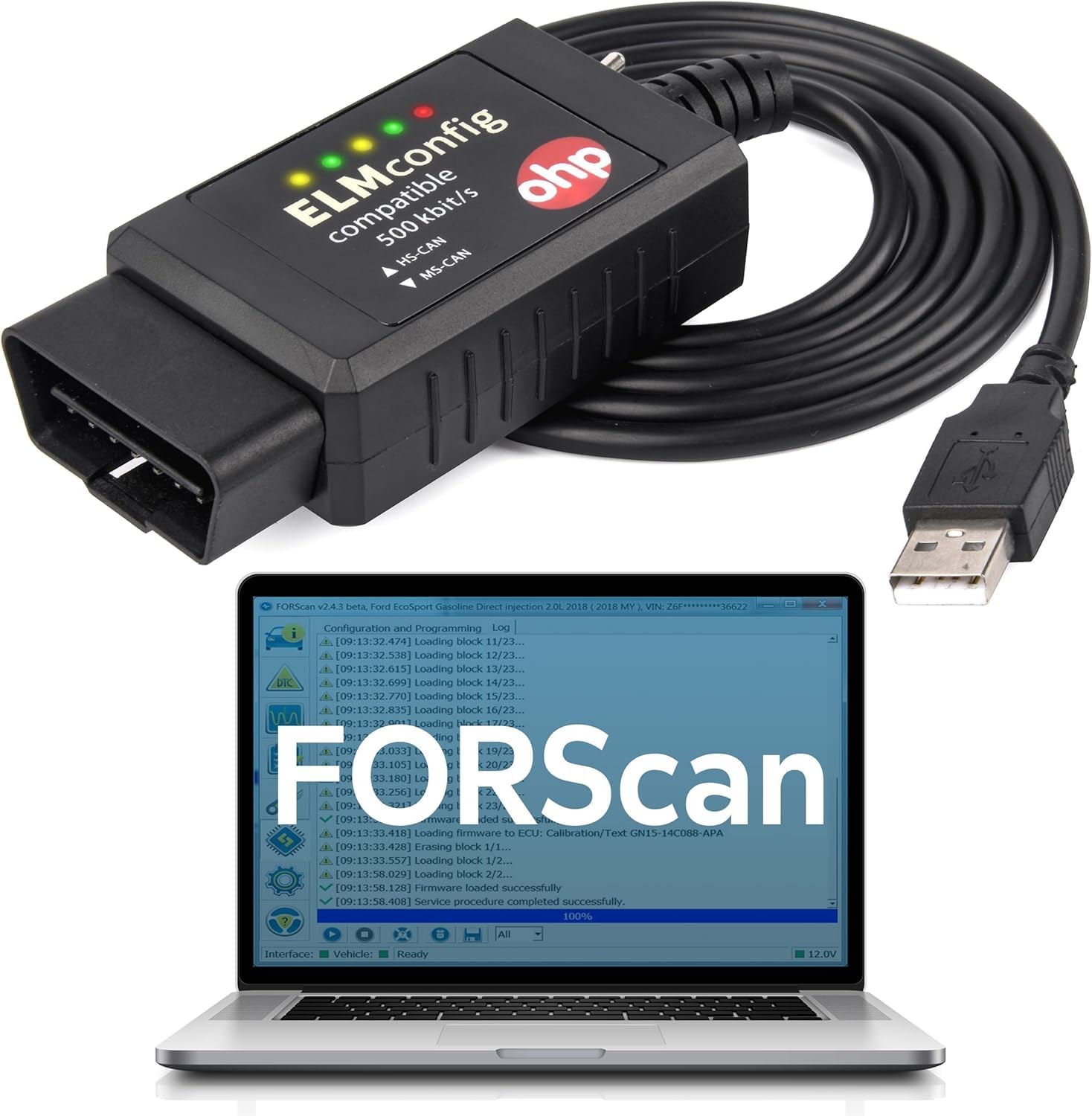
Buy this if you’re working on an older Ford, Lincoln, or Mercury and want an affordable wired FORScan cable with a physical HS/MS-CAN switch.
Pros
- Supports key coding and PATS programming on older Ford models
- Two-year manufacturer warranty
- Works well for basic FORScan diagnostics on trucks and SUVs
Cons
- Manual toggle switch instead of automatic CAN detection
- FORScan sometimes flags it as “not fully compatible” on newer vehicles
- Windows only, no macOS or mobile support
Owners of older Fords use this to skip expensive dealership programming. One buyer programmed transponder keys on a 2005 Focus, and another handled PATS reprogramming on a 2000 F450 for a fraction of a shop’s quoted price.
Newer trucks are where it gets shaky. A 2014 F-150 owner reported FORScan warnings about limited compatibility, and the physical HS/MS switch is a manual step easy to forget. For pre-2010 Ford diagnostics, it’s a solid value pick.
ELM327 USB Adapter for ELMconfig FoCCCus
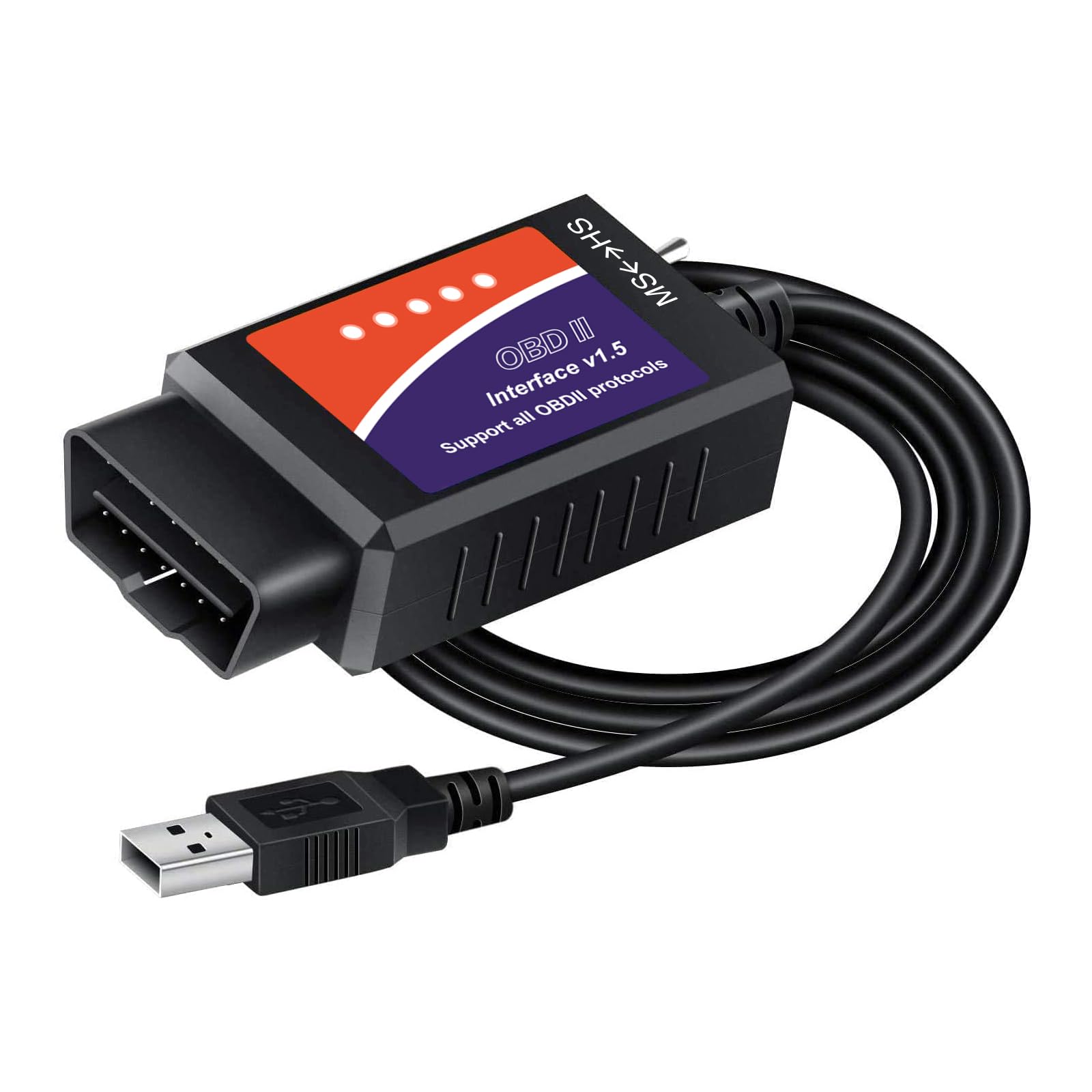
Buy this if you want to unlock Ford’s hidden features, like global window control or auto-locking doors, using Elmconfig or FoCCCus software.
Pros
- Unlocks Ford hidden features like Bambi mode and dual horn chime disable
- MS-CAN/HS-CAN toggle switch supports Ford, Lincoln, Mazda, and Mercury
- Compatible with Elmconfig, FF2, and Scanmaster
Cons
- Requires separate CH340T driver installation, not plug-and-play
- Software download links can trigger security warnings
- Limited FORScan programming support compared to dedicated FORScan adapters
This adapter is built around feature customization rather than deep FORScan module programming. One Mustang GT owner used it to complete a crank relearn after a clutch job, saving a trip to the dealer.
Setup is the sticking point. Multiple reviewers describe hours spent hunting down working drivers, and one buyer specifically flagged the official download site for tripping Windows security alerts. Budget time for driver installation before your first diagnostic session.
Vgate vLinker FD+ OBD2 Bluetooth Adapter

Buy this if you want wireless FORScan Lite access on a Ford or Ram without running a USB cable to a laptop.
Pros
- MS-CAN support works with FORScan Lite on iOS and Android
- Compatible with Torque Pro, Carista, BimmerCode, and JScan
- Built-in over-voltage and over-current protection
Cons
- Diagnostic and live-data only, no advanced module programming
- A few buyers report units that never power on
- FORScan module additions require the full desktop version, not FORScan Lite
This is one of two Bluetooth adapters FORScan specifically recommends for its Lite mobile app, and reviewers confirm it pairs cleanly with Ram 1500 and Ford Super Duty trucks. A Fisker Ocean owner has run it for months without a failure.
The trade-off versus wired FORScan adapters is capability, not reliability. It handles trouble codes and live data well but won’t add new modules or perform deep programming, tasks that still require the desktop FORScan app and a wired connection.
Bluetooth OBD2 Scanner ELM327 Code Reader Adapter
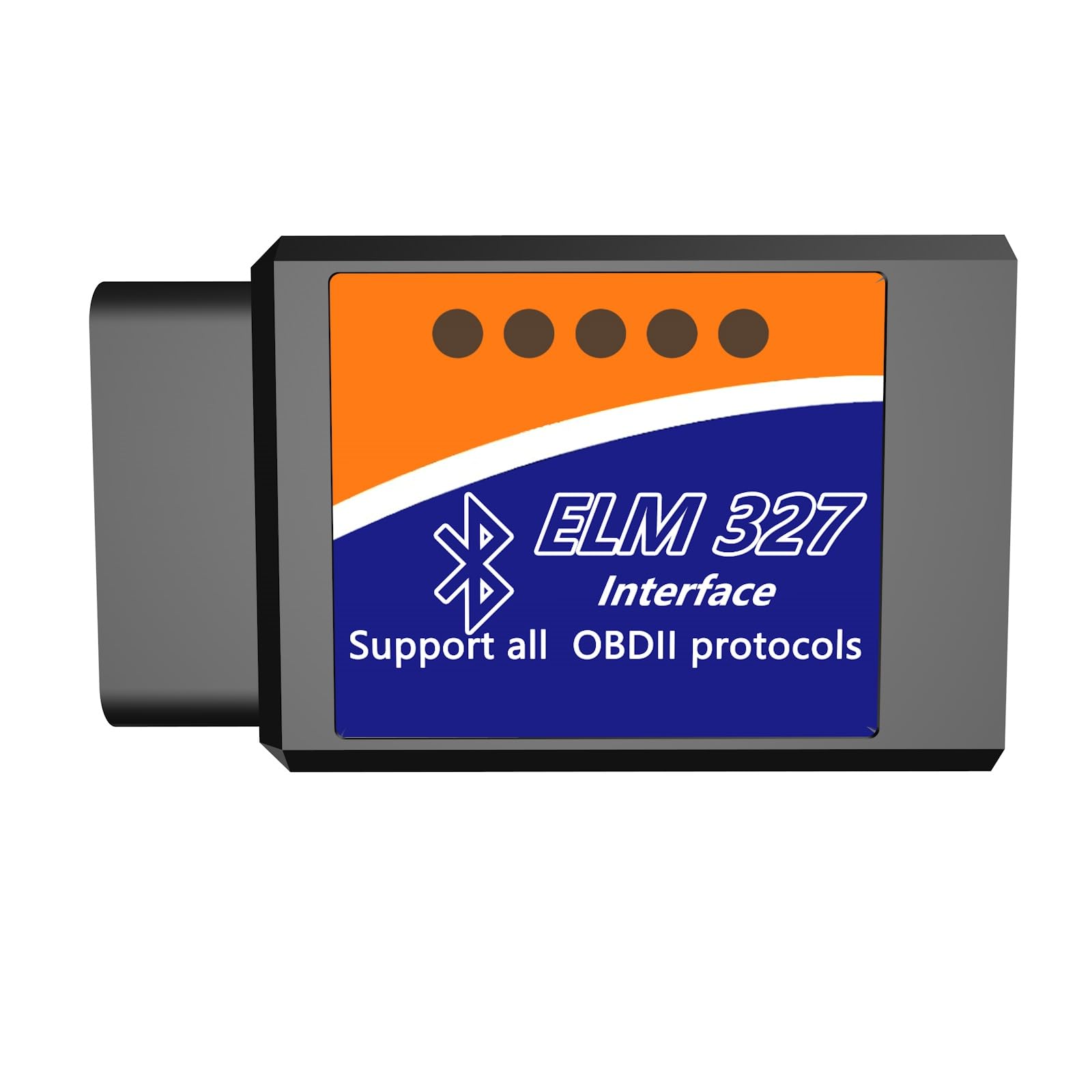
Buy this if you want the cheapest possible way to clear a check-engine light on either an iPhone or Android device.
Pros
- Bluetooth 5.1 dual-mode supports both iOS and Android
- Works with hybrid vehicles for gas-engine diagnostics
- Compatible with several free apps, including Car Scanner and Torque
Cons
- Requires a proprietary app for pairing, not standard Bluetooth settings
- No EV battery system diagnostics
- Limited track record compared to established brands
This is a budget entry aimed at casual owners who just want to know why the check-engine light is on. One Tundra owner used it with the Carista app to disable seatbelt chimes for a fraction of Carista’s own adapter price.
The pairing process trips some buyers up, since it requires the manufacturer’s app rather than the phone’s native Bluetooth menu, and that app isn’t available for every device. For occasional code reading and clearing, it covers the basics at a low cost.
Buying Guide
Match The Adapter To Your Phone’s Operating System First
iPhone compatibility depends entirely on whether an adapter uses Bluetooth Low Energy (BLE) or Classic Bluetooth. iOS only supports BLE for OBD2 adapters, so any scanner marketed as “Android only” will never pair with an iPhone or iPad, no matter how the app is configured. Check the listing for explicit iOS support before buying, not just “Bluetooth” in the title.
Understand CAN-Bus Terminology Before You Buy
| Term | What It Means | Who Needs It |
|---|---|---|
| HS-CAN | High-speed CAN bus, handles engine/transmission | Most drivers, standard diagnostics |
| MS-CAN | Medium-speed CAN bus, handles body control modules | Ford/Lincoln/Mazda owners needing module coding |
| SW-CAN | Single-wire CAN, used on some GM networks | GM coding and advanced diagnostics |
| Auto-switching | Adapter detects and switches buses automatically | Anyone tired of flipping physical toggles mid-diagnosis |
Decide Between Wired USB And Wireless Bluetooth
USB adapters move data faster and more reliably during ECU programming or long diagnostic sessions, since they aren’t subject to wireless interference or pairing drops. Bluetooth adapters trade some throughput for convenience, letting you scan from the driver’s seat with a phone instead of hauling a laptop to the parking lot.
Check App Compatibility Before Checkout
An ELM327 chipset alone doesn’t guarantee an app will work. FORScan, BimmerCode, Carista, and Torque each maintain their own hardware compatibility lists, and using an unsupported adapter with a coding app can mean missing modules or failed writes. Confirm your target app’s official recommended adapter list first.
Watch For Overstated Compatibility Claims
Generic ELM327 clones often advertise support for “all OBD2 protocols” while quietly excluding ABS, SRS, airbag, or transmission-specific data. Read the fine print on advanced diagnostics and manufacturer-specific functions separately from the basic check-engine-light claims.
Editor’s Choice
The OBDLink EX earns the top spot for Ford, Lincoln, and Mazda owners doing serious FORScan work. Its automatic CAN-bus switching and wired stability handle module programming that toggle-switch adapters struggle with, and the FORScan team’s own recommendation carries real weight.
For everyone else who wants one adapter across multiple vehicles and both iPhone and Android, the OBDLink MX+ is the stronger all-around pick. Its Bluetooth LE support and enhanced OEM coverage across Ford, GM, Toyota, and Honda make it the most flexible option without needing a laptop nearby.
Budget-focused Ford owners running FORScan Lite wirelessly should look at the Vgate vLinker FD+, while anyone doing ECU flashing needs the wired throughput of the Vgate vLinker FS. Casual drivers who just want check-engine-light answers on a budget can stop at the Veepeak OBDCheck BLE.
Conclusion
Picking the right ELM327 adapter comes down to answering three questions before checkout: what phone or computer will pair with it, what CAN-bus protocols your vehicle needs, and which diagnostic app you plan to run. Ford, Lincoln, and Mazda owners chasing FORScan compatibility should prioritize MS-CAN support and check the official FORScan recommended list first.
iPhone users need to confirm Bluetooth Low Energy support specifically, since Classic Bluetooth adapters marketed broadly as “OBD2 scanners” often turn out to be Android only. Buyers doing ECU programming or extended diagnostic sessions get more consistent results from wired USB adapters than Bluetooth, regardless of how fast a wireless unit claims to be.
Match those three factors to your vehicle and device, and any adapter on this list will get you reading codes and live data within minutes of plugging it in.
FAQS
Will any ELM327 adapter work with FORScan? No. FORScan maintains a specific list of recommended and compatible adapters, and generic clones without proper MS-CAN support often show warnings about missing functions or fail during module programming.
Why won’t my Bluetooth OBD2 scanner connect to my iPhone? Most budget Bluetooth OBD2 adapters use Classic Bluetooth, which iOS does not support for this purpose. Look specifically for “Bluetooth LE” or “BLE” in the product description if you’re using an iPhone or iPad.
Do I need a wired adapter or is Bluetooth good enough? Bluetooth handles routine code reading and live data monitoring well. ECU programming, module flashing, and long diagnostic sessions run more reliably over a wired USB connection.
What’s the difference between HS-CAN and MS-CAN? HS-CAN is the high-speed bus handling engine and transmission data on most vehicles. MS-CAN is the medium-speed bus that Ford, Lincoln, and Mazda use for body control modules, which matters for coding and feature unlocks.
Can I use one adapter on multiple vehicle brands? Yes, adapters with enhanced OEM support across brands like Ford, GM, Toyota, and Honda work across different vehicles, though advanced features vary by make and model. Confirm your specific vehicle’s supported functions before relying on brand-specific diagnostics.
