
ELM327 USB Adapter OBD2 Scanner Review: Is It Worth It?
Introduction
The ELM327 USB Adapter OBD2 Scanner for Windows is a wired diagnostic interface built for Ford, Lincoln, Mazda, and Mercury vehicles. Its primary use is connecting a Windows computer to supported vehicle modules for code reading, live data, configuration work, and FORScan-style diagnostics.
This ELM327 USB adapter review focuses on buyers who want more access than a basic handheld code reader provides without paying for a professional scan tablet. Its manual MS-CAN/HS-CAN switch is the defining feature because many Ford-family vehicles use multiple communication networks.
🏆 My Quick Verdict
💡 Best For: Ford-family DIY owners using a Windows laptop who need affordable access to HS-CAN and MS-CAN modules.
⚡ Key Specs:
USB connection, ELM327 V1.5 hardware listing, manual MS-CAN/HS-CAN switch, Windows support, and compatibility with FORScan, ELMconfig, FoCCCus, and FF2.
✅ Bottom Line: This adapter is a low-cost way to reach Ford-specific networks through a stable wired connection. The trade-off is manual bus switching and greater dependence on correct drivers, software settings, and vehicle-specific support.

At a Glance
- Uses a wired USB connection instead of Bluetooth or Wi-Fi.
- Includes a manual switch for HS-CAN and MS-CAN access.
- Works with Windows diagnostic software including FORScan, ELMconfig, FoCCCus, and FF2.
- Can read and clear supported trouble codes and display supported live data.
- Advanced configuration and service functions depend on the vehicle and software.
- Best suited to Ford-family owners comfortable using laptop-based diagnostics.
Premium Specifications Table
| Specification | Verified Detail |
|---|---|
| Product type | ELM327 USB OBD-II diagnostic interface |
| Connection | USB cable |
| CAN access | Manual HS-CAN / MS-CAN toggle switch |
| Listed hardware version | V1.5 |
| Software | FORScan, ELMconfig, FoCCCus, FF2 |
| Platform | Windows |
| Target vehicle families | Ford, Lincoln, Mazda, Mercury; exact module coverage varies |
Design & Build Quality
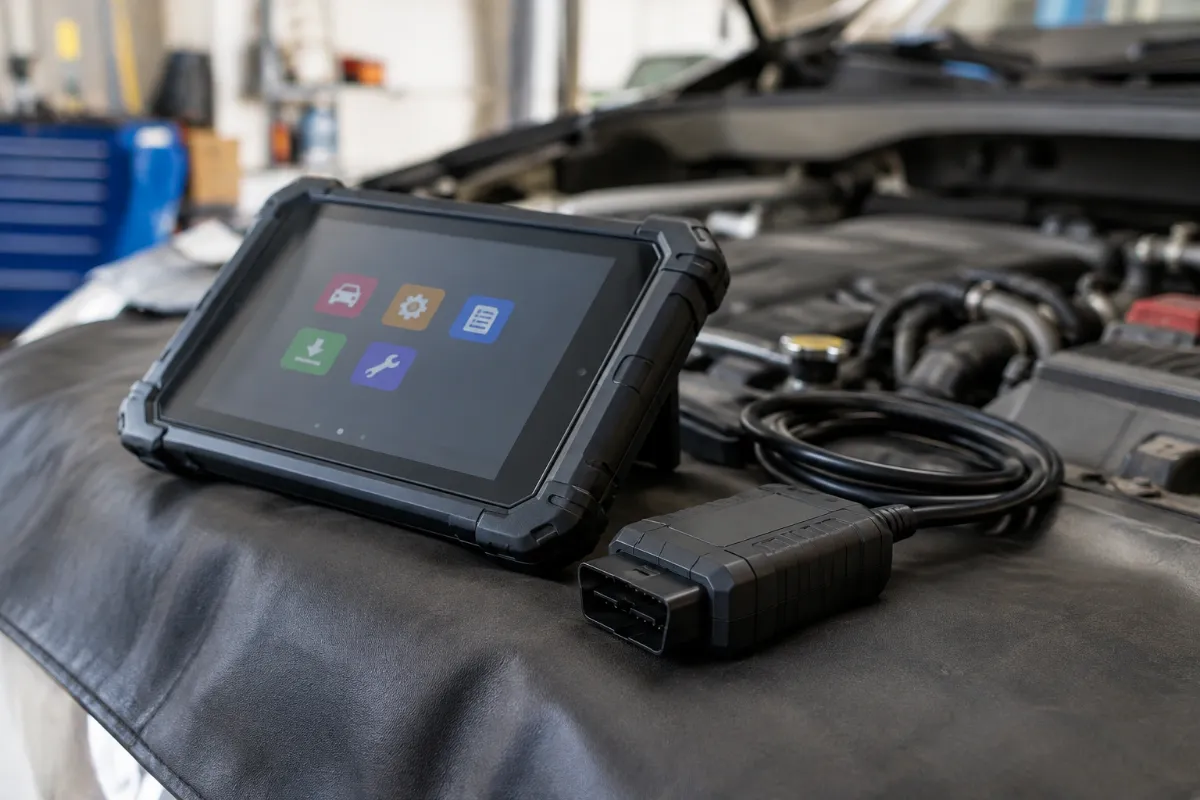
The design is functional rather than polished, centered on an OBD-II plug, compact interface housing, USB lead, and physical network switch. That layout keeps the adapter simple and avoids batteries, wireless pairing, or an integrated screen.
The manual toggle is both useful and limiting. It gives inexpensive access to two Ford communication networks, but the user must switch positions when the software requests the other bus.
Setup, Installation & Ease of Use
- Install the required USB driver and diagnostic software on a compatible Windows computer before vehicle use.
- Connect the adapter to the computer and confirm that Windows recognizes its serial connection.
- Plug the OBD-II connector firmly into the vehicle diagnostic port without forcing it.
- Set the ignition state requested by the diagnostic software before beginning a scan.
- Move the HS-CAN/MS-CAN switch only when the software or procedure calls for the other network.
- Store the adapter with its cable loosely coiled to reduce strain on the connectors.
Core Performance & Feature Breakdown
The adapter’s strongest performance advantage is its wired USB connection, which removes common Bluetooth pairing and wireless-dropout variables. For reading codes, live parameters, and supported modules, that direct link is well suited to garage diagnostics.
The second major advantage is network access. Standard ELM327 interfaces handle regular OBD-II communication, while this modified design adds the wiring needed to reach Ford MS-CAN modules through the physical switch.
Advanced functions require more caution. Module configuration, coding, service procedures, and hidden-feature changes depend on the exact vehicle, software version, licensing, module support, and correct workflow.
Expert Insight
A manual-switch ELM327 can be perfectly adequate for diagnosis, but automatic-switching adapters are safer and more convenient for frequent programming or procedures that communicate across multiple CAN networks.
Key Features Explained
Manual MS-CAN / HS-CAN Switching
The physical switch routes the interface between Ford high-speed and medium-speed CAN networks, expanding access beyond standard powertrain diagnostics. The limitation is that switching is not automatic, so you must follow software prompts carefully.
Windows USB Connectivity
USB provides a direct laptop connection and avoids wireless pairing, making it attractive for longer diagnostic sessions. You still need a compatible driver, an available USB port, and correctly configured software.
Support for Ford-Focused Software
The adapter is listed for FORScan, ELMconfig, FoCCCus, and FF2, giving experienced users access to manufacturer-oriented diagnostic workflows. Availability of any specific function remains vehicle-dependent.
Code Reading and Live Data
On supported vehicles, the adapter can be used for trouble-code reading, clearing, and sensor-data viewing through compatible software. It is an interface, not a standalone scanner, so the software determines the menus and diagnostic experience.
Real-World Usability & Maintenance
Ownership is easiest when the adapter stays paired with one known Windows laptop and a stable driver installation. That avoids repeating COM-port troubleshooting whenever you need a quick scan.
Keep the connector pins clean, protect the USB lead from tight bends, and avoid leaving the interface hanging where it can be kicked. For configuration work, maintain healthy vehicle battery voltage and follow the software’s instructions before writing module changes.
Premium Pros & Cons
Pros
- Wired USB connection avoids Bluetooth pairing and many wireless stability issues.
- Manual HS-CAN/MS-CAN access opens additional Ford-family modules.
- Supports several established Windows diagnostic applications.
- Provides an inexpensive entry point for laptop-based Ford diagnostics.
Cons
- Manual CAN switching is less convenient than automatic electronic switching.
- No screen or controls are available without a Windows computer.
- Advanced coding capability varies by vehicle, software, and module.
Common Issues & Fixes
Adapter not detected: Windows may be missing the correct USB serial driver. Reinstall the driver, reconnect the adapter, and verify the assigned COM port.
Some modules are missing: The adapter may be on the wrong CAN network. Follow the software prompt and move the switch to the required HS-CAN or MS-CAN position.
Connection drops during a session: A loose OBD plug, USB connection, or unstable computer port can interrupt communication. Reseat both ends and avoid hubs or damaged extension cables.
What to Know Before You Buy
Compatibility should be checked at the make, model, year, engine, and module level rather than by brand alone. Ford-family vehicles can differ substantially in network layout and supported service functions.
This tool also assumes you are comfortable with Windows software and manual CAN switching. For a broader explanation of tool categories, see our OBD2 scanner vs code reader guide.
Buyers focused specifically on Ford can also compare other options in our best OBD2 scanner for Ford guide. That is useful if you want a self-contained display, automatic CAN switching, or broader service coverage.
Who Should Buy It / Who Should Skip It
✅ Who Should Buy It
- Ford-family DIY owners who already use a Windows laptop.
- Users who need both HS-CAN and MS-CAN access at low cost.
- Owners comfortable following FORScan or ELMconfig instructions carefully.
✗ Who Should Skip It
- Buyers who want a standalone handheld scanner with its own display.
- Users who prefer automatic network switching for frequent advanced work.
- Anyone needing guaranteed key programming or dealer-level coverage on every vehicle.
Alternatives to Consider
OBDLink EX
Best For: Frequent FORScan users who prioritize reliability and automatic CAN switching.
Main Advantage: Electronic HS-CAN/MS-CAN switching and direct FORScan-focused design.
Trade-off: It costs more than a basic manual-switch ELM327 adapter.
Key Spec: USB 2.0 connection with Ford MS-CAN support.
vLinker FS USB
Best For: FORScan users wanting automatic switching and faster adapter communication.
Main Advantage: Automatic network handling removes the need for a manual toggle.
Trade-off: Driver and firmware setup still matter on Windows computers.
Key Spec: USB connection designed for FORScan for Windows.
Is It Worth It?
Yes, for the right user. The value comes from combining inexpensive hardware with software that can reach more Ford-family systems than a basic generic code reader.
Its strongest case is occasional DIY diagnostics where manual switching is acceptable. Buyers doing regular module programming should consider an automatic-switching interface instead.
Final Verdict
The ELM327 USB Adapter is a sensible budget choice for Windows-based Ford, Lincoln, Mazda, and Mercury diagnostics when you understand its manual-switch workflow. Choose it for low-cost module access, but move up to an automatic-switching adapter for frequent advanced work.
Frequently Asked Questions
Is this ELM327 USB adapter compatible with every Ford vehicle?
No, exact compatibility varies by model, year, module, and software function. Verify your vehicle and the specific task you need before purchase.
Does the adapter work with Windows 11?
The current product information specifically lists older Windows versions, so Windows 11 support should be verified before buying. Driver compatibility is especially important because the adapter relies on a USB serial connection.
What does the MS-CAN/HS-CAN switch do?
It lets the interface communicate with different Ford CAN networks. Some modules sit on HS-CAN while others use MS-CAN, so the software may ask you to change switch position.
Does this scanner need a specific size or connector?
It uses the standard 16-pin OBD-II diagnostic connection on supported vehicles. No separate sizing choice is required, but physical connector access should be unobstructed.
What warranty does it include?
A specific manufacturer warranty term could not be verified from the product information reviewed. Check the seller’s current warranty and return terms before ordering.
How should I maintain the adapter?
Keep the OBD pins clean, protect the USB cable from sharp bends, and store the adapter dry. Avoid leaving it connected unattended when diagnostic work is finished.
Affiliate disclosure: replacekeyfob.com earns a small commission when you purchase through links on this page — at no extra cost to you. Our editorial process is independent: affiliate relationships never influence which products we recommend or how we rank them.