
Why Won’t My OBD2 Scanner Connect? 9 Causes and Fixes

Quick Answer
An OBD2 scanner may fail to connect because the diagnostic port has no power, the ignition is in the wrong position, the scanner is incompatible with your vehicle, or a Bluetooth or Wi-Fi pairing problem is preventing communication. Start by checking the port’s fuse, confirming the ignition setting, inspecting the connector, and verifying the scanner’s compatibility with your vehicle’s make, model, and year. If the scanner powers on but cannot communicate with the vehicle, the problem may involve wiring, communication protocols, or a control module.
Common reasons your scanner won’t connect
- Blown fuse: The diagnostic port may have lost power because of a blown accessory or diagnostic circuit fuse.
- Wrong ignition setting: Many scanners require the ignition to be switched on, even when the engine remains off.
- Compatibility issue: Your vehicle or scanner may not support the requested diagnostic protocol or system.
- Wireless pairing failure: Bluetooth permissions, Wi-Fi settings, or an incorrect app can prevent a wireless adapter from connecting.
- Damaged connector: Bent pins, corrosion, loose wiring, or a damaged OBD2 port can interrupt communication.
- Vehicle communication fault: A network, wiring, or module problem can prevent the scanner from receiving vehicle data.
What to check first
- Check whether the scanner powers on, then switch the ignition to the position recommended by the vehicle and scanner manufacturers.
- If the scanner remains unresponsive, consult the owner’s manual for the diagnostic port’s fuse and inspect it safely.
- If the scanner powers on but reports a communication error, verify compatibility before investigating wiring or vehicle electronics.
If you’re wondering why your OBD2 scanner won’t connect, don’t assume the scanner is broken or your car’s computer has failed. In my automotive troubleshooting work, I look for simple power and connection problems before considering more complex electronic faults.
This guide explains how to identify the cause, what you can safely check at home, and when professional diagnosis makes more sense. I’ll also explain why a scanner that works perfectly on one car may fail on another.
In This Guide
Why Won’t My OBD2 Scanner Connect?
An OBD2 scanner is a diagnostic tool that communicates with a vehicle’s onboard computer through its diagnostic port. OBD2 stands for On-Board Diagnostics II, a system used to access emissions-related information and, depending on the tool and vehicle, other diagnostic data.
When the connection fails, the first clue is whether the scanner receives power. That distinction helps narrow the problem to the power supply, scanner setup, compatibility, or vehicle communication system.
1. The diagnostic port has no power
If your handheld scanner stays completely dark after you plug it in, the port may not be supplying power. A blown fuse is one possible cause, although a damaged scanner or connector can produce similar symptoms.
Some vehicles share the diagnostic port’s power circuit with a cigarette lighter or accessory outlet. If that outlet also stopped working, check the relevant fuse information in your owner’s manual.
2. The ignition is in the wrong position
Many scanners need the ignition switched on before they can communicate with the vehicle’s control modules. On a push-button-start vehicle, the correct procedure may differ from that of a car with a conventional key.
Follow the instructions for your specific vehicle and scanner. Don’t start the engine unless the diagnostic procedure requires it and conditions are safe.
3. The scanner or connector is damaged
A scanner can develop a damaged cable, loose connection, or internal fault. Likewise, an OBD2 port may have bent pins, corrosion, or a connector that no longer holds the plug securely.
Disconnect the device and inspect the visible connector without inserting tools or forcing the plug. If you notice damaged pins, burnt areas, or corrosion, have the port checked before trying again.
4. The scanner cannot communicate with the vehicle
A scanner may power on normally but display messages such as “Link Error,” “Unable to Connect,” or “No Communication.” These messages indicate that the tool hasn’t established the expected communication, but they don’t identify the faulty component by themselves.
The cause could be a compatibility limitation, an incorrect ignition setting, a communication network fault, or an issue involving a control module. Check the simpler possibilities before assuming the vehicle needs an expensive repair.
Section Takeaway: A dark scanner points toward a power or device problem, while a powered scanner with a communication error needs further checks.
How Can You Fix an OBD2 Scanner That Won’t Connect?
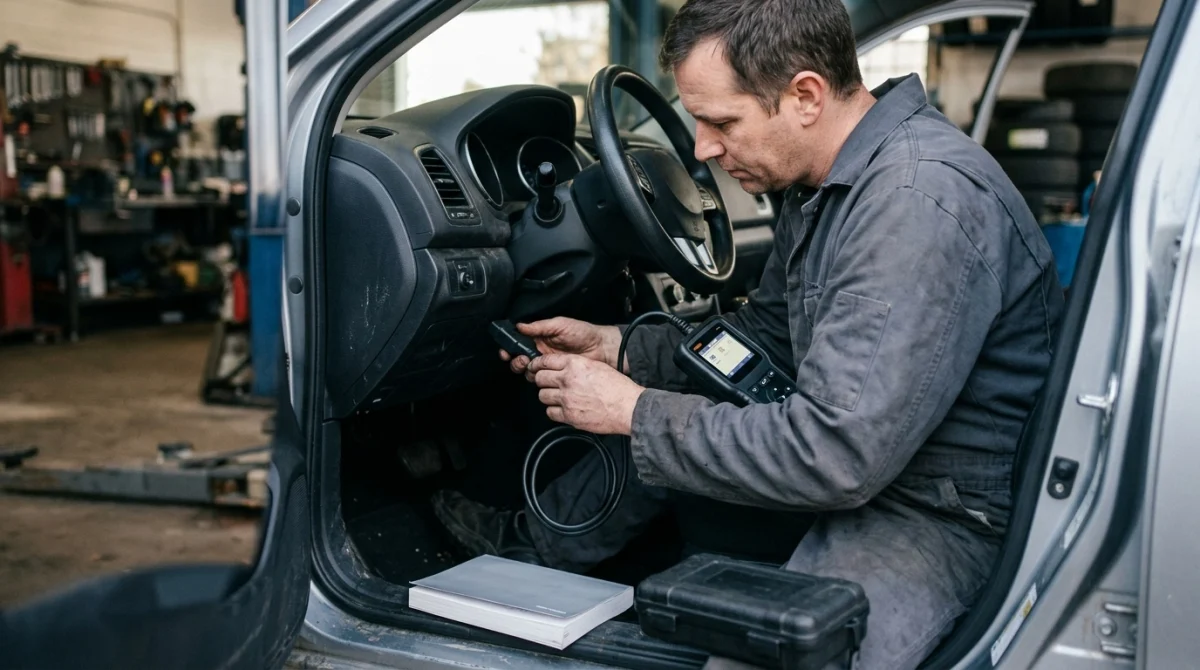
The best approach is to troubleshoot one variable at a time. Start with the physical connection and power supply, then check the scanner’s setup and compatibility before investigating vehicle electronics.
Follow these troubleshooting checks
- Reconnect the scanner. Turn the ignition off as directed, unplug the device, and reconnect it firmly without forcing the connector.
- Set the ignition correctly. Switch to the ignition position specified in the scanner’s instructions, which may require the dashboard to be powered without starting the engine.
- Check the scanner’s display. Note whether it stays dark, powers on without linking, or connects but fails when reading codes.
- Inspect the fuse information. Use the owner’s manual to identify the relevant circuit, then check the fuse if you can do so safely.
- Confirm compatibility. Verify that the scanner supports your vehicle’s model year and the diagnostic functions you’re trying to access.
- Test another known-compatible vehicle or scanner. If practical, this comparison can help identify whether the issue follows the tool or stays with the car.
Don’t replace fuses with higher-rated ones or bridge a fuse with wire. If a replacement fuse blows again, stop troubleshooting and have the circuit inspected.
What if the scanner still won’t connect?
Record the exact error message and whether the device powers up. These details are more useful than repeatedly unplugging the scanner or clearing vehicle settings.
You can also consult the National Highway Traffic Safety Administration for vehicle safety information and manufacturer-related resources. For vehicle-specific diagnostic instructions, the owner’s manual or the manufacturer’s service information is usually the more direct starting point.
Expert tip: Never force a connector, probe pins with unsuitable tools, or change vehicle settings simply to make a scanner connect.
Section Takeaway: Work from the simplest checks toward more complex ones, and keep track of the scanner’s exact behavior at each stage.
Why Does My Scanner Power On but Show No Communication?
When an OBD2 scanner powers up but cannot establish a link, it has electricity but hasn’t successfully exchanged the expected diagnostic data. That difference makes the next checks more specific.
Check the vehicle’s diagnostic connector
The standard OBD2 connector has 16 pin positions, but not every pin serves the same purpose. Power, ground, and communication circuits must function as required for the scanner and vehicle to communicate.
A damaged communication wire or poor ground can cause connection problems even when the scanner display lights up. Avoid assuming the port is healthy just because the device receives power.
Consider a fuse or wiring fault
Some faults affect communication without completely removing power from the port. A vehicle may also have wiring damage from previous repairs, aftermarket accessories, or other electrical problems.
Check the fuse chart rather than guessing which fuse controls the diagnostic connector. If the correct fuse appears intact and communication still fails, an automotive technician can test the circuit using appropriate equipment.
Understand the vehicle’s communication network
Modern vehicles use electronic control modules that exchange information over communication networks. If a relevant network or module stops responding, a scanner may fail to communicate with one system or, in more serious cases, several systems.
One module failing to respond is not proof that the module itself has failed. Power, ground, wiring, network faults, and scan-tool limitations must be considered before replacing components.
Check whether you selected the correct system
A basic scanner may communicate with the engine computer but lack access to the transmission, airbag, anti-lock braking, body control, or immobilizer systems. A menu error can therefore look like a failed connection when the device simply doesn’t support that system.
For basic engine fault codes, start with the standard engine or emissions diagnostic function. For advanced functions, check the manufacturer’s compatibility list and the scanner’s supported vehicle systems.
Section Takeaway: A powered scanner with no communication may need a compatibility check or electrical diagnosis, not an immediate replacement.
Why Won’t My Bluetooth or Wi-Fi OBD2 Scanner Connect?
Wireless OBD2 scanners depend on two separate connections: communication between the adapter and vehicle, and communication between the adapter and your phone or tablet. Either connection can fail independently.
Bluetooth pairing problems
If your Bluetooth adapter powers up but the app cannot find it, check the adapter’s instructions before changing your phone settings. Some adapters require pairing through the diagnostic app rather than through the phone’s normal Bluetooth menu.
Try these checks in order:
- Confirm Bluetooth is enabled and the app has the required permissions.
- Close other diagnostic apps that might already be using the adapter.
- Disconnect any previous pairing that the manufacturer’s instructions identify as a problem.
- Restart the app and follow the adapter’s connection procedure again.
- Check whether your phone’s operating system is supported by the diagnostic app.
Bluetooth adapters don’t all use the same connection method. A pairing procedure that works for one model may not apply to another.
Wi-Fi adapter connection problems
Some wireless scanners create their own Wi-Fi network, which your phone must join before the diagnostic app can communicate with the adapter. Your phone may warn that this network has no internet access, even when the scanner connection is working correctly.
Follow the adapter’s instructions and allow the phone to remain connected to the scanner’s network if required. Avoid switching repeatedly between Wi-Fi networks while the app attempts to establish a connection.
The app connects, but vehicle data won’t load
If your phone connects to the adapter but the app cannot read codes, the wireless link may be working while the vehicle connection is failing. Confirm the ignition position, vehicle compatibility, and app settings before blaming Bluetooth or Wi-Fi.
Also check whether the app supports your adapter model. Some inexpensive devices use chipset implementations or firmware that behave differently from what the app expects.
Expert tip: Before buying another adapter, check the app developer’s supported-device list and the adapter manufacturer’s troubleshooting instructions.
Section Takeaway: Separate phone-to-adapter connectivity from adapter-to-vehicle communication to avoid fixing the wrong problem.
Can an OBD2 Scanner Be Incompatible With Your Car?
Yes. A scanner can be compatible with basic engine diagnostics but unable to access certain models, model years, control modules, or advanced functions.
OBD2 standardization does not mean every scanner supports every vehicle system. The diagnostic functions available depend on the vehicle, the scanner’s hardware and software, and any manufacturer-specific access requirements.
Check the model year and diagnostic coverage
In the United States, light-duty vehicles generally adopted OBD-II requirements beginning with the 1996 model year, although coverage and requirements vary by vehicle category and market. Older vehicles, some imported models, and vehicles sold in other regions may require different equipment or adapters.
Before buying or troubleshooting a scanner, verify these details:
- Vehicle coverage: The exact make, model, model year, and engine configuration.
- Protocol support: Whether the scanner supports the vehicle’s diagnostic communication protocol.
- System coverage: Whether the tool reads engine codes only or also supports other control modules.
- Software support: Whether the scanner or app needs an update for the vehicle.
- Security access: Whether advanced functions require manufacturer authorization, a subscription, or specialized equipment.
Basic code reader vs. advanced diagnostic scanner
A basic code reader is intended mainly for standard engine and emissions diagnostics. An advanced scan tool may support additional systems and manufacturer-specific functions, but those capabilities vary by device.
| Feature | Basic code reader | Advanced scan tool |
|---|---|---|
| Engine fault codes | Usually supported | Usually supported |
| Live engine data | Varies by model | Often supported |
| Other vehicle modules | Usually limited | Depends on coverage |
| Key and immobilizer functions | Generally unavailable | Only when specifically supported and authorized |
| Best use | Basic engine troubleshooting | Broader diagnostics and supported special functions |
For example, a reader that retrieves engine trouble codes may not access a body control module responsible for certain keyless-entry functions. That limitation doesn’t automatically indicate a fault in the car.
For drivers diagnosing key-related issues, understanding the difference between a scanner and a basic code reader can help set realistic expectations before purchasing more equipment.
Locksmith’s note: Verify the scanner’s exact vehicle coverage before attempting key programming or immobilizer-related functions, especially on newer vehicles.
Section Takeaway: Confirm both vehicle compatibility and the specific function you need; a scanner may work for engine codes without supporting advanced systems.
When Should You Get Professional Diagnostic Help?
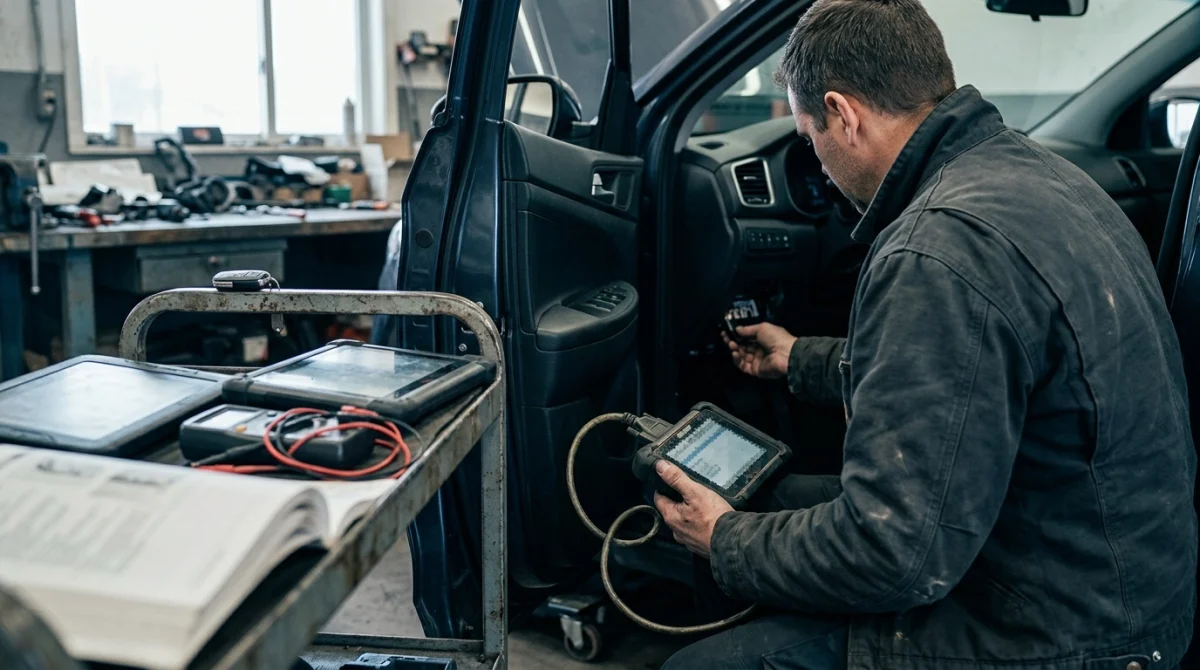
If you’ve confirmed the ignition setting, checked the scanner’s compatibility, and ruled out obvious connection issues, professional electrical diagnosis may be the next sensible step. This is particularly important when the port appears damaged or several vehicle systems stop communicating.
Signs the vehicle needs further testing
Consider professional help if you notice any of these problems:
- The diagnostic port has damaged pins, corrosion, or signs of overheating.
- The correct fuse repeatedly blows after replacement.
- Multiple compatible scanners fail to communicate with the vehicle.
- The vehicle displays several electronic or communication-related warning messages.
- The scanner reports network or module communication faults that you cannot safely investigate.
- The problem began after electrical repairs, aftermarket accessory installation, or water intrusion.
A qualified technician can check power and ground circuits, inspect wiring, and use suitable diagnostic equipment to determine whether the fault involves the port, a network, or a control module. That process is more reliable than replacing components based only on a scanner error message.
What if the problem involves your key fob?
As an automotive locksmith and key fob specialist, I distinguish between an OBD2 connection problem and a key recognition problem. They can occur on the same vehicle, but they aren’t the same fault.
A basic engine scanner generally cannot confirm every issue involving a transponder chip, immobilizer, or smart key. A transponder chip is the electronic component that allows a compatible vehicle security system to authenticate a key for starting.
If the car starts normally but the scanner won’t connect, focus first on the diagnostic equipment and vehicle communication. If the scanner connects to the engine but the vehicle doesn’t recognize the key, the key, immobilizer system, or another relevant component may need separate diagnosis.
For manufacturer-specific repair guidance, start with the vehicle manufacturer’s official support resources. You can also consult AAA for general automotive assistance and information about available vehicle services.
Can a faulty scanner damage the car?
A properly designed scanner used according to its instructions is intended for its supported diagnostic functions. However, an unknown or poorly designed adapter can introduce electrical or cybersecurity risks, and unsupported programming or configuration changes can cause problems.
Use reputable equipment, avoid unverified software, and don’t run resets or programming functions just to test a connection. NHTSA’s vehicle cybersecurity guidance also highlights why connecting untrusted devices to vehicle diagnostic ports deserves caution.
Section Takeaway: Seek professional help when basic checks fail, the port appears damaged, or vehicle network and security systems may be involved.
Frequently Asked Questions
Why does my OBD2 scanner turn on but not connect?
The scanner may receive power without establishing communication with the vehicle. Check the ignition setting, connector condition, scanner compatibility, and supported diagnostic system before suspecting a wiring or control-module fault.
Can a blown fuse stop an OBD2 scanner from working?
Yes. A blown fuse can remove power from the diagnostic port, leaving a connected scanner unable to turn on. Consult the vehicle’s fuse diagram and investigate any fuse that blows repeatedly instead of installing a higher-rated replacement.
Why won’t my OBD2 scanner connect to my phone?
A wireless adapter may fail to connect because of Bluetooth pairing issues, Wi-Fi settings, app permissions, unsupported software, or an incompatible adapter. Follow the manufacturer’s connection procedure and confirm that the phone and app support your device.
Can an OBD2 scanner work on one car but not another?
Yes. Vehicles can differ in model year, diagnostic protocol, supported systems, and manufacturer-specific functions. Check the scanner’s compatibility list for the exact vehicle rather than assuming that support for one car guarantees support for another.
Does a check engine light have to be on for an OBD2 scanner to connect?
No. A scanner can often establish communication and retrieve available diagnostic information when the check engine light is off. However, there may be no stored engine fault codes to retrieve, and the available data depends on the vehicle and scanner.
Can an OBD2 scanner diagnose a key fob that won’t start my car?
Sometimes, but only if the scanner supports the relevant vehicle systems. A basic engine code reader may not access the immobilizer or keyless-entry modules, so a suitable advanced scan tool or qualified automotive locksmith may be necessary.
Should I replace my OBD2 scanner if it won’t connect?
Not immediately. Check the power supply, ignition position, connector, wireless setup, and vehicle compatibility first. If the scanner also fails on a known-compatible vehicle, testing it against a working scanner can help determine whether the device itself needs replacement.
Final Takeaway: Find the Connection Problem Before Replacing Parts
When your OBD2 scanner won’t connect, start with the basics: confirm the ignition setting, check whether the device powers up, inspect the connector, and verify compatibility. These checks can help distinguish a simple setup problem from a fault that needs electrical diagnosis.
If the scanner powers on but still cannot communicate, avoid guessing at replacement parts or changing security settings. A qualified technician can test the diagnostic circuit and vehicle network, while an automotive locksmith can help when the separate issue involves key recognition or immobilizer functions.
The goal is to identify where communication fails before spending money on a new scanner or unnecessary vehicle repairs.
