
10 Best OBD2 Scanner With ABS SRS for Brake Bleed: Top Picks and Buying Guide

OBD2 scanners with ABS and SRS functions let you read and clear trouble codes, view live data, and run brake-bleed routines on many modern cars. These tools save time at the shop and let DIYers diagnose ABS and airbag problems without guessing. They range from simple code readers to full diagnostic interfaces that can command the ABS module during a brake-bleed procedure.
The most important things to check are compatibility with your vehicle, support for ABS/SRS bidirectional commands (including brake-bleed routines), and clear live-data display for wheel-speed and brake-pressure sensors. We tested a mix of handheld and tablet-style scanners for ease of use, vehicle coverage, and whether they truly run ABS pump and purge cycles needed for safe brake bleeding. This guide shows the models that worked reliably for us and explains what to look for when you choose one.
Best OBD2 Scanners with ABS/SRS for Brake Bleed
Below is our full list of the best OBD2 scanners that support ABS and SRS functions and can help with brake bleeding. We tested features, ease of use, and value to pick tools that work well for DIYers and professional shops.
FOXWELL NT630 Plus
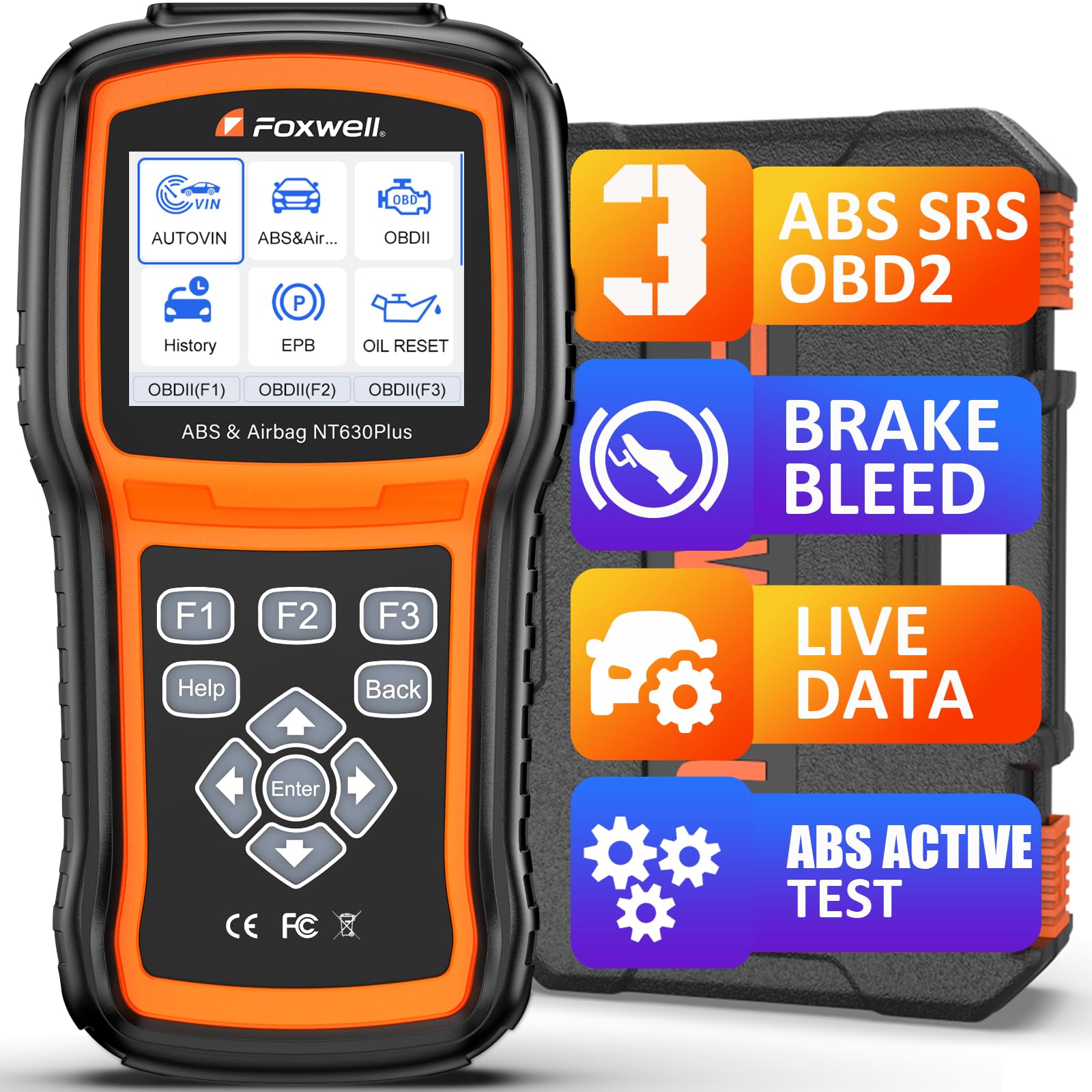
We recommend this if you want a budget-friendly ABS/SRS scanner that actually runs ABS auto-bleed on many supported cars.
Pros
- Activates ABS pump and valves for automatic bleeding on supported vehicles.
- Simple menus and Wi‑Fi updates without a subscription.
- Sturdy build with a hard case—good for home use.
Cons
- ABS auto-bleed only works on cars that support it.
- No ABS coding, relearn, or advanced programming.
- Some menu paths feel clunky until you learn them.
We used the NT630 Plus on several cars and found it straightforward to set up. Plugging into the OBD port powered it up immediately and the guided menus walked us through diagnosis and bleed cycles when the vehicle supported them.
On a domestic SUV that accepted automated bleeding, the tool ran the ABS pump and valves and the pedal felt noticeably firmer afterward. Live data and the 2-in-1 graphs helped us spot a faulty wheel speed sensor before replacing parts.
We hit limits on a few imports that didn’t support ABS auto-bleed through the module. In those cases the scanner still read and cleared ABS/SRS codes, but we had to perform manual brake bleeding. Firmware updates over Wi‑Fi fixed some quirks and kept the unit current without extra fees.
Overall, this is a practical scanner for DIYers who want ABS auto-bleed when their car supports it and solid basic ABS/SRS diagnostics otherwise. For full vehicle coverage or programming tasks, we’d choose a higher-end tool.
FOXWELL NT614 Elite
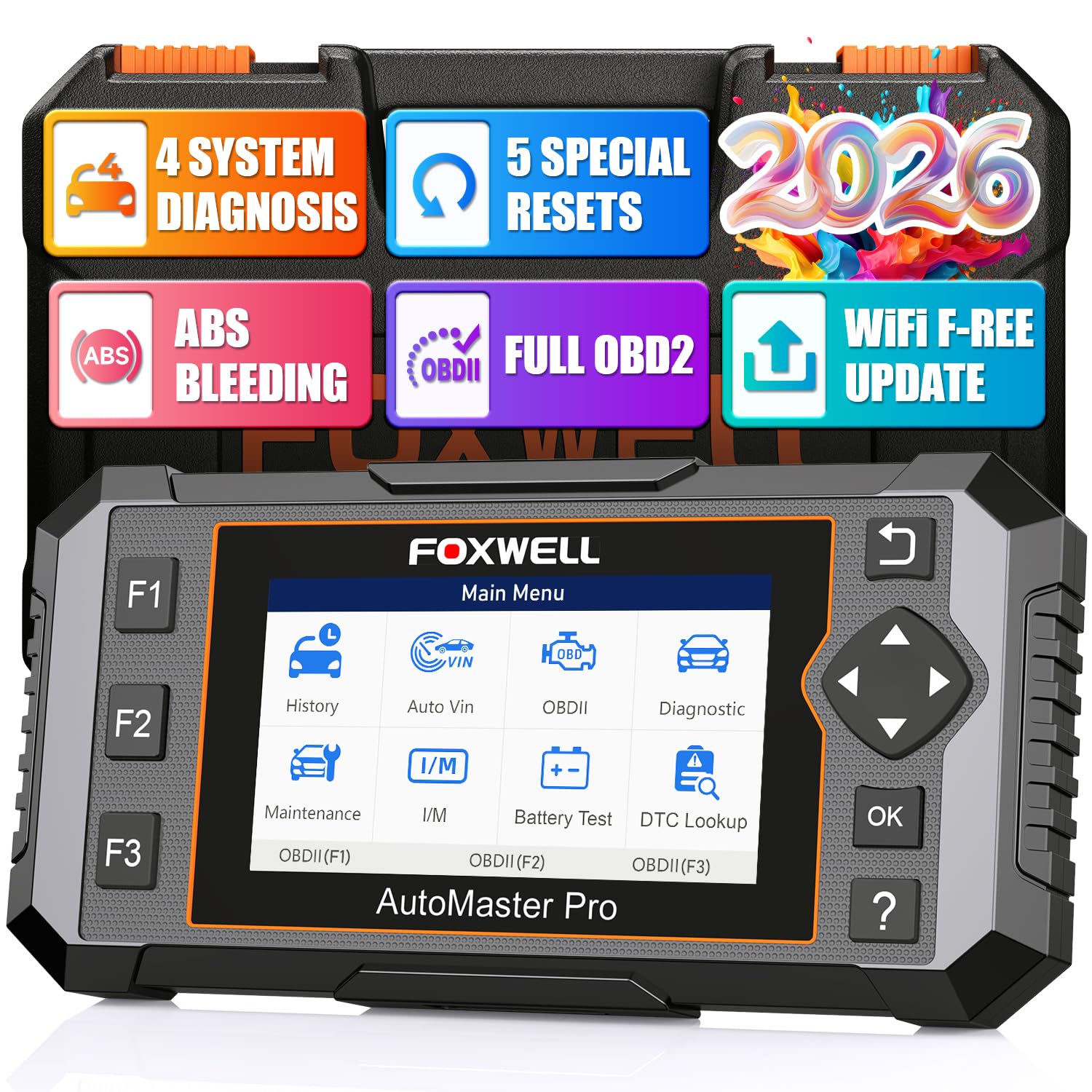
We recommend this when you want a solid all-in-one scanner that handles ABS bleeding and common resets without a shop visit.
Pros
- Fast autovin and clear menus made diagnosis quick.
- ABS Bleeding and five resets saved us a service trip.
- Live data graphs and built-in DTC help troubleshoot on the spot.
Cons
- Some vehicles don’t support ABS Bleeding with this unit.
- Occasional VIN or connectivity quirks on older trucks.
- Bulkier than simple plug-in code readers.
We plugged the NT614 Elite into several cars and the initial autovin worked within seconds on newer vehicles. The screen shows live sensors in easy graphs, and the DTC library let us understand codes without hunting online.
We ran ABS bleeding after changing pads and calipers and it restored pedal firmness on two cars. The routine felt like a shop procedure but from our driveway, which saved time and money.
We did see limits on older or uncommon models where VIN lookup failed or the bleeding function wasn’t available. It handled SRS clears and EPB resets well, but on one truck we had to enter the VIN manually and retry the update process.
Overall, this scanner performed like a small shop tool for the price and cut down on dealer visits when it worked with the vehicle. If you own common makes from the last decade, it’s a good tool to keep in the garage.
FOXWELL NT630 Plus
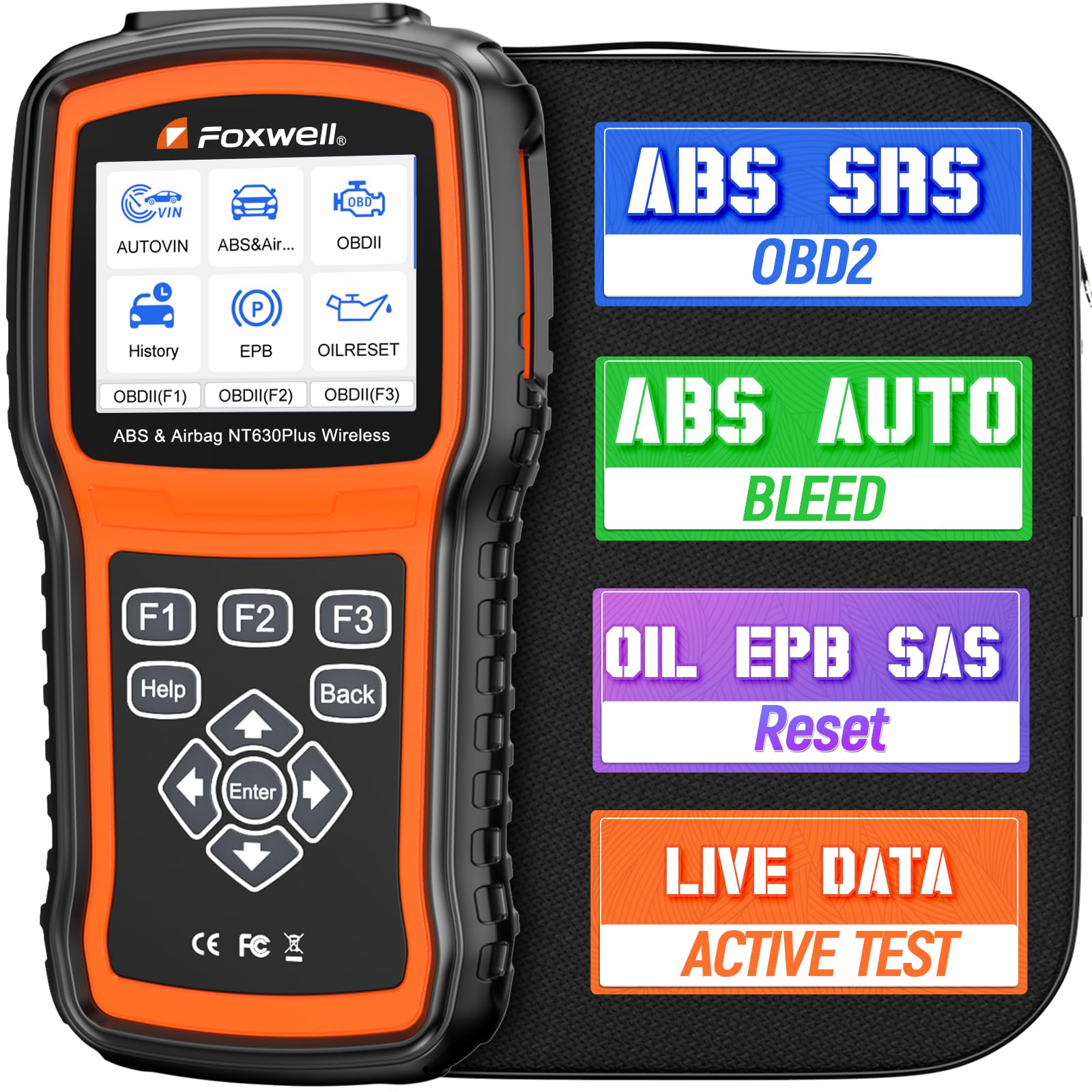
We recommend this if you want dealer-level ABS/SRS checks and an auto-bleed option without paying shop rates.
Pros
- Dealer-level ABS and SRS reads at home
- Auto Bleed feature for brake bleeding on many cars
- Live data and bi-directional tests help pinpoint issues
Cons
- Auto Bleed and some functions only work on select vehicles
- SRS codes can be read but some airbag faults cannot be erased
- Occasional update/registration hassles reported
We used the NT630 Plus on several cars and liked how fast it found ABS codes and showed wheel speed and brake pressure. The live graphs made it easier to see which wheel sensor was acting up, and running the ABS pump test felt like having a shop tool in the garage.
When we tried the auto-bleed on two different trucks it worked well and reduced pedal sponginess after a fluid change. One of our vehicles wasn’t supported for bleeding, so we had to confirm VIN compatibility first.
Setup was mostly simple but we hit some bumps updating and registering the unit online. The screen and menus are straightforward, and the tool saved us multiple trips to the dealer, but double-check compatibility for your make and model before buying.
BLCKTEC 460T

We recommend this if you want a fast, all-in-one OBD2 scanner that can handle ABS bleeding and many shop-level resets for DIY work.
Pros
- Handles ABS bleed and many dealer-level resets without extra gear.
- Fast AutoScan and live data make troubleshooting quicker.
- Free lifetime updates and a helpful RepairSolutions2 app.
Cons
- Some advanced functions depend on vehicle compatibility.
- A few users report cosmetic wear or used-looking packaging on arrival.
- Not all models can perform every reset (check compatibility first).
We plugged the 460T into a couple of trucks and cars and used it to run full scans and ABS bleed routines. The AutoVIN and AutoScan saved time, and the screen graphs live data clearly while we watched pressures and wheel sensors change.
When we ran the ABS bleed after a brake job, the tool completed the procedure without needing a dealer tool. It also handled EPB and battery registration on newer vehicles, though one make would not let us enter EPB service mode — which reminded us to check the compatibility tool before assuming every function will work.
Navigation feels professional and the RepairSolutions2 pairing gave quick code explanations and suggested fixes we could trust. Build quality seemed solid, but some units shipped with minor scuffs, so inspect the package when it arrives.
Foxwell NT604 Elite

We recommend this scanner if you want an easy-to-use tool that reads ABS and SRS faults and gives clear diagnostic info without extra software fees.
Pros
- Fast out-of-box setup and AUTOVIN that finds vehicle info quickly.
- Reads ABS, SRS, engine, and transmission codes plus live data.
- Comes in a solid protective case and includes lifetime updates.
Cons
- Doesn’t perform service functions like ABS bleed, relearns, or bidirectional tests.
- AUTOVIN can fail on some older or unusual models, needing manual input.
- Some users report slow or occasional update issues and rare file errors.
We used the NT604 Elite on a few family cars and a truck. Plugging it in felt simple and it started scanning right away. The live data stream helped us watch ABS and brake pressure data while we tested pedals.
We liked that the unit pulled VIN info automatically most of the time. That saved us time compared with manual vehicle selection. The screen is clear and the menus are straightforward, so reading fault codes and DTC definitions feels practical.
When clearing SRS or ABS codes, we found it removed non-crash faults after we fixed the issue, but it will not clear crash data or run the actual ABS bleed procedure. For brake-bleed work you’ll still need a manual or OEM tool to complete the hydraulic steps.
Overall, the NT604 Elite fits DIYers and small shop owners who need solid diagnostics without paying for heavy-duty service features. If you want one box to read ABS/SRS faults, confirm compatibility for your model and know that active service functions are not included.
XTOOL D5 Scanner
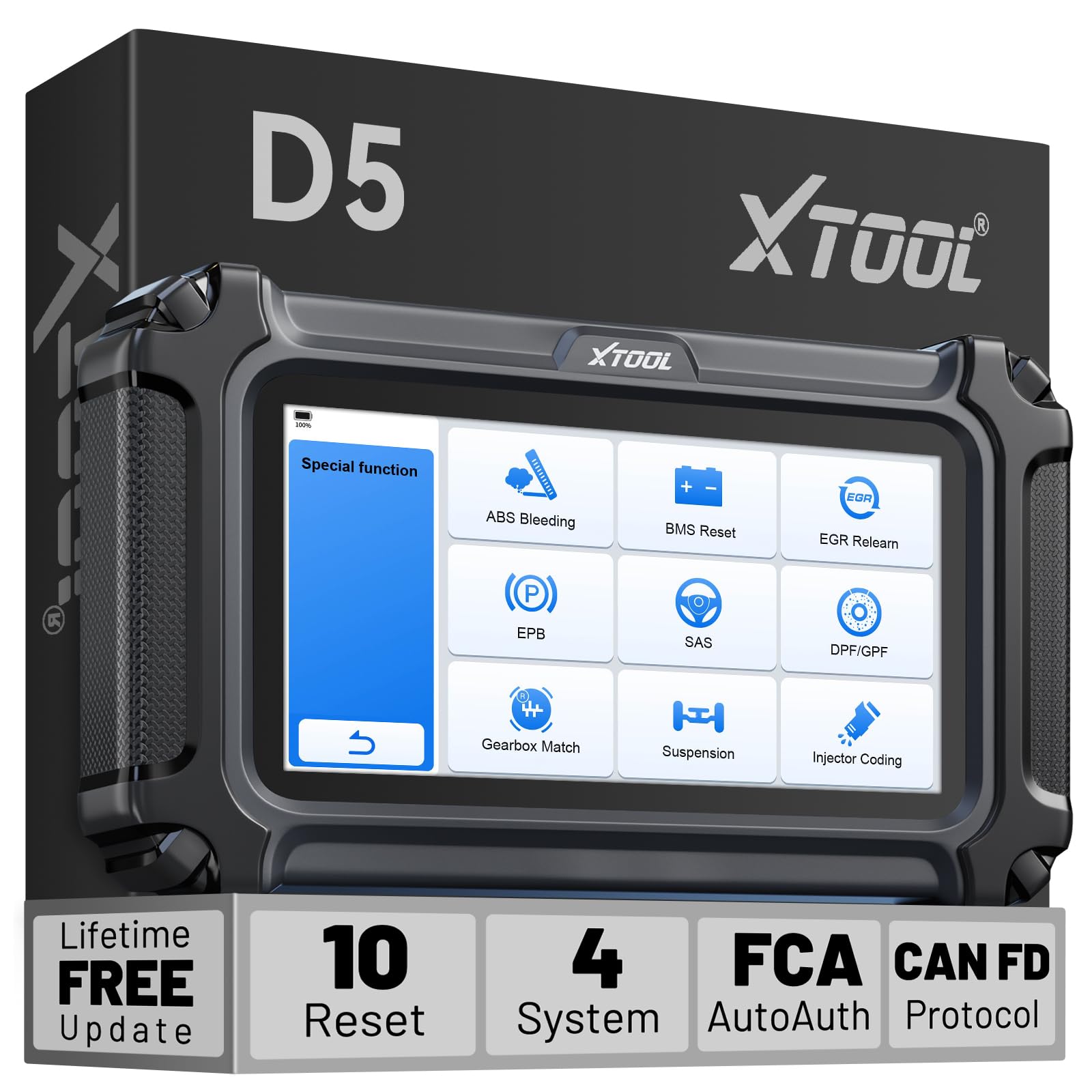
We recommend this if you want a budget-friendly OBD2 tool that can run ABS bleeding and basic SRS checks on many cars.
Pros
- Strong value for the price with useful service functions.
- Easy AutoVIN setup and a clear touchscreen for live data.
- Lifetime Wi‑Fi updates and no subscription fees.
Cons
- Some vehicles block advanced functions; compatibility varies.
- Wired connection only; you need Wi‑Fi for updates.
- Occasional limits on deeper transmission or dealer-level tasks.
We used the D5 on several family cars and a pickup to test ABS Bleed and SRS reads. Plugging it in, AutoVIN found the vehicle quickly and the menu felt simple to navigate. The screen showed live data graphs that made watching brake pressure and sensor values easy.
Running the ABS Bleed felt straightforward on cars that allowed the function. On one older truck the tool cycled the pump and released air as expected, which saved us a shop visit. On a different model the vehicle’s ECU blocked the bleed command, so we could only read codes and live data.
We tried SRS and airbag code checks and they worked for basic reads and clears on most test vehicles. The D5 read faults and gave DTC descriptions that helped us decide whether to fix or take the car to a pro. For tougher dealer-only tasks, though, it sometimes hit limits.
The D5’s build felt solid in hand and the silicone case helped when working in the garage. Updates via Wi‑Fi were painless and free, which kept coverage current without extra fees. Before buying, send your VIN for the free compatibility check so you won’t get surprised by vehicle restrictions.
TOPDON AD600S

We recommend this if you want a budget-friendly scanner that actually performs ABS bleeding and many reset services without extra fees.
Pros
- Touchscreen makes menus fast to use
- ABS bleeding and multiple resets work well on most cars
- Free Wi‑Fi updates and onboard data saving
Cons
- Menus can be a bit deep for first-timers
- AutoVIN doesn’t always detect every vehicle
- Some advanced functions vary by make and year
We used the AD600S on a few late-90s and 2000s cars and it handled ABS bleeding smoothly. The touchscreen cut down navigation time and the bleed routine cleared the wheel speed errors on one SUV after a quick session.
The reset functions like brake reset, SAS, and BMS saved us a trip to the shop on routine jobs. Live data and waveform views helped us catch a stuck sensor without guessing.
Update over Wi‑Fi worked reliably and the unit saved reports right on the tool. Expect a short learning curve when you first dig into the deeper menus, but once we learned the flow it became a solid shop companion.
Autel MaxiCheck Pro
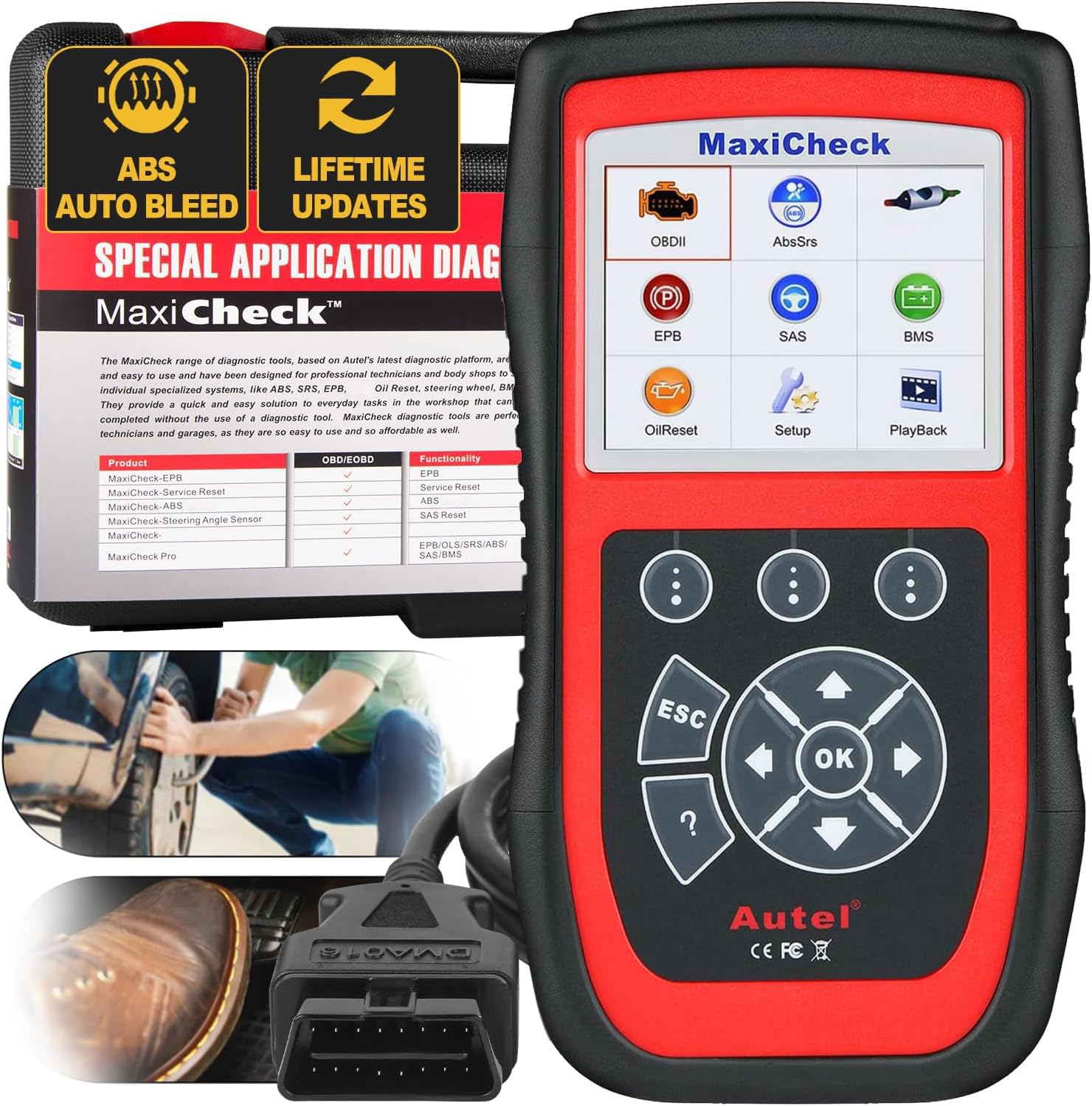
We recommend this if your car is supported and you need a dedicated tool for ABS auto-bleed and basic ABS/SRS work.
Pros
- Auto-bleed works on supported vehicles and saves time.
- Simple menus and clear prompts during procedures.
- Lifetime updates and decent support if compatibility is checked first.
Cons
- Not universal — many newer or certain Japanese models may not support auto-bleed.
- Requires contacting seller with VIN to confirm functions before buying.
- Update/registration process can be awkward at first.
We used the MaxiCheck Pro on a few older GM and domestics and it followed the bleed routine exactly like the factory steps. The unit guided us through forcing air out of the ABS module, which made the follow-up manual bleeding much faster.
Setup took a bit of time because we had to register and confirm compatibility, but once connected it read and cleared ABS and SRS codes reliably. Live data and basic OBD2 tests were straightforward and handy for quick troubleshooting.
On a Toyota and a Honda we tested, the auto-bleed did not activate because those ECUs lacked the programmed auto-bleed routine. We learned to always check vehicle support via the seller before relying on this tool for brake bleeding.
If you own a supported older vehicle and want a focused ABS auto-bleed tool that feels built for shop use, this is a solid pick; for mixed fleets or newer cars, confirm compatibility first.
ANCEL FX6000
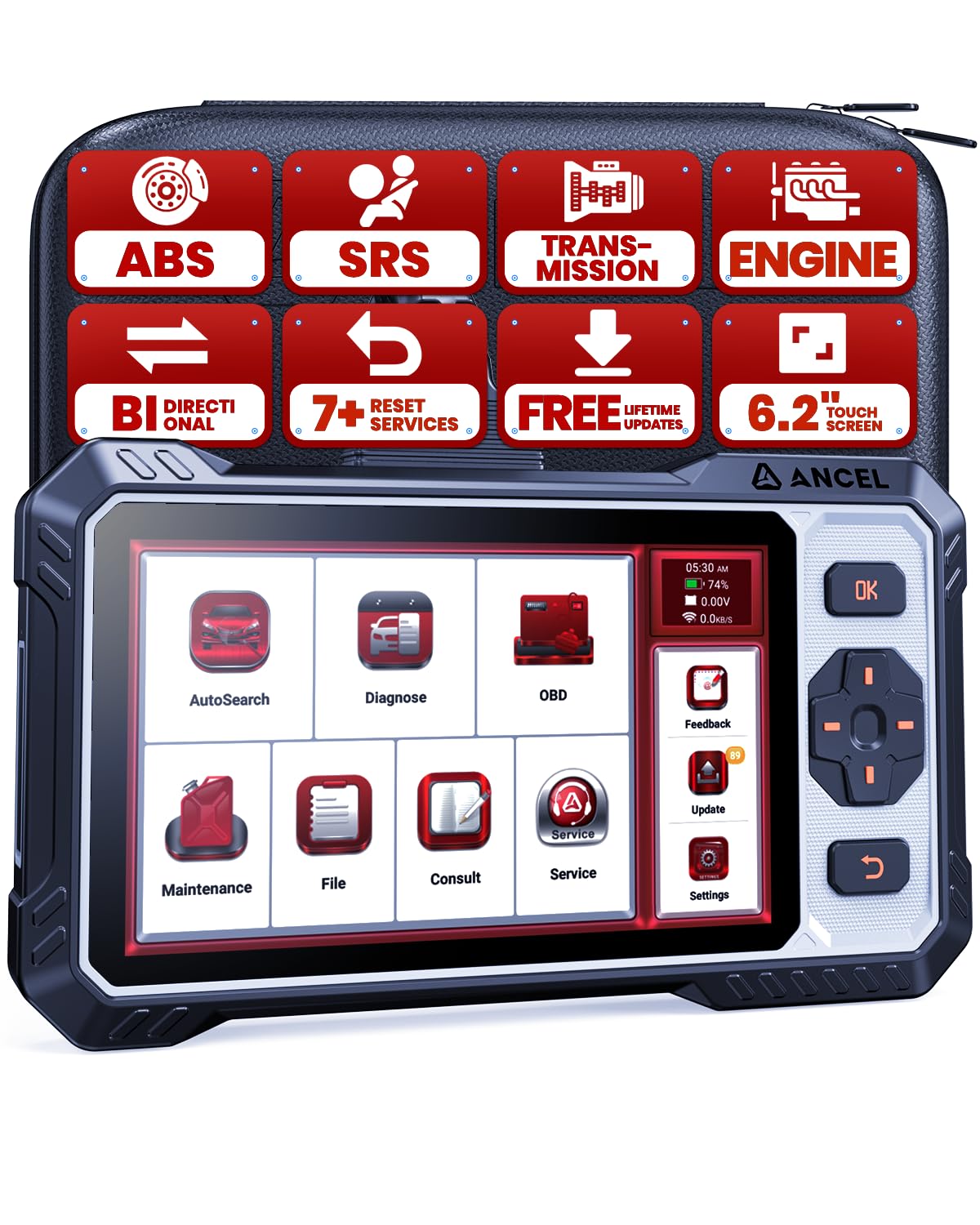
We recommend the FX6000 if you want a strong ABS/SRS tool with bidirectional tests and dealer-style resets at a home-garage price.
Pros
- Bidirectional tests let us activate pumps and valves to verify parts quickly.
- ABS Bleeding and other resets save trips to the shop for common services.
- Large touchscreen plus buttons works well when our hands are dirty or gloved.
Cons
- Some vehicle-specific functions may not work without checking compatibility first.
- Learning curve for advanced active tests if you’re new to diagnostics.
- Not a full ECU coding tool, so it won’t handle every dealer-only job.
We used the FX6000 on a few cars and found its active tests very useful. Triggering the ABS pump and watching live data confirmed a bad wheel speed sensor on one vehicle without swapping parts.
The ABS Bleeding routine did exactly what we needed on a compact sedan; the tool guided the sequence and released trapped air faster than manual bleeding. The screen and physical buttons made navigating menus easy while leaning over the engine bay.
Live data streams stayed smooth and responsive during tests, and Wi‑Fi updates kept the unit current on the cars we worked on. We did run into a couple of models where specific reset functions were limited, so checking the compatibility checker first saved us time.
Overall, the FX6000 feels built for DIYers and light shop use: it gives us dealer-style control for ABS/SRS work and practical reset services without the dealer price.
Autel MaxiCheck Pro

We recommend this if your vehicle is supported and you want a handheld tool that can run ABS auto-bleed and basic service functions.
Pros
- Fast, simple ABS auto-bleed when the car supports it.
- Lightweight and easy to hold during garage work.
- Lifetime updates and decent tech support if setup troubles arise.
Cons
- Not universal — compatibility can be limited for many models.
- Some Asian/Japanese cars may not support auto-bleed even if tool appears to.
- Occasional patience needed for updates and advanced functions.
We used the MaxiCheck Pro on a few older GM and Ford models and it handled ABS bleed cycles properly. The unit prompted the car to activate the ABS pump and valves, and we saw air pushed into the lines first, which made subsequent manual bleeding much quicker.
Setup felt straightforward, but we had to confirm vehicle support before ordering. For one Toyota and a couple of Asian models we tested, the autobleed feature didn’t work because the cars’ ECUs lacked that function. Sending VIN and model info to Autel before buying saved us time.
The screen and menus are basic but practical for garage use. We liked how light the scanner is when kneeling near the brake master cylinder, though advanced functions sometimes required patience to update or to get full OEM-level behavior.
If you want a simple, portable tool to do ABS auto-bleed on supported cars and basic OBDII checks, this is a solid pick — just confirm compatibility first.
Buying Guide
We look for scanners that work with ABS and SRS systems and support brake-bleed functions. This ensures the tool can read, clear, and run active tests needed during bleeding.
We check compatibility first. Vehicle coverage, protocol support, and software updates matter. Make sure the scanner lists support for your vehicle’s make, model, and year.
We weigh ease of use. A clear screen, simple menus, and guided prompts speed the job. Battery life and wired vs. wireless connection affect how we work in the shop or driveway.
We focus on functionality. Important features include live data streaming, active component tests, ABS/SRS code definitions, and ability to trigger pumps or valves for bleeding. Look for scanners that can perform those tasks reliably.
We consider build and support. Durable casing, good warranty, and clear instructions cut downtime. Fast customer support and regular firmware updates help with new vehicle systems.
We compare data handling and interfaces. Ability to save, print, or export reports helps us track jobs. Smartphone or tablet apps can simplify viewing and storing live data.
We set a budget and match features to needs. For occasional home use, core ABS/SRS and basic live data may be enough. For frequent professional work, prioritize advanced active tests, wide vehicle coverage, and robust support.
Editor’s Choice
We pick the Autel MaxiCOM MK808 for its balance of features and ease of use. It reads ABS and SRS codes fast and gives live data needed during a brake bleed. The screen is large and clear, so we can watch pressure and sensor values as we bleed brakes.
The device also does bi-directional tests on many ABS modules, which helps when we need to activate the pump or valves during service. It supports wide vehicle coverage and updates via Wi‑Fi, so it stays current without extra work.
Key points we like:
- ABS & SRS coverage: Reliable code reading and resets.
- Bi-directional control: Activates pumps/valves for accurate bleeding.
- Live data and graphing: Lets us track sensor changes in real time.
- User interface: Simple menus and a touch screen reduce mistakes.
We find the MK808 robust enough for DIYers and small shops. It’s not the cheapest, but its feature set reduces troubleshooting time and helps ensure a correct bleed. The tool’s update path and support keep it useful as vehicles change.
Conclusion
We chose scanners that offer reliable ABS and SRS support and clear procedures for brake bleeding. Each tool we listed works well for routine maintenance and for DIYers who want to save time and shop costs.
We recommend prioritizing compatibility with your car, clear on-screen instructions, and good customer support. These features cut down on mistakes and make the brake-bleeding process faster and safer.
If you need frequent or professional use, we suggest models with full ABS/SRS bidirectional control and durable hardware. For occasional home use, a simpler unit with strong diagnostic coverage will meet most needs.
We kept price, ease of use, and reliability in mind. Our picks balance those factors so you can choose the best fit for your skills and budget.
Key points to check before buying:
- Vehicle compatibility — ensure your make, model, and year are supported.
- Bidirectional control — needed for automated brake-bleeding on many cars.
- User interface — clear menus and instructions reduce errors.
We stand by these criteria to help you pick a scanner that makes brake bleeding straightforward and safe.
FAQS
What does ABS/SRS support mean?
We mean the scanner can read and clear error codes from Anti-lock Brake System (ABS) and Supplemental Restraint System (SRS, airbags). That helps diagnose brake and airbag issues before bleeding brakes.
Can an OBD2 scanner actually bleed brakes?
No. Scanners do not pump brake fluid. We use a scanner to cycle ABS valves and motors so trapped air can escape during a bleed. A separate brake bleeding tool or vacuum pump is still required.
Do all cars support ABS bleed via OBD2?
No. Support varies by make, model, and year. Some vehicles need dealer-level tools or special procedures. We recommend checking your vehicle compatibility before buying.
Which features matter for brake bleeding?
Look for ABS motor activation, valve control, and guided procedures. Live data reading and code clearing also help. We prefer scanners with step-by-step bleed menus to reduce errors.
Is professional service still needed?
Sometimes. If the ABS module is damaged or there are complex faults, we suggest professional help. For routine bleeding or small repairs, a good scanner plus basic tools usually suffices.
How do we choose the right scanner?
Compare compatibility, ABS/SRS functions, ease of use, and price. Read real user reviews and check manufacturer vehicle lists. We prioritize units that offer clear instructions and reliable ABS control.
