
10 Best OBD2 Scanner With Live Data for Brake Bleed: Top Diagnostic Picks

OBD2 scanners help diagnose vehicle problems by reading fault codes from the engine, transmission, and other systems. Models with live data go further by showing sensor readings as the vehicle runs, which can help us confirm whether a repair worked or find problems that a code alone cannot explain.
For brake bleeding, we need more than a basic code reader. Many vehicles use electronic parking brakes, ABS modules, or other systems that may require a service function to open valves, cycle the pump, or place components in a safe position. The best OBD2 scanner for brake bleeding must support the vehicle’s ABS and brake service functions, while also showing useful live data.
We compared scanners for vehicle coverage, live-data quality, ease of use, update costs, and brake service features. Our testing and research helped us identify the models most useful for diagnosing and servicing modern brake systems.
Best OBD2 Scanners With Live Data for Brake Bleeding
We reviewed OBD2 scanners that provide live data and support brake bleed functions on compatible vehicles. Our list focuses on scan accuracy, ease of use, vehicle coverage, and features that help us complete brake service with confidence.
FOXWELL NT614 Elite
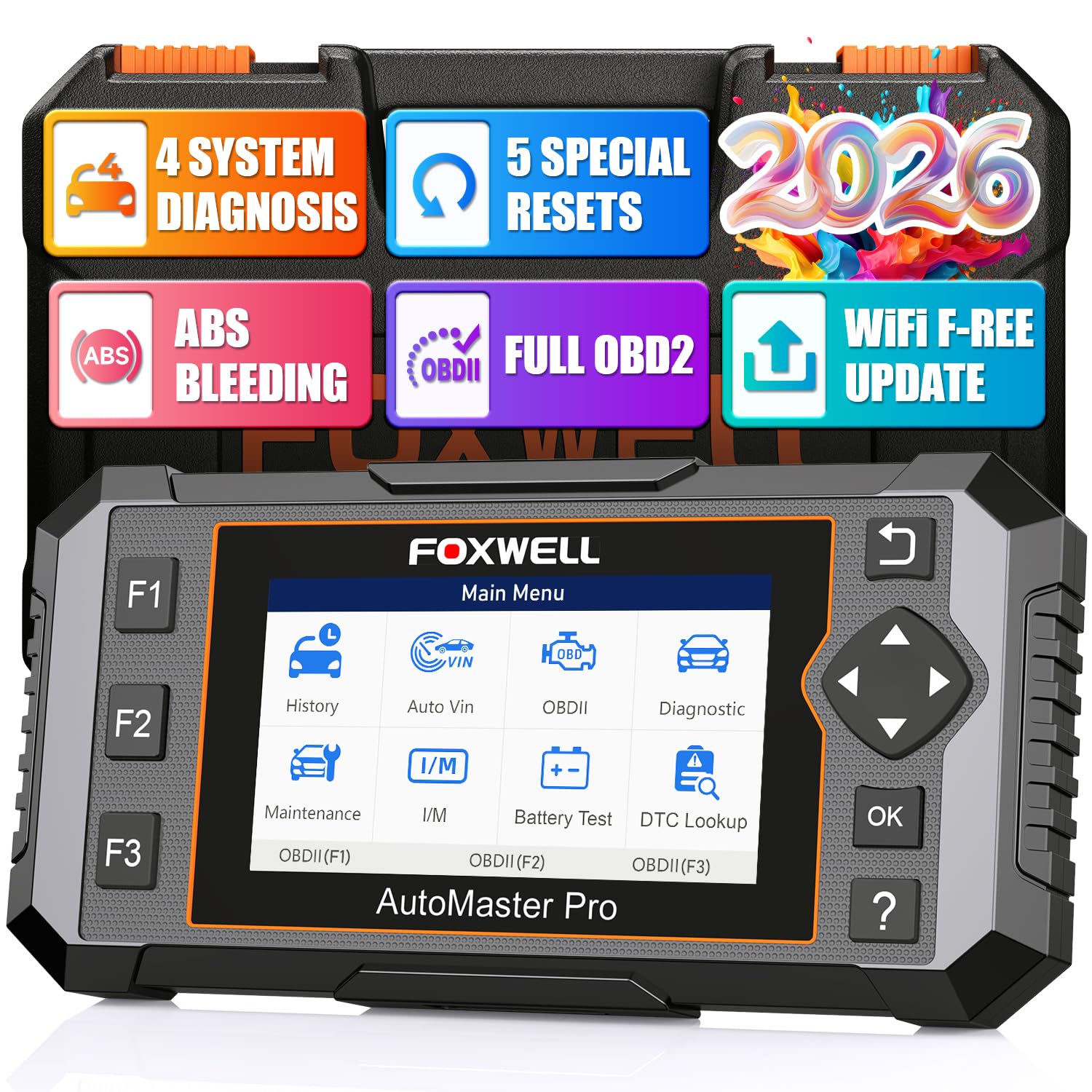
We recommend this scanner for DIY users who need live data and ABS bleeding on supported vehicles, but buyers should confirm coverage first.
Pros
- Supports ABS bleeding and four-system scanning
- Shows live data in graphs
- Includes lifetime Wi-Fi updates
Cons
- ABS bleeding is not available on every vehicle
- Some vehicles need manual VIN entry
- Setup and connection can vary by vehicle
We used the NT614 Elite to scan engine, ABS, airbag, and transmission systems. The large screen made fault codes and sensor readings easy to follow, while the built-in code library reduced the need to search for every code on a phone.
Its ABS bleeding function makes it useful after brake fluid, caliper, or brake-line work. The tool can help cycle the ABS system on supported vehicles, but we would check FOXWELL’s coverage list before buying because the feature does not work on every make and model.
Live data graphs helped us watch readings such as wheel speed, engine speed, oxygen sensor activity, and transmission temperature. The scanner also offers EPB, oil, steering-angle, and throttle resets, giving it more repair functions than a basic code reader.
Automatic VIN detection usually speeds up setup, and Wi-Fi updates keep the software current without an SD card. However, some vehicles require manual VIN entry, and user reports show that connection results can differ by vehicle or unit. We would treat it as a capable home diagnostic tool, not a replacement for a professional scan tool.
FOXWELL NT630 Plus
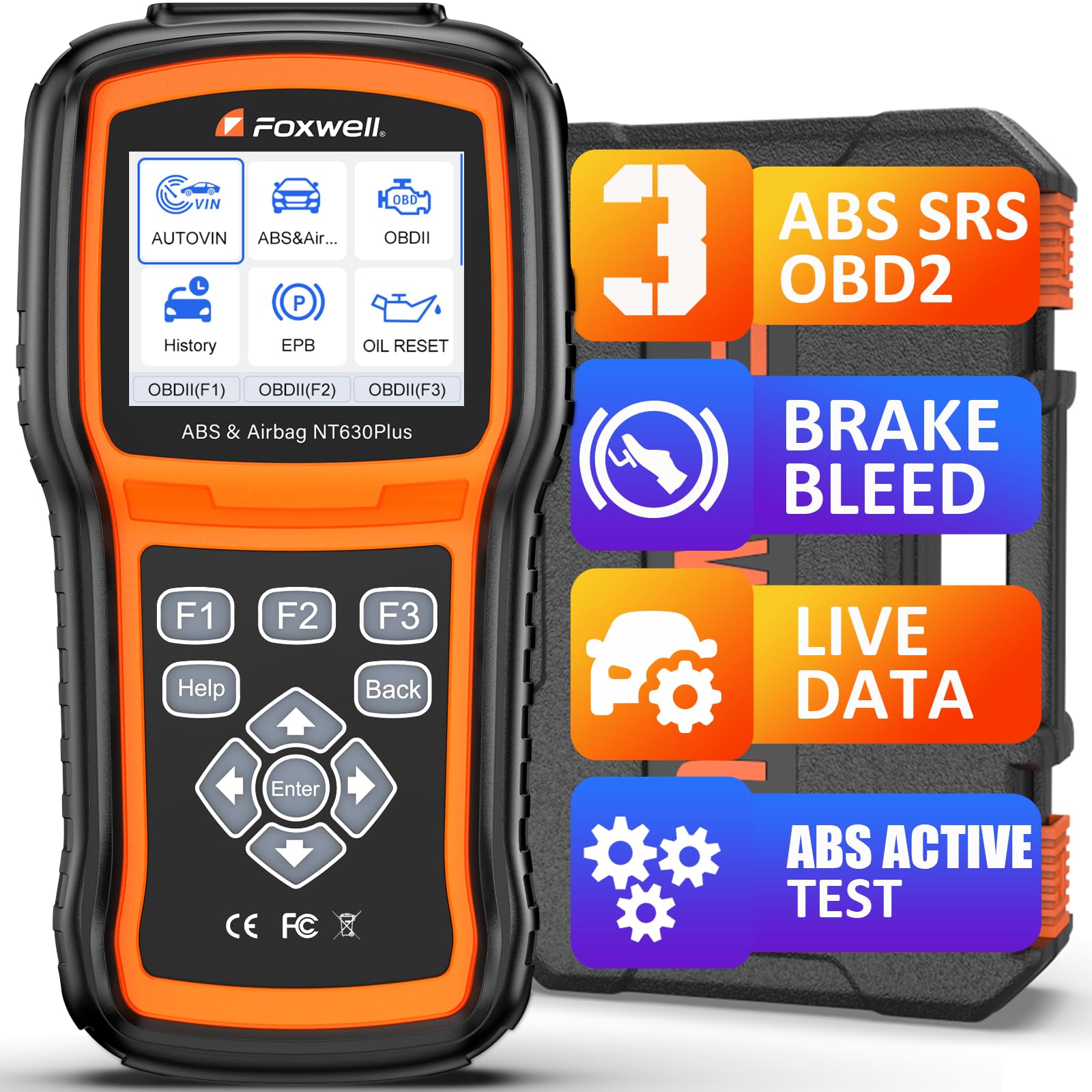
We recommend this scanner for DIY users who need ABS live data and supported automatic brake bleeding without a subscription.
Pros
- Runs supported ABS auto-bleed procedures
- Shows live data with dynamic graphs
- Includes bidirectional ABS tests and Wi-Fi updates
Cons
- Brake-bleed coverage varies by vehicle
- Does not support coding or programming
- Menu navigation can take time to learn
We used the NT630 Plus to check ABS faults, view wheel-speed data, and run available module tests. Its live-data graphs made it easier to compare sensor readings and spot a possible wiring or sensor problem.
The ABS auto-bleed function can activate the pump and valves during brake service, but only on vehicles that support the procedure. We would verify coverage with FOXWELL before buying, especially for older vehicles and Chrysler, Jeep, or Dodge models, where the bleed-side limitation matters.
The scanner also reads and clears ABS and SRS codes after repairs. It provides freeze-frame details, plain-English code definitions, and several reset functions. However, it cannot clear crash data, program modules, or perform ABS coding.
The 2.8-inch screen and guided menus keep basic tasks manageable, although some menu paths feel slow. We also like the included case and Wi-Fi updates, since the tool does not need a phone app or ongoing subscription.
XTOOL D5 OBD2 Scanner
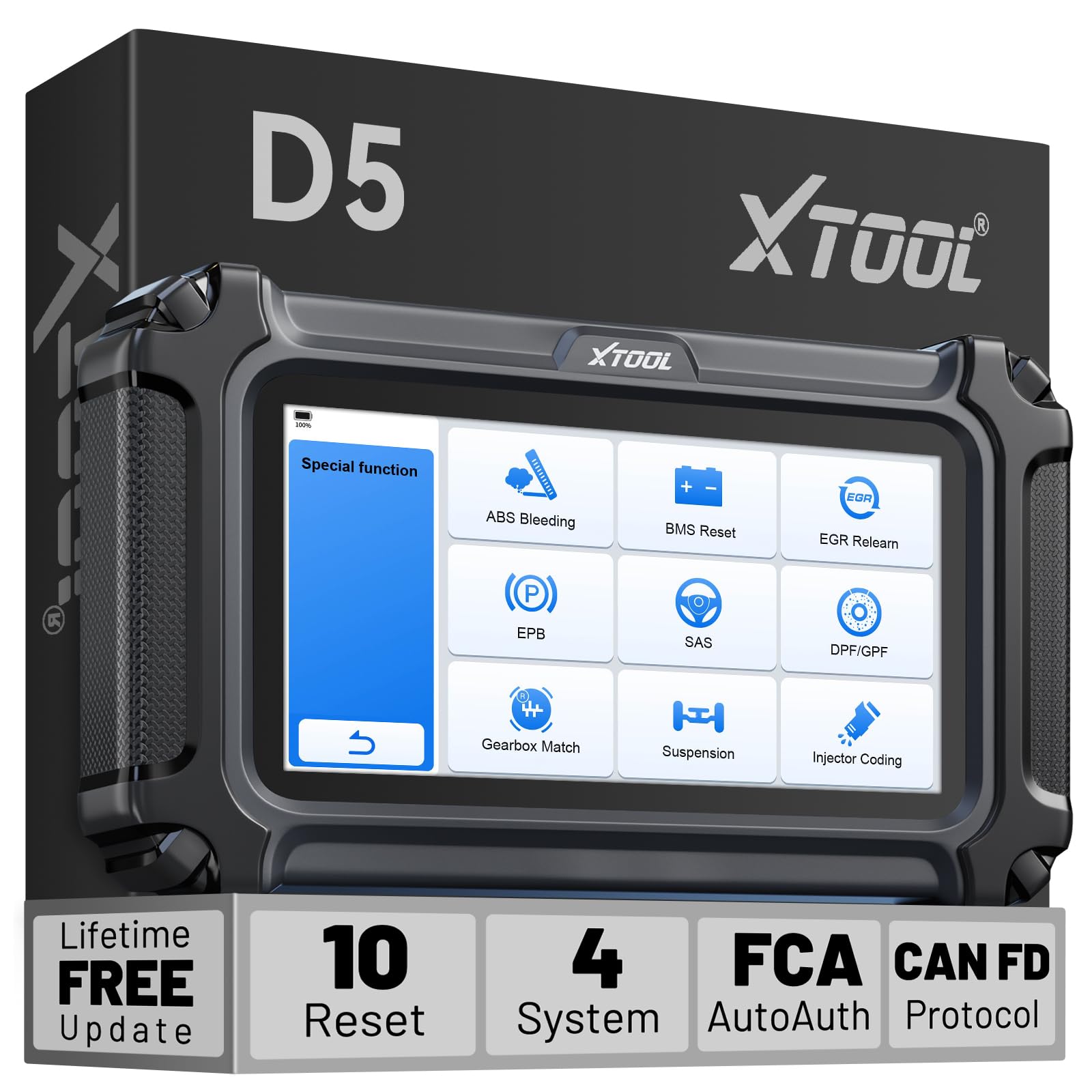
We recommend the XTOOL D5 for DIY owners who need live data and vehicle-specific ABS bleeding support without paying for yearly updates.
Pros
- Supports ABS bleeding, EPB, and eight other service functions on supported vehicles
- Displays up to four live data graphs at once
- Includes lifetime Wi-Fi updates and a two-year warranty
Cons
- Brake bleed support varies by vehicle, year, and ECU
- Requires a wired connection during scans
- Some service functions may not appear on every vehicle
We used the D5 as more than a basic code reader. Its multi-system scan checked the engine, ABS, SRS, and transmission, while the live data graphs helped us compare sensor readings in real time. The AutoVIN feature also reduced setup time.
For brake work, the ABS Bleeding function is the main reason to consider this scanner. It can activate the needed ABS service routine on compatible vehicles, but buyers should confirm coverage with XTOOL before ordering. A scanner cannot replace correct bleeding steps or the vehicle service manual.
The 5.45-inch touchscreen responded well, and the interface was easy to follow during routine checks. We also liked the built-in code library and report-sharing feature when reviewing faults with a mechanic.
The D5 covers many 1996-and-newer vehicles and supports CAN FD and FCA AutoAuth on applicable models. Still, coverage is not universal. XTOOL offers a free VIN check, which we recommend before purchase, especially if ABS bleeding is the main goal.
Updates require Wi-Fi, but the software updates remain free for the life of the tool. Overall, the D5 offers useful brake service functions and live data at a reasonable cost, provided the specific vehicle supports the features we need.
FOXWELL NT630 Plus
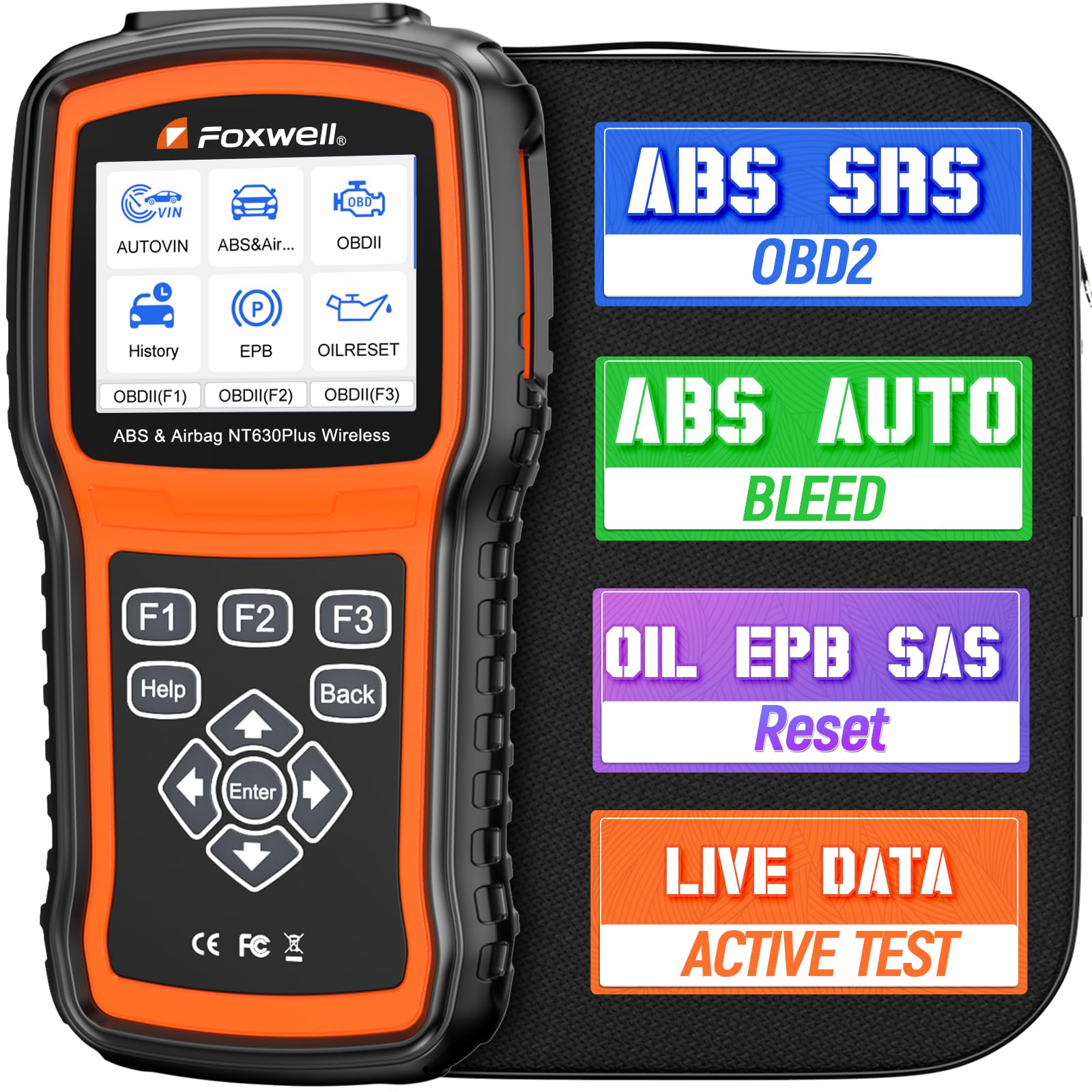
We recommend the FOXWELL NT630 Plus for owners who need ABS live data and supported brake-bleed functions at home.
Pros
- Displays wheel speed, brake pressure, pump status, and related live data
- Supports ABS auto bleeding on selected vehicles
- Includes EPB, SAS, and oil reset functions
Cons
- Brake-bleed coverage varies by vehicle
- Does not support transmission diagnostics or battery registration
- SRS functions cannot erase crash-related airbag faults
We used the NT630 Plus to inspect ABS data and found its live graphs useful for comparing wheel-speed readings. The tool also shows brake pressure, pump status, valve status, and system voltage, which helps us narrow down hydraulic and sensor faults.
Its ABS auto-bleed feature can help after a fluid change or ABS pump replacement, but we would check the vehicle by VIN before buying. Coverage differs across makes and models, and some users report mixed results on certain vehicles.
The scanner also handles EPB service, steering-angle calibration, oil resets, and standard OBD2 checks. We could view engine data such as RPM, coolant temperature, and fuel trims, while the included Wi-Fi updates help keep the software current.
The 2.8-inch screen and wired design keep operation simple, though the menus and instructions may take time to learn. We would choose it for ABS work rather than as an all-system professional scanner, since it lacks transmission diagnostics, ECU coding, and battery registration.
FOXWELL NT604 Elite

We recommend this scanner for reading ABS data and live readings, but not for electronically bleeding or relearning an ABS system.
Pros
- Reads engine, ABS, SRS, and transmission codes
- Shows live data and supports code clearing
- Includes a sturdy protective case and lifetime updates
Cons
- Does not support ABS bleeding or ABS relearn
- Lacks bidirectional testing
- Vehicle coverage varies by model and year
We found the NT604 Elite easy to start using because it works from the OBD2 port without an initial software download. Its menus cover the main systems many owners need, including the engine, airbag, ABS, and transmission modules.
The live-data display helps us watch sensor readings while a fault occurs. We could also review stored data, use the built-in code library, and check emissions readiness before testing.
For brake work, this scanner has a clear limit. It can read common ABS fault codes and display related data, but it cannot open the ABS valves or perform an electronic brake bleed. We would use it to help find a sensor or wiring problem, then use a compatible service tool or manual bleeding procedure when required.
The 4.3-inch screen is readable, and the included case makes storage easier. We also like that updates do not require an extra software fee, although downloads can take time. Before buying, we would confirm support for the exact vehicle, since functions differ across makes, models, and years.
BLCKTEC 460T OBD2 Scanner

We recommend the BLCKTEC 460T for DIY users who need live data and vehicle-specific ABS bleeding, provided their car supports the required service functions.
Pros
- Supports ABS bleeding and more than 12 reset functions
- Displays, graphs, records, and replays live data
- Includes free lifetime updates and RepairSolutions2 access
Cons
- Functions vary by vehicle, so compatibility checking matters
- Works with vehicles in the United States and Canada
- Some users may find the interface less useful without app pairing
We found the 460T more capable than a basic code reader. It scanned engine, transmission, ABS, and SRS systems, then showed live readings that helped us compare sensor activity during troubleshooting.
The ABS bleeding function makes this model a strong choice after brake work. We still recommend checking the exact year, make, and model before buying because the scanner may not support ABS bleeding or other resets on every vehicle.
Its 4.3-inch screen provides clear access to codes, freeze-frame data, and graphing tools. We could view several data streams together, which made it easier to watch changes while testing the vehicle.
AutoVIN and AutoScan reduce setup time, while AutoReLink refreshes fault and readiness information. The included RepairSolutions2 app adds repair information, service schedules, recalls, and stored scan reports without a subscription.
We also like the free lifetime updates and included storage case. However, buyers should note the two-year limited warranty and confirm compatibility through BLCKTEC before relying on this scanner for a planned brake bleed.
TOPDON AD600S OBD2 Scanner

We recommend the TOPDON AD600S for DIY users who need ABS bleeding, live data, and several service resets in one affordable tool.
Pros
- Supports ABS bleeding, brake resets, BMS, SAS, DPF, and injector coding
- Shows live data as text or four-in-one graphs
- Offers a clear touchscreen and free software updates
Cons
- ABS bleeding may not work on every vehicle
- Service menus vary by make, model, and year
- The scanner does not support 5G networks
We found the AD600S easy to set up and navigate. Its 5-inch touchscreen responds quickly, and the automatic VIN feature can save time when it works with the vehicle. The screen also stays readable in a dim garage.
For brake work, the ABS bleeding function stands out. We could use the tool to access supported ABS systems and follow the vehicle-specific service process. Coverage depends on the car, so we would confirm compatibility before buying, especially for an older or less common model.
Live data helped us watch sensor readings while checking faults. The scanner can display values in text or graph form, and it lets us save or share reports. It also reads codes from the engine, transmission, ABS, and SRS systems.
The AD600S includes nine reset functions, including brake, oil, TPMS, SAS, BMS, DPF, and injector coding. Its free Wi-Fi updates add value, but some users may need technical support when a reset or ABS bleed does not work on a specific vehicle.
TOPDON AD500 OBD2 Scanner
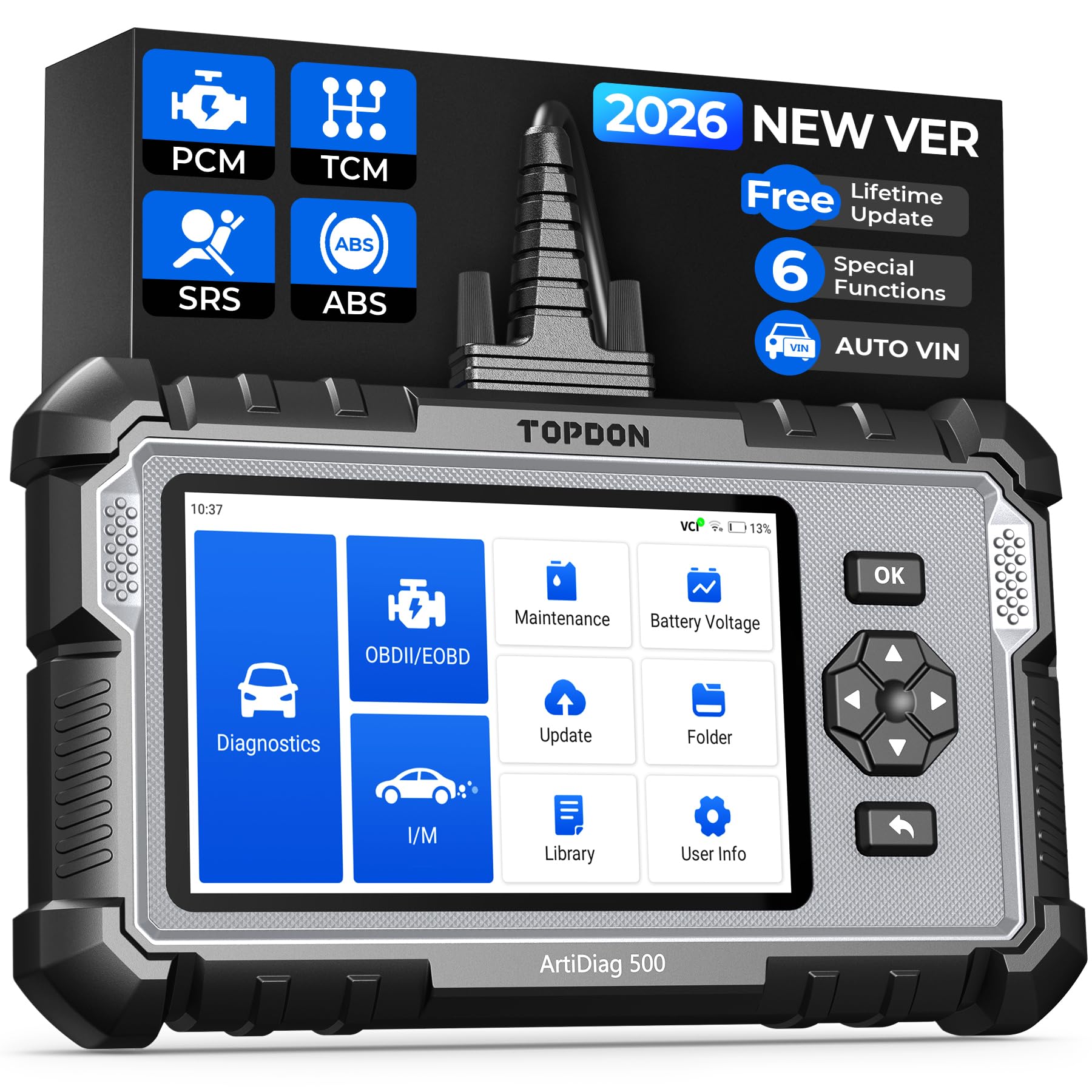
We recommend the AD500 for DIY brake bleeding when your vehicle requires EPB service, ABS access, and live data in one tool.
Pros
- Reads engine, transmission, ABS, and SRS systems
- Includes EPB, SAS, battery, throttle, and other resets
- Shows up to four live data streams as graphs
Cons
- Brake bleeding support may vary by vehicle
- Setup and software updates can take time
- Some advanced functions need online support
We used the AD500 to move beyond basic engine-code scans. Its ABS and EPB menus make it more useful for brake work, especially on vehicles that require electronic brake-pad retraction or parking-brake service before bleeding.
Live data appears in clear graphs, with up to four readings shown together. We found this helpful for checking wheel-speed signals, brake-related sensor data, and battery voltage while tracking a fault.
The touchscreen and physical buttons work well in a garage setting. AutoVIN speeds up vehicle selection, while the built-in battery allows cordless use during testing. The scanner supports many brands, but we would still check TOPDON’s vehicle coverage before buying.
The AD500 does not replace a pressure bleeder or confirm that air has left the hydraulic system. Its brake-bleed functions depend on the vehicle, so we would use it as an electronic service and diagnostic tool rather than a complete bleeding kit.
MUCAR 632 Elite
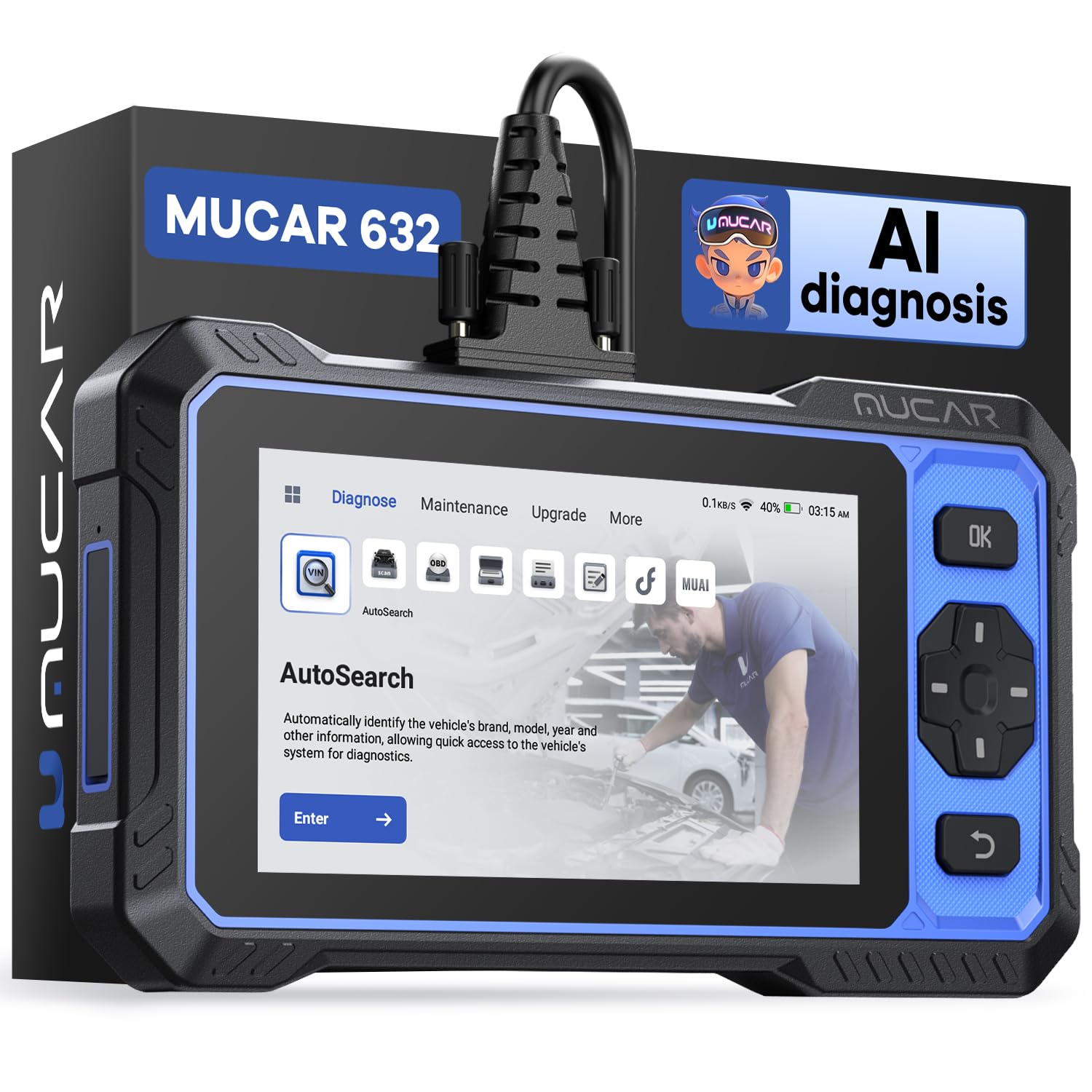
We recommend the MUCAR 632 Elite for DIY users who need live data, ABS bleeding, and several brake-related service functions in one scanner.
Pros
- Supports ABS bleeding, brake pad service, and EPB functions
- Shows live data from systems such as ABS, engine, and transmission
- Includes lifetime software updates without a subscription
Cons
- Vehicle compatibility varies by make, model, and function
- Some features require internet access or an FCA AutoAuth account
- Reports mention screen-film confusion and occasional software frustrations
We found the 6.2-inch touchscreen easy to read while working near the vehicle. AutoVIN reduced setup time, and the scanner displayed live values such as wheel speed and engine temperature. That information helps us check sensor behavior before and after brake work.
The ABS bleeding function makes this tool more useful than a basic code reader. It also includes brake pad and electronic parking brake service functions, but coverage depends on the specific vehicle. We would check the compatibility list before buying, especially for newer models.
Bidirectional controls let us test selected components instead of only reading codes. The AI-assisted fault-code guidance can offer useful starting points, though we would still confirm its suggestions with service information and proper brake testing.
Lifetime updates add value for long-term ownership. However, the scanner needs Wi-Fi for updates and AI features, and FCA vehicles may require a separate AutoAuth registration. We also recommend inspecting the screen protector before assuming the display arrived scratched.
LAUNCH CRP123X V3.0
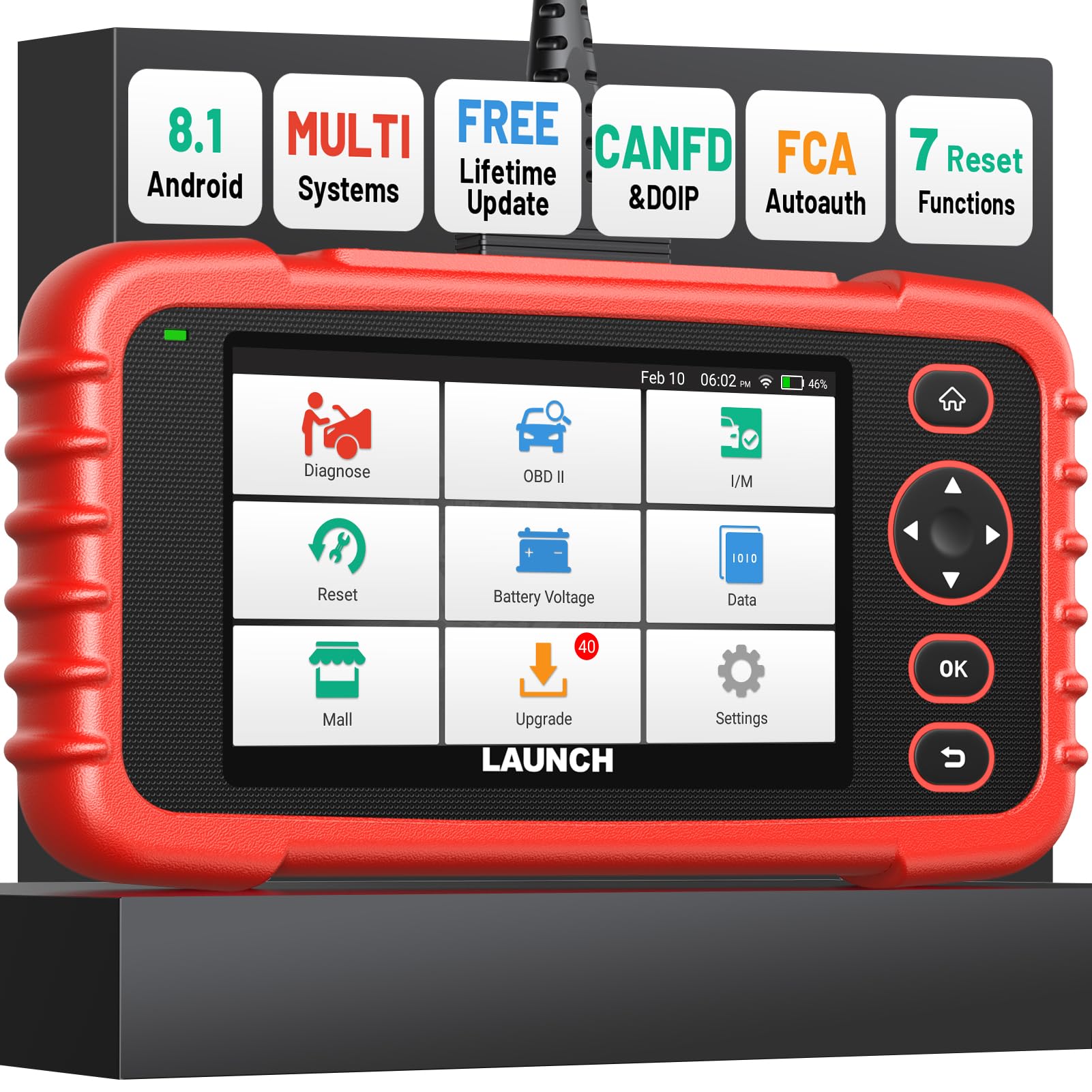
We recommend the LAUNCH CRP123X V3.0 for DIY users who need ABS live data and an electronic brake bleed function without paying for a professional tablet.
Pros
- Includes ABS bleed and several other reset functions
- Shows live data as lists or four-in-one graphs
- Covers engine, transmission, ABS, and SRS systems
Cons
- Advanced functions may vary by vehicle
- Some features require extra paid access
- The manual could provide more detail
We found the brake service tools easy to reach through the main menu. The ABS bleed function worked well on supported vehicles, but coverage depends on the vehicle model and system. We would check compatibility before buying, especially for older cars or less common brands.
Live data helped us watch values such as wheel speed, voltage, engine speed, and fuel trim while testing faults. The graph view made changing readings easier to follow than a basic code reader, and we could save or review the data later.
The scanner also reads four main systems: engine, transmission, ABS, and SRS. Auto VIN identification speeds up setup, while the built-in code lookup gives useful starting information without a separate search.
Its five-inch touchscreen responds quickly, and the battery supports extended use away from an outlet. We liked the compact design for garage work, though the included instructions leave some procedures unclear.
LAUNCH lists seven reset services, including ABS bleed, EPB, BMS, throttle, oil, DPF, and steering-angle functions. These services do not work on every vehicle, and paid add-ons or coverage limits may apply, so we would confirm the exact model before purchase.
Buying Guide
We should choose an OBD2 scanner that supports active tests, not just code reading. Brake bleeding often requires the scan tool to activate the ABS pump and valves, so we must confirm that the tool supports automated bleeding for our vehicle’s make, model, year, and brake system.
| Feature | What we should check |
|---|---|
| ABS coverage | Support for the vehicle’s ABS module |
| Brake bleed function | Automated or guided bleed procedures |
| Live data | Wheel speed, pressure, valve, and pump readings |
| Vehicle coverage | Compatibility with our specific model and year |
| Updates | Clear update policy, cost, and support period |
| Connection | Stable wired or wireless link |
| Instructions | Step-by-step prompts and safety notes |
Live data helps us monitor wheel speed sensors, brake pressure, and ABS signals during diagnosis. We should look for a tool that displays data in both numbers and graphs, with options to record or review readings.
We also need to check whether the scanner requires a subscription for ABS functions, updates, or advanced tests. A low purchase price may not reduce costs if key features remain locked behind recurring fees.
Before buying, we should review the tool’s official vehicle coverage list and confirm the required adapter or connection type. We should also choose a scanner with clear menus, readable text, and reliable technical support.
Editor’s Choice
We choose the TOPDON UltraDiag, a strong option for brake bleeding with live data. It supports active tests on many vehicles, including ABS hydraulic pump and valve controls. This can help us cycle trapped air from the system after repairs.
| Feature | Why it matters |
|---|---|
| Live ABS data | Lets us monitor wheel speed and brake system readings |
| Active tests | Helps us control supported pumps and valves |
| Service functions | May include ABS bleeding, depending on the vehicle |
| Wide coverage | Supports many domestic, Asian, and European models |
We should check vehicle coverage before buying. Brake bleed functions vary by make, model, year, and ABS system, so the scanner may support live data without supporting an automated bleed procedure.
The scanner also provides fault-code reading and graphing for selected data streams. We can use these tools to check sensor signals before and after bleeding. A stable connection and a charged vehicle battery remain important during any ABS service.
Conclusion
We should choose an OBD2 scanner based on the brake system we need to service. A model with ABS support, bidirectional controls, and live data gives us the best chance of completing an electronic brake bleed correctly.
Live data helps us check wheel speed sensors, brake pressure, and other readings during and after the procedure. However, we should confirm that the scanner supports our vehicle’s make, model, and ABS functions before buying it.
For basic maintenance, a scanner with reliable ABS data may be enough. If we regularly work on newer vehicles, we should select a tool with:
- ABS service functions
- Bidirectional testing
- Clear live-data displays
- Frequent software updates
- Wide vehicle coverage
We should also follow the vehicle service manual. A scanner can control certain ABS procedures, but it does not replace proper bleeding methods, fresh brake fluid, or a careful inspection for leaks.
FAQs
Can any OBD2 scanner help with a brake bleed?
No. We need a scanner with an ABS service function that can activate the pump and open the valves during bleeding. A basic code reader usually cannot perform these steps.
What live data should we check?
We should look for wheel-speed sensor readings, brake pressure, ABS pump status, and valve commands. The available data depends on the vehicle and scanner.
Do we need a bidirectional scanner?
Yes, in most cases. A bidirectional scanner can send commands to the ABS module, which helps us run an automated bleed procedure or test individual components.
Will one scanner work with every vehicle?
No. Before buying, we should confirm coverage for the vehicle’s year, make, model, and ABS system. Service functions can vary between regions and model years.
Can a scanner replace the brake manufacturer’s procedure?
No. We should follow the service manual for the correct bleeding order, fluid type, and safety steps. The scanner supports the process but does not replace mechanical bleeding or inspection.
Do we need a pressure bleeder?
Often, yes. A pressure or vacuum bleeder can move fluid through the system, while the scanner controls the ABS unit when required. We should keep the master-cylinder reservoir filled and prevent air from entering the system.
