
10 Best Professional OBD2 Scanner for Freeze Frame Data: Top Picks and Buying Guide

OBD2 scanners give mechanics and DIYers a quick way to read a car’s computer for trouble codes, live sensor data, and diagnostic snapshots known as freeze frame. Freeze frame captures the vehicle’s conditions at the moment a fault occurred, which can make diagnosing intermittent problems and emissions issues much faster. Professional OBD2 scanners add ruggedness, broader protocol support, faster data logging, and deeper access to systems beyond basic engine codes.
When shopping for a professional scanner focused on freeze frame data, the key things to check are how many parameters it captures, the speed and clarity of live data display, and whether it stores or exports freeze frame files for later review. A great scanner captures comprehensive freeze frame snapshots, displays them clearly in real time, and lets us save or export the data for further analysis. We tested and compared models that balance depth of data, ease of use, and reliability to find the best options for shop and serious home use.
Best Professional OBD2 Scanners for Freeze Frame Data
Below is our full list of the best professional OBD2 scanners for capturing and analyzing freeze frame data. We chose tools that give accurate freeze frame snapshots, quick data retrieval, and clear diagnostic displays to help technicians find faults faster.
ANCEL AD310

We recommend this if you want a simple, reliable scanner that pulls freeze frame data and clears emission codes quickly.
Pros
- Easy to use for quick checks
- Solid build with a long, flexible cable
- Powers from the car—no batteries needed
Cons
- Only reads emission-related OBD2 codes
- No advanced systems or bi-directional tests
- Limited to OBDII-equipped vehicles
We plugged the AD310 into several cars and liked how fast it gave freeze frame snapshots. The screen is clear and the buttons respond without fuss, so we could see the conditions right when the CEL came on.
The unit felt sturdy in hand and the cable held up while we worked around the engine bay. Its compact size made it easy to move between vehicles and store in our toolbox.
We used it to read and clear codes after simple repairs and it handled that task without drama. For deeper diagnostics beyond emission codes, though, we needed a more advanced scanner.
Autel AL319

We recommend this unit for DIYers who want reliable freeze frame data and simple, fast check-engine diagnostics without a steep learning curve.
Pros
- Fast plug-and-play use for reading and clearing codes.
- Clear freeze frame and live data that helped us pinpoint problem moments.
- Small, sturdy build that felt durable on the workbench.
Cons
- Limited advanced features for professional shops.
- Screen is small for long data sessions.
- No vehicle-specific guided fixes or bi-directional controls.
We used the AL319 on several late-model cars to capture freeze frame data during CEL events. It pulled the snapshot quickly and showed the live values that matched what we saw on the car, which made confirming intermittent faults straightforward.
The unit fits in a pocket and the cable length is just right for reaching the OBD port in most vehicles. Menus are simple and the one-click I/M readiness saves time when we just need emissions status or a quick code read.
If you need a basic, dependable reader for freeze frame capture and code clearing, this is a solid budget pick that gets the core job done without fuss.
FOXWELL NT301

We recommend this small, reliable code reader if you want clear freeze frame data and easy emissions readiness checks without paying for a full scan tool.
Pros
- Shows live sensor data and graphs for quick trend checks
- Fast I/M readiness LED makes emissions pre-checks easy
- Simple plug-and-play setup works right out of the box
Cons
- Won’t scan ABS, SRS, or advanced systems
- No special resets or bidirectional controls
- Updates require Windows PC, not Mac or mobile
We connected the NT301 to several 2010–2018 cars and liked how the live data graphs let us spot odd readings quickly. The 2.8″ color screen stayed readable in daylight and the unit felt solid in our hands.
Reading freeze frame data was straightforward. We could pull DTCs, view the snapshot values, and confirm whether a code reappeared after repairs. Clearing the check engine light worked as expected, but the codes returned when the underlying fault stayed present.
The EVAP leak test and O2 sensor checks gave useful, simple pass/fail style info. We found this especially handy before emissions tests, since the red-yellow-green LED removed guesswork about readiness.
This tool won’t replace a full professional scanner for ABS, SRS, or calibration work. Still, for backyard mechanics who mainly need freeze frame, live data, and emissions status, this is a solid, affordable pick.
Buy the FOXWELL NT301 on Amazon
Autel AL549
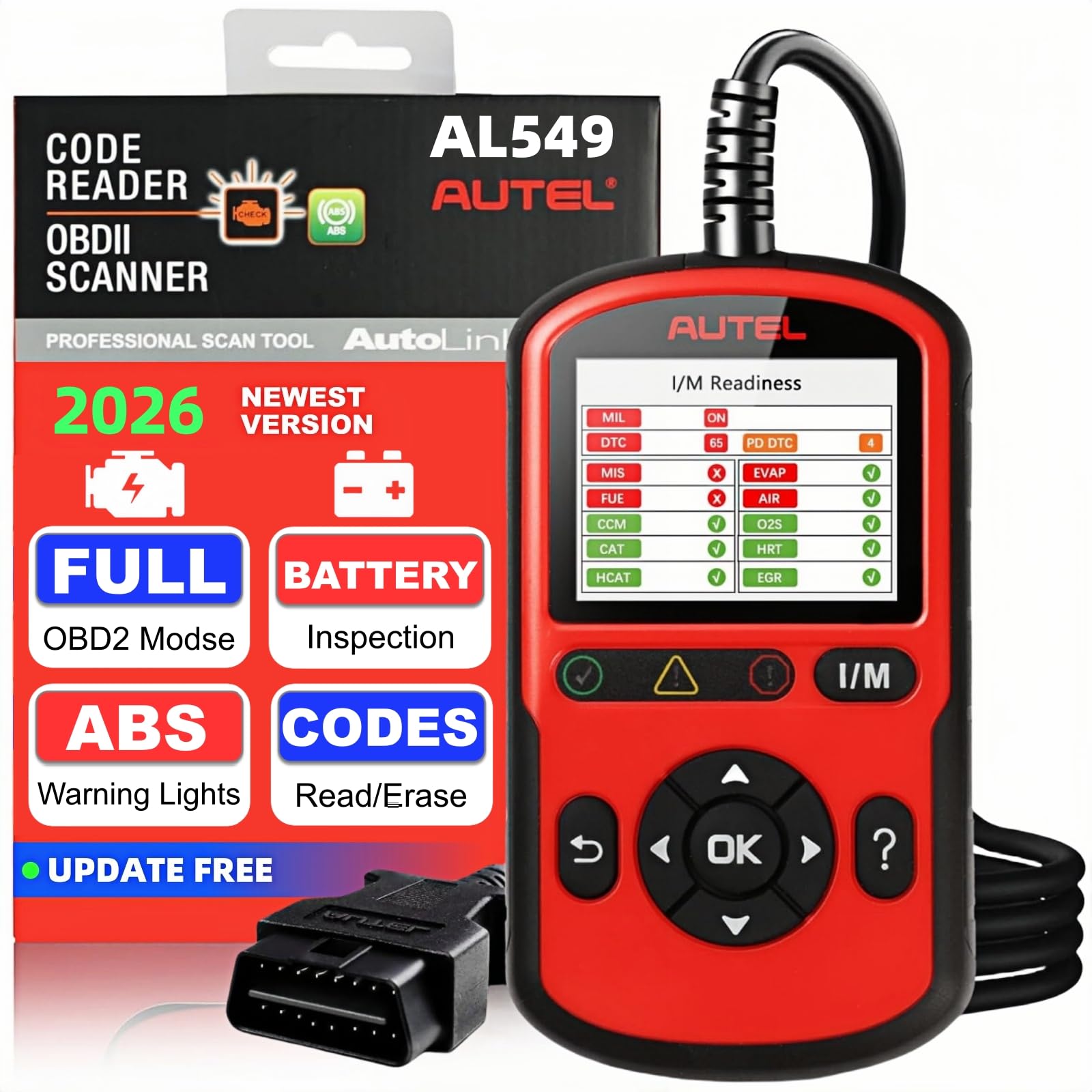
We recommend this unit if you want solid freeze frame capture and basic ABS checks without paying pro-shop prices.
Pros
- Captures and saves freeze frame data reliably.
- Simple menus and clear on-screen guidance.
- Handy battery and alternator tests built in.
Cons
- ABS support stops for many models made after 2020.
- Small 2.8″ screen can feel cramped when viewing live data.
- Advanced bi-directional or dealer-level functions are not available.
We used the AL549 on several late-model and older cars to check CEL events and freeze frame snapshots. It grabbed the freeze frame instantly and let us replay the data later, which made tracing intermittent faults much easier.
Running live PIDs felt straightforward, though scrolling through long streams on the small screen took patience. The tool’s data playback and PC-print option proved useful when we wanted to save a report for a technician or a parts shop.
Battery and alternator tests gave clear pass/fail style results and simple tips. We liked that the device walked us step-by-step during the test, so setup mistakes were rare.
If you work on cars made before 2020 and need reliable freeze frame reads plus a few extra tests, this scanner does the job without fuss. For newer ABS systems or deep dealer-level diagnostics, you’ll want a higher-end tool.
BluSon YM319
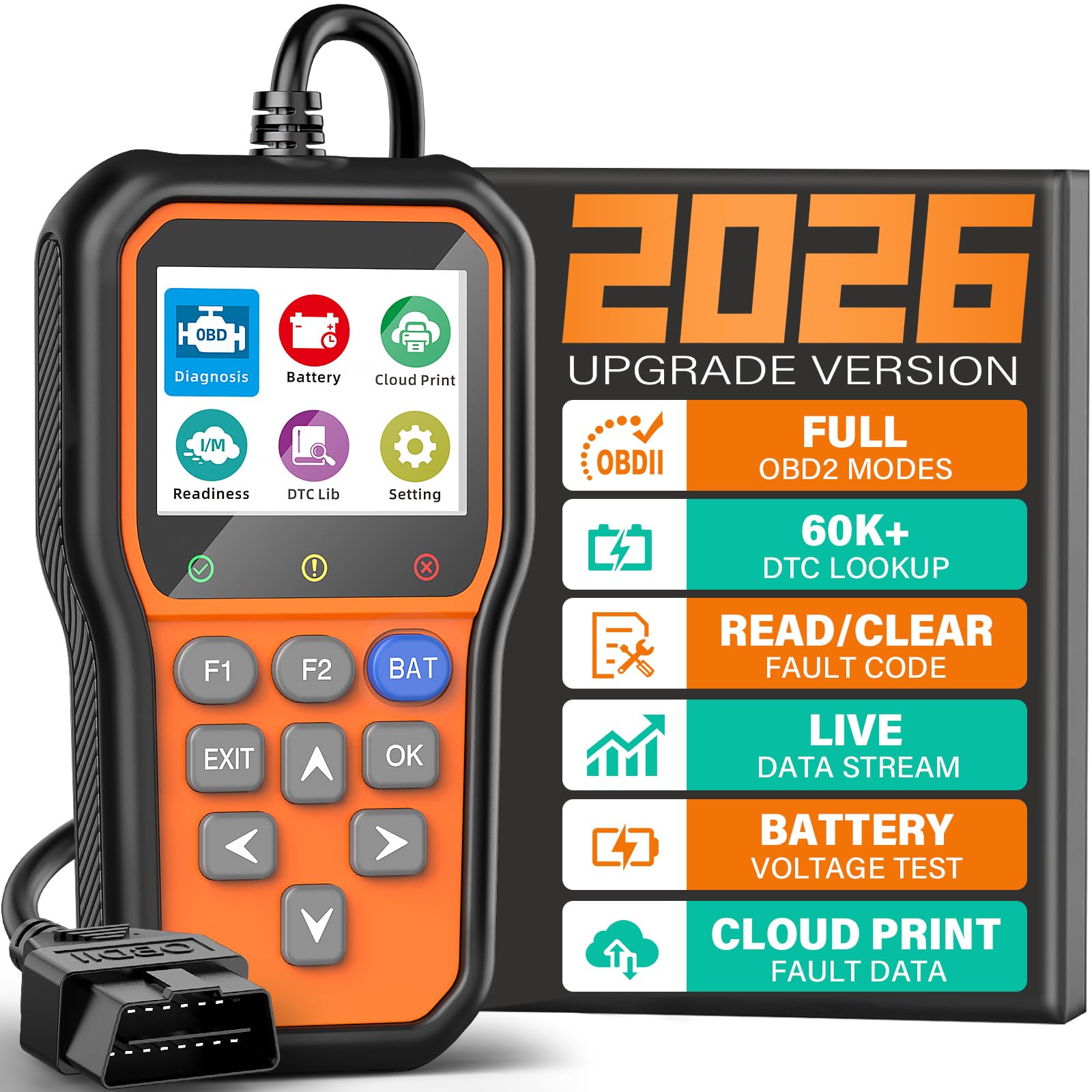
We recommend this scanner if you want clear freeze frame data and simple live-data logging at a budget-friendly price.
Pros
- Fast freeze frame capture and continuous live-data plots
- Built-in code database and battery check make quick diagnosis easy
- Cloud printing and shortcuts speed up record keeping
Cons
- Only reads engine codes; no ABS, SRS, or transmission support
- Screen is small for long data sessions
- Some advanced features need a bit of menu digging
We plugged the YM319 into several cars and found the freeze frame readouts immediate and easy to interpret. The tool seized the snapshot data the moment a fault appeared, which helped us match symptoms to codes without guessing.
We liked the one-click battery test and the continuous voltage graph. It flagged a weak battery faster than the alternator light came on, so we avoided a roadside surprise.
Using live data felt smooth, and the cloud-printing saved us time when sharing reports with a shop. The small screen meant we scrolled more than we wanted, but the device stayed responsive and the shortcut keys reduced button hunting.
Overall, we found the BluSon YM319 useful for fast engine diagnostics and paperwork-ready reports, but it won’t replace a full dealer-level tool for ABS, airbags, or gearbox troubleshooting.
BlueDriver Pro Next-Gen

We recommend this if you want professional freeze frame data and verified repair reports without a subscription.
Pros
- Clear, VIN-matched repair reports make freeze frame data easy to act on.
- Wireless Bluetooth setup is quick and works with our phone and tablet.
- Deep code coverage for ABS, SRS, transmission, and other systems.
Cons
- Some newer vehicle models need checking for full compatibility.
- App layout can feel cluttered until you learn it.
- Live data streaming can lag on older phones.
We plugged the BlueDriver into a 2016 sedan and within minutes saw a full freeze frame snapshot tied to the exact code. The app showed sensor values at the time of the fault, which helped us confirm whether the problem was intermittent or constant.
We liked that each trouble code came with a technician-verified fix and clear cause notes. That saved us time comparing forum advice and made repair decisions more confident. Reading ABS and SRS codes felt as straightforward as engine codes.
We noticed a short delay when we monitored several live channels at once, especially on an older phone, but the data still stayed readable. Compatibility is broad for 1996+ gas vehicles, but we double-checked the compatibility chart for a few newer models before relying on full advanced functions.
VDIAGTOOL VD10
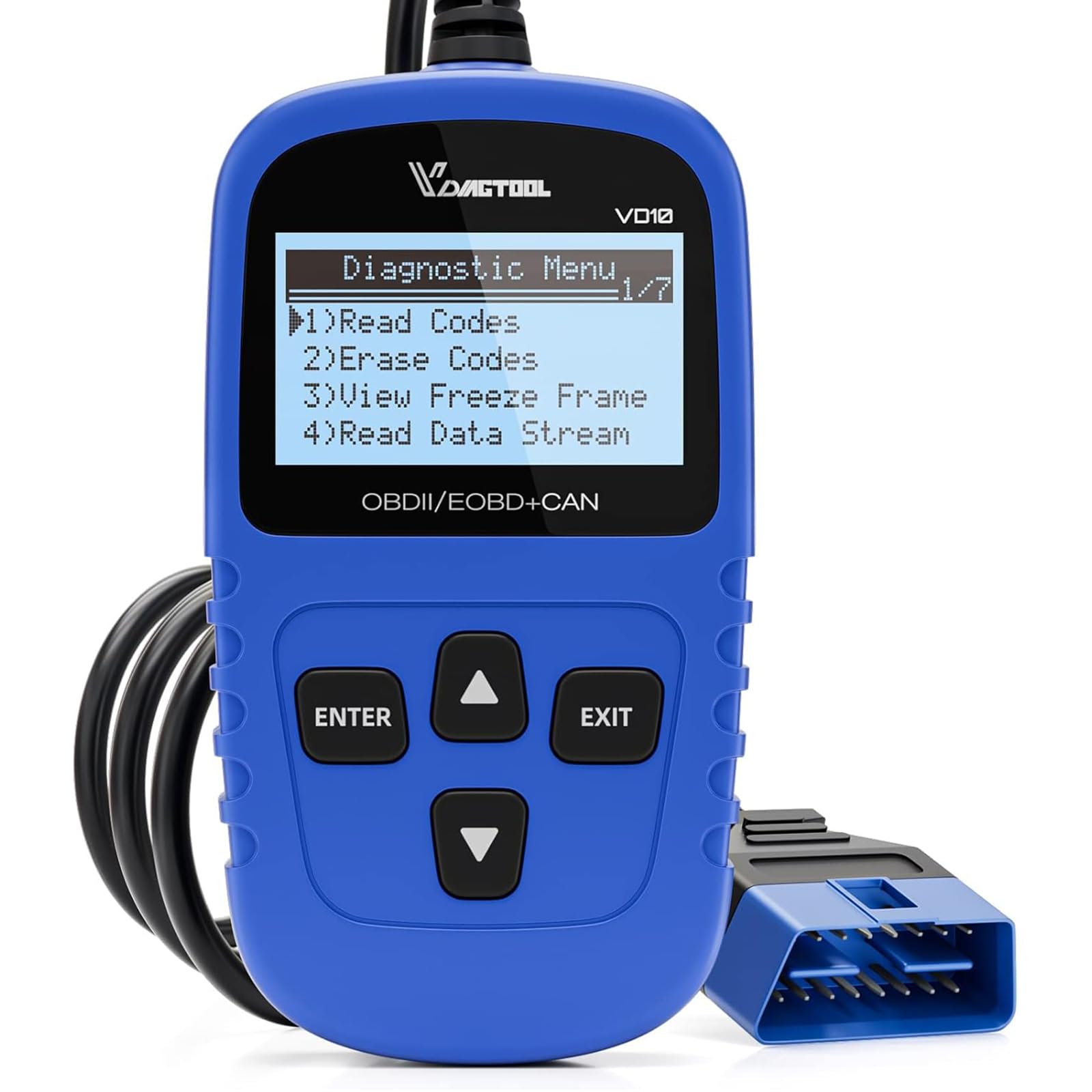
We recommend this small, no-frills scanner if you want fast freeze frame reads and basic live data without fuss.
Pros
- Easy plug-and-play use; powered directly from the OBD2 port.
- Clear freeze frame and live-data access for quick troubleshooting.
- Built-in DTC lookup saves time finding likely causes.
Cons
- Basic screen and menus feel dated compared to smartphone apps.
- Limited advanced functions for technicians who need deep system tests.
- No wireless option, so cable access can be tight on some vehicles.
We plugged the VD10 into several cars and it read freeze frame data instantly. The unit pulled the snapshot the moment a code stored, so we could see RPM, temps, and fuel trims tied to the event. That saved us time determining whether a fault was intermittent or persistent.
Using the on-device DTC definitions cut out having to look up codes on a phone. We liked spotting the likely root cause right on the screen and then clearing codes after fixes. The simplicity makes it great for DIYers who want clear answers fast.
Menus are straightforward but small and a bit old-school. We missed graphing and more advanced bi-directional tests, which pros might want. Still, for basic freeze frame checks, I/M readiness, and live PIDs, this tool does the job reliably.
If you want the product, buy it here: VDIAGTOOL VD10.
Foxwell NT604 Elite

We recommend this scanner if you want clear freeze frame data and solid ABS/SRS/engine checks without a big price tag.
Pros
- Easy to use right away, boots and scans quickly.
- Shows live data and freeze frame for quick diagnosis.
- Comes in a sturdy case and includes lifetime updates.
Cons
- No advanced service functions like resets or relearns.
- AUTOVIN can fail on older or rare models.
- Can’t clear crash-related airbag codes.
We took this out to several cars and trucks and the NT604 felt built for hands-on use. The menu is simple and the unit gave freeze frame snapshots fast, which saved time when tracking intermittent faults.
We liked how the live data stream played back and how the built-in DTC library helped explain codes on the spot. The device picked up ABS, SRS, engine, and transmission codes without needing extra software, so we started diagnosing right away.
Some limits showed up when we tried to do maintenance resets or clear collision airbag faults. For routine troubleshooting and capturing freeze frame data, it worked well, but you should not buy it expecting bi-directional service tools.
Overall, this is a practical choice for DIY mechanics and small shops who need reliable freeze frame reads and multi-system scanning without paying dealer prices.
Innova 5210

We recommend this if you want solid freeze frame data and basic shop-level diagnostics without subscription fees.
Pros
- Clear freeze frame and live data that helped us pinpoint intermittent faults.
- Built-in battery tester and oil reset add useful shop tools in one device.
- RepairSolutions2 app gives verified fixes and part guidance with no extra cost.
Cons
- Screen is small and menus can feel slow compared to pricier units.
- Some advanced ABS or brand-specific codes may not show on every car.
- Drive-cycle readiness needs a full road test after clears, which takes time.
We plugged the 5210 into several late-model cars and liked how quickly it pulled freeze frame snapshots when a CEL tripped. The freeze frame showed RPM, temp, and fuel trims right away, which made it easy for us to match a fault to driving conditions.
We used the battery tester on a few vehicles and saved a tow by catching a weak alternator early. The oil reset and I/M readiness checks worked as expected, though we had to drive the cars through a proper cycle before readiness monitors repopulated.
We ran the RepairSolutions2 app alongside the unit and found the suggested fixes credible and practical. If you need deep dealer-level diagnostics or a bigger screen, look higher-priced, but for technicians and DIYers who want reliable freeze frame data and no subscriptions, this unit delivers.
Innova 5610

We recommend this scanner if you need solid freeze frame data and pro-level controls without a dealer visit.
Pros
- Clear live data and freeze frame capture.
- Bidirectional commands let us test actuators on the spot.
- RepairSolutions2 app and ASE support ease diagnostics.
Cons
- Not universal; some makes have limited features.
- Learning curve for advanced bidirectional functions.
- Relies on app for full wireless features.
We used the Innova 5610 on several late-model cars and found freeze frame data easy to access. The screen and app showed snapshot info that helped us confirm which sensor tripped the code.
Bidirectional controls felt like a true pro tool. We ran a fuel pump command and cycled an electronic parking brake; each action responded as expected. That saved time over guess-and-check repairs.
Setup required the app and a short coverage check to be sure features were supported on each vehicle. We hit a couple model limits, so always verify compatibility before you buy.
Buying Guide
We look for scanners that give accurate freeze frame data quickly. Freeze frame stores the sensor readings from the moment a fault occurred, so speed and accuracy matter.
We check compatibility first. Make sure the scanner supports the vehicle’s protocol and model year. If it misses a protocol, freeze frame may be incomplete or unavailable.
We value data depth. A good scanner shows live values, stored frames, and timestamp info. It should display units and labels clearly so we can interpret readings without guesswork.
We prefer easy-to-read screens and simple menus. A clear display and logical navigation help us find freeze frame records fast. Backlit screens and adjustable text size are useful for low-light work.
We weigh update policy and support. Regular software updates keep protocol coverage current. Technical support helps when a freeze frame format is unfamiliar.
We compare connectivity options. Wired OBD2 gives a stable link, while Bluetooth or Wi‑Fi can offer mobility. We pick the option that fits our workflow and security needs.
We test data export features. The ability to save or print freeze frame records helps with diagnosis and record keeping. CSV, PDF, or image export are practical formats.
We consider build quality and warranty. Durable construction matters for shop use. A reasonable warranty and return policy reduce risk.
We balance price and value. Higher cost can mean more protocols and deeper data, but we choose a tool that meets our needs without extra, unused features.
Editor’s Choice
We chose the Autel MaxiDiag MD808 Pro as our Editor’s Choice for freeze frame data. It gives clear snapshots of sensor values and fault conditions at the exact moment a trouble code set. The screen and menus make the data easy to read.
We like the MD808 Pro because it stores and displays freeze frame for most OBD2 codes and many manufacturer-specific codes. It shows live data alongside the freeze frame so we can compare conditions before and after a fault. The unit also supports graphing, which helps spot trends quickly.
The build feels durable and the battery lasts through long shop sessions. It connects via cable, so we avoid Bluetooth dropouts and ensure consistent data capture. The included software updates keep vehicle coverage current.
Key features:
- Freeze frame capture for OBD2 and many OEM codes
- Live data & graphing to compare values over time
- Onboard storage & updates via USB
- Wired connection for stable data transfer
We recommend this tool for professional technicians who need reliable freeze frame records and straightforward operation. It balances depth of data with ease of use, without adding unnecessary complexity.
Conclusion
We chose scanners that give clear, reliable freeze frame data and are easy to use. Each model balances accuracy, speed, and helpful features like live data and DTC history.
We recommend tools with strong freeze frame capture for fast diagnostics. They save time by showing exact conditions when a fault happened.
Our top picks work well for both pros and serious DIYers. They offer good screen layouts, solid data recording, and stable connections.
When selecting a scanner, focus on freeze frame detail, update frequency, and compatibility with your vehicle. Also check data export options so you can share or archive reports.
We stand by scanners that combine practical features with dependable freeze frame reads. That lets us diagnose problems faster and make better repair decisions.
FAQS
What is freeze frame data?
We explain the vehicle state when a fault happened. It logs sensor readings like RPM, speed, and engine temp at the moment a fault code stored.
Why is freeze frame data useful?
We use it to reproduce faults and find root causes faster. It gives context that codes alone do not provide.
Do all OBD2 scanners show freeze frame data?
No. Many basic scanners only show codes and live data. We recommend professional scanners that explicitly list freeze frame or PID snapshots.
How current should a scanner be to read freeze frame data?
We advise models updated in the last few years. Newer scanners have broader vehicle coverage and better support for freeze frame formats.
Can freeze frame data be trusted?
Generally yes, but it depends on sensor accuracy. We cross-check with live data and other diagnostics to confirm findings.
How do we choose a scanner for freeze frame data?
Look for explicit freeze frame support, wide vehicle compatibility, strong updates, and clear UI. Physical build and customer support matter too.
Quick checklist:
- Freeze frame support: Required
- Update frequency: Frequent
- Vehicle coverage: Broad
- Ease of use: Intuitive menus
- Extras: Data export and graphing
Can professionals and DIYers both use these scanners?
Yes. We find some models suit shops, while others balance features and price for home mechanics.
