
KONNWEI KDIAG OBD2 Scanner Review: Worth It?

The KONNWEI KDIAG Bluetooth OBD2 Scanner is a smartphone-based automotive diagnostic tool offering full-system scanning and bi-directional control. It helps vehicle owners and technicians investigate trouble codes, examine electronic systems, and perform supported maintenance functions without a dedicated handheld display.
This KONNWEI OBD2 Scanner review examines its advertised capabilities, compatibility limitations, setup process, and value against established alternatives. Its advanced feature set targets experienced DIY owners and smaller repair operations.
KONNWEI KDIAG Quick Verdict
🏆 My Quick Verdict
💡 Best For: Experienced DIY mechanics seeking deeper vehicle diagnostics and supported active tests from a smartphone.
⚡ Key Specs:
Bluetooth connection, iOS and Android app support, full-system diagnostics, bi-directional testing, AutoVIN, and supported service resets.
✅ Bottom Line: The KDIAG offers an appealing collection of diagnostic functions in a portable adapter. Its value depends heavily on vehicle-specific feature coverage, reliable app operation, and confirmation that the required service functions are supported.

KONNWEI KDIAG at a Glance
- Bluetooth connectivity eliminates the need for a permanently attached diagnostic display.
- Full-system diagnostics extend beyond ordinary engine-code scanning on supported vehicles.
- Bi-directional controls allow compatible components to receive diagnostic test commands.
- Supported maintenance functions include oil, electronic parking brake, and battery-related resets.
- The companion application supports both Android and iOS mobile devices.
- Advanced functions depend on the vehicle’s model, year, electronic modules, and software coverage.
KONNWEI KDIAG Specifications
| Specification | Details |
|---|---|
| Brand | KONNWEI |
| Model | KDIAG |
| Product category | Bluetooth automotive diagnostic scanner |
| Vehicle connection | OBD2 diagnostic port |
| Wireless connection | Bluetooth |
| Mobile platforms | Android and iOS |
| Companion software | KDIAG application |
| Diagnostic capabilities | Full-system scanning and live data |
| Advanced functions | Active tests and supported maintenance resets |
| Vehicle identification | AutoVIN capability |
Design and Build Quality
The KDIAG uses a compact adapter-style design instead of a traditional handheld scanner with an integrated screen. This arrangement shifts navigation, results, and diagnostic controls onto a connected smartphone.
Its small physical footprint makes the device easier to store than larger diagnostic tablets. However, connector clearance still depends on the vehicle’s diagnostic-port position and surrounding trim.
The adapter draws operating power through the vehicle’s diagnostic interface. Specific housing materials, impact resistance, and connector durability have not been independently verified.
A storage case is identified in product documentation. Keeping the connector protected between sessions helps prevent accidental damage and contamination.
Setup, Installation, and Ease of Use
- Inspect the adapter and supplied accessories before connecting the device.
- Locate the vehicle’s OBD2 diagnostic socket, commonly beneath the dashboard.
- Confirm that the connector aligns correctly before inserting the scanner.
- Switch the ignition to the position required by the diagnostic application.
- Install the official KDIAG application on a compatible mobile device.
- Enable Bluetooth and necessary application permissions on the phone.
- Initiate the scanner connection inside the KDIAG application rather than ordinary Bluetooth settings.
- Select the vehicle profile or use automatic vehicle identification when available.
- Run an initial scan before attempting advanced service or component commands.
- Disconnect and store the adapter after completing the diagnostic session.
Core Performance and Diagnostic Capabilities
Full-System Vehicle Scanning
The KDIAG is designed to inspect more than the engine control module. Supported vehicle systems can include transmission, anti-lock brakes, airbags, steering, and body electronics.
This matters because many expensive automotive faults do not trigger the standard check-engine light. A basic emissions-code reader may overlook the module where the actual problem originates.
Full-system scanning does not guarantee access to every electronic module. Vehicle manufacturers use different communication networks, security restrictions, and diagnostic implementations.
Bi-Directional Diagnostic Testing
Bi-directional control is one of the scanner’s most significant advertised capabilities. It allows supported vehicle components to receive test commands during troubleshooting.
For example, an available active test might command a cooling fan or electrical actuator. The resulting response can help distinguish a faulty component from an upstream control problem.
These commands require care because some tests activate moving or electrical equipment. Follow manufacturer procedures and avoid operating actuators in unsafe conditions.
Live Data and Diagnostic Interpretation
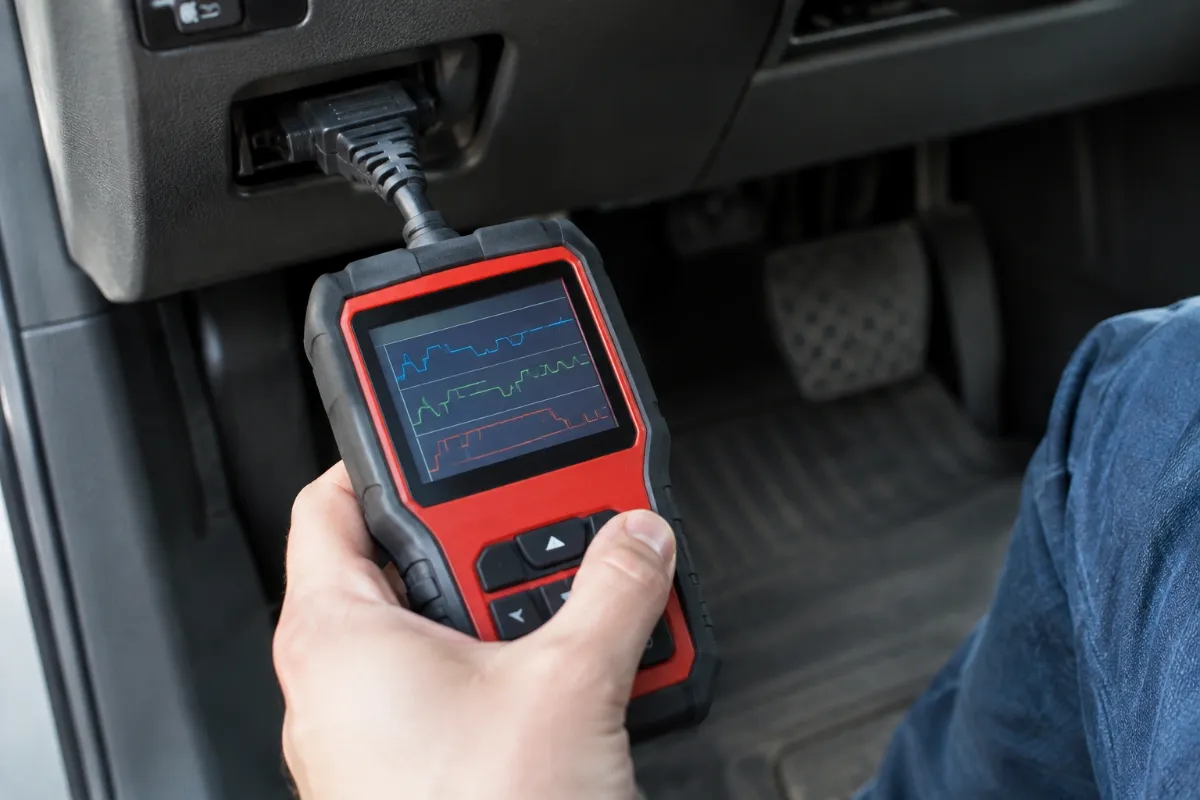
The application supports live diagnostic information for examining changing vehicle operating parameters. Graphing and recorded data can help reveal patterns that intermittent fault codes alone cannot explain.
Useful diagnosis requires comparing measurements with appropriate service specifications. An unusual reading does not automatically prove that the corresponding sensor needs replacement.
Expert Insight
Before buying any advanced Bluetooth scanner, verify your exact vehicle and desired function separately. Engine-code compatibility does not establish support for electronic parking brake service, module activation, or specialized resets.
Key Features Explained
1. Active Component Control
Active testing allows the diagnostic application to request supported component operations. This can provide stronger troubleshooting evidence than simply reading stored fault codes, although available commands vary by vehicle.
2. Maintenance Reset Functions
The advertised service functions include oil-service resets, electronic parking brake procedures, battery management operations, and selected emissions-related maintenance tasks. Actual availability depends on the relevant control module and vehicle-specific software support.
3. Automatic Vehicle Identification
AutoVIN helps identify supported vehicles without requiring every detail to be entered manually. If automatic recognition fails or selects an incorrect profile, users should verify the vehicle information before proceeding.
4. Smartphone-Based Diagnostics
The companion application provides the scanner’s operating interface through a mobile device. This avoids carrying a dedicated display but makes app compatibility, permissions, and software reliability important ownership considerations.
Real-World Usability and Maintenance
The smartphone-based workflow suits owners who perform occasional troubleshooting and want diagnostic information available on a familiar screen. Keeping the application updated may improve compatibility, although individual update results are not guaranteed.
Cleaning should focus on keeping the connector dry and free from debris. Avoid modifying connector pins or using aggressive cleaning products near the electrical contacts.
For longer diagnostic sessions, consider the vehicle battery’s condition and the phone’s remaining charge. Some diagnostic procedures require stable electrical power throughout the operation.
KONNWEI KDIAG Pros and Cons
Pros
- Full-system scanning expands troubleshooting beyond ordinary engine diagnostics.
- Advertised active tests provide additional diagnostic possibilities on supported vehicles.
- Smartphone operation avoids a separate handheld diagnostic display.
- Multiple service functions can support routine repair and maintenance work.
Cons
- Advanced function coverage requires confirmation for individual vehicles.
- Operation depends on a compatible smartphone and functioning companion application.
- Some diagnostic procedures require automotive experience and additional equipment.
Common Issues and Fixes
Bluetooth Connection Failure
The application may fail to discover the adapter when Bluetooth permissions or connection procedures are incorrect. Enable the required permissions and connect through the KDIAG application.
Missing Vehicle Modules
A complete scan may not display every expected vehicle control module. Verify vehicle selection, supported coverage, and the relevant diagnostic network before assuming a hardware fault.
Service Function Unavailable
An advertised maintenance operation may be missing for a particular vehicle configuration. Confirm the exact procedure’s compatibility and review the manufacturer’s service instructions.
What to Know Before You Buy
Vehicle coverage deserves more attention than the total number of advertised diagnostic functions. Confirm the make, model, year, engine configuration, and specific procedure you intend to perform.
Ask the seller to confirm support for the exact maintenance operation rather than requesting generic OBD2 compatibility. This distinction is especially important for newer vehicles with protected electronic gateways.
Also verify current application requirements, software-update terms, and the warranty applicable to your seller and region. Product documentation and third-party listings may describe different support periods.
Who Should Buy or Skip the KONNWEI KDIAG?
✅ Who Should Buy It
- DIY mechanics who understand diagnostic codes and electronic vehicle systems.
- Owners who need supported component tests or service reset operations.
- Small workshops seeking a portable supplementary diagnostic device.
✗ Who Should Skip It
- Drivers who only need occasional check-engine light code reading.
- Buyers who prefer a standalone scanner without smartphone dependence.
- Technicians requiring guaranteed manufacturer-level programming coverage.
Alternatives to Consider
TOPDON TopScan
Best For: DIY users prioritizing an established smartphone diagnostic platform.
Main Advantage: Advertised active testing and full-system diagnostics.
Trade-off: Software access and update terms require careful review.
Key Spec: Bluetooth 5.0 connectivity.
OBDLink MX+
Best For: Owners prioritizing broad OBD2 compatibility and third-party applications.
Main Advantage: Secure Bluetooth connectivity and established application integrations.
Trade-off: Specialized active-test coverage depends on the software and vehicle.
Key Spec: Bluetooth 3.0 with supported Ford and GM enhanced networks.
Is the KONNWEI KDIAG Worth It?
The KDIAG’s value comes from combining multiple diagnostic capabilities in one smartphone-connected adapter. Buyers who need only basic fault-code reading may find its advanced functions unnecessary.
For experienced owners, successful access to a needed electronic control system could justify a more capable scanner. However, compatibility remains the deciding factor rather than the headline feature count.
Final Verdict
The KONNWEI KDIAG is worth considering for informed DIY mechanics seeking portable full-system diagnostics and supported bi-directional controls. Confirm the exact vehicle functions before buying, particularly when a specific repair procedure motivates the purchase.
Frequently Asked Questions
Does the KONNWEI KDIAG work with every vehicle?
No, compatibility is not universal. Basic OBD2 communication and advanced diagnostic functions have different coverage requirements. Confirm your vehicle’s exact configuration with the seller.
Can the KDIAG perform bi-directional tests?
Yes, bi-directional control is an advertised KDIAG function. Available commands depend on the vehicle’s electronic modules and supported software coverage.
Does the KDIAG support iPhone and Android?
Yes, the documented companion application supports iOS and Android. Verify current operating-system requirements before installing the application.
What size is the KONNWEI KDIAG?
The KDIAG is a compact OBD2 plug-in adapter. Confirm the current listing’s dimensions if dashboard clearance or storage space is particularly important.
What warranty comes with the scanner?
Warranty coverage should be confirmed with the seller. Documentation and third-party listings contain differing warranty information, so retain the applicable purchase terms.
How should the KDIAG be maintained?
Keep the connector clean, dry, and protected during storage. Maintain the companion application and inspect the diagnostic connector before use.
Affiliate disclosure: replacekeyfob.com earns a small commission when you purchase through links on this page — at no extra cost to you. Our editorial process is independent: affiliate relationships never influence which products we recommend or how we rank them.