
How to Program a Key Fob With an Autel Tool (MS909, MaxiIM)

To program a key fob with an Autel tool, connect the VCI to the OBD2 port, open the IMMO function, let the tool identify the vehicle by VIN, choose Add key or All keys lost, then follow the prompts. Autel’s MaxiIM tools (IM508S, IM608 Pro II, KM100) handle this best; MaxiSys tablets like the MS909 cover fewer key jobs.
Autel makes some of the most popular key programming tools in the US, but not every Autel tablet is built for key work. Owners searching for how to program a key fob with an Autel MS909 often find that the procedure they need lives in a different product line. Knowing which tool you have, and what it covers for your car, saves a lot of frustration.
This guide explains the difference, then walks through the add-key process step by step. For non-tool methods, see our guide to programming a key fob yourself.
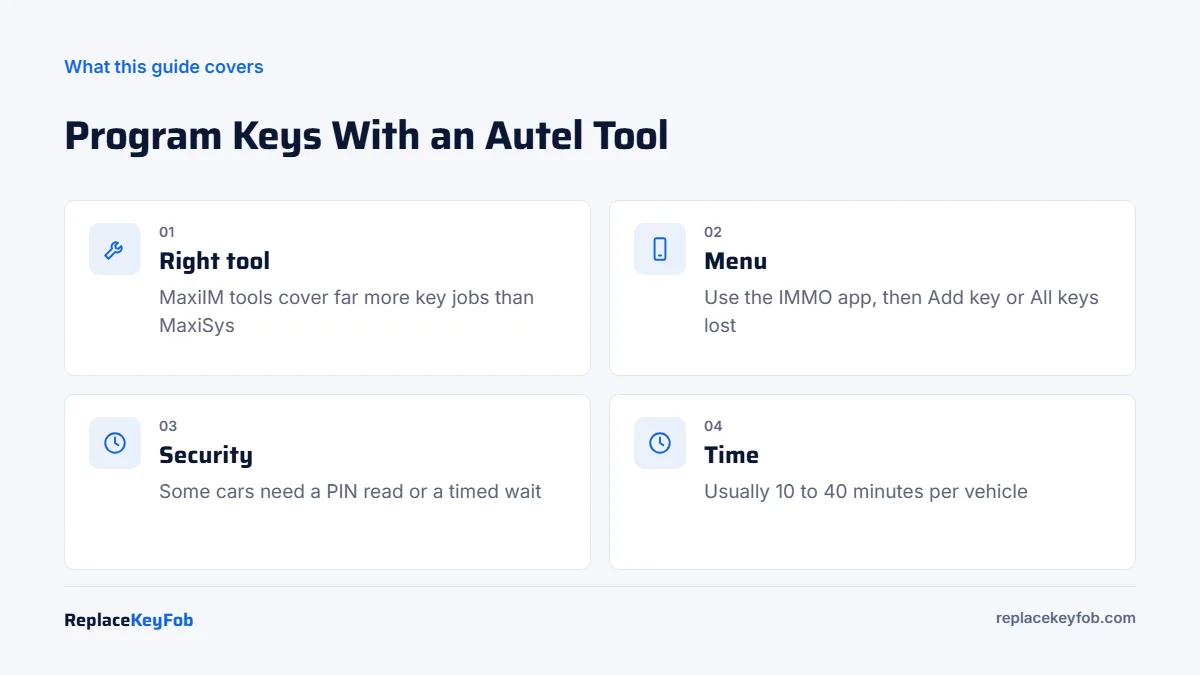
Which Autel tools can program a key fob?
| Autel line | Examples | Key programming |
|---|---|---|
| MaxiIM | IM508S, IM608 Pro II | Built for it. Dedicated IMMO app with add key, all keys lost, PIN reading and remote learning on many makes |
| MaxiIM handheld | KM100 | Key-focused. Generates Autel universal keys and handles common add-key jobs |
| MaxiSys | MS906, MS909, Ultra | Diagnostic tablets. Some immobilizer and key learning functions on selected vehicles, but not the full IMMO app |
| MaxiCOM and MaxiCheck | MK808, MX808 and similar | Limited key or immobilizer service functions on some vehicles |
Coverage changes with software updates, so check Autel’s online coverage tool for your exact tool, vehicle and software version. If your MS909 does not list your car for key learning, an IM508S or IM608 Pro II, or a locksmith, is the next step. Our comparison of Autel vs Xtool vs OBDStar key programmers explains the wider options.
Autel key programming at a glance
| Item | Details |
|---|---|
| Time | Usually 10 to 40 minutes, longer with security waits |
| DIY? | Yes, on vehicles listed for your tool |
| Need | Autel tool with current software, VCI, matching key or Autel universal key, battery maintainer |
| Harder cases | All keys lost, some Toyota and Lexus smart keys, many European models; may need an XP400 Pro or a smart key simulator |
What you need
- A supported Autel tool registered to your account with current software.
- The correct key or fob. Match the FCC ID and part number to your original, or use an Autel universal key that your tool can generate for your car.
- A cut blade for turn-key ignitions.
- A battery maintainer to hold voltage steady through security waits.
- Every key you want to keep, because some procedures erase stored keys.
Autel MaxiIM Key Programmer
Check Autel’s coverage for your vehicle before buying, and note the software update period. Buy from an authorized seller so the tool can be registered.
As an Amazon Associate, ReplaceKeyFob earns from qualifying purchases.
How to program a key fob with an Autel MaxiIM tool
Menu names vary slightly by software version, but the flow on the IM508S and IM608 Pro II is:
- Prepare the car. Connect a battery maintainer, close all doors and turn off accessories.
- Connect the VCI to the OBD2 port and pair it with the tablet.
- Turn the ignition on with a working key, or press the start button twice without the brake on a push-button car.
- Open the IMMO app and choose your make. Let the tool read the VIN automatically, or enter the model and year.
- Choose the mode. Smart Mode guides you through the procedure. Expert Mode lets you pick individual steps such as reading the PIN or erasing keys.
- Select the function: Add key if you have a working key, All keys lost if you do not, or Remote learning for the buttons only.
- Complete security access. The tool reads the PIN code or immobilizer data, or starts a timed wait on brands that use one (some Chrysler and GM procedures run about 10 to 30 minutes).
- Present the new key when prompted: insert it and turn it on, or hold a smart key against the start button or in the backup slot.
- Confirm and test. Start the engine with each key and check lock, unlock and trunk on every fob.
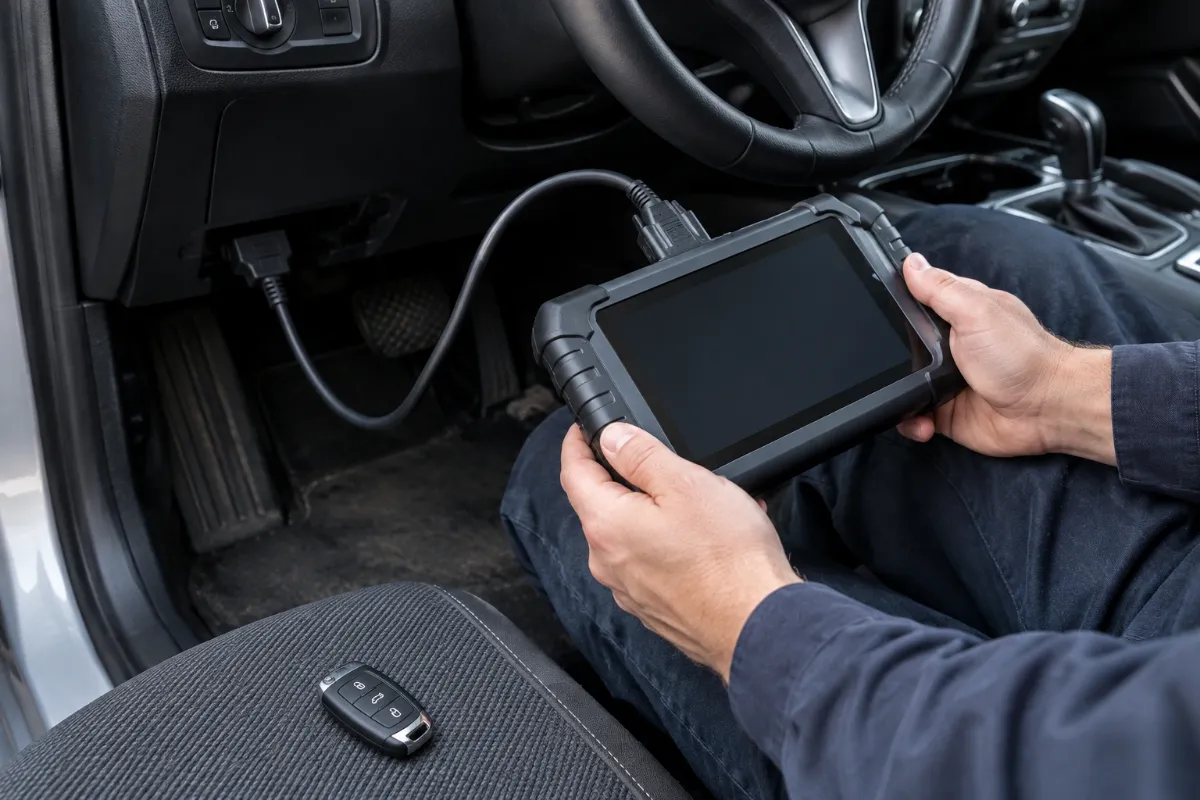
How to program a key with an Autel MS909
On a MaxiSys MS909, key learning, if covered for your vehicle, is usually found under the diagnostics of the relevant module or in the service functions menu as an immobilizer or key learning procedure. The general steps match the list above: connect, identify the vehicle, open the immobilizer or key function, complete any security access and present the new key.
If the function is not listed for your car, the tool does not support it. Updating the software can add coverage, but the MS909 is not designed as a full key programmer. Do not try to force a procedure from a similar model, because a failed immobilizer write can leave the car unable to start.
How to generate an Autel universal key
Tools such as the KM100 and the MaxiIM tablets can turn an Autel IKEY universal smart key or remote into a key for many supported vehicles. You choose the vehicle, place the blank key in the tool’s slot or programmer, and the tool writes the correct data. The generated key is then programmed to the car using the add-key steps. Check Autel’s IKEY vehicle list first, since not every model is supported.
If the Autel tool will not program the key
- Vehicle not supported for that function on your tool or software version. Check Autel’s coverage and update.
- Wrong or locked key. Used smart keys are usually locked to their old car. Use new keys with the right FCC ID.
- Security access fails. Low voltage, an interrupted timer or a module that needs extra hardware (EEPROM read with an XP400 Pro, or a smart key simulator for some Toyota and Lexus jobs).
- Remote works but car will not start. The transponder was not learned. Run key learning, not just remote learning.
- Car will not recognize any key afterward. Do not keep retrying. Call a locksmith before the problem grows.
More causes are covered in why a key fob will not program. If a key worked and then stopped, check its coin cell first with our key fob battery size chart.
When to call a locksmith or dealer
For all-keys-lost jobs on cars that need module work, newer European models, or when the tool reports a failure you do not understand, a professional is cheaper than a damaged module. Locksmiths typically charge about $100 to $250 in 2026 to program a supplied key, more for smart keys and all-keys-lost. The general OBD2 method is covered in how to program a key fob with an OBD2 scanner, and our IM608 Pro II review shows what the flagship can do.
Frequently Asked Questions
On some vehicles, through immobilizer or key learning service functions. It is a diagnostic tablet, not a dedicated key programmer, so coverage is narrower than Autel’s MaxiIM IM508S or IM608 Pro II.
MaxiIM tools are built for immobilizer and key programming, with a dedicated IMMO app. MaxiSys tools focus on diagnostics, coding and service functions, with only some key functions.
MaxiIM tools support all keys lost on many vehicles, sometimes with extra hardware like the XP400 Pro. Check the coverage list for your car.
Updates are included for a set period, then require a paid renewal. The tool keeps working on already covered vehicles without it.
Usually 10 to 40 minutes. Vehicles with timed security access or module reads take longer.