How to Program a Key Fob With Remote Start (GM, Ford and More)
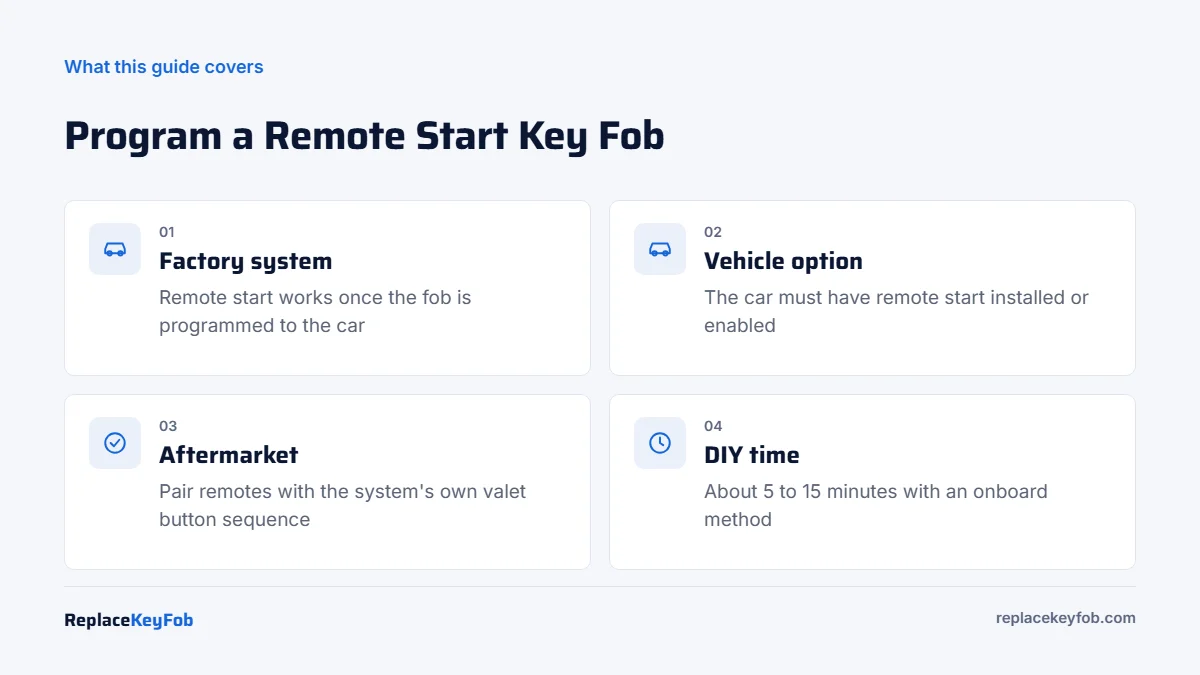
A factory remote start key fob is programmed the same way as a regular fob for your car. Once the car learns it, the remote start button works, as long as the vehicle has remote start installed or enabled. Many older GM and Ford models allow onboard programming in 5 to 15 minutes; push-button cars usually need a tool.
Remote start fobs cause more confusion than any other key. People program a new fob, the locks work, and the remote start button does nothing. Or they buy a fob with a remote start button for a car that never had the feature. The fix depends on whether the system is factory-installed or aftermarket, and on how your car learns new remotes.
This guide covers both cases, with the common GM and Ford procedures and what to check when remote start still will not respond. For the general methods behind every brand, see our guide to programming a key fob yourself.
Factory or aftermarket remote start?
Look at the fob before anything else.
- Factory remote start: the remote start button (usually a circular arrow) is on the car’s original key fob or smart key. The feature is handled by the car’s own modules, so programming the fob to the car is all it takes.
- Aftermarket remote start: a separate remote from a brand such as Compustar, Viper or Avital, or a phone app, starts the car. The system was added by an installer and has its own control module under the dash. Its remotes are paired to that module, not to the car.
- Hybrid installs: some aftermarket systems are set up to start the car when you press lock three times on the factory fob. In that case the factory fob is programmed to the car normally and the remote start module watches for the lock signal.
Remote start key fob programming at a glance
| Situation | How the fob is programmed | DIY? |
|---|---|---|
| GM truck or SUV with turn-key ignition (many 2007 to 2014 models) | Onboard sequence using the driver door unlock switch and ignition | Usually yes |
| GM push-button start (many 2014 and newer models) | Owner’s manual procedure using the transmitter pocket, or a scan tool | Sometimes, with a long security wait if no working fob |
| Ford with separate remote and turn-key ignition (many 1998 to 2014 models) | Cycle the ignition OFF to RUN eight times in about 10 seconds | Usually yes |
| Ford integrated key or smart fob | Two-key onboard method on some models, otherwise a tool such as FORScan | Sometimes |
| Aftermarket remote start remote | Valet or program button sequence on the system’s module | Usually yes, with the installer’s instructions |
What you need
- A fob that matches your car. The FCC ID and part number must match the original, and it must have the remote start button. A fob without the button cannot start the car even if programmed.
- All the fobs you want to keep. Most programming modes erase stored remotes, so every fob must be programmed in the same session.
- A fresh coin cell in the new fob and a healthy 12V battery in the car.
- The owner’s manual, which lists the exact procedure for your year and trim under keys or remote keyless entry.
- A key programmer if your car has push-button start and no onboard method.
Remote Start Key Fob for Your Vehicle
Search by your make, model and year, then confirm the FCC ID and part number match the fob you have now and that the listing shows the remote start button.
As an Amazon Associate, ReplaceKeyFob earns from qualifying purchases.
How to program a GM key fob with remote start
GM (Chevrolet, GMC, Buick, Cadillac) uses several procedures depending on the year and whether the vehicle has a turn-key or push-button ignition.
GM turn-key trucks and SUVs
Many Silverado, Sierra, Tahoe, Suburban and Yukon models from roughly 2007 to 2014 use this onboard sequence. Confirm it in your owner’s manual first.
- Sit in the driver’s seat with all doors closed and the key in the ignition.
- Press and hold the driver door unlock switch.
- While holding it, turn the ignition from OFF to ON and back to OFF twice quickly.
- Release the unlock switch. The locks cycle to show the vehicle is in programming mode.
- Press and hold LOCK and UNLOCK together on the first fob for about 15 seconds, until the locks cycle.
- Repeat step 5 for every other fob, including your old ones.
- Turn the ignition on to exit, then test each fob.
GM push-button models
Many newer GM vehicles with push-button start list a procedure in the owner’s manual under “Programming Transmitters to the Vehicle.” With a recognized fob, it usually involves the driver door key cylinder or start button and placing the new fob in the transmitter pocket (often in the center console or cupholder area). Without a recognized fob, GM adds a security wait of about 30 minutes, and some models repeat it, so the job can take over an hour. A scan tool with GM key functions is faster.
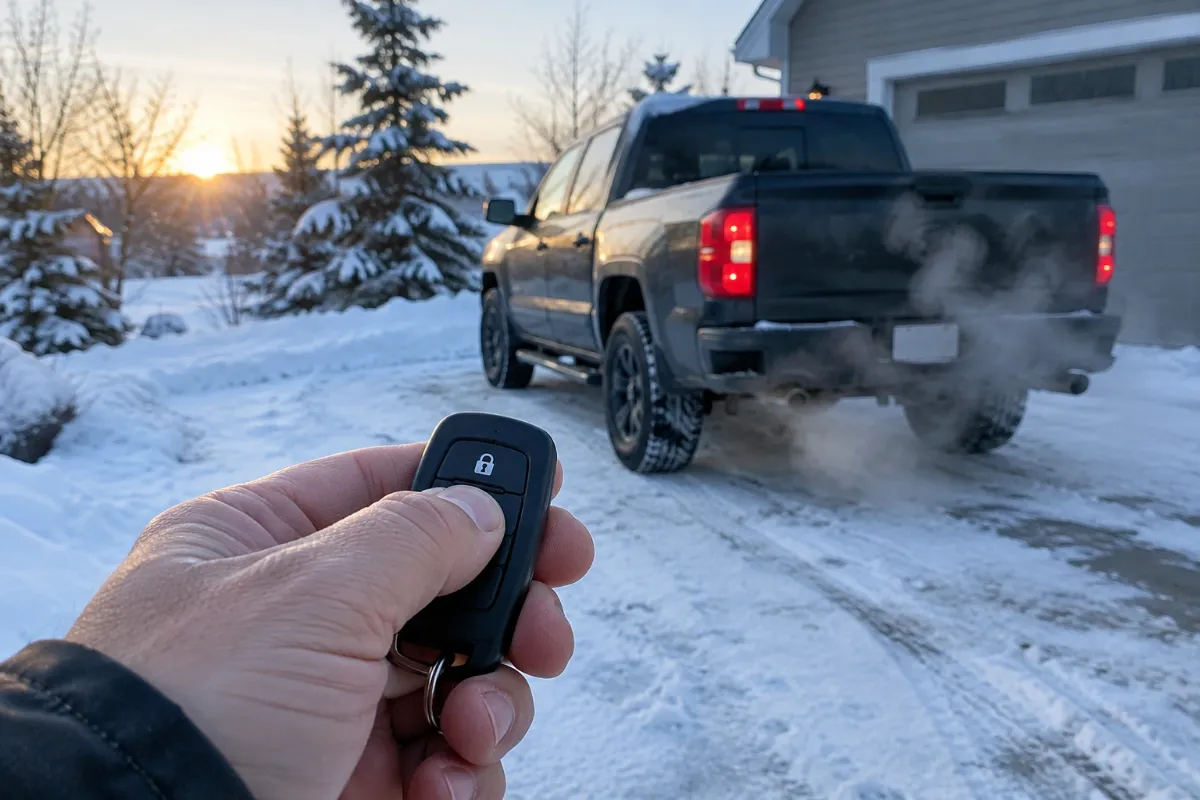
To use remote start on most GM vehicles, press LOCK, then press and hold the remote start button for about four seconds.
How to program a Ford key fob with remote start
On many Ford and Lincoln vehicles from about 1998 to 2014 with a separate remote and a turn-key ignition, the remote programming sequence is:
- Close all doors and have every remote with you.
- Turn the ignition from OFF to RUN eight times within about 10 seconds, ending in RUN.
- The locks cycle to confirm programming mode.
- Within about 20 seconds, press any button on the first remote. The locks cycle again.
- Repeat for each remote, then turn the ignition off.
Fords with integrated key heads or Intelligent Access fobs program the remote together with the PATS key, which needs two working keys onboard on some models or a tool. Our guide to programming a Ford key fob with FORScan covers the tool route. To use Ford factory remote start, press LOCK, then press the remote start button twice within about three seconds.
How to pair an aftermarket remote start remote
Aftermarket systems are paired to their own module, not to the car’s computer. The general pattern is the same across brands, though the counts and timings differ:
- Find the valet or program button. It is usually a small push button or toggle switch mounted under the dash near the steering column.
- Turn the ignition on.
- Press the valet button a set number of times. The parking lights flash or the horn chirps to confirm programming mode.
- Press a button on each remote within a few seconds. The system confirms each one.
- Turn the ignition off to exit.
Get the exact sequence from the manufacturer’s manual for your model or from the installer. If the system uses a bypass module to handle the immobilizer, replacing or reprogramming the factory key can sometimes require the installer to re-learn the bypass too.
If remote start still does not work
- The car never had remote start. A fob with the button does not add the feature. Check the original window sticker, ask a dealer to check the build by VIN, or look for the remote start section in your owner’s manual. On some models the dealer can enable it with a software change; on others it needs hardware or an aftermarket system.
- Wrong fob. A fob for the same model without factory remote start may have a different part number, even if it looks similar.
- Normal remote start conditions are not met. Most systems will not start with the hood open, a door ajar, the check engine light on, low fuel or the key in the ignition.
- The fob was not stored during programming. If locks work only on some fobs, re-run the session and press a button on every fob.
- Weak fob battery. Remote start needs more range than unlocking at the door. Swap the coin cell first; our key fob battery size chart lists the common sizes.
For other failures, see why a key fob will not program and the Chevy key fob not working guide.
When to call a dealer or locksmith
Call for help if your car has push-button start and no onboard method, if all fobs are lost, or if the remote start module needs to be reconfigured. An automotive locksmith typically charges about $75 to $200 in 2026 to program a supplied fob, more for smart keys. Dealers usually charge more, but they are the only option for enabling factory remote start through software. Our key fob programming cost guide compares the options.
Frequently Asked Questions
Not with factory remote start. Once the fob is programmed to the car, the remote start button works if the vehicle has the feature. Aftermarket remote start remotes are paired separately to their own module.
On many 2007 to 2014 GM trucks with a turn-key ignition, hold the driver door unlock switch while turning the ignition on and off twice, then hold LOCK and UNLOCK on each fob until the locks cycle. Push-button GM models use a different procedure in the owner’s manual or a scan tool.
Usually not. The car needs factory remote start installed or enabled. Some models can be enabled by the dealer with software; otherwise an aftermarket system is the option.
The vehicle may not have remote start, the fob may be a non-remote-start part number, or a start condition is not met, such as the hood open, a door ajar or the check engine light on.
It varies by brand, commonly four to eight. GM and Ford vehicles typically allow several remotes, and the owner’s manual lists the limit for your model.