How to Program a Ford Key Fob With FORScan: Step-by-Step Guide

To program a Ford key fob with FORScan, connect a Windows laptop running FORScan to the OBD2 port with an MS-CAN capable adapter, activate the extended license, then run the PATS or key programming service procedure. It usually takes 15 to 30 minutes and works on many 2000s to late-2010s Ford, Lincoln and Mercury vehicles.
FORScan is a diagnostic program built for Ford-family vehicles. It reads the same modules a dealer tool does, and its service procedures include programming transponder keys and many smart keys into the Passive Anti-Theft System (PATS, also called SecuriLock). For a Ford owner with a laptop, it is the cheapest way to add a key without a dealer visit.
This guide covers what you need, the step-by-step process, and the most common reasons FORScan refuses to program. If you want to know whether your Ford has a free onboard method first, start with our main guide to programming a key fob yourself.
Can FORScan program a key fob?
Yes, on many vehicles. FORScan can add transponder keys and integrated keyhead (remote head) keys to PATS, erase lost keys, and on a number of models program push-button Intelligent Access fobs. Coverage depends on the model, year and which module holds PATS data (the PCM, the instrument cluster or the body control module, depending on the platform).
A few points before you buy anything:
- Use the full Windows version. The phone versions (FORScan Lite for iOS and Android) are aimed at reading codes and live data. Key programming and most service procedures are in the Windows program.
- You need the extended license. Service procedures such as PATS programming are locked behind FORScan’s extended license. A free trial extended license is available from the FORScan website and can be renewed when it expires; paid long-term licenses are also offered.
- Some vehicles are not covered. The newest Ford models with updated security architecture may not support key programming in FORScan. Check the FORScan forum for your exact model and year before you start.
FORScan key programming at a glance
| Item | Details |
|---|---|
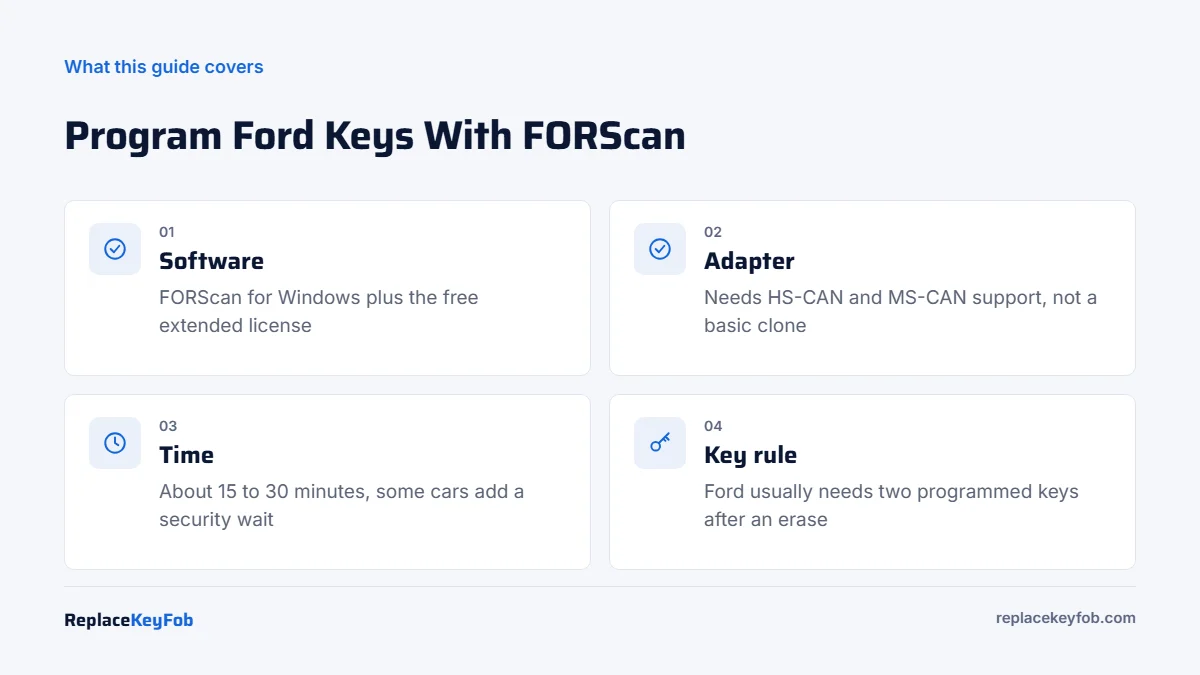
| Time | About 15 to 30 minutes, including a security wait on some vehicles |
| Difficulty | Moderate. You follow on-screen prompts, but you must pick the right module and procedure |
| DIY? | Yes, on supported Ford, Lincoln and Mercury vehicles |
| Software | FORScan for Windows plus the extended license |
| Hardware | Windows laptop and an adapter with HS-CAN and MS-CAN support |
| Keys | New, unused key or fob with the correct FCC ID and transponder type; blade cut to your locks |
| Not covered | Some newest models, and some vehicles in all-keys-lost situations |
What you need
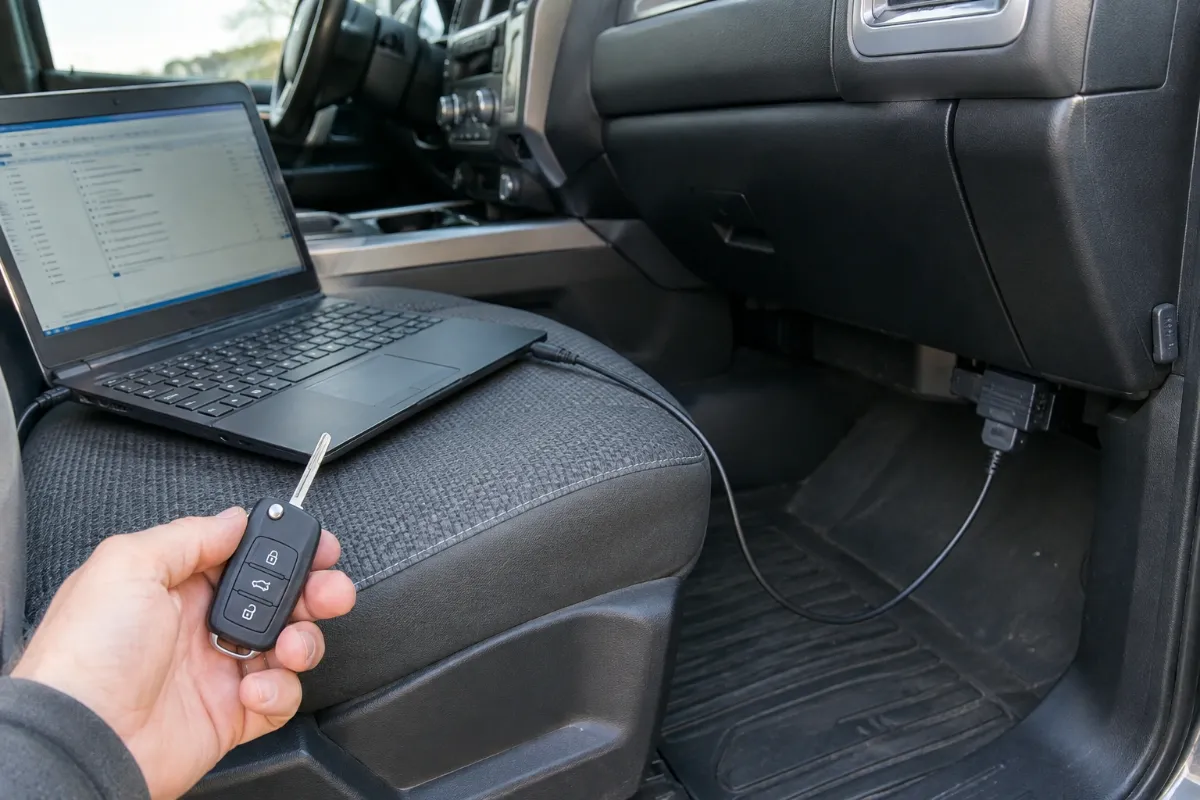
- A Windows laptop with FORScan installed and the extended license activated. Keep the laptop plugged in or fully charged.
- A FORScan-compatible OBD2 adapter. Many Ford modules sit on the medium-speed CAN bus (MS-CAN), which ordinary ELM327 clones cannot reach. An adapter such as the OBDLink EX, or an ELM327 with a proper HS/MS-CAN switch, is the usual choice. Our guide to FORScan-compatible OBD2 adapters and the OBDLink EX review explain the differences.
- The correct key. Match the FCC ID and part number on your current key or fob. Ford has used different transponder generations over the years, so a key that looks right can still have the wrong chip.
- A cut blade if your car has a turn-key ignition. The key has to turn the ignition before the car can read the chip.
- A battery charger or maintainer. The ignition stays on for a long time. A voltage drop in the middle of a security procedure can cause it to fail.
- All your existing keys. If you erase keys, every key you want to keep must be programmed again in the same session.
FORScan-Compatible OBD2 Adapter (HS-CAN and MS-CAN)
Pick an adapter that lists MS-CAN support for FORScan, not just a generic ELM327. Then buy a key or fob whose FCC ID and part number match your original.
As an Amazon Associate, ReplaceKeyFob earns from qualifying purchases.
How to program a new key fob using FORScan
Menu names change slightly between FORScan versions, but the process follows the same pattern.
- Connect the charger to the car battery, close all doors and plug the adapter into the OBD2 port under the dash.
- Turn the ignition on with a working key (or press the start button without your foot on the brake), then open FORScan and click Connect. Let it identify the vehicle and scan all modules.
- Open the service functions tab (the wrench icon). Look for the PATS or key programming procedure. On some vehicles it is listed under the PCM, on others under the instrument cluster or BCM. If several modules show PATS options, the FORScan forum for your model will say which one to use.
- Run the procedure and choose the right option: add a key (program a new key while keeping the old ones) or erase and program keys.
- Get security access. FORScan requests access to the immobilizer. Some vehicles make you wait about 10 minutes with the ignition on before access is granted. Do not turn the ignition off or let the laptop sleep.
- Swap in the new key when prompted. Turn the ignition off, insert the new key and turn it on, or hold the new smart fob in the backup position (often a slot in the console or a spot on the steering column, depending on the model).
- Confirm success in FORScan, then turn the ignition off. Start the engine with each key, including the old ones.
- Test the remote buttons. On many integrated keyhead keys and smart fobs, the remote functions are learned with the transponder. If lock and unlock do not work, program the remote separately (see below).
If you choose erase and program, Ford generally requires a minimum of two programmed keys before the car will start normally. Have at least two keys ready.
Programming the remote buttons
A separate keyless entry remote (not built into the key) is not part of PATS. On many 1998 to about 2014 Ford vehicles with a turn-key ignition, you can program it without FORScan: cycle the ignition from OFF to RUN eight times within about 10 seconds, ending in RUN. The locks cycle to confirm programming mode; then press any button on each remote you want to keep. Turn the ignition off to finish.
On later Fords with integrated keys or smart fobs, the remote is usually tied to key programming, and FORScan or a dealer tool may be the only way. Check your owner’s manual under keys or remote control for the exact method.
Using FORScan to make the key fob control the windows
People also search for how to use FORScan for a “window key fob.” This usually means enabling global open, where holding unlock on the fob rolls down all the windows. Many Fords support it in the body control module configuration, and FORScan can turn it on through module configuration with the extended license.
- Save a backup of the module configuration first. FORScan prompts you to do this.
- Change only the parameter you are sure about. The FORScan and F150forum.com threads list the exact setting names and values for each model.
- Not every vehicle has the hardware for global open or close. If the window motors lack auto-up support, the option will not work properly.
If FORScan will not program the key
- The wrong transponder. The most common failure. Compare the FCC ID and Ford part number with your original key.
- A used or locked key. A smart fob that was programmed to another vehicle is usually locked and cannot be added again without special equipment.
- The adapter cannot reach MS-CAN. If FORScan does not see the BCM or cluster, the adapter or its switch is the problem.
- Low voltage. Security timers can reset if voltage drops. Keep a charger connected.
- The license expired. Service functions disappear when the extended license runs out. Renew it.
- Key limit reached. PATS stores a limited number of keys. Erasing keys and programming the ones you have fixes it.
Our article on why a key fob will not program covers more causes, and the Ford key fob not working guide helps if the fob stopped working for another reason. If the fob is just weak, try a new coin cell first using our Ford key fob battery replacement steps.
When to call a locksmith or dealer
Call a professional if FORScan does not list your model, if you have lost all your keys and the procedure fails, or if the car shows a theft light and will not start after an attempt. An automotive locksmith typically charges about $100 to $250 in 2026 to program a supplied key on a Ford, more for smart keys and all-keys-lost jobs. Dealers often charge more and usually need the car on site. See our key fob programming cost breakdown and the general guide to programming a key fob with an OBD2 scanner for other tool options.
Frequently Asked Questions
The program is free to download, but key programming needs the extended license. A free trial extended license is available and can be renewed, and paid long-term licenses are sold on the FORScan website.
On some vehicles, yes, because the procedure can run without a working key. On others, all-keys-lost requires dealer software or locksmith equipment. Check the FORScan forum for your model before relying on it.
Only if the adapter supports the MS-CAN bus, usually through a switch. Many cheap clones do not, and they cannot see the modules that hold PATS data on many Fords.
On many Intelligent Access vehicles, yes, using the same PATS procedure and the backup position for the fob. The fob must be new or unlocked, with the correct FCC ID.
Ford generally requires at least two programmed keys after an erase before the vehicle will start normally, so have two keys ready before you run the erase option.