
How to Program a Hyundai Key Fob (DIY, Dealer, or Locksmith)

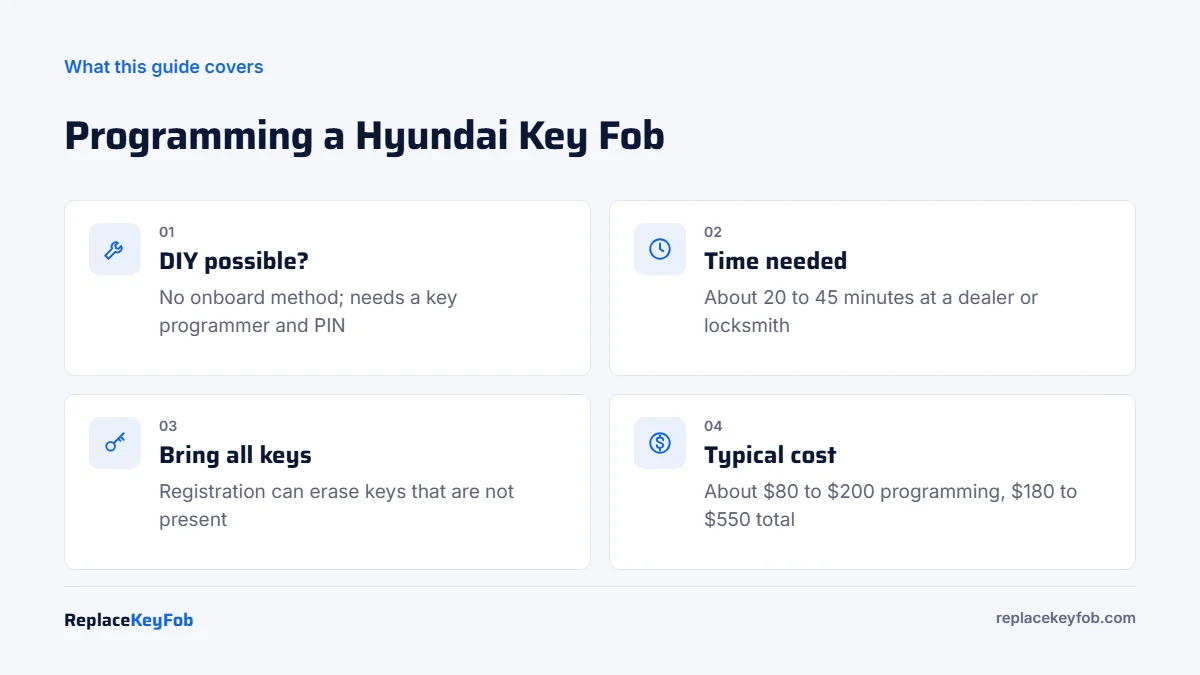
Most Hyundai key fobs cannot be programmed by the owner with a button or ignition sequence. A dealer (using Hyundai’s GDS software) or a locksmith with a key programmer registers the fob through the OBD2 port, usually in 20 to 45 minutes. Expect roughly $100 to $250 for programming alone, more if the key must be cut.
Hyundai has used several key styles over the past two decades: plain transponder keys, flip keys with a built-in remote, and push-button smart keys. Each one needs to be registered to the car’s immobilizer, and that step requires a diagnostic tool and, in most cases, a security PIN tied to your VIN.
This guide explains which Hyundai key you have, what owners can and cannot do at home, and how to avoid paying for a fob that will never program.
Hyundai Key Types by Era
Knowing your key type tells you what kind of programming the car needs. Year ranges below are approximate and vary by model and trim.
| Key type | Typical Hyundai years and models | How it is programmed | Owner DIY? |
|---|---|---|---|
| Transponder key + separate remote | Roughly 2000s models such as early Elantra, Sonata, Santa Fe, Tucson | Transponder via immobilizer tool; remote often via tool as well | Rarely |
| Flip key (remote head key) | Many models from about 2006 into the 2020s on turn-key trims | Key code and remote registered with GDS or a locksmith tool | No |
| Smart key (proximity, push-button start) | Common from about 2011 on Sonata, Tucson, Santa Fe, Kona, Palisade, Elantra upper trims | Registered through OBD2 with a PIN or online authorization | No |
| Digital Key (phone or NFC card) | Selected newer models such as Ioniq 5, Ioniq 6 and some Santa Fe and Sonata trims | Set up in the vehicle and the Hyundai app with an existing smart key | Yes, for phone/card keys only |
One Hyundai-specific point: many US models built roughly 2011 to 2022 that use a traditional turn key (not push-button start) were sold without an engine immobilizer. Hyundai later offered a free anti-theft software update for affected cars. If your car received that update, the key’s lock button is used to arm the system, so a working remote matters more than it used to.
Can You Program a Hyundai Key Fob Yourself?
For most owners, the honest answer is no, not without a programming tool. Hyundai does not publish an onboard procedure (such as cycling the ignition or pressing buttons in sequence) for its flip keys or smart keys. Online videos that claim a “secret” button sequence usually show a remote that was already programmed or a battery change, not a new key registration.
What an owner can do:
- Replace the battery in a working fob. Programming is not lost when the battery is changed.
- Set up a Hyundai Digital Key on a phone or NFC card, if the car supports it, using an existing smart key.
- Program a fob with an aftermarket key programmer that covers Hyundai, if you buy one and have the PIN.
A hyundai key fob programming tool for DIY use is usually a key programmer such as an Autel IMMO tablet or similar all-in-one unit, not a basic code reader. These tools cost several hundred dollars or more, so they only make sense if you work on many cars. Our guide to programming a key fob with an OBD2 scanner explains what separates a key programmer from a regular scanner.
What You Need Before Programming
- The correct fob. Match the FCC ID and part number printed inside or on the back of your current fob. Hyundai fobs for the same model can differ by year, trim and region.
- A new, unused fob or one that can be unlocked. Many Hyundai smart keys lock to the first car they are registered to. A used fob from another car often cannot be reused.
- All the keys you want to keep. On many Hyundai systems, the registration procedure rewrites the key list, and any key not present can stop starting the car.
- Proof of ownership. Registration and ID for a dealer; a locksmith will ask for the same before pulling a PIN.
- A healthy 12V battery. Low voltage during programming is a common reason the procedure fails.
Hyundai Replacement Smart Key or Flip Key Fob
Confirm the FCC ID, part number and button layout against your old fob, and confirm the seller states it is new and unlocked before you book programming.
As an Amazon Associate, ReplaceKeyFob earns from qualifying purchases.
How Hyundai Key Fob Programming Works, Step by Step
These are the general steps a dealer or locksmith follows. If you own a capable key programmer, its on-screen Hyundai menu will follow the same logic.
- Confirm the key type and part number by VIN. Hyundai’s parts catalog lists the exact fob for your build.
- Cut the emergency blade (smart keys) or the flip-key blade using the key code for your VIN.
- Connect the tool to the OBD2 port under the dash, driver’s side.
- Enter the immobilizer PIN or authorize online. Dealers pull it from Hyundai’s system; locksmiths obtain it through a security-registered service or calculate it with their tool where supported.
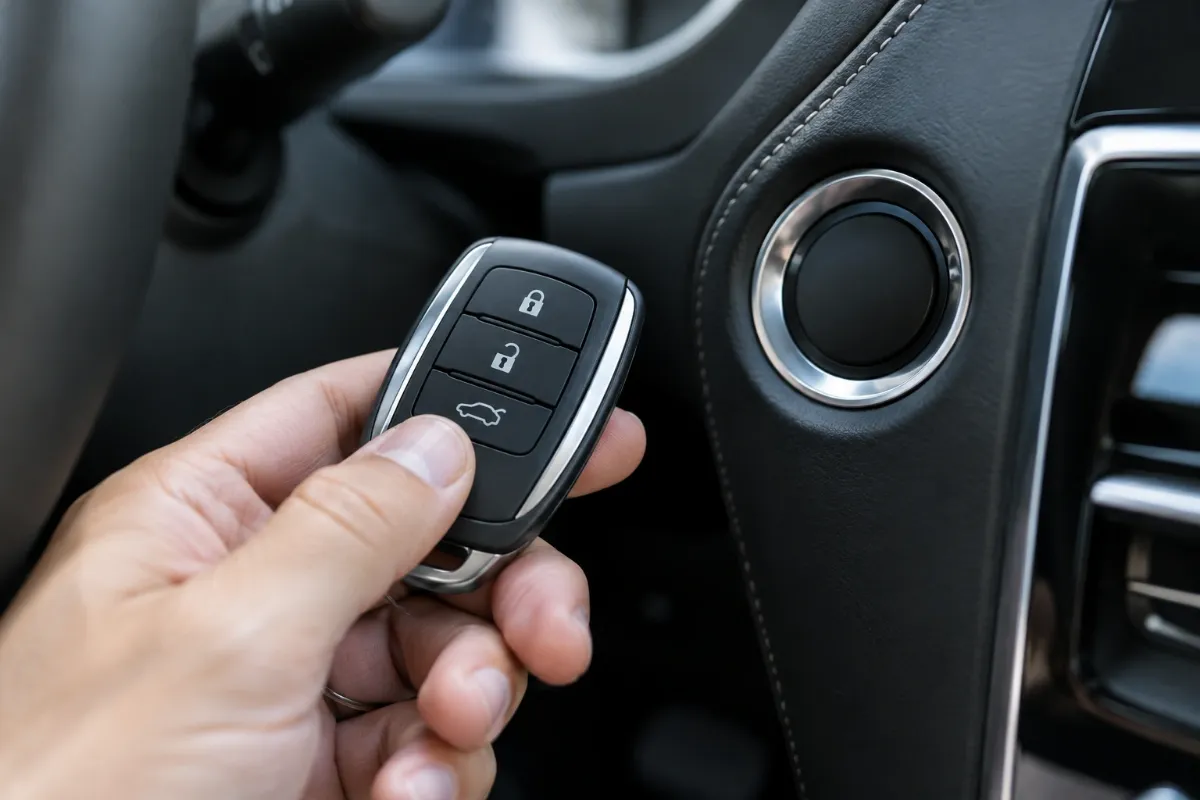
- Select key teaching or smart key registration and present each key when prompted. Smart keys are usually held against the start button or placed in a specified spot.
- Finish and test: lock, unlock, trunk, panic, remote start (if equipped), and an engine start with each key.
On a turn-key car with an older separate remote, the remote buttons may be registered as a separate step from the transponder. Ask for both to be done and tested before you leave.
Hyundai Key Fob Programming Instructions by Model
The process is similar across the lineup, but a few searches come up often.
Hyundai Tucson key fob programming
Tucson trims with push-button start use a smart key registered through OBD2. Turn-key trims of the 2016 to 2021 generation typically use a flip key. A 2017 Tucson key fob programming cost is usually in line with the ranges below; the fob part is the bigger variable.
Hyundai Kona key fob programming
The Kona (2018 on) is offered with both flip keys and smart keys depending on trim. Smart key registration again needs a tool and PIN. Kona Electric uses a smart key.
Key fob programming for a 2020 Hyundai Elantra
The 2019 to 2020 Elantra used flip keys on lower trims and a smart key on higher trims. If your Elantra has a turn key, check whether it received Hyundai’s anti-theft update, which changes how the lock button behaves.
Hyundai Key Fob Programming Cost
| Option | Typical 2026 US cost | Notes |
|---|---|---|
| Dealer, fob + cutting + programming | About $250 to $550 | Smart keys sit at the upper end; may need an appointment |
| Locksmith, supplies fob | About $180 to $400 | Often mobile; can usually do all-keys-lost |
| Locksmith or dealer, you supply fob | About $80 to $200 for programming | Some shops refuse customer-supplied fobs |
| DIY with your own key programmer | Fob cost only after tool purchase | Tool is a large up-front cost |
For a full breakdown of what drives these numbers, see our key fob programming cost guide.
If the New Fob Doesn’t Program
- Wrong frequency or part. A fob with the right shape but the wrong FCC ID will not register.
- Locked used fob. A smart key previously registered to another Hyundai often cannot be added.
- Low battery. Both the fob battery and the car’s 12V battery matter.
- Old keys erased. If an original key stopped working after programming, it probably was not present during registration. It can usually be re-added.
Our why won’t my key fob program guide covers these in more depth. If an existing fob simply stopped responding, start with the Hyundai key fob not working checklist and the Hyundai key fob battery replacement guide. Most Hyundai smart keys and flip keys take a CR2032 coin cell, but confirm by opening your fob.
Dealer or Locksmith: Which to Choose
A Hyundai dealer is the safest choice for very new models, cars under warranty with key-related electrical faults, and Digital Key questions. An automotive locksmith is usually cheaper and faster, can come to you, and is the better call if you have lost every key, since towing to a dealer adds cost. For the general method behind all brands, read our how to program a key fob guide, and if no keys remain, see programming a key fob without a working key.
Frequently Asked Questions
Not with a button or ignition sequence. Hyundai flip keys and smart keys need an OBD2 key programmer and usually a VIN-based PIN. Owners can set up a Digital Key on supported models, but a new physical fob needs a tool.
Programming alone typically runs about $80 to $200. With the fob and key cutting included, expect roughly $180 to $550 depending on key type and whether you use a dealer or locksmith.
Bring every key you want to keep. On many Hyundai systems the registration rewrites the stored keys, and a key that is not present may stop starting the car.
Usually not. Many Hyundai smart keys lock to the first vehicle they are registered to. Buy a new fob or one the seller confirms is unlocked and matches your FCC ID.
No. Replacing the coin cell does not erase programming. If the fob stops working after a battery change, check battery orientation and the contacts first.