
How to Program a Nissan Key Fob (DIY, Dealer, or Locksmith)

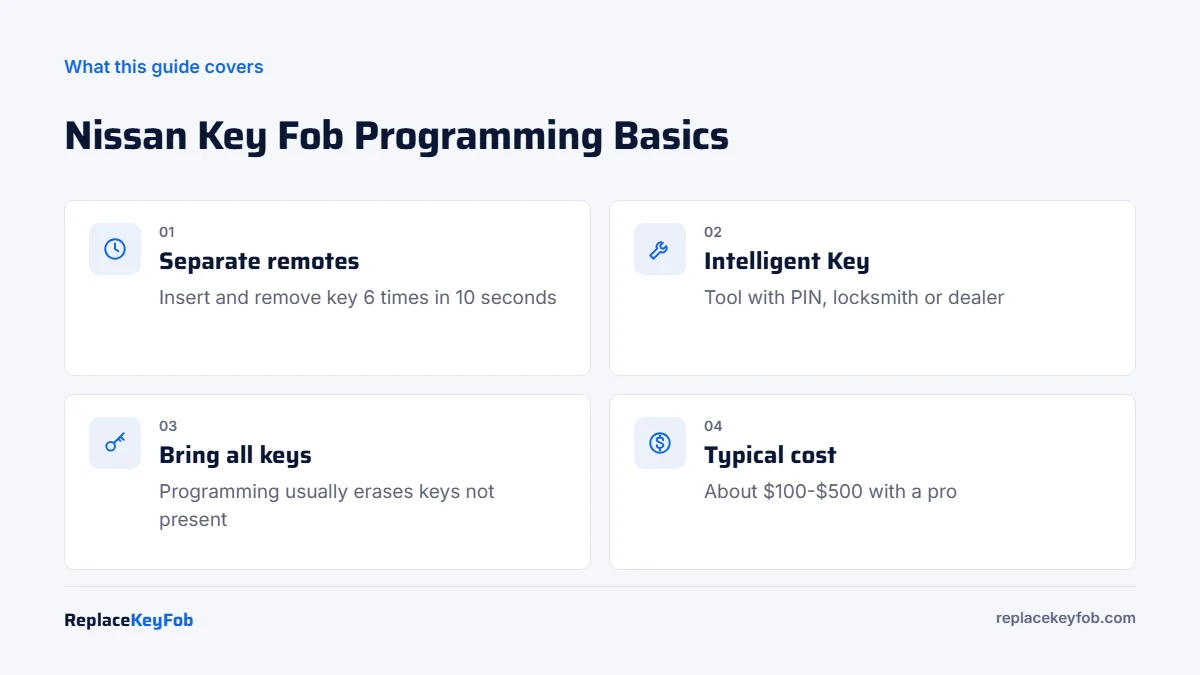
Many 2000s and early 2010s Nissans with a separate remote can be programmed at home: lock the doors with the power switch, insert and remove the key six or more times within 10 seconds until the hazards flash, then press a remote button. NATS transponder keys and Intelligent Key fobs need a programmer with the PIN or a locksmith.
Nissan keys are split into two worlds. Separate keyless remotes on models like the Frontier, Titan, Xterra and older Altima can usually be added in a few minutes with the classic Nissan in-and-out sequence. Everything that touches the immobilizer, called NATS (Nissan Anti-Theft System), or the push-button Intelligent Key system needs diagnostic equipment and a security code.
This guide shows how to tell which Nissan key you have, the onboard steps for remotes, and what professional programming involves for the Altima, Rogue, Murano, Juke and others.
Nissan key types by era
| Key type | Typical Nissan models and years | Programming route |
|---|---|---|
| NATS transponder key + separate remote | About 1999-2015 on many turn-key models (Frontier, Titan, Xterra, Pathfinder, Altima, Sentra, 350Z) | Remote: onboard on many; key chip: tool with PIN |
| Remote head key | Some later turn-key trims (for example certain Sentra, Versa, Rogue S and Frontier years) | Tool or pro for most |
| Intelligent Key (push-button) | From about 2007 on many models (Altima, Maxima, Murano, Rogue, Juke, Pathfinder), now standard on most | Tool with PIN, locksmith or dealer |
The Intelligent Key holds the immobilizer chip and remote together. It also contains an emergency key blade for the door, and many models have a backup way to start with a dead fob battery by touching the fob to the start button.
What you need
- A matching remote or Intelligent Key. Check the FCC ID and part number on the back of your original. Many Nissan fobs look alike but use different frequencies and chips.
- A fresh battery. Most Nissan Intelligent Keys use a CR2032; some older separate remotes use a CR2025 or CR2016. Our Nissan key fob battery guide lists common sizes.
- All remotes you want to keep. Nissan’s onboard mode stores only the remotes programmed in that session, usually up to four or five.
- A working key for the ignition.
Replacement Nissan Keyless Remote or Intelligent Key
Match the FCC ID and part number to your original and buy a new, unprogrammed fob. Intelligent Keys need professional programming, so budget for that as well.
As an Amazon Associate, ReplaceKeyFob earns from qualifying purchases.
Nissan key fob programming instructions (separate remote)
This procedure works on many Nissans with a separate keyless remote, roughly from the early 2000s into the 2010s, including many Frontier, Titan, Xterra, Pathfinder and older Altima models. Details such as the number of insertions vary, so check the manual if it does not respond.
- Sit in the driver’s seat and close all doors.
- Lock the doors using the power lock switch on the driver’s door.
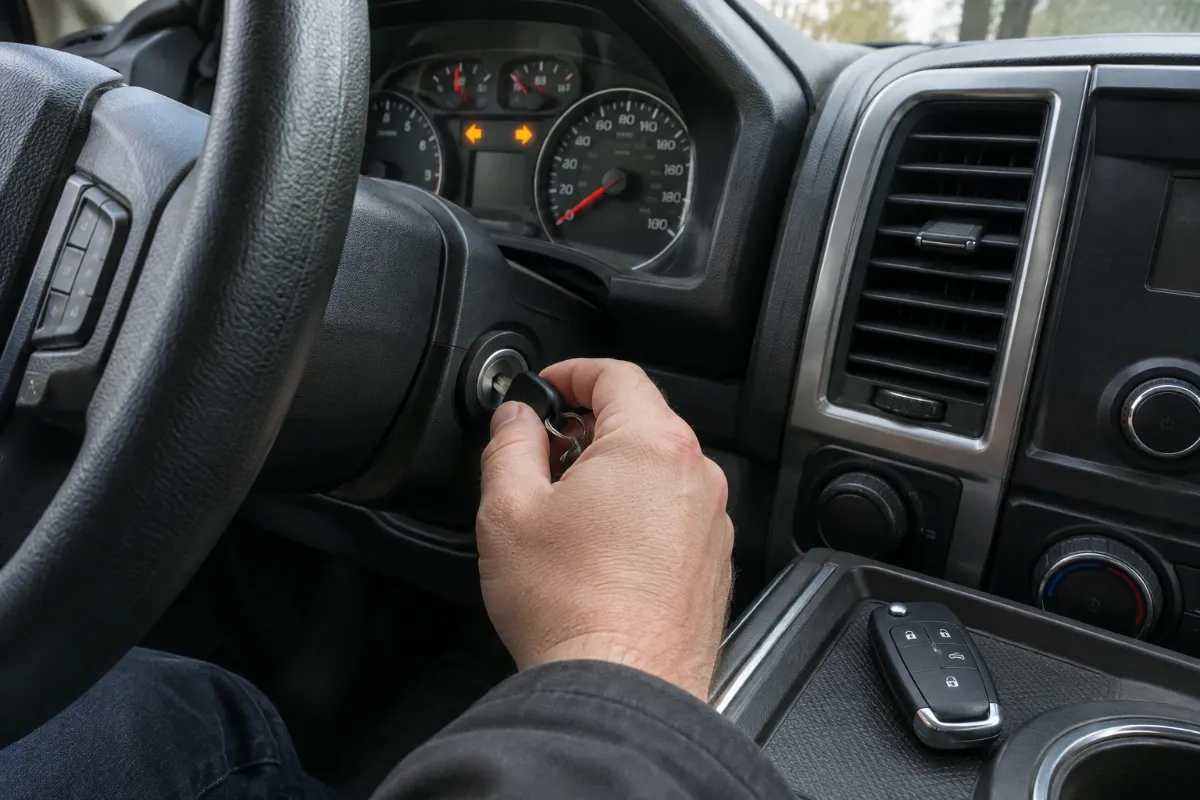
- Insert the key into the ignition and pull it out completely, six or more times within about 10 seconds. Do not turn the key. The hazard lights flash twice when the car enters programming mode.
- Insert the key and turn the ignition to ACC.
- Press any button on the first remote (usually LOCK). The hazards flash once to confirm.
- To add another remote, unlock and then lock the doors with the power lock switch, then press a button on the next remote. Repeat for each remote, including your old ones.
- Turn the ignition off, remove the key and open the driver’s door to exit. Test every remote.
The in-and-out motion has to be fast and complete. If the hazards do not flash, start again from the locking step.
Programming NATS keys and Intelligent Keys
Nissan does not offer an owner-level procedure for the immobilizer. Adding a transponder key or an Intelligent Key requires:
- A key programmer with Nissan coverage. The tool connects to the OBD2 port and needs the vehicle’s PIN code. Many tools can calculate it from the body control module on older models; newer Nissans use a longer code and may require online calculation.
- All keys present. On most Nissans, registering a key erases all others, so every Intelligent Key or NATS key you want to keep must be programmed in the same session. This is an important Nissan-specific detail.
- Or a locksmith or dealer. Most automotive locksmiths handle Nissan Intelligent Keys routinely.
Our list of OBD2 scanners for Nissan explains which tools add key programming. If the car shows a key system warning after programming, see our guide to the Nissan key system error.
Model notes: Altima, Rogue, Murano, Juke, Frontier and Titan
- Altima: 2002-2006 cars use a separate remote with the onboard sequence. From 2007, most trims use an Intelligent Key, so a 2013 or 2015 Altima is a tool or pro job.
- Rogue: Intelligent Key on most trims; some base trims use a remote head key. The 2017 Rogue is normally programmed with a tool.
- Murano: Intelligent Key on most years from 2003; tool or pro.
- Juke (2011-2017): Intelligent Key on most trims.
- Frontier and Titan: long-running separate remotes on many years, making them good DIY candidates. Newer generations use remote head or Intelligent Keys.
- 350Z (2003-2009): separate remote on most cars; the onboard sequence may work, but check the manual.
Choosing the right Nissan replacement
Nissan used many fob versions, sometimes with different frequencies on the same model in different years. To avoid buying a fob that will not program:
- Read the FCC ID on the back of your current remote or Intelligent Key. The full string must match, not just the first few characters.
- Check the button count. Remote start, trunk and sliding door buttons only work on vehicles equipped for them.
- Confirm the emergency key blade for Intelligent Keys and have it cut to your door lock.
- Avoid used Intelligent Keys unless the seller and your locksmith confirm the fob can be reused for your model.
If Nissan key fob programming is not working
- Hazards never flash: the doors must be locked with the switch first, and the key must come all the way out each time.
- Old remotes stopped working: program all remotes in one session.
- Key not detected or no start: the immobilizer did not accept the key; see the professional section above.
- Fob dead or intermittent: check our Nissan key fob not working guide.
Nissan key fob programming cost
| Job | Typical 2026 cost |
|---|---|
| Separate remote, onboard (DIY) | Free, plus the remote |
| Locksmith: NATS key cut and programmed | About $100-$220 |
| Locksmith: Intelligent Key | About $150-$350 |
| Nissan dealer: Intelligent Key plus programming | About $250-$500 |
| All keys lost | About $250-$550 |
If you have lost every key, read our Nissan lost car key guide. For general methods, see how to program a key fob.
Frequently Asked Questions
Yes, if it is a separate keyless remote on a model that supports the onboard sequence. Intelligent Keys and NATS transponder keys need a programmer with the PIN, a locksmith or a dealer.
Most 2015 Altimas use an Intelligent Key. As of 2026, a locksmith typically charges about $150 to $350 including the fob, and a dealer about $250 to $500.
Yes for Intelligent Keys and NATS keys. Registering a key usually erases the others, so bring every key you want to keep.
Many Frontiers with a separate remote use the onboard sequence: lock with the switch, insert and remove the key six or more times in 10 seconds, turn to ACC and press a remote button.
Most use a CR2032. Some older separate remotes use other sizes, so check the cell in your fob.