
How to Reset the Honda Maintenance Minder (Oil Life)

This post contains affiliate links. As an Amazon Associate, ReplaceKeyFob earns from qualifying purchases, at no extra cost to you.
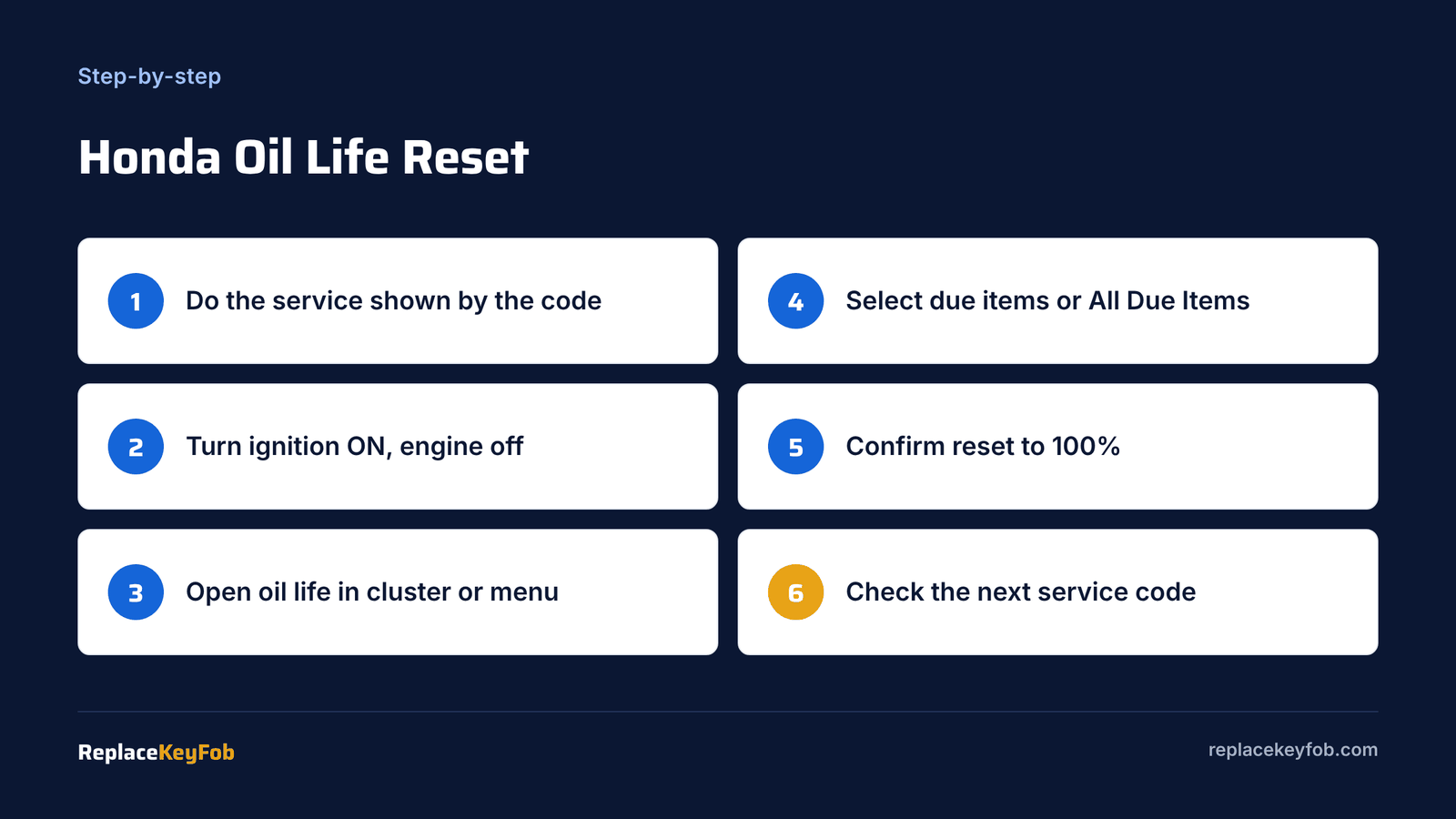
To reset oil life on a Honda, turn the ignition ON with the engine off. On older Hondas, press the SEL/RESET knob until oil life shows, hold it about 10 seconds until it blinks, then hold again about 5 seconds to reset to 100%. On newer Hondas, open Settings, then Vehicle, then Maintenance Info, select the items you serviced and confirm.
Honda’s Maintenance Minder is one of the smarter oil life systems on the road. It does not count miles. It calculates oil life from how the engine is used: temperature, RPM, load, short trips and time. When oil life gets low, the system shows a code that tells you exactly what service is due. Resetting it correctly means it will keep giving you accurate advice.
Many owners reset only the oil life and forget the sub-items, such as a tire rotation or air filter. The Minder then keeps reminding them. This guide shows how to read the codes, how to reset on older and newer models, and model notes for the Accord, Civic, CR-V and Pilot. For a scan tool alternative, see how to reset the oil light with a scan tool.
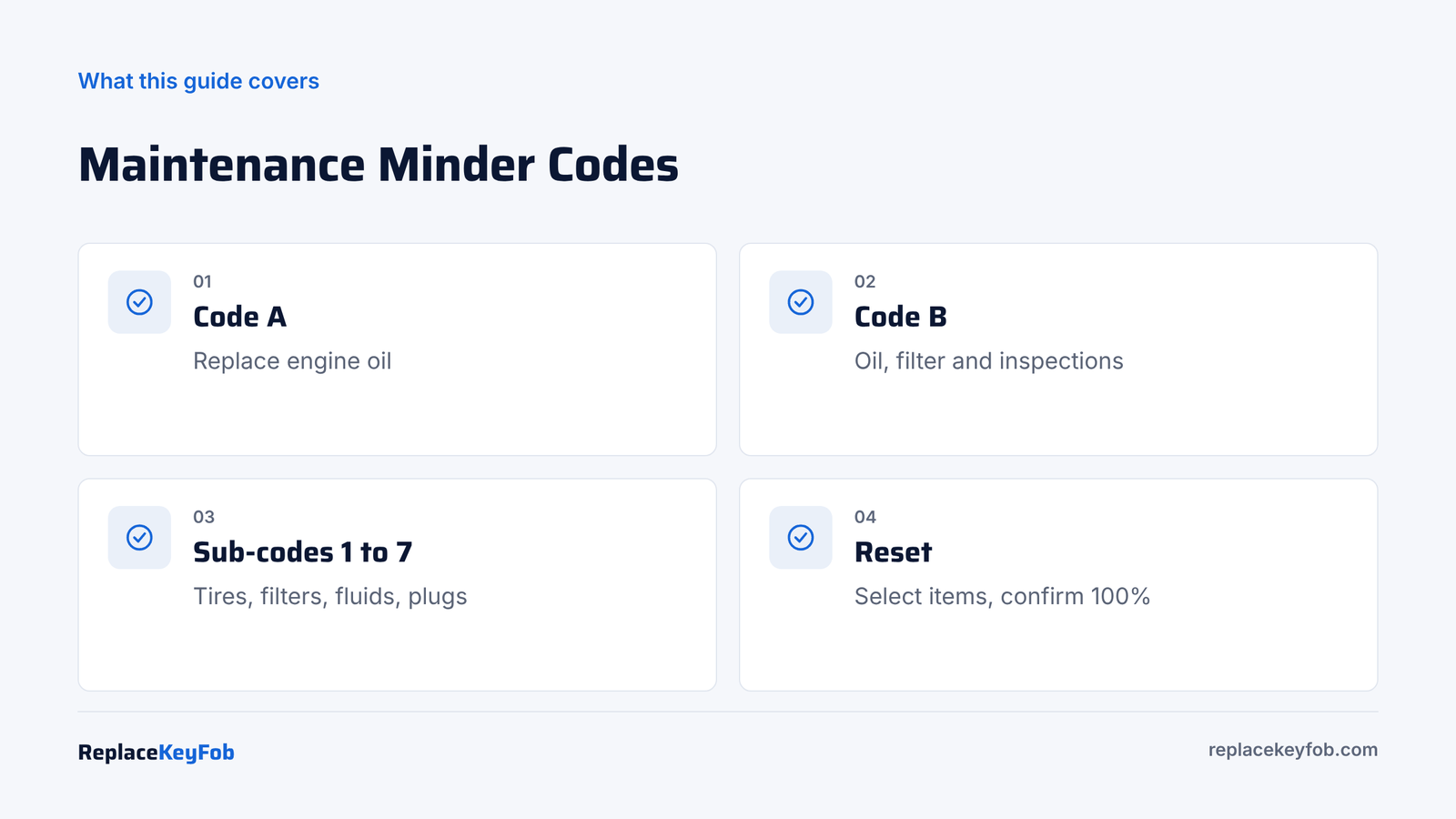
Honda Maintenance Minder Codes Explained
Each service code has a main letter and sometimes one or more numbers.
| Code | Meaning |
|---|---|
| A | Replace engine oil |
| B | Replace engine oil and filter, inspect brakes, suspension, fluids and other items |
| 1 | Rotate tires |
| 2 | Replace engine air filter and cabin filter, inspect drive belt |
| 3 | Replace transmission fluid (and transfer case fluid on some AWD models) |
| 4 | Replace spark plugs, inspect valve clearance; replace timing belt on engines that use one |
| 5 | Replace engine coolant |
| 6 | Replace rear differential fluid (many AWD models) |
| 7 | Replace brake fluid |
So B12 means oil and filter, rotate tires, and replace both filters. Check your owner’s manual for the exact list, since some items vary by model.
The display also shows oil life as a percentage. At 15 percent, the system starts reminding you. At 5 percent the service is due, and at 0 percent the service is past due and the display may count negative miles.
What You Need
- The oil change and any sub-items completed
- About two minutes, ignition ON
- Your owner’s manual if your menus differ from the steps below
Honda-fit oil filter wrench and drain plug washers
Honda drain plugs use a crush washer that should be replaced at each oil change. A filter wrench that fits your engine makes the job easier. Check the fit for your model.
As an Amazon Associate, ReplaceKeyFob earns from qualifying purchases.
How to Reset Oil Life on Older Hondas (SEL/RESET Knob)
This works on many Hondas from about 2006 to the early 2010s that have a SEL/RESET knob on the instrument cluster.
- Turn the ignition ON. Do not start the engine.
- Press the SEL/RESET knob repeatedly until the oil life percentage shows.
- Press and hold the knob for more than about 10 seconds. The oil life display and the maintenance code begin to blink.
- Release the knob.
- Press and hold it again for about 5 seconds. Oil life resets to 100 percent and the code disappears.
- Turn the ignition off and back on to confirm.
If you only did part of a multi-item code, some versions let you reset items one at a time. Most owners reset all at once after the full service.
How to Reset Oil Life on Newer Hondas
Steering wheel buttons and driver information display
Many Hondas from about 2013 on use buttons on the steering wheel.
- Turn the ignition ON with the engine off.
- Use the steering wheel controls (the menu, home or arrow buttons, depending on the model) to find Vehicle Settings or the oil life page.
- Select Maintenance Info.
- Choose the items you completed, or select All Due Items.
- Confirm with the select or ENTER button. Oil life goes back to 100 percent.
Touchscreen method
On many Hondas with a touchscreen, you can reset from the center screen:
- Ignition ON.
- Tap Home, then Settings.
- Tap Vehicle, then Maintenance Info.
- Choose the items to reset or All Due Items, then confirm.
Wording varies a little by year. Look for “Maintenance” or “Oil life” in the vehicle settings.
Model Notes
Honda Accord
- Many 2008 to 2012 Accords use the SEL/RESET knob method.
- Many 2013 and newer Accords use the steering wheel buttons or touchscreen. Path: Vehicle Settings or Settings, then Maintenance Info.
Honda CR-V
- Many 2007 to 2011 CR-Vs use the SEL/RESET knob.
- Many 2012 and newer CR-Vs use the steering wheel buttons or touchscreen.
Honda Pilot
- Many earlier Pilots use the knob on the cluster.
- Many newer Pilots use the steering wheel buttons or touchscreen. Owners of 2016 and newer Pilots often find it under Settings, then Vehicle, then Maintenance Info.
Civic and Odyssey
Older Civics and Odysseys use the knob; newer generations use the steering wheel or touchscreen. The steps are the same as above.
Doing the Minder Service Yourself
Many sub-codes are easy home jobs. Here is what each one usually involves, so you can decide what to do yourself and what to leave to a shop:
| Sub-code | DIY difficulty | Typical notes |
|---|---|---|
| 1 Tire rotation | Easy with a jack and stands | Follow the rotation pattern in the manual |
| 2 Air and cabin filters | Easy, 10 to 20 minutes | Cabin filter is usually behind the glovebox |
| 3 Transmission fluid | Moderate | Use Honda-specified fluid (ATF DW-1 or CVT fluid) |
| 4 Spark plugs, valve check | Moderate to hard | V6 timing belt jobs are best left to a shop |
| 5 Coolant | Moderate | Use Honda Type 2 or equivalent coolant |
| 6 Rear differential fluid | Moderate | Use the fluid listed for your AWD system |
| 7 Brake fluid | Moderate | Needs proper bleeding; a shop is often easier |
Using the correct Honda fluids matters, especially for transmissions and CVTs. The wrong fluid can cause shudder or shifting problems. Most Hondas also call for 0W-20 engine oil on recent engines; check the oil filler cap or owner’s manual.
After you finish any items, reset just those in the Maintenance Info menu, or reset all due items if you completed the whole code.
How Long Does Honda Oil Life Last?
Because the system calculates oil life from driving conditions, the interval changes. Highway drivers may see 7,500 to 10,000 miles or more between oil changes. Drivers who make short trips in cold weather, tow, or idle a lot may see 3,000 to 5,000 miles. That is the point of the Minder: it adapts. Change the oil when the code appears, or at least once a year, whichever comes first.
Troubleshooting a Honda Oil Life Reset
| What you see | Likely cause | Fix |
|---|---|---|
| Display will not blink | Did not hold long enough | Hold more than 10 seconds |
| Oil life reset but code remains | Sub-items not reset | Reset all due items |
| Cannot find Maintenance Info | Menu wording differs | Check Vehicle Settings or owner’s manual |
| Reset with engine running fails | Some models need engine off | Ignition ON, engine off |
| Oil life drops fast | Short trips, cold climate, towing | Normal; follow the Minder |
Mistakes to Avoid
- Resetting before doing the work. The Minder will think the oil is fresh when it is not.
- Ignoring the sub-codes. They cover tires, filters and fluids that matter as much as oil.
- Confusing the Minder with the oil pressure light. A red oil can light means stop the engine and check oil level now.
- Skipping the crush washer. A reused washer can leak from the drain plug.
When to Use a Shop and What It Costs
The reset itself is free. If the Minder shows a long code like B1234, it may be worth having a shop do the work. Typical 2026 US costs for a Honda synthetic oil change are about $70 to $130 at an independent shop and about $90 to $160 at a dealer, with B-service visits often $150 to $300. For a scan tool that handles Honda resets and more, see the best OBD2 scanners for Honda. For other warning lights, our guide on how to reset a service light covers more brands.
Frequently Asked Questions
On many 2008 to 2012 Accords, use the SEL/RESET knob: show oil life, hold 10 seconds until it blinks, then hold 5 seconds. On many 2013 and newer Accords, use Settings, Vehicle, Maintenance Info and confirm.
B means oil and filter change plus inspections, 1 means rotate tires, and 2 means replace the engine air filter and cabin filter and inspect the drive belt.
Older CR-Vs use the SEL/RESET knob on the cluster. Newer CR-Vs use the steering wheel buttons or touchscreen: Vehicle Settings or Settings, then Maintenance Info.
You can, but you should not. The Minder will lose track of real oil condition and may not warn you in time.
Short trips, cold weather, towing and idling all shorten oil life in the Minder’s calculation. That is normal and means the oil is working harder.