
How to Reset the Oil Life on a Ford

This post contains affiliate links. As an Amazon Associate, ReplaceKeyFob earns from qualifying purchases, at no extra cost to you.
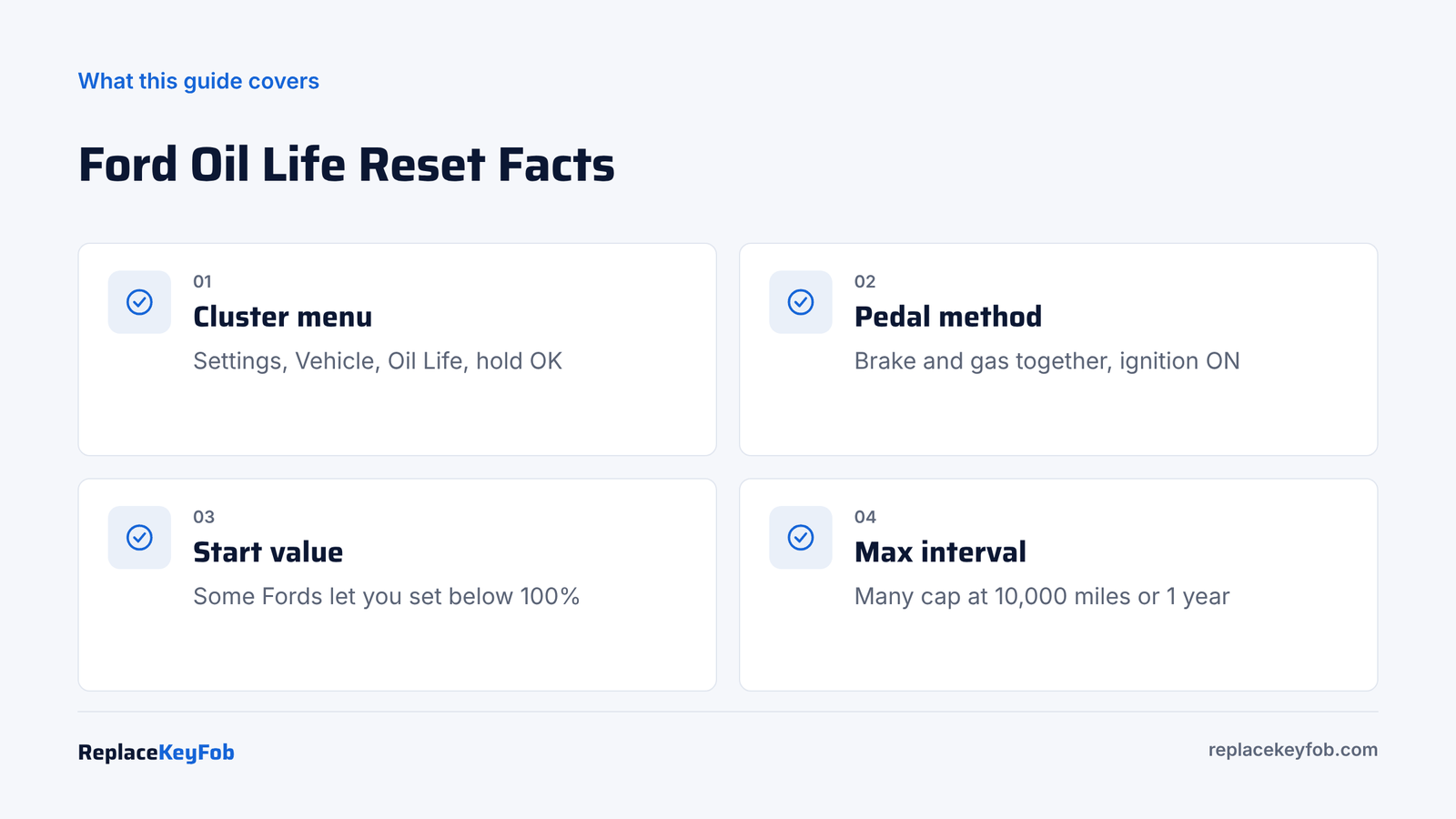
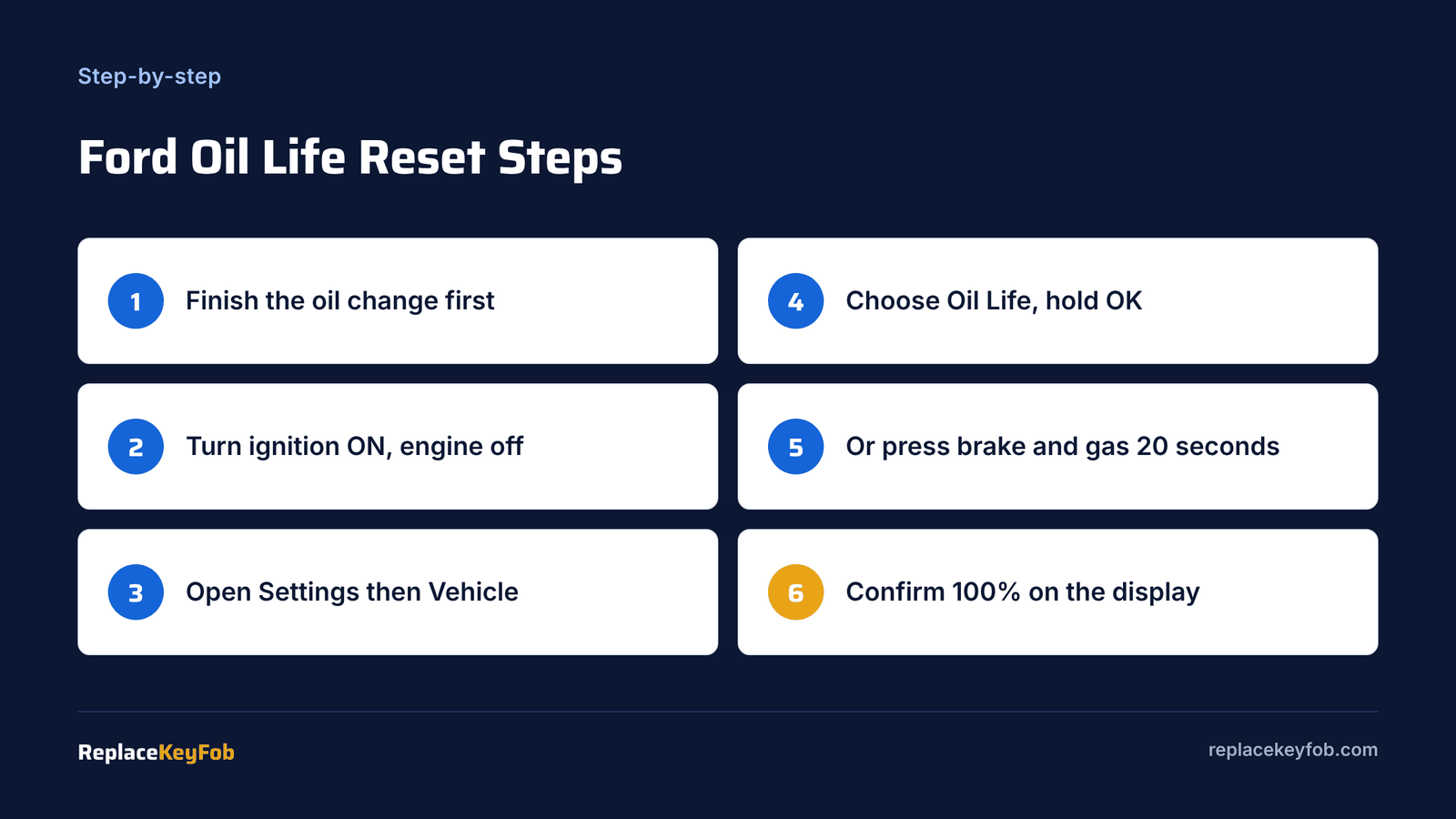
To reset oil life on a Ford, turn the ignition ON with the engine off. On models with a cluster menu, use the steering wheel arrows to go to Settings, then Vehicle, then Oil Life, and hold OK until it shows 100%. On many Fords you can also press the brake and accelerator fully together for about 20 to 25 seconds until the reset message appears.
Ford’s Intelligent Oil-Life Monitor estimates how much life the oil has left based on engine temperature, RPM, trip length, idle time and other factors. It does not measure the oil directly, so it relies on you to tell it when fresh oil goes in. If you skip the reset, the “Oil change required” message will keep appearing, and the next reminder will come at the wrong time.
There are three ways to reset it, depending on your model and year. Most Fords from the last 15 years support at least one, and many support two. This guide covers all three, plus notes for the Explorer, Escape and F-150. If your dash will not cooperate, our guide on how to reset the oil light with a scan tool shows the scan tool route.
Which Method Works on Your Ford?
| Your dash | Method to try first | Backup |
|---|---|---|
| Cluster screen with steering wheel arrows and OK | Cluster menu | Pedal method on many years |
| Basic cluster with small message center | Pedal method | Message center buttons |
| Large touchscreen with SYNC 4 | Touchscreen vehicle settings | Cluster menu on many |
| Digital cluster on newest models | Cluster or touchscreen settings | Owner’s manual |
What You Need
- The oil change done with the oil grade and filter Ford specifies
- The vehicle in Park, parking brake on
- About two minutes
Oil drain pan and filter wrench set
A low-profile drain pan and an adjustable filter wrench make a Ford oil change cleaner. Check that the drain pan holds your engine’s full oil capacity with room to spare.
As an Amazon Associate, ReplaceKeyFob earns from qualifying purchases.
Method 1: Reset From the Cluster Menu
This is the main method on most Fords with a message center between the gauges.
- Turn the ignition ON without starting the engine. On push-button cars, press the button without the brake.
- Use the left side steering wheel arrows to scroll the cluster to Settings.
- Select Vehicle (on some years it is Vehicle Settings, or Oil Life sits directly under Settings).
- Select Oil Life.
- Press and hold OK. After a few seconds the display shows “Oil life reset” or “Hold OK to reset” and then 100%.
- Release OK and confirm the new value.
The reason you hold OK instead of tapping it is that Ford wants to prevent accidental resets. A quick press just shows the current oil life.
Setting the start value
Many Fords with the cluster menu let you set the starting oil life below 100 percent, for example 50 percent, if you use the vehicle in severe conditions or want shorter intervals. Use the arrow buttons on the Oil Life screen to change the start value, then hold OK.
Method 2: The Brake and Accelerator Pedal Method
Many Ford models from about 2009 into the late 2010s support this method, including many F-150, Explorer, Escape, Edge, Fusion and Focus years. It is handy when the cluster menu is hard to find.
- Turn the ignition ON, engine off.
- Press the brake pedal and the accelerator pedal all the way down at the same time.
- Hold both pedals down. After about 20 to 25 seconds, the message center shows “Service oil reset in progress” or a similar message.
- Keep holding until it shows “Service oil reset complete” or the oil life reads 100%.
- Release both pedals and turn the ignition off.
If nothing appears after 30 seconds, your model may not support the pedal method. Use the cluster menu instead.
Method 3: Touchscreen (Newer Fords)
On many newer models with SYNC 4 and large touchscreens, oil life is also in the center screen:
- Ignition ON.
- Tap Settings (or the vehicle icon), then Vehicle.
- Look for Oil Life or Vehicle Health.
- Choose Reset and confirm.
Many of these models also keep the cluster menu method, so use whichever you find first.
Model Notes
Ford Explorer
- Many 2011 to 2019 Explorers: cluster menu, Settings, Vehicle, Oil Life, hold OK. The pedal method also works on many of these years.
- Many 2020 and newer Explorers: cluster or touchscreen settings, under Vehicle or Oil Life.
Ford Escape
- 2014 Ford Escape: many use the cluster menu (Settings, then Vehicle or Oil Life) and hold OK. The pedal method works on many as well.
- 2017 Ford Escape: cluster menu: Settings, Vehicle, Oil Life, hold OK until it shows 100%.
- Newer Escapes: cluster or touchscreen.
Ford F-150 and Super Duty
Most use the cluster menu with the arrows on the left of the steering wheel. Many years also accept the pedal method. Super Duty diesels track oil life too, but follow the diesel oil and filter spec and severe duty schedule if you tow.
How the Ford Oil Life Monitor Works
The monitor estimates oil life from:
- Engine temperature and run time
- RPM and load, including towing
- Short trips, which keep oil from reaching full temperature
- Idle time, a big factor on police, fleet and work trucks
Ford owner guides typically cap the interval at about 10,000 miles or one year, whichever comes first, even if the monitor shows more. Many owners in severe conditions see the warning at 5,000 to 7,500 miles. Change the oil when the monitor asks, or at the yearly mark.
DIY Oil Change Tips for Ford Owners
If you change the oil yourself, a few Ford-specific points save trouble before you reset the monitor:
- Check the oil spec on the filler cap. Many Ford gas engines use 5W-20 or 5W-30. Some EcoBoost and performance engines list a specific Ford approval code in the owner’s manual; use oil that carries it.
- Know your filter style. Most Ford gas engines use a spin-on filter. Some newer engines and diesels use a cartridge filter in a housing with new O-rings in the kit.
- Watch the drain plug. Some newer Fords use a plastic oil pan with a quarter-turn drain plug or special plug. Do not force a wrench on it; follow the instructions for your engine and use a new seal.
- Fill to the full mark, not over it. Overfilling can foam the oil. Check the dipstick on level ground after the engine sits a few minutes.
- Reset the monitor with one of the methods above, and note the mileage.
Fleet and work trucks that idle for hours should also follow the severe duty schedule. Ford counts heavy idling as extra engine wear even though the odometer barely moves.
Troubleshooting a Ford Oil Life Reset
| What you see | Likely cause | Fix |
|---|---|---|
| Cannot find Oil Life in Settings | Located under Vehicle or another submenu | Check each submenu, or owner’s manual |
| Tapping OK does nothing | Need to press and hold | Hold OK several seconds |
| Pedal method shows no message | Model does not support it, or not held long enough | Hold 30 seconds; use the menu |
| Reset to less than 100% | Start value set lower | Change start value with arrows |
| Message comes back | Reset not completed or ignition cycled early | Repeat and wait for confirmation |
| Engine started during reset | Some methods need engine off | Ignition ON only |
Mistakes to Avoid
- Resetting before the oil change. The monitor starts counting from the reset.
- Mixing up oil life and oil pressure warnings. A red oil can light means stop and check the oil level now.
- Using the wrong oil grade. Many Fords call for 5W-20 or 5W-30, and some EcoBoost engines specify particular approvals. Check the oil filler cap or owner’s manual.
- Ignoring the yearly limit. Oil ages even if you do not drive much.
When to Use a Shop and What It Costs
The reset is free and takes a minute. A shop makes sense if you want the full multi-point inspection. Typical 2026 US costs for a Ford synthetic blend or full synthetic oil change are about $60 to $120 at an independent shop and about $80 to $150 at a dealer. For a scan tool that can reset oil life and run other Ford service functions, see the best OBD2 scanners for Ford or the best OBD2 scanner for oil reset. Our general guide on how to reset a service light covers other brands.
Frequently Asked Questions
On many 2011 to 2019 Explorers, use the cluster: Settings, Vehicle, Oil Life, then hold OK until it shows 100%. Many also support pressing the brake and gas together for about 20 to 25 seconds with the ignition on.
With the ignition on, use the left steering wheel arrows to go to Settings, Vehicle, Oil Life, then press and hold OK until the display shows 100%.
No. It works on many Fords from about 2009 into the late 2010s. If no message appears after about 30 seconds, use the cluster menu.
Many Fords with the cluster menu let you change the start value, for example to 50 percent, before holding OK.
It depends on driving conditions. Many Fords cap the interval at about 10,000 miles or one year, but severe use can trigger the reminder much sooner.