How to Program the Garage Door Opener in a Mercedes
This post contains affiliate links. As an Amazon Associate, ReplaceKeyFob earns from qualifying purchases, at no extra cost to you.
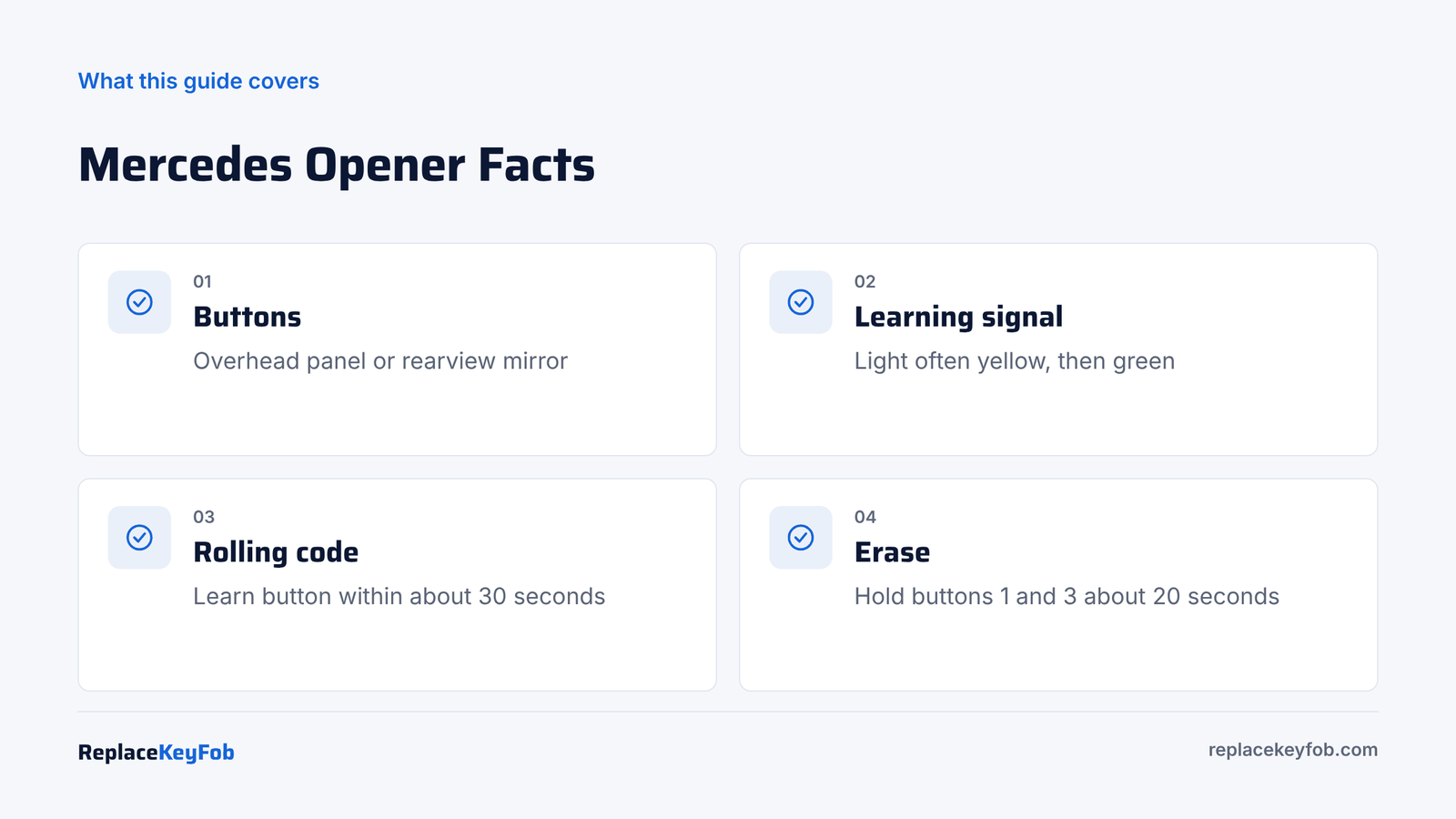
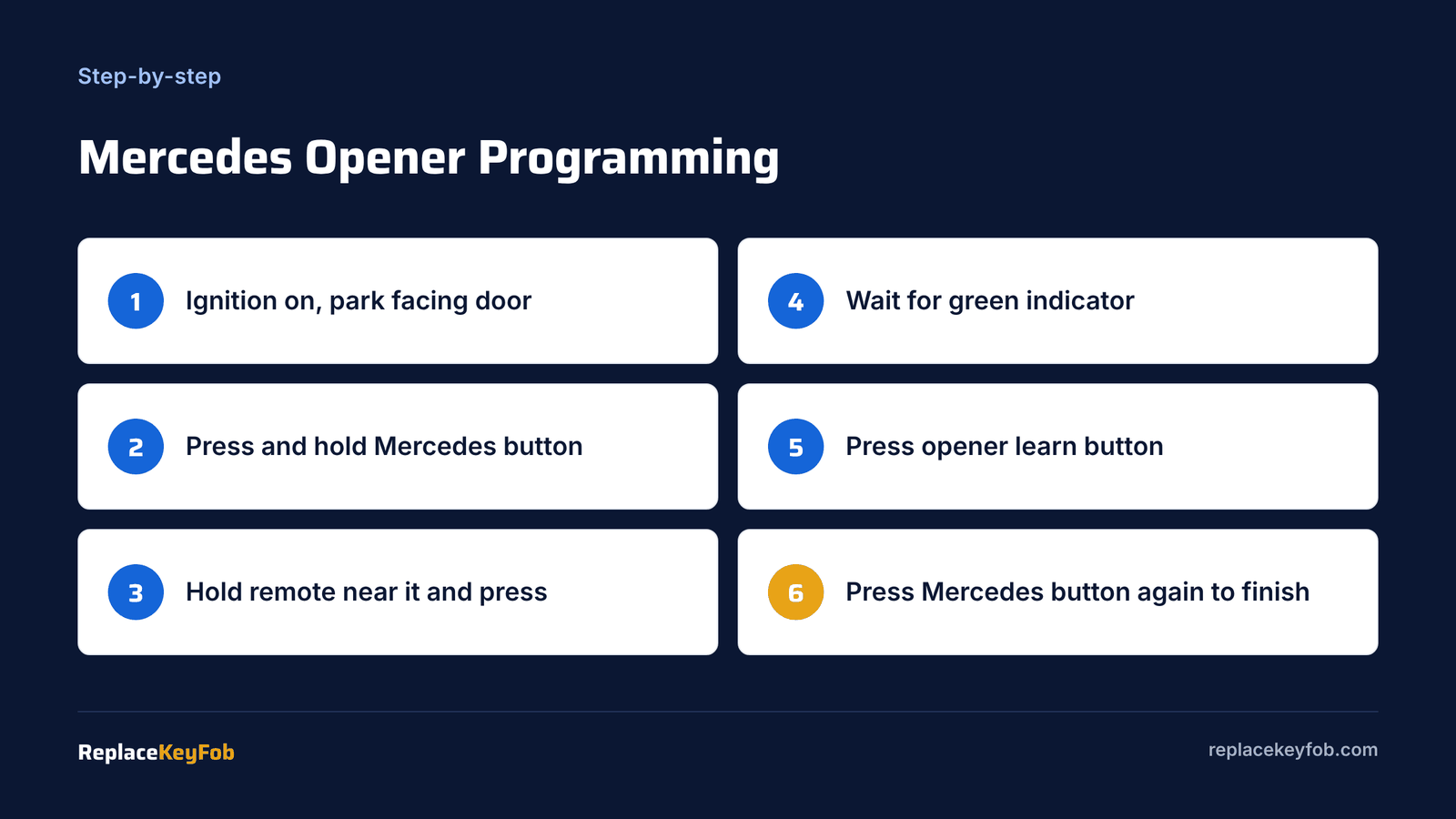
To program a Mercedes garage door opener, switch the ignition on, press and hold the button you want in the overhead control panel or rearview mirror, then hold your garage remote close to it and press its button. On many models the indicator lights yellow while learning and turns green when the code is stored. For rolling-code openers, press the opener’s learn button and then press the Mercedes button within about 30 seconds.
Mercedes-Benz calls it the integrated garage door opener. It is built on HomeLink technology, but Mercedes gives it a slightly different user experience, with a colored indicator that tells you what stage you are at. Most models have three buttons in the overhead control panel near the interior lights. Older models and some roadsters such as the SL put them in the rearview mirror.
This guide explains how to read the indicator, programs both fixed and rolling code openers, and covers the C-Class, E-Class, GLC, GLE, S-Class and SL.
Where Are the Buttons?
| Mercedes model | Common location | Notes |
|---|---|---|
| C-Class and E-Class (older) | Rearview mirror | Three buttons on the mirror base |
| C-Class, E-Class (newer) | Overhead control panel | Near the reading lights |
| GLC, GLE, GLS | Overhead control panel | Most trims with the option |
| S-Class | Overhead control panel | Newest models may also show items in MBUX |
| SL (R231, including SL400) | Rearview mirror on many | Check the mirror base |
| Sprinter and vans | Depends on option | Not all have it |
If you see no buttons in the mirror or overhead panel, the car probably was not ordered with the option. A dealer can confirm from the VIN.
Reading the Indicator
Mercedes uses the indicator light to talk to you during setup. On many models:
- Yellow (steady or flashing): the system is ready to learn or is searching for a signal.
- Green flashing or steady: the code has been learned. On rolling-code openers, it may flash green to tell you an extra step is needed.
- No light or yellow that goes out: the attempt timed out. Start again.
Patterns vary between model years, so treat these as typical. Your owner’s manual, under “Garage door opener”, lists the exact signals for your car.
Garage remote replacement battery
Mercedes training is more reliable with a strong remote signal, so fit a fresh battery in the handheld remote first; match the size printed on the old cell.
As an Amazon Associate, ReplaceKeyFob earns from qualifying purchases.
Step-by-Step: Program the Mercedes Garage Door Opener
- Switch the ignition on. Turn the key to position 2 or press the start button without the brake. Do not run the engine in a closed garage.
- Clear old codes on a used car. Press and hold buttons 1 and 3 together for about 20 seconds until the indicator flashes (often green). That erases all three. See how to clear HomeLink buttons for more detail.
- Press and hold the Mercedes button you want to program. The indicator usually turns yellow.
- Hold the remote close. Point your garage remote at the button, a few inches away. Older Mercedes manuals mention a slightly larger distance than other brands, so try 1 to 6 inches if the first attempt fails.
- Press and hold the remote button. Keep both buttons held.
- Wait for green. When the indicator turns green, the signal is stored. Release both.
- Test. Press the Mercedes button. If the door moves, you are done.
Why you press the Mercedes button first: that tells the system which button to store the code on and puts it into learning mode before the remote starts transmitting.
Rolling Code: The Learn Button Step
If the indicator flashes green but the door does not move, or the manual says it needs synchronization, your opener uses rolling code.
- Find the learn or program button on the garage door opener motor.
- Press and release it. The learn light usually stays lit for about 30 seconds.
- Within that window, press and hold the programmed Mercedes button for about 2 seconds, then release. Repeat two or three times until the door moves.
- Test from the car.
For Chamberlain and LiftMaster openers with a yellow learn button, our guide on programming HomeLink to Chamberlain myQ has more tips. For Genie, use programming HomeLink to Genie Intellicode.
Model Notes
C-Class, E-Class and GLC
These models most often have the overhead panel. Sit in the driver’s seat and hold the remote just below the button. If the overhead panel has a sunroof switch nearby, do not press it by mistake while holding.
GLE and GLS
The SUVs use the same overhead buttons. A helper on the ladder makes the learn step easier because the 30 second window closes quickly.
SL and SL400
On the R231 SL, including the SL400, many cars have the buttons on the rearview mirror. With the roof down, keep the remote close to the mirror base and away from the windshield frame.
Newer MBUX cars
Some of the newest Mercedes models can show garage door functions in the MBUX system, and some offer location-based opening. The radio programming steps still start from the physical buttons on most cars. Check the MBUX vehicle settings and your manual for the options your car has.
Gates and Other Devices
Each button can store a separate device, such as a community gate or a second garage. Gates often need the remote pressed repeatedly during training. Our guide on programming HomeLink to a community gate explains the pulse method.
Troubleshooting
| Problem | Likely cause | Fix |
|---|---|---|
| Indicator stays yellow, never green | Remote too far, weak battery, or timeout | New battery; vary distance; start again |
| Green, but door does not move | Rolling code opener | Press learn, then Mercedes button within 30 seconds |
| Indicator goes out mid-process | Process timed out | Restart from pressing the Mercedes button |
| Worked, now dead | Opener memory erased or codes cleared | Retrain the button |
| Short range | Opener antenna or LED bulbs | Straighten antenna; use opener-rated bulbs |
| No indicator at all | No power or option not fitted | Ignition on; check with dealer |
More general fixes are in car garage door opener (HomeLink) not working. If your Mercedes key is acting up too, see Mercedes key fob not working.
Fixed Code or Rolling Code?
You can usually tell before you start, which saves a trip up the ladder.
| What you find | Code type | Steps needed |
|---|---|---|
| Dip switches in remote and opener | Fixed code | Training only |
| Colored learn button on the motor | Rolling code | Training plus learn step |
| Genie PRGM button with LEDs | Rolling code | Genie program mode, then Mercedes button |
| Wi-Fi smart opener | Rolling code radio plus app | Learn step; app setup is separate |
Almost every opener installed in the last 25 years is rolling code, so expect the learn step. European-market Mercedes cars and some imported openers use different frequencies; US cars are set up for the frequencies common in North America.
Two drivers, two cars
If the household has two Mercedes or another car with HomeLink, program each separately. Training one does not remove the other, as long as the opener’s learn button is only pressed and released. Keep one handheld remote in the house for retraining after repairs, and use the same button number for the same door in every car.
Mistakes to Avoid
- Pressing the remote before the Mercedes button, which can leave the system in the wrong mode.
- Holding the opener’s learn button too long, which clears every stored remote.
- Releasing as soon as the light changes, before it reaches green.
- Running the engine in a closed garage while you work.
Daily Use
Press the button for about a second as you approach. The codes are stored in memory that survives battery replacement, so a 12V battery change will not erase them. Clear the buttons before selling or returning a lease car.
When to Use a Dealer
A Mercedes dealer can diagnose a garage door opener that shows no indicator or will not learn any remote. Expect about $150 to $250 for diagnosis at a Mercedes dealer in 2026. Replacement mirror or overhead modules can cost several hundred dollars plus labor. Most owners, though, finish programming in under ten minutes at home.
Frequently Asked Questions
On most newer models it is three buttons in the overhead control panel. On older models and some SL roadsters it is on the rearview mirror base.
On many models, yellow means the system is learning or searching, and green means the code was stored. A flashing green can signal that a rolling-code learn step is still needed.
Ignition on, press and hold the button on the mirror, hold your remote close and press it until the indicator turns green, then complete the learn button step if your opener uses rolling code.
Press and hold buttons 1 and 3 together for about 20 seconds until the indicator flashes. All three buttons are erased.
Common causes are a weak remote battery, holding the remote too far away or too close, or the process timing out. Try a new battery and different distances.