
10 Best USB OBD2 Adapter 2026: 10 Top Picks

A USB OBD2 adapter is the physical link between a laptop and a vehicle’s diagnostic bus, and it matters more than most owners assume. The cable determines whether software like FORScan can see every module on the network or only a partial set, whether ECU programming completes without dropping the connection, and whether a $30,000 truck’s transmission adaptation gets reset correctly or corrupted mid-write.
Not every adapter that plugs into an OBD2 port does the same job. Basic ELM327 cables read generic codes on nearly any 1996-and-newer vehicle, but Ford-specific diagnostics through FORScan require proper HS-CAN and MS-CAN switching, BMW coding through ENET needs a dedicated Ethernet-based cable, and OEM-level module programming on GM, Ford, or Chrysler platforms calls for a J2534 pass-thru device. Buying the wrong category of adapter for your vehicle and software is the single most common mistake we see in FORScan and BimmerCode forums.
Build quality and driver support separate a two-year tool from a paperweight after one Windows update. We looked at connection stability during extended programming sessions, auto-switching reliability between CAN buses, USB connector durability, and how well each adapter’s drivers install and stay installed on Windows 10 and 11.
Best for Ford dealership-level diagnostics: OBDLink EX FORScan OBD Adapter
Best value FORScan adapter with auto-switching: Vgate vLinker FS OBD2 USB Adapter
Best for extended FORScan license and support: Vgate vLinker FS OBD2 USB Adapter (FORS-can Edition)
Best for multi-brand OEM-level programming: TOPDON RLink X3 OBD2 Adapter
Best budget adapter for basic Ford diagnostics: OHP FORScan ELM327 OBD2 to USB Scan Tool
Best for older Ford key programming projects: VINTscan OBD2 Adapter FORSCans
Best for hidden feature unlocks on Ford/Lincoln/Mazda: OBDResource ELM327 USB Adapter
Best entry-level MS-CAN/HS-CAN toggle cable: OBDMONSTER ELM327 OBD2 USB Adapter
Best budget ENET cable for BMW coding: OHP ENET OBD2 Cable
Best heavy-duty ENET cable for BMW F/G/i-Series: Reloot ENET Cable BMW
OBDLink EX FORScan OBD Adapter

Buy this if you own a Ford, Lincoln, or Mazda and want the adapter the FORScan development team itself recommends first.
Pros
- Electronic CAN switching reaches HS-CAN and MS-CAN simultaneously, no manual toggle required
- Data throughput rated up to 20 times faster than toggle-switch cables
- Officially recommended by the FORScan team for full protocol support
Cons
- Priced above most generic ELM327 cables
- Windows-only, no mobile app support
- Overkill for owners who only need basic code reading
This is the adapter we point people to when they need every FORScan function to work without workarounds. The electronic switch eliminates the physical toggle failures common on cheaper cables, and the connection holds steady through long module configuration sessions. It’s a wired USB unit, so there’s no Bluetooth latency to fight during programming. For F-150, Explorer, and Mazda6 owners running key programming or module coding, this is the adapter that removes guesswork from the process.
Vgate vLinker FS OBD2 USB Adapter (FORScan Optimized)
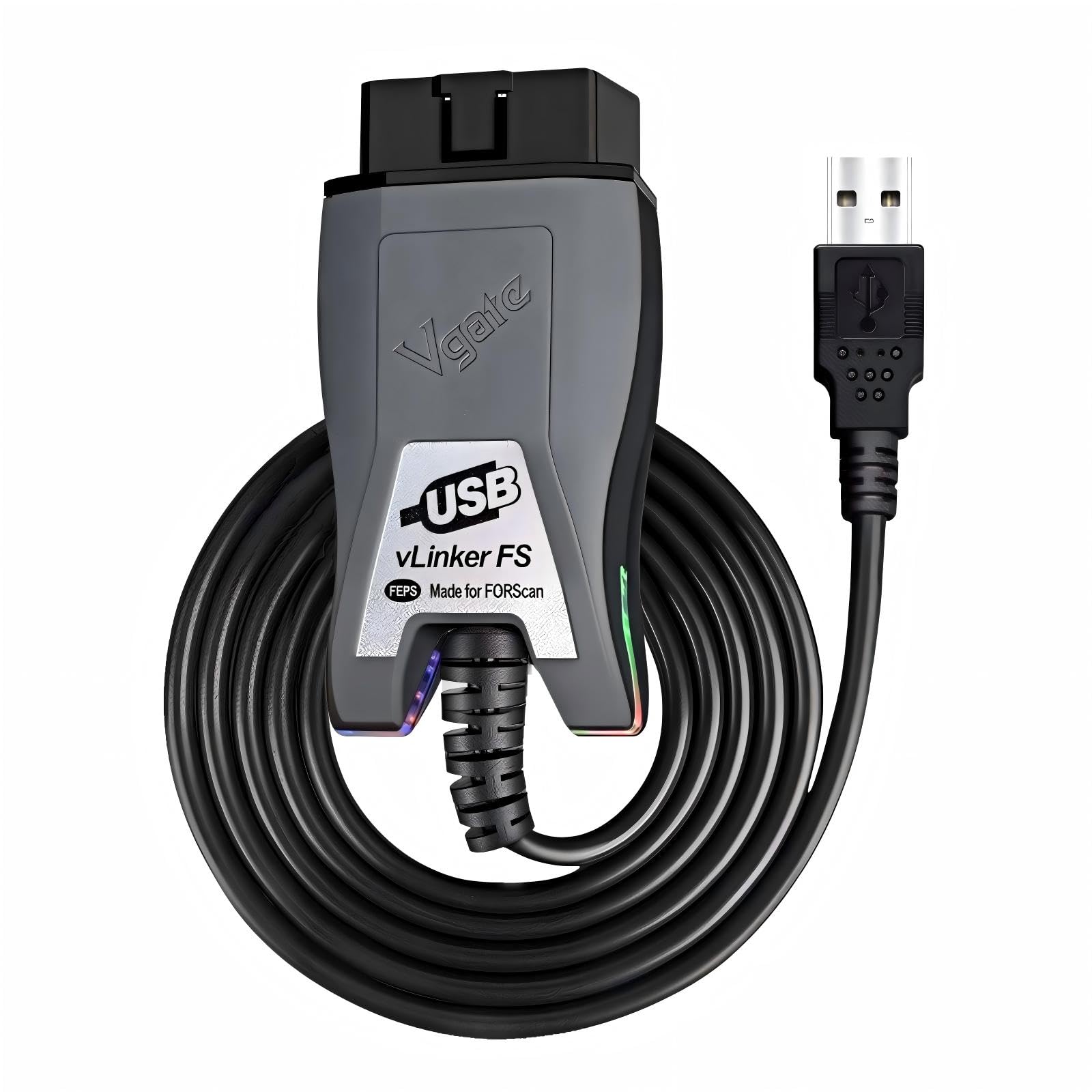
Buy this if you want auto-switching CAN bus access and 18V ECU programming voltage without paying OBDLink pricing.
Pros
- Automatic HS-CAN/MS-CAN detection, no manual switch to manage
- Supports up to 18V output for ECU flashing on select older Ford models
- Rated for 3 Mbps transfer with full 4095-byte packet support
Cons
- ECU programming voltage support varies by vehicle year and module
- Works with ELM327-based apps beyond FORScan, but compatibility isn’t universal
- USB cable length can be tight for engine-bay tuning setups
Owners running AlfaOBD or VCTool alongside FORScan get real flexibility here, since the vLinker FS isn’t locked into one diagnostic app. In practice, the auto-switching behaves reliably during live data streaming and DTC pulls on 12V and 24V gas and diesel platforms. The 18V programming spec is useful for PCM Hammer and tuning workflows, though it’s worth confirming your specific module supports that voltage before relying on it for a flash.
Vgate vLinker FS OBD2 USB Adapter (FORS-can Edition)

Buy this variant if you want the vLinker FS hardware bundled with an extended FORScan trial license.
Pros
- Includes a two-month extended FORScan license trial through the FORScan team
- Same automatic CAN-bus switching and 3 Mbps transfer rate as the standard vLinker FS
- Supports FEPS 18V programming voltage for module flashing
Cons
- Functionally near-identical to the standard vLinker FS, so the license trial is the main differentiator
- USB 2.0/3.0 compatibility depends on proper driver installation
- Not a substitute for a paid FORScan Extended License long-term
This listing is essentially the same hardware as Vgate’s other vLinker FS cable, with the added benefit of a temporary extended license window. That’s meaningful for owners planning a one-time deep dive into module configuration who don’t want to commit to a paid FORScan subscription yet. Build quality and CAN-switching performance match the standard model, and the round housing feels solid in daily use.
TOPDON RLink X3 OBD2 Adapter
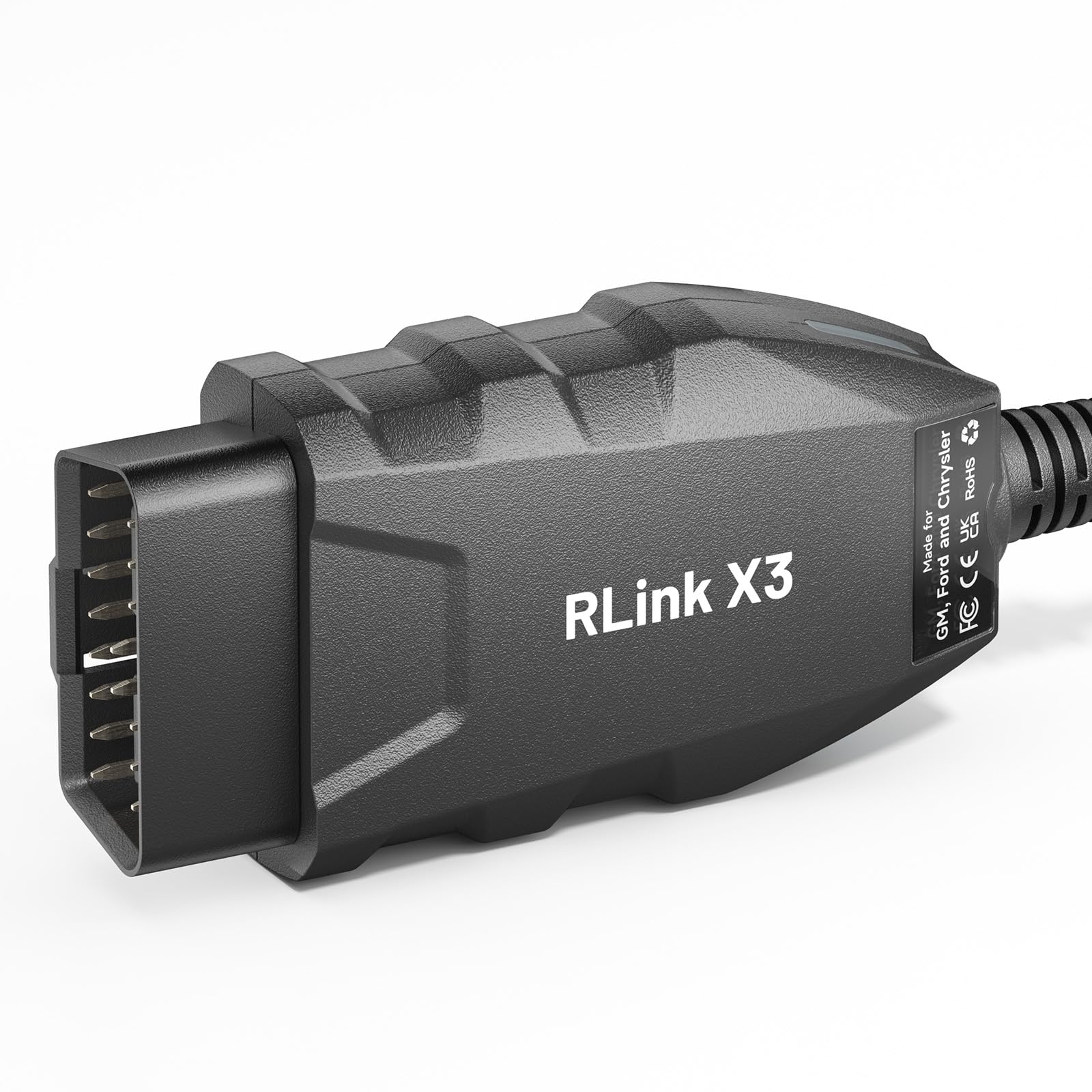
Buy this if you need genuine J2534 pass-thru access across GM, Ford, and Chrysler platforms, not just FORScan.
Pros
- True J2534 pass-thru device compatible with FJDS, FDRS, Tech2Win, SPS 2, Techline, GDS2, and Witech 2.0
- Supports CAN-FD protocols for 2006-2025 model-year vehicles
- Automatic protocol detection across multiple CAN networks
Cons
- Requires separate OEM software subscriptions, none are bundled
- Does not support GM modules using the DoIP protocol
- Priced well above single-brand FORScan cables
This is the adapter for technicians and serious DIYers who need OEM-level module programming across three domestic brands instead of a single ecosystem. It handles FORScan competently, but its real value shows up when switching between GDS2 for GM and Witech 2.0 for Chrysler on the same bench. Confirm your target module doesn’t rely on DoIP before buying, since that protocol falls outside its coverage.
OHP FORScan ELM327 OBD2 to USB Scan Tool
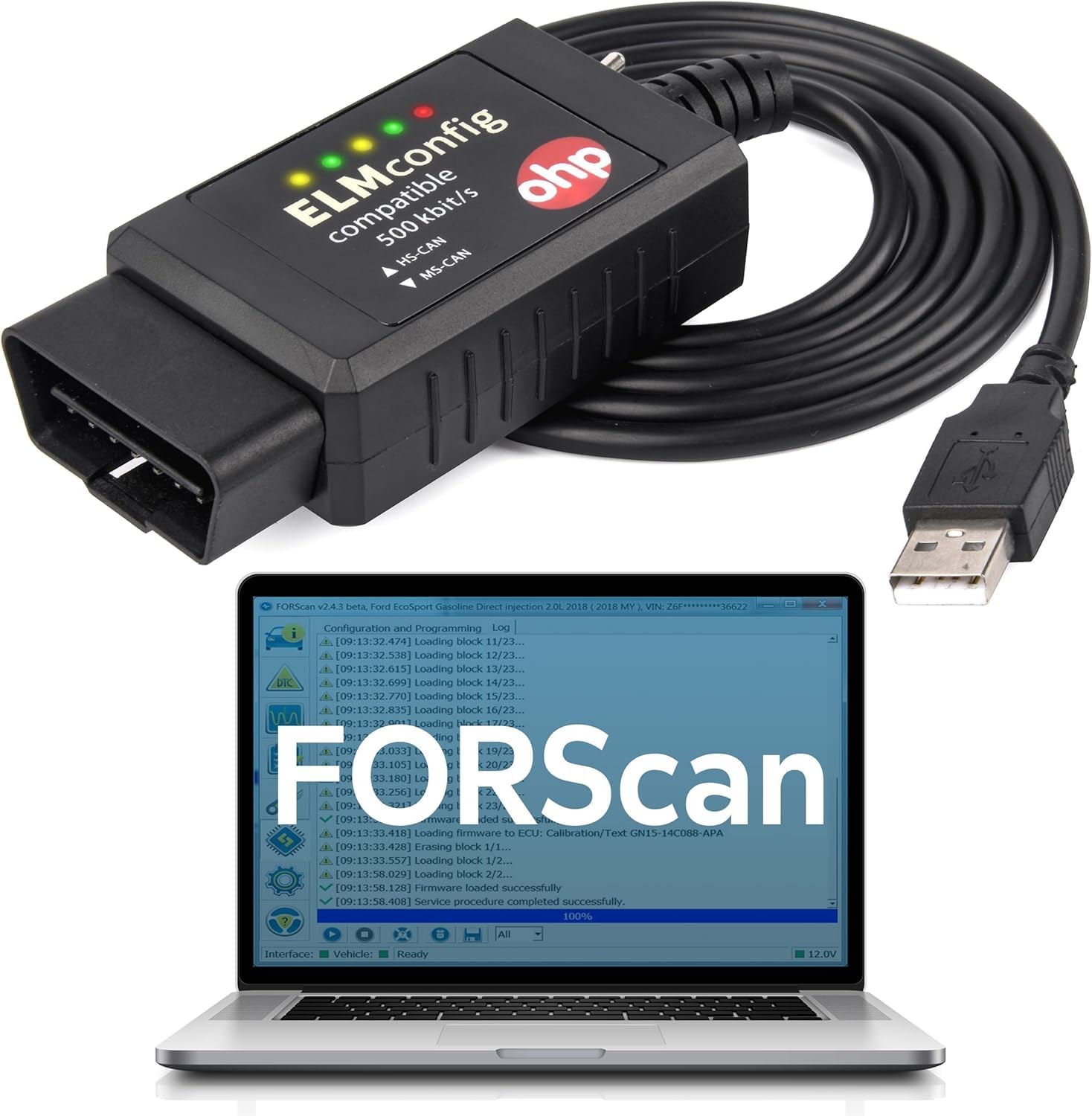
Buy this for straightforward Ford, Lincoln, or Mercury code reading and light FORScan work on a budget.
Pros
- Competitively priced compared to dedicated FORScan hardware
- Wide model coverage for Ford light trucks and cars back to 1996
- Two-year manufacturer warranty
Cons
- FORScan may flag reduced compatibility on some newer Ford models
- Not compatible with 7th-generation Mazda vehicles or joint-venture platforms
- Manual COM port troubleshooting sometimes required on Windows
This cable performs well for reading and clearing codes and handling PATS key programming on older Fords, based on the pattern across owner feedback. FORScan itself sometimes displays a compatibility warning on newer trucks, and several owners report that functions still work despite the notice. Treat it as a capable budget tool for older platforms rather than a guaranteed match for every FORScan feature on a current F-150.
VINTscan OBD2 Adapter FORSCans

Buy this if you’re comfortable manually toggling between HS-CAN and MS-CAN for Ford diagnostics and feature unlocks.
Pros
- Wide compatibility with Ford light trucks and cars from 1996 and newer
- Supports FoCCCus, ELMconfig, and FF2 in addition to FORScan
- Frequently used successfully for speedometer calibration and cruise control retrofits
Cons
- Manual toggle switch instead of automatic CAN detection
- Some owners report MS-CAN access issues requiring a replacement unit
- No software or extended license included
The manual toggle switch is the defining trait here, useful once you understand which modules live on which bus, frustrating if you don’t. Feature unlocks like factory cruise control retrofits and speedometer recalibration show up repeatedly in owner feedback as successful use cases. A minority of units struggle with MS-CAN access specifically, so test that function early after setup.
OBDResource ELM327 USB Adapter
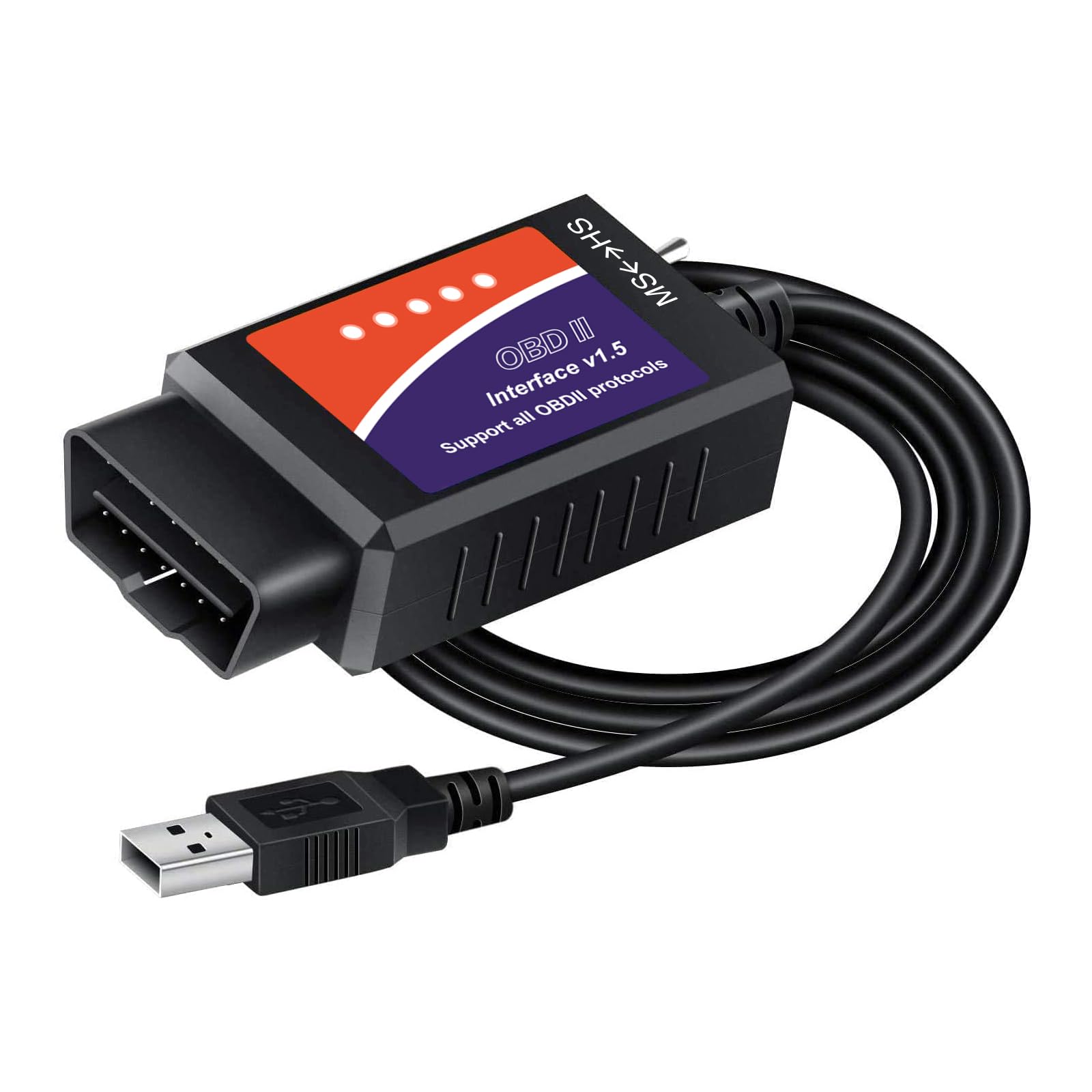
Buy this for unlocking hidden Ford, Lincoln, Mazda, or Mercury features rather than heavy-duty programming work.
Pros
- Supports all five common OBD2 protocols including HS-CAN2 and HS-CAN3
- Well suited to feature unlocks like global window function and Bambi mode
- Broad coverage across Ford, Lincoln, Mazda, and Mercury model lines through 2019 and beyond
Cons
- Some owners report it can’t run certain FORScan programming routines
- Driver installation via included disc is often outdated
- Limited software compatibility outside FORScan and FoCCCus
This adapter earns its keep on configuration changes rather than deep module programming. Disabling the double horn honk, adjusting mirror tilt behavior, or toggling MyKey settings all show up as successful use cases in owner feedback. Skip the included driver disc and download the current CH340T driver directly, since several reviewers note the bundled software is out of date.
OBDMONSTER ELM327 OBD2 USB Adapter

Buy this as an inexpensive entry point into FORScan diagnostics on Ford, Mazda, Lincoln, or Mercury vehicles.
Pros
- Covers roughly 99% of Ford models built after 2000
- Manual MS-CAN/HS-CAN switch for targeted bus access
- One-year manufacturer warranty included
Cons
- 2019-and-newer Mazda 3 and CX-30 aren’t supported
- A small number of units arrive with a loose USB connector
- Requires manual CH340T driver installation before first use
This is a serviceable low-cost option for brake bleeding, module diagnostics, and light configuration work, judging by the volume of positive owner reports. Quality control isn’t perfect. A handful of buyers describe a wire that disconnects intermittently at the USB tip. Test the connection thoroughly during the return window before relying on it for a paid job.
OHP ENET OBD2 Cable

Buy this if you drive a BMW F-series or G-series and need an Ethernet-based cable for BimmerCode or ICOM.
Pros
- Includes both the ENET Ethernet cable and a USB-C to Ethernet adapter
- Compatible with Android and iOS devices with USB-C ports
- Compact aluminum housing aids heat dissipation during longer coding sessions
Cons
- Android setup requires extra configuration steps not obvious to first-time users
- The included USB-C adapter doesn’t work with all MacBook models
- Connector fit can feel tight on some OBD2 ports
ENET is a completely different connection standard from ELM327, since BMW coding software talks to the car over Ethernet rather than a generic OBD2 protocol. This cable handles BimmerCode and BimmerLink reliably once drivers and adapters are matched to your device. Mac users should budget for a separate USB-C to Ethernet adapter if the bundled one doesn’t cooperate with their specific model.
Reloot ENET Cable BMW

Buy this for a heavier-duty ENET cable built for repeated BMW coding sessions with E-SYS or ISTA+.
Pros
- CAT5e cable construction with gold-plated, shielded RJ45 connector
- Bundled USB-C and USB-A adapters cover more device types out of the box
- Two-year manufacturer warranty, longer than most ENET competitors
Cons
- Compatibility outside BMW F/G/i-series (some owners tried it on Audi) is inconsistent
- A few buyers report no recognition on certain BMW models despite updated software
- Setup requires installing drivers from a chip embedded in the adapter
Build quality stands out here, with a shielded connector and copper construction meant to survive repeated plugging and unplugging during coding projects. It works well across F-series and G-series BMWs for BimmerCode, BimmerLink, and MG Flasher tasks. Stick to BMW and Mini applications, since cross-brand attempts on non-BMW vehicles show mixed results in owner feedback.
Buying Guide
Match the Adapter to Your Diagnostic Software First
The single biggest buying mistake is choosing an adapter based on price before confirming it works with the specific software you plan to run. FORScan, BimmerCode, and J2534 pass-thru programs each expect a different connection type, and a cable built for one won’t substitute for another.
| Software | Connection Type Needed | Typical Vehicle |
|---|---|---|
| FORScan | ELM327 with HS-CAN/MS-CAN switching | Ford, Lincoln, Mazda, Mercury |
| BimmerCode / ISTA+ | ENET Ethernet cable | BMW F/G/i-series, select Mini |
| GDS2 / Witech 2.0 / Tech2Win | J2534 pass-thru | GM, Chrysler, select Ford |
Manual Toggle vs. Automatic CAN Switching
Ford’s diagnostic network splits into HS-CAN (high-speed) and MS-CAN (medium-speed) buses, and different modules live on each. A manual toggle switch requires flipping a physical switch and reconnecting software each time you need the other bus. Automatic switching detects and accesses both simultaneously, which speeds up multi-module diagnostic sessions considerably.
USB Connector and Driver Compatibility
Confirm the adapter uses a chipset with active Windows driver support (FTDI or CH340T are common). Outdated drivers on installation discs cause more support headaches than any hardware defect. USB-C adapters marketed for mobile use don’t always play well with every laptop or MacBook model, so check reviews for your specific device type.
Voltage Range and Programming Support
Standard OBD2 code reading works fine at 12V. ECU flashing and module programming on some platforms require elevated voltage output (commonly cited around 18V for certain Ford modules), and not every adapter supplies it. Confirm the adapter’s rated programming voltage matches your intended task before attempting a flash.
J2534 Pass-Thru vs. Basic ELM327
| Feature | ELM327-Based Adapter | J2534 Pass-Thru Adapter |
|---|---|---|
| Code reading | Yes | Yes |
| FORScan module configuration | Yes (on supported vehicles) | Yes |
| OEM software (GDS2, Tech2Win, FDRS) | No | Yes |
| CAN-FD support | Rare | Common on newer units |
| Typical price tier | Lower | Higher |
Editor’s Choice
The OBDLink EX FORScan OBD Adapter is our top recommendation for Ford, Lincoln, and Mazda owners who want dealership-level diagnostic access without ambiguity about compatibility. Its electronic CAN switching and FORScan-team endorsement remove the guesswork that plagues cheaper toggle-switch cables.
For BMW owners, the Reloot ENET Cable stands out for its shielded connector build and broader adapter compatibility, making it the more durable choice for repeated coding sessions. Technicians juggling GM, Ford, and Chrysler platforms should look to the TOPDON RLink X3, since it’s the only adapter in this roundup with genuine J2534 pass-thru access across all three brands.
Conclusion
The right USB OBD2 adapter depends on which vehicle and software combination you’re running, not which cable has the most feature bullets on its listing. Ford and Mazda owners running FORScan need HS-CAN/MS-CAN switching at minimum, with automatic switching saving real time over a manual toggle. BMW coding requires an ENET cable, never a generic ELM327 adapter, since the two connection standards aren’t interchangeable.
Technicians and shops handling multiple brands benefit from a J2534 pass-thru device despite the higher cost, since it opens OEM software that basic ELM327 cables can’t touch. Match the adapter category to the software first, then compare build quality and driver support within that category before choosing on price alone.
FAQS
Can I use a Ford FORScan adapter on my BMW? No. FORScan-focused ELM327 adapters communicate over standard OBD2 CAN protocols, while BMW coding software like BimmerCode and ISTA+ requires an ENET cable that connects through Ethernet. The two aren’t interchangeable regardless of what a listing implies.
Do I need automatic CAN switching or is a manual toggle fine? A manual toggle works if you understand which modules sit on HS-CAN versus MS-CAN and don’t mind reconnecting when switching. Automatic switching saves time during multi-module diagnostic sessions and reduces the risk of missing a module because the switch was in the wrong position.
What’s the difference between an ELM327 cable and a J2534 pass-thru adapter? ELM327 adapters handle generic and many manufacturer-specific codes along with FORScan-style configuration changes. J2534 pass-thru devices additionally support OEM factory software like GDS2, FDRS, or Witech 2.0, enabling true module programming and flashing that ELM327 hardware can’t perform.
Will any of these adapters work on a Mac? Most of the FORScan and ELM327 adapters in this roundup are Windows-only due to driver and software requirements. ENET cables for BMW coding have broader compatibility, though Mac users should verify the included USB adapter works with their specific model before relying on it.
Why does FORScan sometimes warn that an adapter isn’t fully supported? FORScan checks the adapter’s reported chipset and firmware against its known compatibility list. Some budget cables still function despite the warning, but critical programming functions may behave unpredictably, so treat the warning as a signal to test cautiously rather than ignore.
