
Key Fob Interference Causes: How to Spot the Problem and Fix It Fast

If your key fob works in one place and fails in another, you’re probably chasing a signal problem rather than a dead fob. That’s frustrating, but it also gives you a clue: location matters. In many cases, the issue is temporary interference, not a permanent failure.
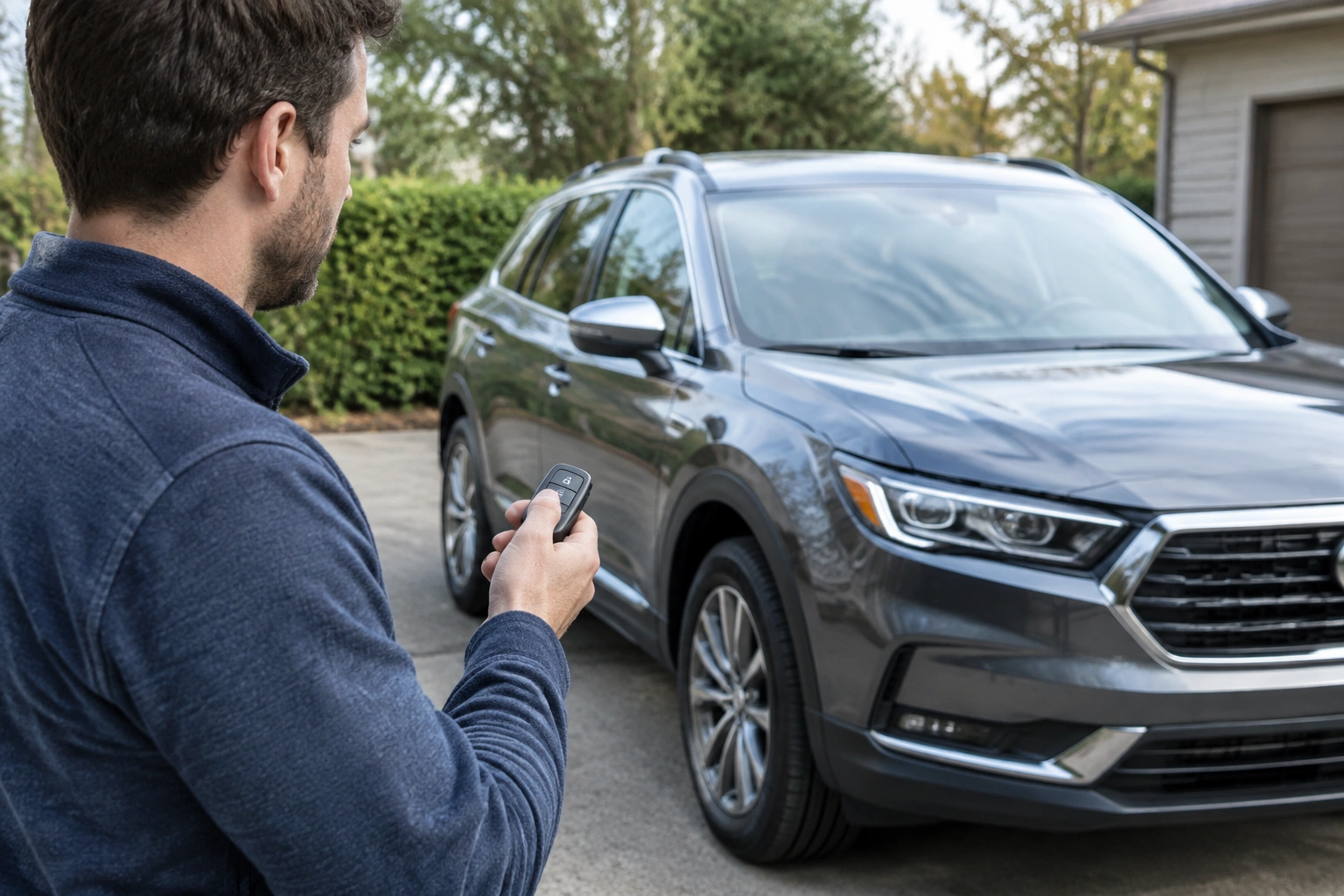
I’ve seen this kind of problem in parking garages, near dense apartment buildings, at airports, and even in driveways next to a house packed with wireless devices. The trick is separating true key fob interference causes from a weak battery, a damaged fob, or a vehicle-side receiver issue. Once you know which bucket you’re in, the fix usually gets much simpler.
Quick symptom check: interference, weak battery, or a bad fob?
A few symptoms point toward interference more than hardware failure:
- The fob works in some places but not others.
- It works better when you stand closer to the car.
- It fails only in a garage, downtown, or another crowded RF area.
- It starts working again after you move the car or leave the area.
A weak fob battery can look similar. The difference is that a weak battery usually causes a gradual loss of range everywhere, not just in one spot. If your unlock range used to be 30 feet and now it’s 8 feet at home, that often points to battery wear. If the fob works fine at home but not in the parking structure at work, interference is more likely.
A bad or unprogrammed fob usually behaves differently again. It may be completely dead, work only sometimes regardless of location, or fail to respond even after you replace the battery. If you have a spare fob, that comparison is one of the fastest ways to narrow things down.
A simple decision tree: if one fob fails everywhere, suspect the fob; if both fobs fail only in one location, suspect interference; if both fobs fail everywhere and the car also has other electrical symptoms, suspect the vehicle battery or receiver/antenna system.
| Symptom | More likely cause | First thing to try |
|---|---|---|
| Works at home, fails in a garage | Environmental interference | Move to a different spot or exit the structure |
| Shorter range everywhere | Weak fob battery | Replace the coin cell battery |
| Neither of two fobs works | Vehicle receiver, antenna, or car battery issue | Check the vehicle battery and test at another location |
| Works only when held against the handle | Weak battery or reduced signal | Replace the fob battery first |
| Stops working after physical damage | Damaged fob | Inspect battery contacts and casing, then seek repair |
How key fob signals work at a basic level
Most modern keyless systems use radio frequency signals. In plain terms, the car and the fob talk to each other over a short wireless link. For push-button start systems, the vehicle sends a low-frequency wake-up signal to find the nearby fob, and the fob responds with its code on a higher-frequency signal. If the signal is weak, blocked, or crowded out by noise, the car may not recognize it.
That’s why range matters so much. The closer you are to the vehicle, the easier it is for the system to complete that exchange. It’s also why a problem can seem random. The car may be able to “hear” the fob in one parking spot but not in another a few feet away, especially when walls, metal structures, or receiver sensitivity make the signal harder to detect.
Your owner’s manual is still the best source for your exact system, including any backup start procedure or emergency fob placement slot that can help when the fob battery is weak.
Most common key fob interference causes, ranked by likelihood
Here’s the practical order I’d check things in.
1. Parking garages and other enclosed structures
Concrete, steel, and a high density of vehicles can make garages miserable for keyless systems. The car may be surrounded by other wireless signals, and the structure itself can weaken or reflect the signal. If your fob works outside but fails on the third floor of a garage, that’s a classic interference pattern.
2. Dense urban areas
Downtown streets, apartment complexes, and office districts often have more RF activity than a suburban driveway. You may not notice any single device causing the issue. Instead, the environment as a whole can make the signal less reliable.
3. Nearby electronics in the same pocket, bag, or cupholder
Smartphones, tablets, wireless headphones, and work badges can clutter the area around the fob and make the signal path less reliable. If your fob starts acting up only when it’s buried next to a phone, badge, and other everyday items, separate them and test again.
4. Metal objects and structures
Metal can disrupt signal transmission and reception by reflecting or blocking the path between the fob and the car. A purse full of coins, a metal key ring cluster, or a fob stored against a steel toolbox can reduce range. The same goes for standing beside large metal objects when you’re trying to unlock the car.
5. Industrial sites and heavy equipment
Warehouses, utility yards, and some commercial areas may have machinery or radio equipment that affects keyless entry. If the problem shows up near a jobsite and disappears as soon as you leave, that location is the clue.
6. Other wireless or security systems nearby
In some neighborhoods, the issue may come and go depending on what’s operating nearby. That’s one reason RF problems often feel intermittent rather than constant. The environment changes, and so does the symptom.
If you want a broader explanation of RF interference, it’s best to rely on your vehicle’s manual or the manufacturer’s service information rather than a general web summary. The main point is simple: competing signals, shielding, and weak battery output can all make detection less reliable.
How to test whether the problem is environmental or vehicle-related
You do not need special tools for a useful first pass.
Step 1: Test the fob in a different location
If the problem happens in one parking lot, move to another area and try again. A quick change of scenery tells you a lot. If the fob suddenly works normally, the environment is probably the main culprit.
Step 2: Remove nearby electronics
Take the fob away from your phone, other remotes, work badges, and anything with a battery or transmitter. Then test it again. If performance improves, you’ve likely found a source of clutter or blockage.
Step 3: Try the spare fob
A spare is one of the best diagnostic tools a car owner has. If the spare works where the main fob fails, the problem is probably in the fob itself. If both fobs fail the same way in the same car, look harder at the vehicle-side receiver or antenna.
Step 4: Compare close range versus normal range
If the fob only works when pressed right against the door handle or start button, that suggests the signal is too weak for normal operation. That can happen with a low battery, a damaged fob, or interference. The difference is whether the symptom follows the fob everywhere or only in certain locations.
Step 5: Recheck at a different time of day
Some interference problems are tied to a location and what’s active there. If the issue appears only during busy hours and not late at night, that’s another clue that the environment is involved.
When a weak fob battery looks like interference
This is where a lot of people get misled. A weak coin-cell battery can mimic interference because both problems reduce range and reliability. The fob may still light up, but its radio output may be too weak for consistent detection.
A battery replacement is usually the first sensible move if:
- The fob is old and the battery has never been changed.
- Range has slowly gotten worse over time.
- The fob works only when you’re very close to the car.
- The problem happens everywhere, not just in one location.
After a fresh battery, you should see a clear improvement. It doesn’t have to be dramatic, but the fob should usually regain normal range if the battery was the main issue. If nothing changes, don’t keep assuming it’s just the battery.
One important caveat: a weak battery and interference can happen at the same time. A marginal battery makes the fob less tolerant of a noisy environment, so a garage problem may become more noticeable once the battery starts fading.
Vehicle-side causes: receiver, antenna, and car battery issues
If multiple fobs show the same problem, the car becomes the suspect.
Receiver or antenna problems
The vehicle’s receiver and antennas are what listen for the fob. If they fail, the car may ignore a perfectly good key fob. A broken antenna connection, damaged receiver, or wiring issue can create symptoms that look like interference but happen everywhere. One useful clue is inconsistency on only one door, one side of the vehicle, or only when you stand in a certain spot near the car.
Vehicle battery issues
A weak vehicle battery can also cause strange keyless-entry behavior. The car may not wake up the system properly, especially on push-button start vehicles. If the dash lights are dim, the car cranks slowly, or you’re seeing other electrical oddities, don’t focus only on the fob. In a push-button start system, a weak vehicle battery is more suspect when the whole car acts sluggish, while a weak fob battery usually shows up as poor detection without broader electrical symptoms.
How to tell the difference
- One fob fails, spare works: likely fob-side issue.
- Both fobs fail everywhere: likely car-side issue.
- Both fobs fail only in one location: likely environmental interference.
- The car has other electrical symptoms: check the vehicle battery and charging system.
For related troubleshooting, see our guides on why a key fob is not detected intermittently and how to fix a key fob not detected warning.
Step-by-step fixes to restore normal key fob operation
Here’s the order I’d use in the shop or in a driveway.
-
Move the car or yourself to a different spot.
This is the fastest way to confirm interference. If the fob starts working again, you’ve saved yourself unnecessary parts replacement. -
Take the fob away from other electronics.
Separate it from your phone, metal key bundle, and other wireless devices. -
Replace the fob battery.
If the battery is old or untested, this is a low-cost first repair. -
Check the battery contacts inside the fob.
Corrosion, bent tabs, or a loose battery can create intermittent problems that feel like signal interference. -
Try the spare fob.
This tells you whether the issue follows the fob or stays with the car. -
Use the backup start method if your owner’s manual provides one.
Many smart keys have a backup procedure or a designated placement area for low-battery situations. -
If the problem persists everywhere, seek diagnosis.
At that point, reprogramming, receiver testing, or replacement may be needed.
High-interference locations and what to do there
Parking garages
Hold the fob closer to the vehicle and try a different aisle, level, or exit. If the car unlocks only in one corner of the garage, don’t assume the fob is failing.
Airports
Airports are busy RF environments, and the parking areas can be especially unfriendly to weak fob batteries. If the fob acts up there but works normally elsewhere, that’s a strong sign the issue is environmental.
Downtown streets
If you park near office towers, large apartment blocks, or heavy traffic, test the fob a few steps away from the immediate area. Sometimes the problem is not the car at all, just the spot.
Industrial or commercial zones
Move away from machinery, loading areas, and utility equipment. If the fob works once you’re a short distance away, you’ve probably confirmed a location-based issue.
When to replace the fob, reprogram it, or get professional help
Replace the battery first if the range has dropped gradually or the battery is old. Replace the whole fob if it’s physically damaged, water-exposed, or unresponsive after a battery swap.
Reprogramming is worth considering when the fob used to work and no longer does, especially after a battery change or electrical issue. But I wouldn’t jump there before checking the battery, the spare fob, and the vehicle battery.
If both fobs act the same, the problem is persistent in every location, or the car shows other electrical symptoms, it’s time for a locksmith, dealer, or mechanic to inspect the receiver, antenna, and related wiring. If you need a professional, Edmunds and Car and Driver both have consumer-friendly automotive guidance that can help you understand the broader repair context before you book the visit.
FAQ
Can Wi‑Fi or Bluetooth really interfere with a key fob?
They can be part of the problem in some situations, especially when several devices are close together or the environment is already crowded with signals. The safer way to think about it is not “Wi‑Fi always blocks the fob,” but “nearby electronics can contribute to the interference picture.”
Why does my key fob work at home but not at work?
That usually points to the location, not the fob. Garages, office buildings, and dense parking areas are common trouble spots.
If my key fob only works right next to the car, is it the battery?
A weak battery is one of the first things to check, but it’s not the only possibility. Try the spare fob and test in a different location before assuming the battery is the sole cause.
Should I reprogram the fob before replacing it?
Not usually. Battery, environmental interference, and vehicle-side issues are more common starting points. Reprogramming makes sense after you’ve ruled those out or if the fob stopped working after a known electrical event.
What backup method should I look for in my owner’s manual?
Many smart keys and push-button start vehicles include an emergency start procedure or a specific slot or placement point where the fob must be held when the battery is weak. The exact method varies by model, so check the manual for your vehicle.
When should I stop DIY troubleshooting?
If both fobs fail everywhere, the vehicle has other electrical symptoms, or the problem persists after a battery change and location testing, it’s time for professional diagnosis.
Final thought
When a key fob acts up, the fastest path to a fix is usually to think like a technician: test the environment first, then the fob, then the car. That order saves time, money, and a lot of guesswork.
