
Key Fob Double Press Unlock Not Working? Here’s How to Diagnose It Fast

When a key fob double click to unlock not working problem shows up, the annoyance is usually bigger than it sounds. Sometimes the car is fine and the setting just changed. Sometimes the battery is weak enough to cause flaky behavior before the fob dies completely. And sometimes the issue is on the vehicle side, not the remote at all.
I’m Jason Carter, and when I used to troubleshoot these systems in the shop, I always tried to separate the problem into one of four buckets: fob battery, vehicle settings, fob programming, or car-side hardware. That same order still saves time.
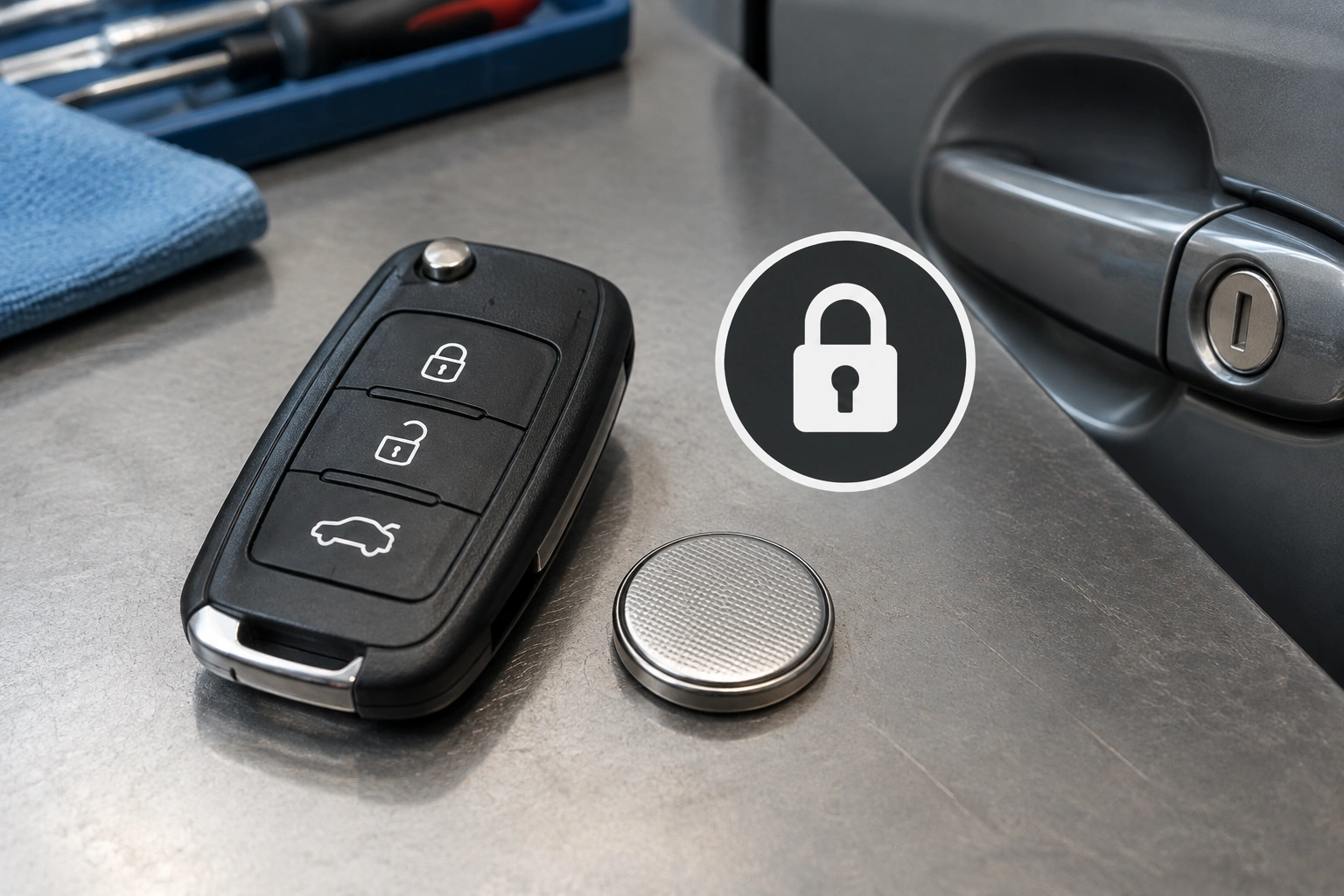
What the double-press unlock is supposed to do
On many vehicles, one press of the unlock button opens only the driver’s door, while a second press unlocks the rest of the doors. That behavior is often called selective unlock or two-step unlock. On some models, it’s the factory default. On others, it can be turned on or off in the vehicle settings menu.
That matters because a “broken” double-press feature is sometimes not broken at all. If your car was recently serviced, had a battery replacement, or someone changed the personalization settings, the unlock behavior may have been reconfigured without you noticing.
A quick way to think about it:
- Single press only unlocks the driver door: often normal on vehicles set to selective unlock.
- Double press does nothing extra: could be a weak fob battery, a settings change, or a communication issue.
- Both presses act erratically: more likely a fob, receiver, or lock-system problem.
For a general overview of how modern keyless entry and backup access work, the NHTSA’s vehicle safety information is a useful place to start, especially when you’re trying to understand emergency entry and security features.
Quick diagnosis: what the symptom pattern usually means
Before you replace parts, match the symptom to the likely cause.
| Symptom | Most likely cause | What to try first |
|---|---|---|
| One press unlocks only the driver door, second press does nothing different | Selective unlock setting or weak fob battery | Check settings, then battery |
| Fob works only when standing close to the car | Weak battery or weak fob signal | Replace the battery |
| Spare fob works normally, original fob does not | Bad fob battery, worn buttons, or fob damage | Try a new battery or replacement fob |
| Both fobs fail the same way | Vehicle setting, receiver issue, or body control module problem | Check settings, then seek diagnosis |
| Lock/unlock works sometimes but not consistently | Intermittent fob, actuator, or receiver issue | Test spare fob and observe door behavior |
A useful comparison: if the trunk release and panic button still work but the double-unlock feature does not, the fob is not necessarily “good.” It may only mean the battery still has enough power for some functions, not all of them.
Check the key fob battery first if range or response is weak
A weak battery is one common reason a remote starts acting strange before it stops working completely. The fob may still lock the car, but the unlock signal may be the first function to fail reliably because the car may need a cleaner signal to recognize the command.
Watch for these signs:
- You have to stand much closer to the car than usual.
- The fob works one time and fails the next.
- Lock works better than unlock.
- You have to press the button harder than before.
- The LED on the fob is dim or inconsistent, if your fob has one.
If the battery is old, replacing it is usually the lowest-cost first move. If you already swapped in a fresh battery and nothing changed, that does not automatically mean the fob is fine. It just means the battery was not the whole story.
One practical test: if your vehicle has push-button start, some models can detect a low-power fob when it is held directly against the start button or the backup reader area. That does not fix the unlock issue, but it can help you tell whether the fob is barely hanging on versus completely dead. The Keyless Entry Remote guide explains that backup detection approach and also notes that many newer cars hide the mechanical keyhole.
Verify vehicle settings for selective unlock or two-step unlock
If the fob battery seems fine, check the vehicle’s personalization settings next. On some cars, the unlock behavior can be changed in the infotainment screen or driver settings menu. The labels vary by brand, but you may see options like:
- Driver door only
- All doors
- Two-step unlock
- Selective unlock
- Remote unlock settings
If the setting is on “driver door only,” then the car is doing exactly what it was told to do. That can feel like a malfunction when you expect the second press to unlock everything.
Here’s the fastest way to approach it:
- Sit in the car with the ignition on or in accessory mode, if required by your vehicle.
- Open the settings menu for doors, locks, or remote access.
- Look for unlock behavior or selective unlock options.
- Compare the current setting to how the car used to behave.
- Change the setting, save it, and retest the fob from outside the car.
If you do not know where the menu is, the owner’s manual is still the best source. Model-specific behavior matters here, and guessing based on another car can send you in the wrong direction.
Test the spare key fob to separate fob problems from vehicle problems
If you have a spare fob, use it before you spend money on parts. This is one of the cleanest ways to separate a remote problem from a vehicle problem.
- Spare works normally: your original fob is the likely problem.
- Both fobs act the same: the car setting, receiver, or lock system is more suspicious.
- Spare works better but not perfectly: you may have more than one issue, or the vehicle battery may be weak enough to affect remote performance.
This test is especially helpful after a battery change. If the problem started right after you replaced the battery, the fob may need resyncing on your specific model, or the battery may not be seated correctly.
A forum example from a Swedespeed discussion described a case where the trunk release and courtesy lights still worked, but the double-click unlock did not, even after cleaning the key and trying two new batteries. That kind of symptom pattern is a reminder that a remote can still show partial life while one function fails.
Try basic resync or reprogramming steps
Some vehicles will recover after a simple reset or resync procedure. One commonly suggested approach is holding the lock and unlock buttons together for about 10 seconds, but that does not apply to every vehicle. Treat it as a model-specific possibility, not a universal fix.
Use this split to decide what you can do yourself:
- DIY owner reset or resync: If your owner’s manual lists a key fob sync procedure, follow that exact sequence. Some models allow a simple button combination, ignition-cycle routine, or menu-based reset.
- Dealer or locksmith programming: If the fob was replaced, the vehicle lost sync, the remote was lost, or the manual does not list a user-level procedure, the fix may require professional programming.
If your owner’s manual does not mention a reset, do not assume a generic procedure will work. Some vehicles need dealer-level programming, especially if the remote was lost, replaced, or the body control module has lost its stored settings.
For related backup-entry guidance, our article on how to start a car when the key fob is not detected covers the difference between a weak fob and a car that is no longer recognizing the remote correctly.
When the problem points to a door lock, receiver, or body control module issue
If multiple fobs fail the same way, the problem may be on the vehicle side. That is where the body control module, remote receiver, or door lock actuator comes into the picture.
Clues that point away from the fob:
- Both fobs have the same symptom.
- The locks click inconsistently.
- One door acts differently from the others.
- The vehicle unlocks sometimes but not every time.
- The car seems to receive the signal, but the locks do not respond correctly.
A bad door lock actuator can make it look like the remote failed when the real issue is mechanical. For example, if you hear the lock click on the driver’s door but the passenger doors stay locked, that can point more toward an actuator or door hardware issue than a receiver problem. By contrast, if none of the doors respond to either fob, but the fobs work the same way from close range, the receiver or BCM becomes more suspicious.
A weak receiver or BCM issue can create a similar pattern, especially if the car is older or has had water intrusion, battery problems, or electrical repairs.
This is where the comparison between fob problem vs car-side problem matters most. If the spare fob behaves exactly like the original, stop blaming the remote first. The vehicle deserves a closer look.
When to replace the key fob, call a dealer, or use a locksmith
Replace the fob if:
- only one fob has the problem,
- the battery is new,
- the buttons feel worn or sticky,
- and the spare works normally.
Call a dealer if:
- both fobs fail after a battery change,
- the car needs programming that the owner’s manual does not cover,
- or the vehicle settings are correct but the remote still will not perform the second unlock step.
Use a locksmith when:
- you need faster help than a dealer appointment can provide,
- the issue may involve reprogramming or replacement,
- or you want someone who can test the fob and vehicle response on-site.
If you are dealing with hidden key access, many newer cars still have a manual backup method. The Car and Driver guide to key fob backup features is a good reminder that some vehicles hide the keyhole or use a slide-out metal key, which can matter if the remote stops cooperating unexpectedly.
Fast troubleshooting checklist
Use this order and stop when you find the cause:
- Try the spare fob.
- Replace the fob battery if range is weak or response is inconsistent.
- Check the vehicle settings for selective unlock or two-step unlock.
- Test the fob from closer range.
- Try the model-specific resync procedure from the owner’s manual.
- If both fobs still fail, suspect the receiver, actuator, or BCM.
- If the problem started after service or a battery change, ask about reprogramming.
That sequence usually tells you whether you are dealing with a cheap fix, a settings issue, or a vehicle-side repair.
FAQ
Why does my key fob unlock the driver door but not the others?
That is often normal selective unlock behavior. Many cars are designed to unlock only the driver door on the first press and all doors on the second press. If the second press stopped working, check the vehicle settings first.
Can a weak battery still make some fob buttons work?
Yes. A weak battery can leave enough power for one function, such as lock or trunk release, while causing the unlock signal to become unreliable first.
What if both of my key fobs do the same thing?
When both fobs fail the same way, the problem is less likely to be the remote itself. Look at the vehicle settings, receiver, lock system, or body control module.
Do I need dealer programming?
Not always. If the issue is only a battery or settings problem, you may fix it yourself. Dealer programming becomes more likely if the fob was replaced, the vehicle lost sync, or the owner-level reset does not work.
Is it safe to keep driving if the fob is acting up?
Usually yes, but make sure you still have a way to enter the vehicle and unlock it manually. If the locks are unreliable, do not assume the car is secure.
How do I know if the issue is the fob or the car?
The spare fob is the fastest test. If the spare works and the original does not, the fob is the likely problem. If both behave the same, the car is more likely at fault.
