
10 Best Bidirectional Scan Tool for TPMS Reset: Top Picks, Features, and Buying Guide

Tire pressure monitoring systems (TPMS) keep cars safer by warning drivers about low tire pressure. A bidirectional scan tool for TPMS does more than read fault codes: it can activate sensors, relearn IDs, program new sensors, and run live data checks. These tools save time at home or in a shop and help ensure tire sensors work correctly after repairs or tire changes.
When choosing a bidirectional TPMS scan tool, look for sensor compatibility, ease of use, update support, and the ability to perform full relearns and programming for both direct and indirect systems. Compatibility with a wide range of sensor brands and vehicle models is the most important factor because it determines whether the tool will work on your car now and in the future. We tested and compared several models to find the ones that reliably reset and program TPMS across many vehicles.
Best Bidirectional Scan Tools for TPMS Reset
We tested top bidirectional scan tools that can read and reset TPMS sensors on many car models. Our list highlights reliable tools with clear instructions, solid connectivity, and good value for garages and DIYers.
MUCAR 632 Elite
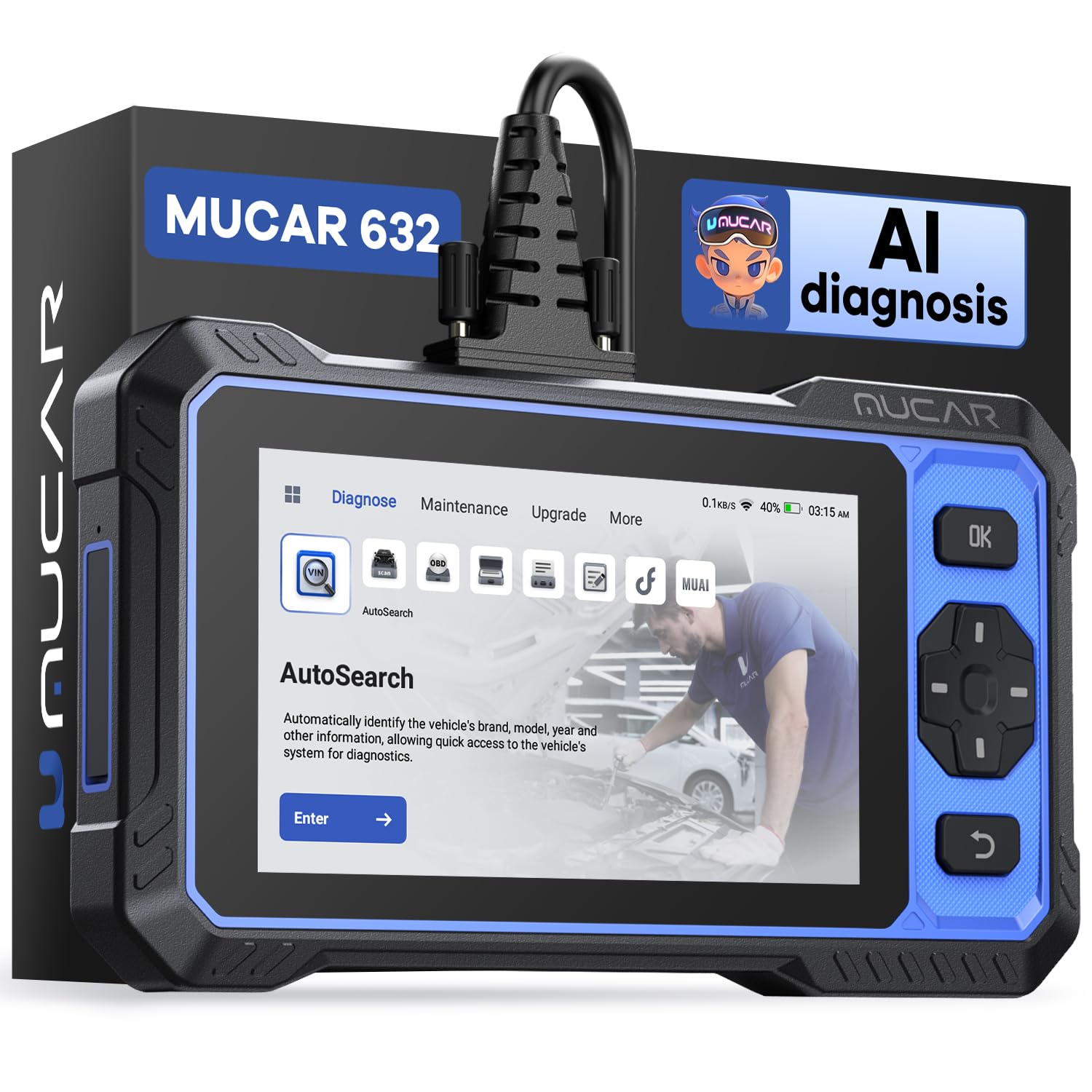
This tool is worth buying if you want strong bidirectional controls and TPMS reset without subscription fees for updates.
Pros
- Lifetime free software updates save money over time.
- Real bidirectional tests let us activate sensors and run TPMS resets directly.
- AI help speeds up diagnosing tricky codes.
Cons
- Screen can arrive with a protective film that looks like a scratch.
- Frequent software updates may interrupt long diagnostic sessions.
- Menu flow and small annoyances can make the tool feel clunky at times.
We used the MUCAR 632 on several cars and liked how it triggered actuators and completed TPMS reset cycles fast. The physical controls and touch screen respond well when running bidirectional commands.
We leaned on the AI analysis to interpret DTCs and it often gave useful explanations and next steps. That saved time compared with hunting codes online, though the AI needs internet access and updates to stay accurate.
We did notice the unit prompted updates often during a single job, which broke focus and slowed us down. The screen sometimes looked scratched at first, but peeling off the protective film fixed that on our unit.
Overall, the MUCAR 632 feels like a capable mid-range bidirectional scanner for DIYers and small shops who want TPMS reset and lots of service functions without yearly subscription costs.
Dollarfix DF65 OBD2 Scanner

We recommend this if you want a mid‑range bidirectional tool that handles TPMS resets plus many other service jobs without needing dealer tools.
Pros
- Strong active tests and bi-directional control for real component checks.
- Covers TPMS and nine other reset services useful for routine maintenance.
- Large touchscreen and Android interface feel faster than basic code readers.
Cons
- Menus can be clunky until you update apps and learn the flow.
- Battery life and Android 6.0 feel dated compared with newer tablets.
- Some advanced car brands may need extra model downloads to work fully.
We used the DF65 on several cars to run TPMS relearns and it did what we needed. The active test feature let us trigger valves and actuators so we could confirm behavior without driving. That saved time when diagnosing sensor issues.
Navigating to the TPMS menu required a few taps and an update the first time, but once the car model software downloaded the process became smooth. The onscreen prompts are clear, and the tablet responds quickly when sending relearn commands.
We liked the reset pack beyond TPMS. Oil, EPB, SAS, and injector functions worked in our hands‑on tests, helping complete service tasks without a separate tool. Expect occasional downloading and setup to get every vehicle model working perfectly.
Overall, the DF65 gives solid value for DIYers and small shops who need bidirectional testing and TPMS resets without paying dealer prices. Check it on Amazon: Dollarfix DF65 OBD2 Scanner.
MUCAR 632

We recommend this tool if you want a full-featured bidirectional scanner that handles TPMS resets and many other service functions without a big shop bill.
Pros
- Covers TPMS plus 14 other reset services we use often.
- Fast touchscreen and useful AutoVIN for quick setup.
- Lifetime updates keep it current for many models.
Cons
- No Bluetooth — we had to use the cord every time.
- Android 8.1 feels dated compared to newer tablets.
- Slight learning curve for some advanced actuator tests.
We used the MUCAR 632 on several cars and it handled TPMS relearns smoothly. The AutoVIN found the vehicle quickly and the TPMS reset menu guided us through the steps. That saved us a trip to the dealer when replacing sensors.
The active test and bidirectional controls worked well. We triggered actuators and watched live data change in real time. That made it easy to confirm which sensor or system needed attention instead of guessing.
Setup was straightforward but the wired connection is a trade-off. The touchscreen responds fast and the unit feels solid, yet we missed wireless pairing for working under the car. Overall, it gives serious diagnostic power at a price that beats many shop visits.
TOPDON ArtiDiag Pro

We recommend this if you need a shop-capable bidirectional tool that also handles ECU coding and many service functions.
Pros
- Strong bidirectional tests for actuators and systems.
- Plenty of service functions that fix common maintenance jobs.
- Solid build and useful carry case for regular use.
Cons
- Some vehicle coding features need care and backups.
- Occasional translation or menu wording feels awkward.
- Major subscription cost after two years.
We took the ArtiDiag Pro into the garage and used it on VW and BMW work. The active tests let us move valves, locks, and motors on command, which cut troubleshooting time. The screen and menus are simple to tap through once you get used to the layout.
We coded a small comfort feature on a V.A.G. car and ran steering angle and EPB resets. The coding worked but we kept a backup image first, as the tool warns. Update and vehicle coverage checks are important before trying deep functions.
We ran routine resets and found the tablet fast enough for daily shop use. The FCA Autoauth and wide system access matter if you service FCA, European, or many modern cars. Expect to pay attention to firmware updates and the subscription after two years.
ANCEL DS500BT

We recommend this if you want a wireless, full-system bidirectional tool that handles TPMS resets and many other service jobs without subscription fees.
Pros
- Wide active tests and service functions make TPMS and other resets fast.
- Wireless tablet frees us to move around the car while we test and relearn sensors.
- Lifetime free updates lower long-term cost and keep vehicle coverage fresh.
Cons
- Menu structure felt non-intuitive at first and takes time to learn.
- Tablet size is bulky compared with phone-based apps.
- Some advanced functions vary by vehicle and may not work on every model.
We used the DS500BT on a few family cars and a late-model SUV to reset TPMS and run live data. The Bluetooth VCI stayed connected while we walked around the car and triggered sensor relearns remotely. That freedom made the relearn steps quicker than tethered units.
The bidirectional active tests let us command components and watch immediate responses. We confirmed a valve and a pump response during troubleshooting, which saved us from replacing parts unnecessarily. TPMS relearns completed cleanly on most vehicles; a couple required digging through menus to find the right sequence.
Learning the layout took an afternoon of use. Once we found one-touch shortcuts, the common services became much faster. For small shops and serious DIYers, the DS500BT feels like a solid, practical investment for TPMS reset work and broader diagnostics.
XTOOL A30M

We recommend this tool for DIYers and small shops that want wireless bidirectional control and many reset functions at a reasonable price.
Pros
- Good bidirectional control for active tests and relearns.
- Wireless Bluetooth makes tests easy from anywhere around the car.
- Lifetime free app updates without subscription.
Cons
- Some advanced functions depend on vehicle model and extra FCA registration.
- App setup and occasional activation steps can be fiddly.
- Not a full professional tablet; screen and UI depend on your phone or tablet.
We used the A30M on several cars and trucks. Connecting over Bluetooth was simple and stable, and we ran active tests on windows and A/C without moving the laptop or tablet. Sending commands to actuators felt responsive and saved us time compared with swapping parts blindly.
Running reset services like EPB and throttle relearn worked well on most vehicles we tried. Tire size reset and oil service resets completed quickly. A few late-model cars blocked some functions or asked for extra FCA auth, so we checked compatibility before deeper work.
The live-data graphing helped pinpoint issues faster than static numbers. Viewing up to eight PIDs at once let us watch sensors change during tests. On the downside, the experience depends on your phone and the app interface, which felt basic but functional.
Overall, the XTOOL A30M gave us strong diagnostic value for the price, especially for bidirectional testing and routine service resets; check your vehicle compatibility and any FCA account needs before buying.
TOPDON ONE
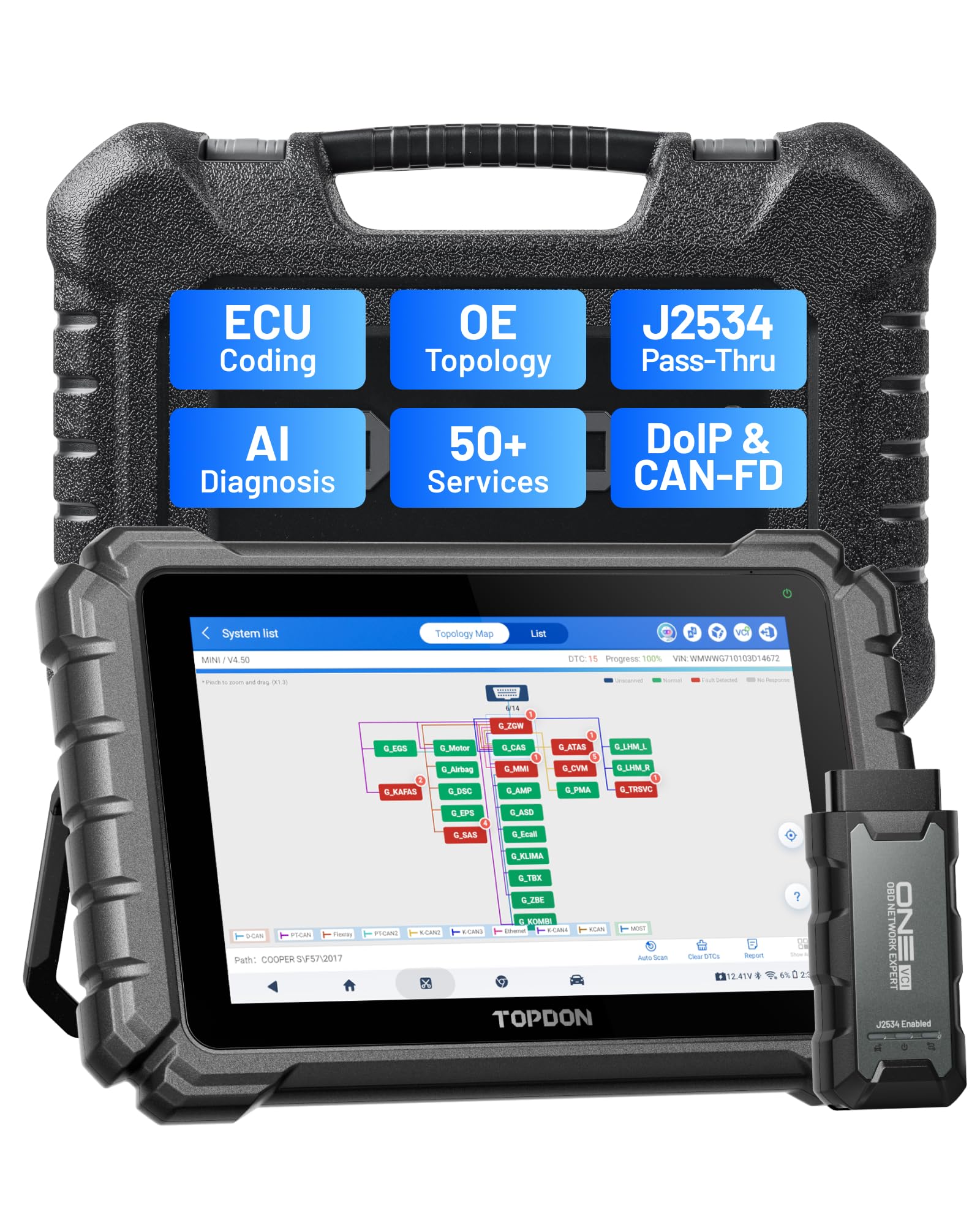
We recommend the TOPDON ONE if you need dealer-level TPMS reset and bi-directional control without buying very expensive factory tools.
Pros
- Fast, responsive 10.1″ touch display that makes TPMS tasks simple.
- Pass-thru J2534 and ECU coding bring dealer functions into the shop.
- Wide service menu including ADAS, TPMS reset, and guided procedures.
Cons
- Subscription needed for the newest car coverage and extended warranty.
- Heavier and bulkier than pocket-sized hand tools.
- Some advanced features require time to learn and set up.
We used the TOPDON ONE on a recent fleet of cars and liked how quick it found TPMS sensors and ran resets. The big screen shows module topology so we could see which module spoke to the TPMS system and confirm the reset completed.
Navigating TPMS menus felt smooth. We triggered a relearn, watched the tool command the module, and then drove the vehicle to verify sensor IDs — all from the tablet without fumbling cables.
Coding and pass-thru worked when we needed dealer-level access, but we noticed that newer models sometimes required an active subscription to unlock full procedures. In daily shop use, that trade-off may be worth it for the extra jobs you can take on.
Overall, the TOPDON ONE felt like a solid shop tool for TPMS resets and bi-directional work — powerful, clear, and practical once you learn the workflows.
FOXWELL NT726
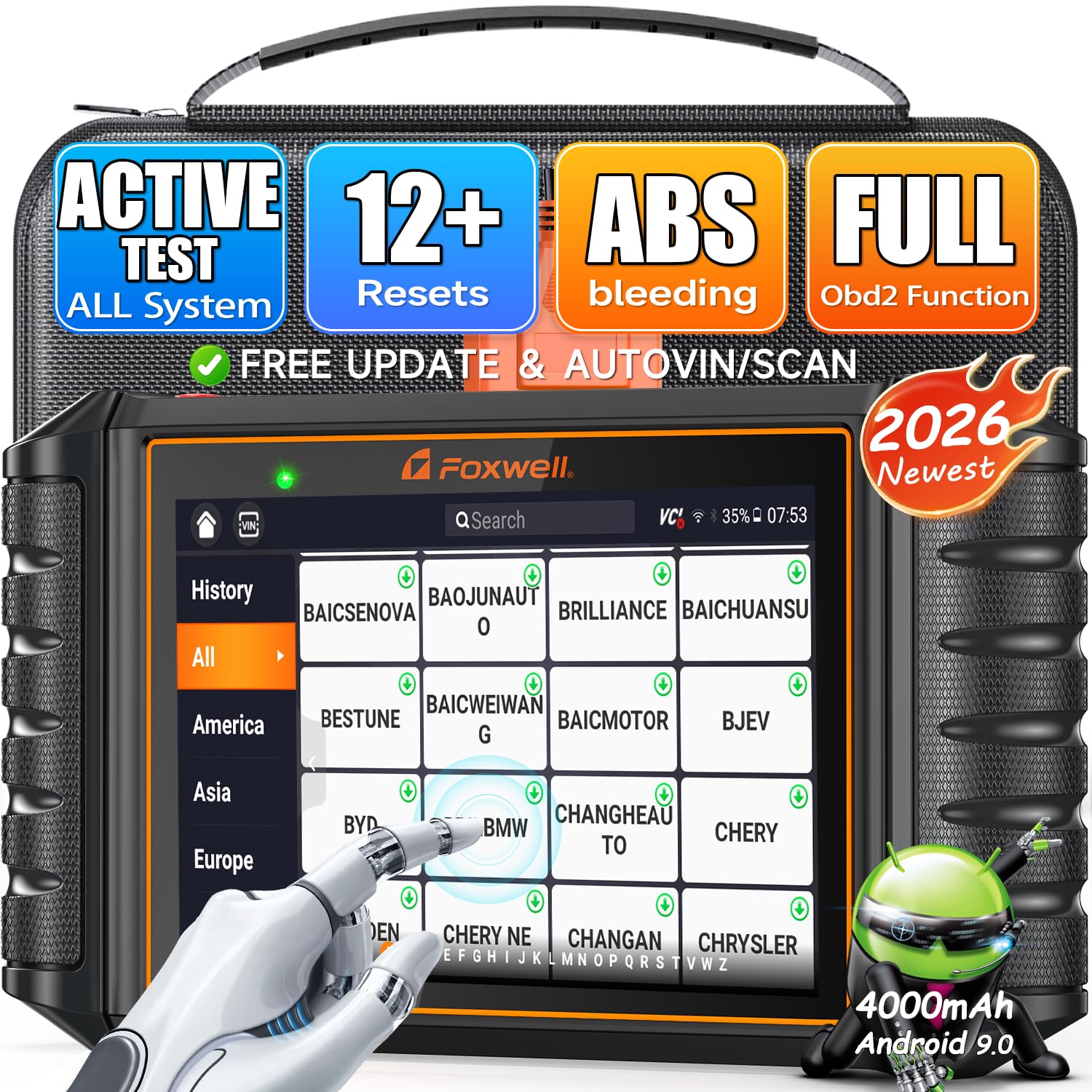
We recommend this scanner if you need a bidirectional tool that actually lets you reset TPMS and run active tests on most cars.
Pros
- Very capable bidirectional tests for ABS, injectors, and TPMS.
- Lifetime updates and wide vehicle coverage save time on compatibility checks.
- Sturdy build with glove‑friendly touchscreen and useful one‑click PDF reports.
Cons
- Learning curve for full feature set; videos help but we had to spend time practicing.
- Some advanced functions depend on specific vehicle support and adapters.
- Bulkier than simple code readers, so it’s more tool than throw‑in glovebox.
We used the NT726 on several late‑model cars and liked how it triggered actuators and completed TPMS resets without fumbling through menus. The screen was sharp and responsive even with gloves, and the one‑click report made documenting the work effortless.
Running active tests felt professional. We commanded ABS pumps, cycled windows, and verified TPMS sensors in minutes. It found intermittent faults that a basic reader missed and let us confirm repairs by watching live data streams.
Setup and learning took a bit of time. Some special functions needed vehicle‑specific approval or an adapter, so we double‑checked compatibility before starting. Overall, this is a solid choice for shops and DIYers who want full bidirectional control and reliable TPMS reset tools.
TOPDON AD800BT 2

We recommend this if you want a capable bidirectional TPMS and service tool that feels like a pro unit at a mid-range price.
Pros
- Sends active commands to the ECU for accurate TPMS and actuator checks.
- Includes many one-touch reset services that speed up maintenance.
- Bluetooth VCI makes hands-free use convenient in a garage.
Cons
- Some gateway-protected functions still need dealer-level access.
- Initial setup and some VIN reads can be fiddly on a few vehicles.
- Menus and service availability vary by make, so expect occasional limits.
We used the AD800BT 2 on several cars and trucks and liked how quickly it identified systems and ran live data while we worked on TPMS. The active test feature let us trigger valve sensors and view responses, which made locating a bad sensor easier than guessing.
The built-in resets for tire pressure, battery registration, and ABS cleared warning lights fast after repairs. Its touchscreen felt responsive and the Bluetooth dongle kept a solid connection across the bay while we moved around the vehicle.
A few times the unit asked for manual VIN entry, and one vehicle needed extra steps to unlock certain modules. Overall, it saved us time during routine TPMS work and handled broad diagnostics without feeling like a stripped-down scanner.
ANCEL FX6100
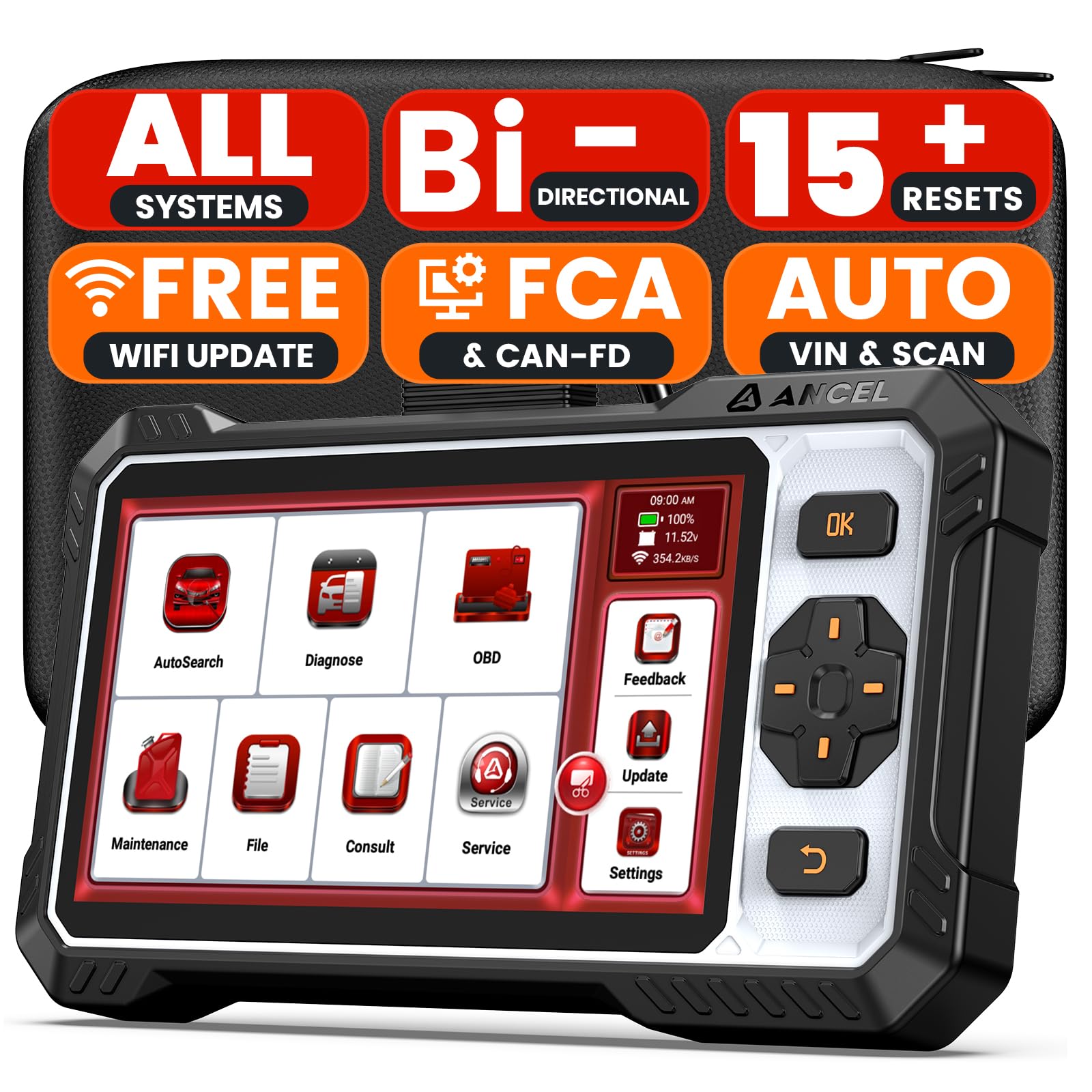
We recommend this tool if you want dealer-level TPMS resets and bidirectional tests without ongoing fees.
Pros
- Lifetime free updates and no subscription costs.
- Bidirectional tests let us activate parts to confirm faults quickly.
- Covers many service resets like TPMS, battery registration, and EPB.
Cons
- Some advanced procedures don’t work on every newer vehicle.
- Screen protector scratches easily and cable is short.
- A few features felt limited compared to top-tier shop tools.
We used the FX6100 on several cars and found its TPMS reset straightforward. AutoVIN and AutoScan saved time, and the TPMS relearn worked after a tire rotation on a 2016 SUV with no fuss.
Running bidirectional tests gave clear results. We commanded pumps and fans and could hear or see the response, which helped us avoid swapping parts. The tool’s plain-English code descriptions helped us understand issues fast.
Not everything was perfect. A 2022 Ram would not accept some forced procedures, and the short cable meant we had to sit close to the dash. Still, for home mechanics who want full-system scans and reliable TPMS resets without subscriptions, this is a strong pick.
Buying Guide
We focus on features that matter for TPMS reset and bidirectional control. Start by checking compatibility with your vehicle makes and model years. Confirm it supports the sensors and protocols your vehicles use.
We look for bidirectional control that can send commands as well as read data. That capability lets us perform relearns, relearns via activation, and advanced diagnostics. Ensure the tool supports TPMS relearn methods used by your vehicle.
We assess screen, menus, and ease of use. A clear display and intuitive menus reduce mistakes and speed up work. Consider language support and update methods, since software updates add vehicle coverage.
We weigh connectivity options and power. Wi‑Fi or wired updates simplify keeping firmware current. Battery life or 12V power options matter for mobile work and longer jobs.
We inspect build quality and included accessories. Durable housing and protective cases help on the job. Look for sensor tools, OBDII cables, and adapters that are listed as included.
We compare service features and cost of ownership. Check whether updates are free or paid, and how often software updates come out. Factor in any subscription, calibration, or server fees.
We recommend prioritizing compatibility first, then bidirectional capability, ease of use, and long‑term support. Balance initial price with expected update costs and the tools you need to complete TPMS jobs confidently.
Editor’s Choice
We choose the Autel MaxiTPMS TS608 as our top pick for a bidirectional TPMS scan tool. It balances ease of use, strong vehicle coverage, and reliable bidirectional functions that let us activate, read, and reset sensors quickly.
The touchscreen is clear and responsive. Menus are simple, so we navigate fast during busy jobs. Battery and printer options add real convenience on the go.
We like that the TS608 supports most domestic and import models back to the early 2000s. It performs relearns both wirelessly and through OBDII when needed. This flexibility cuts the number of steps on many vehicles.
Key features at a glance:
- Bidirectional control for sensor activation and relearn
- Wide vehicle coverage for cars, trucks, SUVs
- Built-in TPMS diagnostic tools and print capability
- User-friendly touchscreen with clear icons
We found the TS608 durable enough for regular shop work. Firmware updates come through the Autel app, which keeps our tool current without extra trouble. The price sits in the mid-range, making it a practical choice for independent shops and serious DIYers alike.
Conclusion
We chose bidirectional scanners that balance ease of use, accuracy, and vehicle coverage. Each tool gives us reliable TPMS reset functions and useful extra diagnostics for a fair price.
Our top picks work well for DIYers and pros. They let us read sensor data, relearn IDs, and activate sensors without guesswork.
We recommend matching a tool to your needs: coverage for multiple makes, regular software updates, and clear menus matter most. Battery life and build quality also affect daily use.
We suggest buying from brands with good support and firmware updates. That keeps compatibility current and saves time on the road.
If budget limits the choice, we picked solid mid-range options that handle common TPMS tasks. For heavy shop use, we highlighted more robust, faster units.
Key features to look for:
- Wide vehicle coverage and frequent updates
- Clear, bidirectional activation and relearn functions
- Good battery life and durable design
We stand by tools that make TPMS work faster and clearer. They reduce trips to the shop and help us keep tires safe and properly inflated.
FAQS
What is a bidirectional scan tool for TPMS?
We use bidirectional tools to send commands to the vehicle and read responses. They can read TPMS sensor data, force relearn, and activate sensors.
Do all scan tools reset TPMS?
No. Some can only read codes. We choose tools that explicitly list TPMS reset and sensor activation in their features.
Will a bidirectional tool work on every car?
Compatibility varies by make, model, and year. We check the tool’s vehicle list before buying. Universal tools cover many cars, but not all functions on all models.
How hard is it to use for a DIYer?
Most tools have clear menus and prompts. Basic resets take a few minutes, while some relearns need driving or specific procedures.
Can a cheap tool damage my vehicle?
Cheap tools rarely damage vehicles if used correctly. We avoid tools with poor reviews or unclear instructions to reduce risk.
What else should we look for when choosing a tool?
We look for up-to-date software, good customer support, clear instructions, and an easy-to-read display. Battery life, build quality, and warranty matter too.
How often should TPMS sensors be checked?
We recommend checking sensors whenever tires are changed or rotated. Regular checks catch battery failures and leaks early.
