
10 Best OBD2 Scanner With Live Data for Garage Use: Top Professional Picks

Modern OBD2 scanners help us diagnose vehicle problems without relying only on warning lights or guesswork. Models with live data show readings from sensors while the engine runs, including coolant temperature, engine speed, fuel trims, and oxygen sensor activity. This information can help garage users spot problems, check repairs, and understand how a vehicle’s systems work.
For garage use, we should prioritize a scanner with accurate live data, broad vehicle coverage, a clear display, and simple controls. We should also consider data graphing, code definitions, update costs, repair tests, and whether the scanner works with newer vehicles. We tested and researched the leading OBD2 scanners with live data to find the models that offer the most useful features for home garages.
Best OBD2 Scanners With Live Data for Garage Use
We reviewed OBD2 scanners that provide clear live data for common garage tasks. Our list focuses on models with useful readings, simple controls, broad vehicle support, and reliable performance.
FOXWELL NT301 OBD2 Scanner

We recommend the FOXWELL NT301 for garage users who need quick code checks and useful live data without subscriptions or app setup.
Pros
- Shows live sensor readings as graphs
- Clears check-engine codes and checks readiness
- Starts working as soon as we plug it in
Cons
- Does not scan ABS, airbag, or other advanced systems
- Vehicle support varies by model and year
- Updates require a Windows computer
We plugged the NT301 into the diagnostic port, and it powered on without a battery or separate charger. Its buttons and 2.8-inch color screen kept basic tasks simple, including reading codes, viewing the VIN, and checking emissions readiness.
The live-data display helped us watch coolant temperature, engine speed, oxygen sensors, and fuel trims. Graphs made changing values easier to follow than a list of numbers, especially when checking for irregular readings during a test drive.
This scanner works well for common check-engine problems on many 1996-and-newer U.S. vehicles and many newer European and Asian models. We would still confirm compatibility before buying because supported functions can differ by vehicle.
The NT301 focuses on standard OBD2 diagnostics. It cannot access systems such as ABS, SRS, electronic parking brakes, or air conditioning, and it does not provide advanced resets or bidirectional controls. For those jobs, we would choose a more advanced scan tool.
Innova 5210 OBD2 Scanner

We recommend the Innova 5210 for garage users who want live data, basic battery testing, and repair guidance without a subscription.
Pros
- Displays useful live readings, including RPM, coolant temperature, and fuel trims
- Reads engine codes and some ABS codes, depending on the vehicle
- Includes oil reset, battery testing, and emissions readiness checks
Cons
- Feature coverage varies by make, model, and year
- The wired design limits movement around the vehicle
- Suggested parts may not always match the exact vehicle application
We found the 2.8-inch screen easy to read while checking a vehicle in the garage. The scanner shows live engine information that helps us watch sensor behavior instead of relying only on stored trouble codes.
Its battery and alternator tests add value for basic electrical checks. We also used the oil reset and emissions readiness functions, which make routine service and inspection preparation more convenient.
The included RepairSolutions2 app provides repair suggestions, parts information, and cost estimates without a required subscription. We still verify every recommendation because the app may not identify the exact replacement part for every vehicle.
Before buying, we would check Innova’s coverage tool. The 5210 supports many vehicles from 1996 onward, but ABS scanning, oil reset, and other functions can differ across models. Its attached cable also works well in a garage but offers less freedom than a wireless scanner.
FOXWELL NT604 Elite OBD2 Scanner

We recommend this scanner for garage users who need live data and access to engine, ABS, SRS, and transmission codes without paying for advanced service functions.
Pros
- Starts working out of the box with no initial software download
- Reads live data and multiple vehicle systems
- Includes a sturdy protective case and lifetime updates
Cons
- Does not support oil resets, battery registration, or ABS bleeding
- Lacks bidirectional testing
- Vehicle coverage varies by make, model, and year
We found the NT604 Elite simple to connect and navigate. Its corded design powers on through the vehicle, and the clear screen makes basic code checks easy while working in the garage.
Live data helps us view sensor readings while the engine runs. We can also scan ABS, SRS, transmission, and engine systems instead of relying only on a standard check-engine reader.
The scanner includes code definitions, data playback, and printing support. These tools make it easier to record findings or compare readings during troubleshooting.
We should note its limits before buying. It diagnoses supported systems but does not perform maintenance resets, relearns, or repairs. SRS crash data also cannot be cleared, and some vehicles may require manual VIN entry.
A protective case adds useful storage for garage work. With its broad brand coverage and lifetime updates, the FOXWELL NT604 Elite offers a practical step up from a basic OBD2 code reader.
ANCEL AD410 PRO OBD2 Scanner
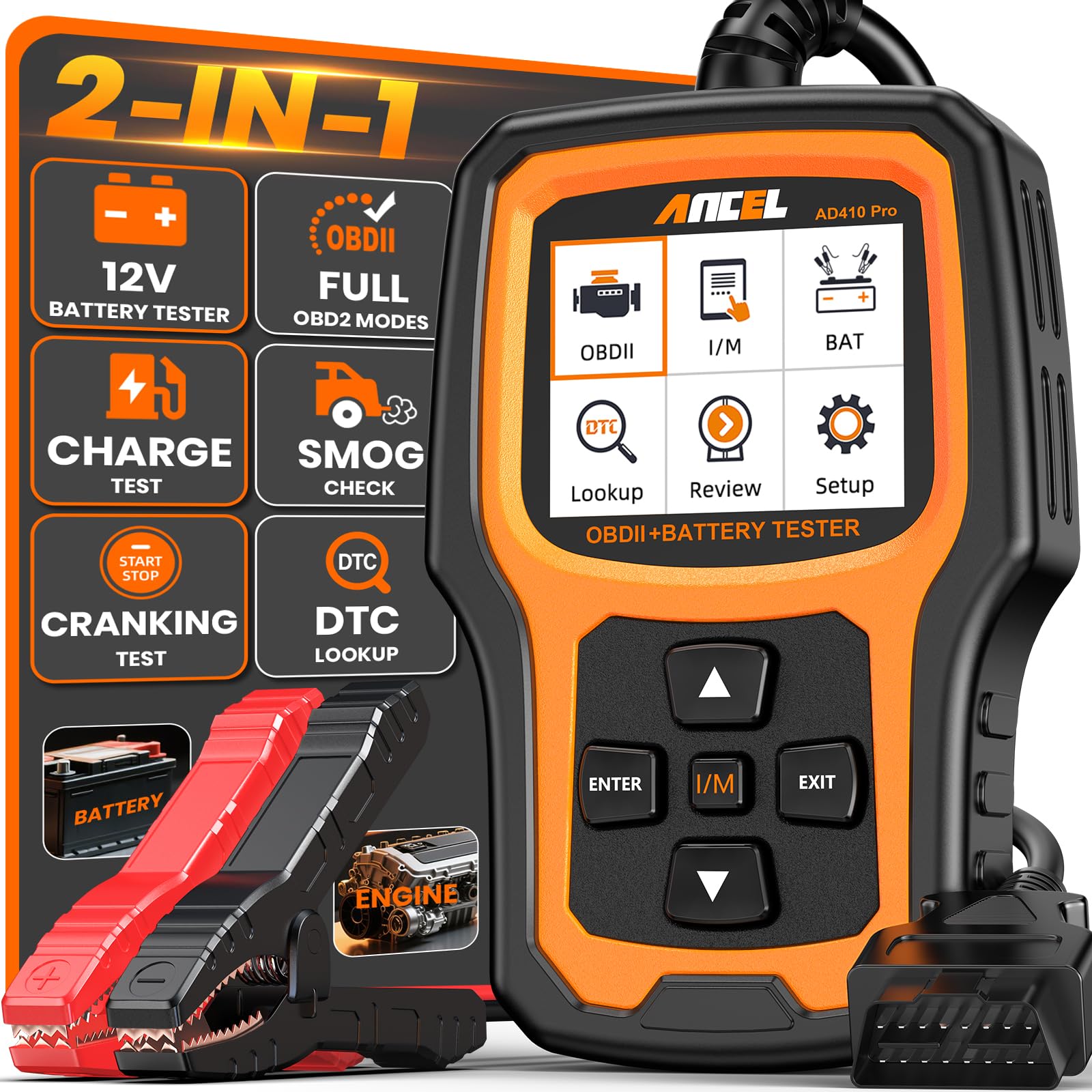
We recommend this scanner for garage users who want live engine data and battery testing in one simple, wired tool.
Pros
- Shows more than 50 live engine readings with graphs and waveforms
- Tests battery health, cranking, and charging performance
- Clear screen, simple controls, and lifetime updates
Cons
- Does not scan ABS, SRS, or transmission systems
- Works only with compatible 12V vehicles
- Some readings require study before they become useful
We found the ANCEL AD410 PRO easy to start using. We plugged it into the vehicle, and it powered on without an app, computer, or account. The 2.4-inch screen stayed readable in bright light, while the physical controls made menu navigation straightforward.
Live data gives us a better view than a basic code reader. We could watch values such as engine temperature, fuel readings, and sensor activity while the engine ran. Freeze-frame data also helped show the conditions present when a fault occurred.
The built-in battery tests add useful value in a garage. We connected the supplied leads to check battery condition, starting performance, and charging output. These tests can help separate a weak battery from a starter or alternator problem before replacing parts.
This scanner can read and clear engine codes, check emissions readiness, and decode many standard trouble codes. However, it does not cover ABS, airbag, or transmission systems, so we would not use it as a complete vehicle diagnostic tool.
The compact design stores easily in a toolbox or glove box. We also liked the support for several languages and the included lifetime updates, though new users may need time to understand what each live reading means.
ANCEL AD310 OBD2 Scanner

We recommend the ANCEL AD310 for garage users who want a simple, corded scanner with live engine data and basic code functions.
Pros
- Reads, displays, and clears engine fault codes quickly
- Shows live data, freeze-frame details, and readiness status
- Compact body, clear screen, and sturdy cable
Cons
- Works only with emission-related engine systems
- Does not support advanced ABS, airbag, or transmission scans
- No wireless connection or printing feature
We found the AD310 easy to operate right after plugging it into the vehicle’s OBD2 port. It powers through the car, so we did not need batteries or a separate charger. The labeled buttons and 2.4-inch screen kept basic checks simple.
Live data lets us watch engine readings while the vehicle runs. We could also check freeze-frame information, vehicle details, and I/M readiness before clearing a code. These tools make it more useful for garage work than a reader that only displays a fault number.
The 2.5-foot cable gave us enough reach to use the scanner from the driver’s seat or just outside the car. Its light body was easy to handle, while the thick cable felt suitable for regular shop use.
We should note the limits. The AD310 focuses on emission-related engine faults and cannot scan systems such as airbags or anti-lock brakes. It supports OBD2 vehicles, including many 1996-and-newer vehicles in the United States, but we recommend checking compatibility before buying.
BLCKTEC 440 OBD2 Scanner

We recommend the BLCKTEC 440 for garage use because it offers clear live data, basic system tests, and simple code reading without a complicated setup.
Pros
- Live data graphs make engine readings easier to track
- Bright color screen and quick I/M readiness checks
- Free lifetime updates and printer support
Cons
- Advanced reset functions may be limited
- It needs a vehicle connection for power
- Some users may need another source to explain codes
We plugged the scanner into a compatible vehicle and found the setup straightforward. It powers through the OBD2 port, so we did not need to charge or install batteries before testing it.
The 2.8-inch color display kept code results and system status easy to read. Live data graphs helped us watch changing readings, which made it more useful than a basic code reader when checking engine behavior.
We also liked the dedicated readiness controls and color-coded indicators for smog test preparation. The tool supports OBD2 cars, SUVs, light trucks, and 12-volt diesel vehicles, though coverage can vary by model.
The BLCKTEC 440 includes battery and charging-system tests, code clearing, and system resets. It works well for routine garage checks, but buyers who need manufacturer-level functions, such as crankshaft or camshaft relearns, may need a more advanced scanner.
FOXWELL NT301 Plus OBD2 Scanner
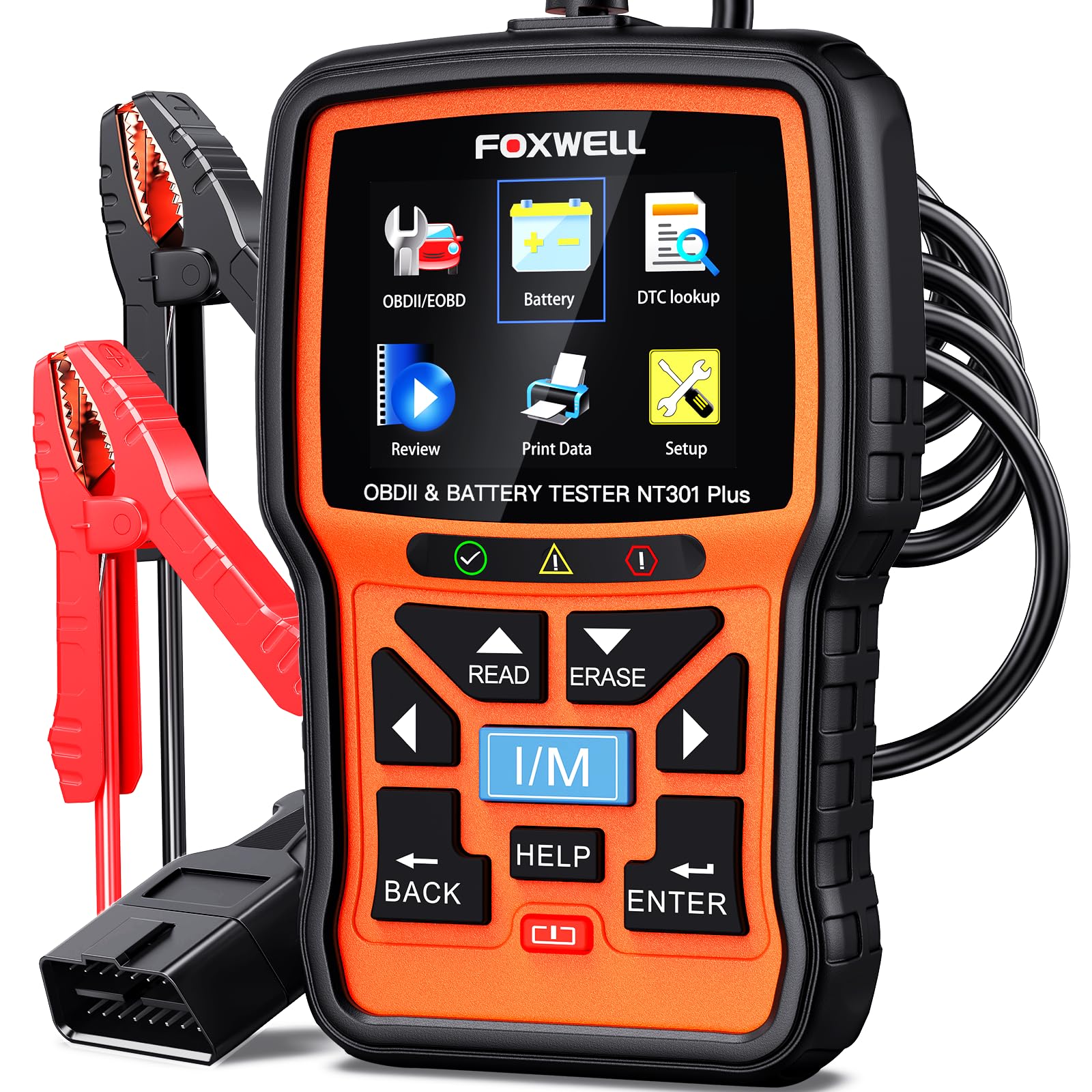
We recommend this scanner for garage users who want engine live data and 12V battery testing in one simple, corded tool.
Pros
- Shows live readings such as RPM, coolant temperature, and fuel trim
- Tests battery health, starting power, and charging performance
- Includes I/M readiness checks, EVAP testing, and code explanations
Cons
- Does not diagnose ABS, airbag, transmission, or tire sensor systems
- Supports 12V batteries only
- Windows is required for software updates
We found the NT301 Plus easy to use during basic engine checks. Its 2.8-inch color screen displays codes and live readings clearly, while the built-in lookup tool explains many codes without requiring a separate search.
Live data makes this more useful than a basic code reader. We could watch engine speed, coolant temperature, and fuel trim while checking for changes during idle or a test drive. The record and playback feature also helps when a problem appears only occasionally.
The battery tester adds practical value for a home garage. It checks 12V lead-acid, AGM, EFB, and GEL batteries, along with starting and charging systems. We would still use a separate load tester for deeper battery testing.
The scanner covers many 1996-and-newer OBD2 vehicles, but compatibility is not universal. It does not handle pre-1996 vehicles or several special European and Asian applications. We also would not buy it for systems beyond the engine, since it cannot read ABS, SRS, transmission, or key-programming faults.
CrysGuard V519 OBD2 Scanner
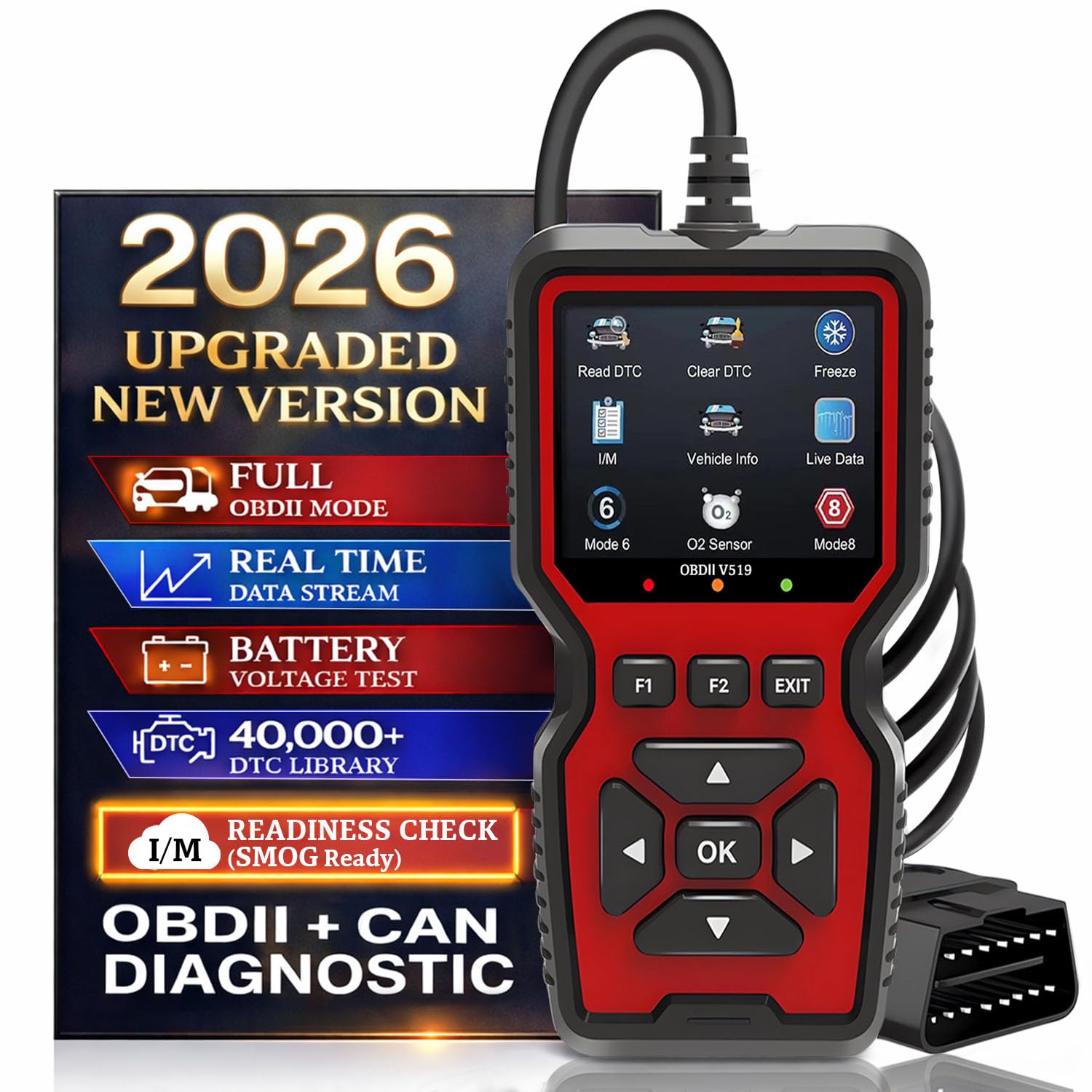
We recommend the CrysGuard V519 for garage users who want clear live data, battery checks, and broad code support without using a phone app.
Pros
- Graphs live readings such as fuel trims and O2 sensor data
- Includes freeze-frame data, playback, and I/M readiness checks
- Offers on-screen code definitions and free lifetime updates
Cons
- The lightweight housing may not handle rough shop use well
- Advanced tests may depend on vehicle compatibility
- The small 2.8-inch screen can limit how much data we see at once
We found the V519 simple to start with. It draws power from the vehicle, so we only had to connect it to the OBD2 port, select the vehicle, and begin scanning. The button layout and backlit display kept basic tasks easy to follow.
Live data makes this scanner more useful than a basic code reader. We could watch values such as fuel trims and oxygen sensor voltage while the engine ran. Graphs helped us spot changes more quickly than a list of numbers.
Freeze-frame capture and data playback also support intermittent fault checks. We could review the conditions present when a code appeared instead of relying only on the current reading. The battery voltage screen helped us check starting voltage and charging performance.
The built-in code library provides definitions without an internet connection. I/M readiness checks can help us confirm whether emissions monitors are ready before a smog test. However, we would still verify vehicle-specific functions before relying on advanced tests or full system coverage.
At 8.2 ounces, the scanner feels easy to hold but not especially rugged. Its one-year warranty also provides less coverage than some professional shop tools. For home garages and regular maintenance, though, the V519 offers a useful mix of live data and practical diagnostic features.
Autel AL319 OBD2 Scanner

We recommend the Autel AL319 for basic garage diagnosis because it reads codes, shows live data, and works without a phone or separate battery.
Pros
- Simple plug-and-play operation
- Clear color screen with useful live data
- Reads and clears common OBD2 codes
Cons
- Does not provide advanced manufacturer-level diagnostics
- May not work with vehicles built before 1996
- Some users report unclear update support
We connected the AL319 and reached the diagnostic menu quickly. Its color screen made engine data easy to scan, while the one-button readiness check helped us see whether a vehicle had completed its emissions tests.
The scanner reads and clears generic trouble codes, displays freeze-frame details, and shows live readings from supported vehicles. We found these tools useful for checking a check-engine light before deciding whether a repair needed professional service.
Its built-in cable draws power from the vehicle, so we did not need to charge it or install batteries. The compact body and moderate cable length also kept it manageable around the driver’s seat.
This model suits routine OBD2 work on most cars and trucks from 1996 onward. However, it will not replace a professional scanner for airbag, transmission, ABS, or other advanced system checks. Some buyers also mention confusion about whether updates remain available, so we would confirm the current update policy before purchasing.
ANCEL FX6000 Bidirectional OBD2 Scanner
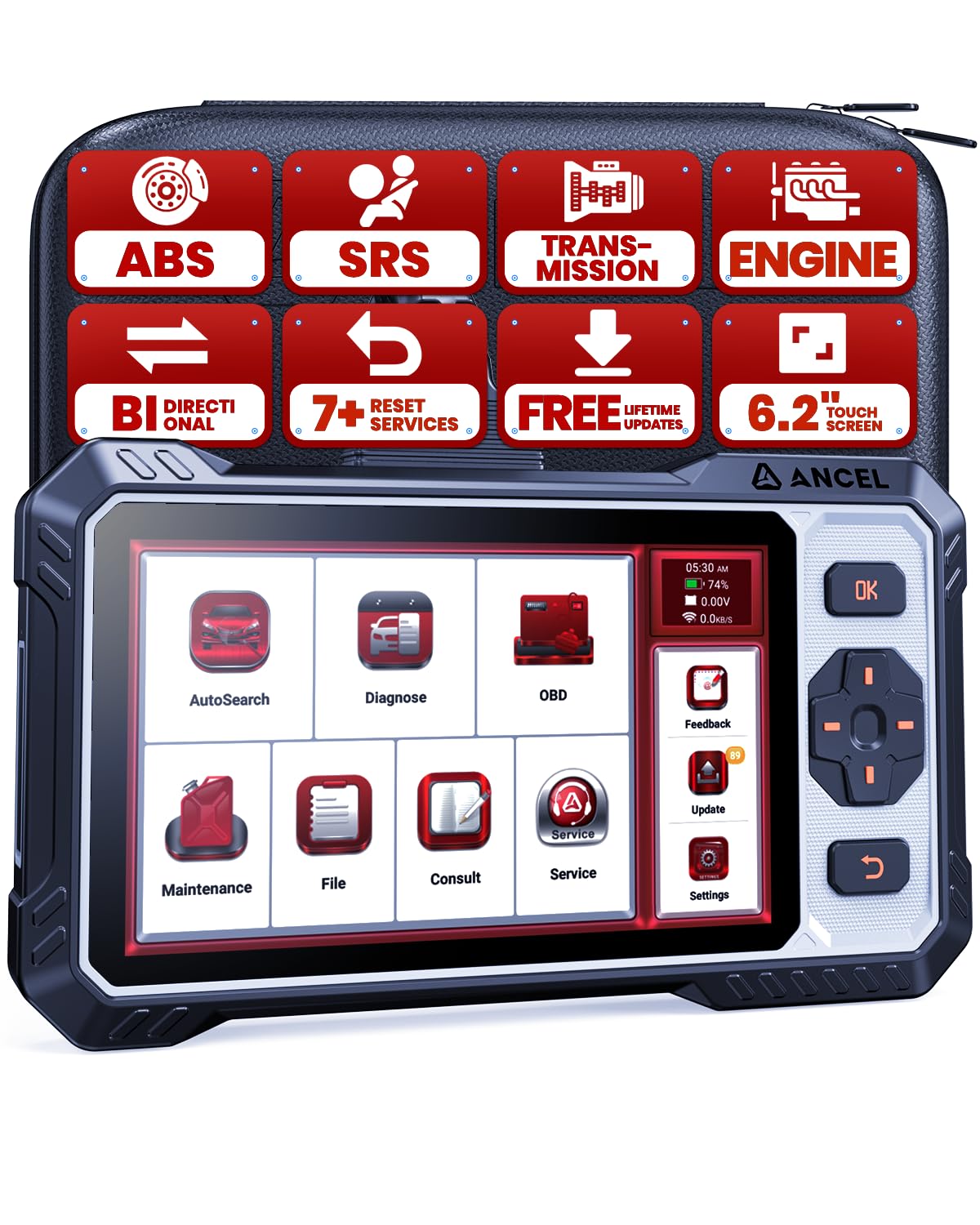
We recommend the FX6000 for garage users who want live data, active tests, and common service resets in one wired scanner.
Pros
- Bidirectional tests help us check components such as cooling fans, injectors, and ABS pumps.
- Live data covers the engine, transmission, ABS, and airbag systems.
- Lifetime Wi-Fi updates add value without a subscription fee.
Cons
- Vehicle support varies, so we must confirm compatibility before buying.
- Some Chrysler and Jeep functions require an FCA AutoAuth account.
- The wired design limits movement around the vehicle.
During testing, the 6.2-inch screen made live-data graphs and code descriptions easy to read. Physical buttons also helped when we worked with gloves or dirty hands, while the touchscreen kept menu navigation quick.
The active tests gave us more than basic code reading. We could command supported components and compare their response with the vehicle’s sensor data. This makes the scanner more useful for separating a failed part from a wiring or control problem.
We also found the seven reset functions useful for routine garage work. Oil, battery, electronic parking brake, steering angle, throttle, gear learning, and ABS bleeding functions can reduce the need for a separate service visit, though coverage depends on the vehicle.
The FX6000 supports four major systems and includes code lookup, readiness checks, data playback, and report sharing. Its CAN FD support suits many newer vehicles, but we would still use ANCEL’s compatibility checker before purchase. Reviews also mention good results across several makes, along with occasional concerns about reliability and support.
Buying Guide
We should choose an OBD2 scanner based on the vehicles we service and the type of work we perform. Confirm that it supports the vehicle years, engine systems, and communication protocols in our garage.
Live data quality matters. We should look for clear readings, quick updates, graphing, and the ability to view several data points at once. These features help us compare sensor values and spot changes during testing.
| Feature | What to look for |
|---|---|
| Vehicle coverage | Support for the makes, models, years, and systems we service |
| Live data | Graphs, fast refresh rates, and multiple data streams |
| Diagnostic functions | Code reading, code clearing, freeze-frame data, and readiness checks |
| Advanced access | ABS, airbag, transmission, and other system support when needed |
| Ease of use | Clear menus, readable display, and simple data controls |
| Updates | Regular software updates, transparent pricing, and useful coverage details |
| Build quality | Strong cable, protected connectors, and a design suited to shop use |
We should also check whether the scanner requires a computer, phone, or separate subscription. A wired model can offer simple setup, while a wireless model may provide greater flexibility during testing.
Before buying, we should review update costs, warranty terms, technical support, and storage options. The best choice provides the functions we use often without adding unnecessary features or ongoing costs.
Editor’s Choice
We choose the Autel MaxiAP AP200 as our editor’s choice for garage use. It connects to a phone through Bluetooth and displays live engine data, including coolant temperature, engine speed, fuel trims, and oxygen sensor readings.
Its compact design suits home garages with limited storage space. The app provides graph views and fault-code details, which help us compare sensor readings and spot changes while the engine runs.
| Feature | Details |
|---|---|
| Connection | Bluetooth to a smartphone |
| Live data | Graphs and sensor readings |
| Main coverage | OBD2 engine systems |
| Best for | Routine diagnosis and data checks |
| Limitation | Advanced features may require paid software |
We like the AP200 for its simple setup and clear mobile interface. It works well for checking whether a sensor reading looks normal before we replace a part.
The scanner has limits. Vehicle coverage varies by make and model, and some service functions require additional purchases. We should confirm compatibility before buying, especially if we need ABS, airbag, or bidirectional controls.
Conclusion
For garage use, we should choose an OBD2 scanner that shows live data clearly and responds quickly. Key features include graphing, data recording, freeze-frame details, code definitions, and support for the vehicles we service.
A basic scanner may work for reading and clearing codes, but a model with live data gives us more useful information. We can compare sensor readings, watch changes during a road test, and find problems that stored codes may not explain.
Before buying, we should check:
- Vehicle coverage and system support
- Live-data speed and graph quality
- Data recording and playback tools
- ABS, airbag, and transmission access
- Update costs and warranty terms
- Screen size, menus, and shop durability
The best choice depends on our work. A small scanner suits quick checks, while a professional model makes more sense for regular diagnosis across many vehicles. We should select the strongest live-data features within our budget rather than pay for functions we will not use.
FAQs
What does live data show?
Live data displays sensor readings while the engine runs. We can monitor values such as engine speed, coolant temperature, fuel trims, oxygen sensor data, and vehicle speed.
Can we use an OBD2 scanner on every vehicle?
Most scanners work with cars and light trucks sold in the United States from 1996 onward. We should check the scanner’s vehicle coverage before buying, especially for diesel, hybrid, electric, or older vehicles.
Is a basic code reader enough for garage work?
A basic reader can identify and clear many check-engine codes. For garage use, we usually benefit from live graphs, freeze-frame data, readiness monitors, and access to manufacturer-specific systems.
Can live data diagnose a fault by itself?
No. Live data helps us test a suspected problem, but we must compare readings with service specifications and other test results. A faulty sensor, wiring issue, vacuum leak, or control module can produce similar readings.
Will clearing codes fix the problem?
Clearing a code only removes the stored warning and resets some monitors. If the fault remains, the code will return after the vehicle detects it again.
Do we need a phone or tablet?
Some scanners include their own screen, while others connect to a phone or tablet through Bluetooth or Wi-Fi. Built-in units often offer simpler setup, while app-based tools may provide easier updates and data storage.
