
10 Best OBD2 Scanners With Freeze Frame Reading in 2026

A check-engine light rarely tells the whole story on its own. The trouble code points to a system or circuit, but freeze frame data captures the exact conditions the moment that code was set: engine RPM, coolant temperature, fuel trim, vehicle speed, and load. That snapshot turns a vague code into a diagnostic starting point, which matters if you’re trying to figure out whether a misfire happened at idle or under hard acceleration.
We’ve spent time running these scanners on different vehicles, from a decade-old commuter car to a newer SUV, checking not just whether they read codes but how usable the freeze frame and live data screens actually are. Some tools display this information clearly on a bright color screen with no setup. Others rely on a phone app, which adds a layer of convenience for some owners and friction for others. The right scanner for you depends on how deep you want to go: a basic reader that clears a code after a repair, or a more capable tool that helps you understand why the code appeared in the first place.
Screen size, button layout, and menu depth all affect how quickly you can find freeze frame data in the field. Vehicle coverage varies by protocol and model year, so compatibility deserves a second look before buying. A scanner that supports ABS codes or bidirectional commands serves a different repair job than one built purely for emissions diagnostics.
Best for beginners on a budget: ANCEL AD310
Best for daylight readability: Autel AL319
Best for live data graphing: FOXWELL NT301
Best for a compact glovebox tool: MOTOPOWER MP69033
Best for large-button simplicity: LeeKooLuu LK11
Best for extended warranty peace of mind: VDIAGTOOL VD10
Best for a large touchscreen display: MUCAR CDL20
Best for ABS and battery testing: Autel AL549
Best for bidirectional repair verification: Innova 5610
Best for smartphone-based diagnostics: Veepeak OBDCheck BLE
ANCEL AD310

This is the scanner to buy if you want a no-fuss way to read a code, check the freeze frame, and clear the light after a repair.
Pros
- Simple menu makes freeze frame data easy to locate
- Draws power from the OBD port, no batteries needed
- Sturdy build with a reinforced cable
Cons
- Emissions-only diagnostics, no ABS or airbag support
- Small monochrome screen limits data density
- No live graphing for trend spotting
The AD310 covers the basics with real competence. Freeze frame, I/M readiness, and live data are all present, displayed on a screen that’s legible even if it isn’t flashy. For a driver who just wants to know why the light came on and confirm the fix worked, it does the job without extra complexity. It won’t touch ABS codes, and the display resolution keeps it from feeling like a professional tool, but as an entry point into OBD2 diagnostics it’s hard to beat for the price.
Autel AL319

Choose the AL319 if you want a color screen that’s genuinely easy to read in a driveway or parking lot.
Pros
- TFT color display improves freeze frame legibility
- One-click I/M readiness check speeds up emissions prep
- Built-in speaker and LED indicator add quick feedback
Cons
- Screen size is still modest for detailed data review
- No ABS or bidirectional functions
- Update policy has confused some long-term owners
Autel built a reputation on reliable code readers, and the AL319 fits that pattern. The color screen makes freeze frame values easier to distinguish at a glance than the monochrome competition, and the one-click readiness hotkey is genuinely useful before a smog test. It sticks to standard OBD2 functions, so anyone needing ABS or bidirectional control should look further down this list.
FOXWELL NT301

Pick the NT301 if you want to watch sensor values change in real time, not just read a static freeze frame snapshot.
Pros
- Live data graphing helps spot trends as you drive
- O2 sensor and EVAP leak testing add real diagnostic depth
- Bright 2.8-inch screen holds up well in daylight
Cons
- Menu structure takes a short learning curve
- Windows-only updates, no Mac or iOS support
- Printed instructions are thin, though YouTube fills the gap
The NT301 goes beyond a basic reader by letting you graph live sensor data alongside the freeze frame values, which helps confirm whether a fault is constant or intermittent. Watching fuel trim or oxygen sensor readings shift in real time gives more context than a single frozen snapshot. It asks a little more patience to learn the menus, but the payoff is a genuinely useful diagnostic aid for anyone chasing an inconsistent problem.
MOTOPOWER MP69033

This scanner suits drivers who want a pocket-sized tool that still delivers a proper freeze frame readout.
Pros
- Compact shape fits easily in a glovebox or door pocket
- 2.8-inch backlit screen with adjustable contrast
- Supports 9 protocols across a wide range of makes
Cons
- No ABS or airbag code support
- Build feels basic compared to pricier options
- Cable length is adequate but not generous
The MP69033 packs the essentials into a smaller footprint than most competitors, without skimping on freeze frame, live data, or I/M readiness. The screen’s white backlight keeps values readable in dim garages. It won’t handle anything beyond engine-related codes, but for straightforward diagnostic work on an older vehicle, it covers the fundamentals reliably.
LeeKooLuu LK11
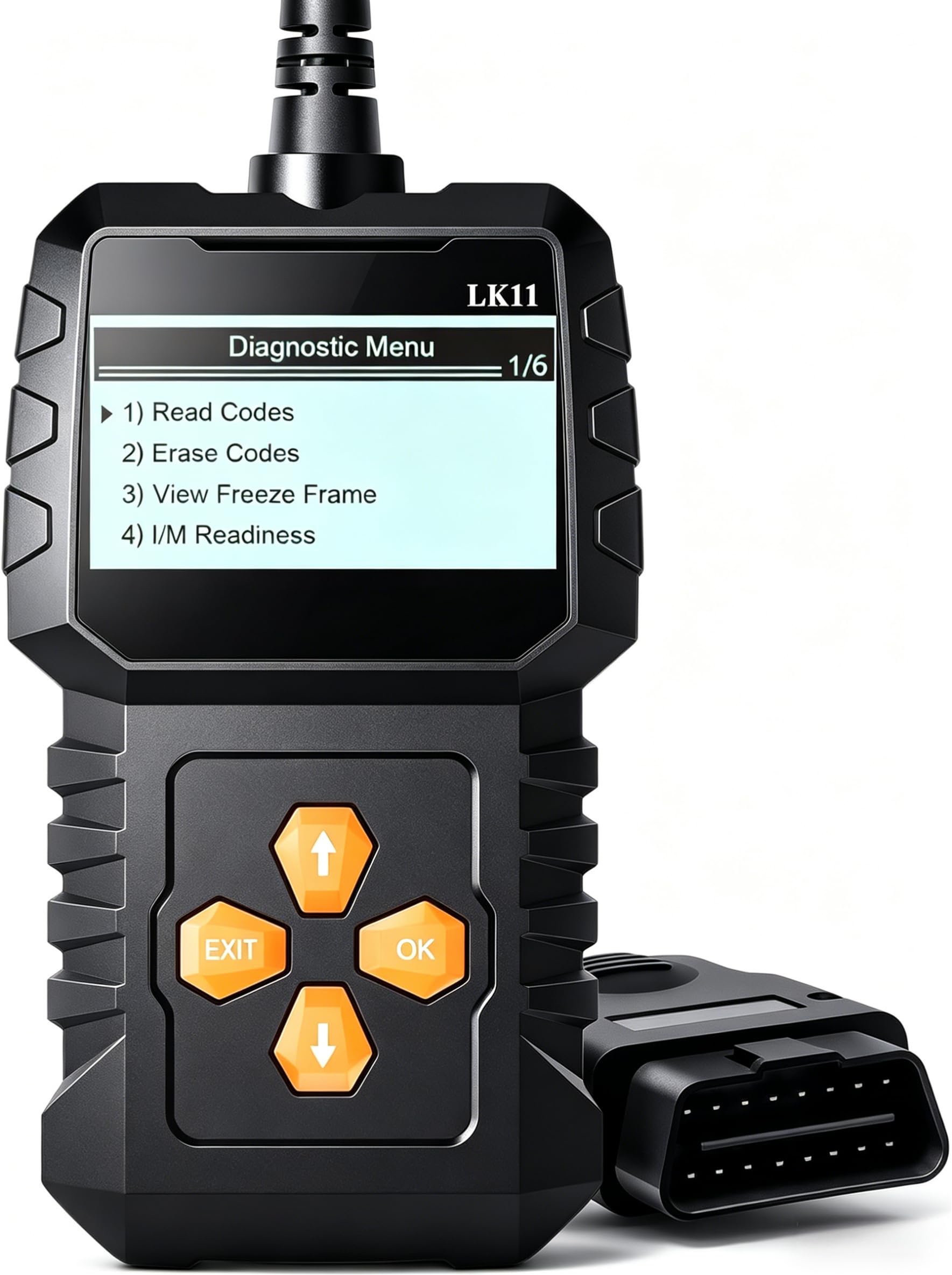
Consider the LK11 if you want large, clearly labeled buttons that make navigation painless for a first-time user.
Pros
- Straightforward button layout with minimal guesswork
- Retrieves VIN, Calibration ID, and CVN alongside codes
- Freeze frame and I/M readiness both included
Cons
- Some owners report limited depth on certain makes
- No live graphing for tracking sensor trends
- Screen size is modest for extended data review
The LK11 earns its keep by staying uncomplicated. Freeze frame data sits a couple of button presses away, and the interface avoids the cryptic abbreviations that trip up first-time scanner buyers. It’s a fair match for a driver who wants clear code readouts without wading through a dense menu tree, though it won’t replace a live-data-focused tool for tracking an intermittent issue over a drive cycle.
VDIAGTOOL VD10
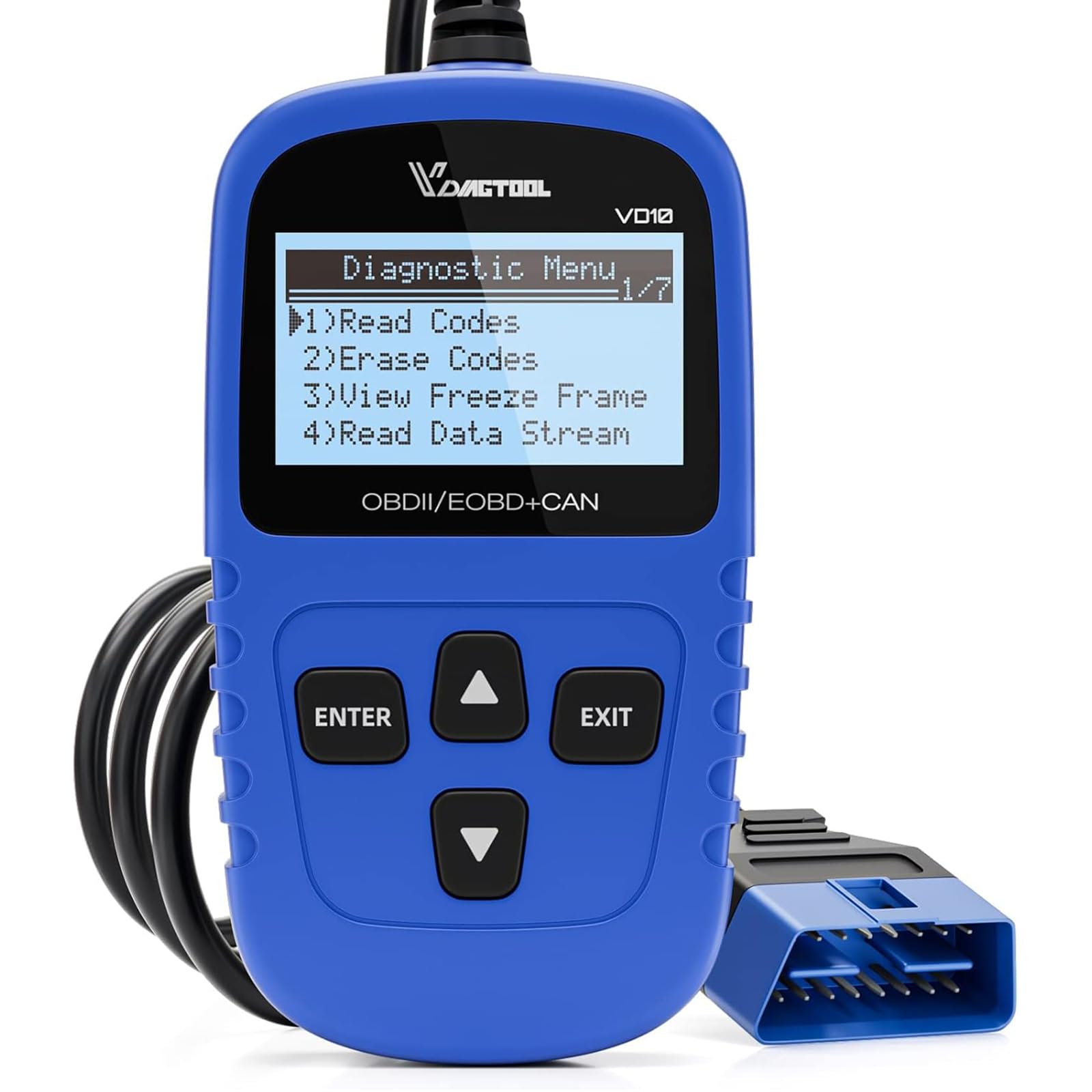
The VD10 is worth a look if a longer warranty period gives you more confidence in a budget-tier tool.
Pros
- Extended manufacturer warranty beyond most rivals
- Freeze frame paired with a 3,000-code lookup database
- Supports 6 languages for varied households
Cons
- 2.1-inch screen is on the smaller side
- Connector fit feels loose on some vehicles until seated
- Not built for ABS or bidirectional diagnostics
VDIAGTOOL backs the VD10 with a longer warranty than most scanners in this price range, which matters if you only pull it out a few times a year and want it to last. The built-in DTC lookup saves a trip to your phone for definitions. The smaller screen and occasional connector snugness are minor trade-offs against the value here.
MUCAR CDL20

Go with the CDL20 if screen real estate is your top priority when reviewing freeze frame and live data.
Pros
- 5-inch TFT display is the largest in this lineup
- EVAP system test and on-board monitor test included
- Supports 8 languages for broader household use
Cons
- Some users report missed secondary codes
- Ratings volume is lower than more established competitors
- Language menu occasionally mixes translations
The CDL20’s larger display makes a real difference when scrolling through freeze frame parameters or live sensor streams, since more information fits on screen at once without constant scrolling. EVAP leak testing adds a layer most basic readers skip. It’s a newer entrant with a smaller review base, so we’d treat it as a strong value pick rather than a proven long-term workhorse.
Autel AL549
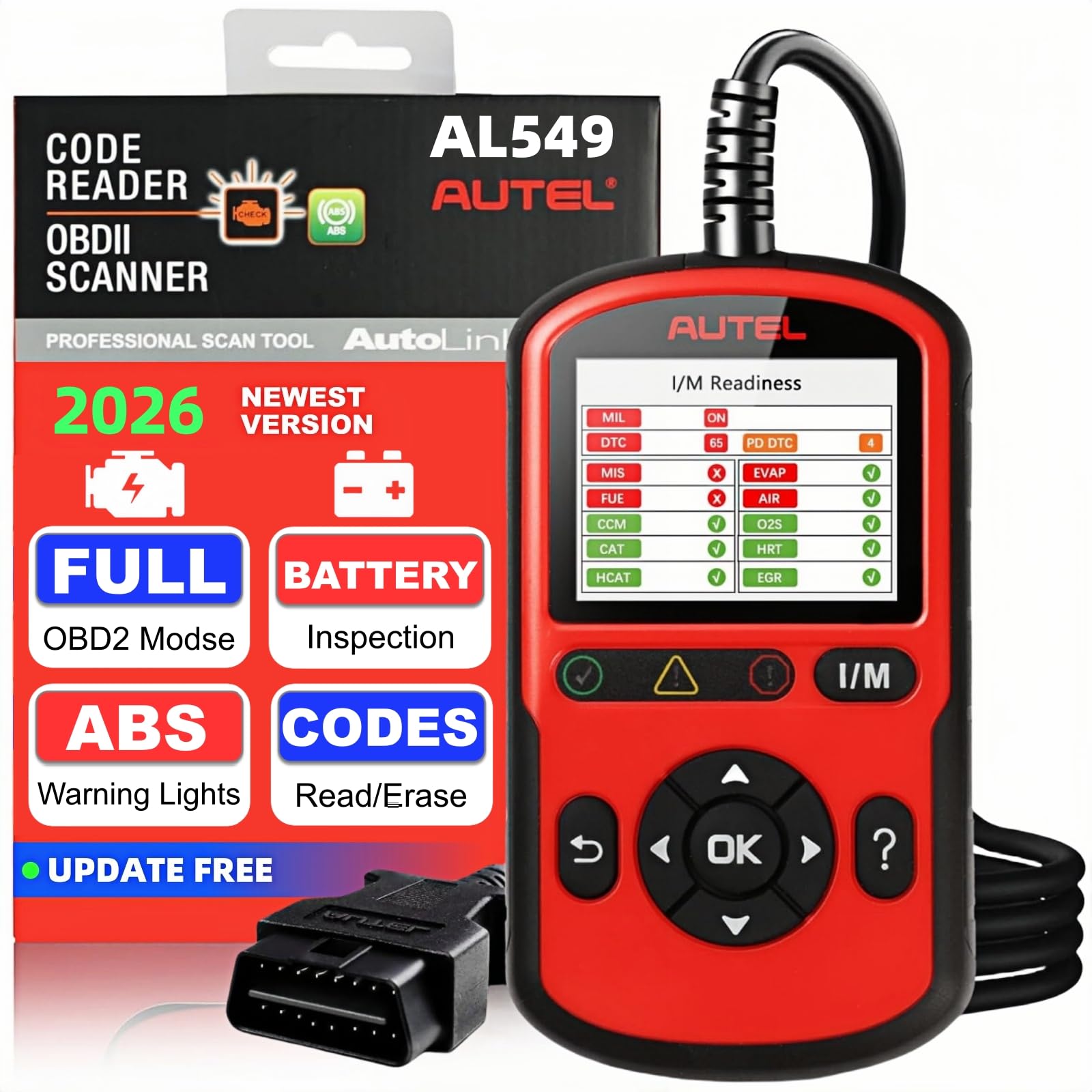
Buy the AL549 if you need ABS code reading and battery testing bundled with standard engine diagnostics.
Pros
- Reads and clears ABS codes on pre-2020 vehicles
- Battery and alternator test adds a second diagnostic function
- Auto VIN detection speeds up the connection process
Cons
- ABS support does not extend to 2020-and-newer models
- Printed instructions leave some abbreviations unexplained
- Review base is smaller than other Autel models
The AL549 steps into enhanced-diagnostics territory by adding ABS code access and a battery/alternator test alongside the usual freeze frame and live data functions. That combination suits an owner dealing with both a check-engine light and an ABS warning without buying two separate tools. The ABS cutoff at 2020 model years is worth confirming against your vehicle before purchase.
Innova 5610

Choose the 5610 if you want bidirectional controls to verify a repair, not just read what the car reports.
Pros
- Bidirectional commands test components like the fuel pump directly
- Enhanced data stream covers ABS, SRS, and transmission systems
- Pairs with the RepairSolutions2 app for guided repair suggestions
Cons
- Bidirectional features vary by make and model, not universal
- Coverage should be checked against Innova’s tool before buying
- Some owners found their specific vehicle only partially supported
The 5610 is the closest thing in this group to a shop-grade scanner. Freeze frame and live data are just the starting point; the bidirectional functions let you command a component to activate and confirm the fix actually worked, which basic readers can’t do. Coverage depends heavily on your specific vehicle, so checking compatibility first avoids disappointment.
Veepeak OBDCheck BLE

This is the pick for drivers who prefer viewing freeze frame data on their phone screen instead of a dedicated handheld unit.
Pros
- Compact adapter connects via Bluetooth LE to iOS and Android
- Compatible with popular apps like Car Scanner ELM OBD2 and Torque
- Phone display offers more screen space than most handheld readers
Cons
- Requires a separate app, adding a setup step
- Some app features require a separate purchase
- Not compatible with Carly, MHD, or bootmod3
The OBDCheck BLE shifts the display duty to your smartphone, which means freeze frame data benefits from your phone’s screen size and resolution rather than a small built-in display. The tradeoff is dependency on a compatible app and stable Bluetooth pairing. For someone who already logs drives with an OBD app, this adapter is a natural fit; for someone who wants a self-contained tool, a handheld unit is the simpler choice.
Buying Guide
Why Freeze Frame Data Matters
Freeze frame data records the engine’s operating conditions at the exact moment a trouble code sets, capturing values like RPM, coolant temperature, fuel trim, and vehicle speed. This context turns a generic code into a clue about when and how the fault occurred. A code paired with a cold-engine freeze frame points somewhere different than the same code triggered at highway speed under load.
Basic Readers vs. Enhanced Scanners vs. Bidirectional Tools
Not every scanner offers the same diagnostic depth. Matching the tool to the repair job saves both money and frustration.
| Tool Type | What It Does | Best For |
|---|---|---|
| Basic code reader | Reads/clears codes, shows freeze frame and I/M readiness | Confirming a repair, checking a used car before purchase |
| Enhanced scanner | Adds live data graphing, O2/EVAP tests, sometimes ABS | Diagnosing intermittent or emissions-related issues |
| Bidirectional tool | Sends commands to components, supports special resets | Verifying repairs on ABS, SRS, or transmission systems |
Display and Data Access
A larger, color screen makes freeze frame parameters easier to scan without squinting. Look for a display that shows several data points at once rather than forcing a scroll through single values. Handheld units keep everything self-contained; app-based adapters rely on your phone’s screen and a stable Bluetooth connection.
Vehicle Coverage and Protocol Support
Confirm your vehicle’s model year and protocol before buying. Most OBD2 scanners cover 1996-and-newer US vehicles, but ABS, SRS, and bidirectional functions often apply only to specific makes and model years. Check the manufacturer’s coverage list, especially for anything beyond basic engine codes.
Updates, Apps, and Ongoing Support
Some scanners need periodic software updates for full code definitions; confirm whether updates are free and how long they’re supported. App-based scanners depend on continued app compatibility, so check recent user feedback before relying on one for long-term use.
What a Scanner Can’t Tell You
A code and its freeze frame data point toward a system or circuit, not a guaranteed defective part. Clearing a code without fixing the underlying issue almost always brings the light back. Use the freeze frame as a starting point for inspection, not a final verdict.
Editor’s Choice
For most DIY owners, the Autel AL319 hits the sweet spot between price and usability, thanks to its color screen and one-click readiness check that make freeze frame data genuinely easy to read at a glance. If your repair work involves chasing an intermittent fault, the FOXWELL NT301 earns its place with live data graphing that adds context a static freeze frame alone can’t provide.
For anyone dealing with more than just a check-engine light, the Innova 5610 stands apart. Its bidirectional controls let you confirm a repair actually worked, not just that a code disappeared, which is the kind of verification a basic reader simply can’t offer.
Conclusion
Matching the scanner to the repair job pays off more than chasing the longest feature list. A basic reader with clear freeze frame access handles the majority of check-engine-light situations, especially for confirming a repair or vetting a used car. Intermittent problems call for live data graphing, and anything touching ABS, SRS, or bidirectional testing calls for a more capable tool built for that purpose.
Before buying, confirm your vehicle’s model year and protocol against the scanner’s coverage list, particularly for enhanced functions. Keep in mind that even the best scanner only points toward a system or circuit; the repair still depends on inspection, testing, and the judgment that comes from experience.
FAQS
What is freeze frame data on an OBD2 scanner? Freeze frame data is a snapshot of engine conditions, including RPM, coolant temperature, fuel trim, and speed, recorded at the exact moment a trouble code set. It gives context for when and how a fault occurred.
Can a code reader tell me exactly which part is broken? No. A scanner identifies the circuit or system associated with a fault code and the conditions present when it triggered. Confirming the specific failed component still requires inspection or additional testing.
Do I need live data in addition to freeze frame? Live data helps with intermittent problems by showing sensor values change in real time while you drive, which a single freeze frame snapshot can’t capture. For a one-time code check, freeze frame alone is usually enough.
Will any of these scanners read ABS or airbag codes? Most in this roundup are limited to engine and emissions codes. The Autel AL549 and Innova 5610 add ABS support, though coverage varies by vehicle make, model, and year.
Does clearing a code fix the problem? No. Clearing a code only turns off the warning light. If the underlying issue isn’t repaired, the code returns once the vehicle’s monitors detect the fault again.
Are Bluetooth OBD2 adapters as reliable as handheld scanners? They can be, provided the app stays updated and the Bluetooth connection stays stable. Handheld units avoid dependency on a phone or app, which some owners prefer for consistency.
