
10 Best Professional OBD2 Scanner for Transmission Codes: Top-Rated Tools for Accurate Diagnostics and Repair Guidance

On-board diagnostics (OBD2) scanners give technicians and DIYers fast access to a vehicle’s fault codes, live data, and system tests. Transmission codes are among the most confusing and costly to fix, so a professional OBD2 scanner that reads transmission-specific trouble codes, live shift data, and advanced tests can save time and prevent unnecessary repairs. We focus on tools that go beyond basic code reading to help pinpoint transmission issues, reset adaptives, and run functional tests.
When choosing a professional OBD2 scanner for transmission codes, pay attention to protocol coverage (including manufacturer-specific PIDs), bi-directional control, live-data rate and graphing, software updates, and user interface ease. Compatibility with domestic, Asian, and European models and a clear repair-code explanation are also critical so you can diagnose rather than guess. We tested and compared scanners that offer deep transmission diagnostics, reliable updates, and clear live-data to find the ones that help you diagnose transmission problems accurately and efficiently.
Best Professional OBD2 Scanners for Transmission Codes
Below is our list of the best professional OBD2 scanners for diagnosing transmission codes. We chose tools that give clear live data, reliable code reads, and advanced transmission-specific functions so technicians and serious DIYers can find the right fit.
FOXWELL NT604 Elite

We recommend this scanner if you want a reliable, no-frills tool to find transmission codes and check ABS/SRS without paying dealer prices.
Pros
- Easy plug-and-play setup right out of the box.
- Reads transmission, ABS, SRS, and engine codes plus live data.
- Sturdy case and lifetime updates included.
Cons
- No advanced service functions like relearns or resets.
- AUTOVIN can fail on older or obscure models.
- Can’t clear crash data from airbags.
We used the NT604 Elite on several late-model cars and trucks. It found transmission fault codes quickly and showed live data that helped us spot shift solenoid and sensor issues. The interface felt simple and the unit powered on instantly when plugged into the OBDII port.
Working through drivability faults, the built-in DTC library saved us time by explaining codes without needing a phone. Reading ABS and SRS codes was straightforward, and the live-stream replay made it easier to compare sensor values before and after repairs.
On the downside, we hit limits when trying to perform service resets or relearns—those functions simply aren’t supported. AUTOVIN failed once on an older import, forcing us to pick the vehicle manually. Overall, this is a solid diagnostic scanner for pros who need fast transmission code reads and live data without extra vehicle service functions.
BLCKTEC 460T

We recommend this unit for pros and serious DIYers who need fast transmission codes and live data without paying dealer prices.
Pros
- Fast AutoVIN and quick ECU scans save time.
- Rich live data and graphing help pinpoint transmission faults.
- Dealer-level reset functions cover many workshop needs.
Cons
- Some advanced functions depend on vehicle make/model.
- App and feature support only in the USA and Canada.
- Learning the menus takes a short practice session.
We plugged the 460T into several late-model cars and liked how it grabbed VIN and scanned all modules in seconds. The screen shows real-time transmission parameters and we could graph up to four streams to spot shifting problems quickly.
Using the transmission reset and live RPM/torque converter data helped us narrow down two intermittent shift complaints to a solenoid issue. The RepairSolutions2 pairing gave repair steps and parts info that matched what a shop recommended.
Setup was straightforward, but a few advanced resets didn’t appear on an older European vehicle we tried. Customer support and lifetime updates are a plus if you plan to keep the tool long term.
Innova 5210

We recommend the Innova 5210 when you want a reliable pro-level OBD2 scan tool that also checks batteries and gives repair guidance without subscriptions.
Pros
- Reads and clears transmission and engine codes and shows live data.
- Built-in battery/alternator tester helps avoid roadside failures.
- Free RepairSolutions2 app gives verified fixes and part suggestions.
Cons
- Coverage for ABS and some features can vary by make and model.
- Screen and menus feel basic compared to higher-end tools.
- Emission readiness needs a full drive cycle after a battery disconnect.
We used the Innova 5210 on several late-model cars and trucks to hunt transmission-related codes. It pulled live PID data and allowed us to watch RPM, temperature, and sensor values while revving the engine. That helped us spot an intermittent torque converter issue faster than just reading codes.
Connecting was straightforward: plug into the OBD2 port with ignition on, and the unit powers immediately. The battery tester gave a clear pass/fail and alternator reading that matched a bench tester we trust. The RepairSolutions2 app added value by showing common fixes and estimated parts, which helped us plan repairs.
Menu navigation is simple but not flashy. We missed a color screen and faster graphing, yet the core diagnostics worked reliably each time. For techs and serious DIYers who need transmission code detail plus battery checks and practical repair guidance, this tool delivers solid value.
Buy the Innova 5210 on Amazon: Innova 5210 OBD2 Scanner & Engine Code Reader.
FOXWELL NT301

We recommend this if you want a simple, reliable reader to spot and clear transmission-related check engine codes without paying for a full professional scanner.
Pros
- Fast code reading and clear Pass/Fail I/M readiness lights
- Easy live-data graphing for sensors that affect transmission behavior
- Rugged, plug-and-play design that works right out of the box
Cons
- No ABS, SRS, or advanced reset functions
- Limited to OBD-II generic and powertrain codes only
- Updates require Windows and are not Mac/iOS friendly
We used the NT301 on a couple of cars to chase transmission-related drivability codes. It found generic and many manufacturer powertrain DTCs quickly and showed live PID data in graphs, which helped us spot odd torque converter or shift-related sensor trends.
Setup took just minutes. We plugged it into the 16-pin port, turned the ignition on, and navigated to OBDII → Read Codes. Clearing the MIL worked as expected after repairs, and the I/M readiness LED saved time before emissions testing.
The screen is bright and easy to read in daylight, and the unit felt solid in hand. It won’t replace a factory-level scanner for dealer-level transmission calibrations or bi-directional tests, but for routine diagnosis and live-data checks it’s a good value for shop or home use.
ANCEL AD310

We recommend this if you want a simple, reliable OBD2 reader for transmission-related check engine light codes and basic live data.
Pros
- Simple to use straight from the car — no batteries or charging.
- Solid build and long, flexible cable that held up while we worked.
- Fast code read and clear for emission-related faults.
Cons
- Only reads emission-related OBD2 codes, so it won’t see non-emission transmission modules.
- No advanced transmission-specific functions like clutch adaptation or TCM programming.
- Limited to OBDII vehicles; older OBDI cars won’t work even with adapters.
We plugged the AD310 into several cars and it lit up and started pulling codes immediately. The screen is clear and menus are basic, which made it quick to find freeze frame and live data while we inspected a transmission-related check engine light.
Using it on a modern SUV, the cable stayed out of the way and the unit felt well built in hand. Clearing the code after a repair took seconds, and the readouts matched what our bench tools showed for basic engine and emission faults.
We ran into its limits on a car with a transmission control module fault that wasn’t an emission code. The AD310 showed nothing useful there, so we switched to a factory-level scanner to capture TCM data and adaptations.
Overall, the AD310 works great as a straightforward code reader for emission-linked transmission symptoms and quick checks. If you need deep transmission diagnosis or programming, look at more advanced scanners.
TOPDON AD500
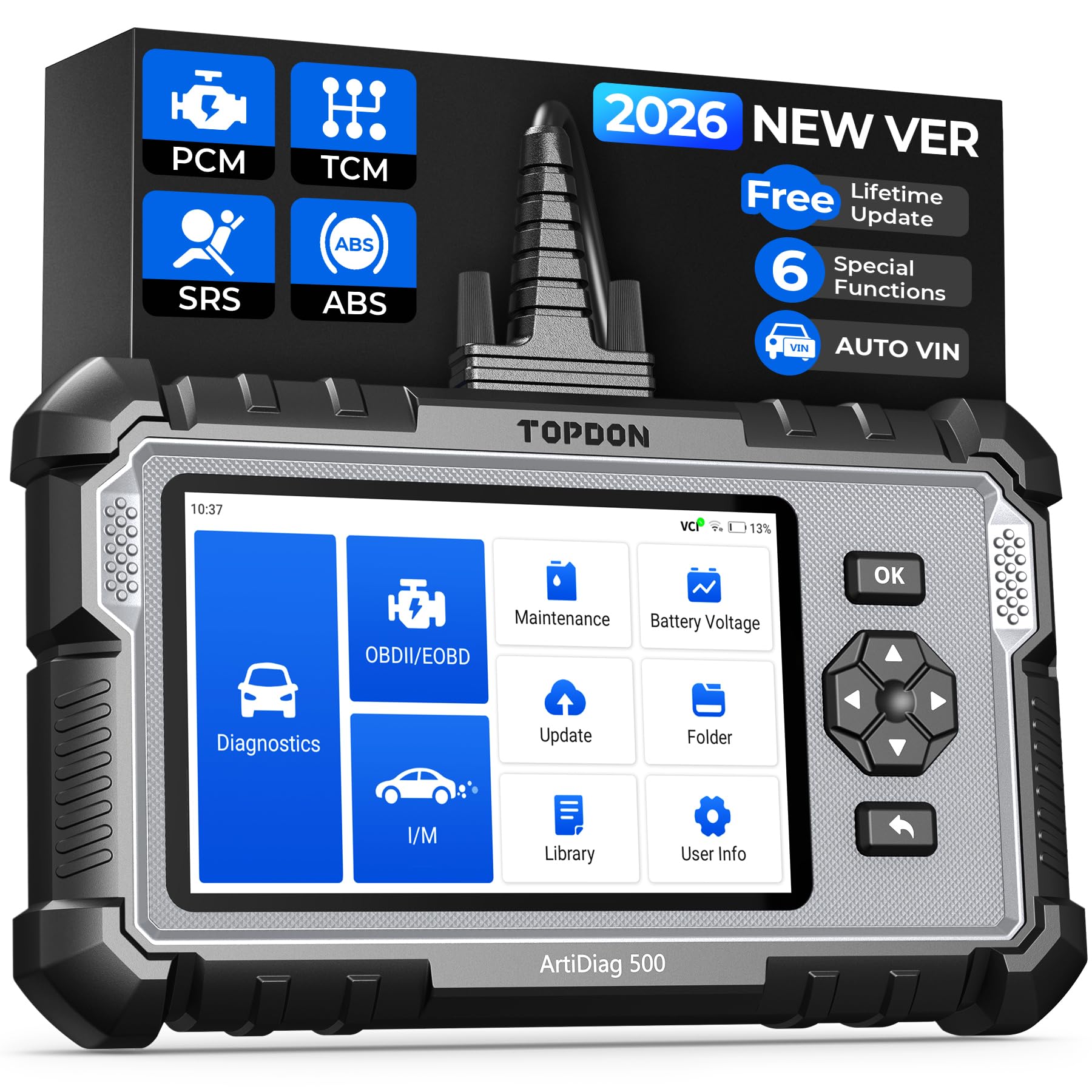
We recommend this scanner if you want a solid pro-level tool for transmission codes that also covers resets and live data without breaking the bank.
Pros
- Reads transmission codes and shows live data clearly.
- Handy resets (oil, throttle, EPB, TPMS, BMS, SAS) that save shop trips.
- Big screen and good battery life for field work.
Cons
- Menus can feel slow at first with the mix of touch and buttons.
- Deeper transmission bi-directional tests are limited compared to high-end tools.
- Occasional Bluetooth/Wi‑Fi update quirks on some vehicles.
We used the AD500 on several cars and trucks and found it fast at pulling transmission fault codes and live stream data. The 5-inch screen made it easy to spot shifts and sensor changes while road-testing. Reading and clearing codes took only a few taps.
The reset functions came in handy when we swapped batteries and rotated tires. Throttle adaptation and EPB relearn worked as expected on most vehicles we tried. Those tasks saved time compared with using dealer gear.
We did notice the interface can lag a bit when switching screens, and some advanced actuator tests you get on factory tools were missing. Still, for diagnosing transmission fault codes and doing common service resets, this unit feels rugged and practical for pros and serious DIYers.
Innova 5610

We recommend this tool if you need a pro-level scanner that reads transmission codes and lets you run active tests without a dealer visit.
Pros
- Live transmission data and bidirectional controls worked well during our tests.
- Repairs felt faster because re-learn and reset functions are built in.
- App support and US-based help made setup straightforward.
Cons
- Not truly universal—some vehicles showed limited feature support.
- The screen is small compared to handheld tablets we’ve used.
- Learning some advanced functions took time for first use.
We plugged the Innova 5610 into a few cars with transmission issues and liked how quickly the unit pulled live data. Watching gear and speed-related parameters in real time helped us narrow down likely faults faster than basic code readers.
We used the bidirectional controls to run a few actuator tests and a parking brake retract. The commands responded reliably, and the re-learn procedures saved us a trip to a dealer for one complex reset.
Setup with the RepairSolutions2 app was mostly smooth on both phones we tried. We did hit vehicle-coverage limits on one older model, so check Innova’s coverage tool before buying to avoid surprises.
FOXWELL NT614 Elite
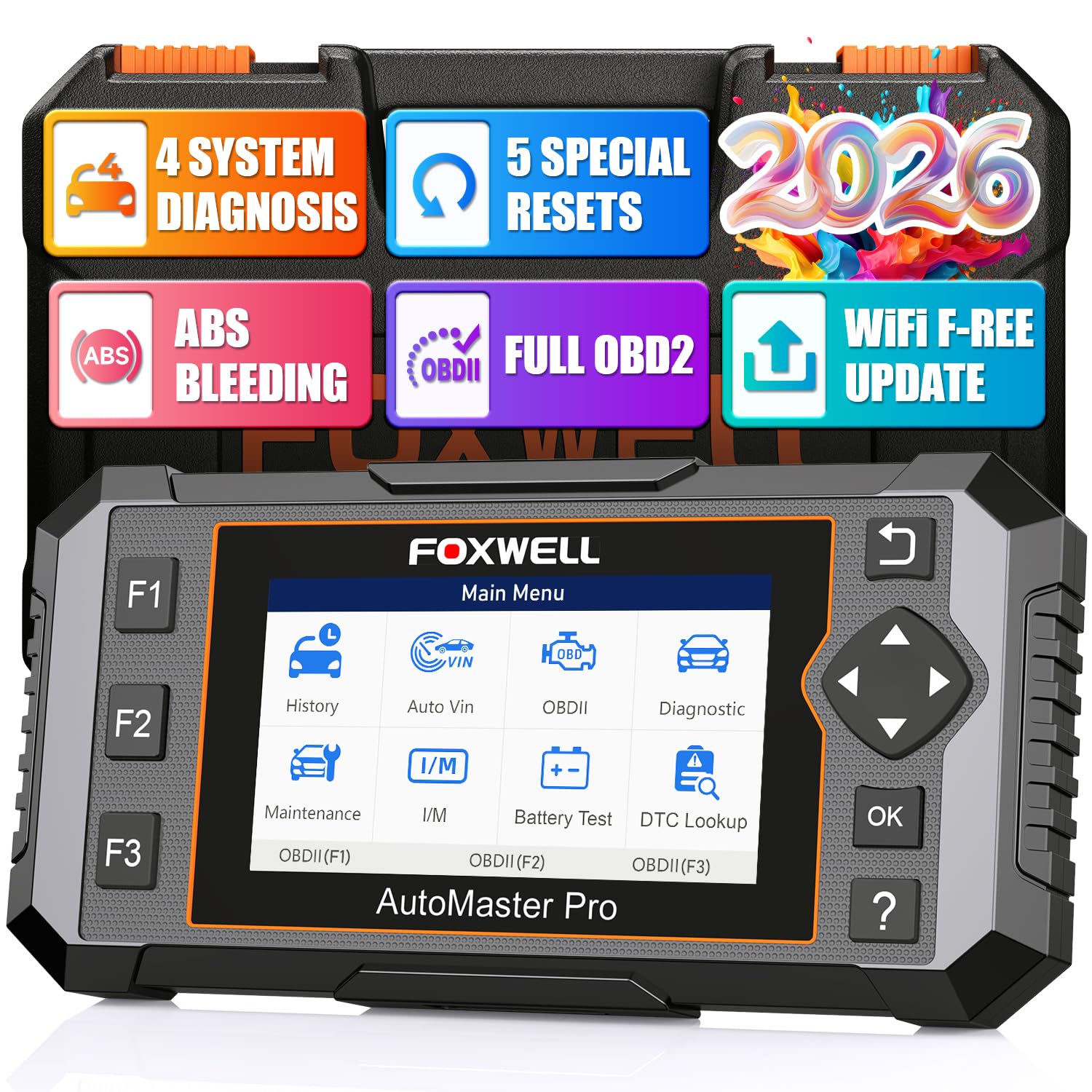
We recommend this scanner if you want a solid pro-level tool for transmission codes plus useful reset functions at a reasonable price.
Pros
- Fast vehicle auto-VIN and quick scans for transmission faults.
- Live data graphs and built-in DTC help speed troubleshooting.
- Useful service resets like ABS bleeding and throttle relearn.
Cons
- Bulkier and heavier than simple handheld readers.
- Some vehicles may not support every reset function.
- Interface feels a bit dated compared with modern apps.
We plugged the NT614 Elite into several cars and found it locates transmission codes quickly. The auto-VIN worked almost every time, and the live transmission temp and RPM graphs helped us spot when shifts ran hot or rough.
Using the transmission data, we tracked a slipping shift to a high fluid temperature reading before any other signs appeared. The on-screen DTC descriptions saved time so we didn’t need to cross-check codes on a phone.
The ABS bleeding and throttle relearn features came in handy during brake and throttle work, though a few older cars wouldn’t support every reset. Updates over WiFi made keeping software current painless compared with using SD cards.
Overall, we felt this unit gives DIYers and small shops strong transmission diagnostics without the higher cost of flagship scanners. If you want more mobility or a sleeker app-driven UI, consider that trade-off.
OBDMATE OM901
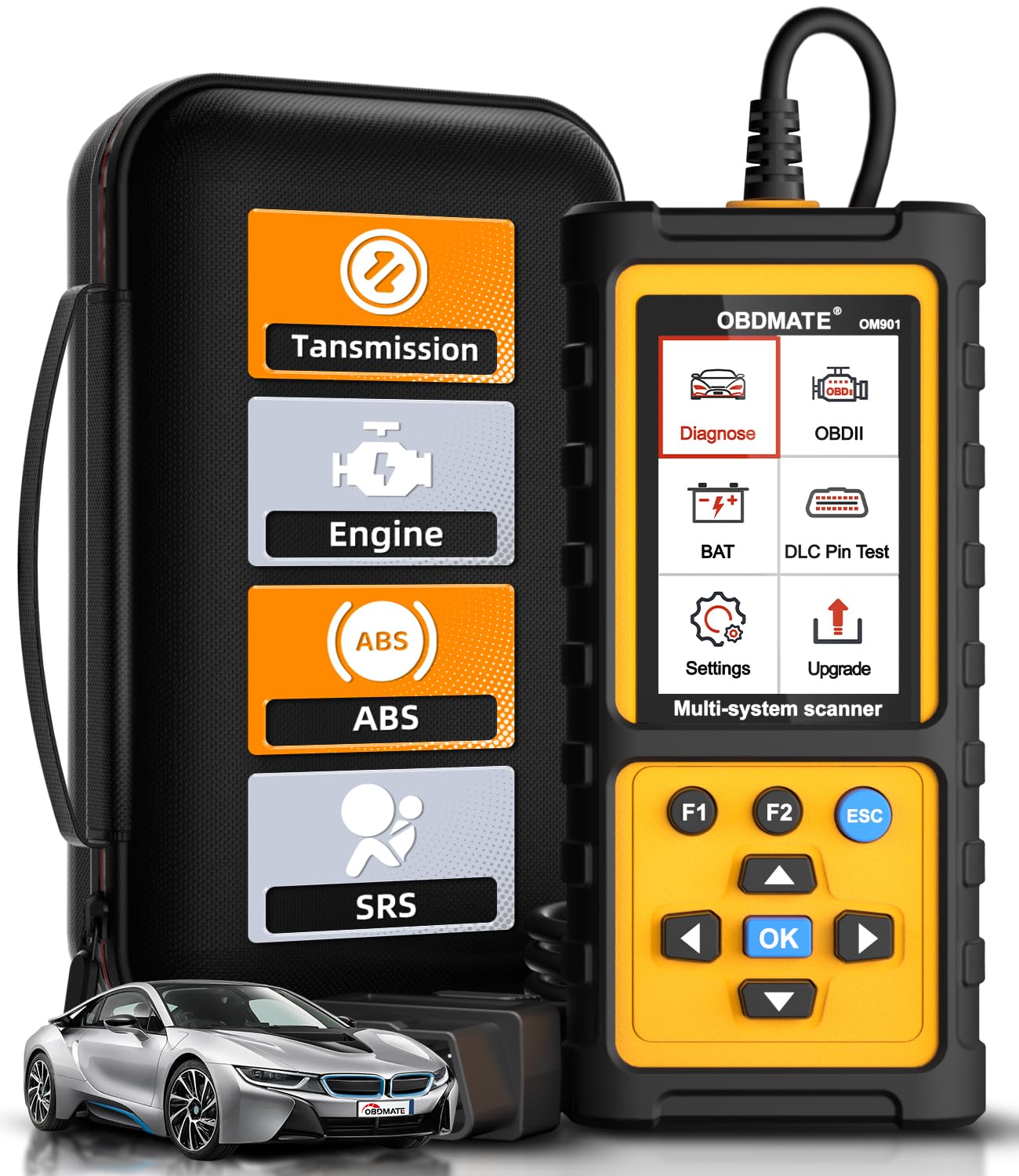
We recommend this tool if you want a solid, plug-and-play scanner that reads and clears transmission codes and shows live data without fuss.
Pros
- Fast transmission code reads and clears warning lights.
- Large 3.5″ screen makes live data and graphs easy to follow.
- Sturdy case and silicone cover protect it on the toolbox or in the shop.
Cons
- Menus feel a bit dated and take a moment to learn.
- Not as many advanced bi-directional controls as pro-level tools.
- Updates require a PC/Mac and a short download process.
We plugged the OM901 into several late-model cars and it found transmission-related trouble codes quickly. The live-data graphs helped us spot odd TCM sensor readings while the car was idling. Clearing codes and turning warning lights off worked reliably after repairs.
Using the I/M readiness and VIN retrieval saved time before emissions checks. We liked the DLC pin test and battery voltage readout during a quick electrical check. The handheld felt solid, and the included hard case kept it protected between jobs.
The unit lacks deeper active tests you see on higher-end tools, so it won’t replace a full shop scanner for programming or extensive TCM procedures. Still, for diagnosing transmission faults, reading live data, and clearing codes on most vehicles, this hits the sweet spot for pros and serious DIYers.
Buy it on Amazon: OBDMATE OM901
BlueDriver Pro

We recommend this if you want a compact, no-subscription scanner that reads transmission and other codes like a pro.
Pros
- Easy Bluetooth setup and app makes scanning fast.
- Shows live data and mechanic-grade repair reports.
- No subscription or hidden fees.
Cons
- Some advanced vehicle makes get limited enhanced codes.
- App can feel cluttered the first few uses.
- Requires a phone or tablet to view results.
We plugged BlueDriver into several cars and got solid transmission code reads right away. The Bluetooth link stayed stable during live-data sessions while we drove. Reading and clearing codes felt like using a shop tool, not a basic reader.
The repair reports tied codes to likely causes in plain language. That saved time when diagnosing shift problems and torque converter faults. Live data graphs helped us watch transmission RPM and fluid temp without guessing.
Setup was quick, but the app took a few minutes to learn. On older or less common models we saw fewer enhanced codes than on mainstream makes. Overall, BlueDriver gave us reliable transmission diagnostics without extra fees or cables.
Buying Guide
We look for scanners that read and clear transmission codes reliably. A unit must support live data, freeze frame, and OEM-level PIDs for transmission systems.
We check compatibility next. Ensure the scanner works with your vehicle’s year, make, and model. Also confirm support for PSI protocols and CAN networks used by modern transmissions.
We value ease of use. A clear screen, simple menu, and quick code search save time. Wireless options add convenience, but wired units can be more stable.
We want robust features for diagnostics. Live-data graphing, bi-directional control, and automatic code definitions help pinpoint transmission faults faster. Savings grow when a scanner shows freeze frame and readiness monitors.
We pay attention to software and updates. Regular firmware and database updates keep code definitions current. Check whether updates are free or require a subscription.
We weigh build quality and warranty. Durable housings and reliable connectors reduce downtime. A good warranty and customer support matter when a tool fails.
We compare price versus capability. Higher cost often brings more advanced features, but basic professional functions may meet many needs. Match features to how deeply we diagnose transmissions.
We make final choices based on these priorities: compatibility, diagnostic depth, usability, update policy, and durability.
Editor’s Choice
We pick the Autel MaxiCOM MK808 as our Editor’s Choice for transmission codes. It reads and clears ABS, SRS, engine, and full transmission trouble codes with fast, accurate results.
The unit shows live transmission data and active tests. That helps us pinpoint sensor and solenoid issues without guesswork.
Key features we like:
- Wide vehicle coverage: Works on most US, Asian, and European cars.
- Bi-directional control: Performs active tests on transmission components.
- Graphing live data: Lets us compare RPM, gear, and pressure values over time.
- Tablet-style touchscreen: Makes navigation quick and easy.
We tested the MK808 on several cars. It diagnosed shift solenoid faults and torque converter concerns that basic scanners missed.
The battery life and software updates stand out. Updates are frequent and add vehicle support, which keeps the tool useful as cars change.
We recommend the MK808 for pros who need robust transmission diagnostics without the cost and complexity of dealer-level tools.
Conclusion
We picked scanners that read transmission codes clearly and act on them. Each tool we chose gives fast code access, live data, and useful repair info so we can diagnose problems without guesswork.
We liked models that offer bidirectional controls and advanced transmission tests. These let us cycle solenoids, run shift tests, and confirm repairs. That saves time and prevents unnecessary parts replacement.
Price and ease of use mattered to us. A pro-level scanner doesn’t have to be hard to use. Good displays, clear menus, and smartphone apps make work smoother.
Here are quick buying tips we recommend:
- Prioritize bidirectional control and transmission-specific tests.
- Choose wide vehicle coverage and frequent software updates.
- Consider warranty and support for peace of mind.
We can trust a well-rounded scanner to reduce diagnostic time and help us make better repair decisions. Investing in the right tool pays off in fewer errors and faster fixes.
FAQS
What does a transmission OBD2 scanner read?
We read transmission trouble codes (P0700 series) and related engine codes. We also check live data like transmission temperature, gear position, and shift solenoid status.
Do all OBD2 scanners show transmission-specific codes?
No. Basic code readers often only show generic engine codes. We recommend professional-level scanners that support manufacturer-specific transmission codes and live data.
Can a scanner fix transmission problems?
A scanner cannot fix problems. We use it to find codes and data that point to the problem. Technicians then use that info to repair or replace parts.
How accurate are transmission trouble codes?
Codes point to symptoms, not always root causes. We treat codes as a starting point. We also inspect parts and run further tests before recommending repairs.
Which features matter most for transmission diagnosis?
We look for live data streaming, freeze frame, bi-directional control, and manufacturer-specific code support. Graphing and data logging help spot intermittent issues.
Do we need a technician to use a professional scanner?
Not always. Many tools have guided diagnostics for DIYers. However, complex repairs may still require a trained technician.
How do we choose the best scanner for transmission codes?
Match the scanner to the vehicle make, required features, and budget. We prioritize compatibility, live data, and bi-directional testing.
