
Key Fob Lost Programming: How to Tell, Fix It, and Know When to Get Help

When a key fob suddenly stops unlocking the doors, refuses to start the car, or only works part of the time, it’s easy to assume the fob “lost programming.” Sometimes that’s exactly what happened. Other times the real issue is simpler: a weak battery, a damaged fob, interference, or a vehicle-side security problem.
The trick is to separate those possibilities quickly so you don’t waste money on the wrong fix. The fastest path is usually not replacing parts first. It’s checking the symptom pattern.
!
How to Tell If Your Key Fob Lost Programming
A fob that has lost programming usually shows a specific pattern:
- The buttons do nothing, even with a fresh battery.
- The car may still start with the fob held near a backup reader or ignition area, but remote locking and unlocking fail.
- One fob stops working while another fob for the same car still works.
- The car displays a message like “key not detected” or refuses to recognize the fob.
That said, a dead battery can look similar. The difference is usually in consistency. A low battery often causes weak range first: you have to stand closer to the car, press buttons multiple times, or the fob works on some days and not others. Lost programming is usually more absolute.
A more concrete way to separate the three common causes:
- Battery issue: the fob works only close to the car, works intermittently, or improves after a battery swap.
- Programming issue: a fresh battery doesn’t change anything, and the fob is not recognized even at close range.
- Vehicle-side issue: all fobs fail, the car shows a security or key-detection warning, or the problem started after a battery disconnect, jump-start, or electrical fault.
For a broader look at what “not detected” can mean in a push-button start car, our guide on what to do when a key fob is not detected is a good next stop.
Most Likely Causes, in Order of Probability
When a key fob stops working, I’d check problems in this order:
- Weak or dead fob battery
- Interference or range issue
- Programming loss or pairing problem
- Damaged fob electronics
- Vehicle-side receiver, immobilizer, or security issue
That order matters because the first two are cheap and easy to rule out. A battery replacement costs little compared with dealership programming, so it makes sense to test that first.
If the car battery was disconnected, drained, or jump-started recently, that can also change how the system behaves. In those cases, the vehicle may need a reset or the fob may need to be re-synced.
If you suspect signal interference, we cover that separately in our guide on radio interference and key fob problems.
Quick Checks to Try First
Before you dig into programming steps, run these checks:
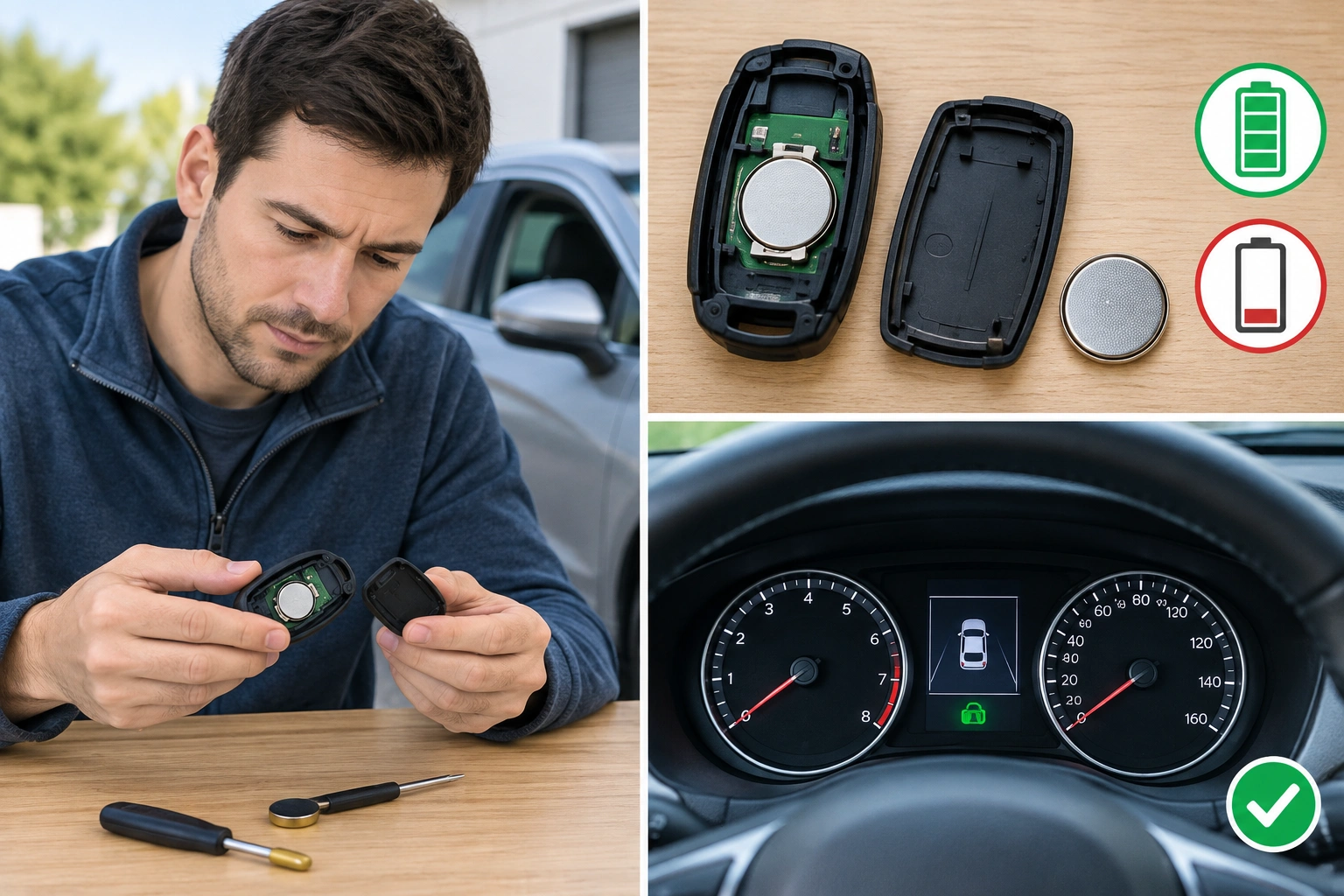
1) Replace the fob battery
Use the correct battery type for your fob and make sure it’s installed in the right orientation. A battery that’s “new” but seated poorly can still fail.
2) Test the spare fob
If the spare works and the main fob doesn’t, the vehicle is probably fine and the problem is isolated to the nonworking fob.
3) Try the fob close to the vehicle
Stand next to the driver’s door or place the fob in the backup start location if your vehicle has one. If it only works close up, that points more toward battery or signal strength than full programming loss.
4) Check the vehicle battery and recent power events
If the car battery was disconnected, drained, or jump-started recently, the security system may need a reset or the fob may need to be re-synced.
5) Look for warning messages
Messages such as “key not detected,” “no key,” or immobilizer warnings are clues that the car’s security system is involved, not just the fob battery.
Quick Decision Tree: Battery, Programming, or Vehicle-Side Problem?
Use this simple checklist:
- If the fob works only at very short range or intermittently: start with the battery.
- If a fresh battery changes nothing and one spare fob still works: the original fob likely lost programming or has failed internally.
- If all fobs stopped working at once: look at the vehicle battery, receiver, immobilizer, or a recent jump-start/disconnect first.
- If the car starts but the remote buttons fail: the remote-entry side may be the problem, while the transponder or smart-key recognition may still be working.
- If the car says “key not detected” after a power event: a vehicle reset or professional diagnosis may be needed.
That distinction matters because it changes whether you need remote programming, immobilizer programming, or both.
Battery Problem vs Lost Programming vs Damaged Fob
| Problem type | Common symptoms | Best first test | Typical fix path |
|---|---|---|---|
| Weak/dead battery | Short range, intermittent operation, works only close to car | Replace battery | Battery replacement, then retest |
| Lost programming | Fob suddenly stops being recognized, new battery doesn’t help | Try spare fob and check owner’s manual | Reprogram fob or have it programmed |
| Damaged fob | No response after battery replacement and programming attempts | Inspect for water damage or physical damage | Replace fob, then program if needed |
| Vehicle-side issue | All fobs fail, security warning appears, or car won’t detect any key | Test other fobs and vehicle battery status | Diagnose receiver/immobilizer or call pro |
This is where people often go wrong: they buy a replacement battery when the fob actually needs pairing, or they buy a new fob when the car’s receiver is the real issue.
Can You Reprogram the Key Fob Yourself?
Sometimes, yes. Some vehicles allow owner programming for at least certain remote functions, but the process varies a lot by make, model, and year. In many cases, you need the owner’s manual or the manufacturer’s exact procedure.
DIY programming is more likely to work on older remote key fobs than on newer smart keys or proximity fobs. It usually requires access to the vehicle, a working ignition or start procedure, and a sequence of button presses or key cycles.
A few general examples help set expectations:
- More likely to support DIY programming: older vehicles with separate lock/unlock remotes, many basic remote-entry systems, and some models with straightforward owner-programming steps in the manual.
- Usually less likely to support DIY programming: smart keys, proximity fobs, push-button start systems, and vehicles that tie the remote to the immobilizer or security module.
- Often needs special tools: all-keys-lost situations, newer transponder systems, and vehicles that require security access through a scan tool or manufacturer-level software.
A practical way to think about it: if your vehicle uses a simple remote with lock, unlock, and panic buttons, DIY is more plausible. If it’s a push-button start smart key, DIY becomes much less likely.
For a general manufacturer-level overview, Key Me notes that some situations require programming help, especially with push-button start systems, smart keys, or when all keys are lost.
Step-by-Step DIY Reprogramming Process
Because procedures vary, treat this as a general workflow, not a universal fix:
- Confirm the fob battery is good.
- Sit in the vehicle with all doors closed.
- Have every fob you want to keep with you.
- Follow the exact sequence in the owner’s manual.
- Watch for a programming mode signal such as door locks cycling or a security light changing.
- Press the requested buttons on the fob in order.
- Test each fob immediately after programming.
The important part is that some vehicles require all remotes to be programmed in the same session. If you only program one, the others may stop working.
I’ve seen owners run into trouble by assuming one car’s procedure works on another. Even within the same brand, model-year changes can alter the steps. If the manual is missing, some dealerships can provide the instructions, and some locksmith suppliers publish vehicle-specific guidance. Locksmith Keyless notes that some vehicles support self-programming while others need professional equipment.
When DIY Won’t Work: Smart Keys, Transponder Keys, and Push-Button Start Systems
Modern security systems are the main reason a fob “lost programming” becomes a professional job.
Smart keys and proximity fobs
These are often tied to proximity detection and encrypted security logic. If the vehicle no longer recognizes the smart key, a simple button sequence may not be enough.
If your vehicle has push-button start and the smart key is not detected even after a fresh battery, home reprogramming is often unlikely to work. That’s especially true if:
– all fobs stopped working,
– the car shows immobilizer or key-detection warnings,
– the issue started after a battery disconnect or jump-start,
– or the system requires pairing through a security module.
Transponder keys
Even if the remote buttons work, the transponder chip inside the key may still need pairing so the engine will start. If the chip and immobilizer are not matched, the car may crank and refuse to run, or it may not allow starting at all.
Push-button start vehicles
These systems are more likely to require dealer or locksmith tools, especially if all keys are lost or the vehicle shows a security fault.
A good marker is this: if the car says it can’t detect the key after a fresh battery and the spare doesn’t help, home programming is less likely to solve it.
What to Do If All Key Fobs Stopped Working
If every fob for the vehicle suddenly stopped working, think beyond the fobs themselves.
Check these possibilities:
- The vehicle battery was disconnected or went dead.
- The receiver or antenna for the remote system has a fault.
- The immobilizer or security system needs a reset.
- The replacement batteries in all fobs are weak, wrong, or installed incorrectly.
If the car is completely dead or the system is acting strangely after a jump-start, don’t assume all fobs failed at once. That’s less common than a vehicle-side issue.
If all fobs failed right after a battery disconnect, jump-start, or dead vehicle battery, the most likely cause is usually on the car side rather than in every fob. In that situation, the next step is often checking the vehicle battery, then the security system, then the receiver or immobilizer.
This is also the point where it helps to compare the fobs against the car itself. If one fob works and another doesn’t, the problem stays with the fob. If none work, the vehicle deserves a closer look.
For vehicles with broader electrical symptoms, it’s wise to consult the owner’s manual first and then a professional if the security system remains unresponsive.
Dealer vs Automotive Locksmith vs DIY: Which Fix Makes Sense?
| Option | Best for | Pros | Trade-offs |
|---|---|---|---|
| DIY | Older remotes, simple re-sync procedures | Lowest cost, fastest if supported | Only works on certain vehicles |
| Automotive locksmith | Lost programming, all-keys-lost, many transponder jobs | Often faster than dealer, may be less expensive | Availability and capability vary |
| Dealer | Smart keys, OEM systems, encrypted immobilizer issues | Highest compatibility with factory systems | Usually the most expensive and time-consuming |
If your vehicle uses a basic remote and the manual supports self-programming, DIY is worth trying. If the car has a smart key or push-button start system, a locksmith or dealer is usually the more realistic path.
For readers shopping tools rather than service, our article on OBD2 scanners with key programming support explains why not every scan tool can actually handle immobilizer work.
Cost and Time Expectations
Costs vary by vehicle, fob type, and whether you need just programming or a full replacement.
Here’s a more practical way to think about the cost drivers:
- Battery replacement: usually the cheapest first step, often just the battery cost plus a small amount of labor if you have it installed for you.
- DIY programming: usually low cost if your vehicle supports it, since the main expense is your time and possibly a manual or tool.
- Automotive locksmith programming: often a mid-range option, especially when the locksmith can come to you; pricing usually depends on whether the job is simple re-sync, transponder programming, or all-keys-lost service.
- Dealer programming: typically the highest-cost option, especially for smart keys, OEM parts, or vehicles that require security access and factory-level programming.
Approximate pricing can vary widely by vehicle, but the usual pattern is:
– Battery replacement: low cost
– DIY programming: low cost if supported
– Locksmith service: moderate cost, often less than dealer
– Dealer programming: highest cost
Time matters too. A DIY procedure might take minutes if it works on the first try, while dealer or locksmith service can take longer if parts need to be ordered or the vehicle must be scheduled in.
OEM Replacement Fob vs Aftermarket Replacement Fob
If programming is lost because the fob itself failed, you may be choosing between OEM and aftermarket replacement.
- OEM fobs usually cost more but are the safest bet for compatibility.
- Aftermarket fobs can be cheaper, but compatibility is where problems show up most often.
That doesn’t mean aftermarket is always bad. It means you should verify the exact make, model, year, and feature match before buying. A fob that looks right can still fail if it doesn’t support your vehicle’s immobilizer or smart key system.
When to Consult a Locksmith
Call a locksmith or dealer when:
- the vehicle uses a smart key or push-button start system
- all keys are lost
- DIY programming fails after following the correct procedure
- the car shows immobilizer or security warnings
- the replacement fob is not recognized even with a fresh battery
- every fob stopped working after a battery event and the car still won’t respond
That’s the point where guessing gets expensive. A professional can confirm whether the issue is the fob, the immobilizer, or the vehicle’s remote receiver.
Frequently Asked Questions
Can a key fob lose programming by itself?
It can seem that way after a battery change, electrical event, or failed sync. In many cases, the issue is not random loss but a system reset, weak battery, or compatibility problem.
Do I need the original key to reprogram it?
Sometimes yes, sometimes no. Some vehicles require an existing working key or at least one recognized fob. Others allow programming with no working keys, but that usually needs professional tools.
Will replacing the battery fix the problem?
It may, especially if the issue is weak range or intermittent operation. If a fresh battery doesn’t help, programming or vehicle-side diagnosis becomes more likely.
What if my car starts but the buttons don’t work?
That usually points to the remote-entry portion of the fob rather than the immobilizer chip. The fob may still be recognized for starting, but not for lock and unlock functions.
Why did this happen after a battery disconnect or jump-start?
Power loss can disturb the vehicle’s security system or cause the fob and car to lose their normal handshake. Some vehicles recover on their own; others need reprogramming or a reset.
Is a smart key harder to reprogram than a regular remote?
Usually yes. Smart keys and push-button start systems often use more secure pairing methods and may require dealer or locksmith equipment.
Can all fobs need to be programmed at once?
Yes, on some vehicles. That’s why it’s smart to have every fob with you before starting any programming procedure.
If you’re working through a key fob problem right now, the best move is to narrow it down fast: battery, programming, or vehicle-side issue. Once you know which bucket it belongs in, the fix gets much simpler.
