
Ford Key Fob Not Working? A Practical Troubleshooting Guide for Drivers

If your Ford key fob suddenly stops responding, the fastest fix is often simpler than it feels in the moment. In my years around vehicles, I’ve seen plenty of cases where the problem was just a weak battery, a vehicle battery issue, or a fob that lost its sync after a bump, drop, or electrical hiccup. The trick is not guessing. It’s checking the most likely cause first and moving step by step.
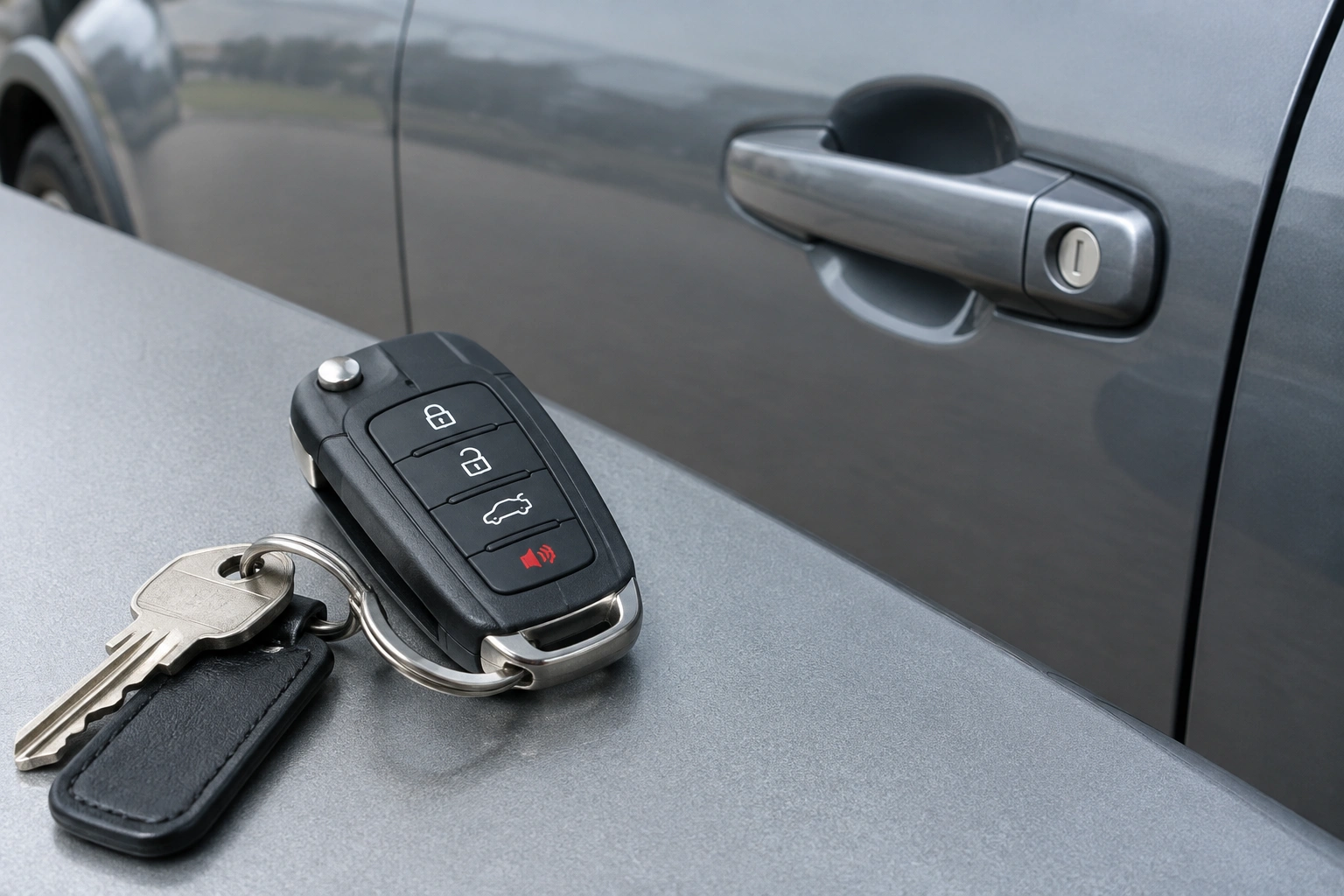
This guide walks you through the most practical checks for a Ford key fob not working, from quick battery tests to when replacement makes more sense than repair.
Quick diagnosis: what the symptom usually means
The symptom tells you a lot. Start with this simple flow:
- Test the fob near the car
- If it works only when you stand very close, the fob battery is usually weak or there may be interference.
-
If it does nothing at all, keep going.
-
Swap the fob battery
- If a fresh battery restores normal range and response, the issue was likely the fob battery.
-
If nothing changes, move to the next check.
-
Check for vehicle battery symptoms
- If the car cranks slowly, shows dim lights, or acts electrically inconsistent, the vehicle battery or power supply may be part of the problem.
-
A low vehicle battery can sometimes make passive entry or push-button start act flaky rather than fail in a perfectly clean way.
-
Try resyncing or reprogramming
- If the battery is good and the fob still isn’t communicating, a sync issue is possible.
-
If resyncing does nothing, the fob may be damaged or the vehicle may have a receiver/antenna issue.
-
Consider damage or replacement
- If the fob was dropped, exposed to water, or has broken buttons, replacement is often the practical fix.
If the car itself is acting up too, the problem may not be the fob at all. A weak vehicle battery can cause weird behavior with passive entry, push-button start, and other electrical systems. A Ford that cranks slowly, shows warning lights, or behaves inconsistently is worth checking as a whole, not just blaming the remote.
Here’s a simple way to think about it:
– Weak range but some response: likely fob battery or interference
– No response at all: dead fob battery, damaged fob, or sync issue
– Car has broader electrical symptoms: vehicle battery or power problem
– Works after a battery swap but still acts flaky: possible resync or internal fob issue
For background on how Ford’s push-button and smart-entry systems fit into everyday use, Ford’s owner resources are a good place to confirm your model’s exact procedure.
Most likely causes, from easiest to hardest to fix
The best troubleshooting order is usually:
- Weak or dead key fob battery
- Signal interference or short range
- Vehicle battery or electrical issue
- Lost sync or reprogramming need
- Physical damage inside the fob
- Full replacement
That order matters because the first three are common and inexpensive to check. Replacing a fob too early can waste money if the real issue is a battery or a low-voltage car.
Check the key fob battery first
A weak fob battery is the first thing I’d check if your Ford key fob not working problem is intermittent, short-range, or limited to one function. Most Ford fobs use a coin-cell battery, but the exact battery type depends on the model and year. Check your owner’s manual or the battery already inside the fob before buying a replacement.
A quick test is simple: stand next to the driver’s door and try lock, unlock, and remote start if your Ford has it. Then try again from a normal distance. If the fob only responds when you’re very close, the battery is often the culprit.
If you replace the battery, make sure the new one matches the original type and orientation. Don’t force the case open. Some Ford fobs snap apart easily; others need a more careful pry point. If the battery swap helps only briefly, the problem may be inside the fob rather than with the battery itself.
When a battery replacement doesn’t solve it, the buttons may be stuck, misaligned, or damaged. In some cases, adjusting or repairing those parts may help, but it depends on the fob design and the extent of the damage. That’s also the point where professional help becomes more practical than repeated DIY guessing. Mike White Ford’s service guidance is a useful reference for that scenario.
Rule out vehicle battery or power problems
A lot of owners assume the remote is dead when the vehicle battery is actually the issue. That’s especially true if the Ford has push-button start or passive entry, because those systems depend on stable vehicle power.
Look for these signs:
– The dash lights seem dim or inconsistent
– The engine cranks slowly
– Multiple electrical features are acting strange
– The car has been sitting for a while
– The problem shows up more in cold weather
If the fob works but the vehicle won’t unlock or start reliably, the car battery deserves attention. A weak vehicle battery can contribute to intermittent smart-entry or starting problems. That’s why a Ford F-150 that starts inconsistently and shows low-voltage symptoms can look like a fob issue when it really isn’t.
If you want a broader refresher on battery-related symptoms in modern vehicles, Edmunds’ car battery advice is a helpful consumer-level resource.
Check for signal interference and range problems
Sometimes nothing is broken. The remote is just having trouble communicating.
Temporary interference can come from:
– Parking garages
– Dense buildings
– Other electronics nearby
– A crowded key ring with other devices
– A weak fob battery that can’t push a strong signal
If the fob works in one location but not another, interference is more likely than a failed remote. Try the same button from a few different spots: beside the driver door, in the driveway, and away from large structures. If it suddenly behaves normally in open space, you probably have a range or interference issue rather than a dead fob.
This is one of the easiest things to miss because the symptoms can look random. One day the fob works from across the parking lot; the next day it only works when you’re right beside the door. That pattern usually points to a borderline battery or signal disruption, not a completely failed remote.
Try resyncing or reprogramming the key fob
If the battery is fresh and the buttons seem fine, the fob may have lost sync with the vehicle. That happens less often than battery trouble, but it’s still a realistic possibility, especially after a battery change, a low-voltage event, or a strange electrical glitch.
The exact resync or reprogramming process can differ by Ford model year and trim, so I’m not going to pretend there’s one universal sequence that works for every vehicle. Check your owner’s manual for the correct procedure for your exact Ford.
Here’s when reprogramming is more likely to help:
– The fob worked before, then stopped after a battery change or voltage dip
– The vehicle still seems to recognize other systems normally
– The fob is physically intact and the battery is known-good
Here’s when it is less likely to help:
– The fob was dropped hard, crushed, or exposed to water
– The buttons feel damaged or inconsistent
– Multiple known-good fobs all fail the same way
– The vehicle may have a receiver, antenna, fuse, or security-system issue
If the fob comes back after a re-sync, great. If it doesn’t, that usually means the issue is deeper than a simple communication reset.
Use the backup key or emergency start method
When the fob battery is dead, you still may be able to get into and start the vehicle using Ford’s backup features. Many Ford key fobs include a hidden mechanical key for the door, and push-button start models often have an emergency-start backup that lets the car detect the fob when it’s placed in a specific spot.
Here’s the concise Ford emergency-start summary: use the hidden mechanical key to unlock the driver door if needed, then follow your model’s backup-start procedure so the car can read the fob even with a dead fob battery. The exact location or steps vary by Ford model, so the owner’s manual still matters.
This is a useful temporary fix, not a cure. It gets you moving while you replace the battery or sort out the real issue.
Signs the key fob is damaged and should be replaced
Once you’ve tried a fresh battery and ruled out obvious vehicle issues, physical damage becomes more likely. A fob that was dropped, crushed, or exposed to water can fail in ways that look random.
Watch for these signs:
– Buttons feel mushy, stuck, or uneven
– The case doesn’t close properly anymore
– The battery contacts look bent or loose
– The fob only works when pressed hard in one spot
– It failed after getting wet
– It works briefly, then quits again
At that point, repair may not be worth the time unless the issue is clearly a loose battery contact or misaligned button assembly. If the internal components are damaged, replacement is usually the more dependable path.
A useful comparison here:
– Reprogramming helps when the fob and vehicle lost communication
– Replacement helps when the fob itself is physically failing
Those are not the same problem, so the fix should match the symptom.
When to Consult a Locksmith, Dealer, or Ford Service Center
If you’ve replaced the battery, checked the vehicle battery, and tried the basic sync steps, a locksmith, Ford dealer, or Ford service center is the next sensible move. I’d lean toward a locksmith when you want a faster appointment or potentially lower-cost service. A dealer or Ford service center is often the better choice when the vehicle needs Ford-specific programming support or the issue may involve the car’s receiver, fuse, or security system.
A quick way to choose:
– Locksmith: good for faster key-fob service, replacement, and many reprogramming jobs
– Dealer: often the best choice for model-specific Ford programming, OEM parts, and warranty-related questions
– Ford service center: a strong option when you want Ford-branded service support and diagnosis for vehicle-side issues
Call for professional help sooner if:
– The fob was damaged by water
– The buttons are physically broken
– The vehicle doesn’t recognize any fob
– The car has electrical symptoms beyond the remote
– You only have one working key and don’t want to risk being stranded
A locksmith can often tell you quickly whether the fob is repairable, needs reprogramming, or should be replaced outright. That clarity is often worth more than another round of trial and error.
How to prevent future Ford key fob problems
A few simple habits can keep this from happening again:
– Replace the fob battery at the first sign of shorter range
– Keep the fob away from water, heavy pressure, and pocket clutter
– Don’t leave it where it can get crushed in a bag or dropped repeatedly
– Pay attention when the car starts behaving oddly after a battery issue
– Keep the backup key accessible so you’re not stuck if the fob quits
If your Ford key fob not working problem turned out to be battery-related, that’s usually the easiest win. If it turned out to be a damaged fob or vehicle power issue, now you know how to separate the symptoms instead of guessing.
FAQ
How do I know if my Ford key fob battery is dead?
If the fob only works when you stand very close to the vehicle, or it stops working altogether, the battery is a likely first suspect.
Can a weak vehicle battery make the key fob seem broken?
Yes. A weak vehicle battery can cause passive entry, push-button start, and other electrical systems to behave inconsistently.
Will reprogramming fix every Ford key fob problem?
No. Reprogramming may help if the fob lost sync, but it won’t fix water damage, broken buttons, or some vehicle-side receiver issues.
How do I start a Ford if the fob battery is dead?
Many Ford models let you use the hidden mechanical key for entry and a backup start method to let the car read the fob. The exact steps vary by model.
