
Easy Smart Key Battery Replacement Tutorial Step by Step

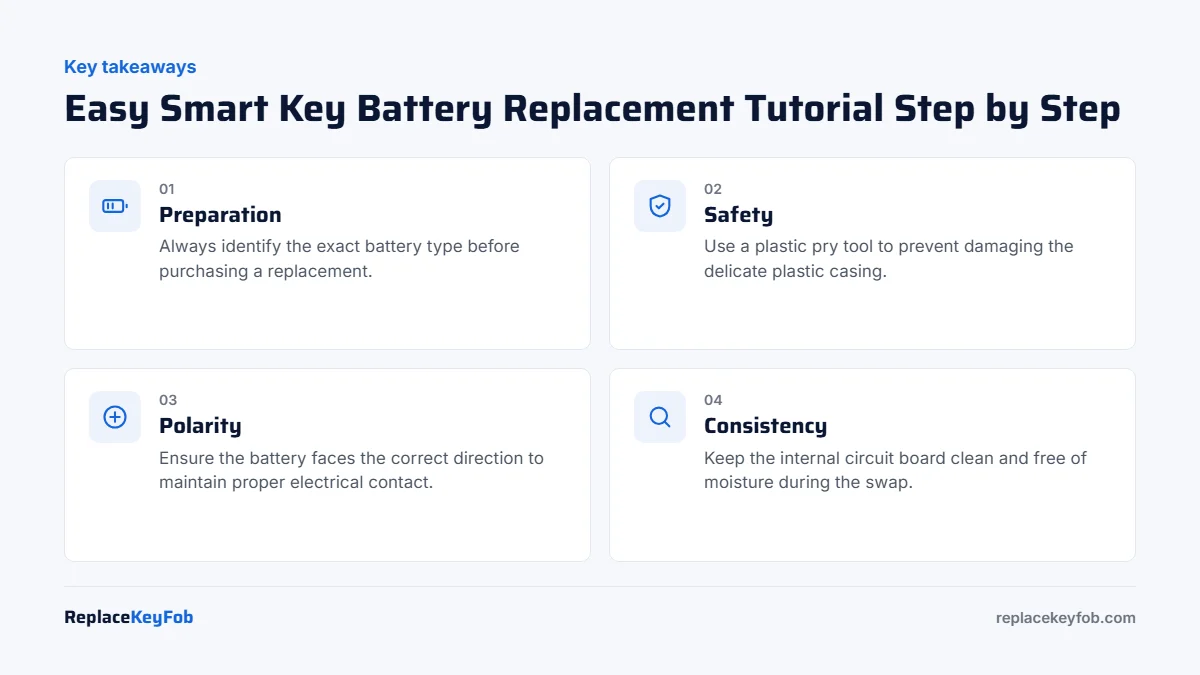
To replace your smart key battery, use a plastic pry tool to gently pop open the casing and swap the old battery for a fresh one of the same size. Ensure the new battery matches the correct polarity before snapping the fob back together.
Modern vehicles rely on sophisticated smart keys for entry and ignition, but these devices are powered by small, replaceable coin-cell batteries. When these batteries lose their charge, you may find yourself locked out or unable to start your engine. Performing a smart key battery replacement tutorial yourself is often a simple task that saves both time and money.
Introduction: Why Your Smart Key Battery Fails and How to Spot the Signs
Smart key fobs draw a constant, albeit tiny, amount of power to communicate wirelessly with your vehicle. Over time, the internal chemical energy of the coin-cell battery depletes, leading to intermittent signal issues or complete failure. Recognizing the signs of dead key fob battery early can prevent you from being stranded.
Reduced range for locking/unlocking.
Weak voltage output from the battery.
Test with a fresh battery or multimeter.
CR2032 3V Lithium Coin Battery
Most fobs that use this size take a CR2032 cell. Check the number printed on your old battery first, buy a name brand and check the date on the pack.
As an Amazon Associate, ReplaceKeyFob earns from qualifying purchases.
Understanding Your Smart Key: FCC ID, Frequency, and Battery Specifications
Before you begin, it is vital to know that not all key fobs are identical. Even within the same brand, different models may use unique internal configurations. Always verify your specific requirements before purchasing a replacement.
Decoding Your Key Fob: Identifying Year, Make, and Model Requirements
Your vehicle’s owner’s manual is the best source for identifying the correct battery type. Additionally, many fobs have the FCC ID or part number printed on the back casing. Matching these details ensures that any replace smart battery process goes smoothly without electrical compatibility issues.
Compare FCC ID, IC number, OEM part number, frequency, and button count before buying.
Common Battery Types: CR2032 vs. CR2025 and Why Voltage Matters
Most smart keys utilize lithium coin-cell batteries, commonly the CR2032 or CR2025. While they look similar, their thickness varies, and using the wrong one can prevent the fob casing from closing properly. Understanding the cr2032 vs cr2025 battery differences is essential for a proper fit.
Preparation: Essential Tools for a Damage-Free Battery Swap
Using the correct tools prevents marring the plastic housing or damaging internal components. Avoid using metal knives or heavy-duty screwdrivers that can slip and cause deep scratches.
- Plastic pry tool
- Correct coin-cell battery
- Small screwdriver if required
The Right Approach: Using Plastic Pry Tools vs. Screwdrivers
Plastic pry tools (often called spudgers) are ideal because they are soft enough not to damage the fob’s seam. If you must use a metal screwdriver to open a stubborn case, wrap the tip in a thin cloth to provide a buffer against the plastic.
Step-by-Step Tutorial: Opening Your Smart Key Fob Safely
Locate the release button on the fob to slide out the physical emergency key blade.
Insert your pry tool into the seam where the emergency key was removed and gently twist to pop the halves apart.
Accessing the Internal Circuit Board and Battery Compartment
Once the casing is open, you will see a rubber membrane and the circuit board (PCB). Handle the PCB by its edges to prevent transferring oils from your fingers, which can corrode sensitive components over time.
Removing the Old Battery and Cleaning Battery Contacts
Slide the old battery out of its holder. If you notice any white, powdery residue on the metal contacts, clean them gently with a cotton swab lightly dampened with isopropyl alcohol. This ensures a clean electrical connection for the new battery.
Common Pitfalls: Preventing Damage to the Transponder and Seal
The internal components are delicate. Dropping the circuit board or bending the metal battery tabs can render the entire key fob useless, necessitating a professional repair.
Avoiding Physical Damage to the PCB and Rubber Membrane
The rubber membrane is responsible for button tactile feedback. Ensure it is properly seated before snapping the case back together, or your buttons may become unresponsive or “mushy.”
Ensuring Correct Battery Polarity: The Most Frequent Installation Error
Match the printed CR battery number, polarity, and case orientation before closing the fob.
Installing the battery upside down is a common mistake. Most holders have a “+” sign indicating the positive side should face up. If the fob doesn’t work after reassembly, check this first.
Testing and Programming: What to Do After the Battery Replacement
In most cases, a simple battery swap does not require reprogramming. The internal transponder chip maintains its memory even when the battery is removed.
Does Replacing the Battery Require Re-Programming?
Typically, no. However, if your battery working after replacement issues persist, you may need to perform a simple sync procedure found in your owner’s manual to re-establish the connection between the fob and the vehicle’s receiver.
Syncing Your Remote with the Vehicle: Basic Reset Procedures
Some vehicles require you to hold the fob near the start button or perform a specific sequence of button presses to “wake up” the connection. If you are struggling, consult your vehicle’s manual or a local expert.
When DIY Isn’t Enough: Knowing When to Call a Locksmith or Dealer
Sometimes the issue isn’t the battery. If you have replaced the power source and the fob still fails to communicate, there may be a deeper electrical fault.
Signs of Internal Board Failure vs. Simple Power Loss
If the LED on your fob does not flash when buttons are pressed, or if the board shows signs of water damage, it likely needs to be replaced entirely. In these cases, you will need a professional service.
Programming a transponder or smart key may require professional equipment and proof of ownership.
Security Risks: Protecting Your Vehicle During Fob Maintenance
Always perform key maintenance in a secure location. Never leave your vehicle unlocked or unattended while you are testing your key fob, as this can expose your car to security risks.
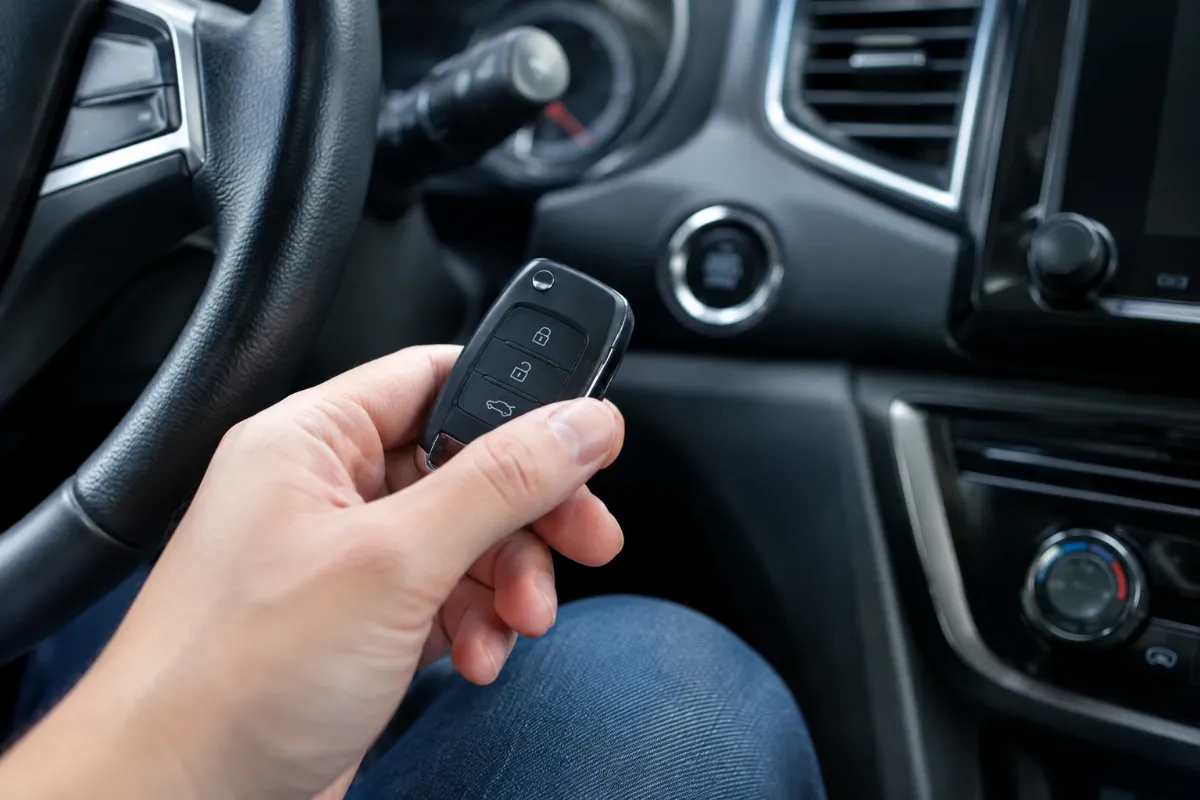
Final Recap: Maintaining Your Smart Key for Longevity
Keep your smart key away from extreme heat and moisture. Replacing your battery every two to three years as a preventative measure can save you from the stress of a lockout. By following these steps, you can confidently manage your replace battery myself tasks for years to come.
Safety and Security Considerations for Keyless Entry Systems
Preventing Signal Relay Attacks During Battery Maintenance
While performing maintenance, ensure your fob is not left in an unsecured area. Modern fobs can be susceptible to signal relay attacks, so keep your keys in a Faraday pouch when not in use.
Disposing of Spent Lithium Batteries Responsibly
Lithium batteries should never be thrown in standard trash. Take your spent batteries to a local electronics retailer or hazardous waste collection center for proper recycling.
Vehicle Compatibility and Button Layout Variations
Not all fobs are created equal. While the internal electronics share similar principles, the physical layout can change significantly between a 3-button base model and a 5-button remote-start fob.
Handling Traditional Plastic Shells vs. Modern Metallic Fobs
Metallic fobs often require more care during disassembly to avoid scratching the finish. Always use plastic pry tools rather than metal screwdrivers to prevent marring the casing.
Year-Specific Challenges
Newer vehicles sometimes integrate the battery deeper into the motherboard housing. If you feel excessive resistance, consult your owner’s manual before applying more pressure, as you may be at risk of damaging the PCB.
Common Mistakes During Battery Swaps and How to Avoid Them
The Dangers of Using Low-Quality or Expired Batteries
Cheap, generic batteries often have inconsistent voltage output or shorter lifespans. Using a high-quality name-brand battery ensures that the battery working after replacement is reliable and won’t leak or fail prematurely.
Handling Sensitive Internal Components and Rubber Membranes
When the fob is open, be careful with the rubber button membrane. It is not attached to the board and can easily fall out or become misaligned. If the buttons feel “mushy” after reassembly, you likely have an alignment issue with the rubber pad.
Cost Analysis: DIY Replacement vs. Professional Service Fees
Comparison of Battery Costs and Service Labor Rates in 2025
A DIY battery swap typically costs only the price of the coin cell, usually under $10. In contrast, having a service center or dealer perform the same task can involve labor fees that quickly add up. Taking the time to replace battery yourself is almost always the most cost-effective solution.
Evaluating the Value of Genuine OEM Batteries vs. Third-Party Alternatives
While generic batteries are inexpensive, OEM-recommended brands often provide better stability for the sensitive electronics found in modern proximity keys. When in doubt, compare the battery replacement options available at your local hardware or electronics store.
Understanding Your Push Button Start System and Key Fob Mechanics
How Proximity Sensors Communicate with Your Vehicle
Push button start systems use proximity sensors located throughout the vehicle interior. When your key fob is within range, it constantly broadcasts a low-frequency signal. The car detects this “handshake” and authorizes the ignition button to start the engine, providing a seamless experience.
The Role of the Internal Battery vs. Emergency Mechanical Key
The internal coin-cell battery powers the wireless signal required for remote locking and push-button ignition. However, if the battery dies, you aren’t stranded. Every fob contains a hidden mechanical key blade, which can be released to manually open the driver’s door lock in an emergency.
Programming Limits and Security Considerations
For most vehicles, a battery swap is a “plug-and-play” operation. However, some high-security systems may require the fob to re-sync with the vehicle after a power loss.
Do You Need to Reprogram?
Generally, no. Your car’s immobilizer system stores the rolling codes in its memory. A simple battery swap does not wipe this data. If the fob still doesn’t work after a battery change, the issue may be a loss of synchronization or a faulty internal circuit.
If your car does not recognize the key after a battery change, do not attempt to force programming through aftermarket apps. Contact a professional locksmith to avoid triggering anti-theft lockouts.
Frequently Asked Questions
Check your owner’s manual or the back of your key fob for a part number. You can also open the fob to see the battery model printed directly on the old cell.
Yes, it is generally safe if you use the correct tools and avoid touching the internal circuit board. Be careful not to bend the metal battery contacts.
Most smart keys do not require reprogramming after a battery change. The internal memory is designed to retain sync settings even without power.
Verify the battery is installed with the correct polarity. If it still fails, there may be an internal board issue requiring a professional locksmith or dealer.
It is better to use a plastic pry tool to avoid scratching the plastic. If you must use a metal tool, wrap the tip in tape or cloth to protect the casing.
Contact a professional if the fob has been damaged by water, the buttons are physically broken, or if you have lost all keys and need a new one programmed.