
What Is Bidirectional Control on a Scan Tool?

Quick Answer
Bidirectional control on a scan tool is a diagnostic feature that lets the tool communicate with a vehicle’s electronic control modules in both directions. Instead of only reading trouble codes and live data, a compatible scanner can send commands to supported components, such as cooling fans, fuel-pump relays, and valves, to help diagnose faults.
What Can Bidirectional Control Do?
- Activate components: Command supported motors, relays, solenoids, and other electronic actuators.
- Test system responses: Check whether a component responds when a control module receives a command.
- Narrow down faults: Help distinguish possible component, wiring, power-supply, and control problems.
- Access active tests: Run manufacturer-supported diagnostic routines through compatible scan-tool software.
- Check compatibility: Confirm support for your exact vehicle, model year, control module, and required test before buying a scanner.
One Important Limitation
- A bidirectional scanner cannot control every component on every vehicle, and an active test alone does not prove that a part is completely healthy.
If you’ve used an OBD2 scanner to read a check-engine light, you’ve probably seen how much information a vehicle can provide. Bidirectional control takes diagnostics a step further by allowing a compatible tool to request specific actions from the vehicle.
In this guide, I’ll explain how the feature works, which components it can test, how it differs from ordinary code reading, and what to check before purchasing a scanner in 2026.
In This Guide
What Is Bidirectional Control on a Scan Tool?
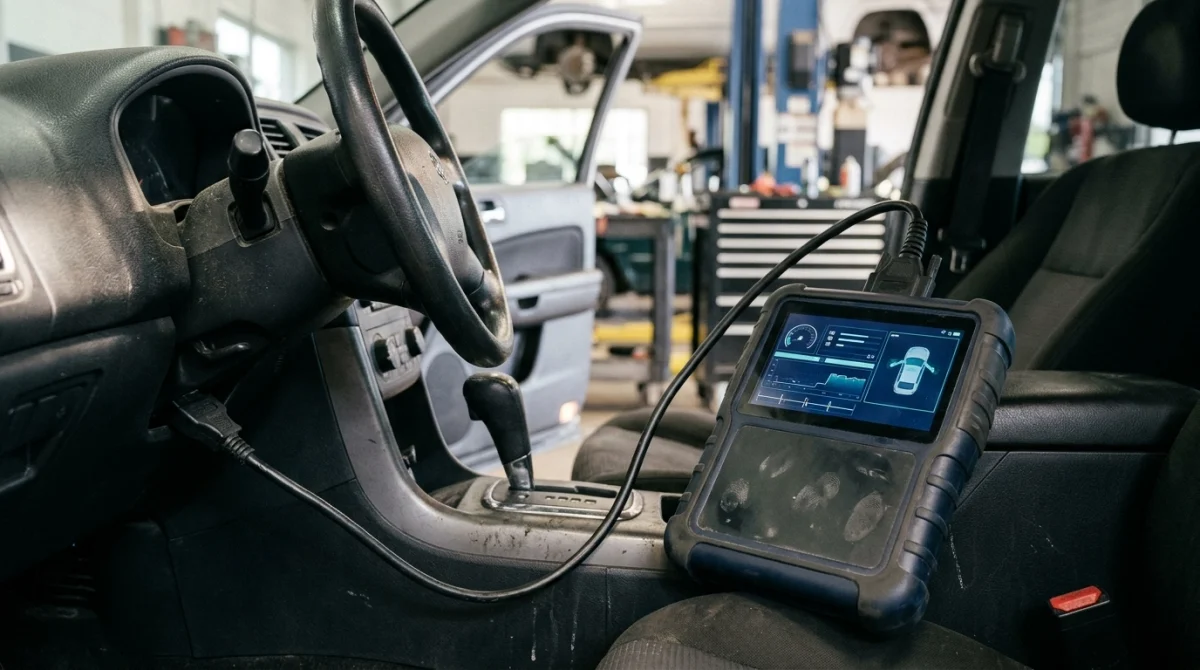
Bidirectional control is a diagnostic function that allows a scan tool to send commands to supported vehicle control modules and receive information about their responses. Technicians also call it active testing, actuator testing, functional testing, or output control, depending on the scanner and manufacturer.
A vehicle’s electronic control unit (ECU) is a computer that monitors or manages particular vehicle functions. Different modules can control systems such as the engine, transmission, anti-lock braking system, body electronics, and keyless entry.
A regular code reader primarily retrieves information from compatible systems. A bidirectional scanner can also request certain actions when the vehicle and software support them.
What does bidirectional mean in simple terms?
Think of a regular scanner as a device that asks questions and receives answers. A bidirectional scanner can ask questions and send supported commands back to the vehicle.
- Read: Retrieve diagnostic trouble codes, module information, or live sensor readings.
- Command: Request a supported component to switch on, switch off, move, or perform a defined test.
- Verify: Observe the component’s response and compare it with expected behavior and available diagnostic data.
The important distinction is that sending a command does not guarantee the component will respond correctly. The scanner gives you another way to investigate the problem rather than identifying every failed part automatically.
Is bidirectional control the same as ECU coding?
No. Bidirectional control and ECU coding are different functions, even though some advanced diagnostic tools offer both.
- Bidirectional control: Requests an action or runs a supported active test.
- ECU coding: Changes supported configuration settings or coding values within a control module.
- Programming: Writes or updates software or module data, depending on the vehicle and procedure.
- Adaptation or relearning: Performs a supported procedure to establish or adjust learned values.
- Service functions: Performs maintenance-related operations, such as supported electronic parking-brake service routines.
These capabilities may appear in the same scanner menu, but one does not automatically include the others. Check the manufacturer’s feature list for the specific functions your vehicle requires.
How Does Bidirectional Control Work?
A bidirectional scan tool communicates with a vehicle’s electronic control system, sends a supported request, and helps the technician evaluate the result. The exact communication method and test conditions depend on the vehicle, control module, and diagnostic software.
How an active test works in practice
Imagine a radiator cooling fan that doesn’t switch on when expected. A fault code or live-data reading might suggest a problem, but it may not identify the cause.
If the vehicle supports a cooling-fan active test, a technician can use a compatible scanner to request fan operation under the conditions specified by the manufacturer.
- Identify the vehicle: Select the correct make, model, year, engine, and supported control module.
- Read the existing faults: Check stored codes and relevant live data before commanding a component.
- Open the active-test menu: Find the supported actuator or output test for the system being diagnosed.
- Follow the test conditions: Meet the scanner’s instructions for ignition state, engine temperature, battery voltage, and other requirements.
- Send the command: Request the specified component action using the scanner’s controls.
- Observe the response: Check whether the component operates and whether the available data matches the expected result.
- Continue diagnosis: Use the result to decide whether additional electrical, mechanical, or control-system testing is necessary.
These are general diagnostic stages, not universal instructions for every vehicle. Follow the exact manufacturer’s service information and the scan tool’s on-screen procedure.
Example: Diagnosing a cooling fan
If the fan operates during a supported active test, that result suggests the fan and at least part of its control circuit can operate under those test conditions. It doesn’t prove that the fan works correctly at every speed or under every operating condition.
If the fan doesn’t operate, possible causes include a faulty motor, missing power or ground, a wiring fault, a relay or driver problem, or an unmet test condition. Further checks are needed to distinguish between them.
Technician’s note: Never replace a component solely because an active test failed. Confirm power, ground, wiring integrity, mechanical condition, and the manufacturer’s diagnostic requirements where applicable.
What Can a Bidirectional Scan Tool Test?
A compatible bidirectional scanner can command selected electronic components and run specific diagnostic routines. Its capabilities depend on the vehicle’s systems and the tool’s coverage, rather than the bidirectional label alone.
| Component or system | Example of an active test | What it can help investigate |
|---|---|---|
| Cooling fan | Request fan operation | Fan response and control-circuit faults |
| EVAP purge valve | Command the valve open or closed | Valve response and related emissions-system faults |
| Fuel-pump circuit | Request supported pump operation | Control response and possible electrical faults |
| Relays and solenoids | Switch a supported output | Output operation and control problems |
| Door locks and windows | Request a supported lock or motor action | Body-control outputs and actuator response |
| ABS and brake systems | Run a supported pump, valve, or service test | Specific electronic or hydraulic diagnostic procedures |
| HVAC actuators | Request a supported blend-door movement | Actuator movement and climate-control faults |
These are examples, not a guarantee that every scanner supports every test. Some tests require enhanced manufacturer-specific access, special adapters, particular operating conditions, or additional service procedures.
Can bidirectional control help diagnose key fob problems?
Sometimes, but only when the scanner supports the vehicle’s relevant body-control, immobilizer, or keyless-entry functions. Bidirectional control does not automatically mean the tool can program a replacement key or communicate with every security module.
A vehicle’s key fob and remote key system may involve several separate functions:
- Keyless entry: Receives commands from the remote and operates supported locking functions.
- Transponder recognition: Allows the immobilizer system to verify an authorized key when applicable.
- Smart-key detection: Detects a compatible proximity key for supported entry or starting functions.
- Key programming: Registers or authorizes a key through a supported security procedure.
An active test might help check a supported door-lock output, but that is not the same as enrolling a new transponder or smart key. Key programming may require separate security authorization, specialized equipment, proof of ownership, or manufacturer-specific procedures.
Locksmith’s note: Before buying a scanner for key work, verify the exact make, model, year, immobilizer functions, and key-programming coverage. A general claim of bidirectional support is not enough.
Bidirectional Scan Tool vs. Regular OBD2 Scanner
The main difference is the ability to command supported vehicle functions. A basic OBD2 scanner can be useful for routine engine diagnostics, while a bidirectional tool adds active tests when the vehicle and software support them.
| Feature | Basic OBD2 scanner | Bidirectional scan tool |
|---|---|---|
| Read supported engine codes | Usually | Usually |
| View supported live data | Often | Often, with broader options on some tools |
| Command a component | Not usually | Yes, for supported active tests |
| Access ABS or body modules | Often limited or unavailable | Possible when supported |
| Perform ECU coding | Not usually | Only if separately supported |
| Program a replacement key | Not usually | Only if the tool supports the required security function |
These descriptions are general, not universal product specifications. Some affordable scanners offer limited active tests, while some advanced scanners require subscriptions or additional access for particular vehicle functions.
Do you need bidirectional control for everyday car repairs?
Not necessarily. If you only need to read engine trouble codes, check common emissions-related data, or clear codes after a verified repair, a basic scanner may be sufficient.
A tool with active tests becomes more useful when you regularly investigate electrical faults, intermittent actuator problems, or systems that need direct commands to diagnose properly. It can also help DIY owners who understand vehicle diagnostics and can safely follow the relevant service procedures.
The benefit is more targeted testing, not an automatic diagnosis. You still need to interpret the results correctly.
What Are the Limitations and Safety Risks?
Bidirectional control is powerful, but it has important limitations. The scanner can only perform the functions supported by its software, the vehicle’s control modules, and any required security access.
Why might a bidirectional scanner not work on your car?
A scanner may read trouble codes from a vehicle without supporting active tests for the same system. That difference often comes down to coverage, rather than a defective scanner.
- Vehicle coverage: The make, model year, engine, or trim may not support the desired test.
- Module coverage: The scanner may access the engine computer but not the body or ABS module.
- Software limitations: The necessary function may require an update, subscription, or additional license.
- Security restrictions: Some newer vehicles require authorized access or an approved security-gateway procedure.
- Test prerequisites: Battery voltage, ignition state, engine temperature, or other conditions may prevent a test from running.
- Communication faults: A network, connector, power-supply, or module problem can interfere with communication.
Before assuming the vehicle has a failed component, check the scanner’s coverage documentation and the conditions shown on its screen. A missing menu option does not prove that the vehicle’s component is defective.
Can an active test damage a vehicle?
Potentially, if a test runs under the wrong conditions or someone ignores the manufacturer’s safety instructions. Certain commands can operate fans, motors, pumps, valves, or other components unexpectedly.
Follow these precautions whenever you use bidirectional control:
- Park securely and select the specified transmission position before testing.
- Keep hands, clothing, tools, and cables clear of moving parts.
- Never work around hot cooling-system components without appropriate precautions.
- Follow the prescribed procedure for ABS, electronic parking brakes, airbags, and other safety-related systems.
- Maintain suitable battery voltage and use any required support equipment.
- Do not disconnect the scanner or switch off diagnostic equipment during a procedure unless the instructions tell you to do so.
Safety note: Use the vehicle’s official service information and the scanner manufacturer’s instructions for each test. If a procedure involves brakes, steering, airbags, or immobilizer security, consult a qualified technician when you’re unsure.
For general information about vehicle safety and recalls, the National Highway Traffic Safety Administration (NHTSA) provides official resources. Safety-critical diagnosis should always follow the relevant manufacturer’s service procedure.
How to Choose a Scanner With Bidirectional Control
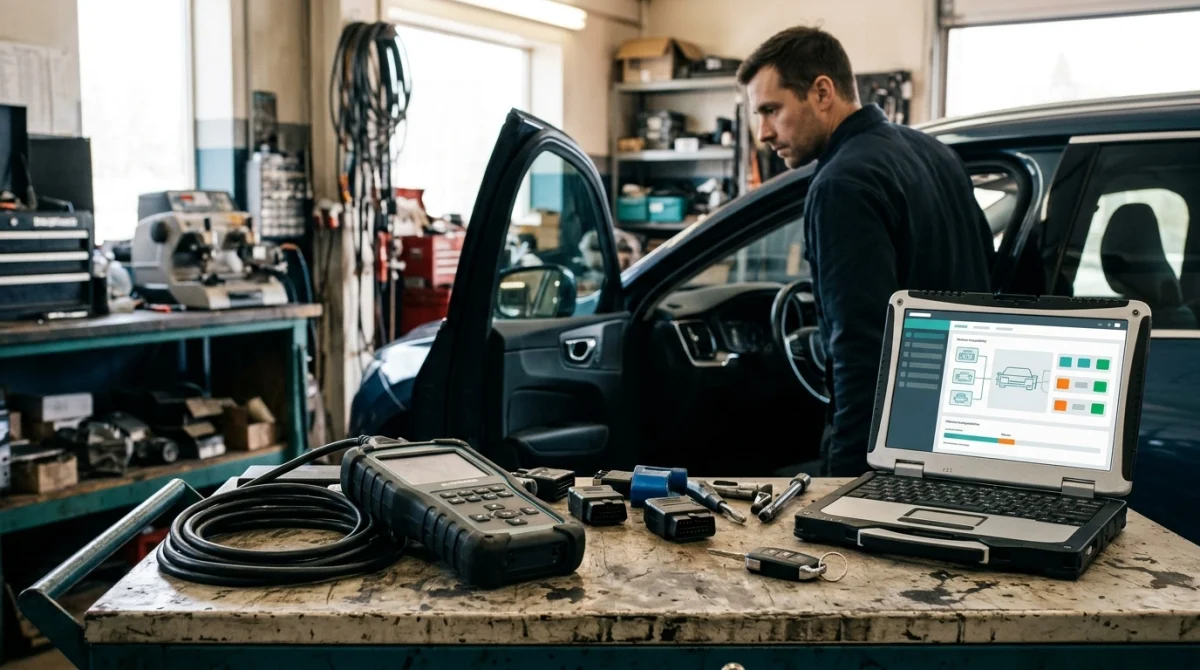
The best scanner is one that supports the tests you actually need on your vehicle. Avoid choosing a tool based only on marketing terms such as “full system,” “professional,” or “bidirectional.”
What should you check before buying?
- Exact vehicle compatibility: Check the make, model, year, engine, and market where the vehicle was sold.
- Named active tests: Confirm that the scanner supports the specific component or system you want to command.
- Control-module coverage: Verify access to the engine, transmission, ABS, body, or other relevant modules.
- Key-programming support: If you work with key fobs, confirm immobilizer and smart-key functions separately from active testing.
- Updates and subscriptions: Check whether important functions require paid renewals, online access, or additional authorization.
- Technical support: Look for clear compatibility documentation and support for troubleshooting coverage questions.
A useful starting point is the manufacturer’s current vehicle-coverage checker. For example, Innova’s coverage information helps buyers investigate supported scanner functions and vehicle applications.
Is a more expensive scanner always better?
No. A more expensive scanner may provide broader system coverage, more active tests, coding options, or professional features, but you may never use them.
Match the tool to your actual needs instead:
- Occasional DIY maintenance: A basic code reader may be enough for reading supported engine codes.
- Advanced DIY troubleshooting: Consider a tool with the specific active tests and module access your car supports.
- Workshop diagnostics: Broader coverage, reliable updates, technical support, and suitable service functions may justify a more advanced tool.
- Automotive locksmith work: Prioritize verified immobilizer and key-programming coverage when needed; bidirectional control alone is not a substitute.
For standards context, the SAE J1978 OBD-II scan-tool standard describes regulated OBD scan-tool functions. Enhanced, manufacturer-specific active tests are additional capabilities, so basic OBD-II compliance alone does not guarantee them.
When comparing scanners, write down the exact functions you need and check them against current manufacturer documentation. That simple step can prevent you from paying for features that aren’t available on your vehicle.
Frequently Asked Questions
1. Is every OBD2 scanner bidirectional?
No. Many OBD2 scanners read and clear supported trouble codes without offering active tests. Bidirectional capability depends on the scanner’s hardware and software, the vehicle’s control modules, and the specific function you want to perform.
2. Does bidirectional control clear trouble codes?
Some bidirectional scanners can clear supported trouble codes, but code clearing is a separate diagnostic function. The defining feature of bidirectional control is the ability to send commands to supported vehicle systems, not simply erase fault codes.
3. Can bidirectional control identify a bad part automatically?
No. An active test shows how a supported system responds to a command under particular conditions. Additional checks may be needed to distinguish a faulty component from wiring damage, a power-supply issue, a control-module fault, or a mechanical problem.
4. Is bidirectional control the same as ECU coding?
No. Bidirectional control requests actions from supported components, while ECU coding changes supported module configuration. Programming and adaptation are separate functions as well, although an advanced scan tool may offer several of these capabilities.
5. Can a bidirectional scan tool program a key fob?
Not automatically. Some advanced tools support selected immobilizer and key-learning functions, while others only offer component activation. Confirm compatibility with your vehicle’s exact year and security system before buying a scanner for key programming.
6. Does bidirectional control work on every car brand?
No single scanner supports every active test on every vehicle. Coverage varies by make, model year, control module, software version, and security requirements. Check the tool manufacturer’s current compatibility information for the exact vehicle and function.
7. Is a bidirectional scan tool worth buying?
It can be worthwhile if you need to diagnose actuator, electrical, emissions, or other supported system faults. If you only read basic engine codes occasionally, a standard OBD2 scanner may be sufficient. Choose based on the functions you’ll use.
Final Takeaway: When Do You Need Bidirectional Control?
Bidirectional control allows a compatible scan tool to do more than read vehicle information. It can command supported components to operate, giving you another way to investigate faults and verify how a system responds.
For routine code reading, a basic scanner may be all you need. For deeper troubleshooting, active tests can be valuable when you combine them with live data, electrical measurements, and the correct service information.
If you’re buying a scanner for your own car or professional work, verify its exact vehicle coverage and active-test functions first. And if your goal is key fob programming, check for dedicated immobilizer and key-learning support rather than assuming bidirectional control includes it.
