How to Program a Key Fob Yourself: Step-by-Step Methods That Work

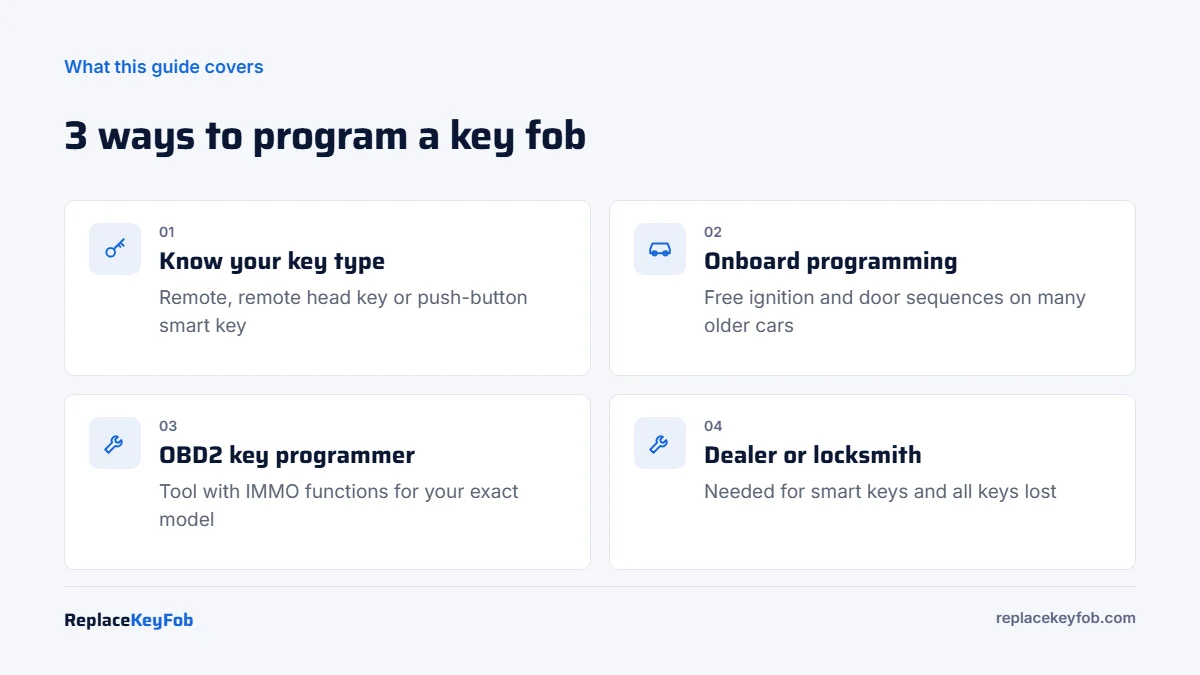
Most key fobs can be programmed one of three ways: an onboard sequence using the ignition, doors and buttons (no tools, common on older Ford, GM, Honda, Toyota and Nissan models), an OBD2 key programmer plugged into the diagnostic port, or a dealer or automotive locksmith. Push-button smart keys and all-keys-lost cases almost always need a tool.
Programming a key fob sounds like a dealer-only job, but a lot of cars still let the owner add a remote in a few minutes. The trick is knowing which kind of key you have, because the method depends on it far more than on the brand. This guide walks through each method, what you need before you start, and how to tell quickly whether your car is a DIY job or not.
If you only changed the battery and the remote stopped working, you probably do not need full programming. Start with our guide to whether a key fob needs reprogramming after a battery change and the resync steps first.
First, find out what kind of key you have
A “key fob” can mean three different things, and each one is programmed differently:
- Separate remote (keyless entry only). The fob locks and unlocks the doors, and you start the car with a separate metal key. Only the remote needs programming. This is the easiest case, and onboard programming often works.
- Remote head key or flip key. The buttons and the metal blade are in one unit. Inside there are two systems: the remote transmitter (buttons) and a transponder chip that talks to the immobilizer. Both usually need to be programmed, and they are programmed separately.
- Smart key (proximity key, push-button start). You keep it in your pocket and press a start button. The car must register it with the immobilizer and the keyless module. On nearly all smart-key cars this requires a diagnostic or key programming tool.
Also check whether the fob is new and unlocked. Many aftermarket and used fobs are already “married” to another car and cannot be programmed again without being reset with a programmer. Our post on how to test if a key fob is transmitting helps you confirm the new fob actually sends a signal before you spend time on programming.
What you need before you start
- A fob with the right FCC ID and part number. The FCC ID is printed on the back of the fob or inside the case. If it does not match your original, it will not work no matter how well you follow the steps.
- A fresh battery in the new fob. A weak coin cell is the most common reason programming “fails.” Check our key fob battery size chart.
- Your existing working key(s). Many onboard procedures require one or two already-programmed keys. If you have none, see the all-keys-lost section below.
- All doors closed and a charged 12V battery. A low car battery can interrupt a programming session.
- The owner’s manual. Many manuals list the exact onboard procedure in the “Keys” or “Remote keyless entry” section.
Method 1: Onboard programming (no tools)
Onboard programming uses a timed sequence of ignition cycles, door switches or button presses to put the car into “learn” mode. It is free and takes a few minutes, but it is only offered on certain models, mostly older cars with a separate remote or a turn-key ignition. The general pattern is the same across brands:
- Sit in the car with all doors closed and all keys and fobs in hand.
- Enter programming mode with the brand’s sequence, for example turning the ignition from OFF to ON several times within a set number of seconds, or opening and closing the driver door in a pattern.
- Watch for a confirmation: the locks cycle, a chime sounds, or a message appears on the dash.
- Press a button (usually LOCK) on each fob you want the car to keep, including the old ones. Most cars erase every remote not programmed in the same session.
- Exit programming mode by turning the ignition off or opening a door, then test every fob.
Here are well-known examples. Exact steps vary by year and trim, so confirm with your owner’s manual or our brand guides:
| Brand (typical models) | Onboard method for the remote | Notes |
|---|---|---|
| Ford / Lincoln (many 1998-2014 turn-key models) | Cycle ignition OFF to RUN 8 times within about 10 seconds, ending in RUN; locks cycle; press a button on each remote | Adding a transponder key on your own needs two working programmed keys |
| GM: Chevy, GMC, Buick, Cadillac (older turn-key) | Varies: driver information center menu, or hold LOCK and UNLOCK on a working fob, or a door lock switch sequence | Many 2007+ models need a scan tool or the 30-minute relearn for the transponder |
| Honda / Acura (older remotes) | Turn ignition to ON and press LOCK within a few seconds, repeated four times; locks cycle to confirm | Remote head keys still need a tool for the immobilizer chip |
| Toyota / Lexus (separate remotes) | A timed sequence of inserting and removing the key, opening and closing the driver door and cycling the ignition | Smart keys need a tool or the dealer |
| Nissan / Infiniti (older remotes) | Lock with the door switch, then insert and remove the key 6 or more times within 10 seconds until the hazards flash | Intelligent Keys need a tool |
If your car is not listed or nothing happens after a correct sequence, the model probably does not support onboard programming. That is common after about 2010 and almost universal on push-button cars.
Method 2: Program a key fob with an OBD2 key programmer
A key programmer plugs into the OBD2 port under the dashboard and talks to the immobilizer and body control module directly. This is how locksmiths handle most modern cars, and some owner-level tools can do the same job on supported vehicles.
- Confirm the tool supports immobilizer (IMMO) functions for your exact make, model and year. Coverage lists matter more than brand names.
- Connect the tool to the OBD2 port with the ignition on (or the start button pressed twice without your foot on the brake).
- Choose the IMMO or “key learning” menu for your vehicle and pick “Add key” if you still have a working key, or “All keys lost” if you do not.
- Some cars require a security PIN or a timed security access (often 10 to 30 minutes on Chrysler and some GM vehicles). The tool either reads it or waits through it.
- Follow the prompts to place the new key in the ignition or against the start button, then confirm the tool reports success.
- Program the remote buttons too if the tool lists them as a separate step.
A dedicated tool makes sense if you own several cars, run a small fleet, or want to keep a spare-key option for the future. For a single key on a single car, a locksmith is often cheaper than buying a tool. Our guides to OBD2 scanners with key programming and the Autel MaxiIM IM608 Pro II explain what these tools can and cannot do.
OBD2 Key Programmer With IMMO Functions
Look for a tool that lists your exact make, model and year for “add key” and “all keys lost.” Check the coverage list and any subscription before you buy.
As an Amazon Associate, ReplaceKeyFob earns from qualifying purchases.
Method 3: Dealer or automotive locksmith
You need a professional when the car has a smart key, when you have lost every key, when the car is from a brand with locked-down security (newer BMW, Mercedes-Benz, Audi, Volkswagen, Volvo, Land Rover, Jaguar and Porsche), or when DIY attempts have failed.
- Dealer: uses factory software and genuine keys. The most reliable option for the newest models, but usually the most expensive, and you normally have to bring the car in.
- Automotive locksmith: often comes to you, can cut and program in one visit, and is usually cheaper than the dealer. Ask whether they can program your exact model before booking.
Bring proof of ownership (registration or title) and ID. Reputable dealers and locksmiths will not program a key without it.
How to program an immobilizer key (transponder)
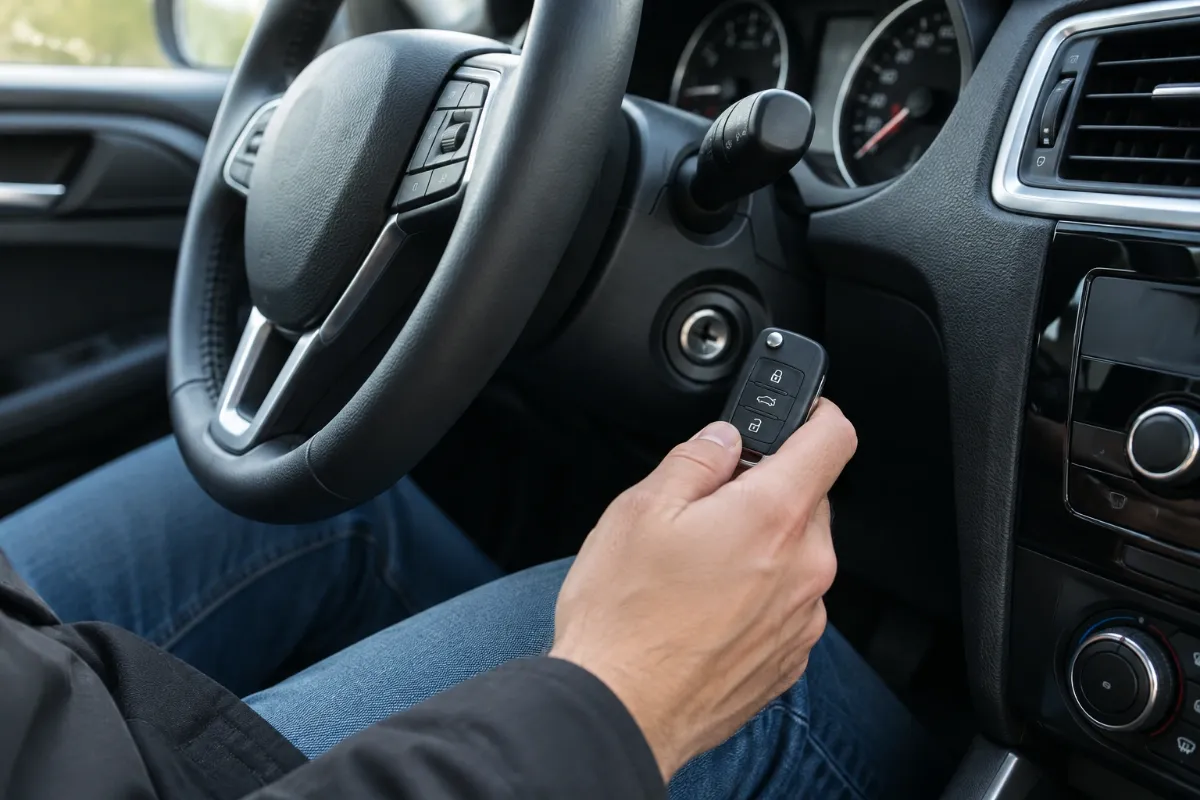
Getting the buttons to lock and unlock the doors is only half the job if your fob also starts the car. The transponder chip in the key head must be registered with the immobilizer, or the engine will crank and die, or not crank at all, and a security light will flash. Our article on a flashing immobilizer light covers what that symptom means.
There are three common routes:
- Two-key onboard method: some brands, including many older Ford and Mazda models, let you add a third key yourself if you already have two working programmed keys.
- Timed relearn: several older GM vehicles use a 10-minute or 30-minute ignition-on relearn with the new key.
- Tool or dealer: everything else, including most cars made in the last decade.
How to program a key fob to a car without the original key
If all keys are lost, onboard programming is almost never possible, because the car needs a working key to authorize a new one. You will need a locksmith or dealer with an all-keys-lost procedure, and on some vehicles the immobilizer or key data has to be read from a module. Expect a higher bill than adding a spare. Read our guide on how to replace a lost car key for the full process.
If the key fob will not program
- Wrong FCC ID or frequency. Compare the new fob to the original. The same shape does not mean the same electronics.
- Locked or used fob. A fob that was programmed to another car may need to be reset or “unlocked” with a programmer first.
- Timing. Onboard sequences often have to be done within a few seconds. Count out loud and try again.
- Old fobs dropped. If only the new fob works afterwards, you skipped the old ones during the session. Re-run it and press a button on every fob.
- Weak batteries. In the fob and in the car. Replace the coin cell and charge the 12V battery.
If you still cannot get it to work, our key fob not working troubleshooting guide goes deeper into receiver and module faults.
How much does key fob programming cost?
Onboard programming is free. An OBD2 key programmer is a one-time purchase and may carry an annual software fee. A locksmith typically charges less than a dealer for the same job, and an all-keys-lost situation costs more than adding a spare at both. Rates vary by city, vehicle and key type, so get two quotes and ask whether the price includes cutting the blade.
Frequently Asked Questions
Often, yes, on older cars with a separate remote or a turn-key ignition. Many Ford, GM, Honda, Toyota and Nissan models from roughly the late 1990s to early 2010s have an onboard procedure. Push-button smart keys and most European brands need a tool, a locksmith or a dealer.
Only scanners with immobilizer (IMMO) or key programming functions can. A basic code reader cannot. Check the tool’s coverage list for your exact make, model and year before buying.
The same way as an original fob, as long as the FCC ID and part number match your car. Use the onboard procedure if your car has one; otherwise use a key programmer or a locksmith. Cheap fobs fail more often, so test the signal before programming.
On most cars, yes. Entering programming mode usually erases all stored remotes, and only the fobs you press during that session are saved. Have every fob with you.
Onboard programming takes about 2 to 10 minutes. Tool-based programming usually takes 10 to 30 minutes, longer on cars with a timed security wait. A locksmith visit with key cutting is often under an hour.
The remote buttons were programmed but the transponder chip was not registered with the immobilizer. That needs a separate key learning procedure, usually with a tool or a professional.