
How to Change a Car Battery Without Losing Settings

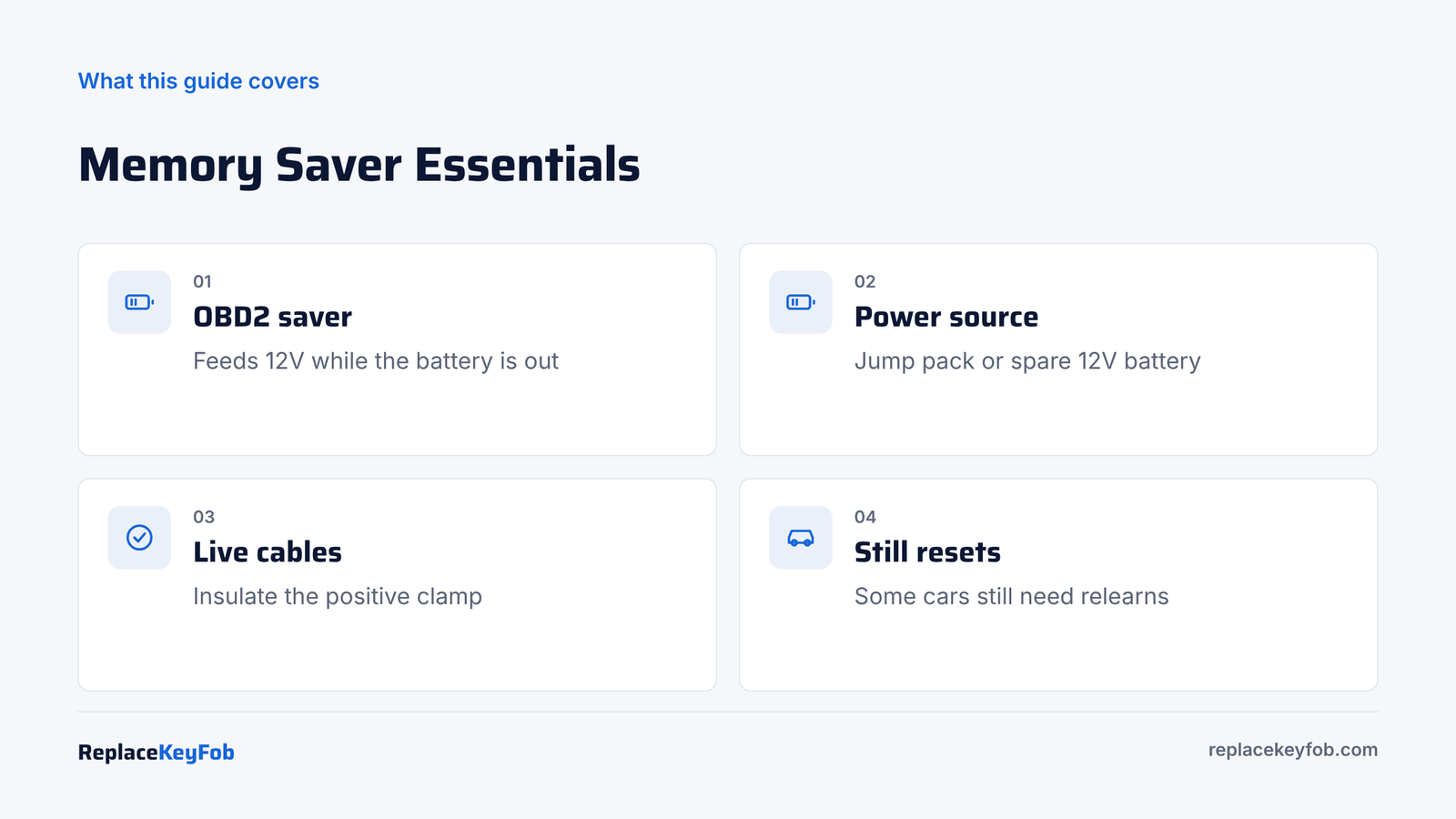
To change a car battery without losing data, plug a memory saver into the OBD2 port under the dash and connect it to a 12V source such as a jump pack. It keeps the car’s modules powered while you swap the battery. Remove the negative cable first, wrap the positive clamp in a rag because it stays live, fit the new battery, then unplug the saver.
When a car loses battery power, some systems forget what they knew. On older cars, that meant the radio code, the clock and preset stations. On newer cars, it can also mean learned idle settings, window auto-up positions, steering angle calibration and some driver preferences. None of it is dangerous, but it is a nuisance.
A memory saver is the simple fix. It is a small adapter that supplies power through the OBD2 port or, on some cars, the 12V accessory socket, while the main battery is disconnected. This guide covers how to use one safely and what to expect if you do not.
What You Lose When the Battery Is Disconnected
Most modern cars store important data, such as key fob pairing, mileage and fault history, in memory that does not need power. What usually resets depends on the car:
| Setting | Lost without power? | Fix if lost |
|---|---|---|
| Clock and radio presets | Often | Reset by hand |
| Radio anti-theft code | On some older cars | Enter the code from the manual card or dealer |
| Trip meters and fuel economy | Often | Starts over |
| Power window auto-up | On many cars | Relearn each window |
| Learned idle and fuel trims | On many cars | Relearns over a few drives |
| Steering angle sensor | On some cars | Turn lock to lock or scan tool reset |
| Seat and mirror memory | Sometimes | Re-save positions |
| Key fob pairing | Rarely | Resync if the fob stops working |
If your car has a radio code, find it before you start. Our guide on radio code after battery change explains where to look.
What You Need
- OBD2 memory saver cable (or a 12V socket version if your socket stays live with the ignition off)
- A 12V power source: a jump pack with a 12V output, a spare charged battery, or a power supply the saver is designed for
- Insulated tools and a rag or rubber cover for the positive clamp
- The new battery, safety glasses and gloves
OBD2 Memory Saver Cable
A memory saver plugs into the OBD2 port and draws power from a jump pack or spare battery while you swap the main battery. Check that it has an indicator light and an inline fuse.
As an Amazon Associate, ReplaceKeyFob earns from qualifying purchases.
For more options, see our list of best OBD2 battery memory savers.
Step-by-Step: Using a Memory Saver
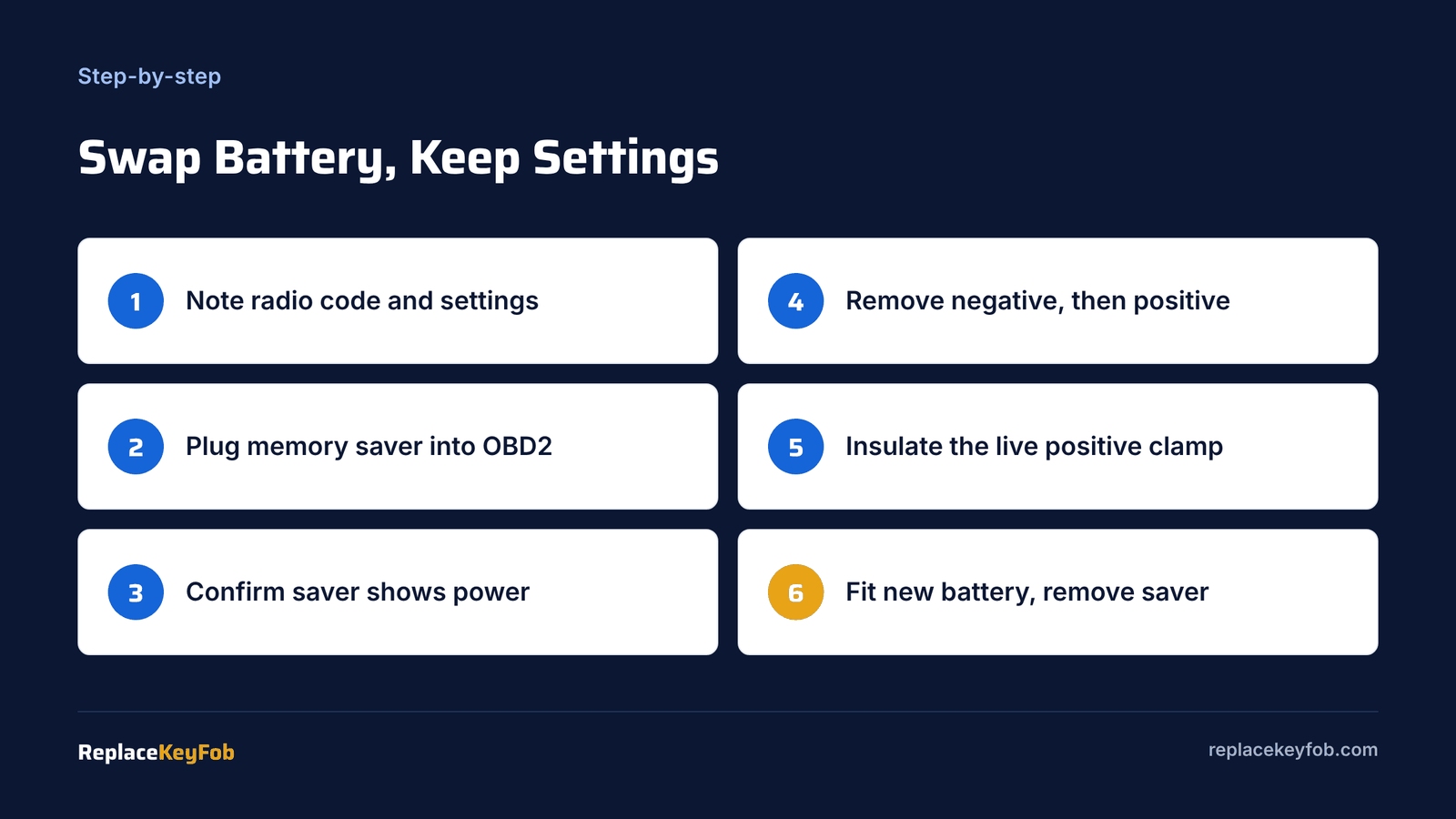
- Turn everything off. Engine, lights, radio and climate. Close the doors but leave a window down so you are not locked out, and keep the key away from the car.
- Find the OBD2 port. It is under the dashboard on the driver side, usually near the steering column. See where is the OBD2 port located if you cannot find it.
- Connect the saver to the power source. Clip it to a charged jump pack or spare battery as the saver’s instructions describe, red to positive and black to negative.
- Plug the saver into the OBD2 port. Check that its indicator light shows power. Some cars’ OBD2 power pin is fused; if the light stays off, check the fuse. Our guide on OBD2 port not getting power helps.
- Disconnect the negative battery cable. Loosen and lift the clamp, then tuck it away.
- Disconnect the positive cable and insulate it. This is the key safety step. With a memory saver, the positive cable is still live. Wrap the clamp in a thick rag or rubber cover so it cannot touch the body or any metal.
- Swap the battery. Remove the hold-down, lift out the old battery and fit the new one.
- Reconnect positive, then negative. Unwrap the positive clamp and fit it to the new battery, then fit the negative.
- Unplug the memory saver and disconnect it from the power source.
- Start the car and confirm the clock, radio and settings are intact.
Choosing a Power Source for the Saver
The saver itself is just a cable. What matters is the source behind it.
- Jump pack with a 12V output: the most common choice. Make sure it is fully charged and not set to a boost mode that switches off after a few seconds.
- Spare 12V battery: a charged lawn tractor or motorcycle battery works for a short swap. Connect it with the saver’s clamps.
- Another car: some savers clip to a running donor car’s battery. Keep the cables away from moving parts.
A source that drops below about 12 volts during the swap may not keep every module awake, so a few settings may still reset.
Why the Live Positive Cable Matters
Without a memory saver, the positive cable is dead once the battery is out. With a memory saver, the car’s electrical system is powered through the OBD2 port, so the positive battery cable is connected to that source. If it touches the body, it shorts the jump pack or spare battery through the saver.
Most savers have a fuse that blows in that case, but it can still spark, and a saver without a fuse can overheat. Keep the clamp wrapped, and work steadily but carefully.
Using a 12V Socket Instead of OBD2
Some memory savers plug into the cigarette lighter or 12V accessory socket. This only works if the socket stays powered with the ignition off. Many modern cars switch the socket off, so the saver does nothing. Test it first: with the ignition off and the key away, plug a 12V device into the socket and see if it powers on.
Are Memory Savers Safe for All Cars?
For most cars, yes, when used as directed. A few manufacturers recommend against them on certain models, or recommend a specific procedure for battery replacement that involves letting modules sleep. If your owner’s manual or service information says to disconnect the battery fully for replacement, follow it. On cars with battery registration (many BMW, Audi, VW, Mercedes and some Ford and GM), register the new battery after the swap whether or not you used a memory saver; see how to register a car battery with a scan tool.
If You Did Not Use a Memory Saver
Not a problem. Here is how to restore the common settings:
- Clock and presets: set them by hand through the infotainment screen.
- Auto-up windows: for each window, hold the switch down until fully open and a second more, then hold up until fully closed and a second more. Details by brand are in how to reset auto-up windows after battery change.
- Idle relearn: let the engine idle for about 10 minutes with accessories off, then drive normally. Some cars need a specific idle relearn in the manual.
- Steering angle: if a stability or steering light comes on, turn the wheel fully left, then fully right, then center, and drive a short distance.
- Key fob: if it stops working, see key fob not working after disconnecting the car battery.
Troubleshooting Table
| Problem | Cause | Fix |
|---|---|---|
| Saver light off | OBD2 power fuse blown or source flat | Check fuse and source voltage |
| Settings lost anyway | Saver not connected or socket not live | Use OBD2 type, confirm light first |
| Saver fuse blew | Positive clamp touched metal | Replace fuse, insulate clamp |
| Radio asks for code | Brief power loss | Enter radio code |
| Warning lights after swap | Normal module reset | Drive a few miles; scan if they stay on |
Mistakes to Avoid
- Leaving the positive clamp bare with the saver connected.
- Using a weak power source. A nearly flat jump pack may not hold voltage for the whole swap.
- Leaving lights or the radio on while on the saver, which drains the source and can blow the saver’s fuse.
- Forgetting the radio code before starting.
- Skipping registration on cars that need it.
When to Let a Shop Do It
Shops and dealers often use a memory saver or a dedicated power supply as standard, especially on luxury cars where losing settings means extra calibration. Typical 2026 US installation labor is about $40 to $150, plus battery registration where needed. For full prices see car battery replacement cost.
Frequently Asked Questions
Yes. Use a memory saver plugged into the OBD2 port and powered by a jump pack or spare battery. It keeps the car’s modules powered during the swap.
It can clear learned idle and fuel settings, radio presets, clock and window auto-up positions. Key fob pairing and mileage are usually kept.
For most cars, yes, if you keep the positive battery cable insulated and use a fused saver. Follow your owner’s manual if it says otherwise.
Only if the socket stays powered with the ignition off. Many newer cars switch it off, so the OBD2 type is more reliable.
Usually only small things: clock, radio presets, auto-up windows and idle relearn. Some older cars ask for a radio code.