
How to Reset the Oil Life on a Hyundai

This post contains affiliate links. As an Amazon Associate, ReplaceKeyFob earns from qualifying purchases, at no extra cost to you.
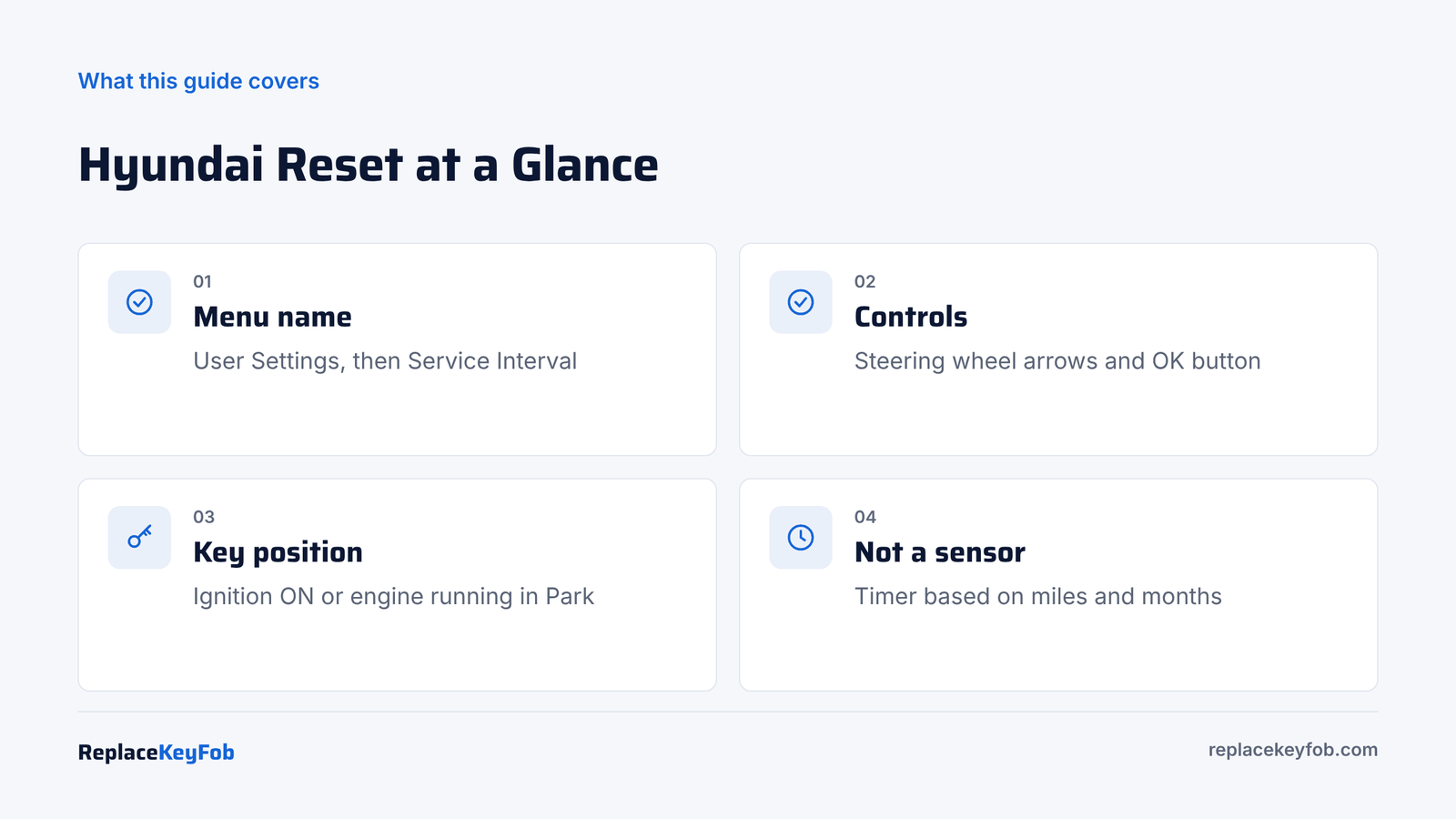
To reset oil life on most 2015 and newer Hyundais, turn the ignition ON, use the steering wheel arrow or mode button to open User Settings (the gear icon) in the gauge cluster, select Service Interval, then choose Reset and confirm with OK. On cars with a 10.25 or 12.3 inch display, the same item may sit under Vehicle Settings on the center screen.
Hyundai does not measure your oil. The reminder is a simple counter that warns you when a set number of miles or months has passed, so resetting it after an oil change tells the car to start counting again from zero. If you skip the reset, the “Service required” or wrench message keeps coming back even with fresh oil in the engine.
The process takes about a minute, needs no tools, and works the same whether the oil change was done at home, at a quick-lube shop or at the dealer. If you prefer a scan tool, our guide on how to reset the oil light with a scan tool covers that route, but on a Hyundai the built-in menu is usually faster.
What You Need Before You Start
You need very little, but having it ready avoids a second trip to the menu:
- The key or smart key inside the car, with the ignition in ON (engine off) or the engine running in Park.
- The oil change done. Resetting first and forgetting the oil is the most common way people end up overdue.
- The interval you want. Hyundai lets you set the reminder by distance and by months. Check the maintenance schedule in your owner’s manual or Hyundai’s owner site for your engine.
- Five quiet minutes in a safe place, parked, with the parking brake on.
If you change your own oil, a fluid extractor or a good drain pan and the right filter wrench make the job cleaner. The reset is free; the oil change is where the tools matter.
Oil filter wrench set
Pick a cap-style or adjustable wrench that fits the filter size for your Hyundai engine, and check the fit list before you buy.
As an Amazon Associate, ReplaceKeyFob earns from qualifying purchases.
Step-by-Step: Reset Oil Life on a 2015 and Newer Hyundai
These steps cover most Elantra, Sonata, Tucson, Santa Fe, Kona, Palisade, Venue and Accent models with a color or monochrome LCD between the gauges.
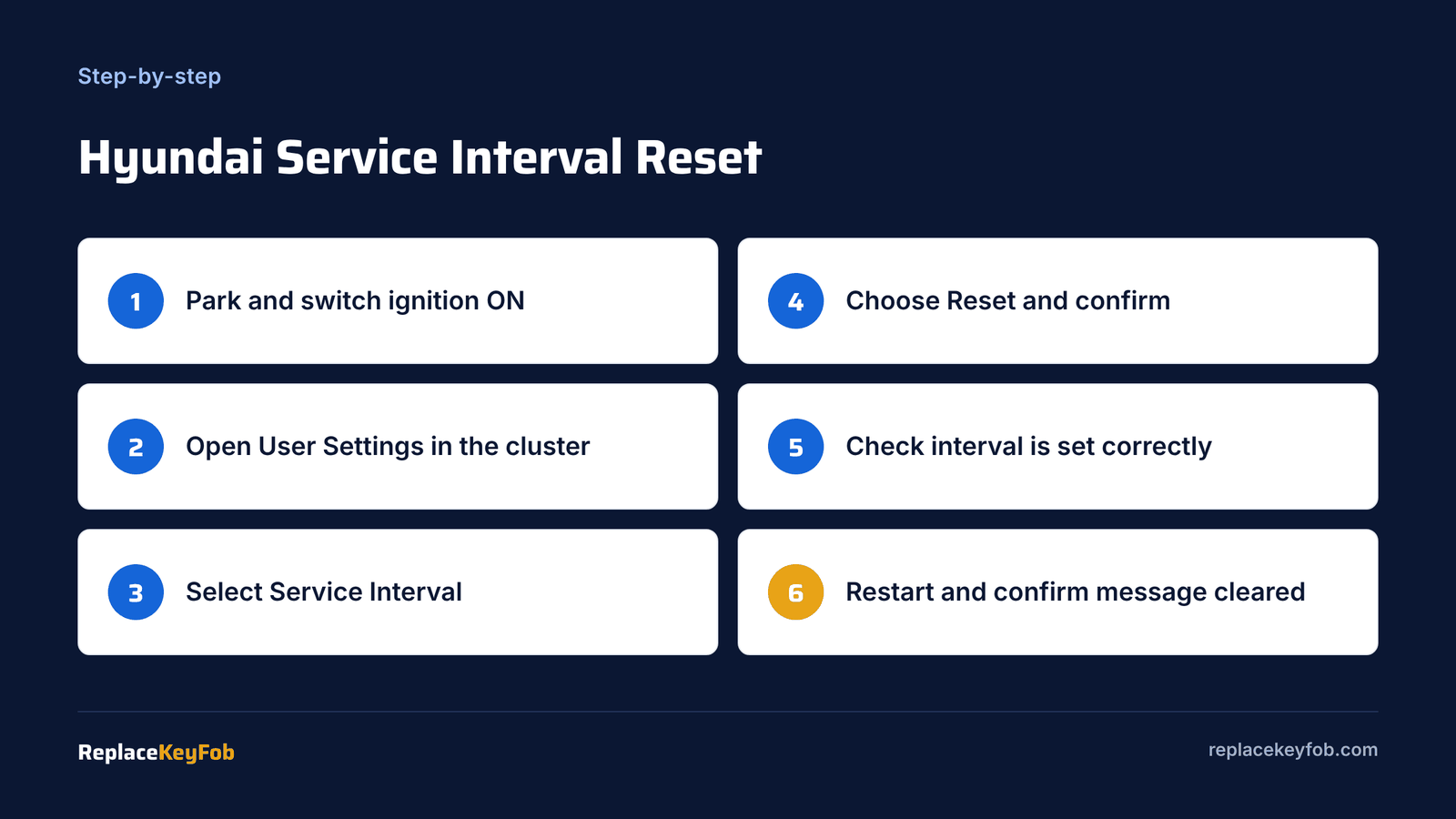
- Park and switch to ON. On a push-button car, press START twice without pressing the brake. On a key car, turn the key to ON. You can also do this with the engine running, but the car must be in Park.
- Find the settings view. Press the mode button (often marked with a square or a gear on the right side of the steering wheel) until the cluster shows User Settings. On some cars you scroll with the up and down arrows on the left spoke instead.
- Open Service Interval. Inside User Settings, scroll to Service Interval (sometimes listed under a “Maintenance” heading) and press OK.
- Choose Reset. You will see the remaining distance and time. Select Reset, then press and hold OK, or confirm Yes, depending on the cluster.
- Check the interval. If the numbers that come back are wrong for how you drive, select Adjust Interval and set the miles and months you want. Many owners use a shorter interval for severe conditions such as short trips, towing or dusty roads.
- Exit and restart. Press the back or mode button to leave the menu, switch the car off, then start it again. The service message should not appear.
Why the ignition must be ON: the cluster only stores settings changes while it is powered and awake. If you turn the car off in the middle of the menu, the reset is often lost.
If your Hyundai has a big screen
Newer models with a 10.25 inch or 12.3 inch display (for example many 2021 and newer Elantra, Tucson, Santa Fe, Sonata, Palisade and Ioniq models) may keep Service Interval in two places. You can reset it from the cluster as above, or tap Settings on the center screen, then Vehicle (or Vehicle Settings), then Service Interval, then Reset. Use whichever you find first. Both change the same counter.
Older Hyundais: Trip Button Method
Many 2011 to 2014 models with a small monochrome display use the trip button on the dash or steering wheel instead of a settings menu. The general method is:
- Turn the ignition ON.
- Press the trip or mode button until the display shows the service interval or “Service in” screen.
- Press and hold the trip or reset button until the distance resets to your chosen interval, or until the display asks you to confirm.
- Switch off and start again to check.
Some cars in this era do not have the reminder enabled from the factory. If you cannot find any service screen, the feature may simply be switched off in the cluster. Your owner’s manual, in the “Instrument Cluster” or “LCD Display” section, lists the exact screen for your model.
Model and Year Differences
| Hyundai type | Where to reset | Notes |
|---|---|---|
| 2011-2014 sedans and SUVs | Trip button on dash or wheel | Small display, hold button to reset |
| 2015-2020 most models | Cluster User Settings, Service Interval | Arrows and OK on steering wheel |
| 2021+ with 10.25 or 12.3 inch screen | Cluster or Settings, Vehicle, Service Interval | Same counter, two ways in |
| Ioniq 5, Ioniq 6, Kona Electric | Vehicle settings on screen | No engine oil; reminder covers other service items |
| Hybrids and plug-in hybrids | Cluster User Settings | Engine still needs oil changes on schedule |
Electric Hyundais have no engine oil at all. If an EV shows a maintenance reminder, it is tracking items such as cabin filter, brake fluid or coolant checks, and you reset it the same way from Vehicle settings.
Turning the reminder on or off
In User Settings you may see Service Interval with a toggle. If it is off, the car will never remind you. Turn it on and set the interval. If you use a shop that stamps a windshield sticker instead, you can leave the reminder on as a backup. There is no downside to having both.
If the Service Message Will Not Clear
| Symptom | Likely cause | What to try |
|---|---|---|
| Reset option is greyed out | Car not in Park or moving | Stop fully, select Park, try again |
| Message returns on next start | Reset not confirmed or power cut mid-menu | Repeat and hold OK until numbers change |
| No Service Interval item | Feature turned off or older cluster | Check User Settings toggle or trip screens |
| Interval shows wrong miles | Interval set too short or long | Use Adjust Interval to set miles and months |
| Wrench light, not text message | Different warning on some markets | Check manual; may need scan tool reset |
| Oil pressure light (red can) | Real low oil pressure | Stop the engine and check oil level now |
Do not confuse the maintenance reminder with the red oil pressure warning, which looks like an oil can. The reminder is just a calendar. The red light means the engine may not be getting oil, and driving on it can destroy the engine in minutes.
If the menu reset fails and the message survives restarts, a scan tool with a “service reset” or “oil reset” function can do it. Many affordable tools list Hyundai and Kia in their reset coverage. Our guide to the best OBD2 scanner for oil reset explains what to look for, and the best OBD2 scanner for Hyundai post covers brand-specific coverage.
Mistakes to Avoid
- Resetting before the oil change. Do the change first, then reset in the driveway so you do not forget.
- Using the wrong interval. Hyundai lists normal and severe schedules. Short trips in winter, stop-and-go driving and towing count as severe for many engines, so a shorter interval is safer.
- Forgetting the filter. The reminder counts oil changes, not filters. Replace the filter every time.
- Ignoring oil level between changes. Some Hyundai and Kia engines are known to use oil as they age. Check the dipstick once a month even when the reminder is far away.
- Clearing a warning you do not understand. If the light is red or the engine sounds different, stop and check. Do not just reset and drive on.
A quick reset also does nothing for other lights. If you also see a tire light, our Phase 5 guide on how to reset the TPMS light covers that, and the Hyundai TPMS reset guide has the Hyundai-specific steps.
When to Let a Shop Do It
Most quick-lube shops and every Hyundai dealer will reset the reminder at no charge when they change the oil. If you do your own oil changes, the reset is free and takes a minute. A shop visit makes sense when:
- The reset item is missing or the cluster seems faulty.
- A warranty claim needs proof of on-time service (keep receipts either way).
- A warning light other than the service reminder is on.
A typical 2026 US synthetic oil change for a Hyundai runs about $70 to $130 at an independent shop or quick-lube and about $90 to $160 at a dealer, depending on engine size and oil spec. A dealer diagnostic check for a stubborn cluster issue usually starts around $100 to $180.
For a broader look at service reminders across brands, see our Phase 5 post on how to reset a service light, and if you drive more than one brand, compare with the Toyota oil life reset steps.
Frequently Asked Questions
No. It only restarts the reminder counter. Hyundai’s system does not test oil quality, so you must actually change the oil and filter before or right after the reset.
No. Most models only allow the reset with the car stopped and in Park. The option is often greyed out while moving for safety.
Open User Settings, then Service Interval, then Adjust Interval. Set the miles and months you want, press OK, then reset the counter so it starts from your new interval.
The reset was probably not confirmed, or the ignition was switched off while the menu was open. Repeat the steps with the car in Park, hold OK until the numbers change, then restart to check.
No engine oil is used in the Ioniq 5, Ioniq 6 or Kona Electric. Their maintenance reminder tracks other service items and resets from Vehicle settings on the screen.