
How to Reset the Oil Life Light on a Toyota

This post contains affiliate links. As an Amazon Associate, ReplaceKeyFob earns from qualifying purchases, at no extra cost to you.
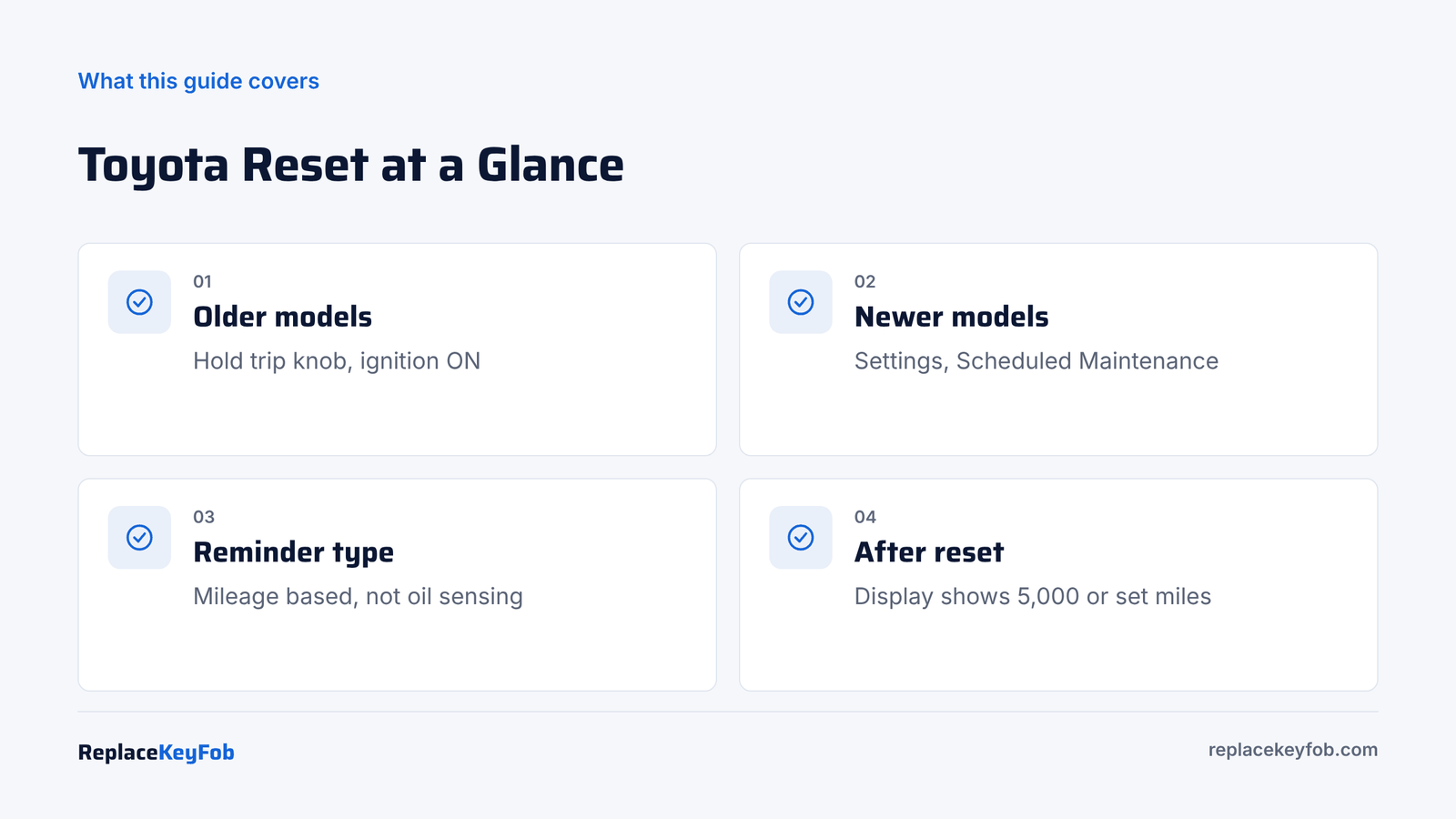
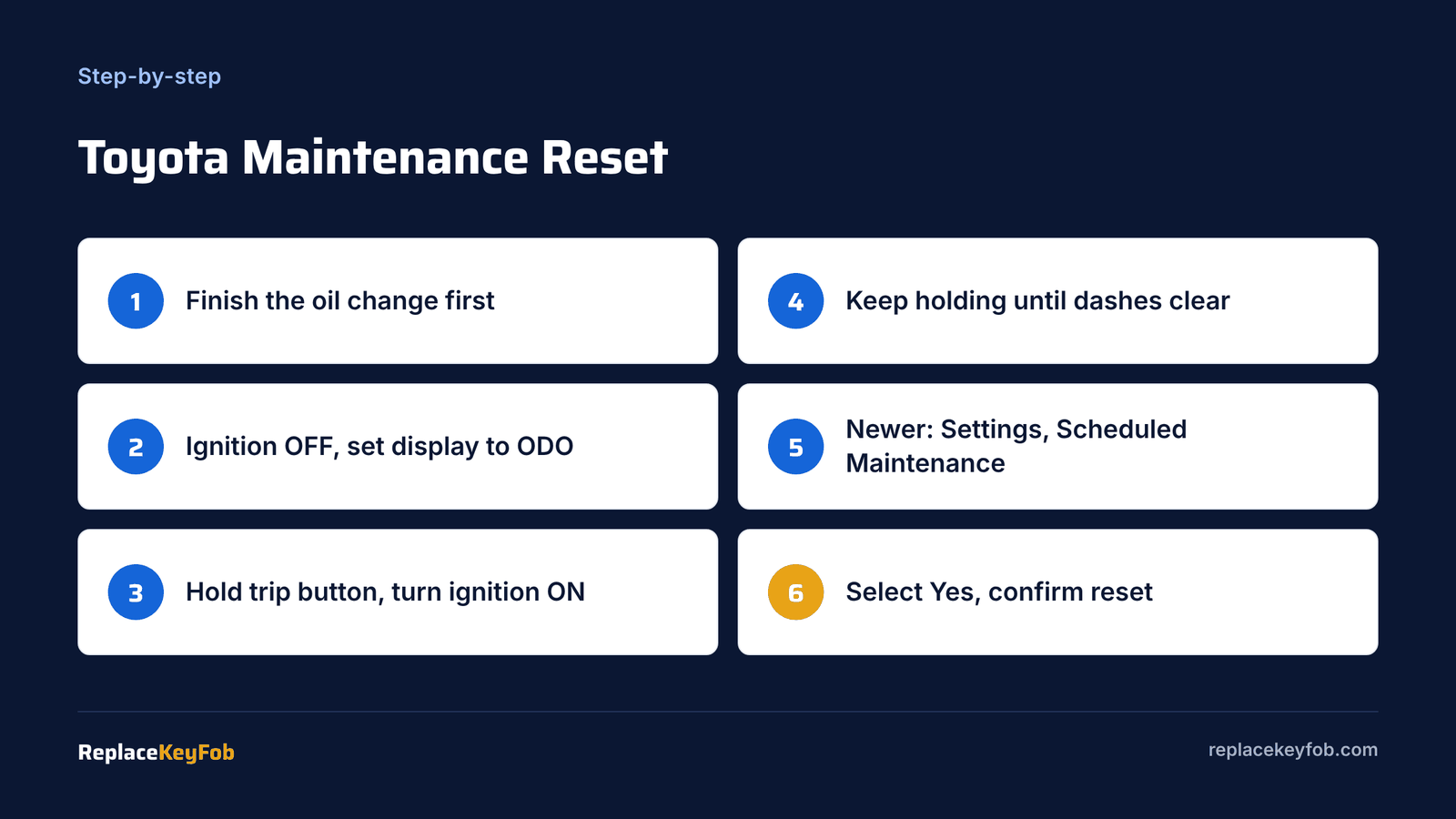
To reset oil life on a Toyota with an odometer button, set the display to ODO, turn the ignition off, hold the trip reset button, then turn the ignition ON and keep holding until the dashes disappear and the display shows zeros. On newer Toyotas with a color display, use the steering wheel arrows to open Settings, choose Scheduled Maintenance and select Yes.
Toyota does not use an oil life percentage like GM or Honda on most models. It uses a scheduled maintenance reminder, usually shown as a “Maint Reqd” light or a message on the multi-information display. The reminder is based on miles driven since the last reset, not on engine sensing. On many recent Toyotas the interval is about 5,000 miles, which lines up with Toyota’s tire rotation and inspection schedule even when the oil itself can go longer.
Because it only counts miles, the reminder does not know you changed the oil until you tell it. That is why every oil change, at home or at a quick-lube shop, should end with a reset. This guide covers both reset methods and model-specific notes. If you prefer to use a scan tool, see how to reset the oil light with a scan tool.
Which Reset Method Does Your Toyota Use?
| Your dash | Method | Common on |
|---|---|---|
| Small odometer screen with a trip knob | Trip button and ignition | Many models through about the mid 2010s |
| Multi-info display with steering wheel arrows | Settings menu | Many models from about 2016 on |
| Large touchscreen and digital cluster | Settings menu on cluster | Many recent models |
If your dash has steering wheel buttons with arrows and an OK or Enter button, you almost certainly use the menu method.
What You Need
- The oil change completed with the correct oil and filter
- About two minutes with the vehicle parked
- The owner’s manual handy in case your menu wording differs
Oil filter wrench set for Toyota
Many Toyota trucks and SUVs use cartridge or cap-style filters that need a specific cap wrench. Check that the wrench size matches your engine before buying.
As an Amazon Associate, ReplaceKeyFob earns from qualifying purchases.
Method 1: Trip Button Reset (Older Toyotas)
- Turn the ignition ON and press the trip knob until the display shows ODO (not Trip A or Trip B). This step matters; the reset only works from the odometer screen.
- Turn the ignition OFF.
- Press and hold the trip reset knob.
- While holding it, turn the ignition to ON. Do not start the engine.
- Keep holding. The display shows dashes or a series of dots that disappear one by one, then shows zeros. This usually takes about 5 to 10 seconds.
- Release the knob when the odometer returns to normal. The Maint Reqd light should be off.
- Turn the ignition off and start the engine to confirm.
The reason you start from ODO is that the trip knob has several functions. In trip mode, holding it just zeroes the trip meter.
Tacoma notes
- Many 2005 to 2015 Tacomas use the trip button method above.
- Many 2016 to 2023 Tacomas have a multi-info display. Use the arrow buttons on the steering wheel to open the gear icon (Settings), select Scheduled Maintenance, then Yes. Some versions show the menu as Maintenance System.
- The newest Tacomas use the digital cluster settings, with similar wording.
Tundra notes
- 2010 Toyota Tundra: most use the trip button method. Set the display to ODO, ignition off, hold the trip button, ignition ON, hold until the display resets.
- Later Tundras with a larger cluster display use the Settings menu.
Method 2: Settings Menu Reset (Newer Toyotas)
- Park the vehicle and turn the ignition ON. The engine can be off or running on most models.
- Use the left and right arrow buttons on the steering wheel to scroll to the Settings screen, shown as a gear icon.
- Use the up and down arrows to find Scheduled Maintenance or Maintenance System.
- Press and hold OK (or Enter).
- Select Yes when asked to reset.
- Look for the confirmation message. The display then shows the miles until the next service.
2022 Toyota Venza
The 2022 Venza uses the menu method. From the multi-information display, scroll to Settings, choose Scheduled Maintenance and select Yes. If your trim has a different layout, look for Vehicle Settings first.
Other popular models
- Camry, Corolla, RAV4, Highlander, Sienna: many newer years use the Settings menu. Many older years use the trip button.
- 4Runner: many years use the trip button method; newer generations use the menu.
- Prius: many years let you reset maintenance through the multi-info display or the center screen, depending on the generation.
How the Toyota Maintenance Reminder Works
Toyota’s reminder is a simple counter. After a reset:
- It counts miles until the next service, often 5,000 miles on recent models.
- When you get close, a message warns that maintenance will be due soon.
- At the set point, the Maint Reqd light or message stays on until reset.
Since it does not measure oil condition, follow the oil change interval in your maintenance guide. Many newer Toyotas using 0W-16 or 0W-20 synthetic list a 10,000 mile oil interval with tire rotations every 5,000 miles, while severe service may need shorter intervals. Older models on conventional oil often use 5,000 miles. Check your own maintenance guide.
Quick DIY Oil Change Checklist for Toyota Owners
If you do the oil change yourself, a few Toyota-specific details help the job go smoothly before you reset the reminder:
- Use the oil grade on the oil filler cap or in the manual. Many newer Toyotas call for 0W-16 or 0W-20 synthetic. Using a thicker oil can affect fuel economy and, on some engines, variable valve timing behavior.
- Check the filter type. Many Toyota engines use a cartridge filter in a plastic or aluminum housing with a separate drain fitting. These come with new O-rings; fit them, lightly oiled, or the housing can leak.
- Use a new drain plug gasket. Toyota drain plugs use a crush gasket, and reusing it is a common cause of drips.
- Do not overtighten. Follow the torque value printed in your service information; aluminum oil pans strip easily.
- Check the level after a short run. Let the engine sit a few minutes, then check the dipstick on level ground and top up to the full mark.
- Reset the reminder using the method for your model, then write the mileage on a sticker or in a log.
If the car needs a tire rotation at the same 5,000 mile mark, do it at the same visit. That keeps the reminder and the real service schedule in step.
When It Will Not Reset
| What you see | Likely cause | Fix |
|---|---|---|
| Only the trip meter resets | Display was on Trip A or B | Switch to ODO before starting |
| Dashes appear but nothing clears | Released the button too early | Hold until zeros show |
| Menu has no Scheduled Maintenance | Different wording on your model | Look under Vehicle Settings or Maintenance |
| Light returns after a day | Wrong method or engine started during reset | Repeat with ignition ON, engine off |
| Light still on after menu reset | Other warning light, not maintenance | Check the symbol in the owner’s manual |
If you see an orange engine-shaped light, that is the check engine light, not the maintenance reminder. It needs a code read; see how to reset the check engine light without a scanner for what can and cannot be done.
Mistakes to Avoid
- Resetting before the oil change. The counter will be off by the time you actually change it.
- Confusing the maintenance light with low oil pressure. A red oil can symbol means stop the engine now and check oil level.
- Starting the engine during the trip button reset. Ignition ON only.
- Skipping the reset after a shop oil change. Some shops forget; check before you drive away.
When to Use a Shop or Scan Tool
The reset itself is free and easy. A shop is worth it only if you want the full scheduled maintenance done. Typical 2026 US costs for a Toyota synthetic oil change are about $70 to $130 at an independent shop and about $90 to $160 at a dealer. If your dash buttons do not respond, a scan tool with a service reset function can do it; see the best OBD2 scanners for Toyota and our general guide on how to reset a service light.
Frequently Asked Questions
On older models, set the display to ODO, turn the ignition off, hold the trip button, turn the ignition ON and keep holding until it resets. On newer models, go to Settings, Scheduled Maintenance and select Yes.
Many 2005 to 2015 Tacomas use the trip button method. Many 2016 and newer Tacomas use the steering wheel arrows to open Settings, then Scheduled Maintenance, then Yes.
Most Toyotas use a mileage-based maintenance reminder rather than an oil life percentage. Check your owner’s manual to see what your model shows.
It means the set mileage since the last reset has passed, often 5,000 miles. Do the scheduled service, then reset the reminder.
For the trip button method, use ignition ON with the engine off. Many menu-based models allow the engine to run, but keep the vehicle in Park.