How to Program the Garage Door Opener in a Honda
This post contains affiliate links. As an Amazon Associate, ReplaceKeyFob earns from qualifying purchases, at no extra cost to you.
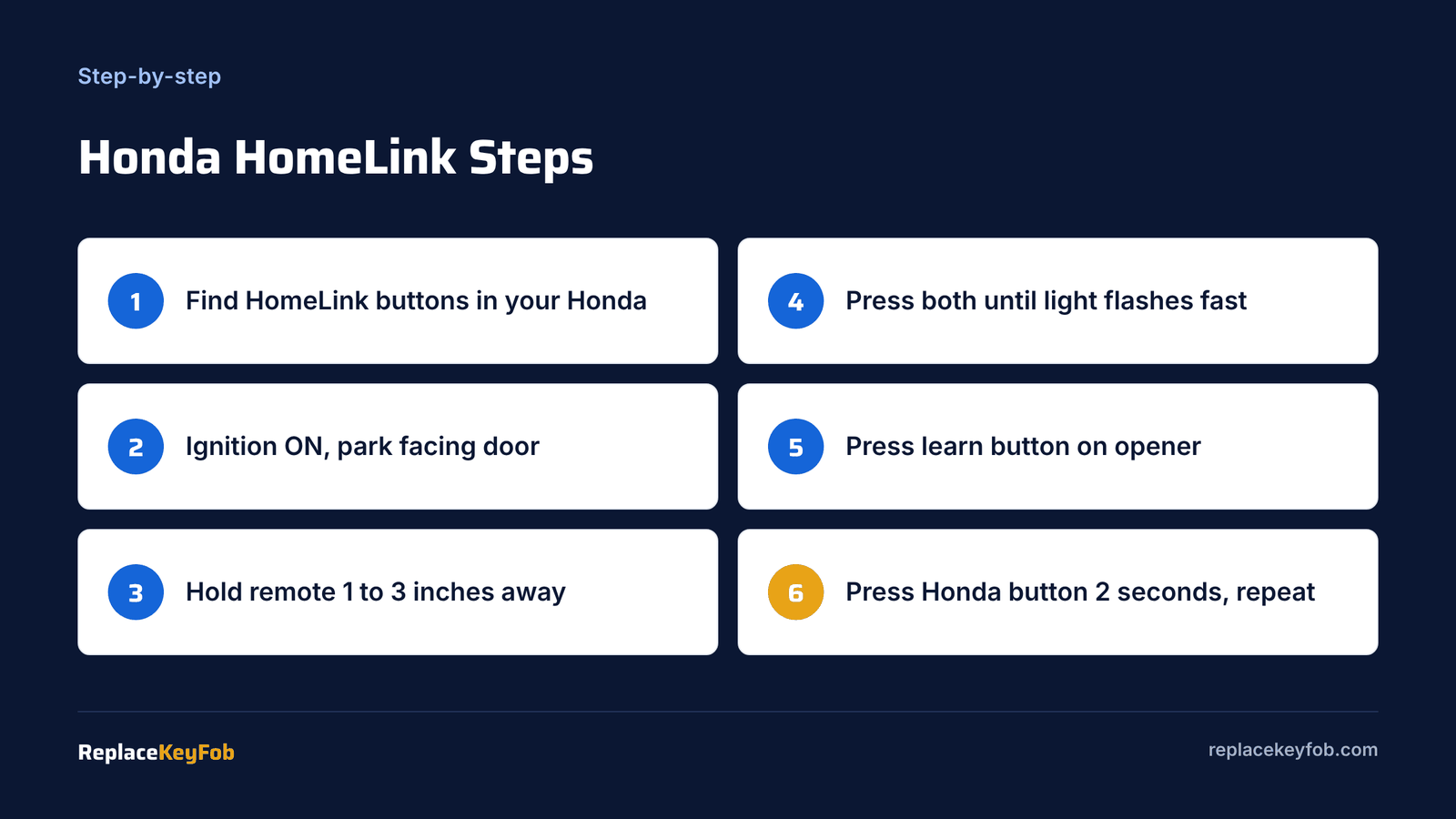
To program a Honda garage door opener, switch the ignition ON, hold your garage remote 1 to 3 inches from the HomeLink button you want to use, and press and hold both until the HomeLink indicator flashes rapidly. If the door still does not move, press the learn button on the opener and, within 30 seconds, press the Honda’s HomeLink button for 2 seconds, two or three times.
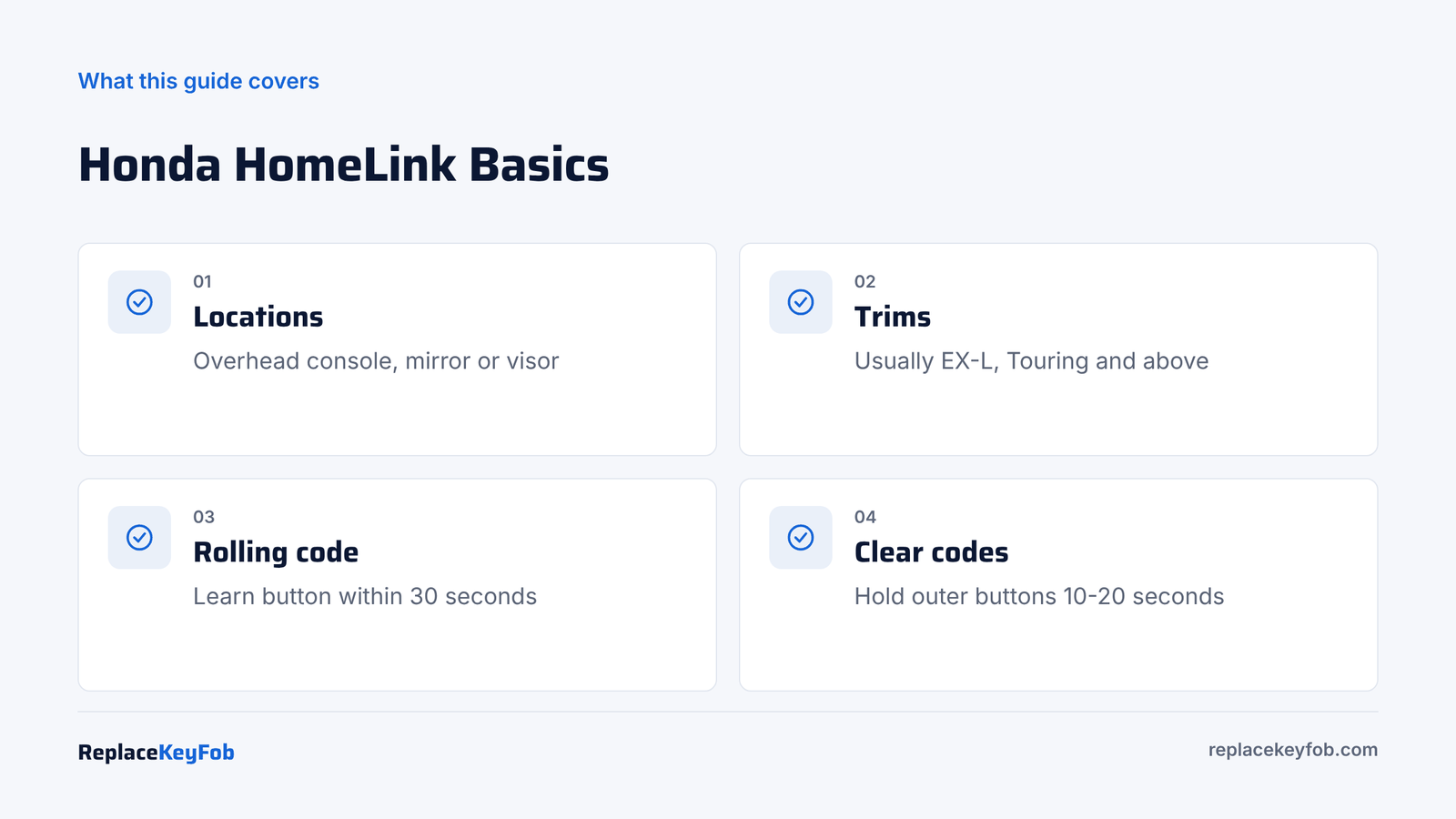
Honda includes HomeLink on many upper trims of the Pilot, Passport, Odyssey, CR-V, Accord and Ridgeline. Depending on the model and year, the three buttons sit in the overhead console near the map lights, in the rearview mirror, or on the driver’s visor. Once trained, the buttons can open a garage, a community gate and a second door, and the codes stay saved even after a battery change.
This guide covers where to find the buttons, the full training process, model-specific tips for the Pilot, Passport and CR-V, and fixes for the problems Honda owners most often hit.
Where Is HomeLink in Your Honda?
| Honda model | Common location | Usually on |
|---|---|---|
| Pilot (2016-2022) | Overhead console | EX-L and higher |
| Pilot (2023+) | Overhead console | Many mid and upper trims |
| Passport (2019+) | Overhead console | EX-L and higher |
| Odyssey | Overhead console | EX-L and higher |
| CR-V (2017-2022) | Overhead console or visor area | EX-L and Touring |
| CR-V (2023+) | Overhead console | Upper trims |
| Accord and Civic | Mirror or overhead on some trims | Touring and some packages |
| Ridgeline | Overhead console | RTL-E, Black Edition and similar |
If you cannot find three buttons with a house logo, your trim probably does not include it. Acura models use the same HomeLink system, often with similar locations.
What You Need
- A working garage remote with a good battery.
- The Honda parked outside the garage, facing the door.
- Ignition ON. On push-button Hondas, press the ENGINE START/STOP button twice without the brake.
- A ladder to reach the opener’s learn button, and a helper if possible.
Coin cell battery pack
Fresh lithium coin cells for the garage remote help HomeLink read a clean signal; match the size printed on the remote’s current battery.
As an Amazon Associate, ReplaceKeyFob earns from qualifying purchases.
Step-by-Step: Program Honda HomeLink
- Clear the buttons (used cars). Press and hold the two outer HomeLink buttons for about 10 to 20 seconds until the indicator flashes rapidly. Release. All three buttons are now blank. See how to clear HomeLink buttons for more.
- Hold the remote close. Place your garage remote 1 to 3 inches from the HomeLink button you want to program.
- Press both. Press and hold both the remote button and the HomeLink button.
- Watch for rapid flashing. The light flashes slowly, then rapidly. Release both when it flashes rapidly. Some Honda units show a solid light instead.
- Test. Press the HomeLink button. A fixed-code door opens now.
- Rolling code. If the door does not move, press and release the learn button on the opener motor once.
- Within 30 seconds, press and hold the HomeLink button for 2 seconds and release. Repeat up to three times until the door moves.
Why the indicator changes speed: slow flashing means HomeLink is still listening; rapid flashing means it has matched the remote’s frequency and code type. Releasing early is the most common reason a Honda will not learn.
Model Tips: Pilot, Passport and CR-V
Honda Pilot
Pilot HomeLink buttons are in the overhead console. Because the console is high, sit in the driver’s seat and hold the remote just below the buttons. The 30 second learn window is tight in a large garage, so a helper on the ladder helps.
Honda Passport
The Passport shares much of its electrical design with the Pilot, and HomeLink works the same. Trims from EX-L upward usually include it.
Honda CR-V (including 2017)
On the 2017 to 2022 CR-V, HomeLink came on EX-L and Touring trims. Look in the overhead console or near the visor. Earlier CR-V generations had HomeLink on some upper trims in the mirror. If your 2017 CR-V does not show any buttons, it likely is an LX or EX without the feature.
Honda Odyssey
The Odyssey keeps HomeLink in the overhead console above the front seats. Programming is identical. If your Odyssey has a power sliding door switch nearby, do not confuse those with the HomeLink buttons.
Honda Trucks, Gates and Second Homes
You can program each of the three buttons to a different device. For a community gate, the pulse method usually works better: hold the HomeLink button and press the gate remote every 2 seconds until the light flashes fast. Our Phase 5 guide on programming HomeLink to a community gate explains this.
For brand-specific openers:
- Chamberlain and LiftMaster yellow learn button: programming HomeLink to Chamberlain myQ.
- Genie with PRGM button: programming HomeLink to Genie Intellicode.
Troubleshooting
| Problem | Likely cause | Fix |
|---|---|---|
| Light never flashes rapidly | Weak remote or wrong distance | New battery; try 1 to 6 inches |
| Rapid flash but no door movement | Rolling code needs learn | Press learn, then HomeLink within 30 seconds |
| Learn light went out fast | Learn button held too long | Press briefly; reprogram other remotes |
| Works only near the door | LED bulbs or antenna | Use opener-rated bulbs; straighten antenna |
| Nothing lights on the buttons | Fuse or wiring | Check fuse; dealer diagnosis |
| Older Honda, new opener | Old HomeLink version | Use a compatibility bridge |
If HomeLink worked and stopped, read car garage door opener (HomeLink) not working. For Honda key problems at the same time, see Honda key fob not working.
Fixed Code vs Rolling Code: Know Before You Climb
Knowing your opener type tells you whether you need the ladder at all.
| What you see on the opener | Code type | Steps needed |
|---|---|---|
| Dip switches in remote and motor | Fixed code | Steps 1 to 5 only |
| Colored learn button (yellow, purple, orange, red) | Rolling code | All steps, including learn |
| Genie PRGM button with blue and purple LEDs | Rolling code | Genie program mode, then HomeLink |
| Smart opener with Wi-Fi | Rolling code radio plus app | Learn step for HomeLink; app is separate |
Most openers made after the mid-1990s are rolling code, so plan on the learn button. If the opener is mounted high on a tall ceiling, set the ladder up before you start, because the 30 second window begins the moment you press learn.
Programming two Hondas
Each car needs its own learn button pass. Training a second Honda does not remove the first, as long as the learn button is only pressed and released. Use the same button number for the same door in both cars, and keep a handheld remote in the house for future retraining.
Mistakes to Avoid
- Releasing during slow flashing. Wait for rapid flashing.
- Leaving the engine running in a closed garage. Use ignition ON with the engine off, or open the door.
- Holding the learn button. A long hold erases every remote stored in the opener.
- Forgetting to clear codes before selling. Clear HomeLink and, ideally, the opener’s memory.
- Testing with someone under the door. Keep the path clear.
Daily Use
Press and hold the HomeLink button for about a second when you are in range. HomeLink codes survive a 12V battery replacement, so you will not lose them after a battery change. If you replace the opener, you will need to retrain every button. If you move house, erase the buttons and train them to the new opener from scratch, because old codes can confuse the learning process and could still open your former garage for the next owner of the car.
Costs and When to Get Help
Programming is free and takes about five minutes. Honda dealers can diagnose a HomeLink that does not light; a diagnostic fee is typically about $100 to $180 in 2026. A replacement overhead console or mirror with HomeLink varies by model and can run several hundred dollars before labor. A garage door technician, if the opener is faulty, usually charges about $90 to $180 for a service call.
Frequently Asked Questions
In the overhead console near the map lights on most Pilot trims that include HomeLink, usually EX-L and higher.
On EX-L and Touring trims, hold your remote 1 to 3 inches from the HomeLink button, press both until rapid flashing, then use the opener learn button and HomeLink within 30 seconds if needed.
Your opener uses rolling code. Press the learn button on the opener, then press and hold the HomeLink button for 2 seconds up to three times.
The Passport uses the same HomeLink steps as the Pilot. Train the button from your remote, then complete the learn button step for rolling-code openers.
No. They stay in memory. You only need to retrain if you erase the buttons or replace the opener.